Standard Range suits labels printed at conventional sizes: minimum modules are 3 mil for 1D and 6 mil for 2D (about 0.15 mm). As a typical example, a 300 dpi thermal printer makes dots of 1000 ÷ 300 ≈ 3.3 mil, so a Data Matrix with 2-dot modules is about 6.7 mil, just above the 6 mil floor, while a 203 dpi printer's 2-dot module (2 × 1000 ÷ 203 ≈ 9.9 mil) clears it comfortably. Code 128 at 20 mils reads from 4 to 103.7 cm, EAN/UPC at 13 mils from 4 to 67.5 cm and Data Matrix at 10 mils from 6 to 30 cm.
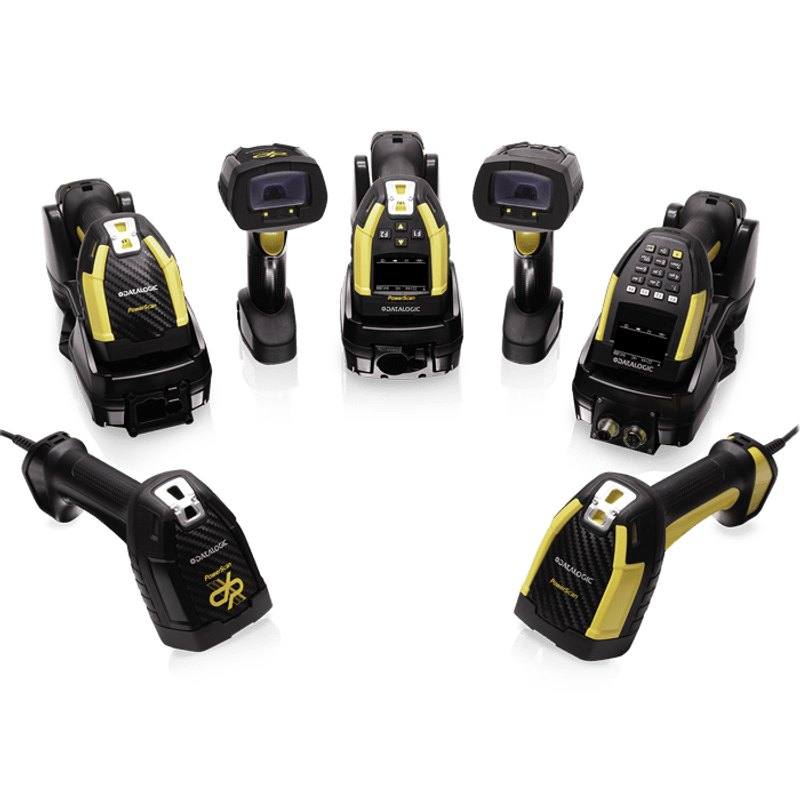
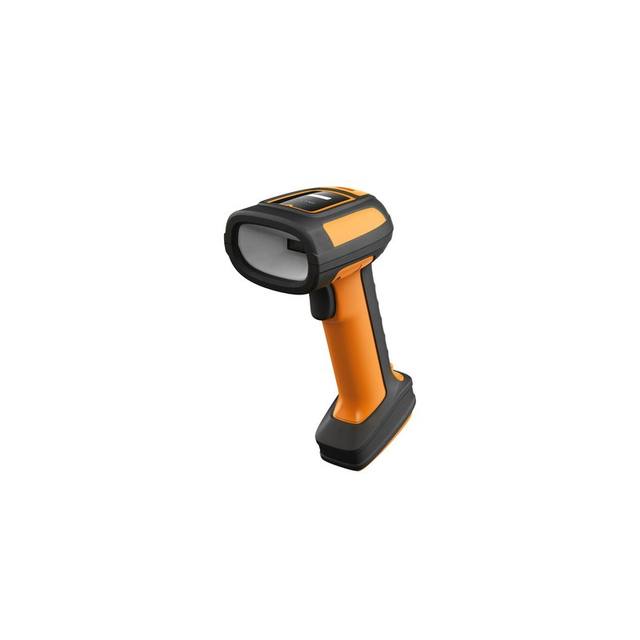
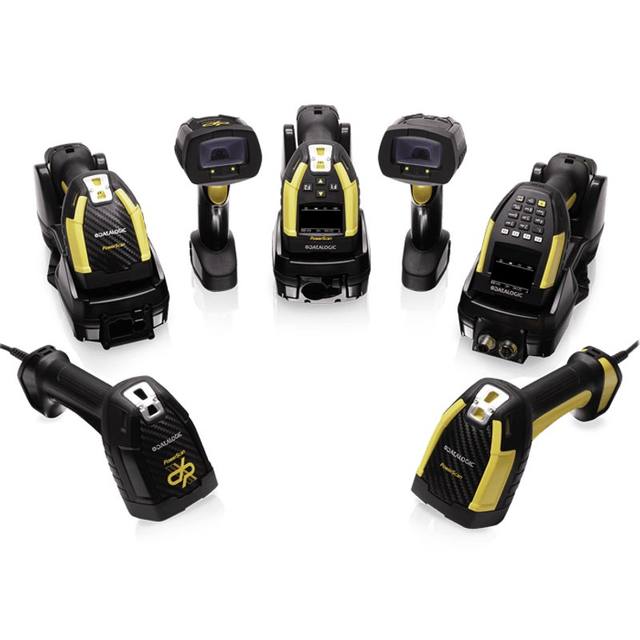
The field of view is 38° × 24°, with a white LED reading light, 630–680 nm VLD aiming and Green Spot feedback. It is cordless on Bluetooth 5.0 (SPP or HID) to a BC96xx base or any Bluetooth host, with a removable battery rated for 80,000+ reads, inductive charging and a 415 g body rated IP65 and IP67.
Best for
Shipping, receiving and shelf labels from standard thermal printers, where the 3 mil 1D and 6 mil 2D limits are not a constraint.
Reading 20 mil Code 128 on cartons and totes at arm's length, since that code is covered out to 103.7 cm.
Retail-size EAN/UPC labels read from 4 to 67.5 cm, on shelves and at goods-in counters.
Selection notes
For modules below 6 mil (2D) or 3 mil (1D), or for 40 mil labels beyond 175 cm, step up to the PBT9600-HP, which reads 4 mil 2D, 2.5 mil 1D and 40 mil Code 128 out to 242.9 cm.
Digimarc Barcode support is a feature of the HP and DC versions of the PBT9600; order one of those if you need it.
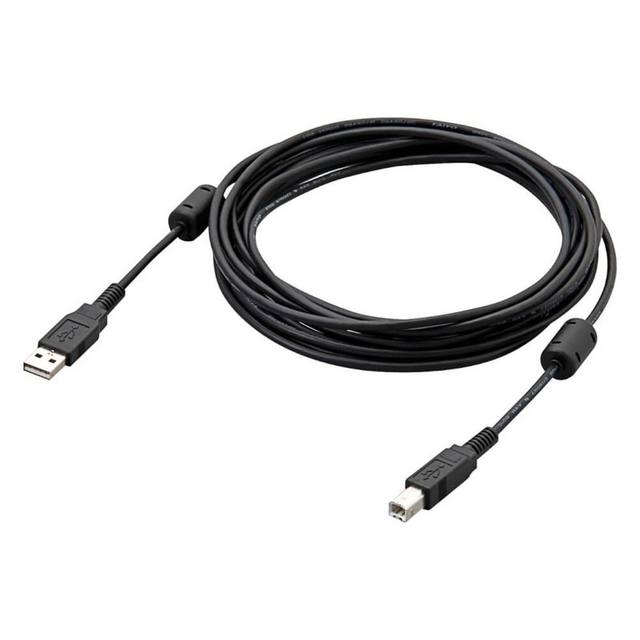
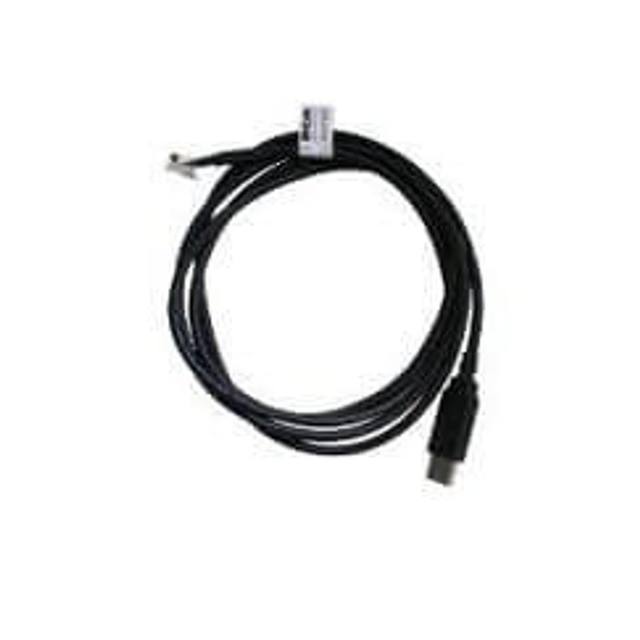
Order codes differ by cradle (BC9620-BT or BC9630-BT), cable (USB or RS-232) and regional power cord (EU or US).
Specifications: General
Brand
Datalogic
Reader type
Code reader
Form factor
Cordless handheld
Specifications: Sensor
Resolution
1.02 MP (1280 × 800 px)
Horizontal resolution
1280 px
Specifications: Interface
Cordless
Yes
Communication
Bluetooth 5.0 (SPP / HID, up to 100 m open air) to the BC96xx base or any Bluetooth host; base station interfaces RS-232 / USB / Ethernet and industrial protocols (EtherNet/IP, PROFINET)
Specifications: Optical
Integrated lighting
White LED reading light; 630 – 680 nm VLD aiming; Green Spot good-read feedback
Illumination colour
White
Field of view
38° H × 24° V
Specifications: Electrical
Supply voltage
Base station: host powered 5 VDC ± 5% or 10 – 30 VDC; external power supply 10 – 30 VDC ± 5%
Battery
Li-Ion 3350 mAh, removable; 2.5 h to 95 % / 3.2 h to 100 % (12 VDC, external power); 80,000+ reads per charge; wireless (inductive) charging
Specifications: Environment
Drop resistance
50 drops from 2.5 m at 20 °C; 50 drops from 2.0 m at -20 °C
IP rating
IP65 and IP67 (cradle IP65 on specific models)
Operating temperature
-20 – 50 °C
Specifications: Reading
Scan technology
2D area imager, 1280 × 800 px
Supported codes
1D incl. GS1 DataBar; 2D: Aztec, China Han Xin, Data Matrix, MaxiCode, Micro QR, QR, Dot Code; stacked: PDF417, MicroPDF417, MacroPDF, GS1 DataBar stacked & composites; postal codes
This product groups every purchasable order code that shares the same sensing method, range and output. Cable length, connector type and operation mode (Light-ON/Dark-ON, NO/NC) vary by order code below.
Family variants with highlighted differences
Model
Communication ●
Availability
PowerScan PBT9600, Bluetooth, Standard Range, Removable Battery Base
—
On request
PowerScan PBT9600, Bluetooth, Standard Range, Removable Battery, RS-232 Kit (Kit includes Scanner PBT9600-SR, Cradle BC9630-BT, Cable CAB-548, Power Supply 8-0935 and Power Cord 6003-0940)
RS-232 kit
On request
PowerScan PBT9600, Bluetooth, Standard Range, Removable Battery, RS-232 Kit (Kit includes Scanner PBT9600-SR, Cradle BC9630-BT, Cable CAB-548, Power Supply 8-0935 and Power Cord 6003-0941)
RS-232 kit
On request
PowerScan PBT9600, Bluetooth, Standard Range, Removable Battery, USB Kit (Kit includes Scanner PBT9600-SR, Cradle BC9630-BT, Cable CAB-552, Power Supply 8-0935 and Power Cord 6003-0940)
USB kit
On request
PowerScan PBT9600, Bluetooth, Standard Range, Removable Battery, USB Kit (Kit includes Scanner PBT9600-SR, Cradle BC9630-BT, Cable CAB-552, Power Supply 8-0935 and Power Cord 6003-0941)
USB kit
On request
PowerScan PBT9600, Standard Range, Bluetooth, USB Kit (Kit includes Scanner PBT9600-SR, Cradle BC9620-BT, Cable CAB-438, Power Supply 8-0935 and Power Cord 6003-0940)
USB kit
On request
PowerScan PBT9600, Standard Range, Bluetooth, USB Kit (Kit includes Scanner PBT9600-SR, Cradle BC9620-BT, Cable CAB-438, Power Supply 8-0935 and Power Cord 6003-0941)
USB kit
On request
Applications this product is commonly selected for. Open one to see the full recommended hardware and approach.
1. Install the IMPACT Software Suite and connect the camera
Install the IMPACT Software Suite on your PC, which provides both the configuration/viewer tools and the SDK. For a GigE Vision model (E100, M or U series), connect it to a dedicated NIC and, for USB3 models, use a certified USB3 cable and port. Power the camera and confirm it enumerates.
2. Bring the camera online and verify the link
For GigE Vision, put the camera and the host NIC on the same subnet (a static IP on the camera matching the NIC range is the most reliable starting point); for USB3, confirm the device is recognized. Open the IMPACT viewer/device tool, discover the camera, and verify a stable connection before streaming. Enabling jumbo frames on the NIC helps GigE throughput.
3. Set exposure, gain and trigger, then grab a first image
In the IMPACT tools, start a live stream and adjust exposure and gain until the image is well-lit without saturation; set white balance on color models. Begin in free-run (continuous) mode to confirm imaging, then switch to hardware or software trigger as your application requires. Capture and save a reference image once the scene looks correct.
4. Build a vision tool or move to the SDK/API
Use the IMPACT point-and-click vision tools to assemble an inspection, or use the IMPACT SDK to access the camera and results programmatically and feed them into your HMI/PLC application. As these are GenICam/GenTL-compliant devices, you can alternatively drive them from any GenICam-compliant third-party vision library if your pipeline standardizes on one.
5. Route the stable feed to deep-learning inspection (optional)
Once you have a stable, repeatable image, the feed can be sent to a deep-learning inspection platform such as Rosepetal for defect detection or classification tasks that go beyond rule-based tooling. Keep lighting, optics and trigger timing fixed so the images reaching the model stay consistent.
Frequently asked questions
A 10 mil Data Matrix reads from 6 to 30 cm, so closer than 6 cm is outside the typical depth of field.
Two-dot modules (about 6.7 mil) clear the 6 mil limit narrowly, while single-dot modules (about 3.3 mil) do not. Confirm on a printed sample.