Industrial OCR (optical character recognition) reads printed text such as lot numbers, expiry dates, serials and batch codes, while OCV (optical character verification) confirms that an expected string is present, complete and legible against a reference. They look like software problems, but on a production line the limiting factor is almost always the image. A correctly trained algorithm fails the moment characters sit on a varying background, ink contrast drifts, or a print head smears a date code at line speed.
The engineering goal is therefore deceptively simple: present the text to the camera the same way, frame after frame, with the characters dark and the background bright (or vice versa) and nothing else competing for contrast. Get the imaging right and OCR/OCV becomes robust and fast; get it wrong and no amount of post-processing rescues a marginal read. That is why the recommended hardware below centres on a stable area-scan camera, controlled lighting, and, where the workflow allows, a dedicated code reader.
The real challenge is stable, high-contrast imaging
Printed text in industry rarely arrives on a clean white label. You meet ink-jet date codes on translucent film, laser-etched lot numbers on shiny metal, thermal-transfer prints on curved bottles, and dot-matrix characters whose individual dots barely touch. Each of these is a contrast problem before it is a recognition problem. OCR and OCV engines threshold and segment characters from their background, so if the local contrast between stroke and substrate is low, inconsistent, or swamped by glare, the segmentation breaks and characters drop, merge or misread.
Stability is the second half of the problem. A line that runs three shifts will see the substrate colour shift between batches, the print head wear, ambient light change as roller doors open, and parts arrive at slightly different positions and angles. The imaging chain has to suppress all of that so the algorithm sees a near-identical scene every cycle. In practice this means locking down working distance, focus, exposure and, above all, the lighting geometry, so that the only thing allowed to vary is the text you are trying to read.
- Low or variable stroke-to-background contrast (date codes on film, etch on metal).
- Specular glare from glossy or curved surfaces washing out characters.
- Substrate and ink-colour drift between batches and over print-head life.
- Part-to-part position and angle variation moving text out of focus or frame.
- Motion blur when reading codes on a moving conveyor without strobed light.
Recommended approach: fix the image first, then read
Build the station from the light outward. First choose a lighting geometry that maximises the contrast of the specific marking on its specific substrate, then place a camera and lens that hold that text in sharp focus across the full position tolerance, and only then select the reading method. This order matters because the lighting and optics define the ceiling on achievable read rate; the software can only work with the contrast you hand it.
Decide early whether the task is true OCR (you do not know the string in advance and must read it) or OCV (you know the expected string and must confirm it is printed correctly and completely). OCV is generally the more forgiving and is the right tool for date and lot verification, where the line controller already knows what should be printed; it flags missing, smeared or wrong codes rather than transcribing arbitrary text. Genuine OCR is needed where the content is unknown or free-form, such as reading variable serials for traceability capture.
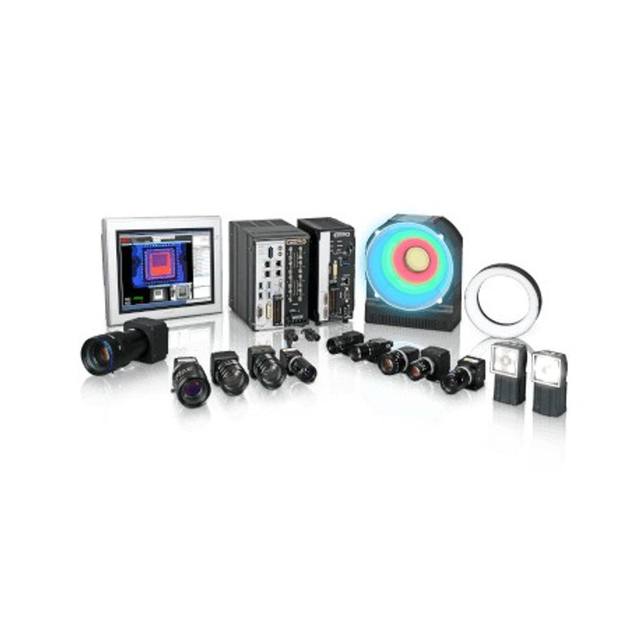
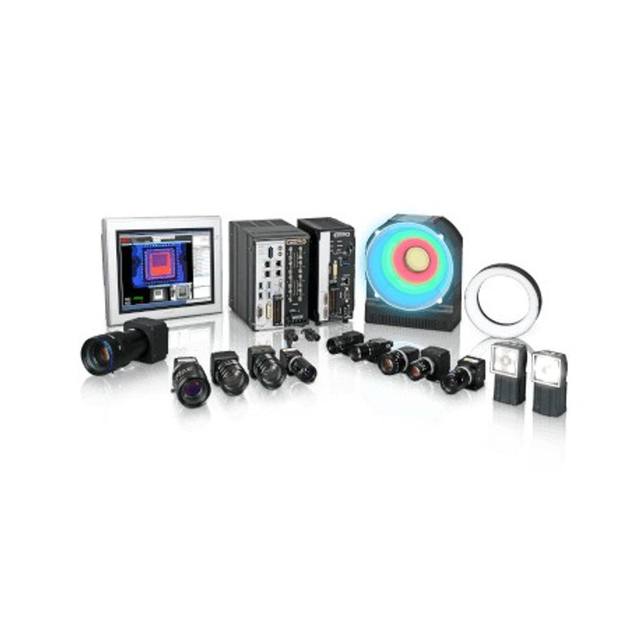
For the read itself you have two routes that map onto the recommended hardware. A general-purpose area-scan camera feeding PC- or smart-camera software gives you the most control over framing, multi-region inspection and combining OCR with other checks in the same image. A dedicated industrial code reader bundles sensor, optics, lighting and decoding into one ruggedised device and is the pragmatic choice when text and a 1D/2D code sit together and throughput and simple integration matter more than flexibility.
Area-scan cameras and optics for text inspection
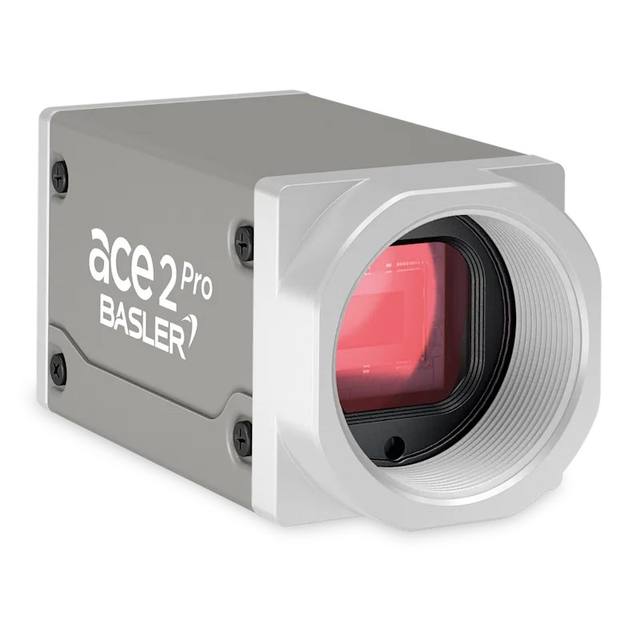
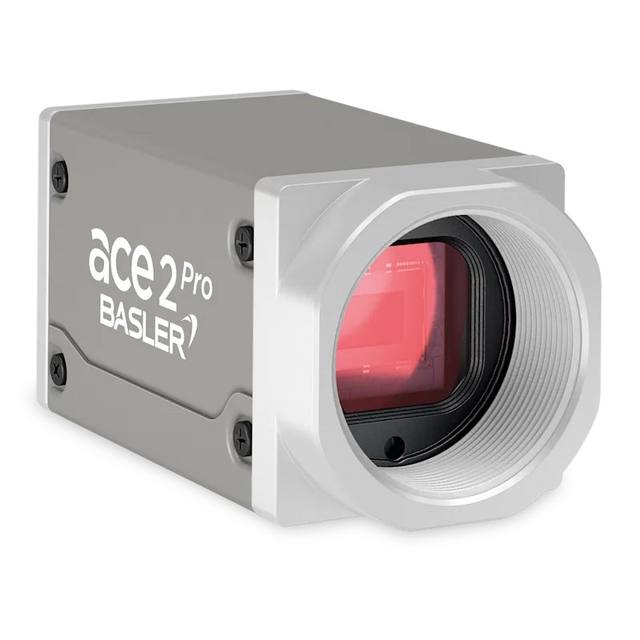
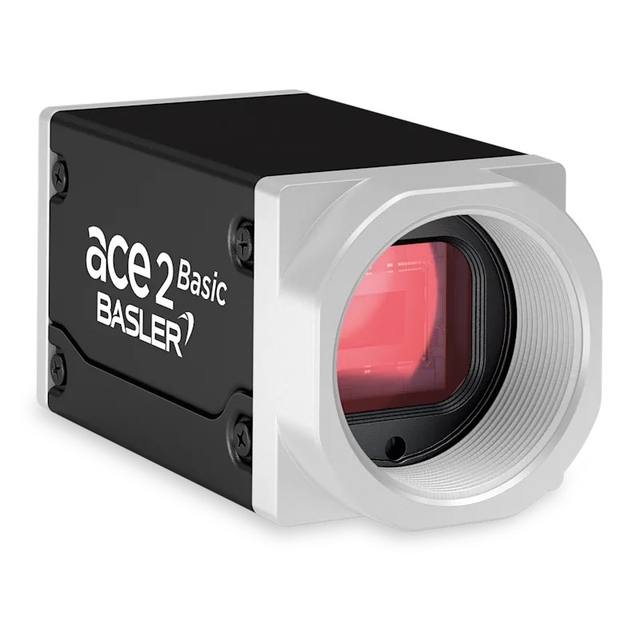
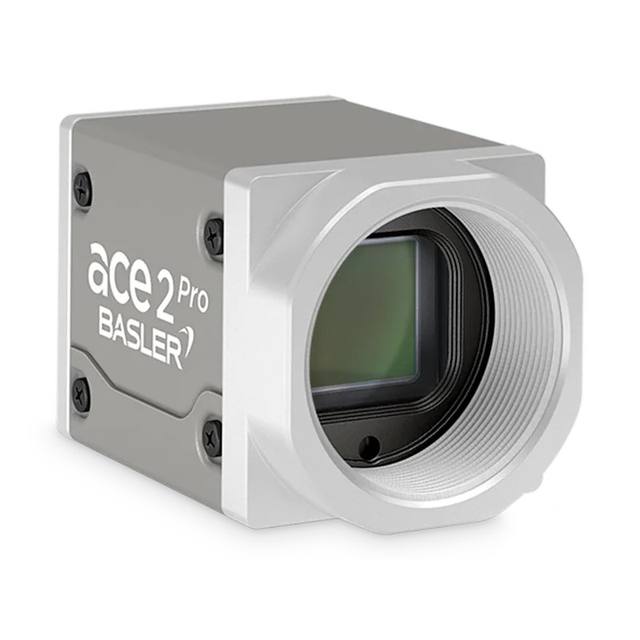
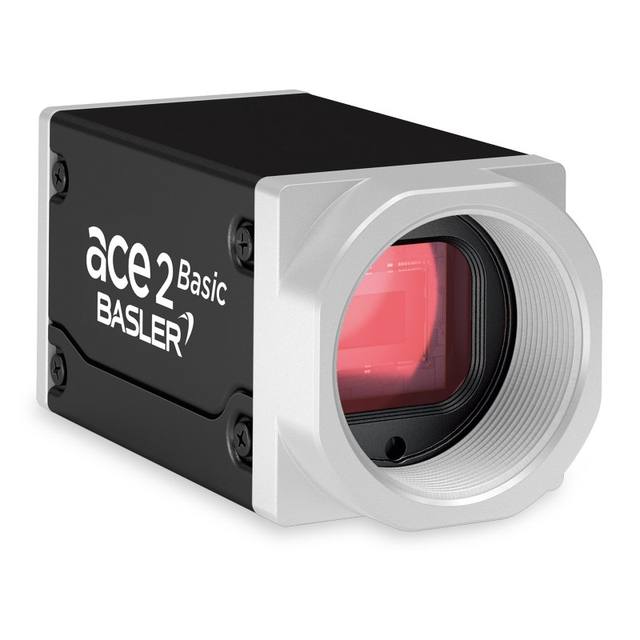
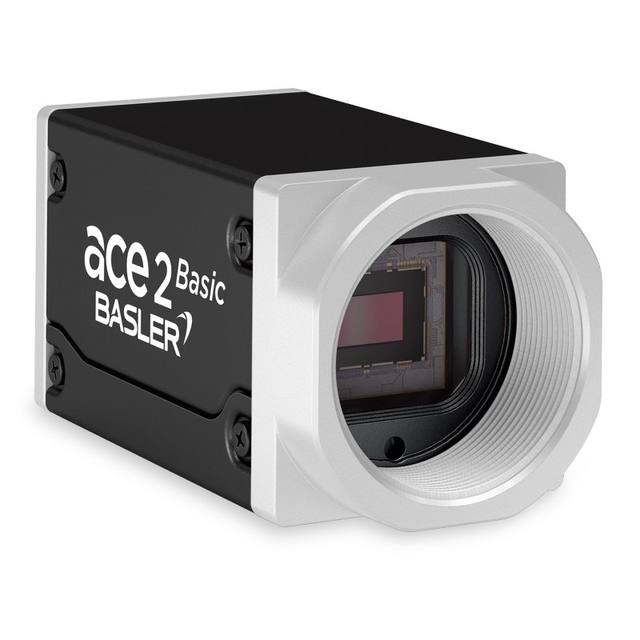
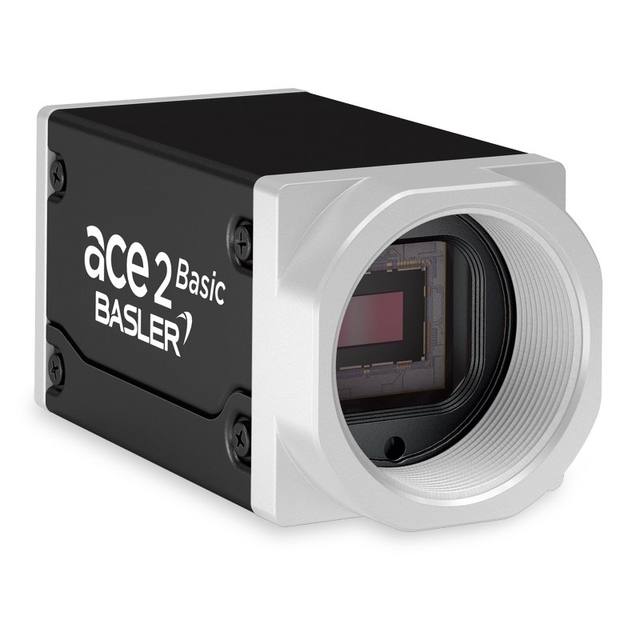
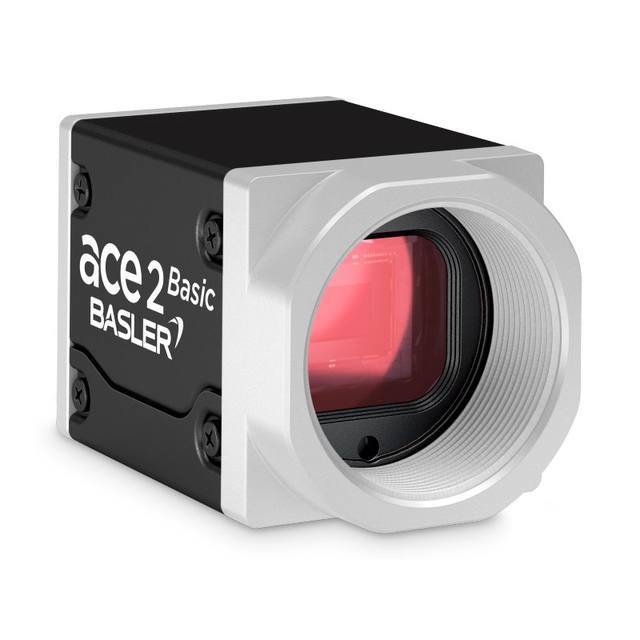
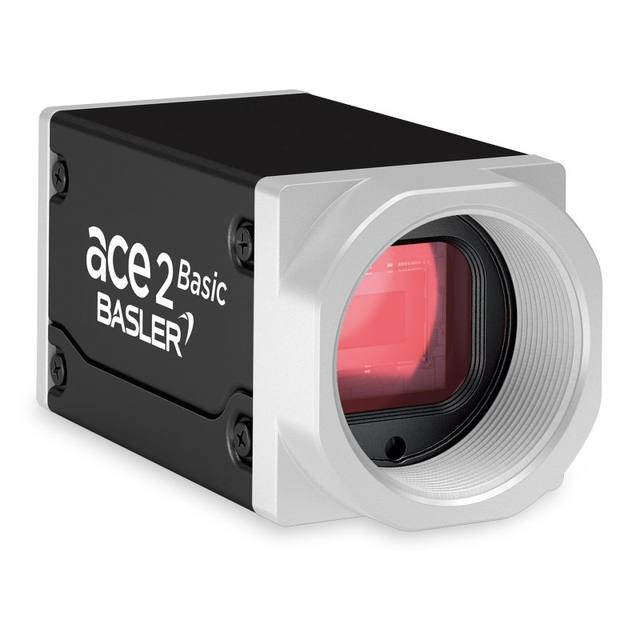
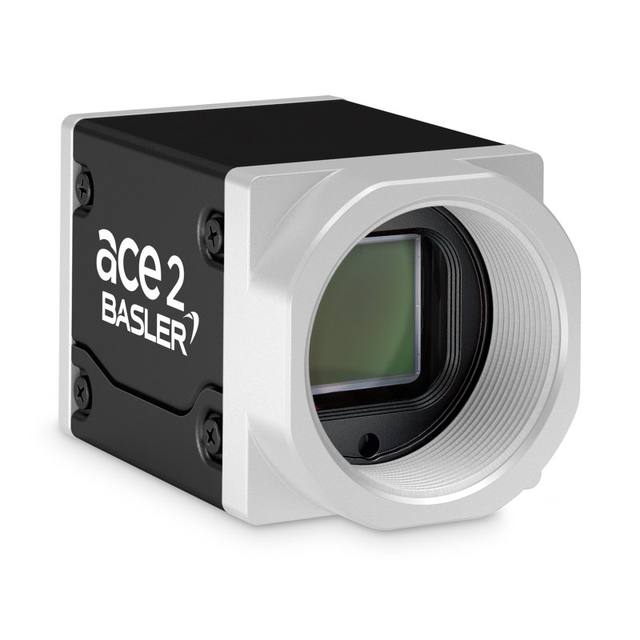
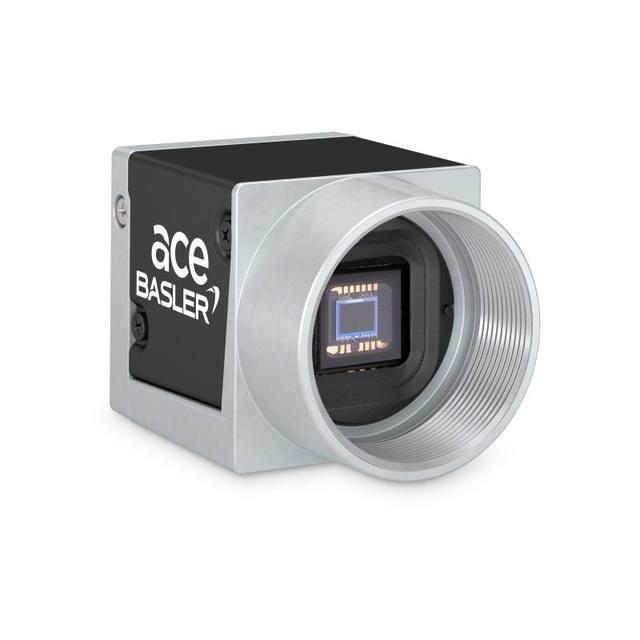
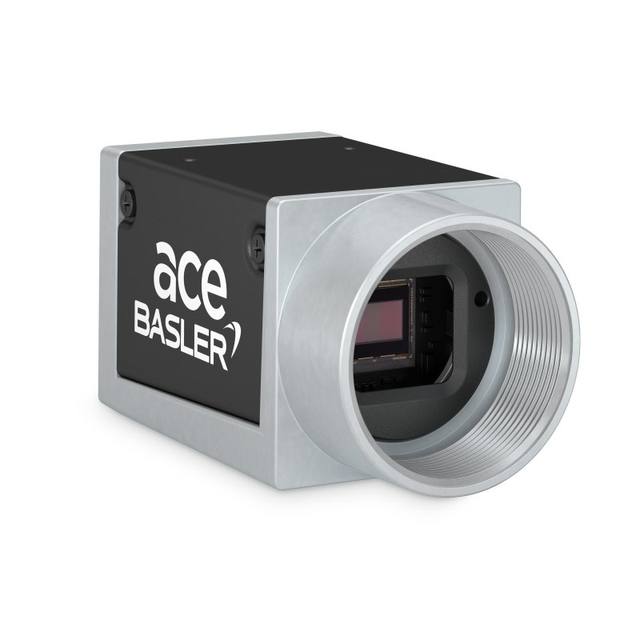
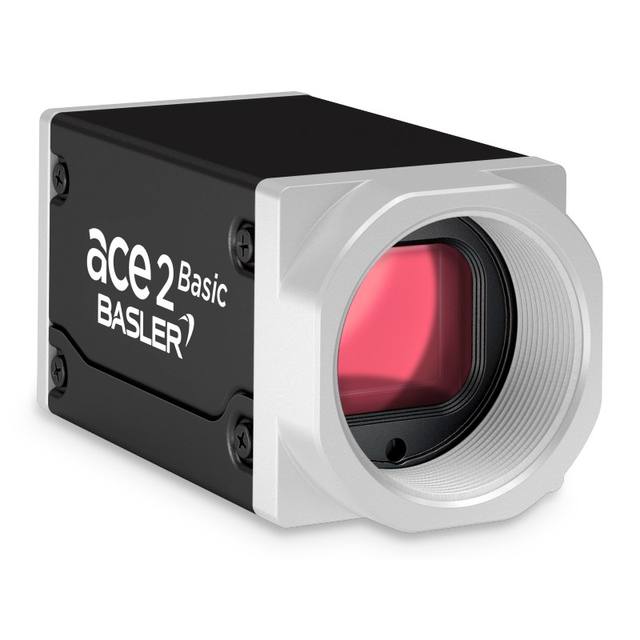
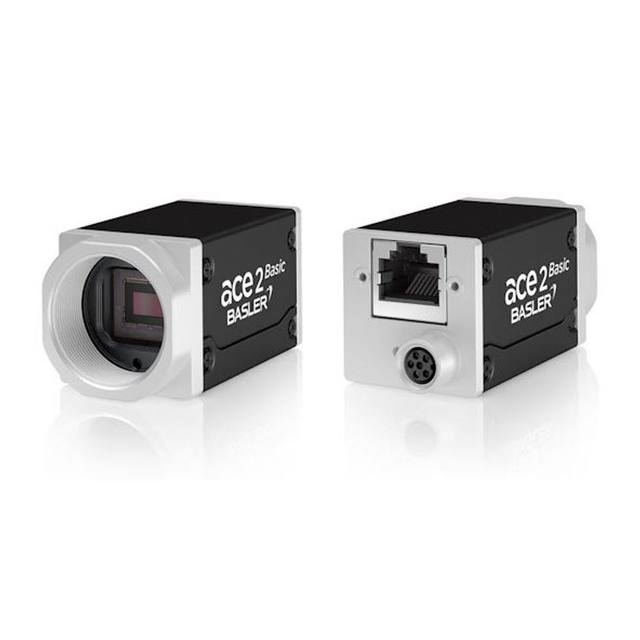
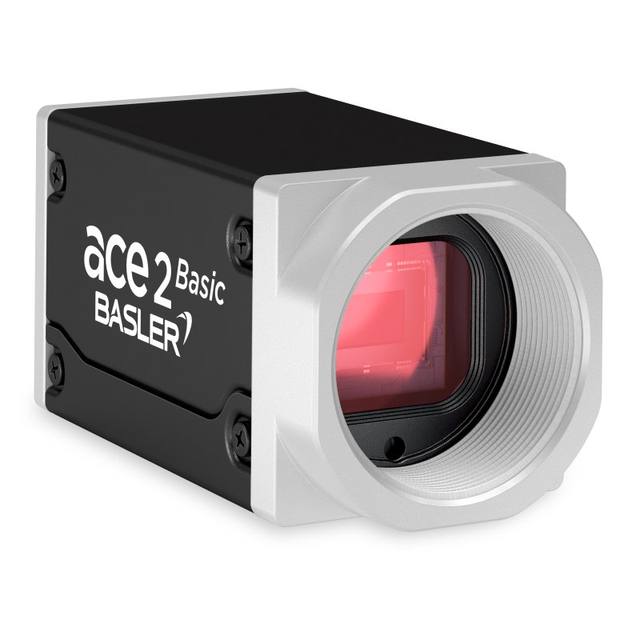
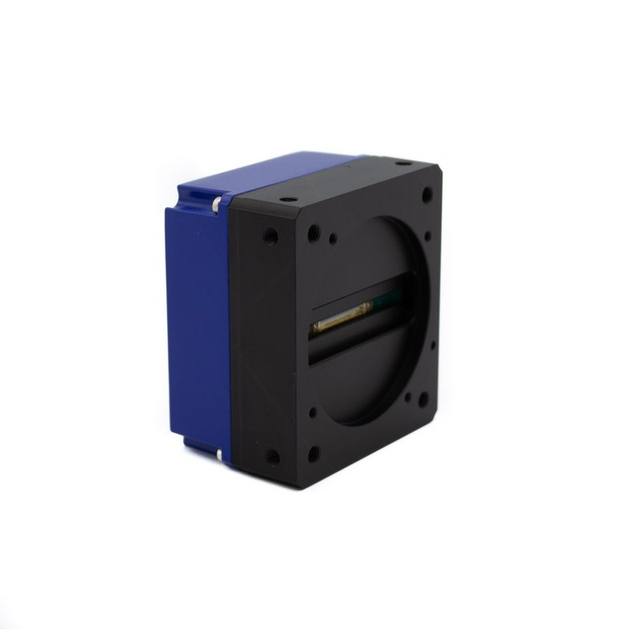
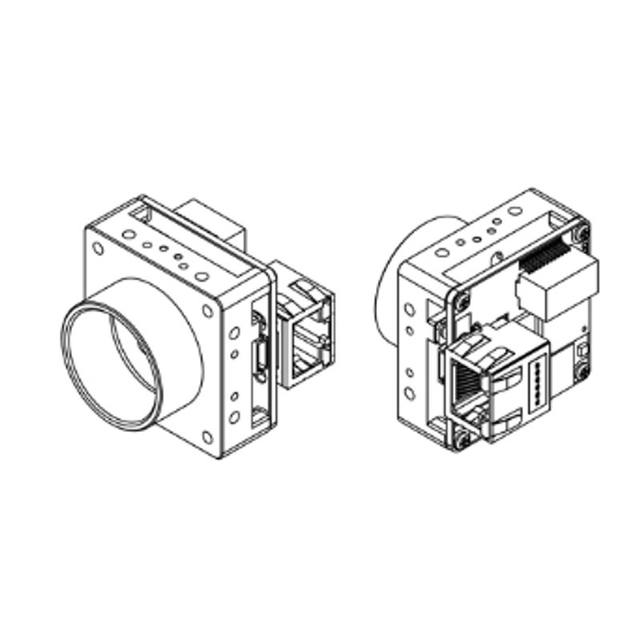
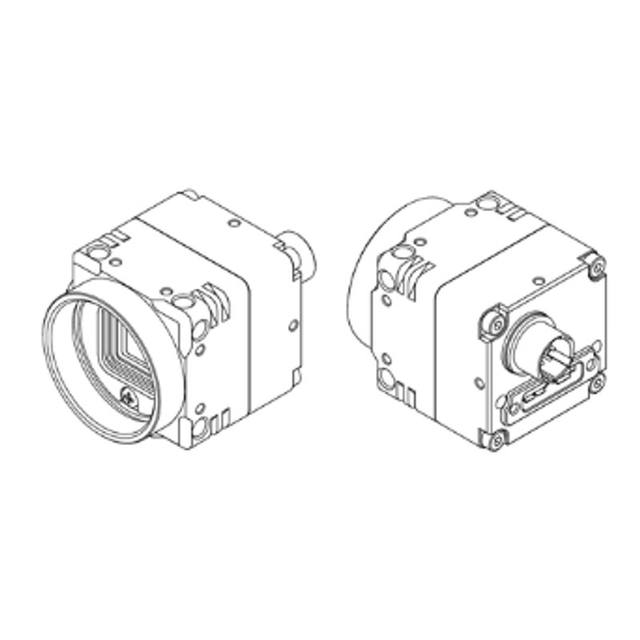
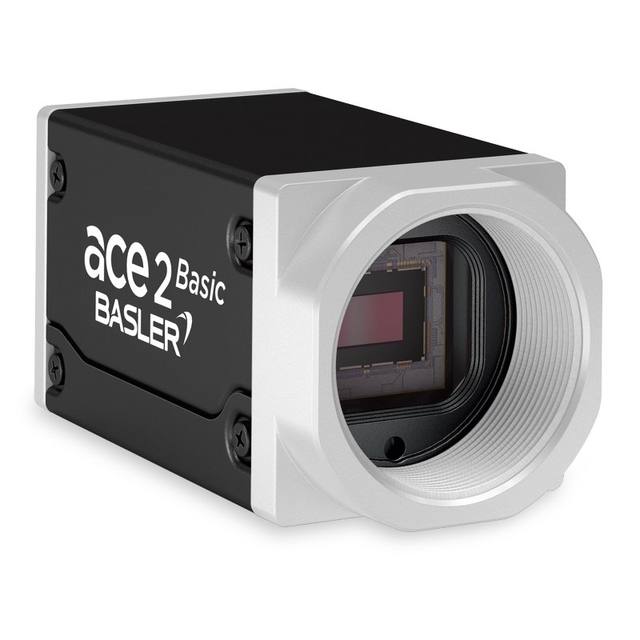
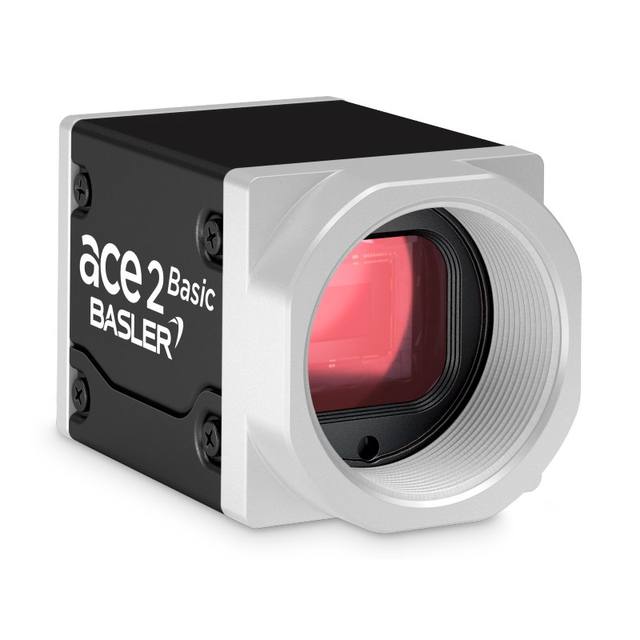
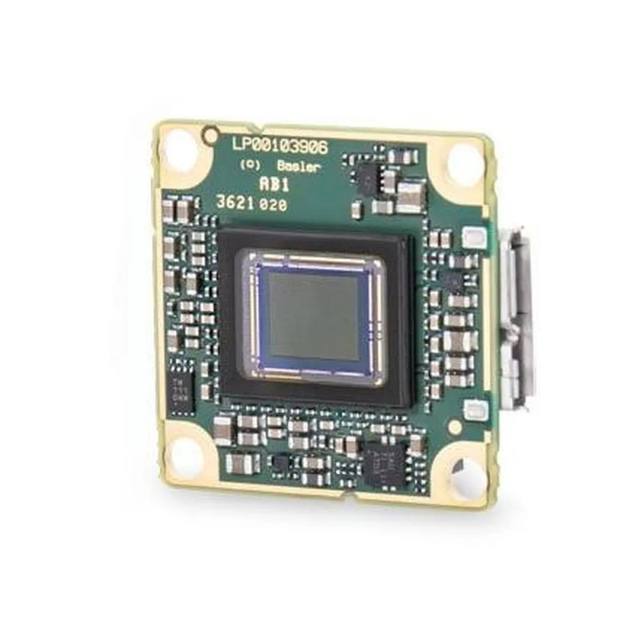
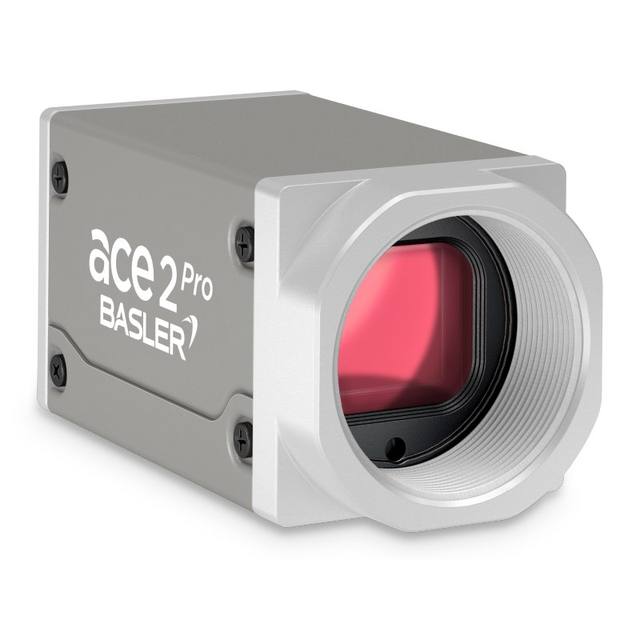
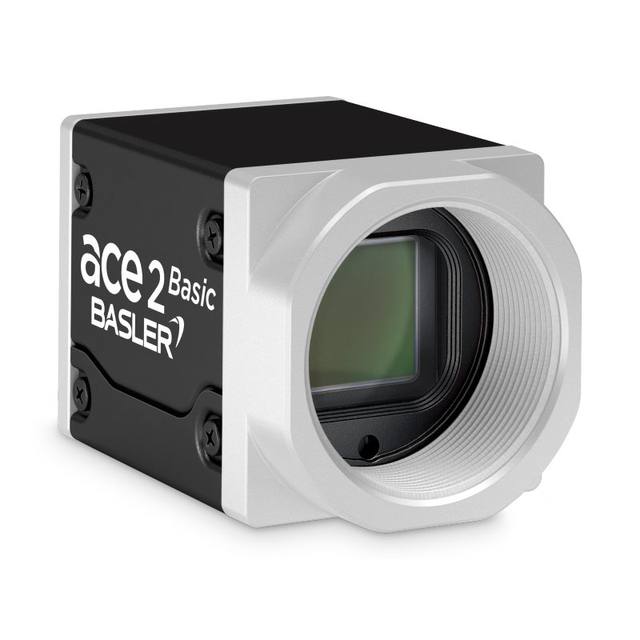
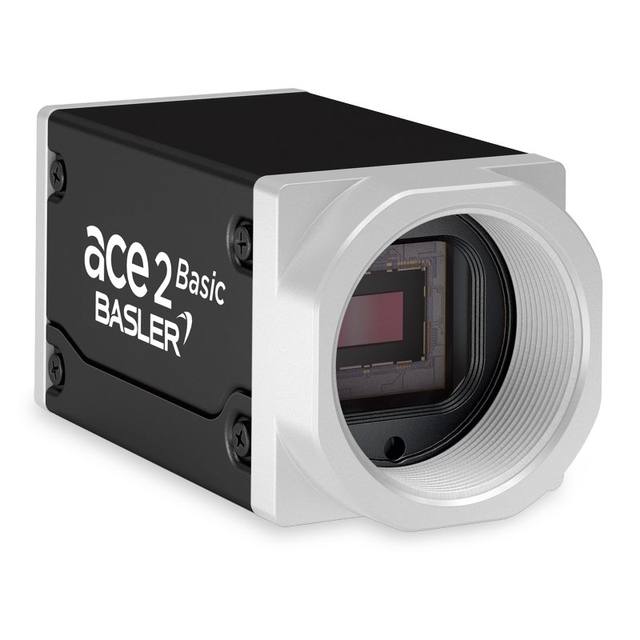
Area-scan (matrix) cameras are the default for OCR/OCV because printed codes are discrete 2D regions that can be triggered and captured in a single frame. Size the resolution so the thinnest character stroke, not the character height, spans several pixels: a useful working target is roughly 2-3 pixels across the minimum stroke width and on the order of 20-30 pixels of character height for reliable segmentation. Reading the height off the smallest, most condensed font on the line, then dividing the field of view by it, is what sets the sensor you actually need.
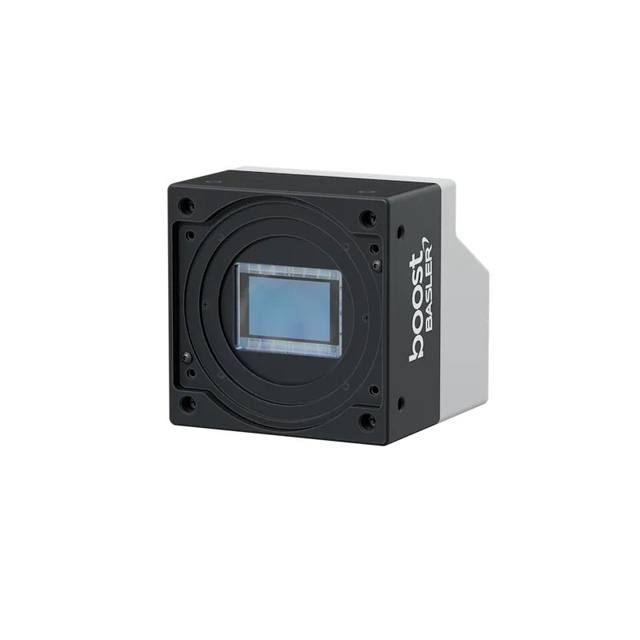
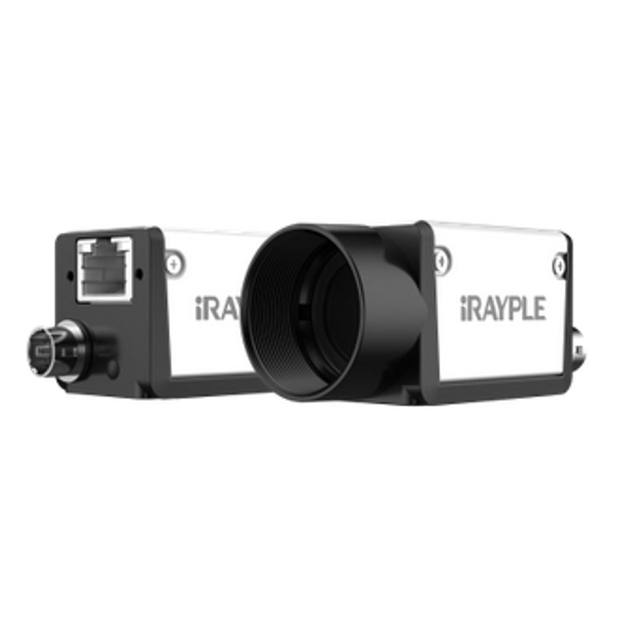
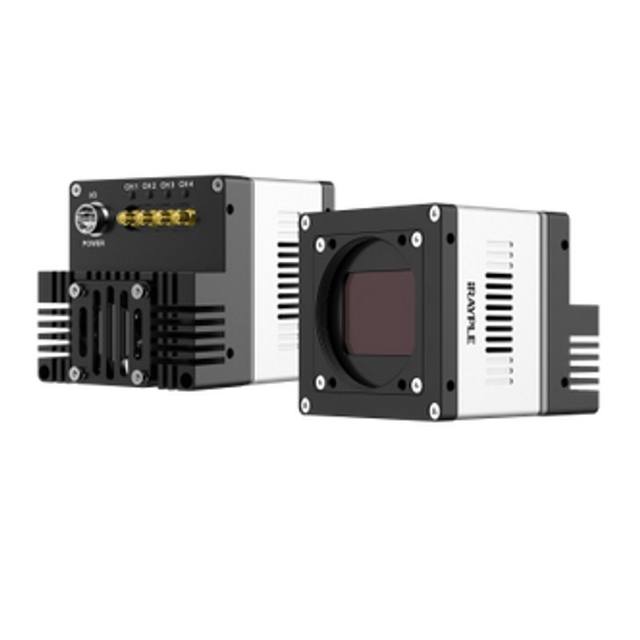
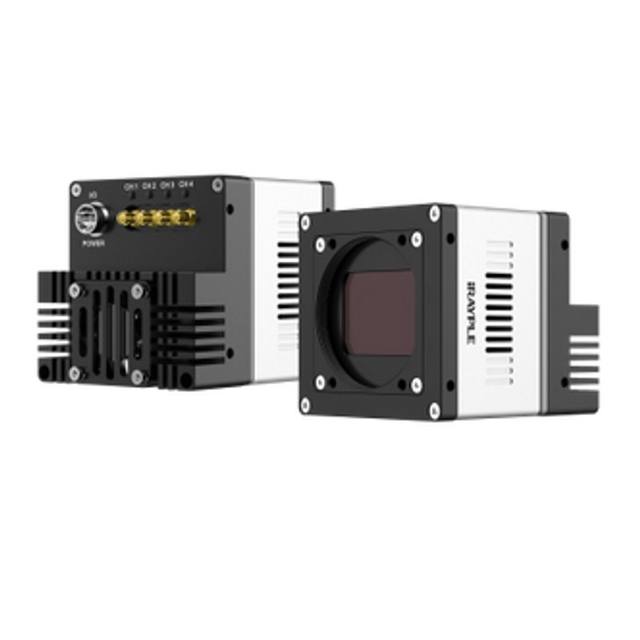
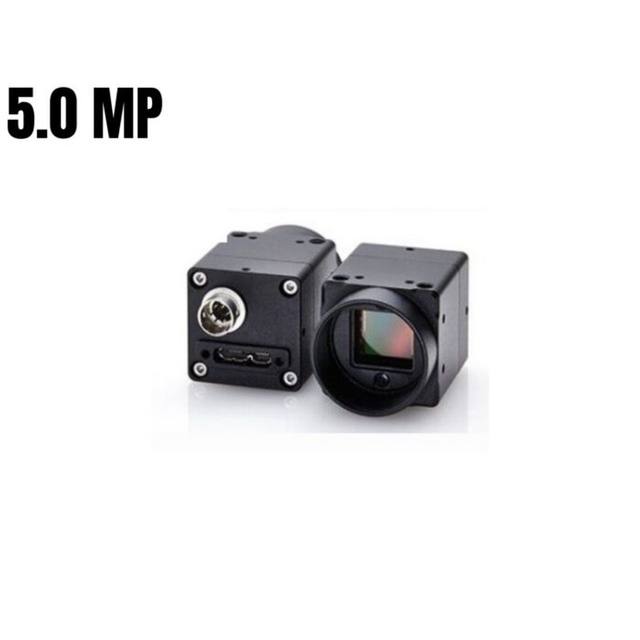
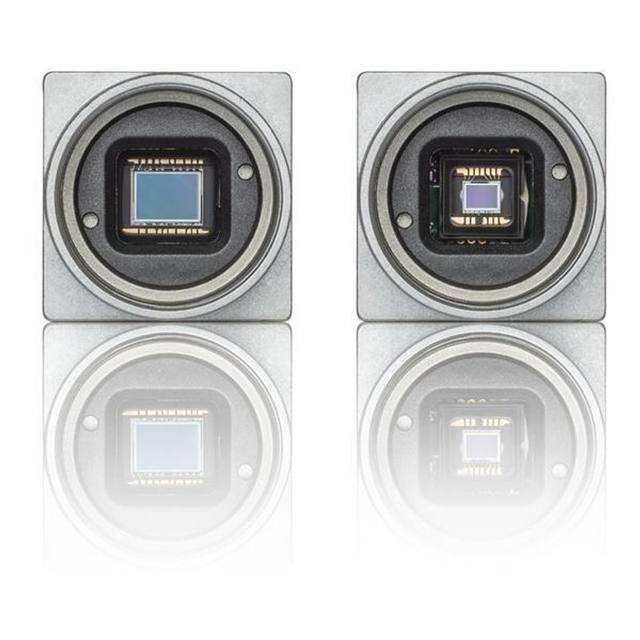
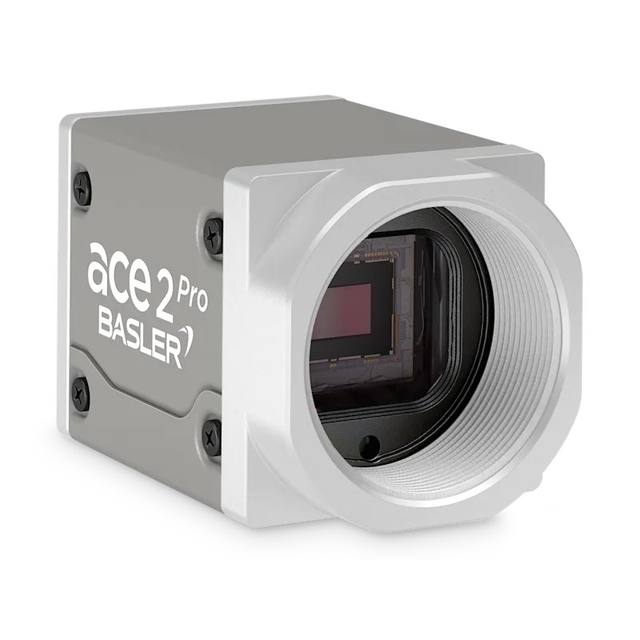
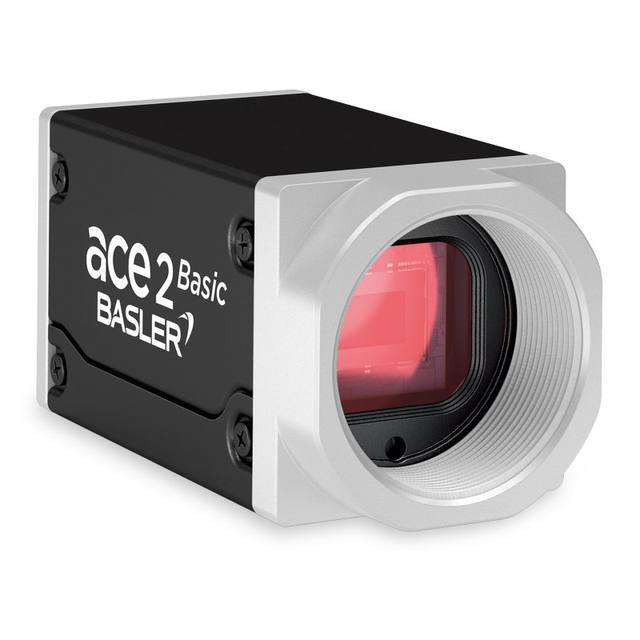
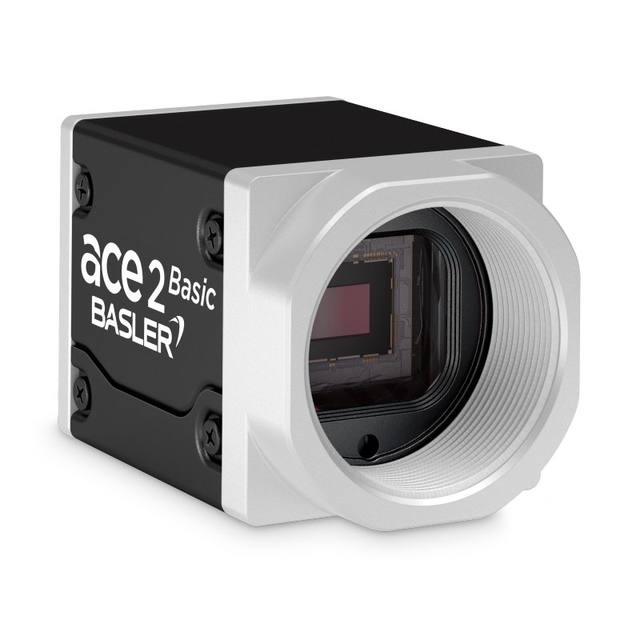
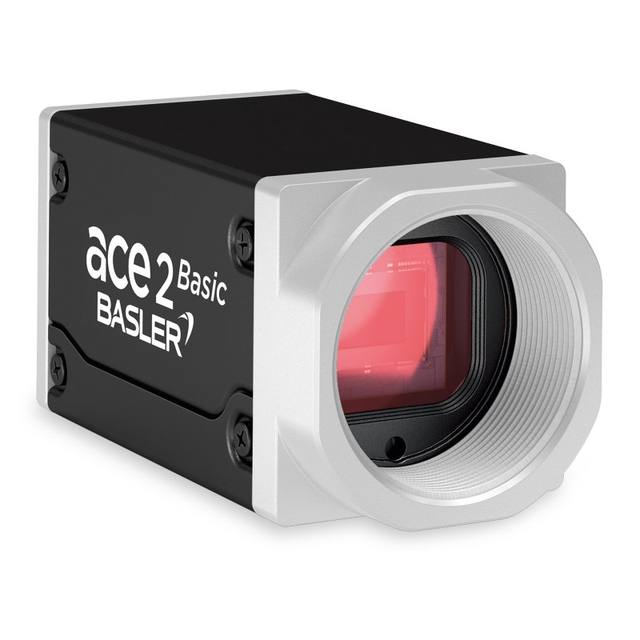
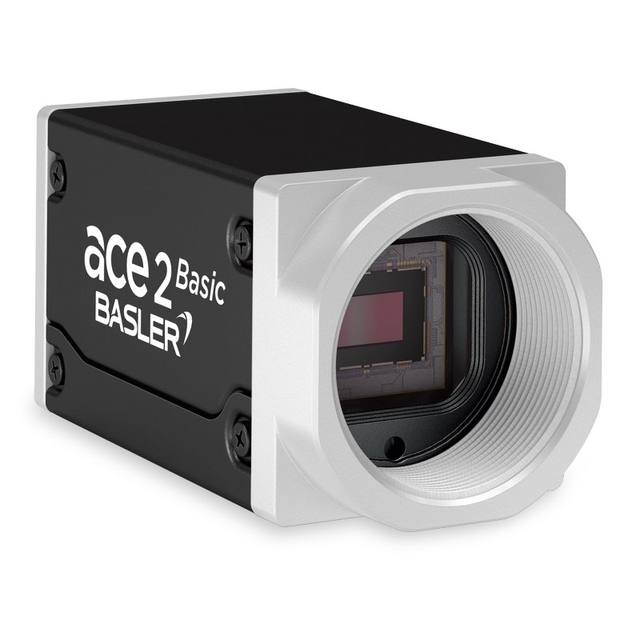
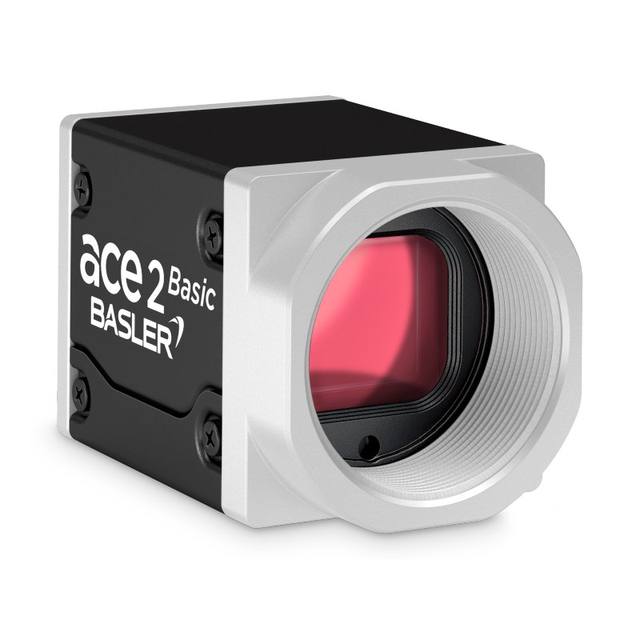
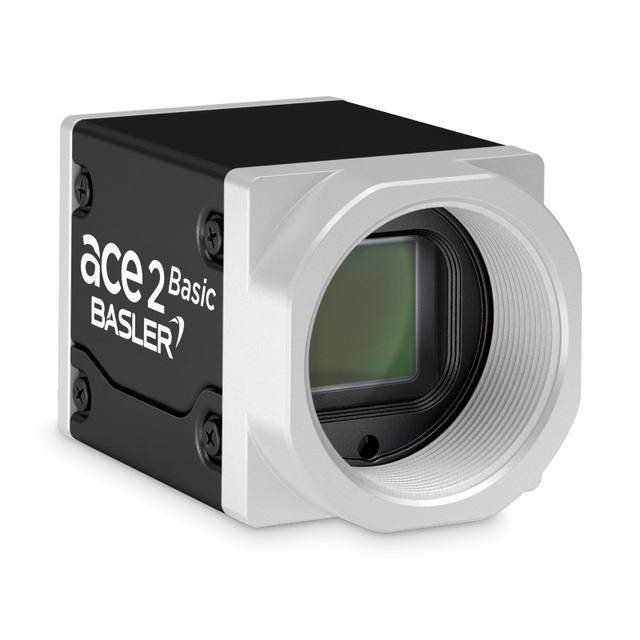
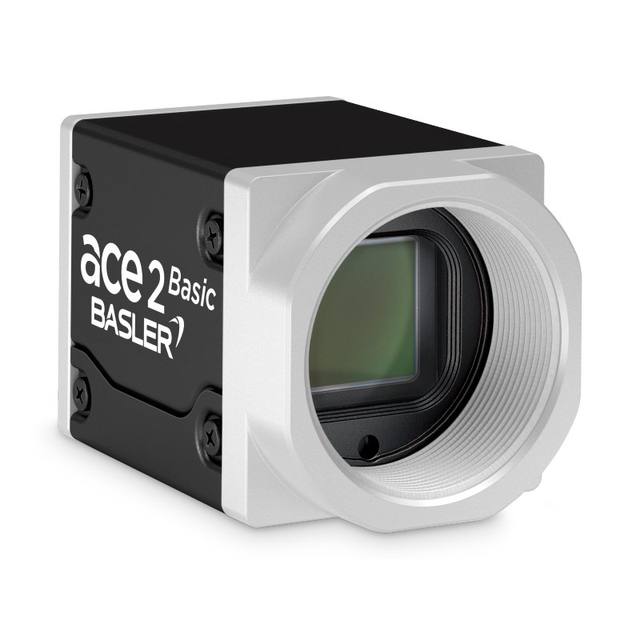
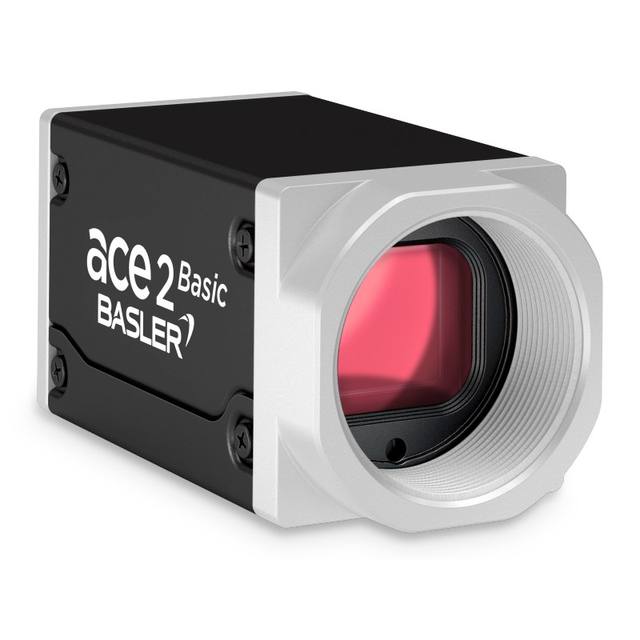
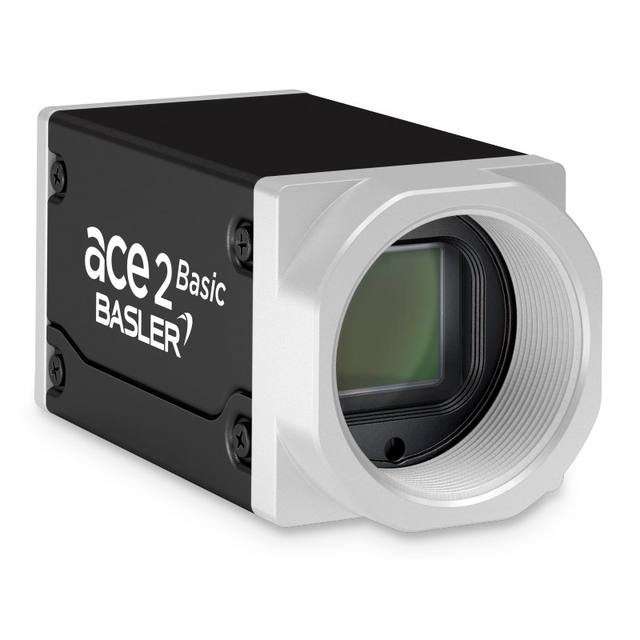
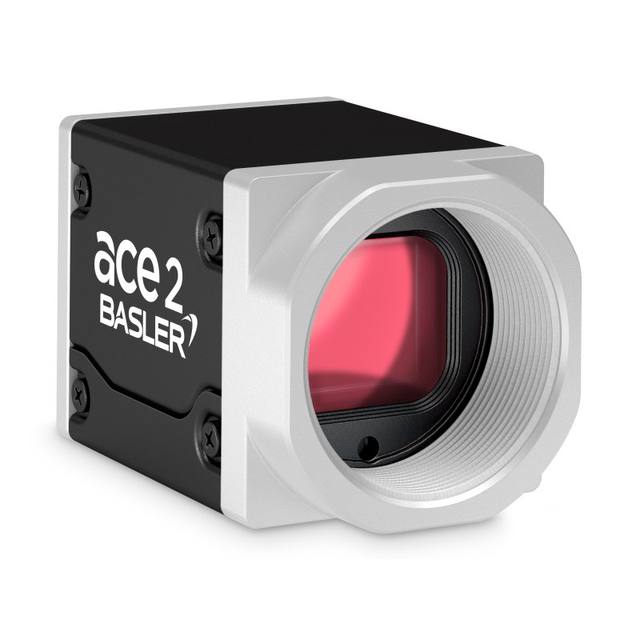
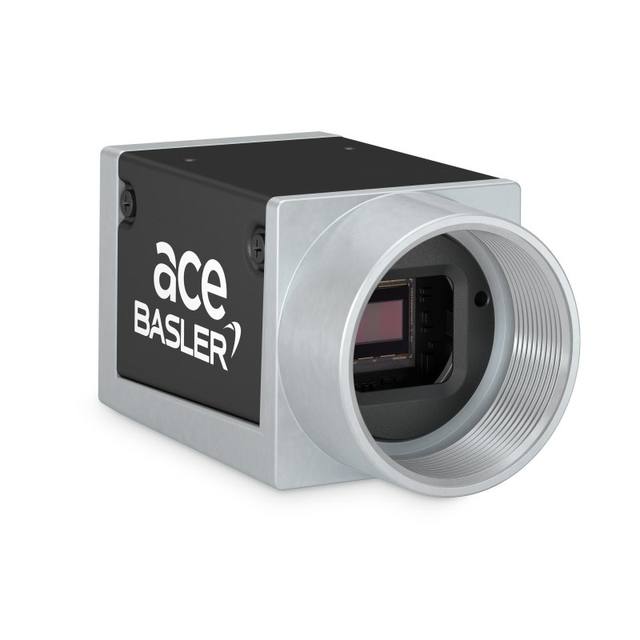
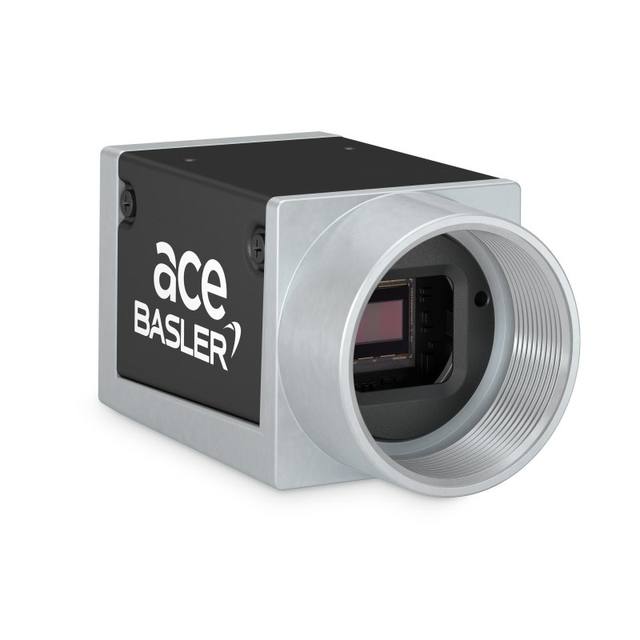
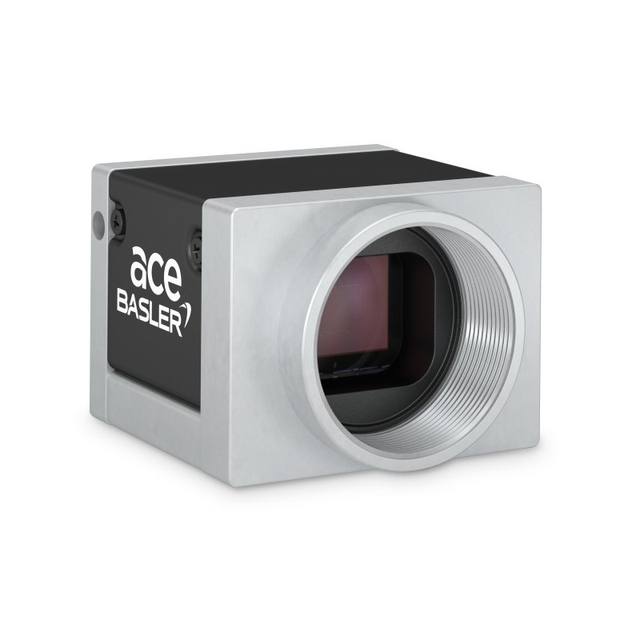
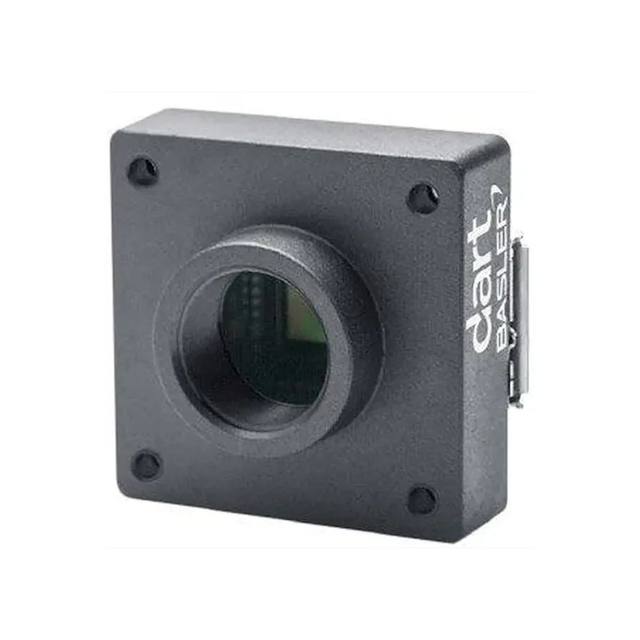
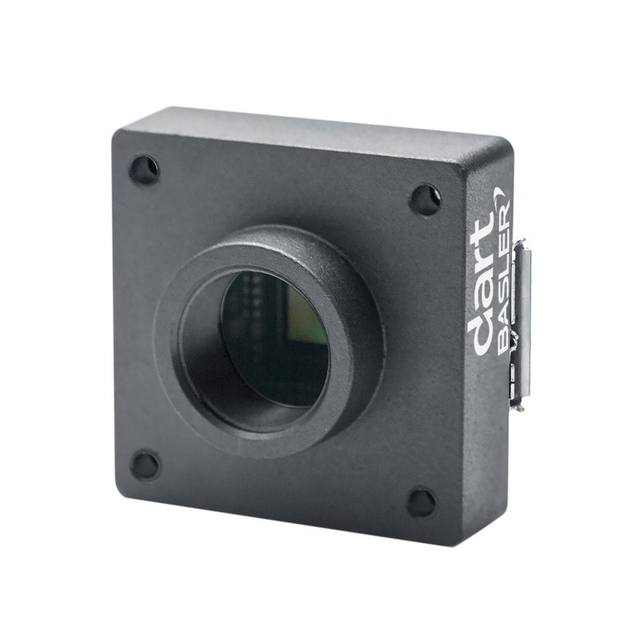
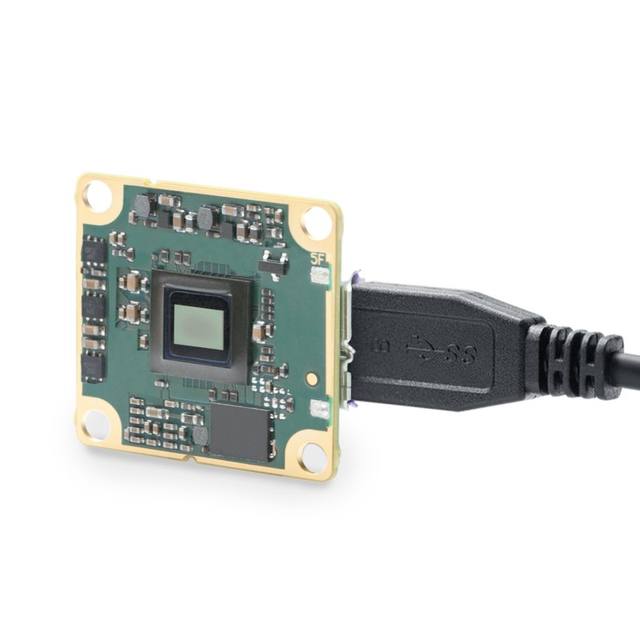
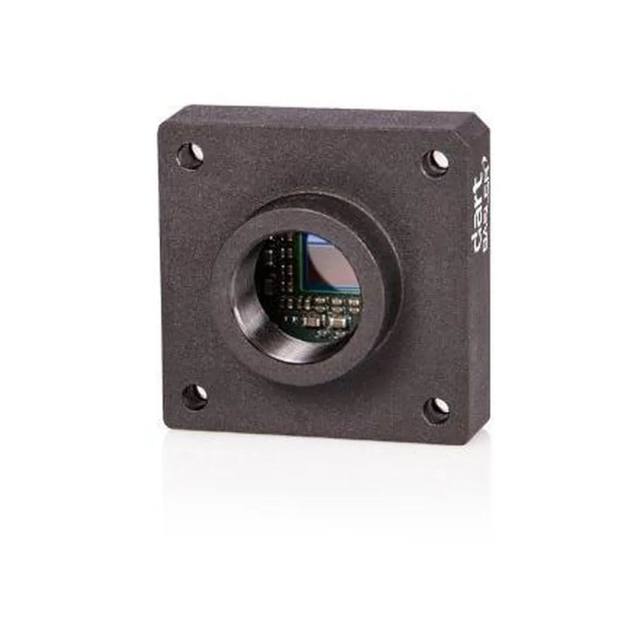
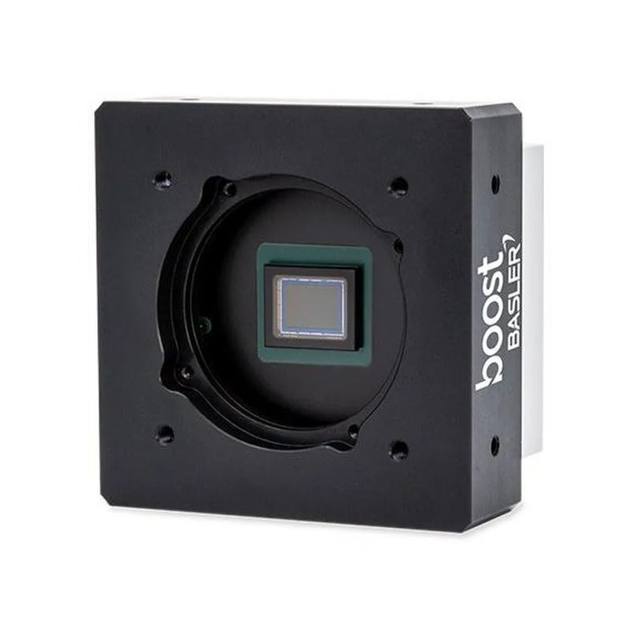
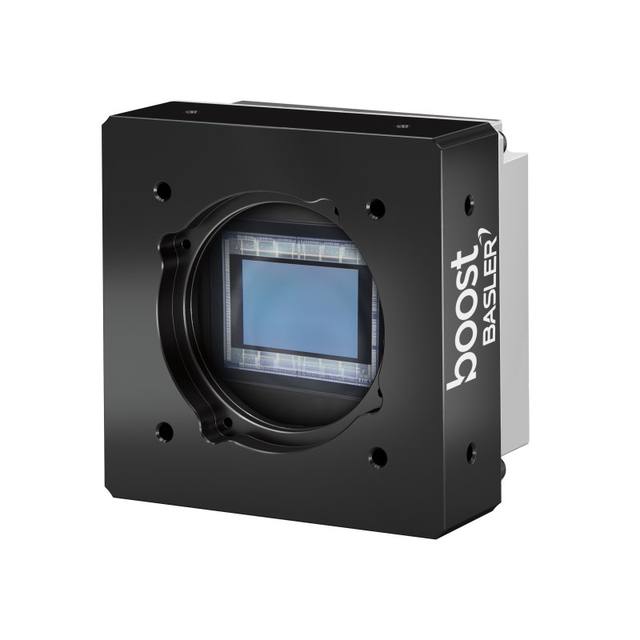
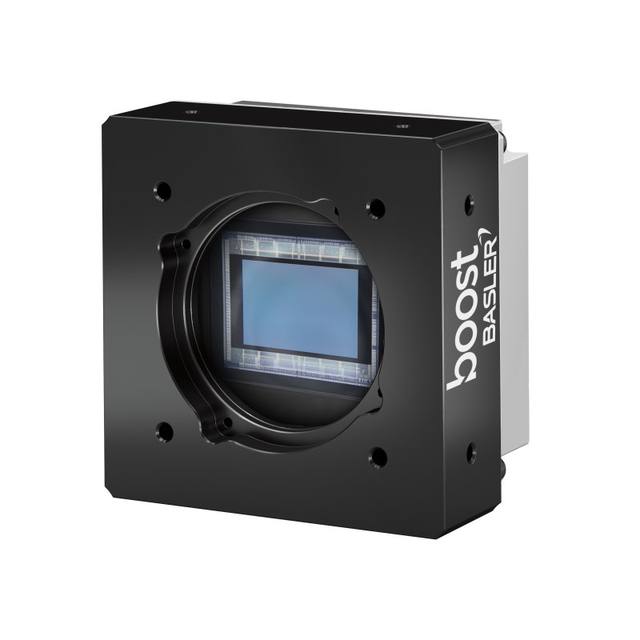
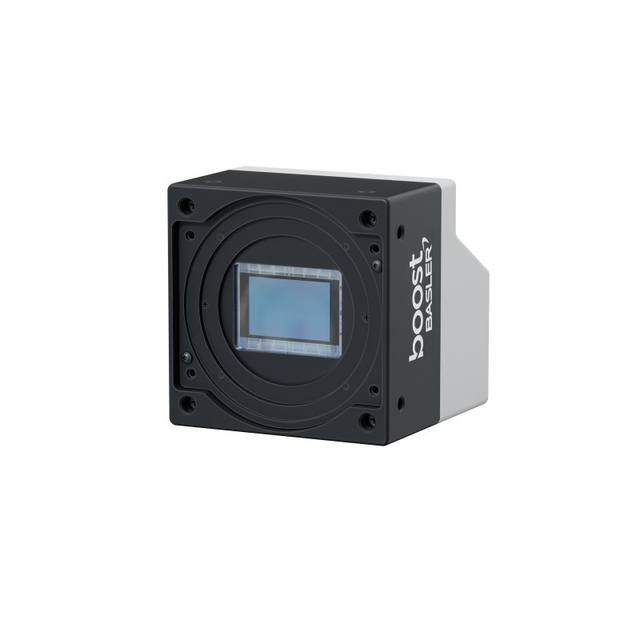
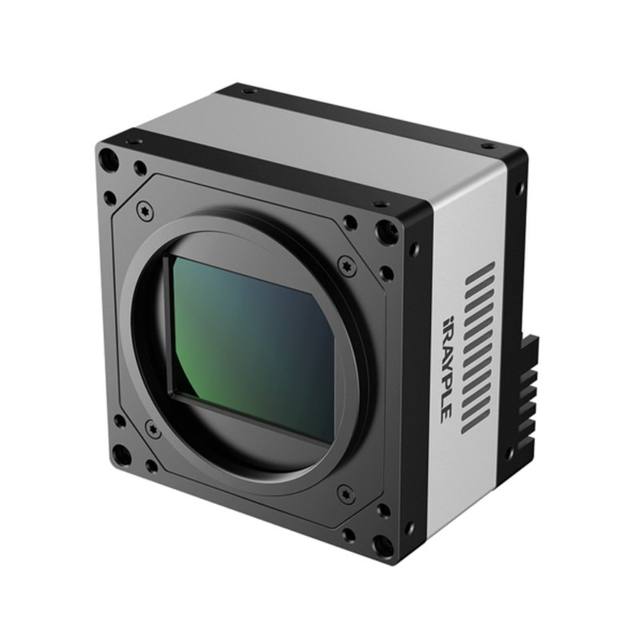
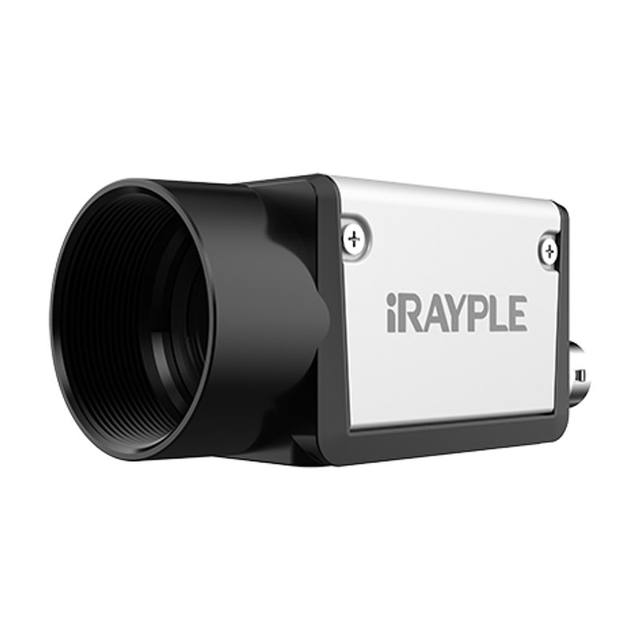
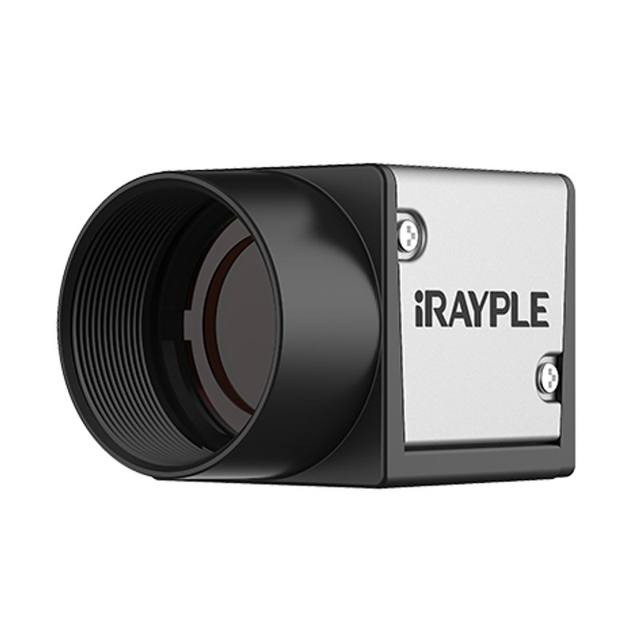
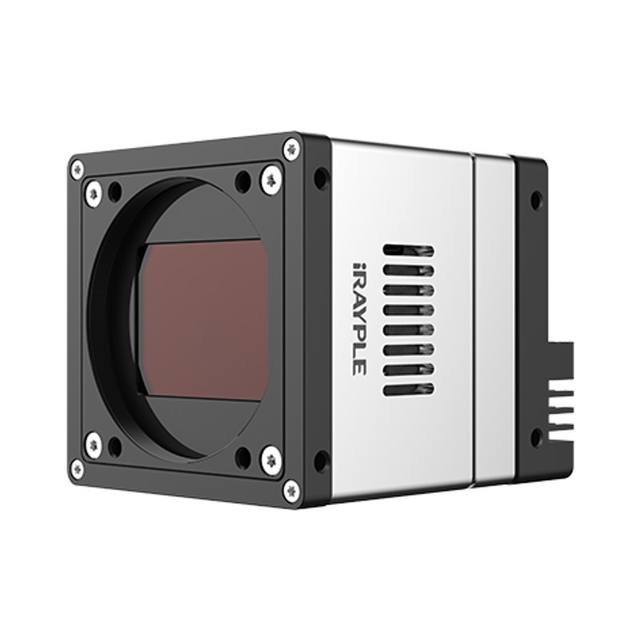
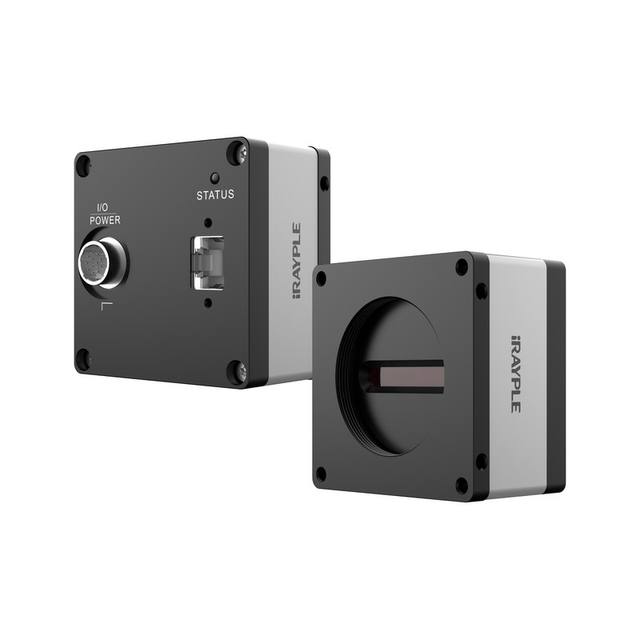
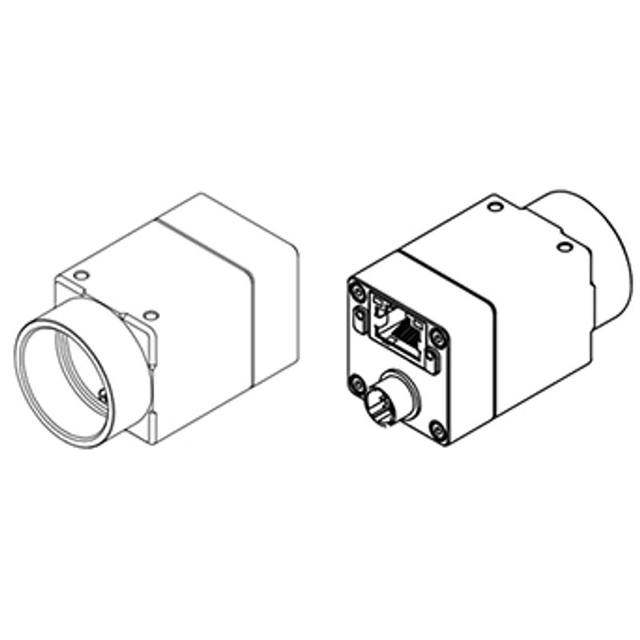
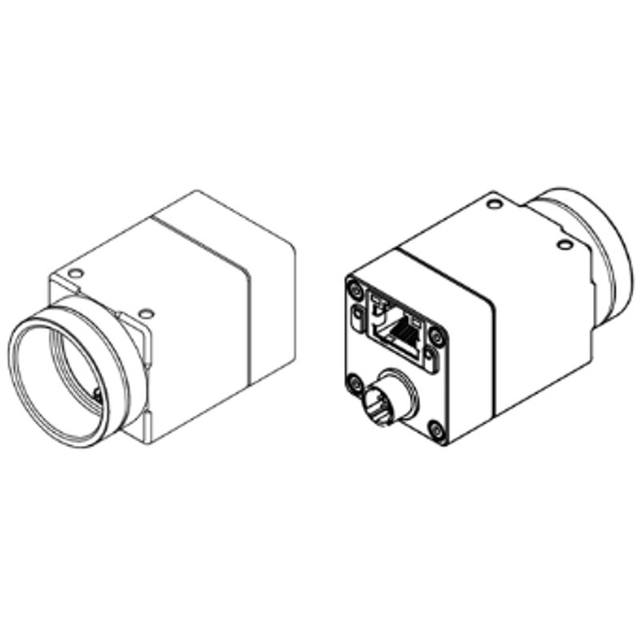
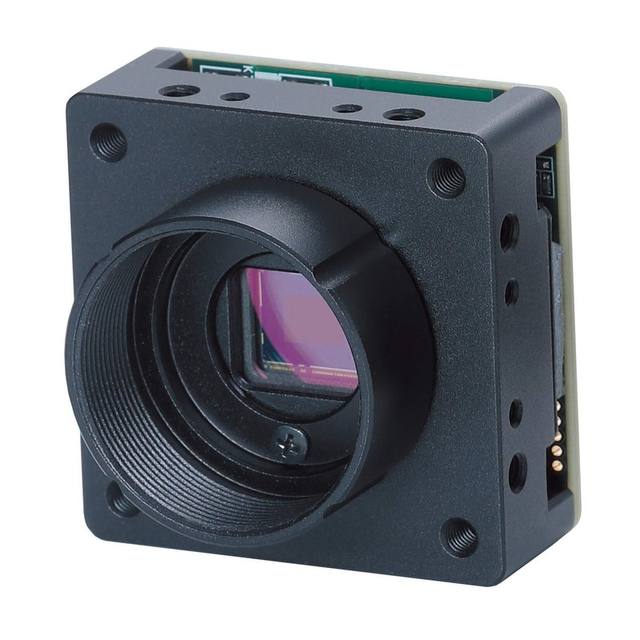
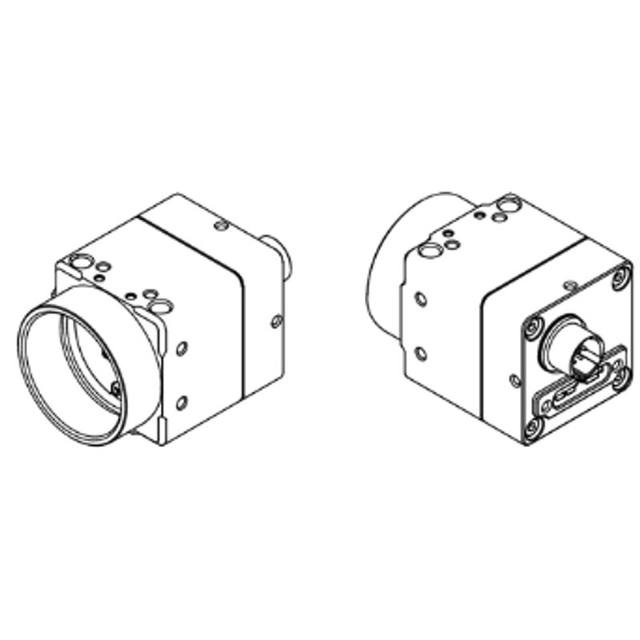
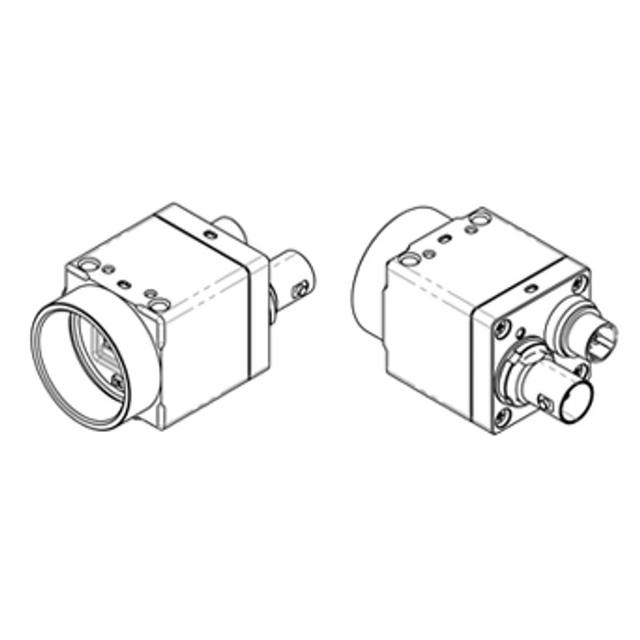
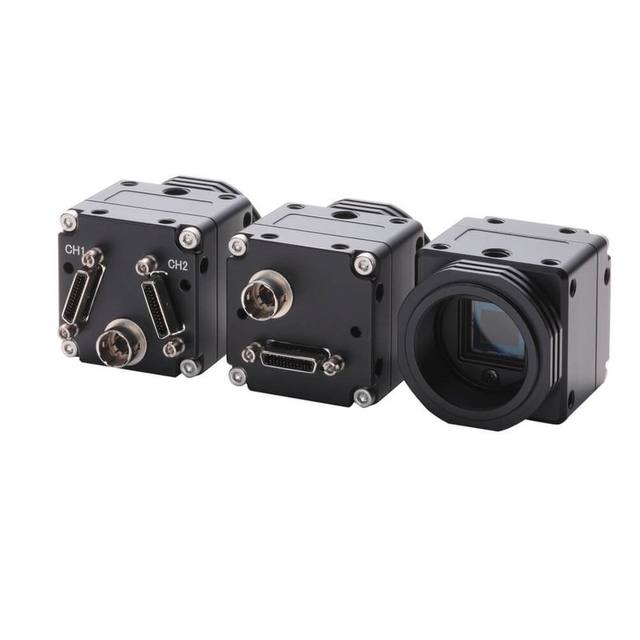
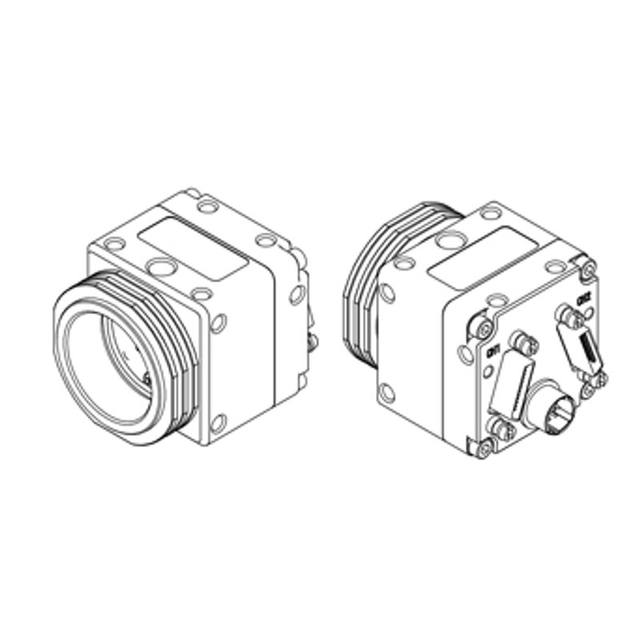
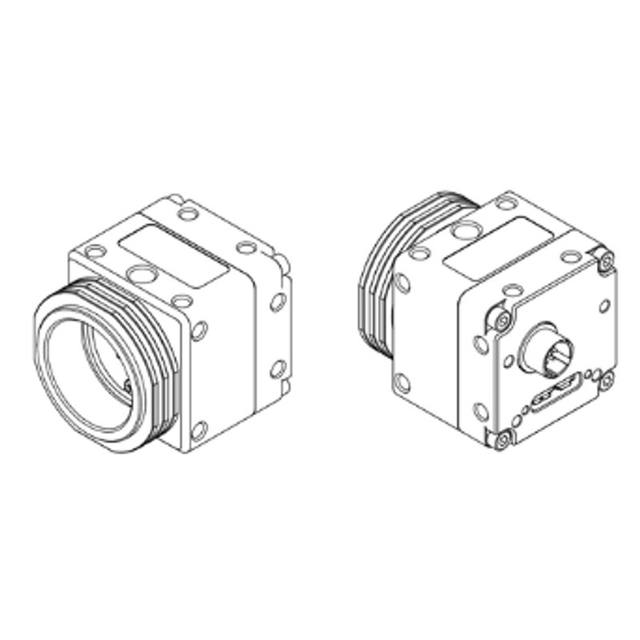
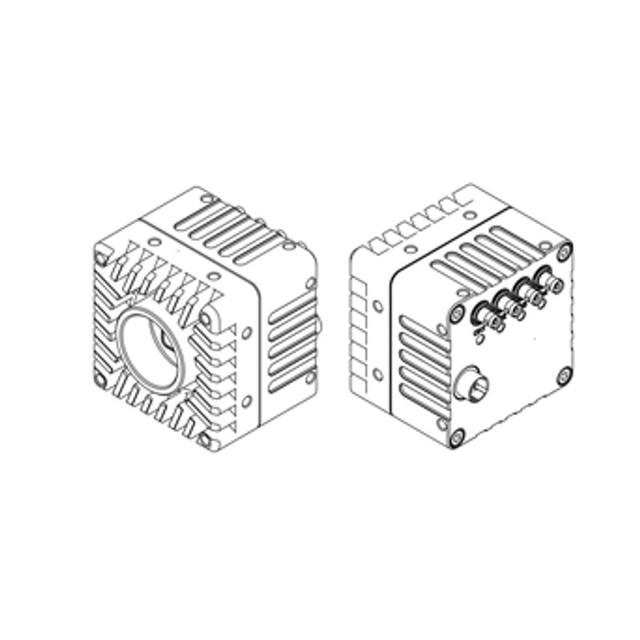
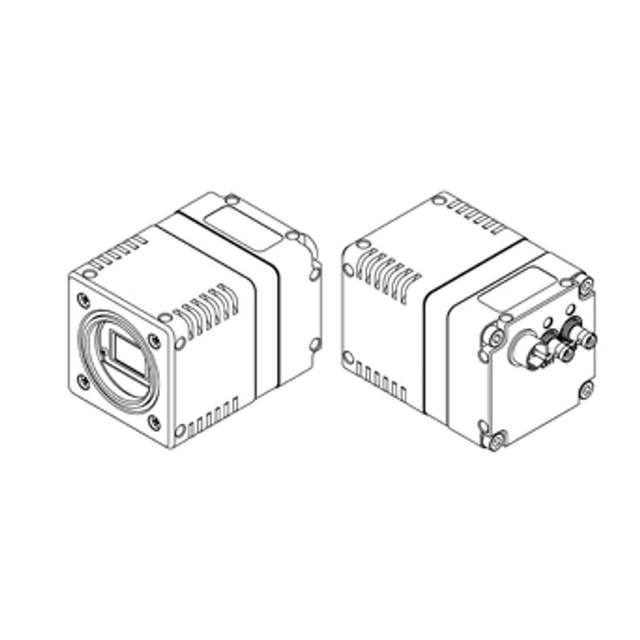
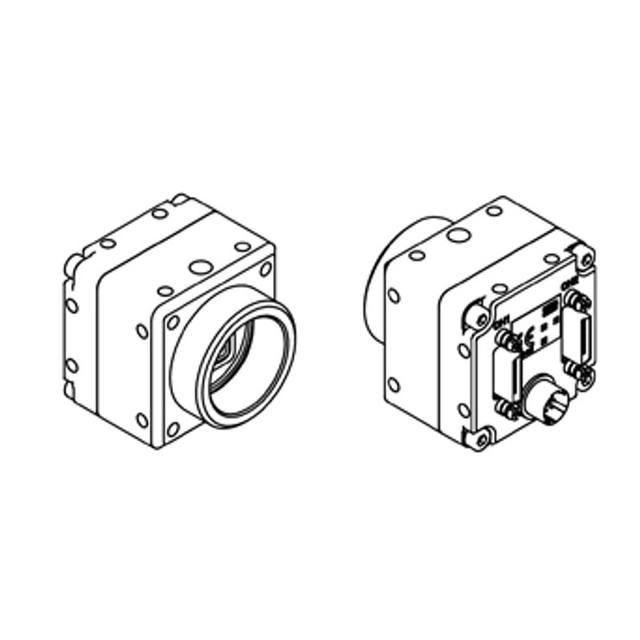
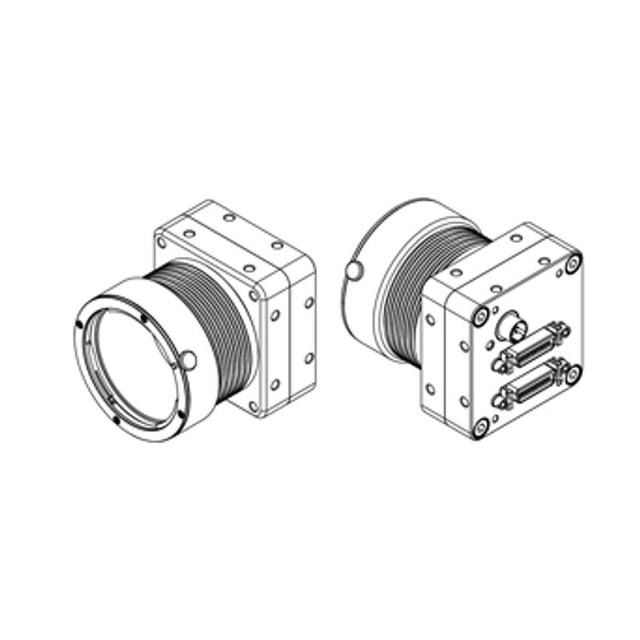
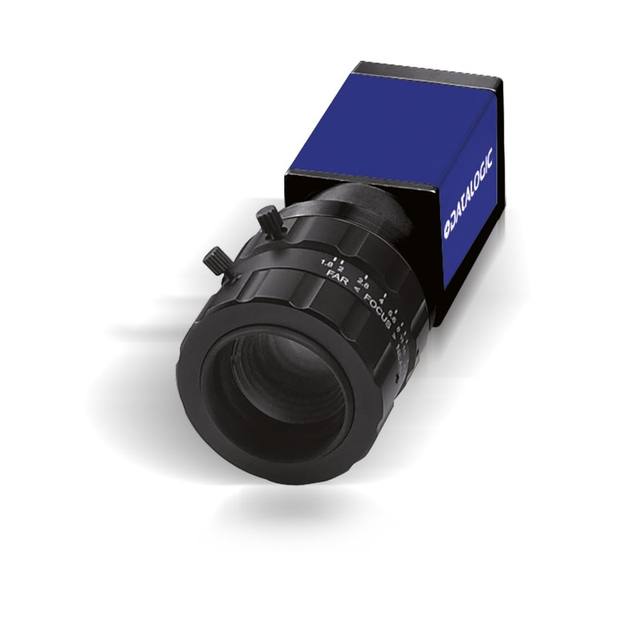
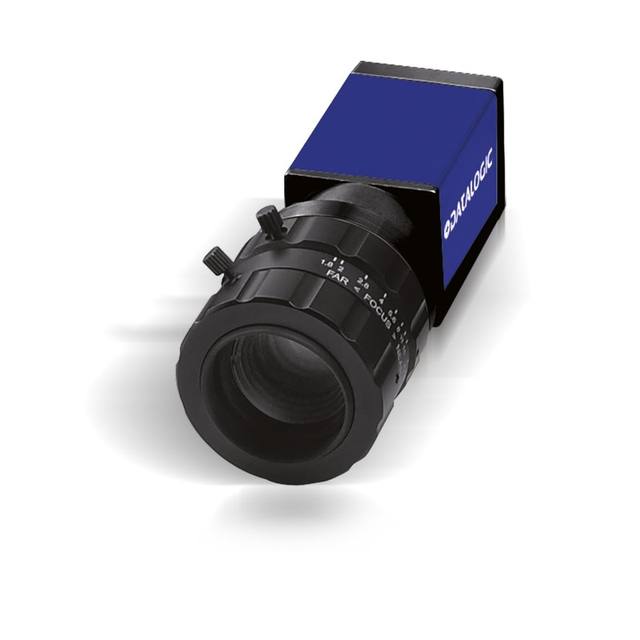
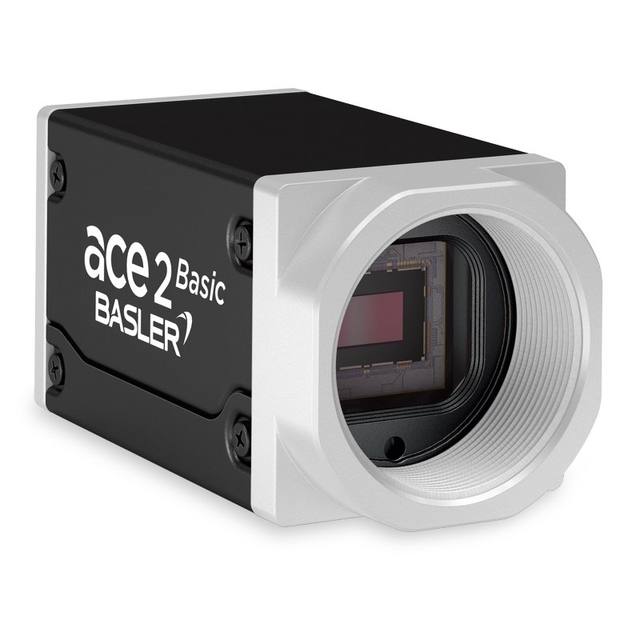
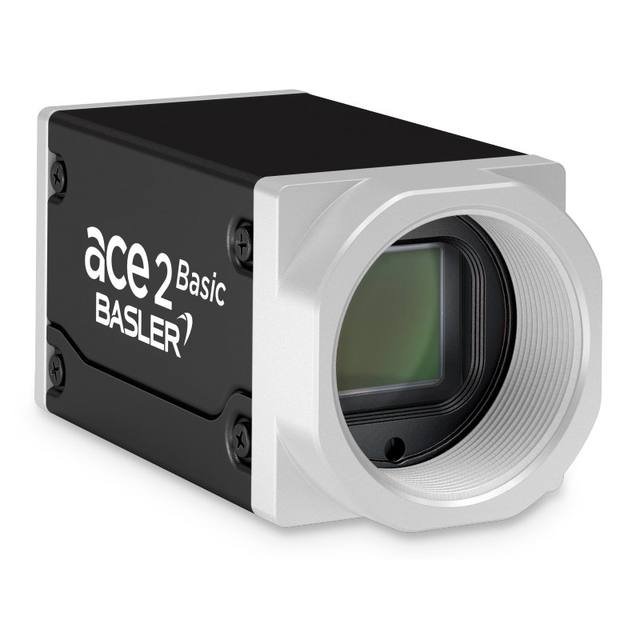
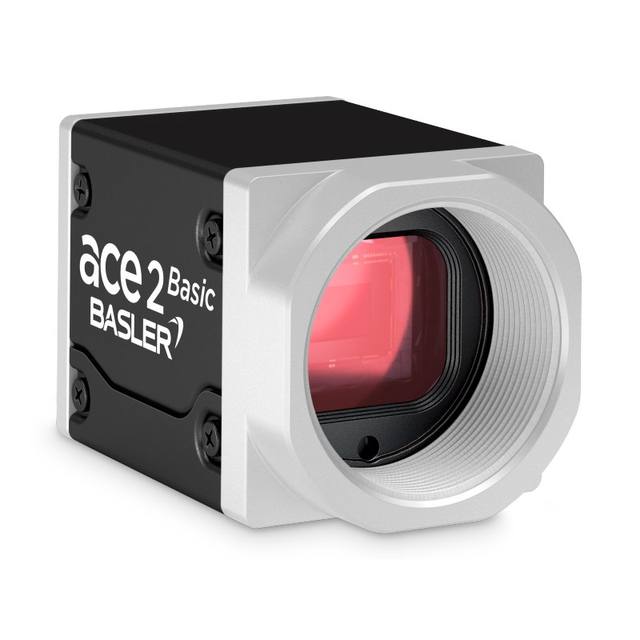
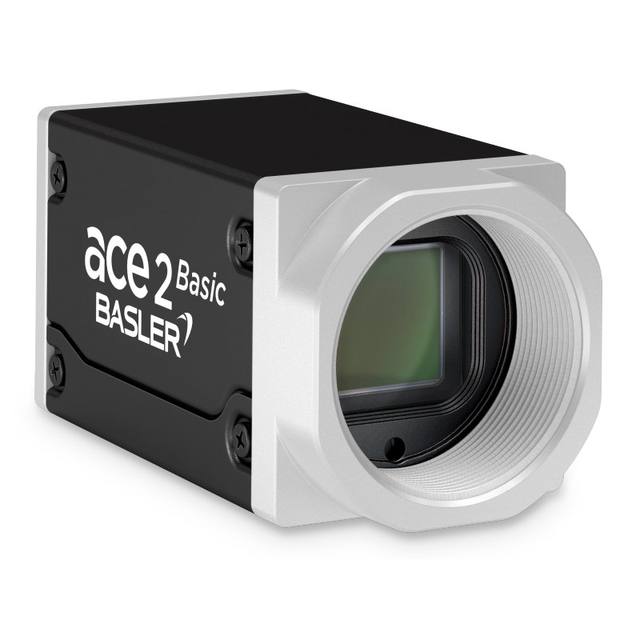
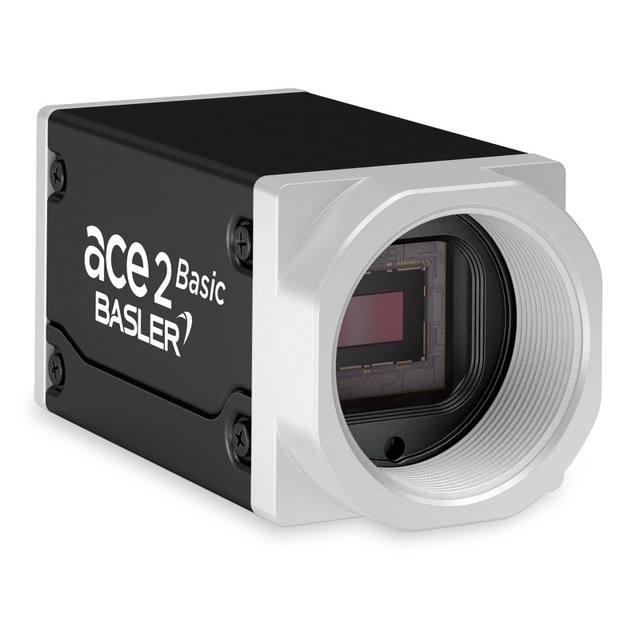
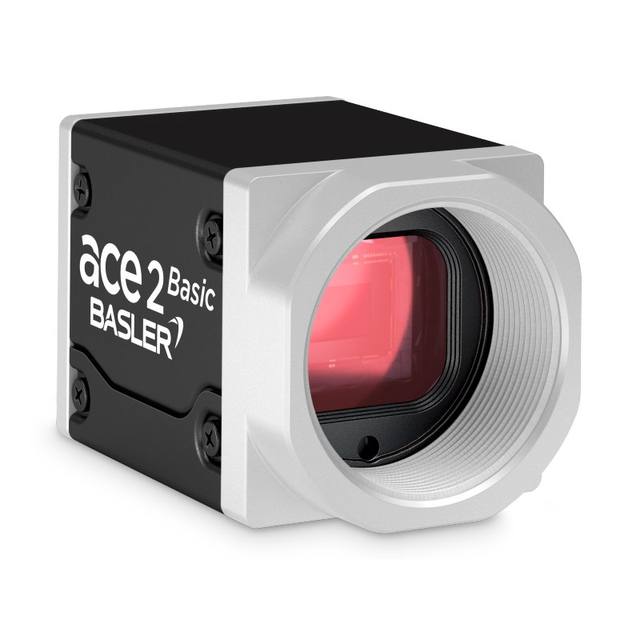
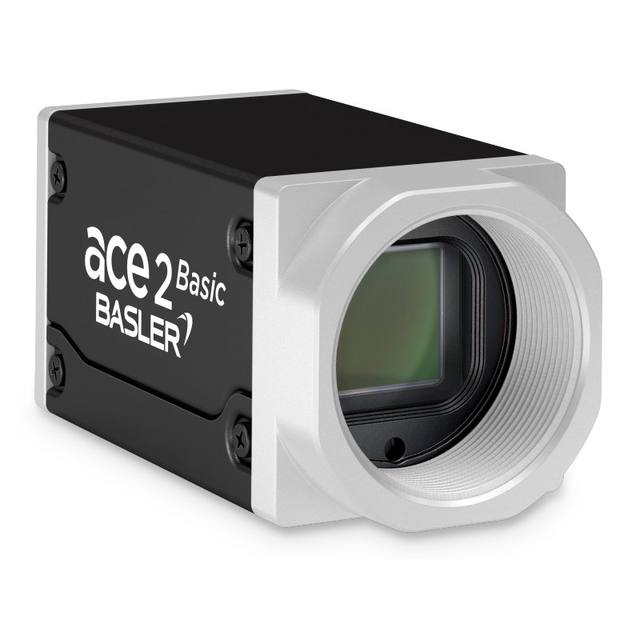
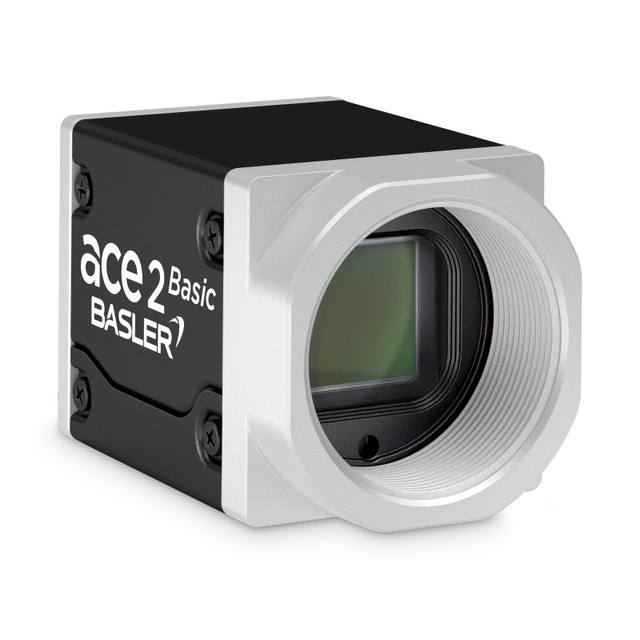
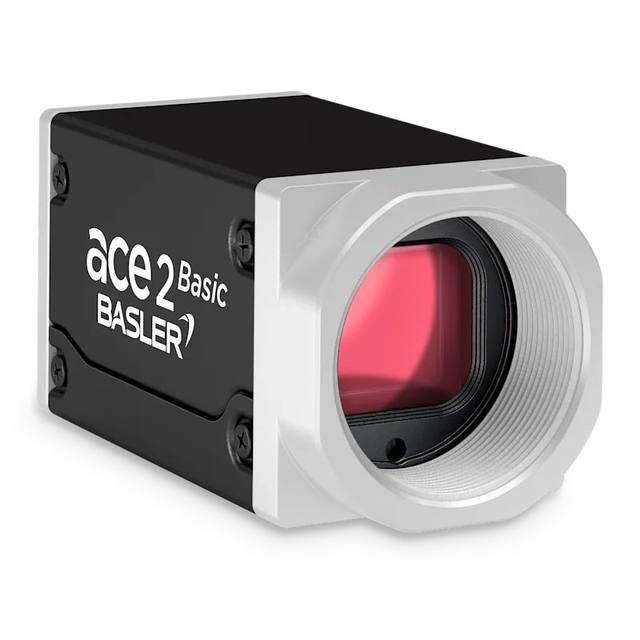
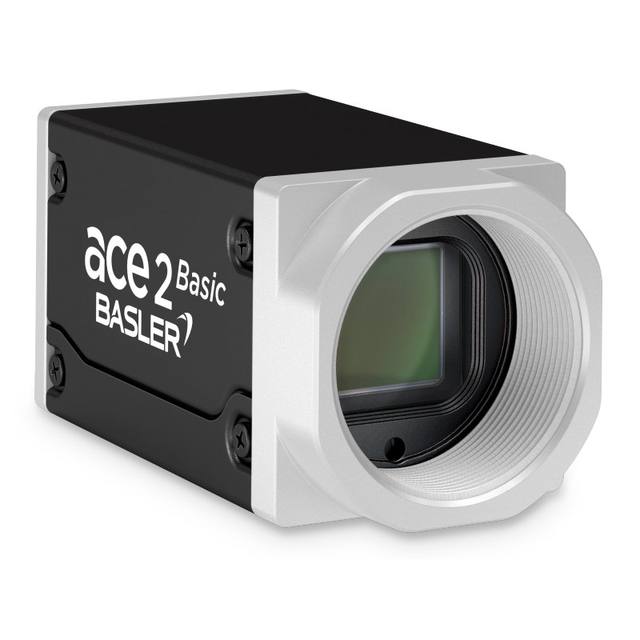
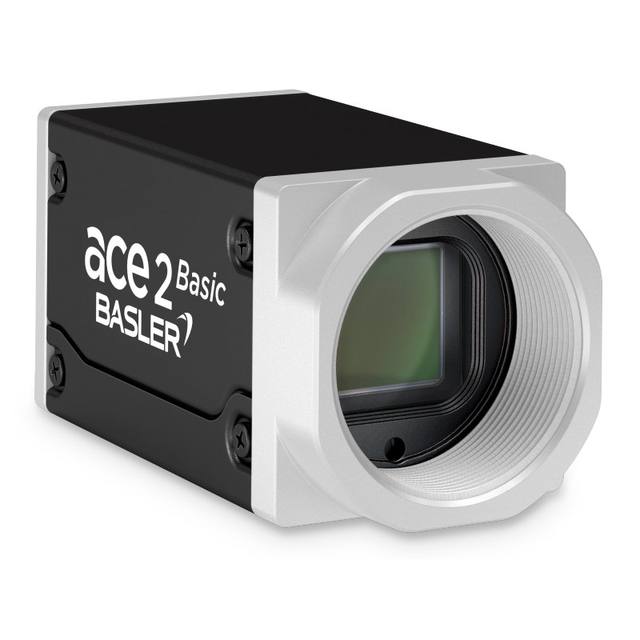
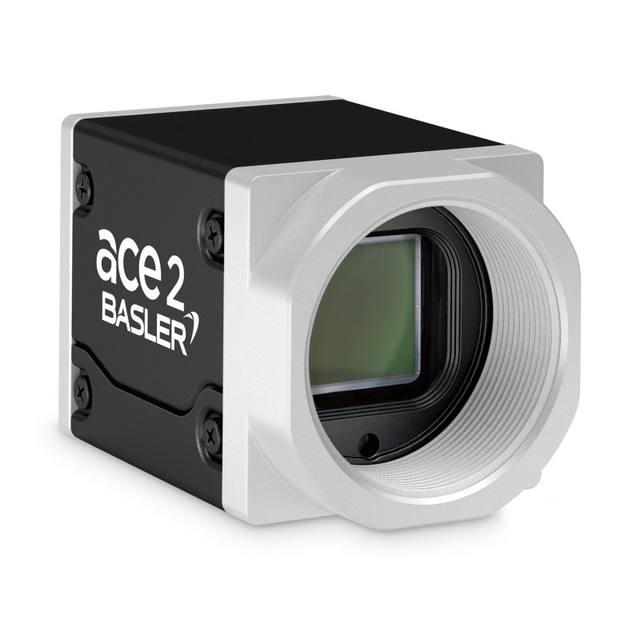
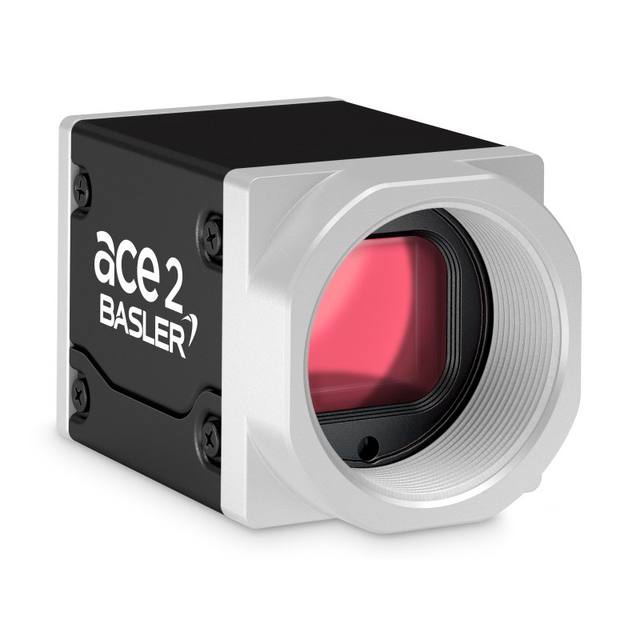
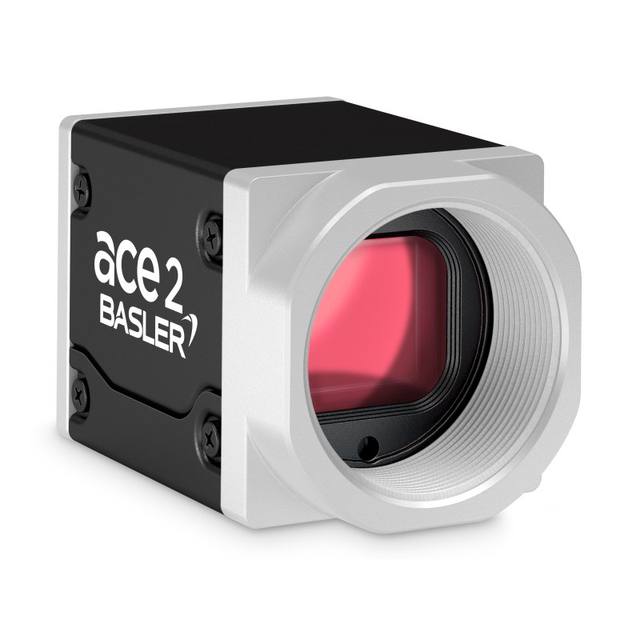
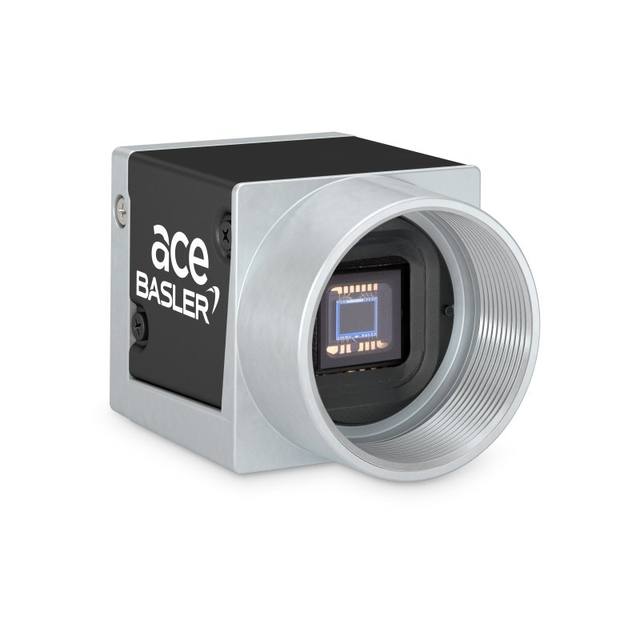
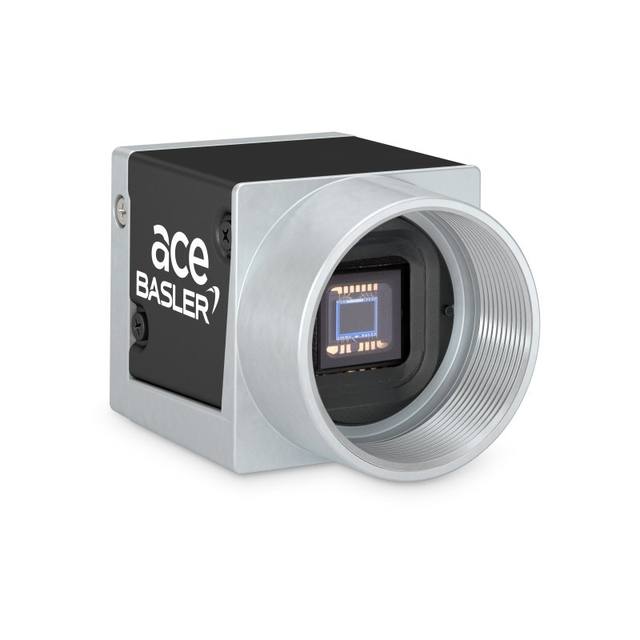
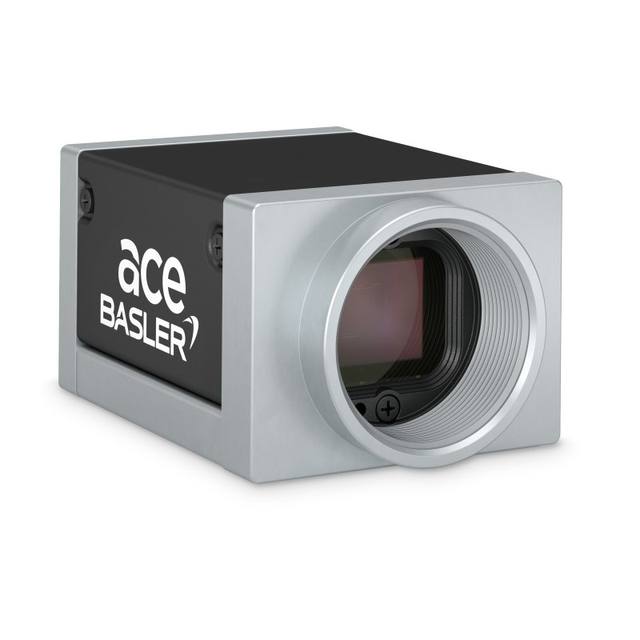
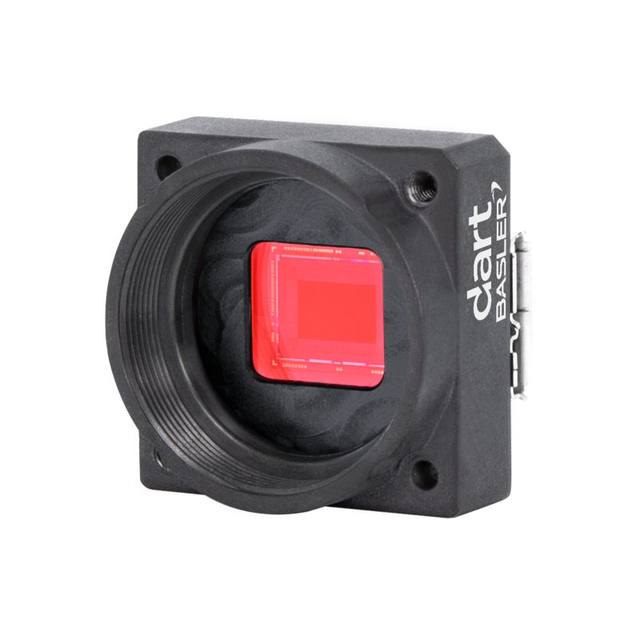
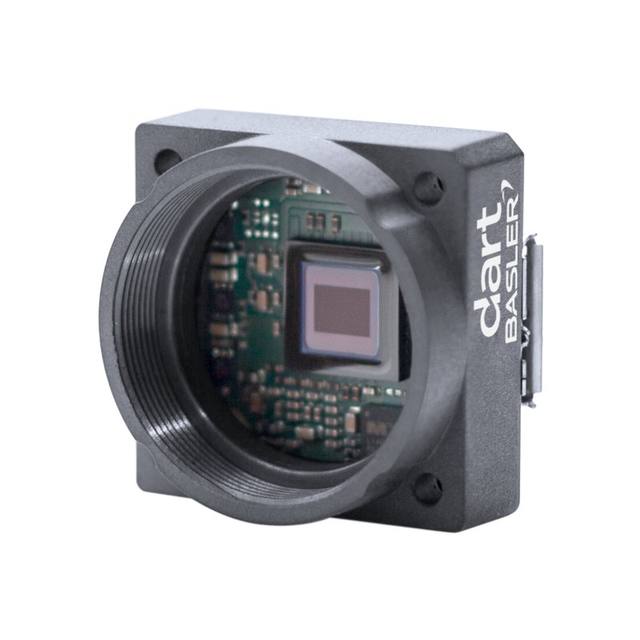
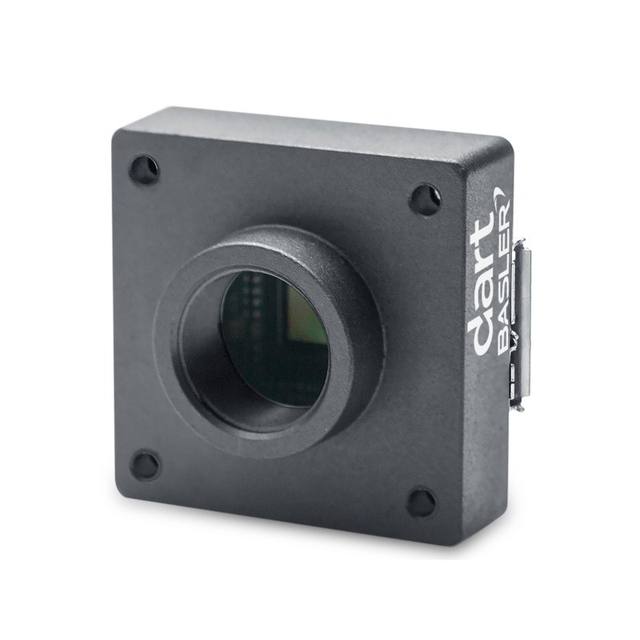
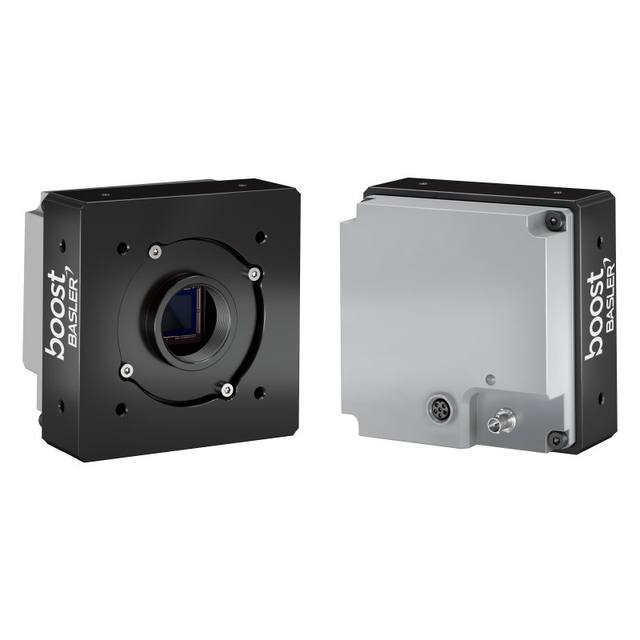
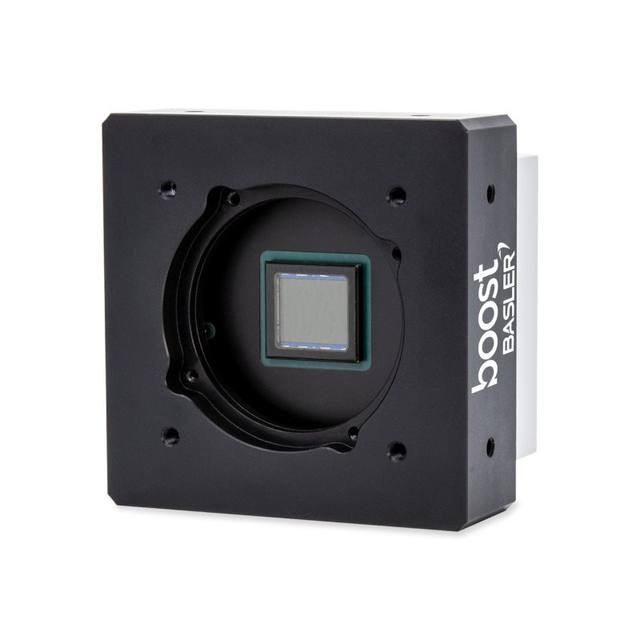
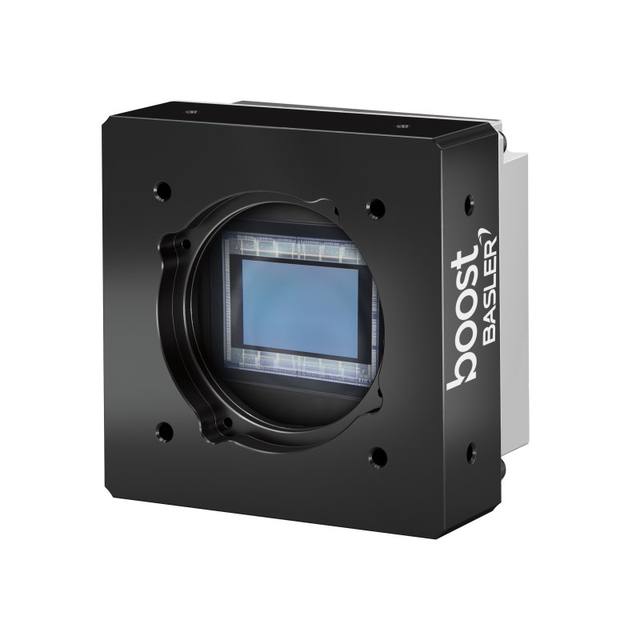
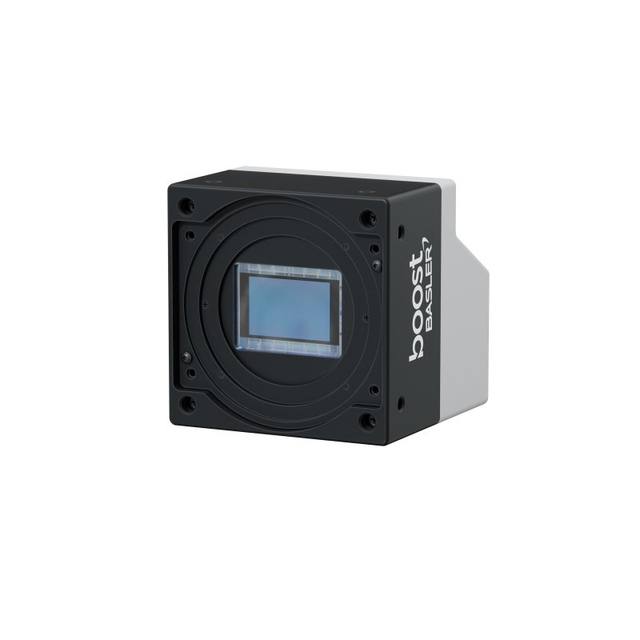
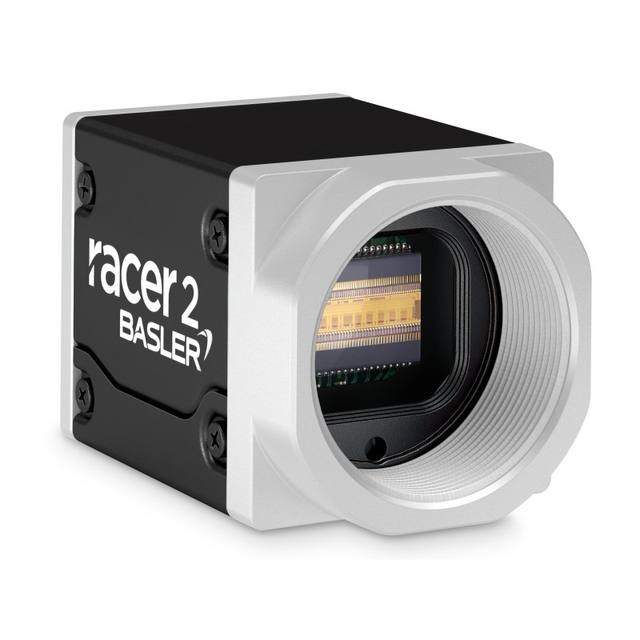
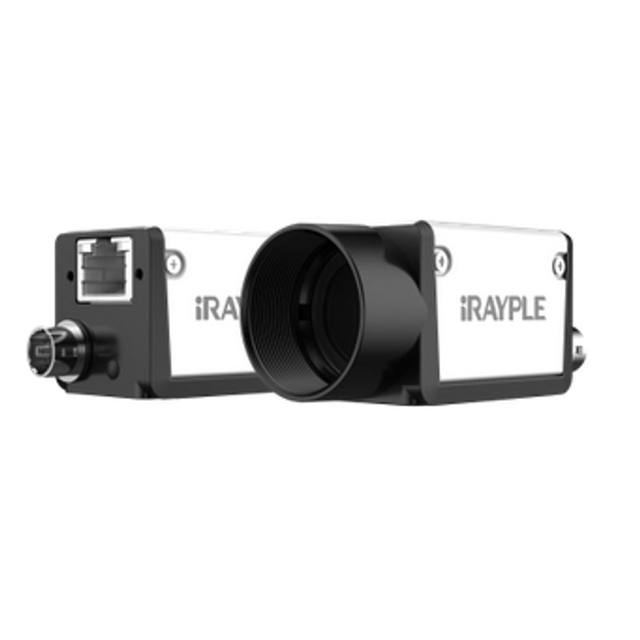
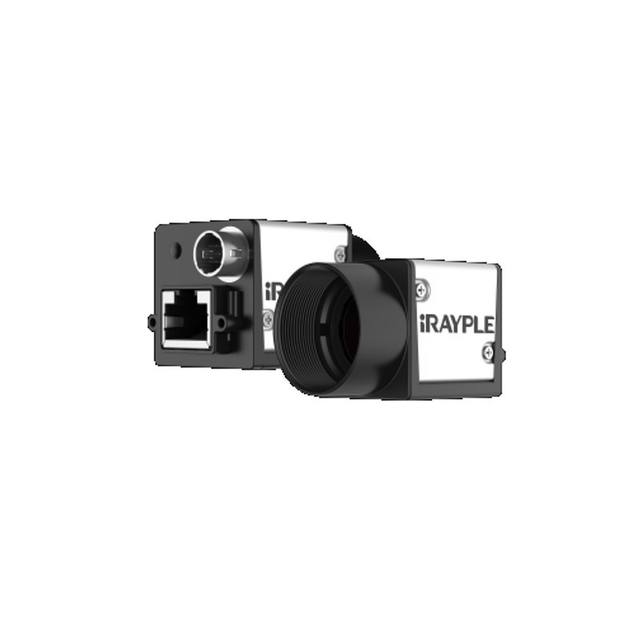
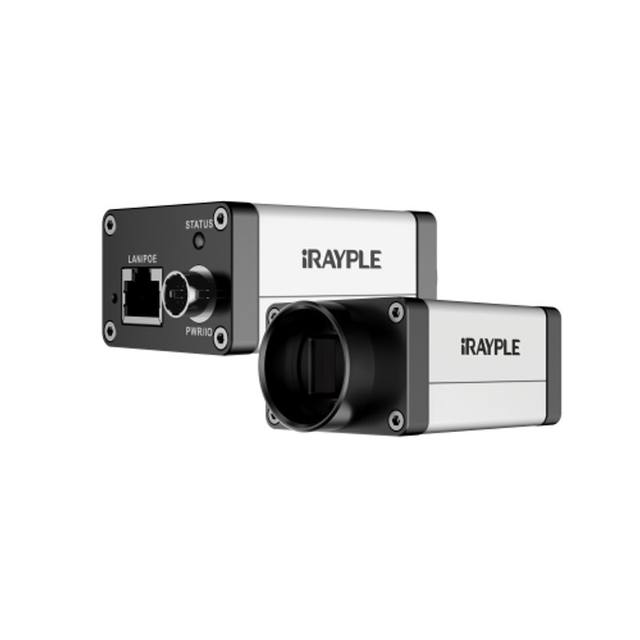
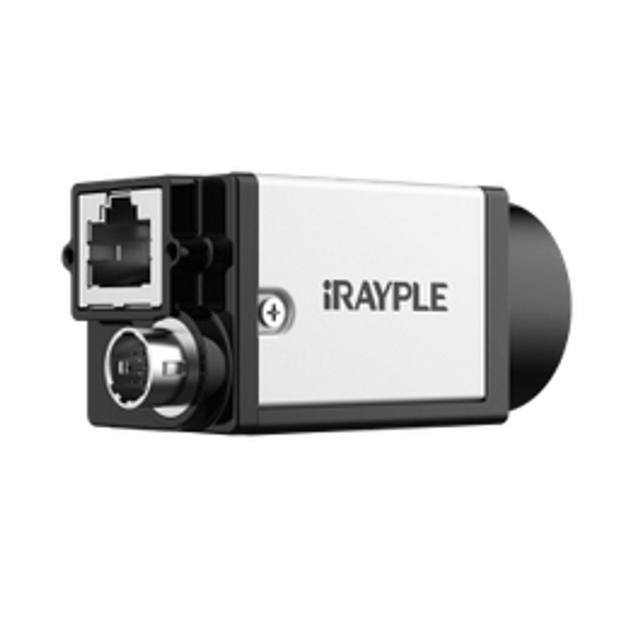
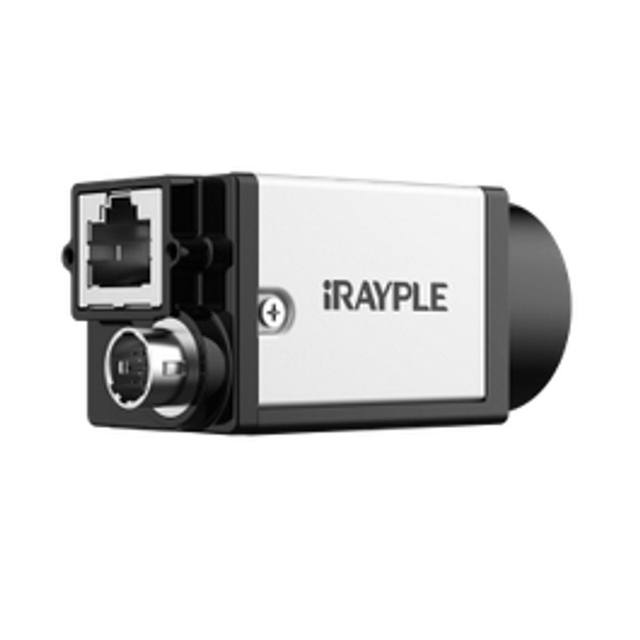
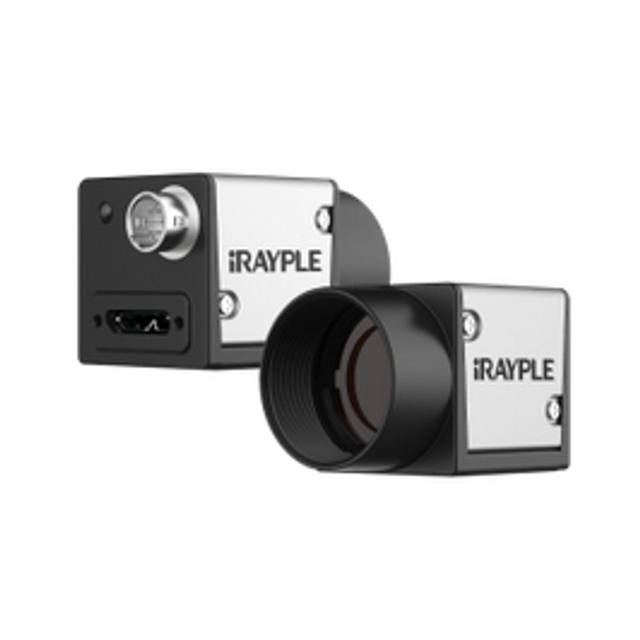
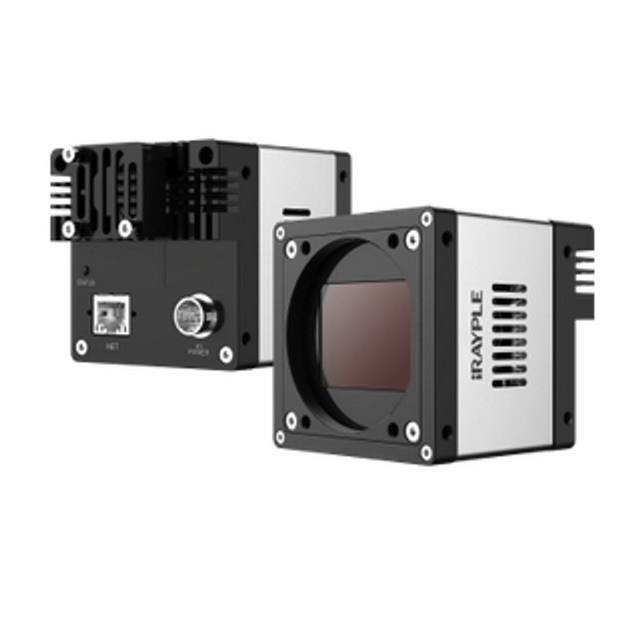
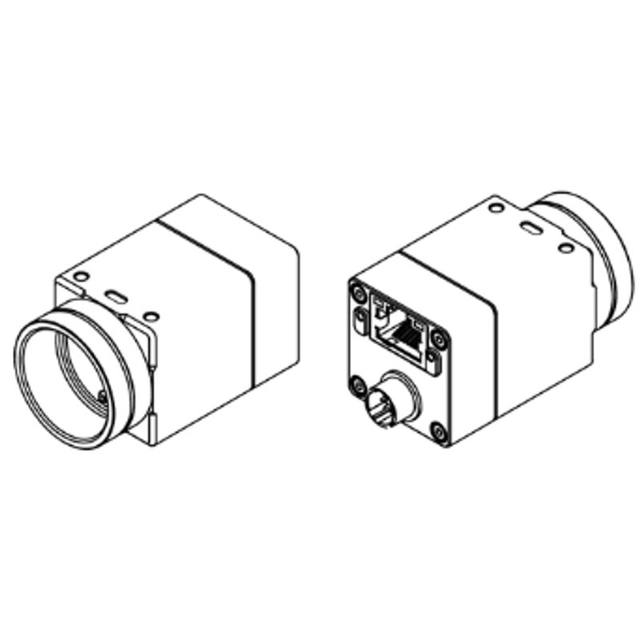
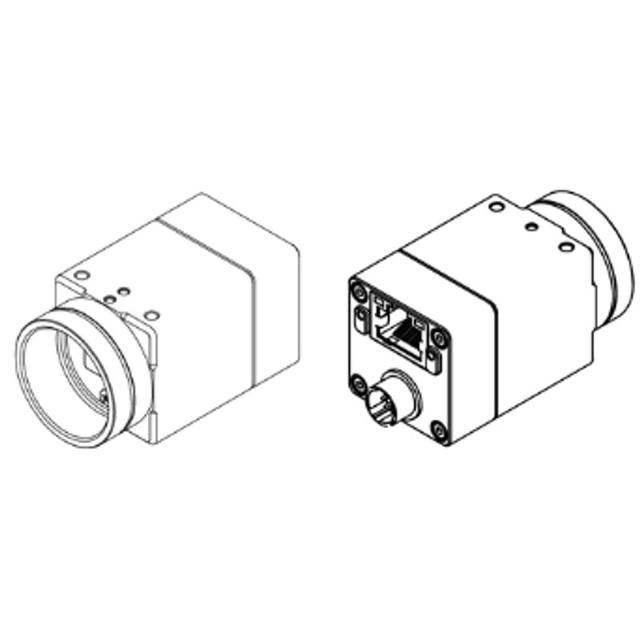
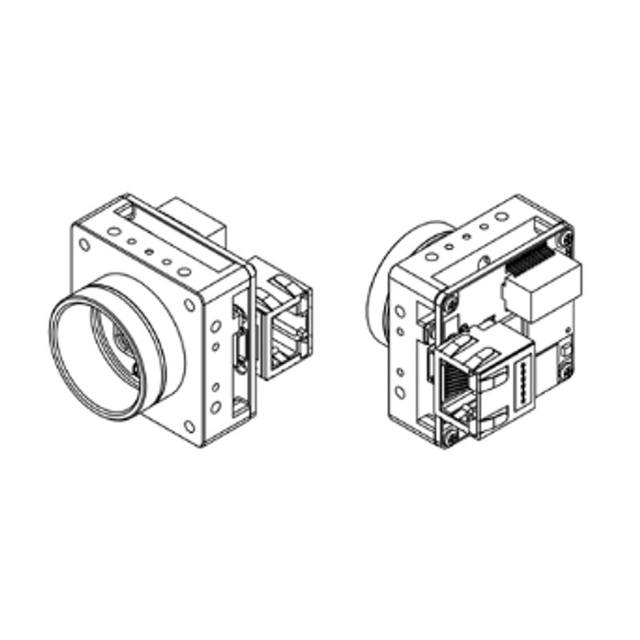
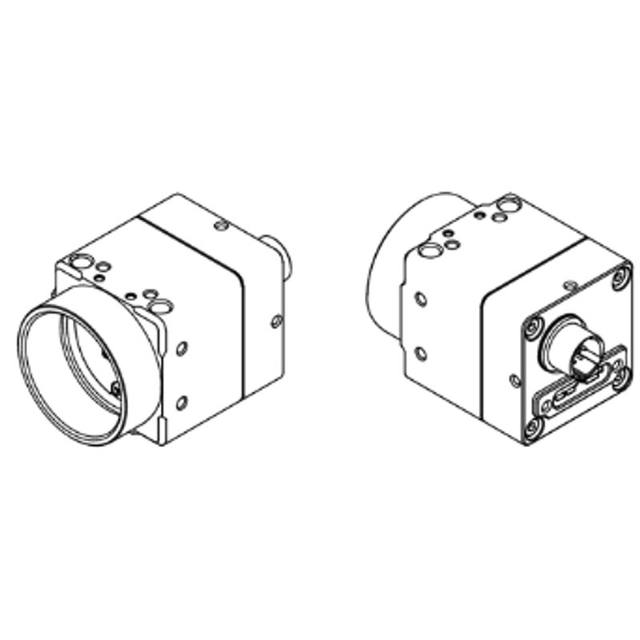
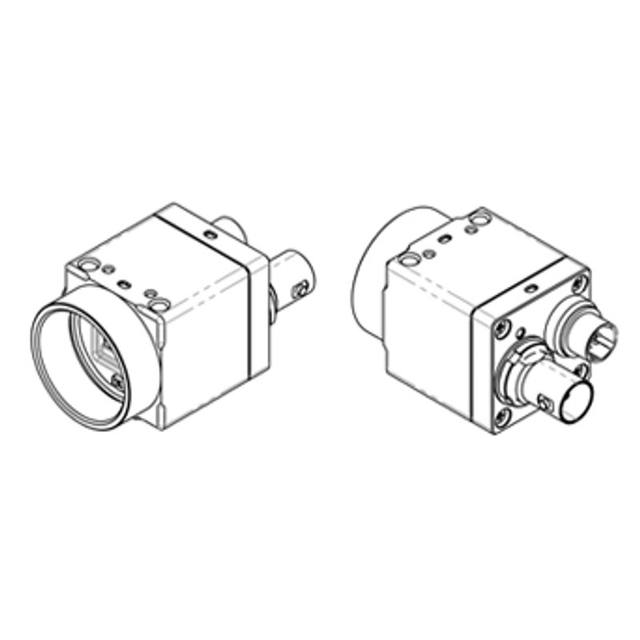
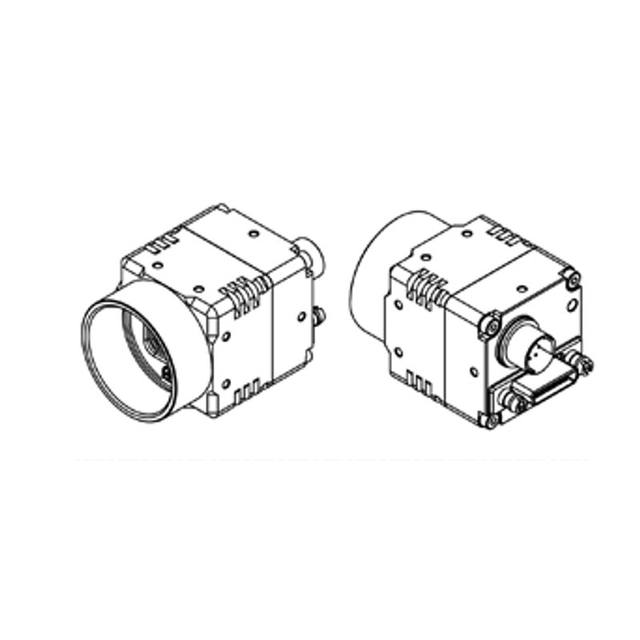
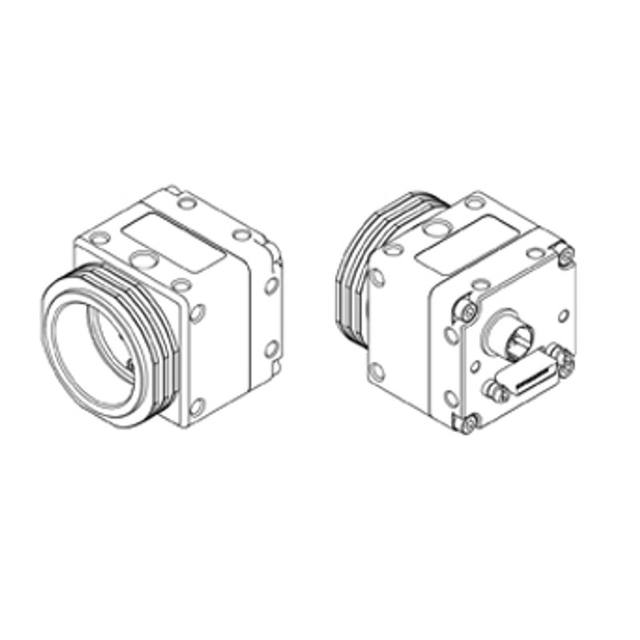
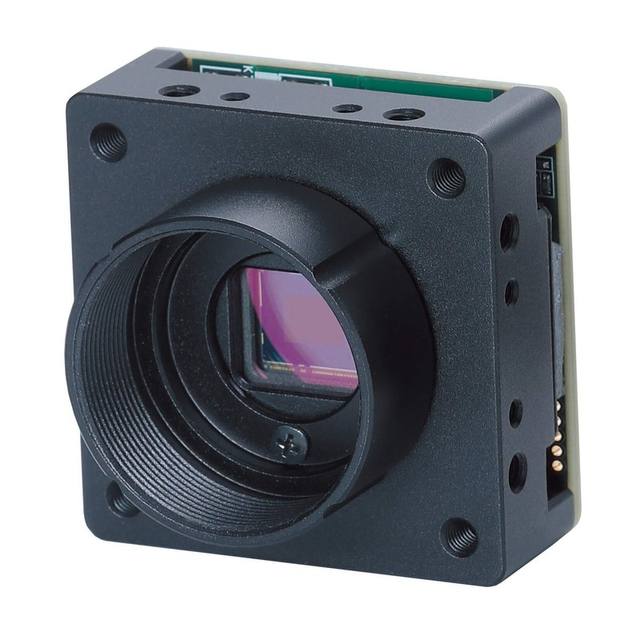
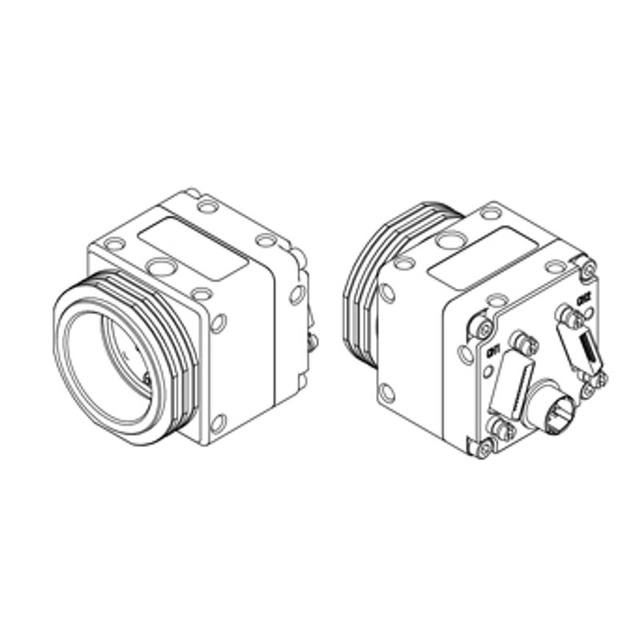
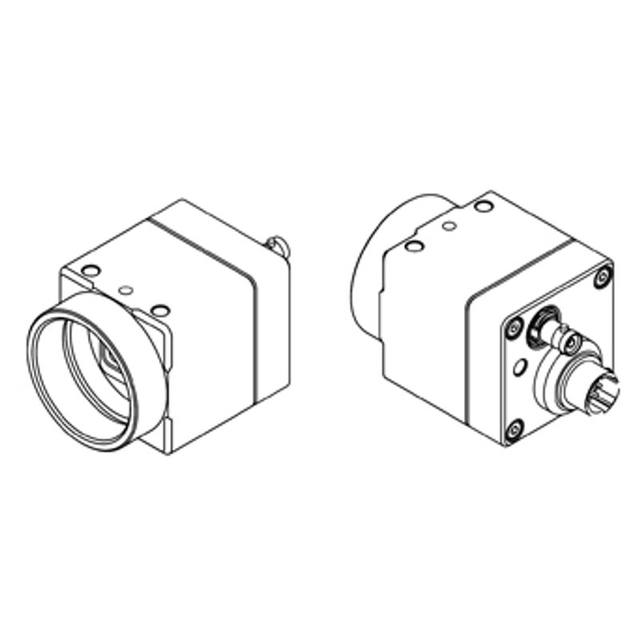
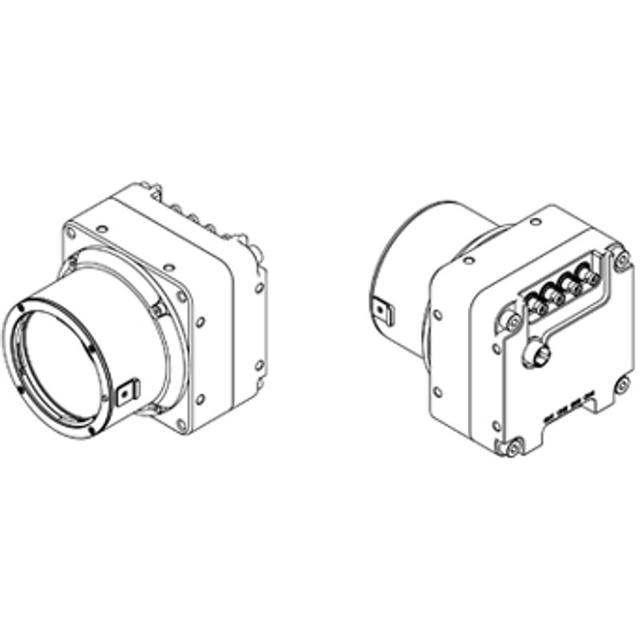
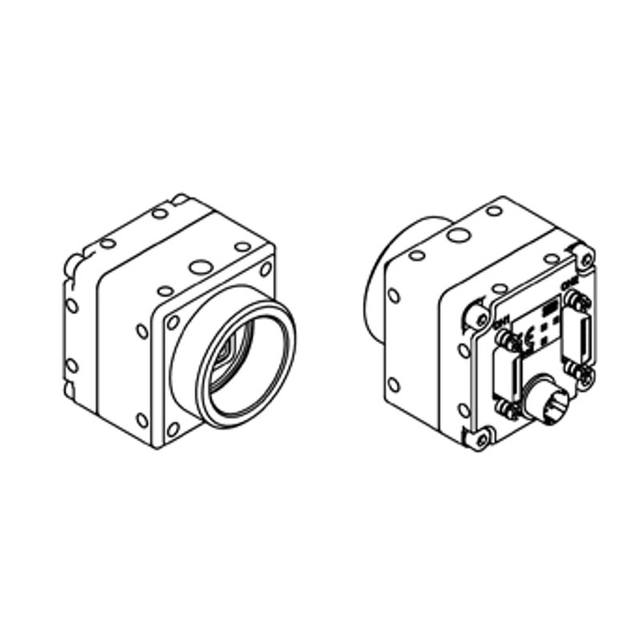
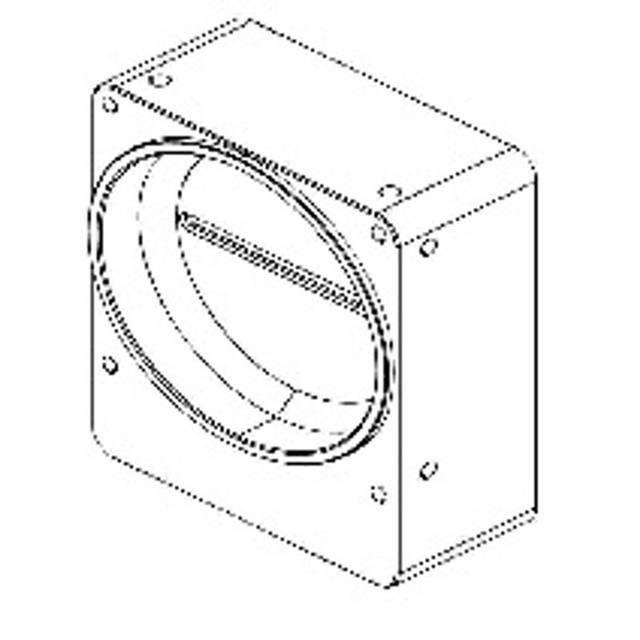
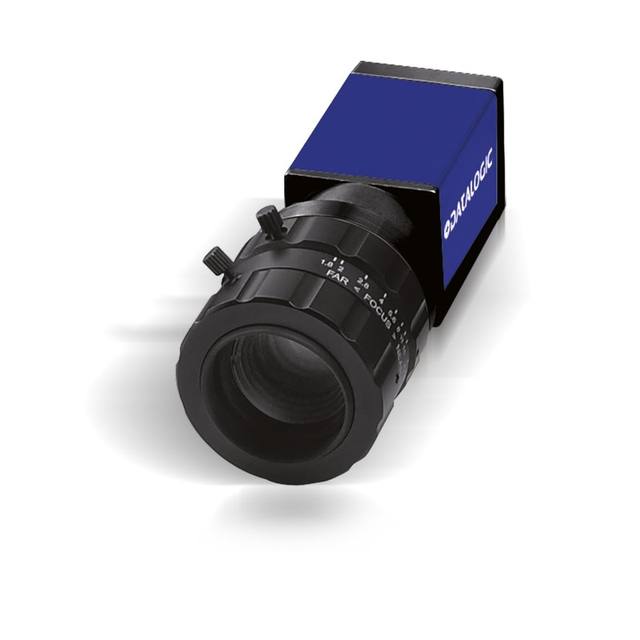
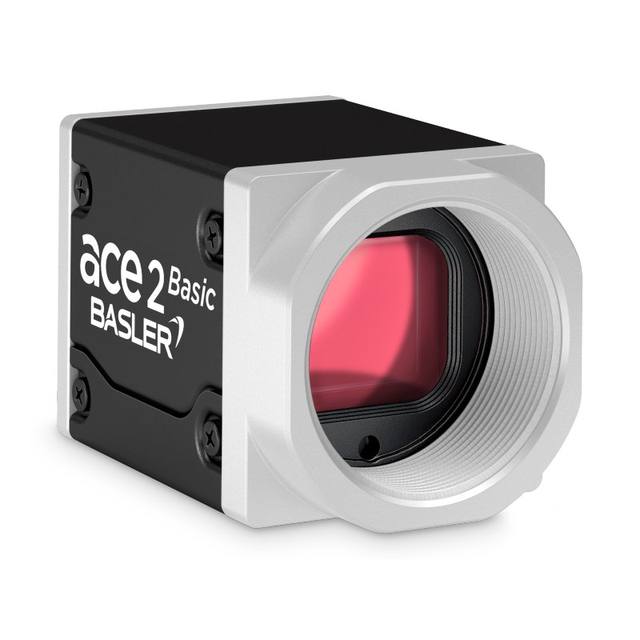
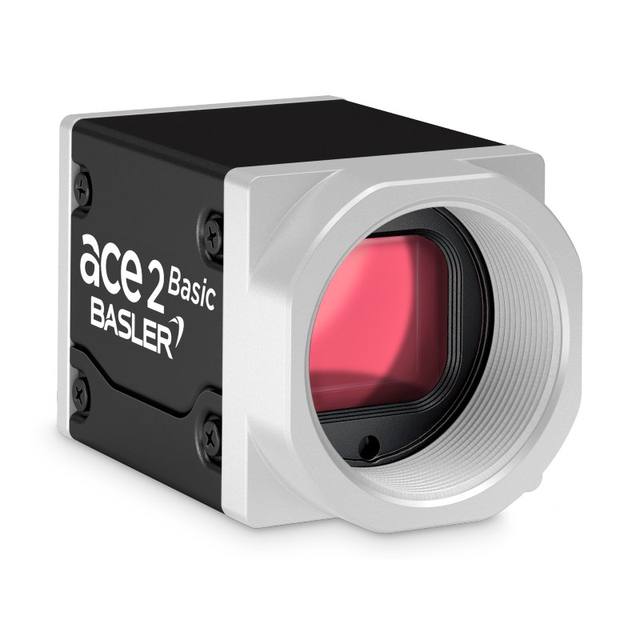
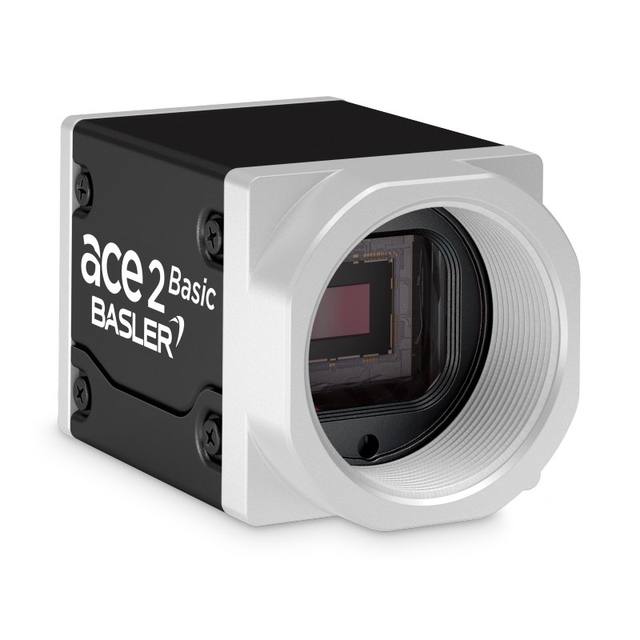
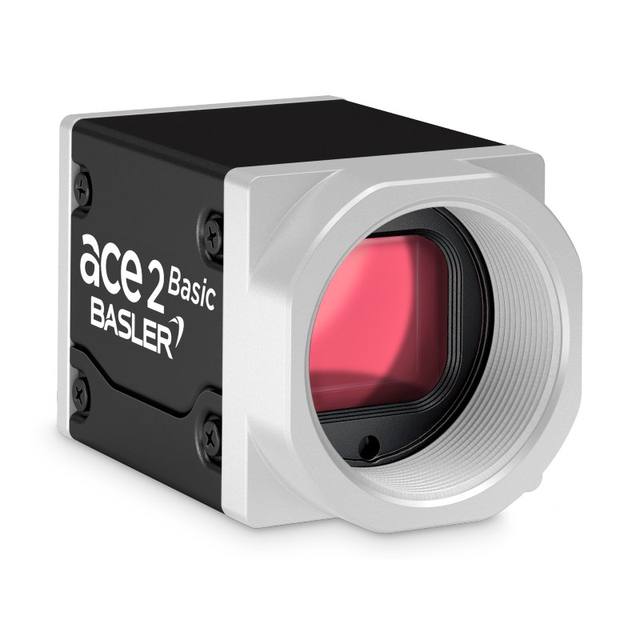
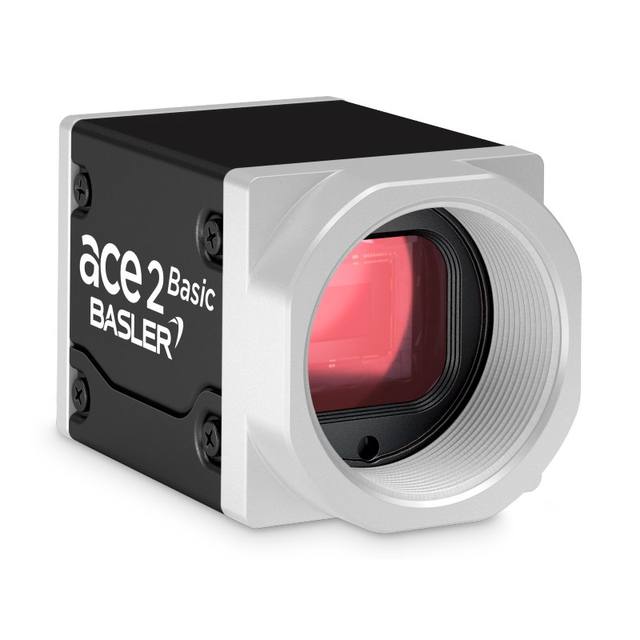
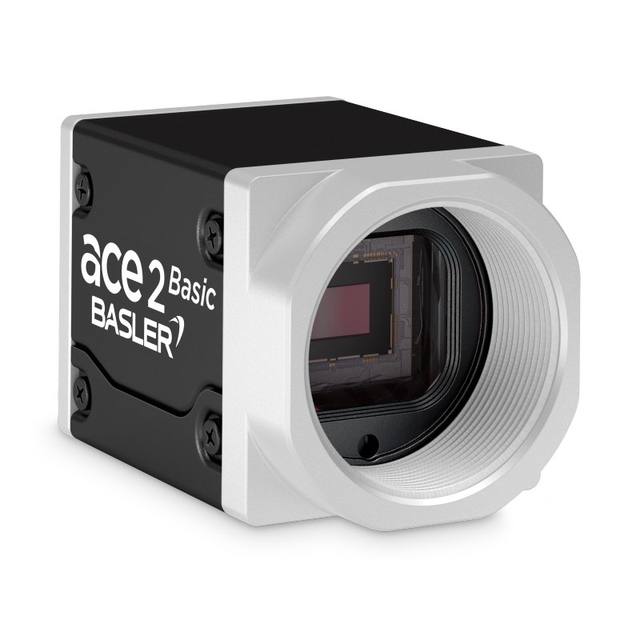
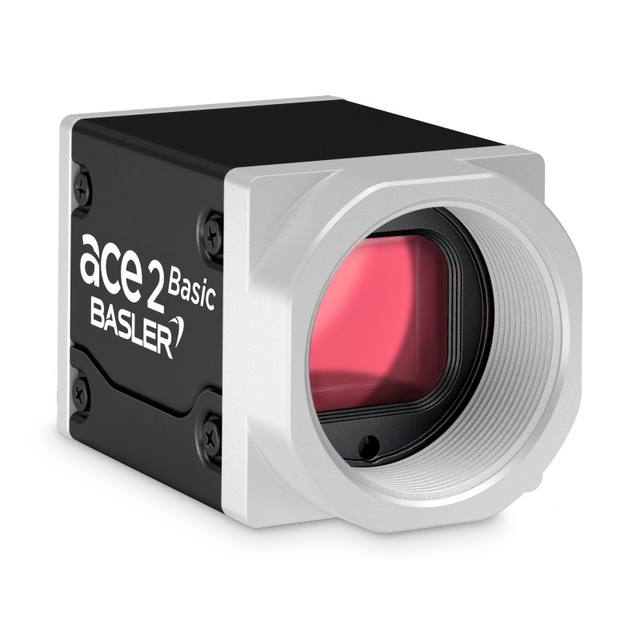
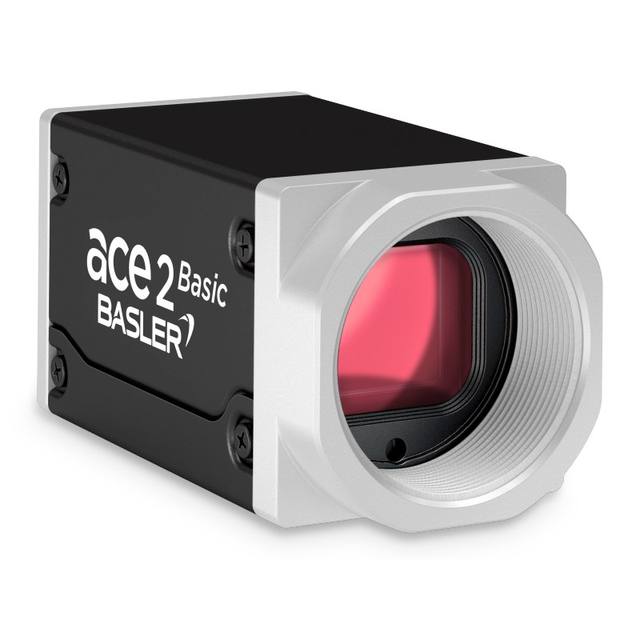
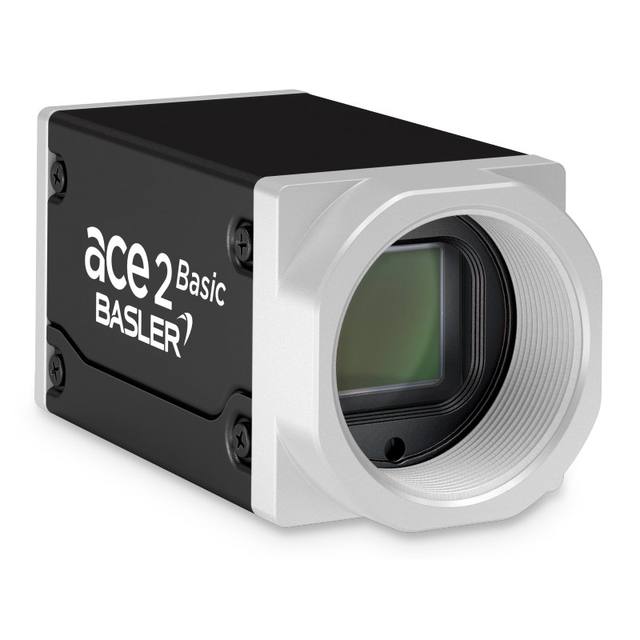
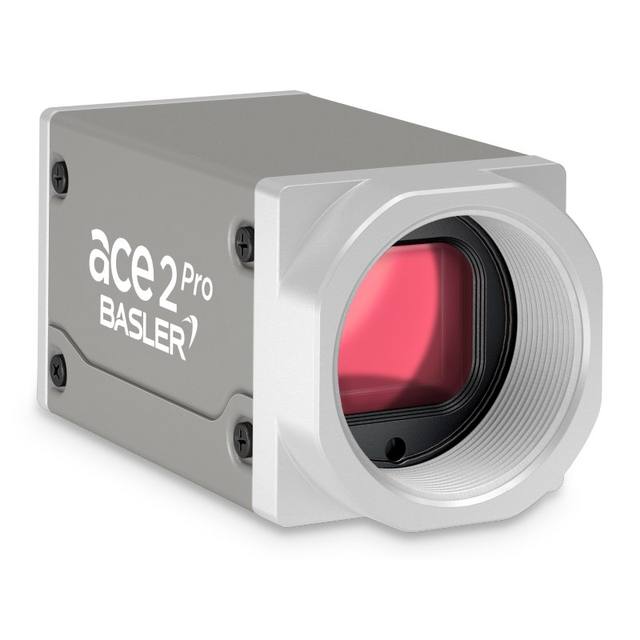
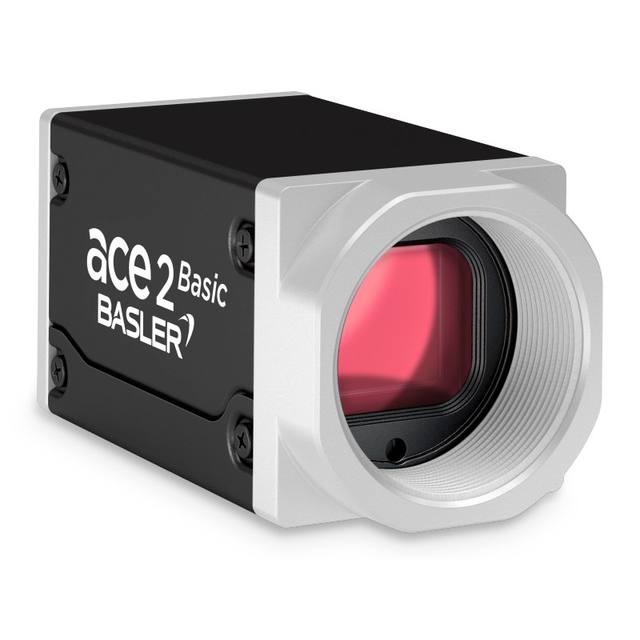
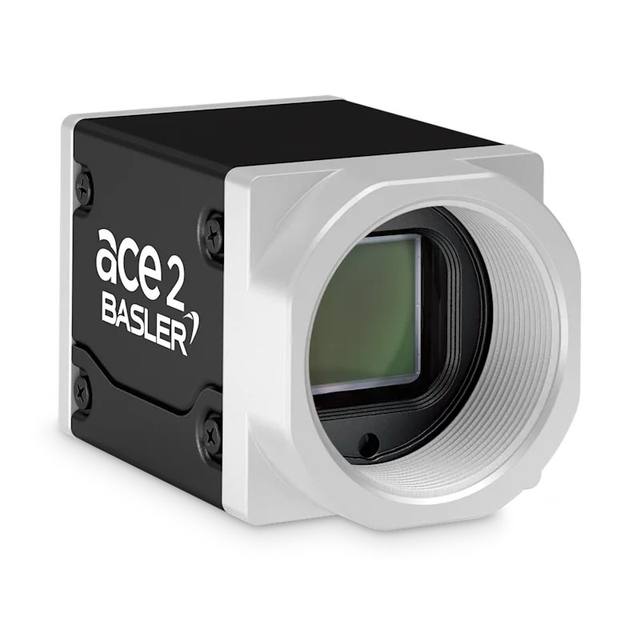
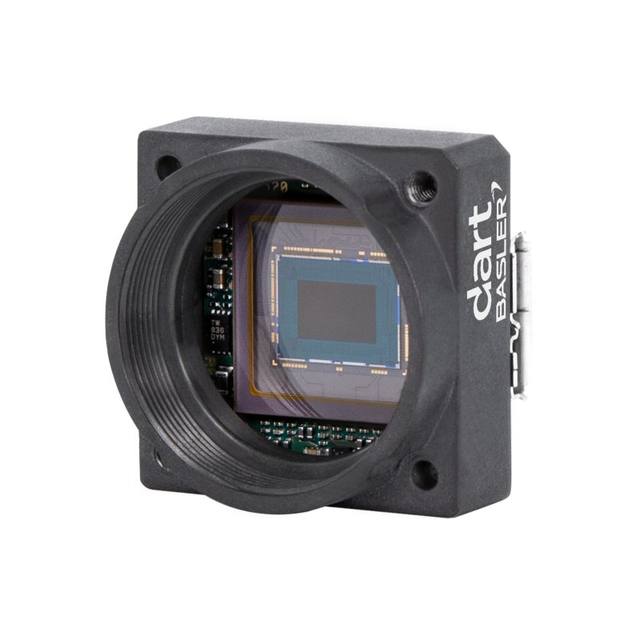
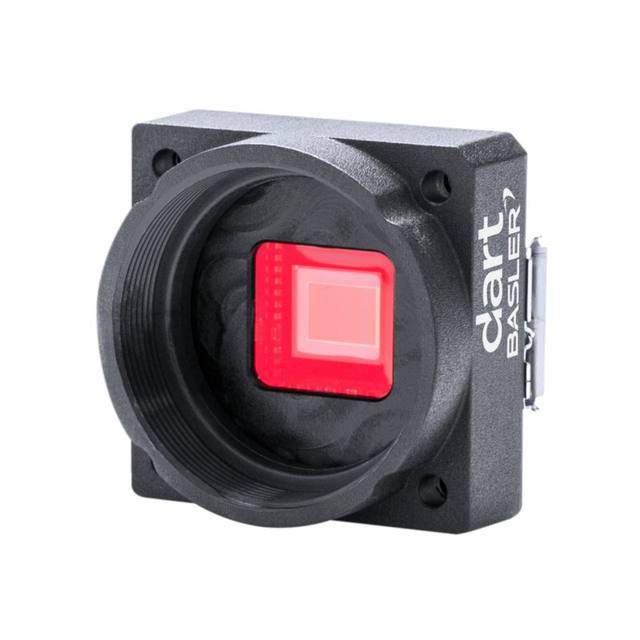
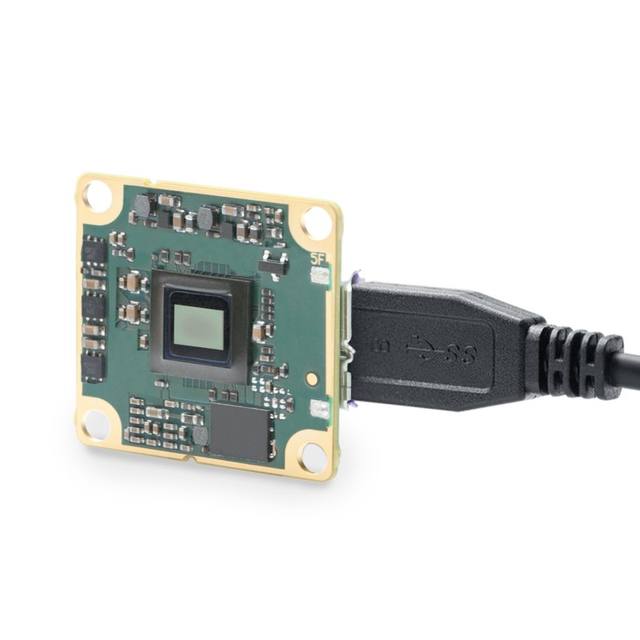
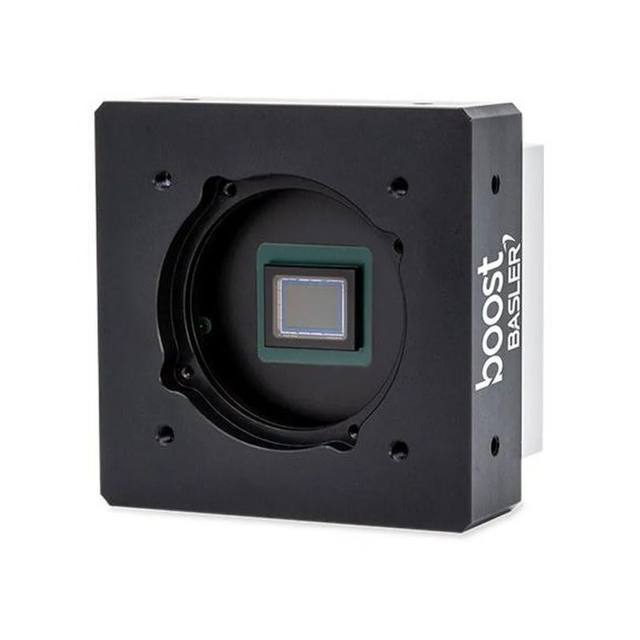
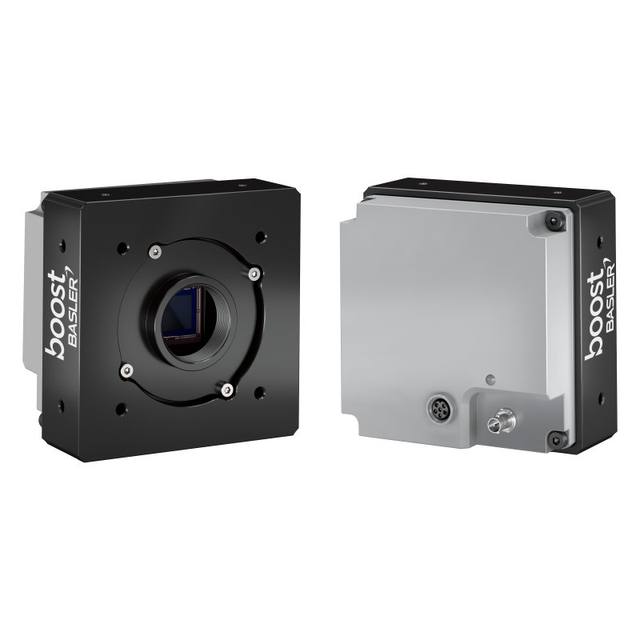
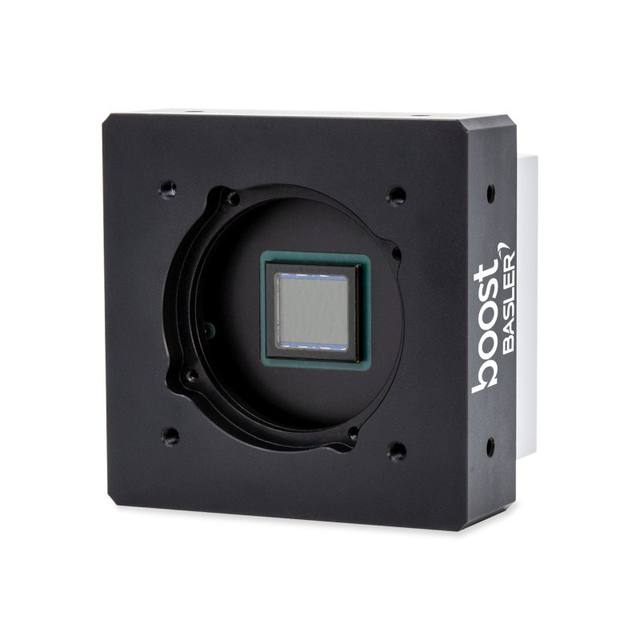
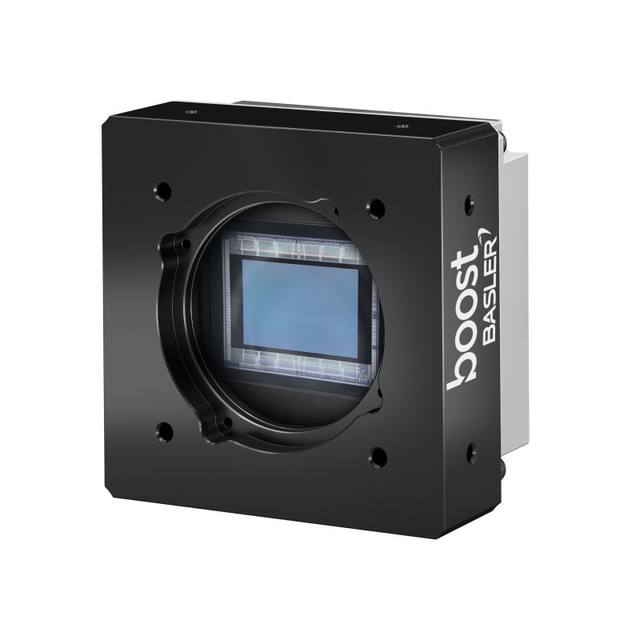
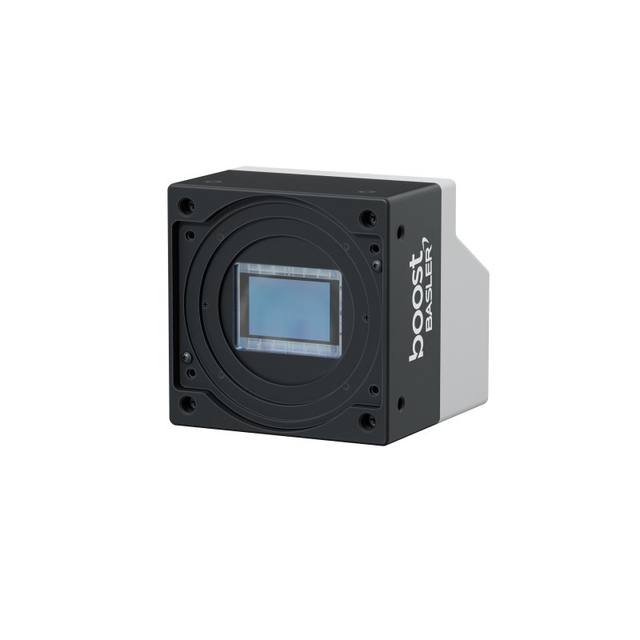
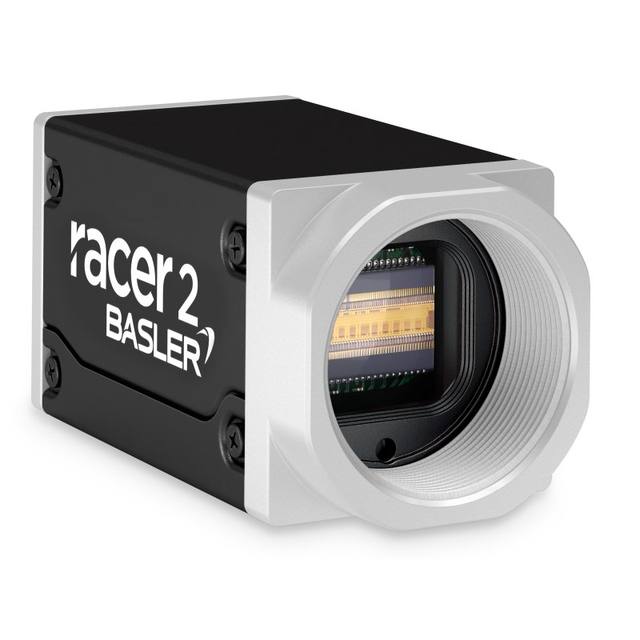
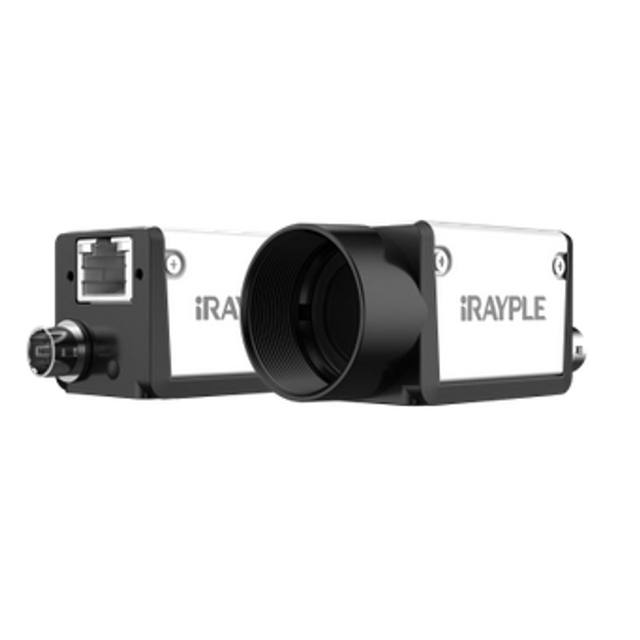
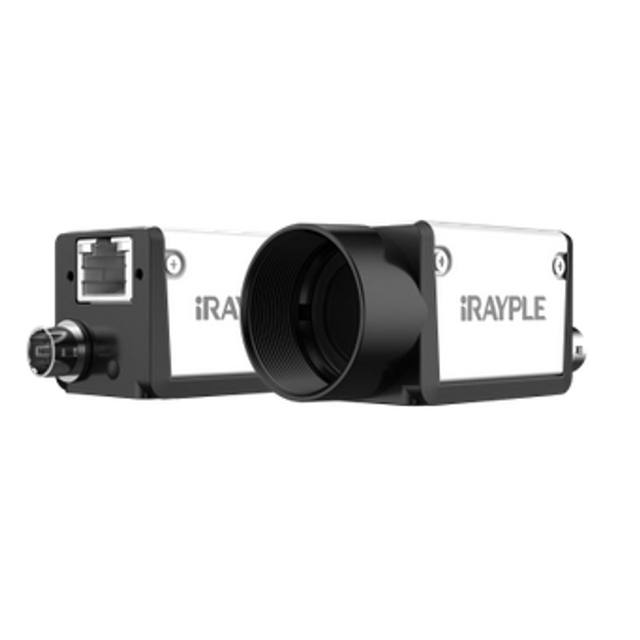
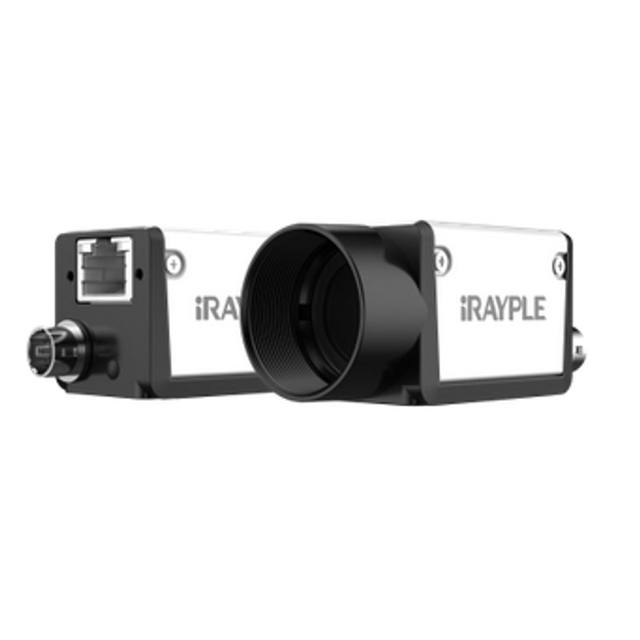
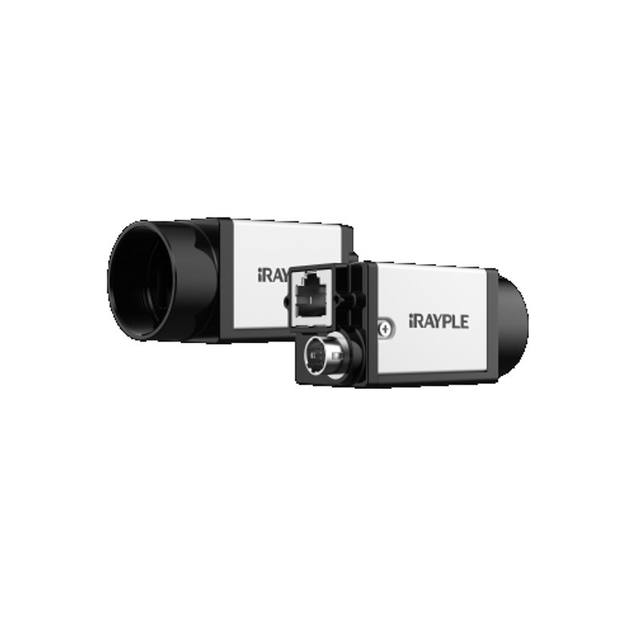
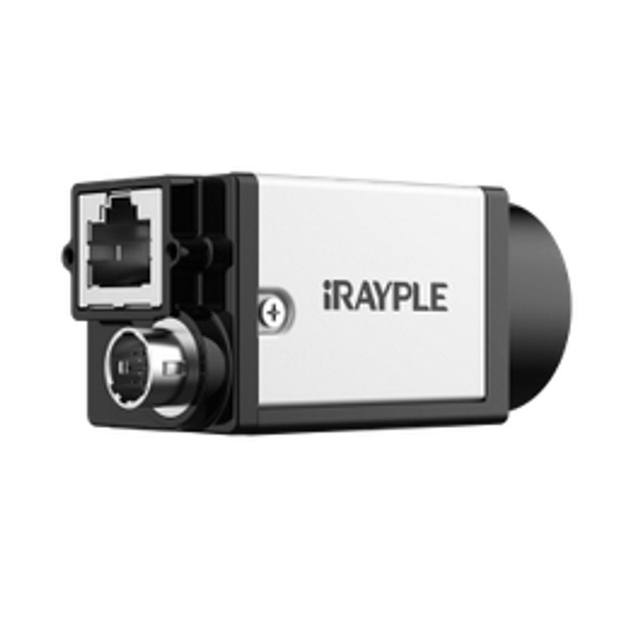
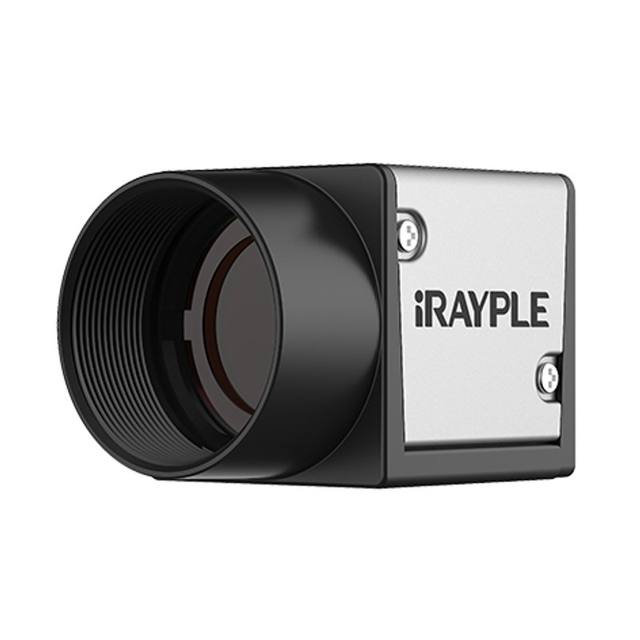
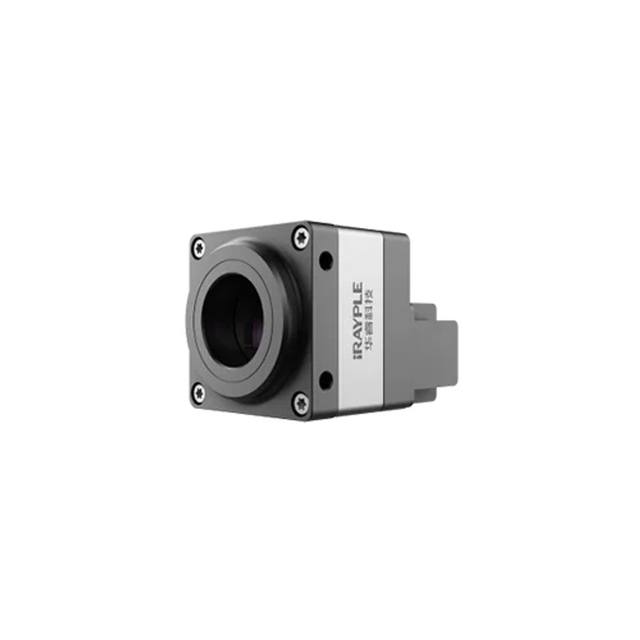
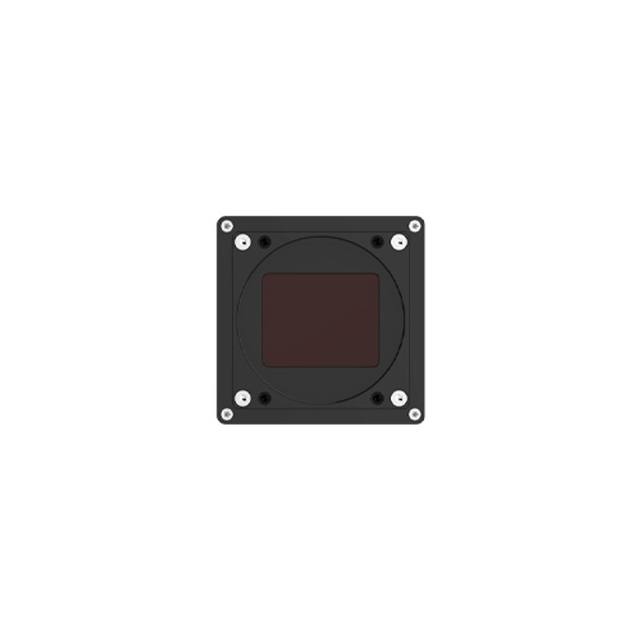
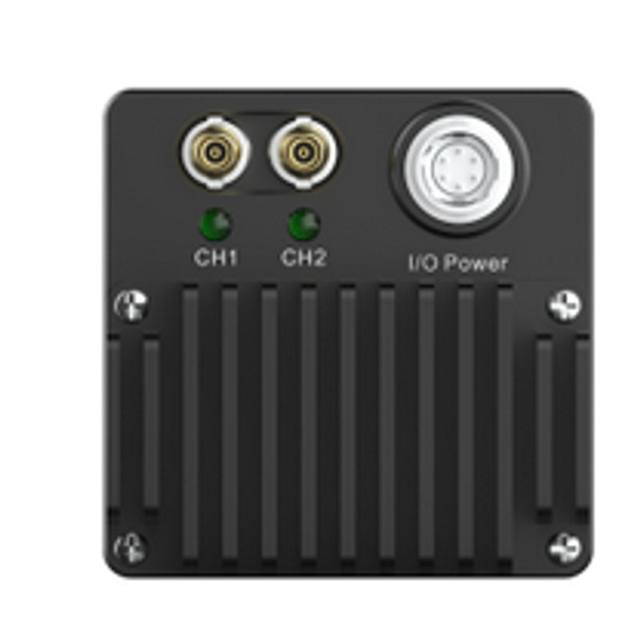
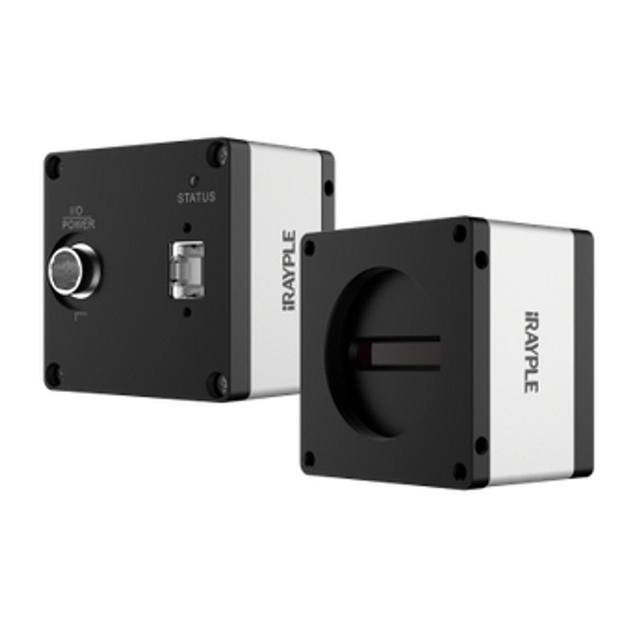
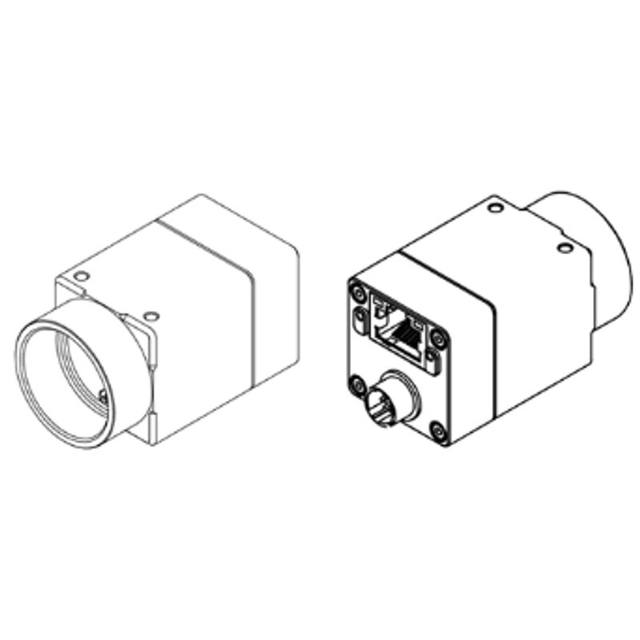
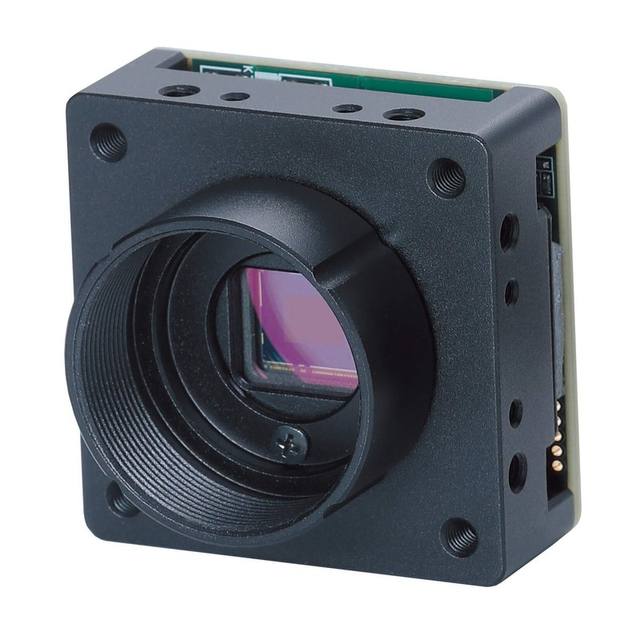
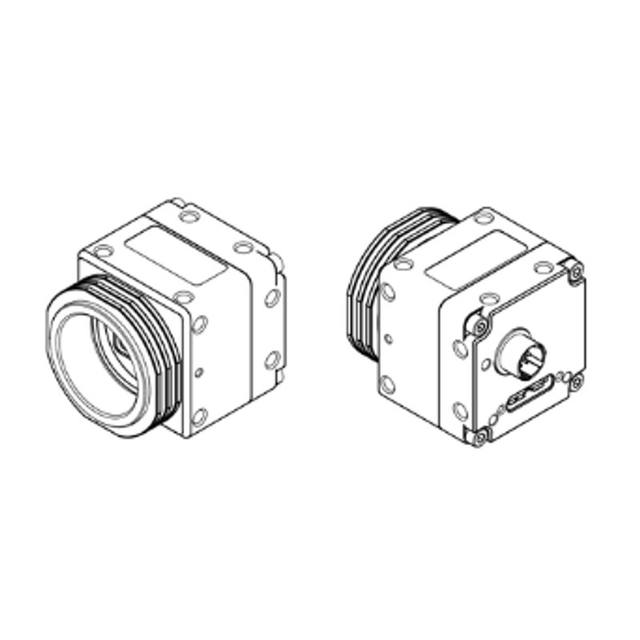
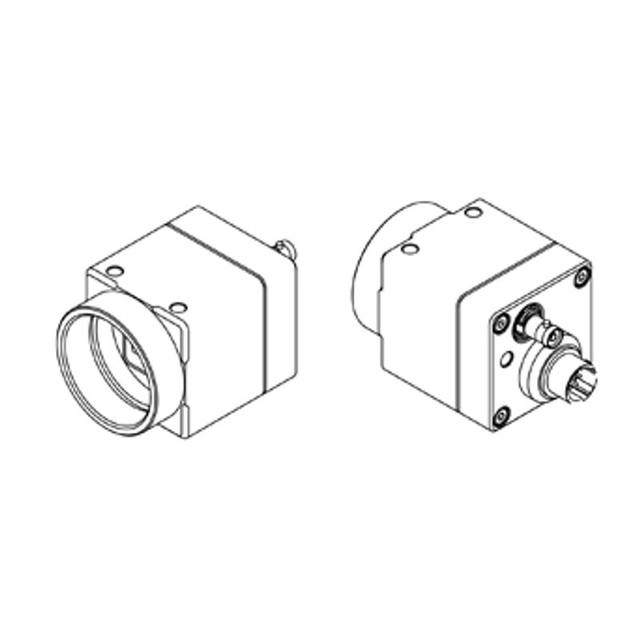
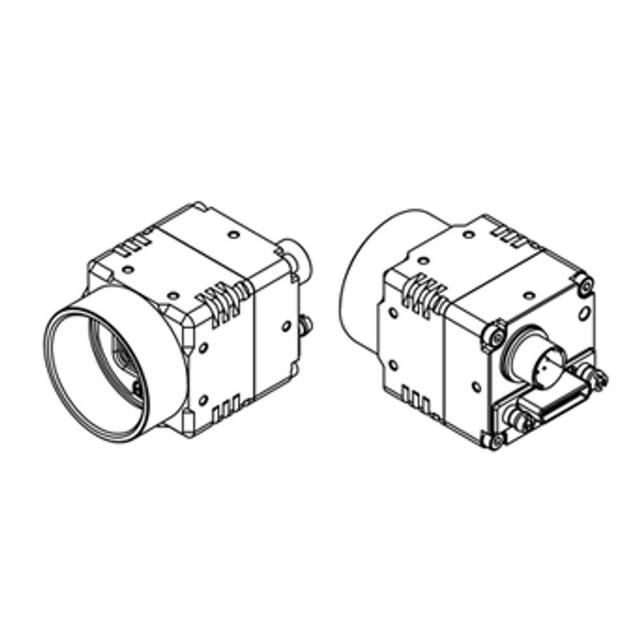
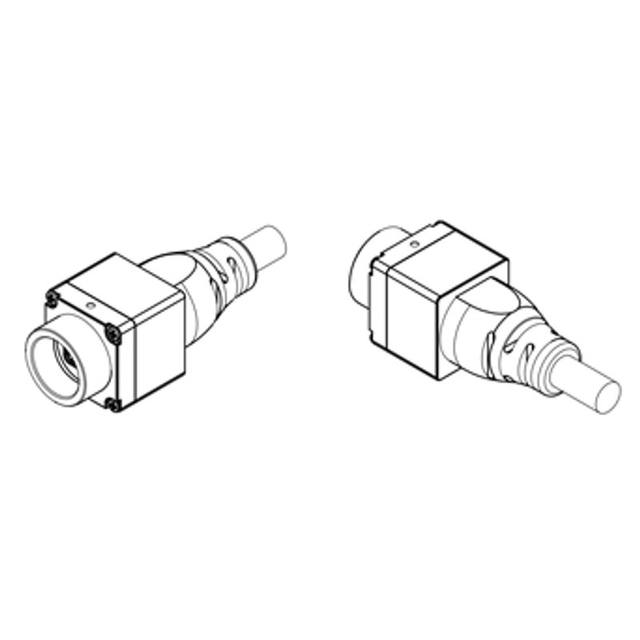
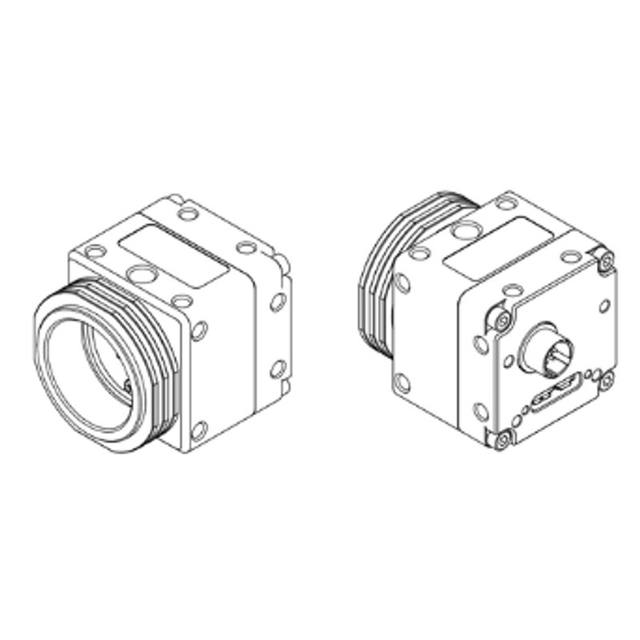
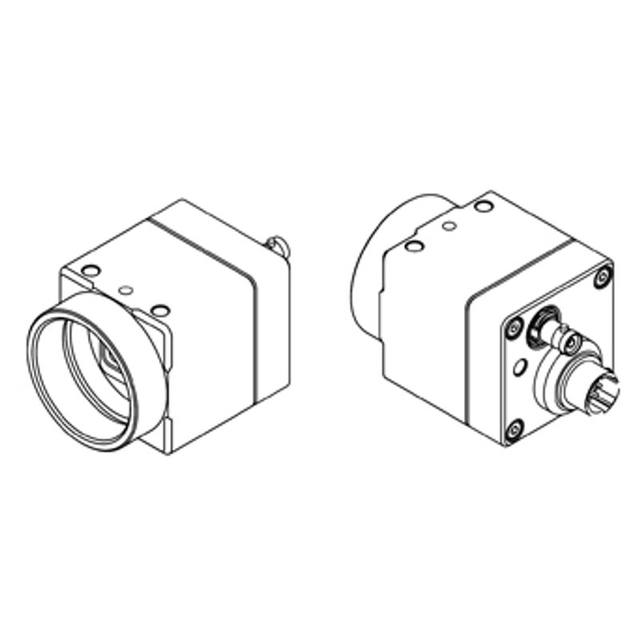
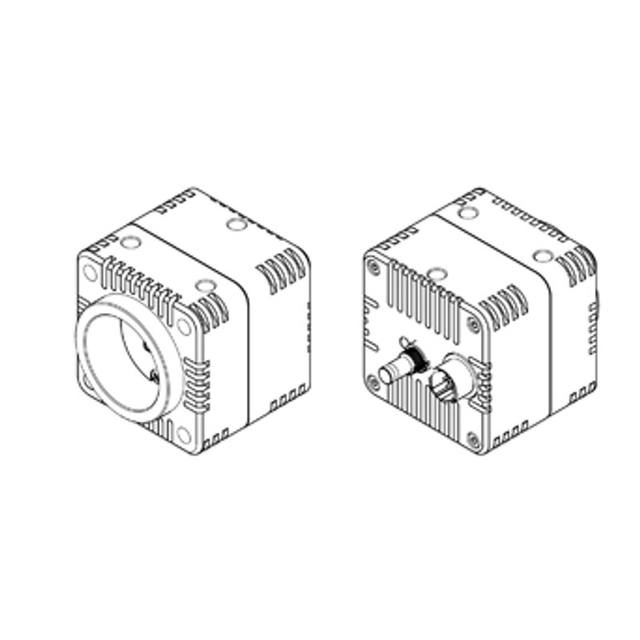
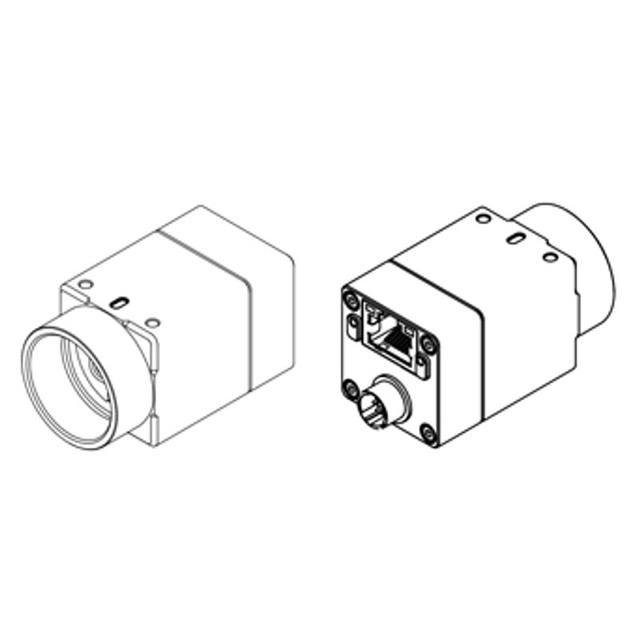
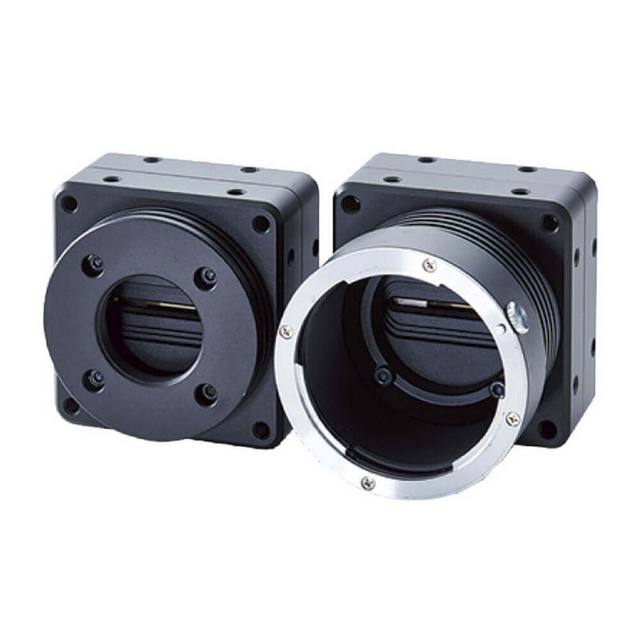
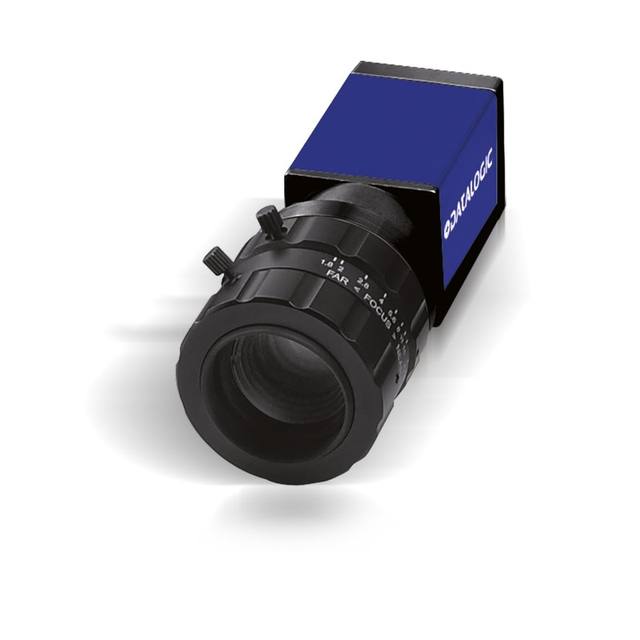
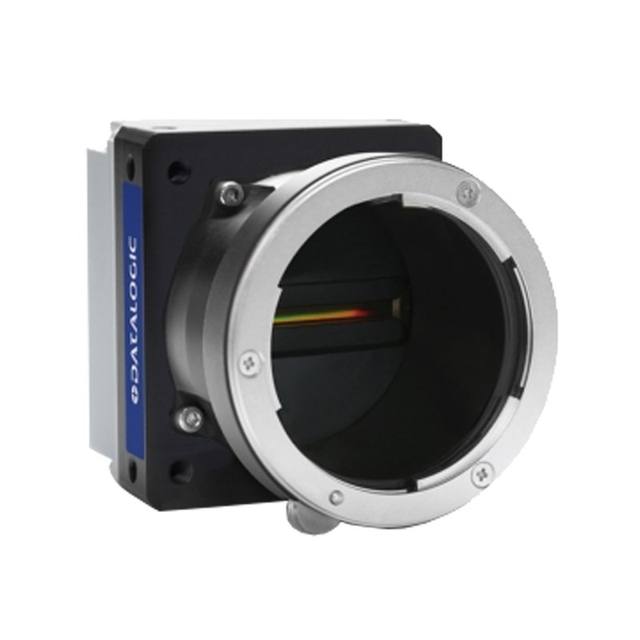
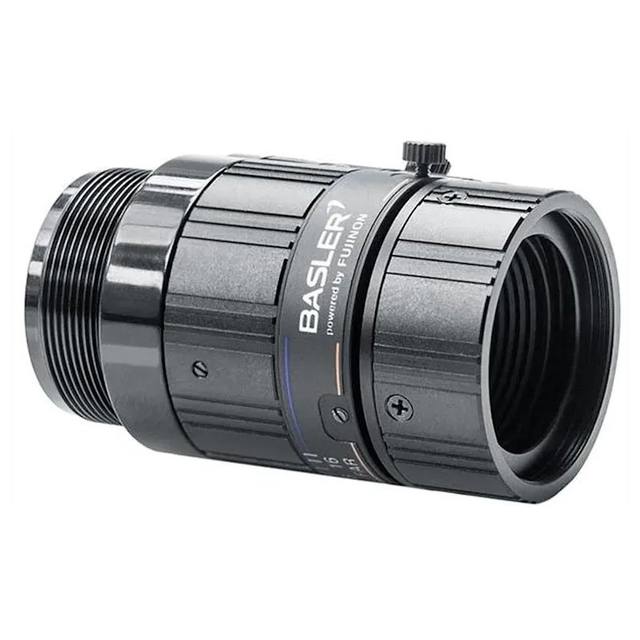
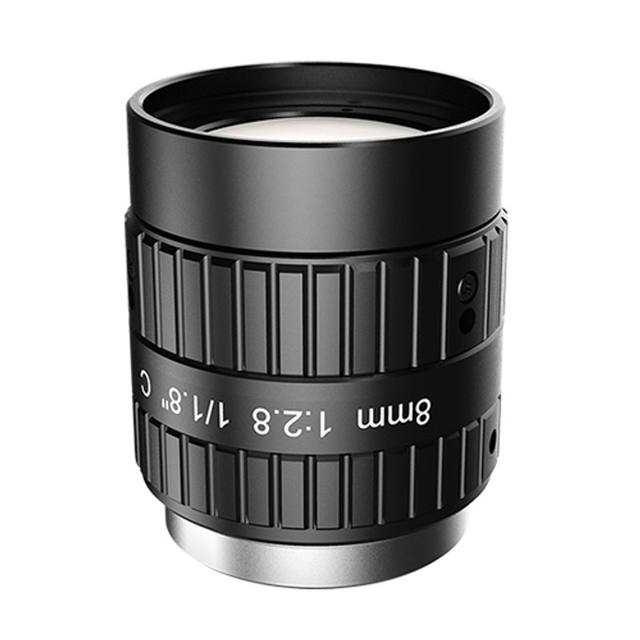
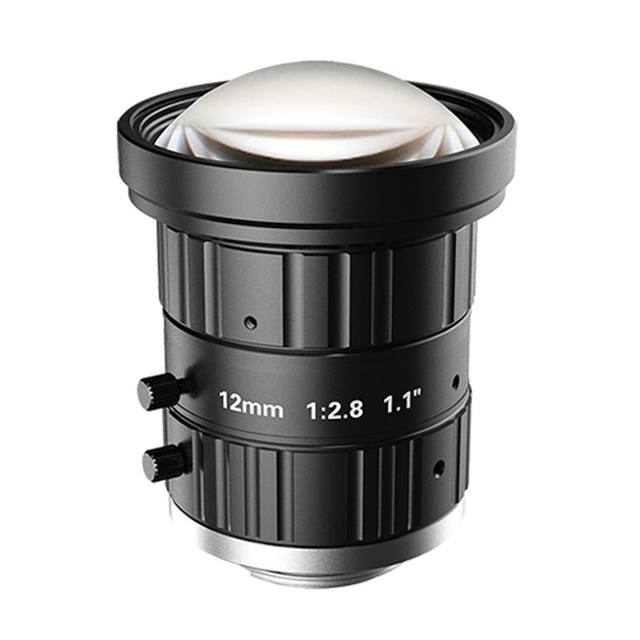
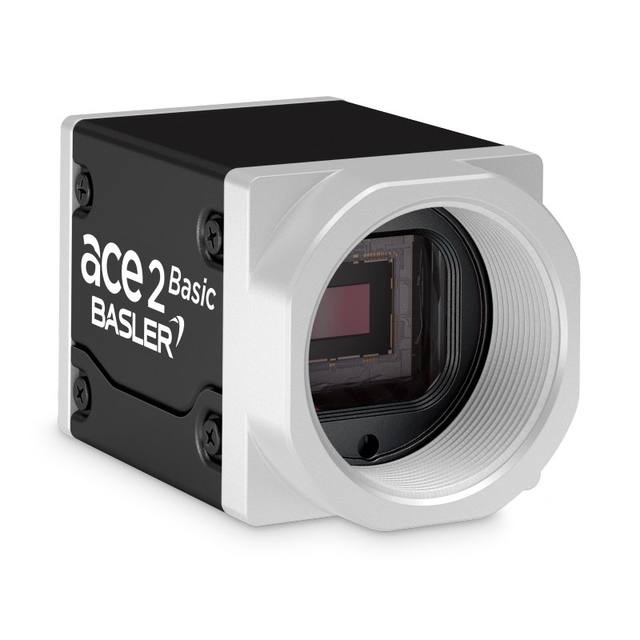
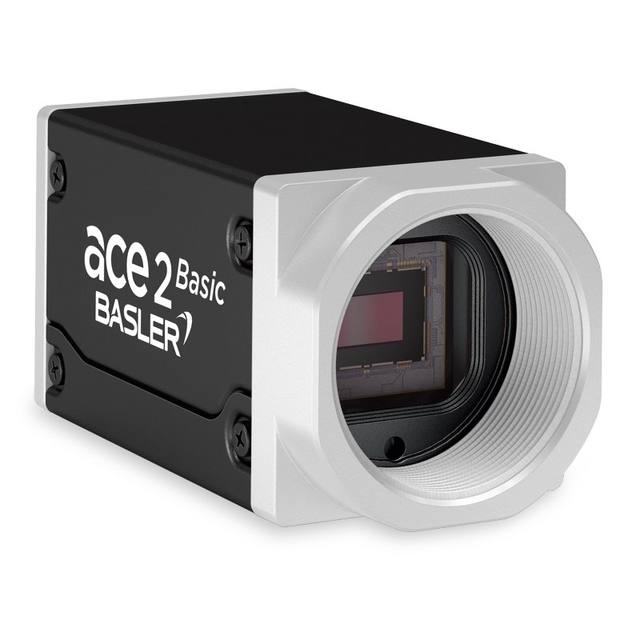
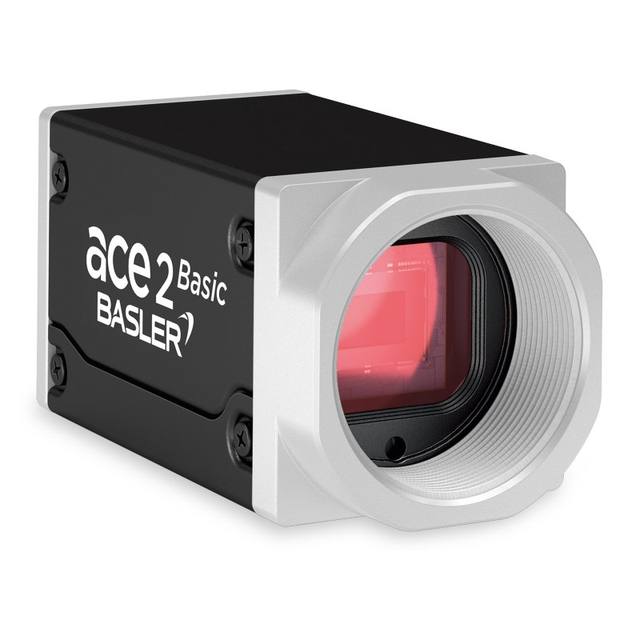
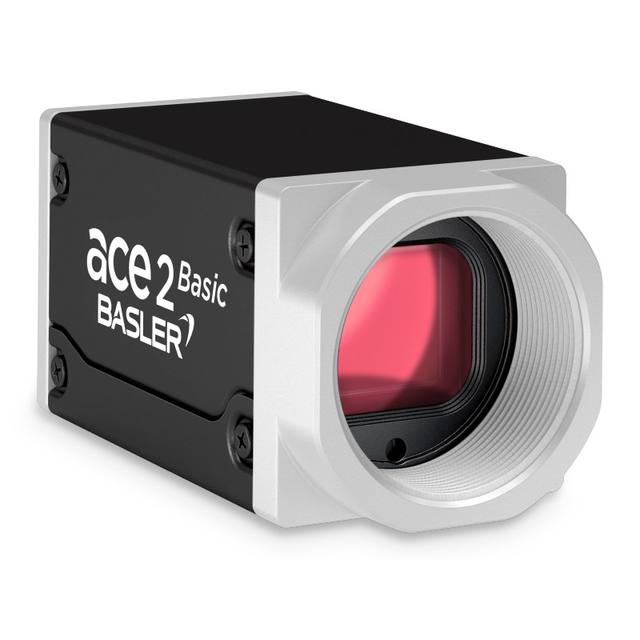
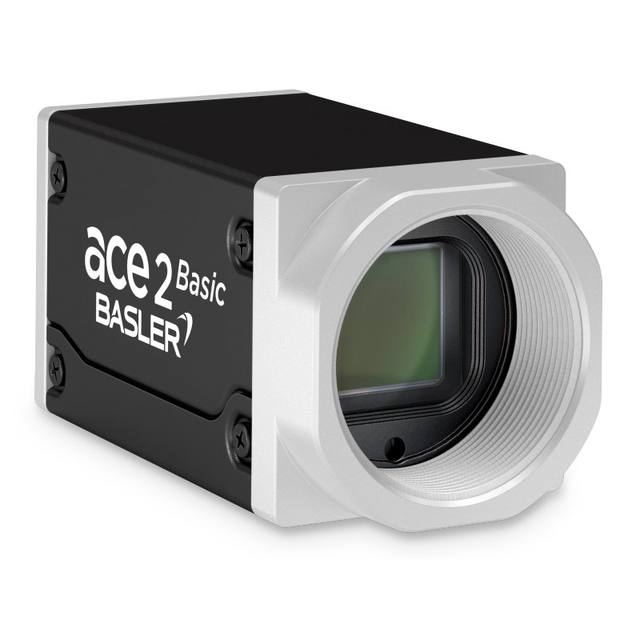
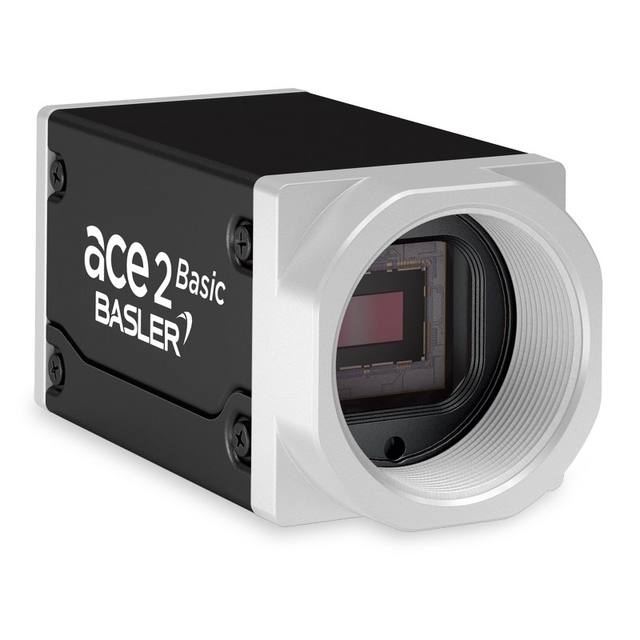
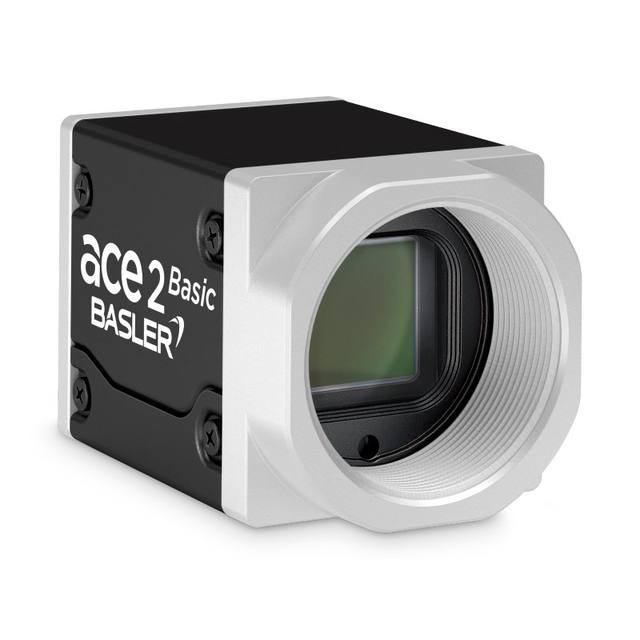
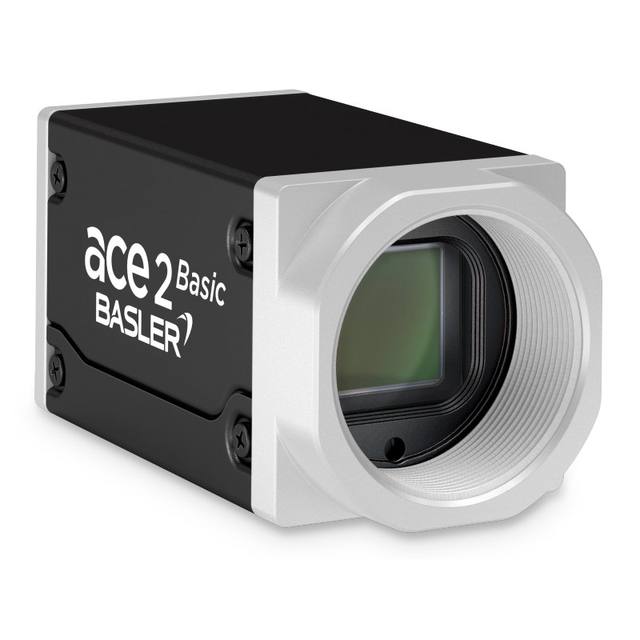
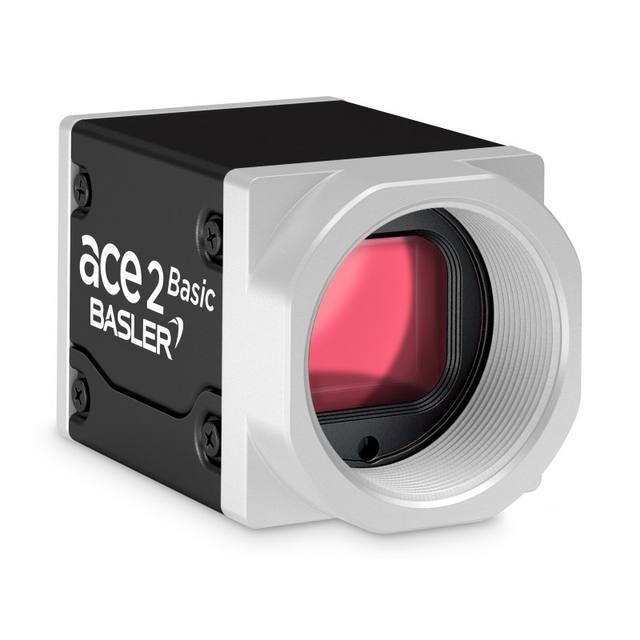
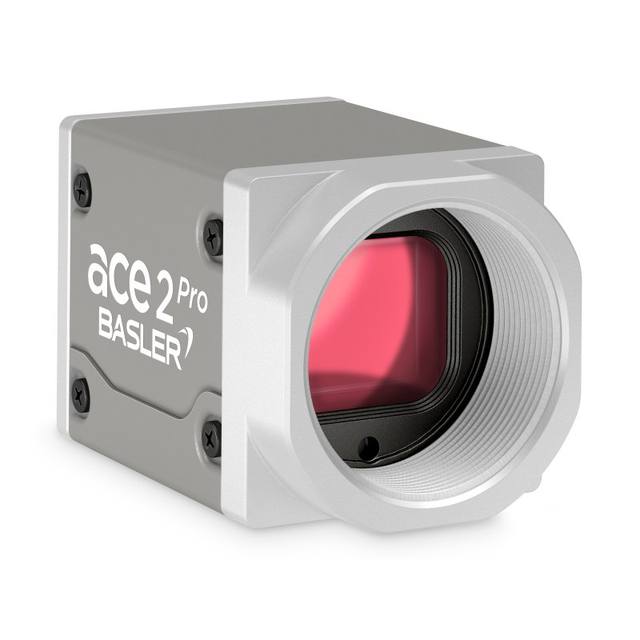
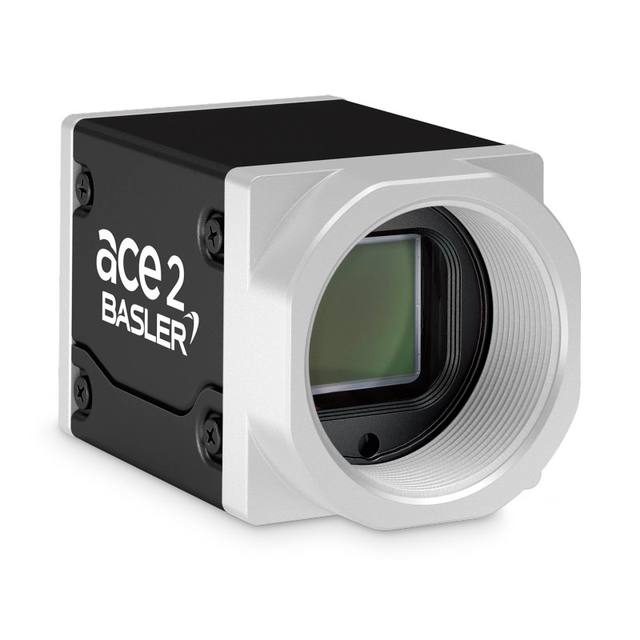
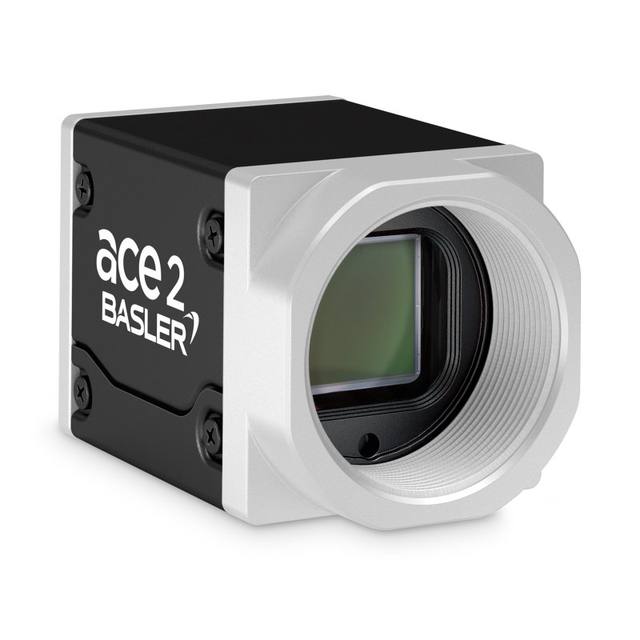
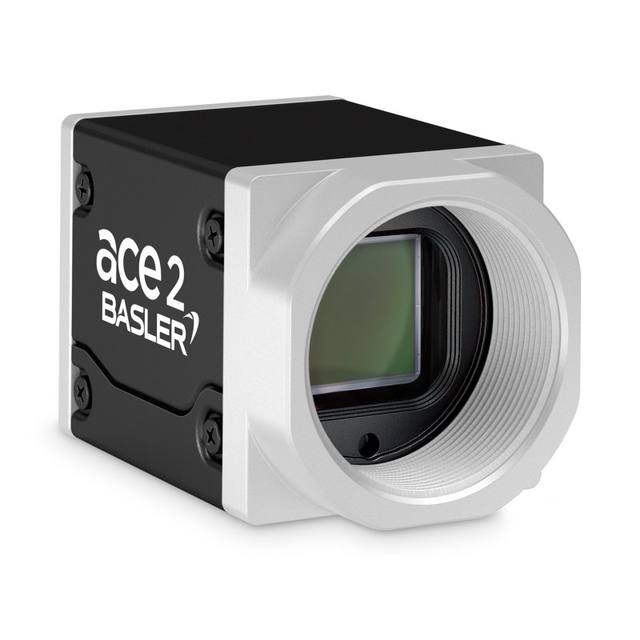
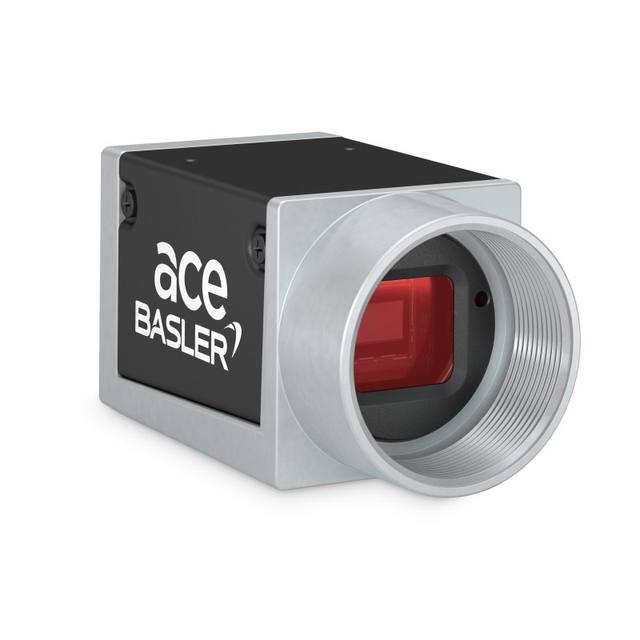
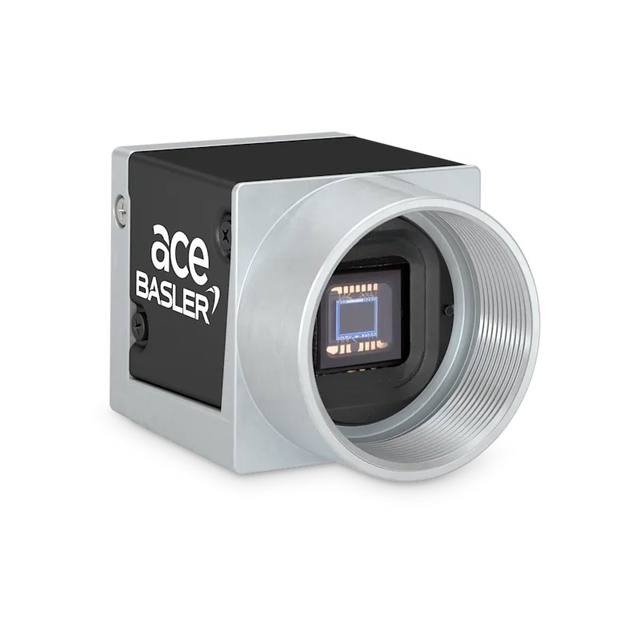
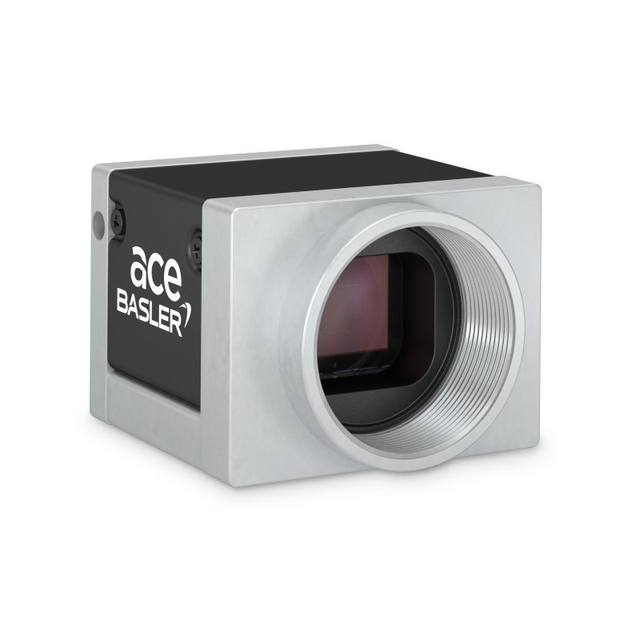
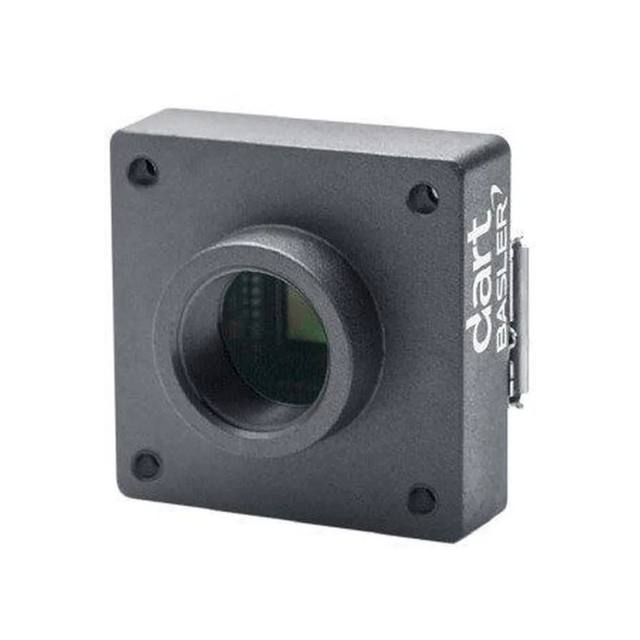
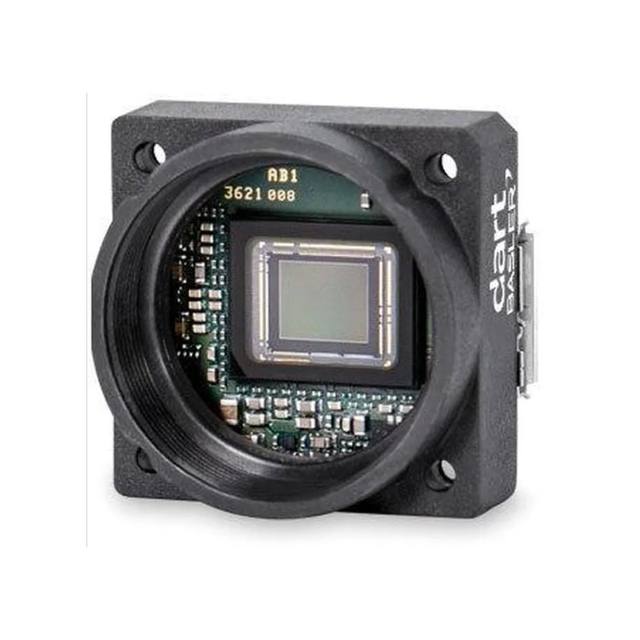
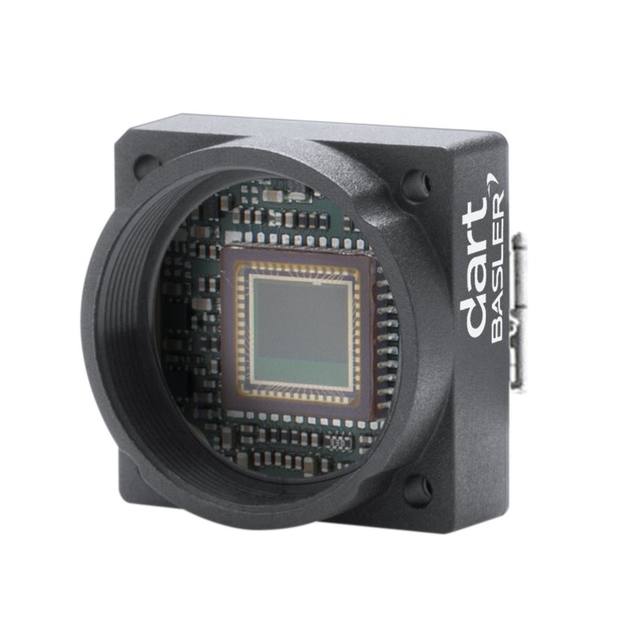
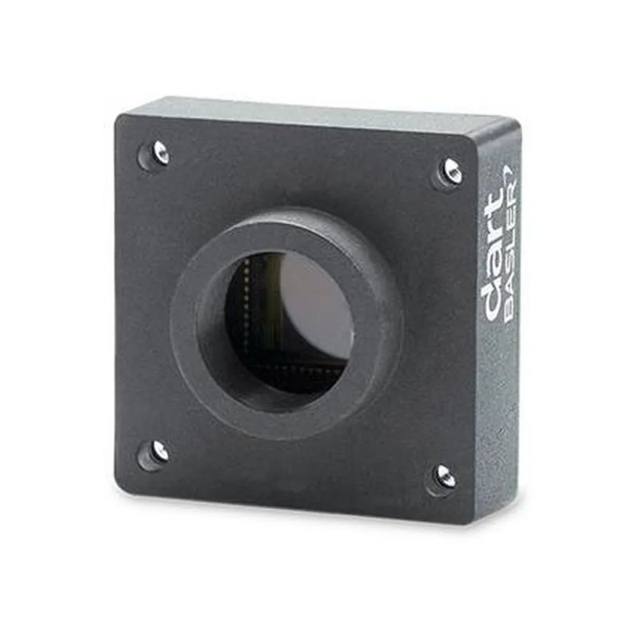
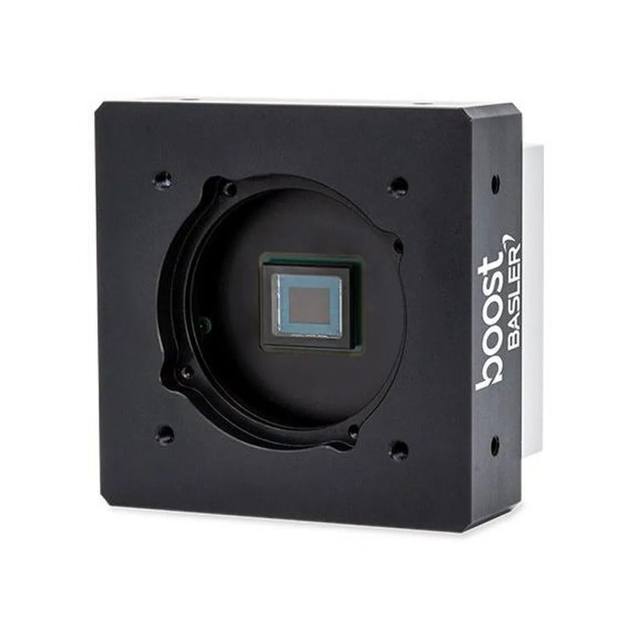
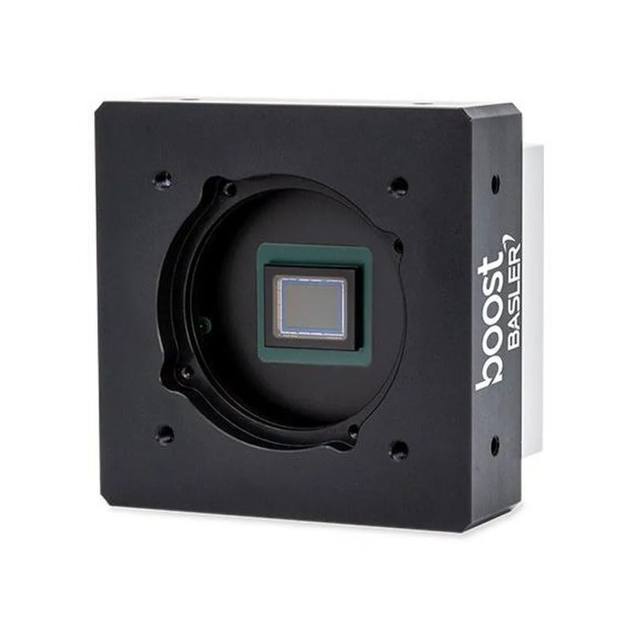
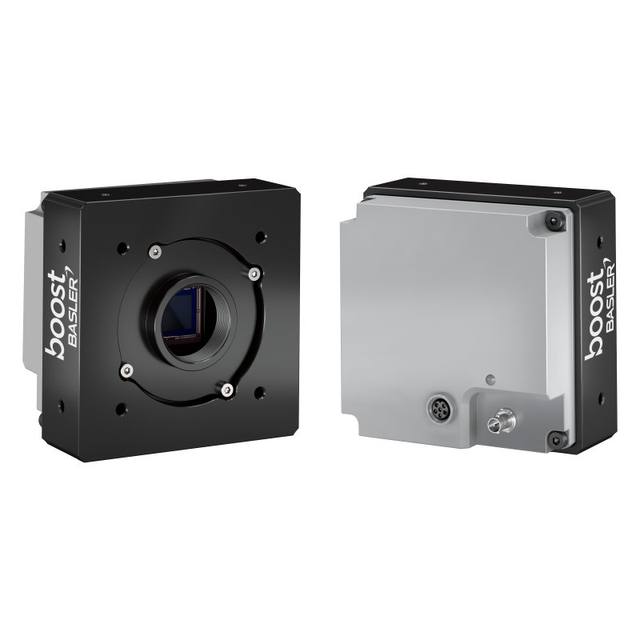
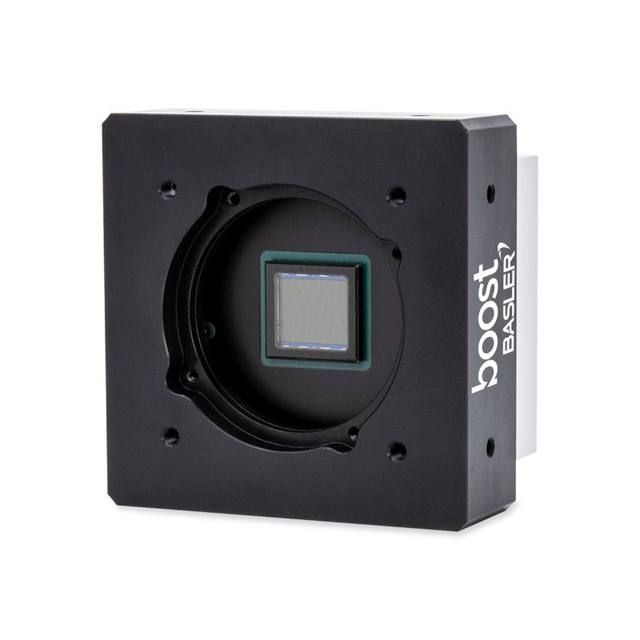
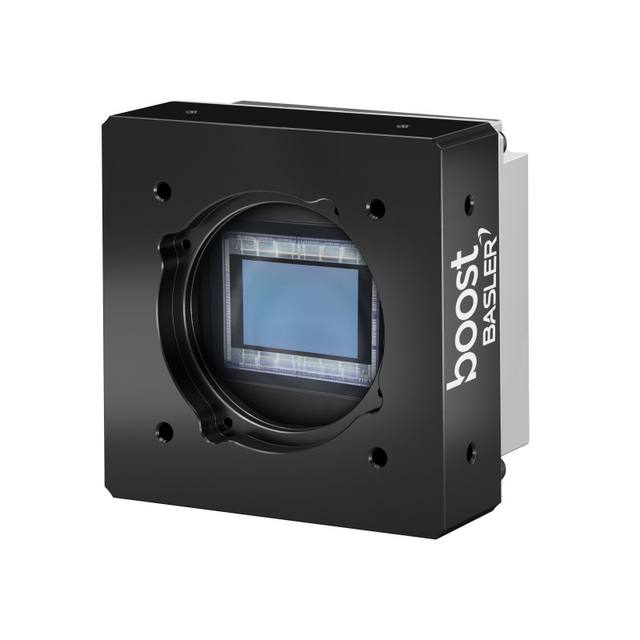
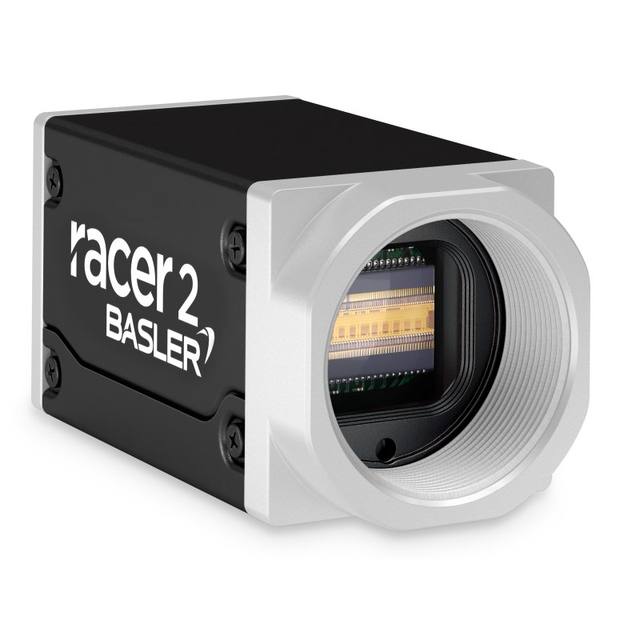
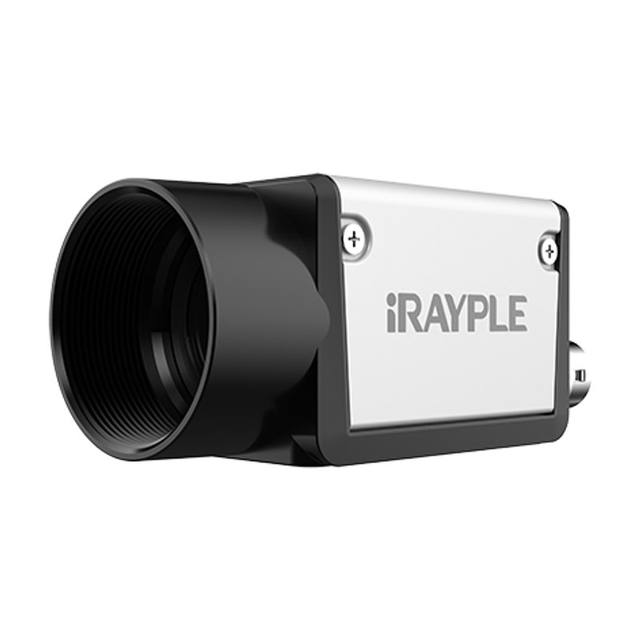
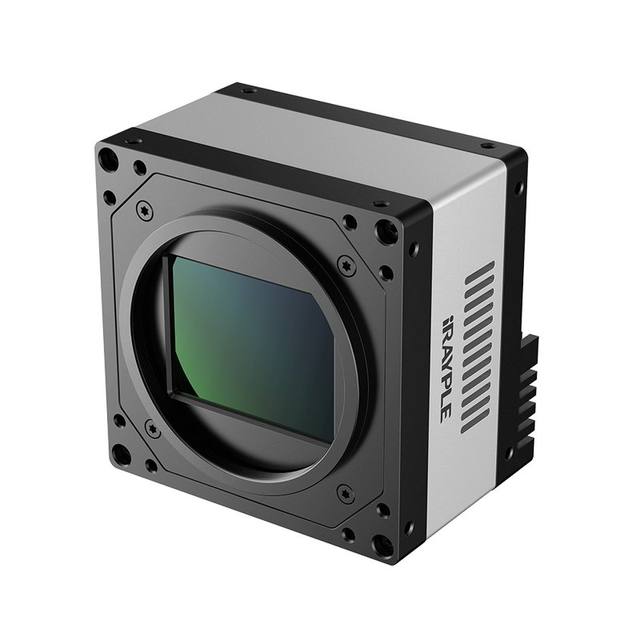
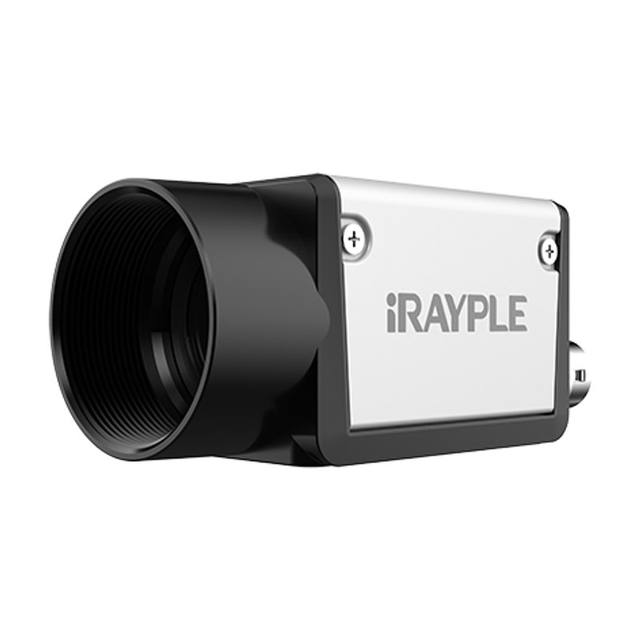
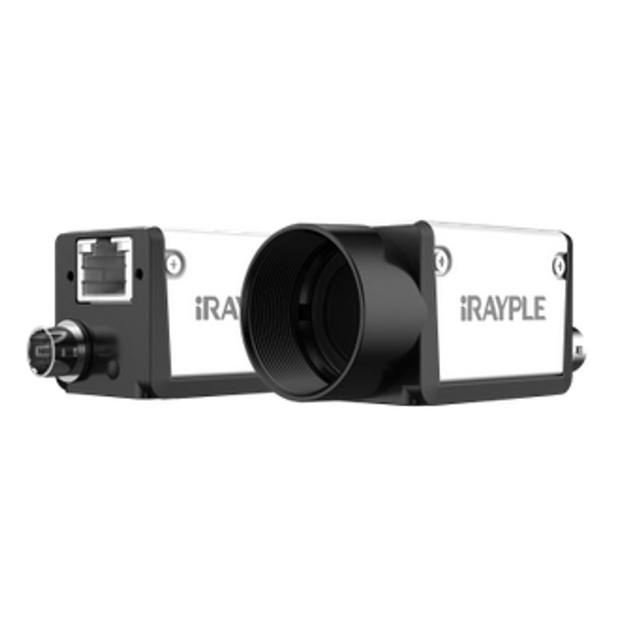
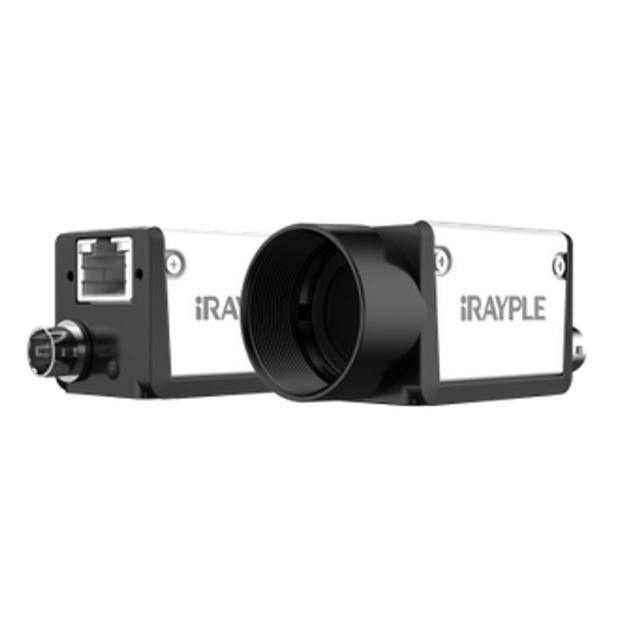
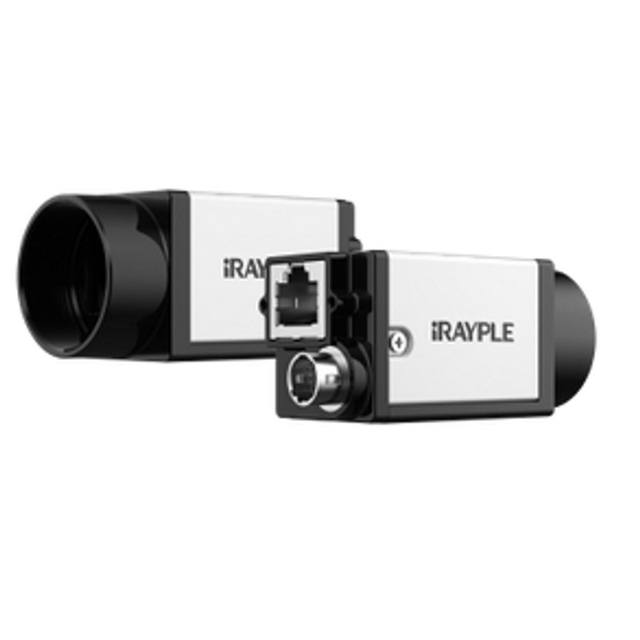
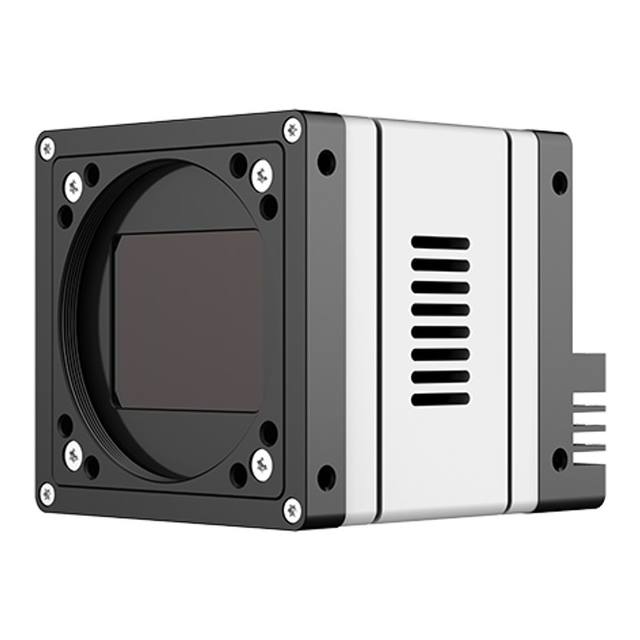
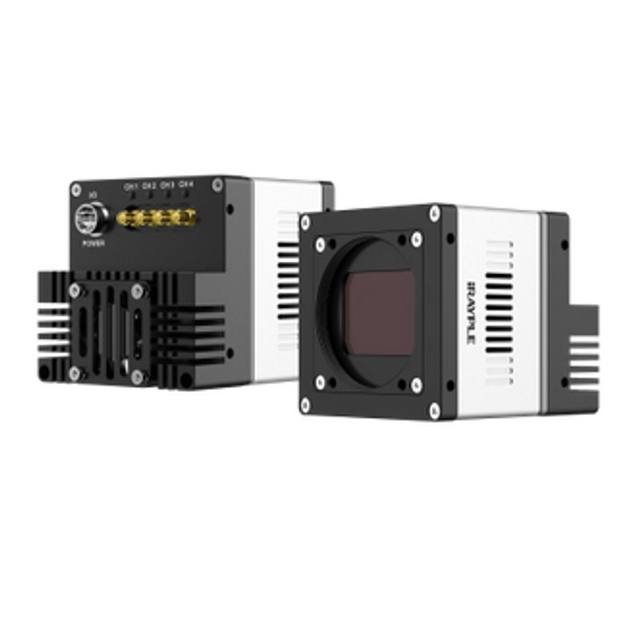
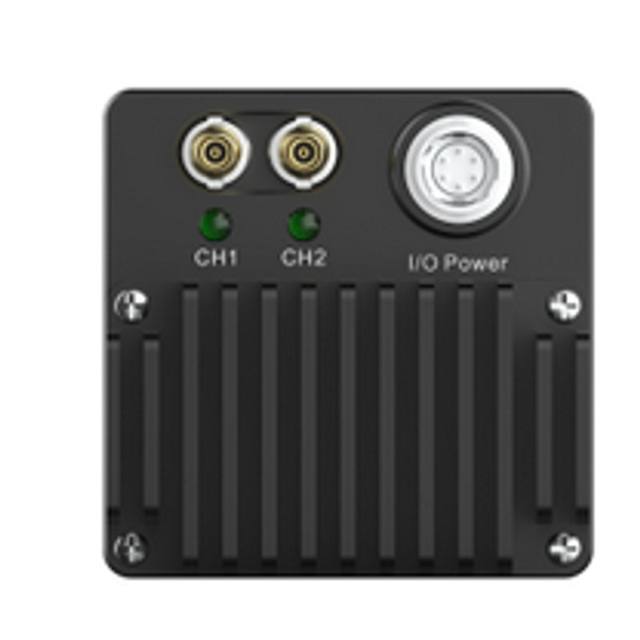
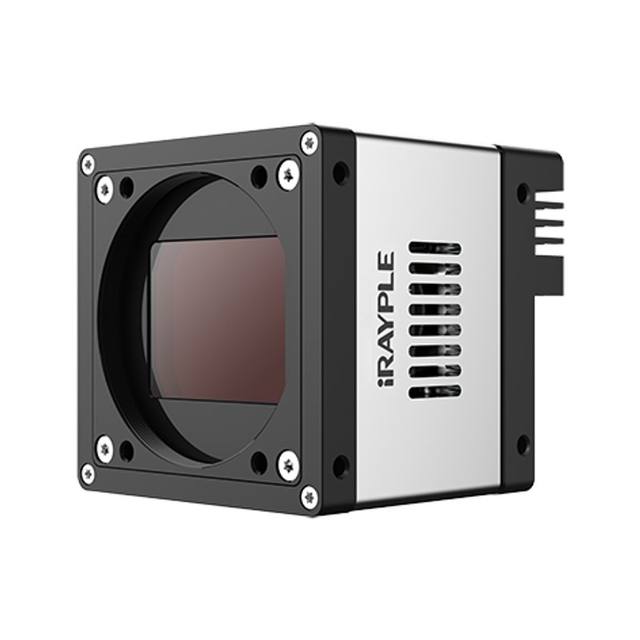
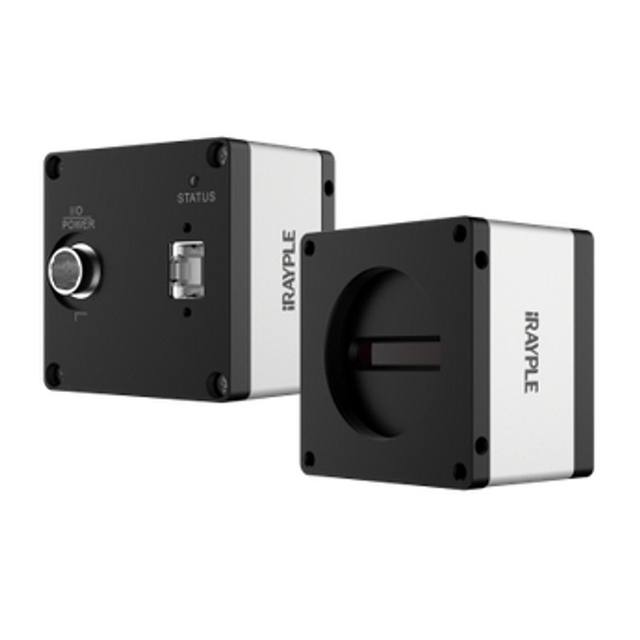
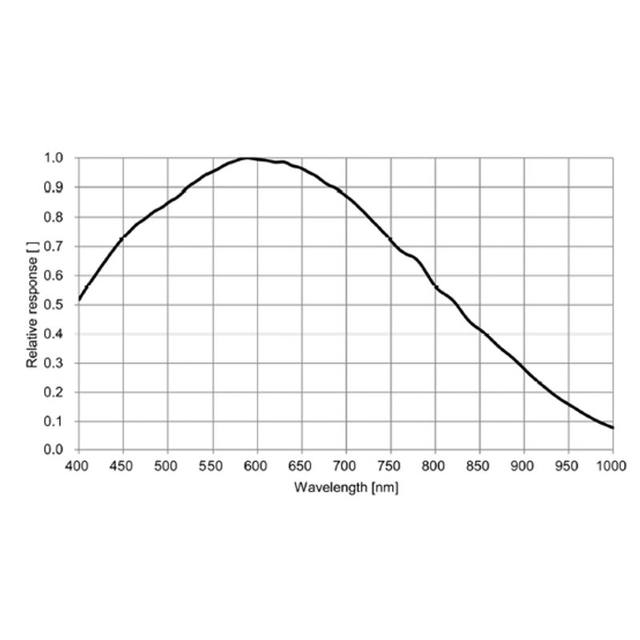
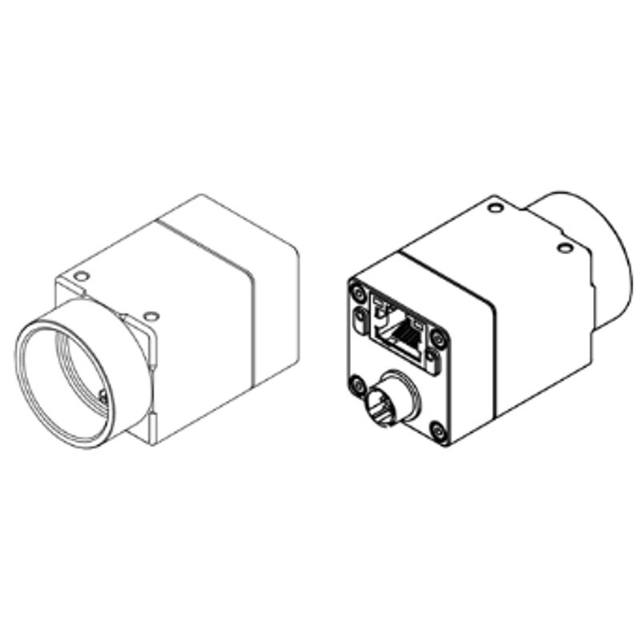
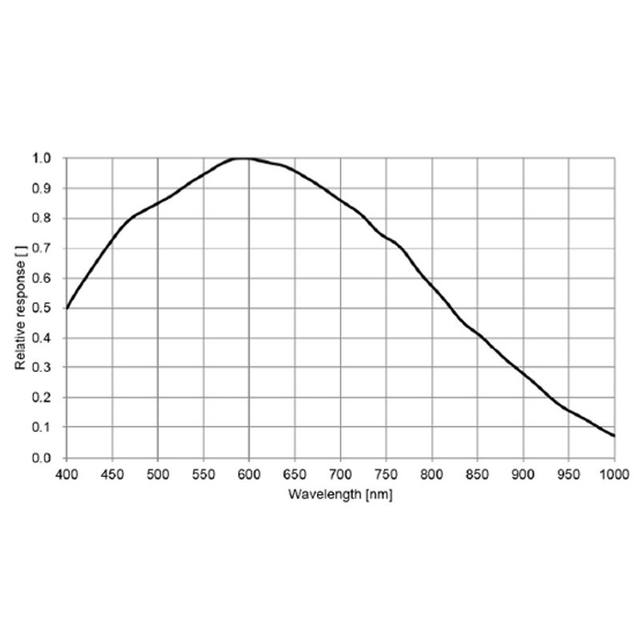
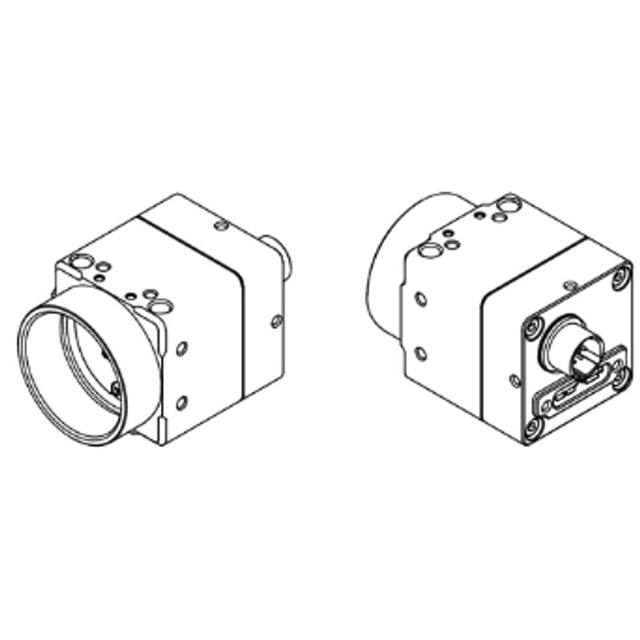
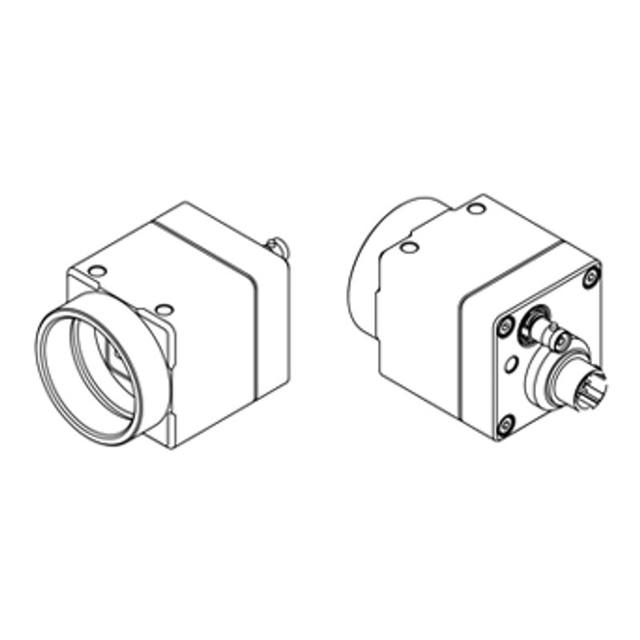
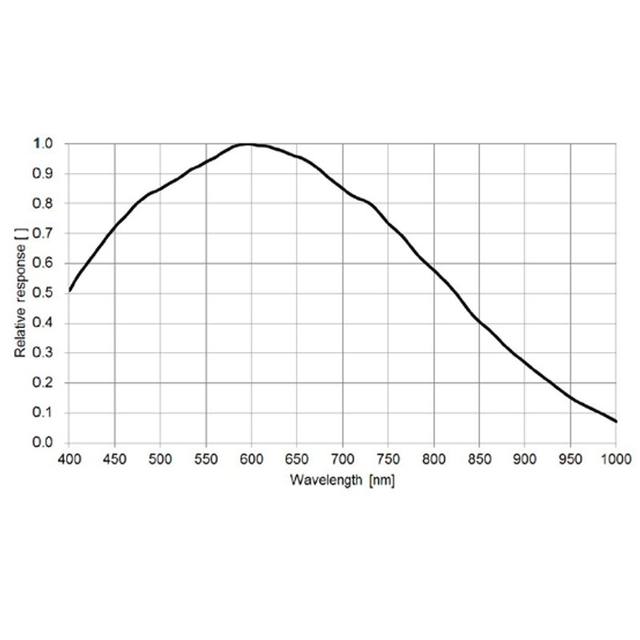
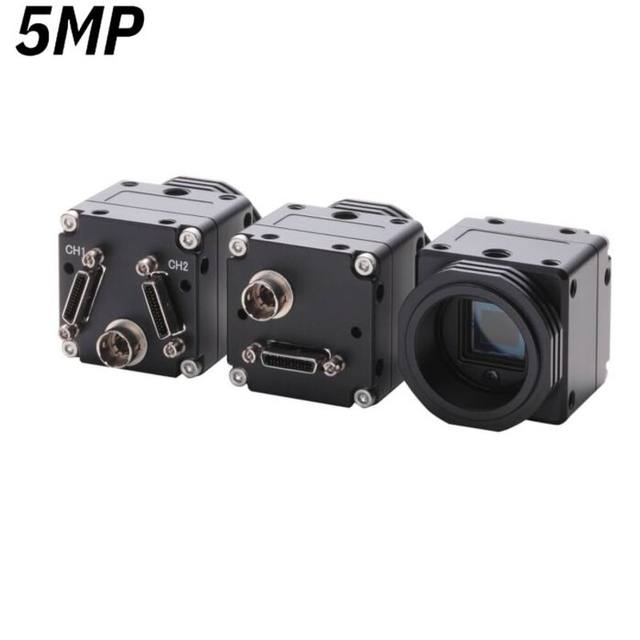
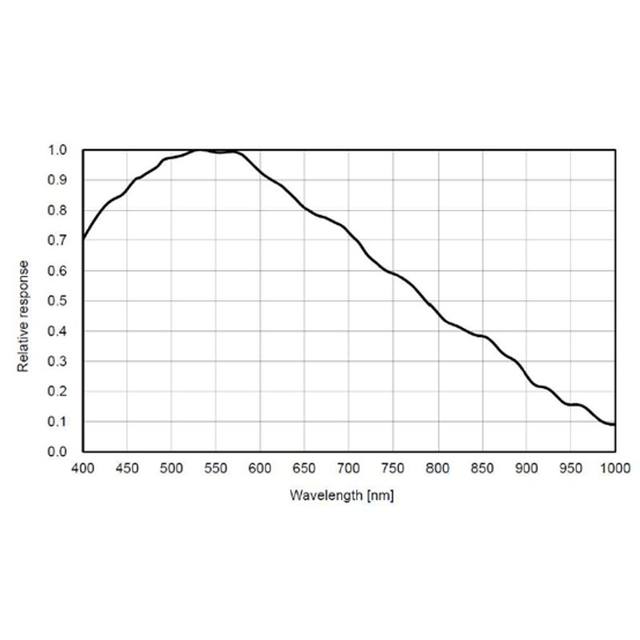
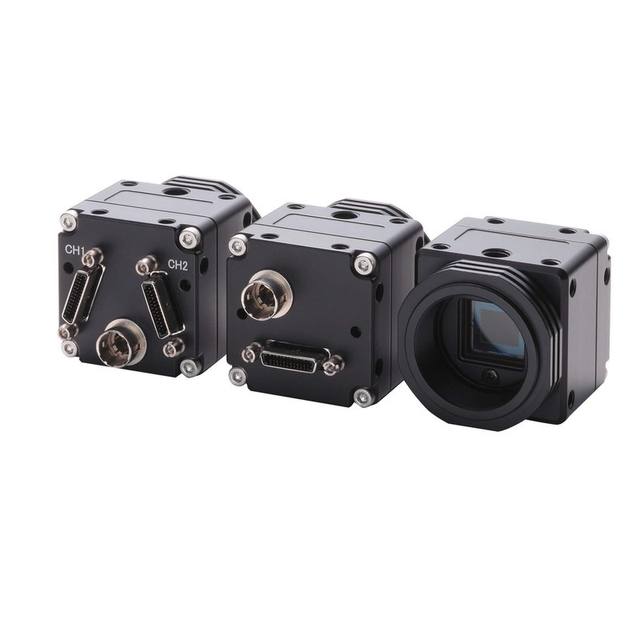
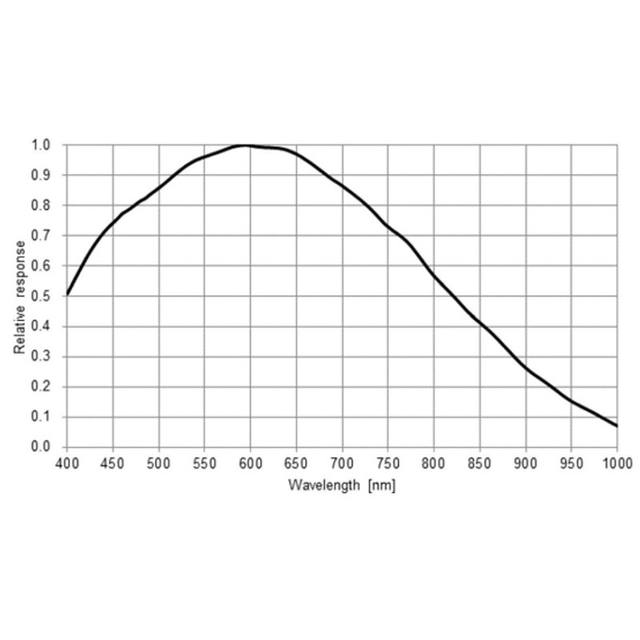
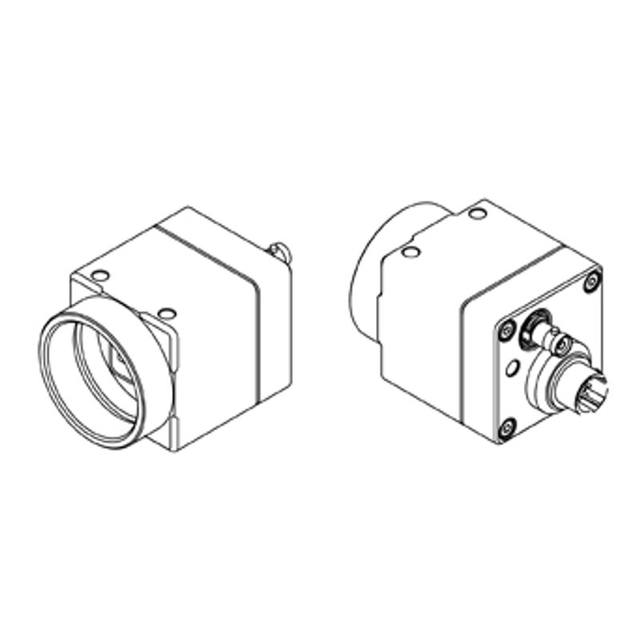
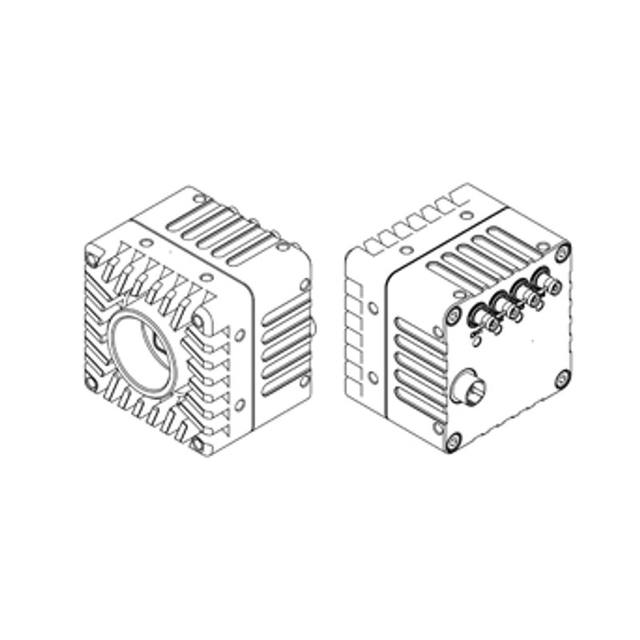
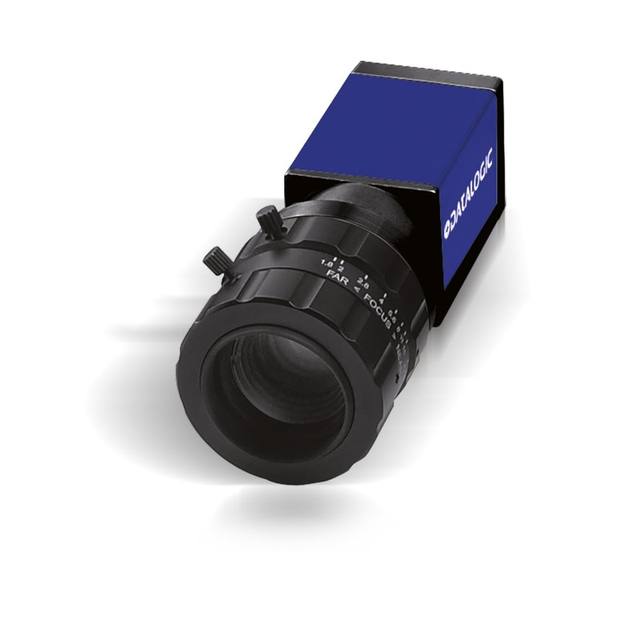
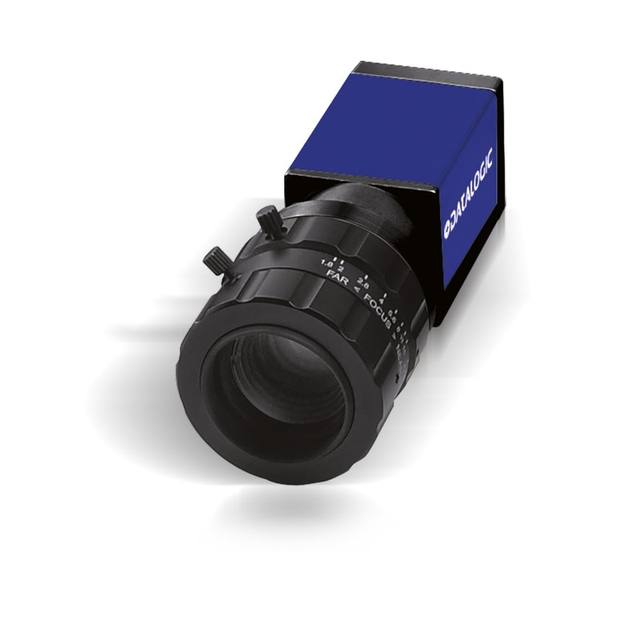
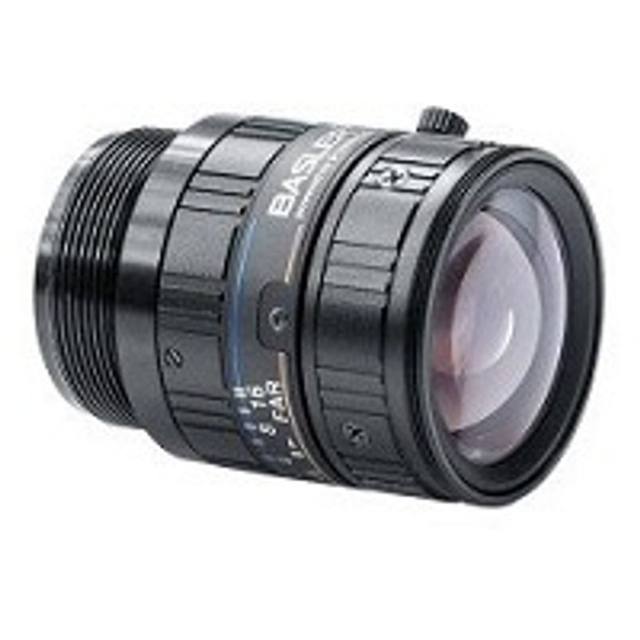
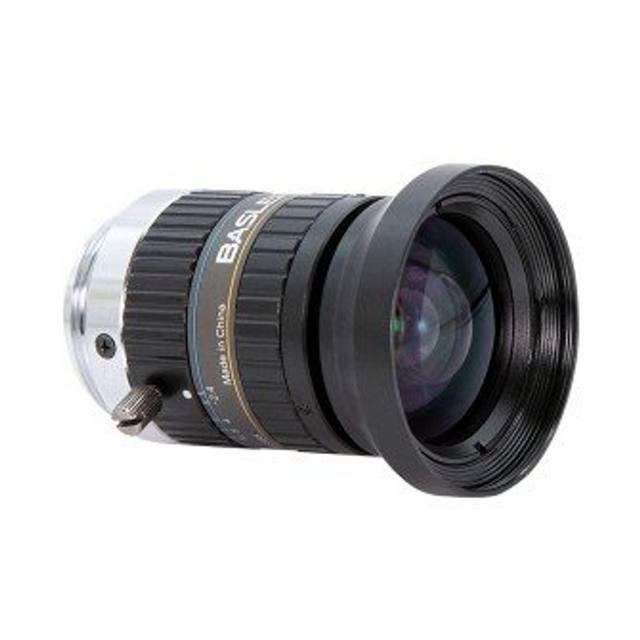
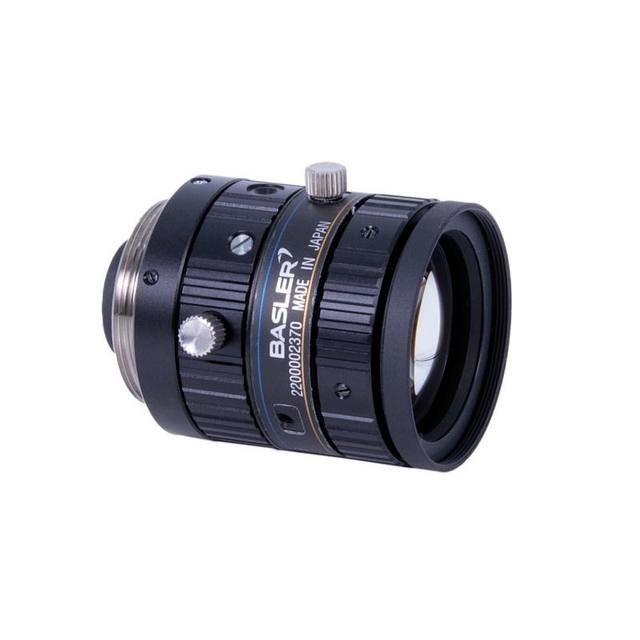
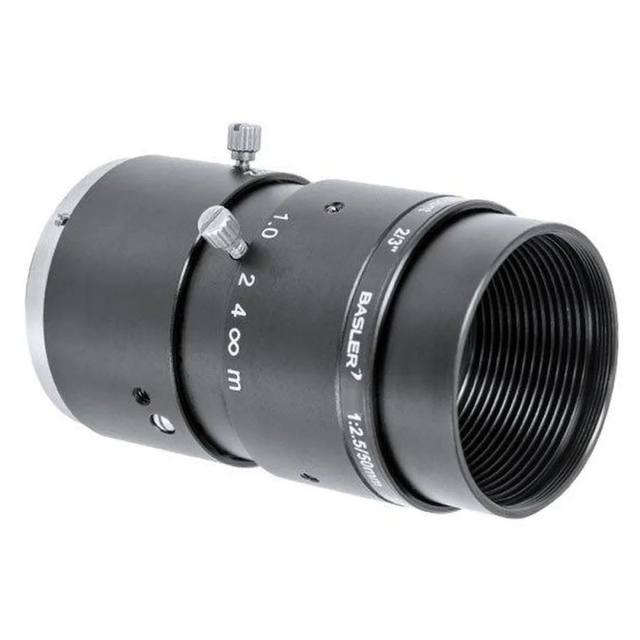
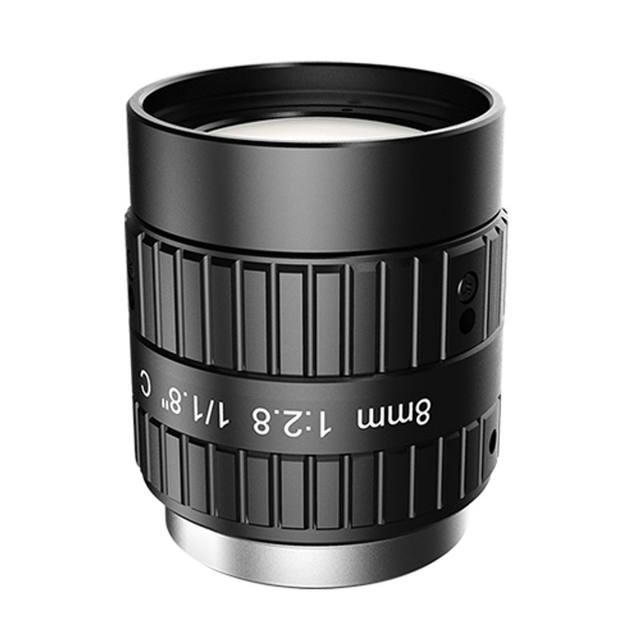
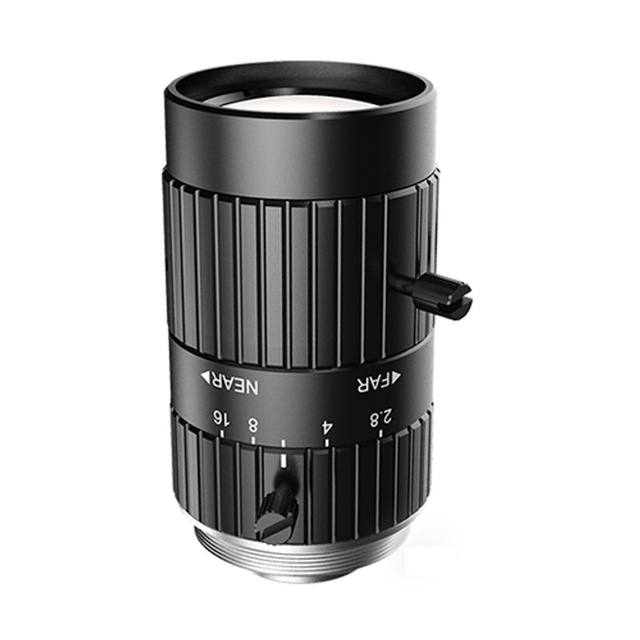
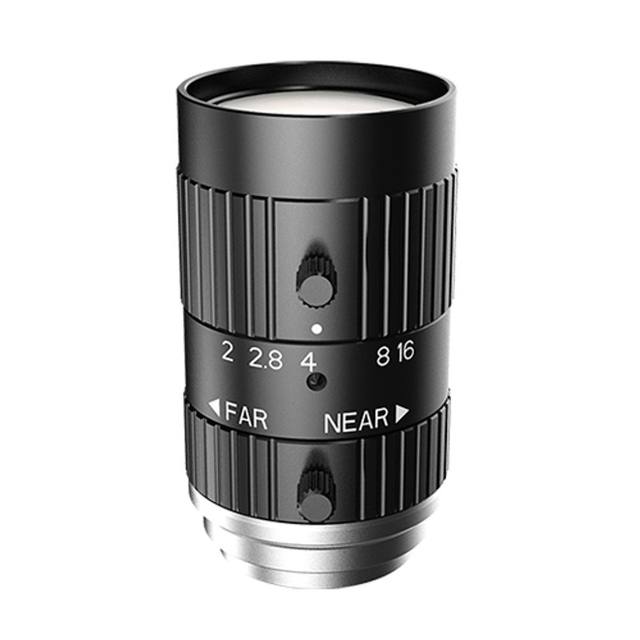
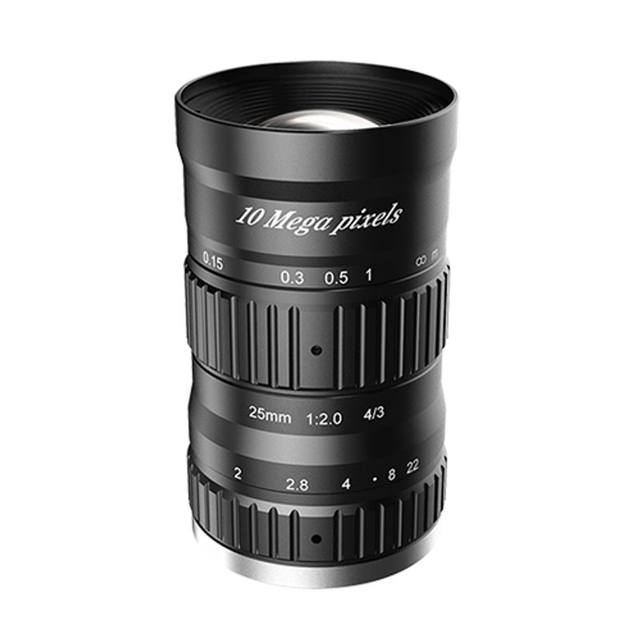
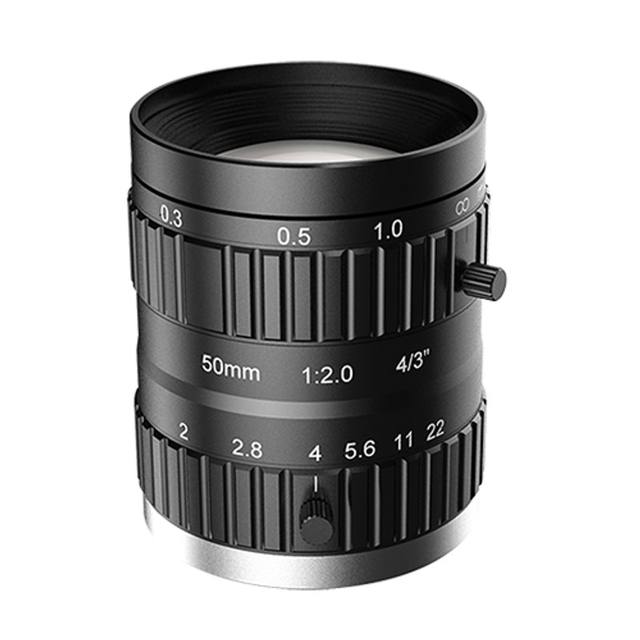
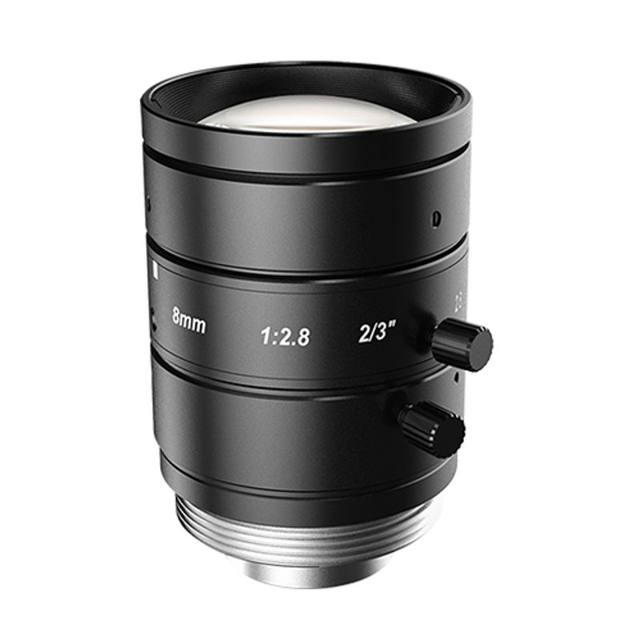
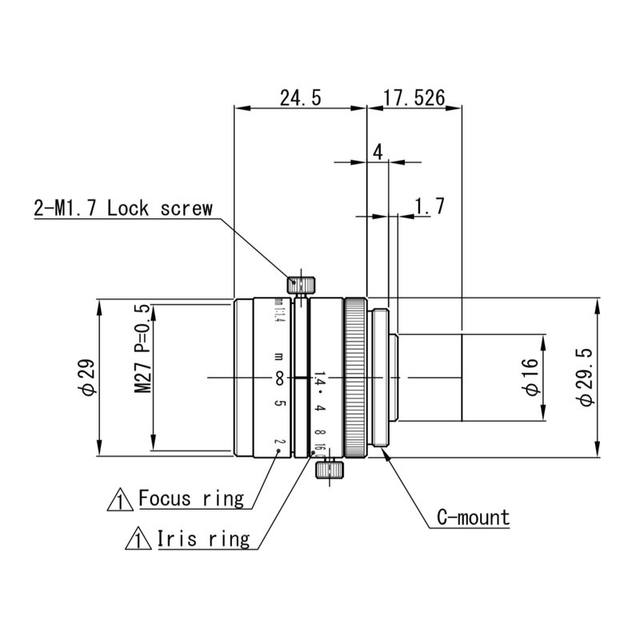
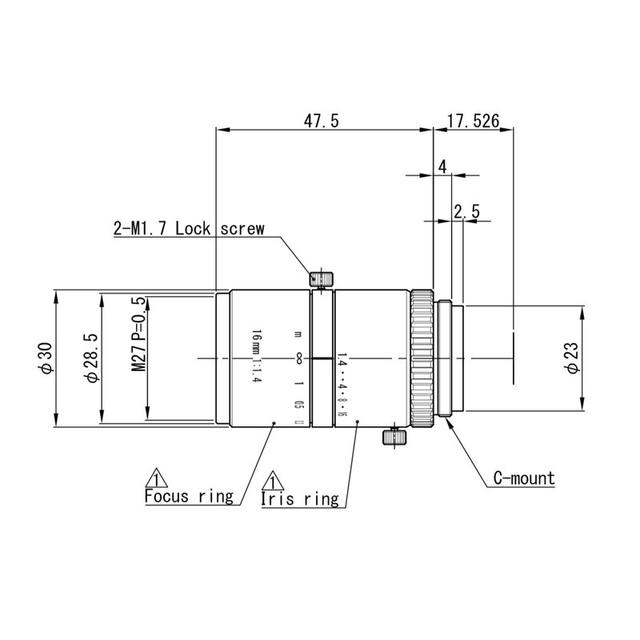
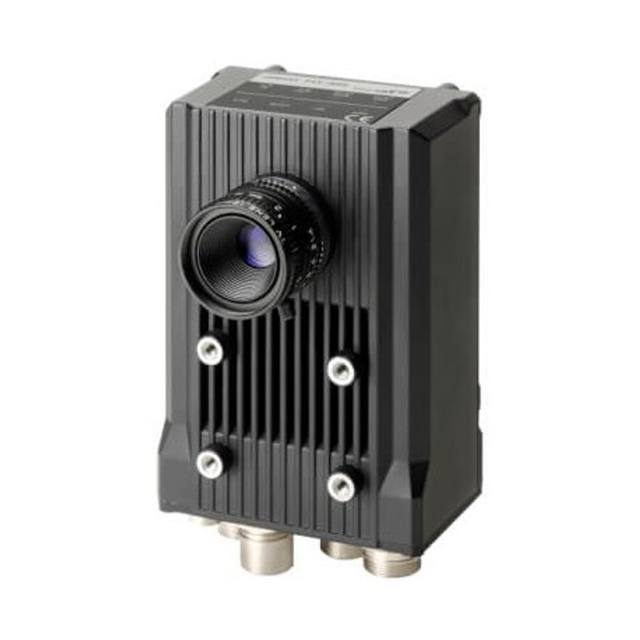
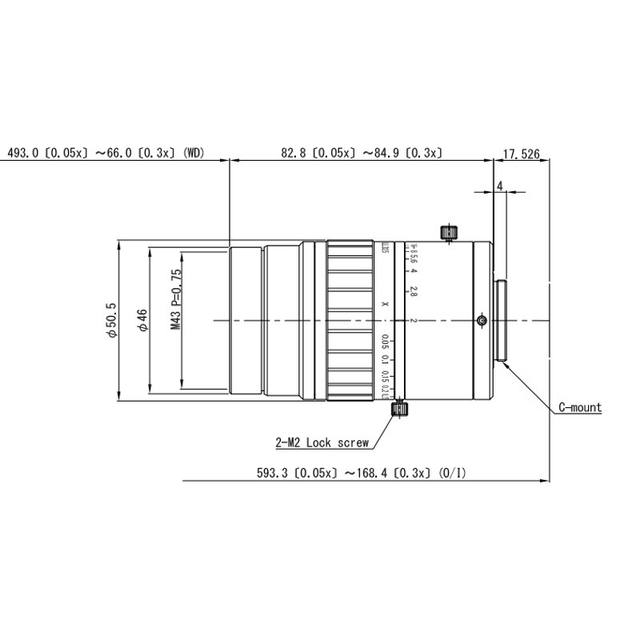
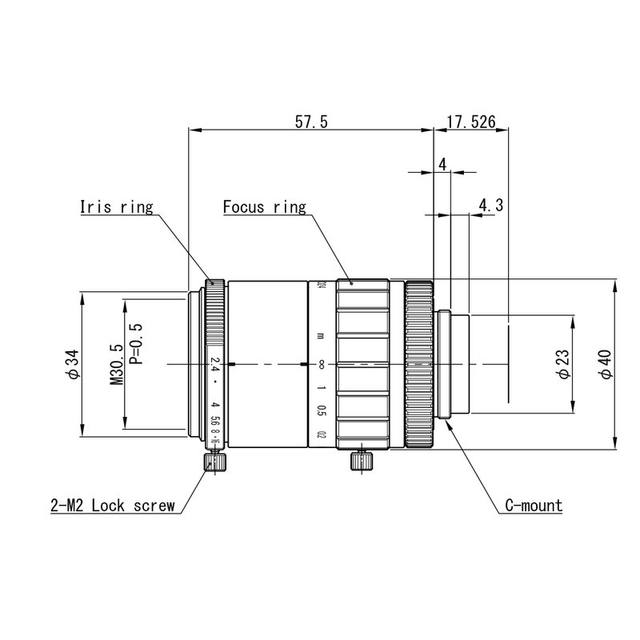
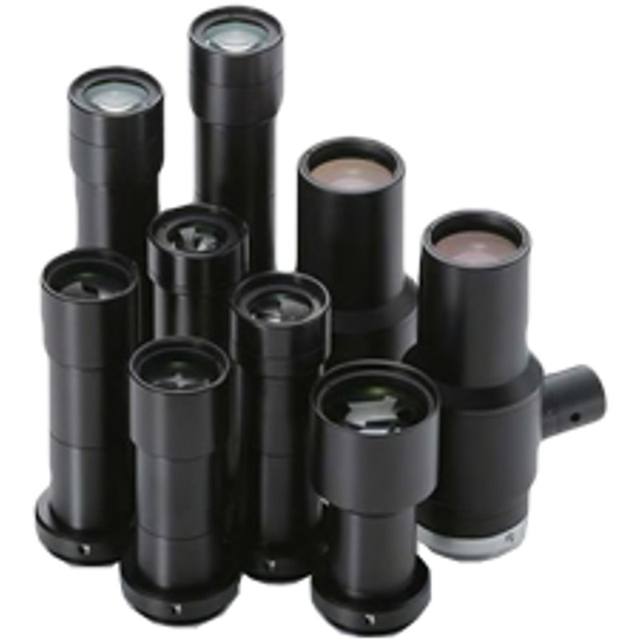
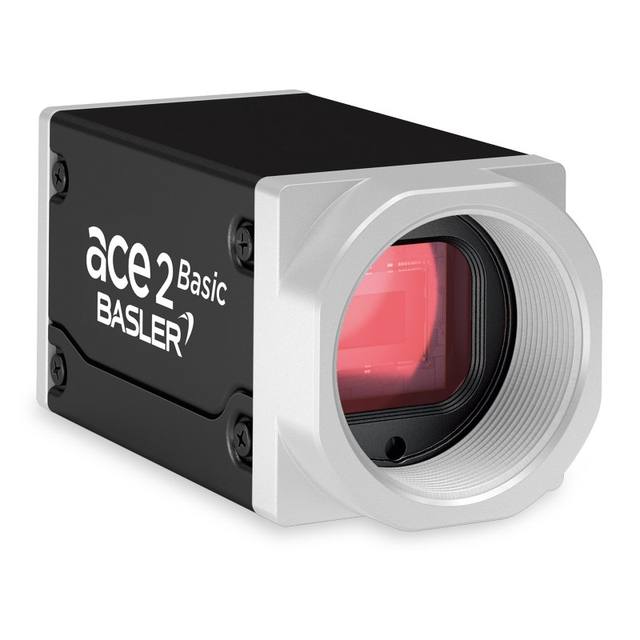
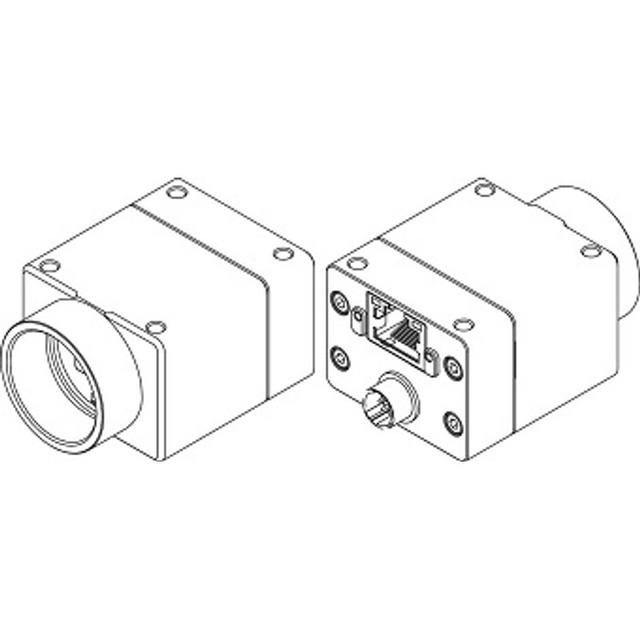
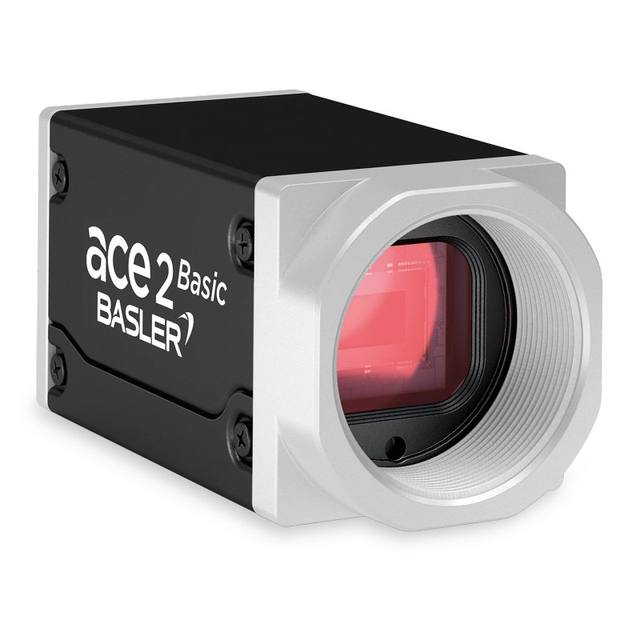
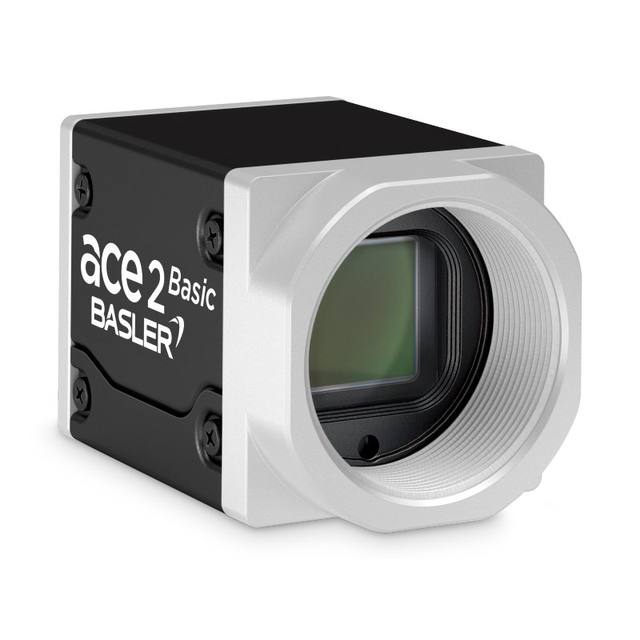
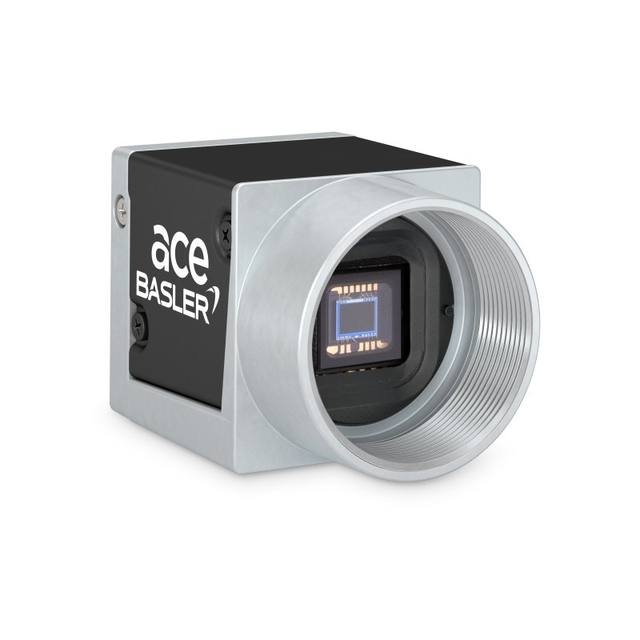
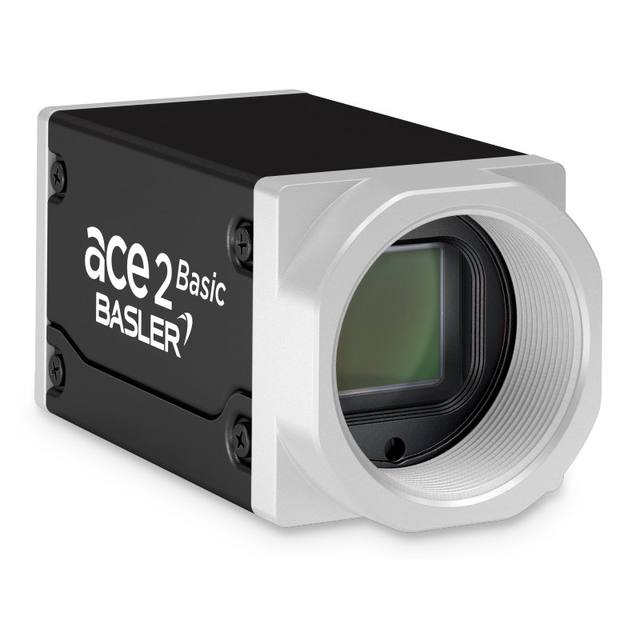
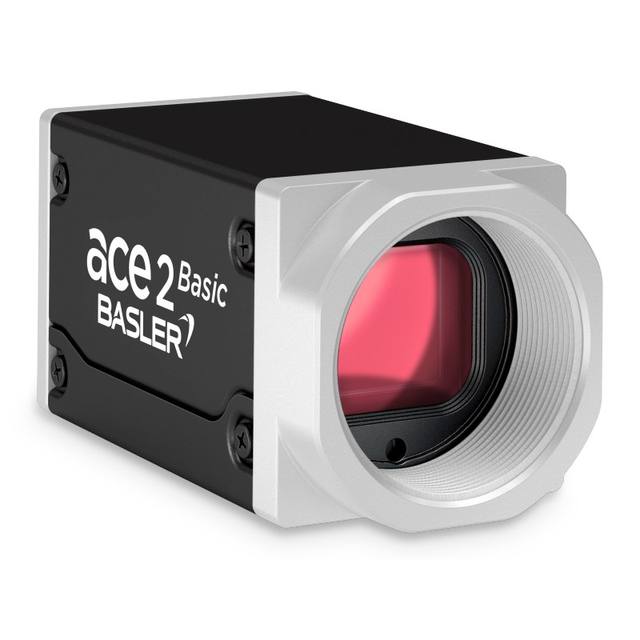
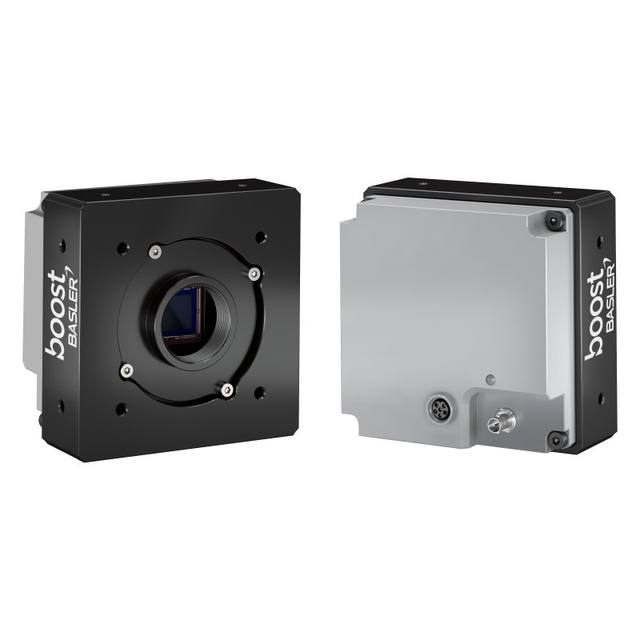
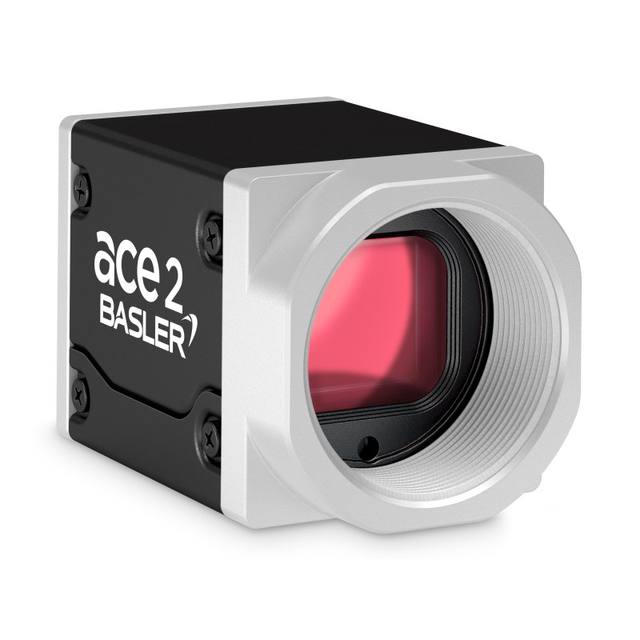
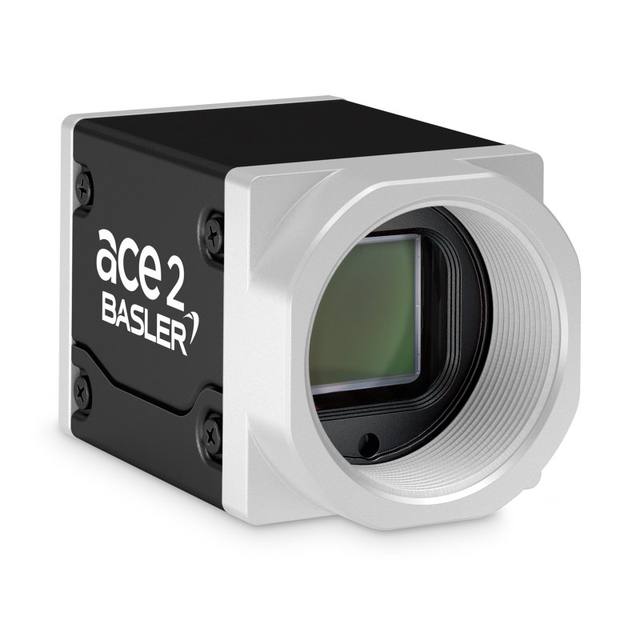
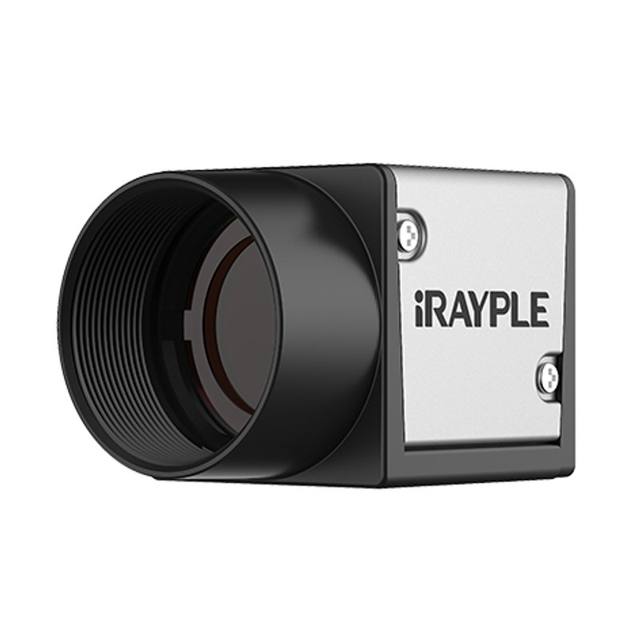
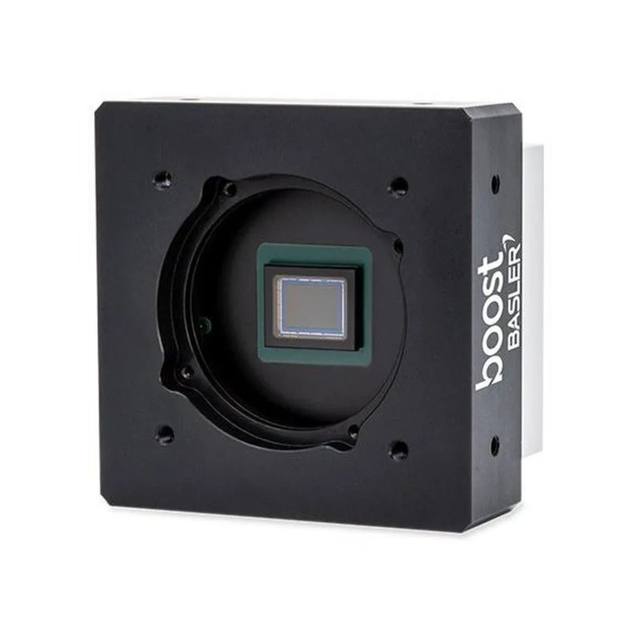
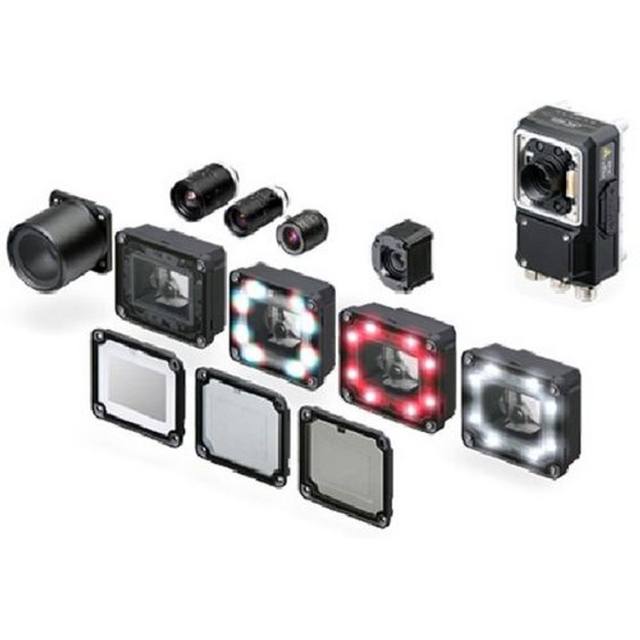
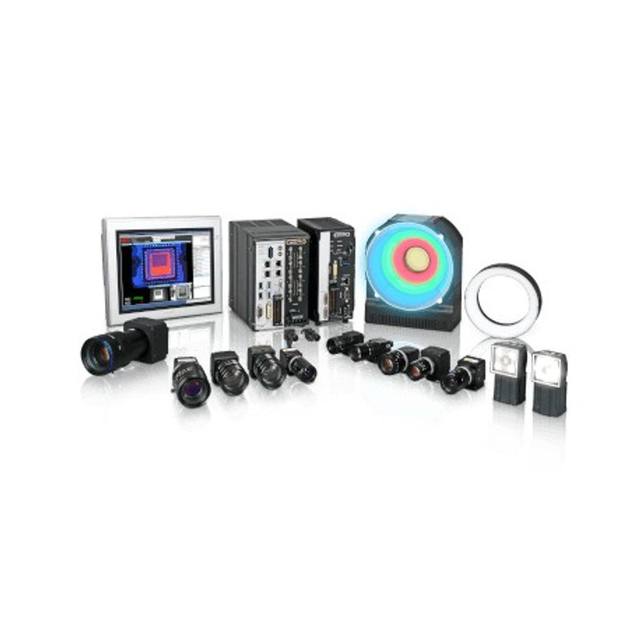
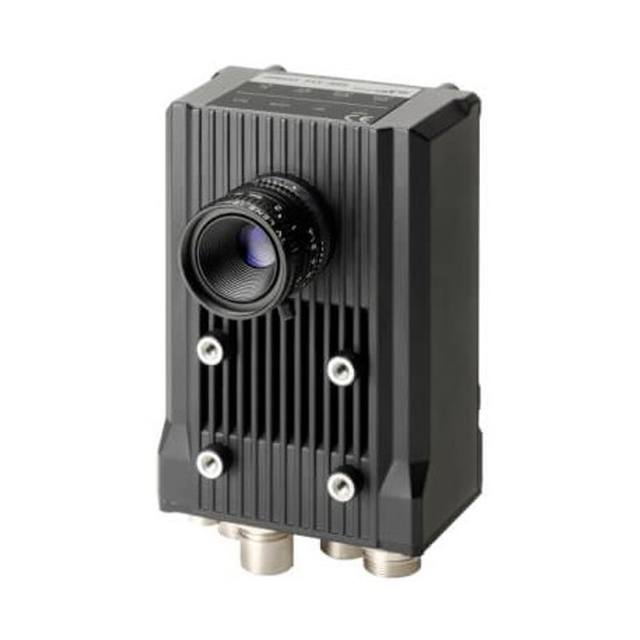
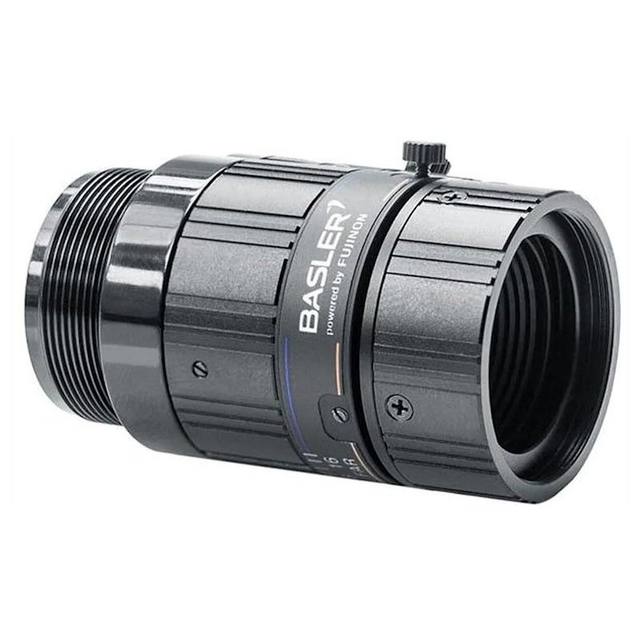
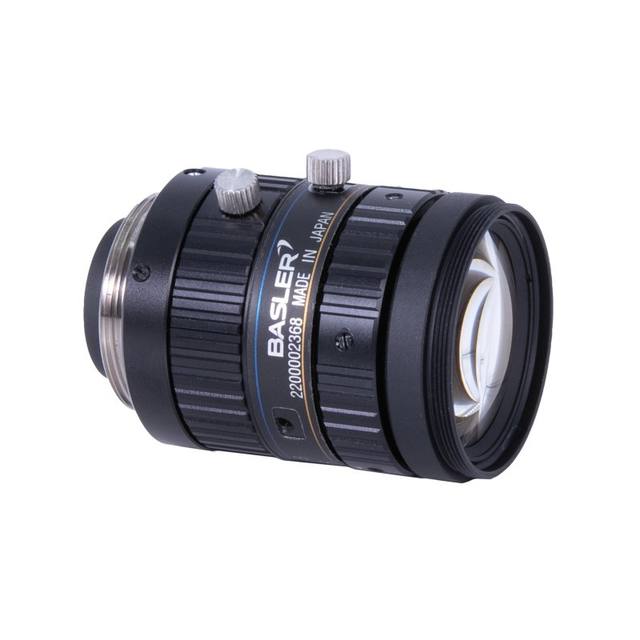
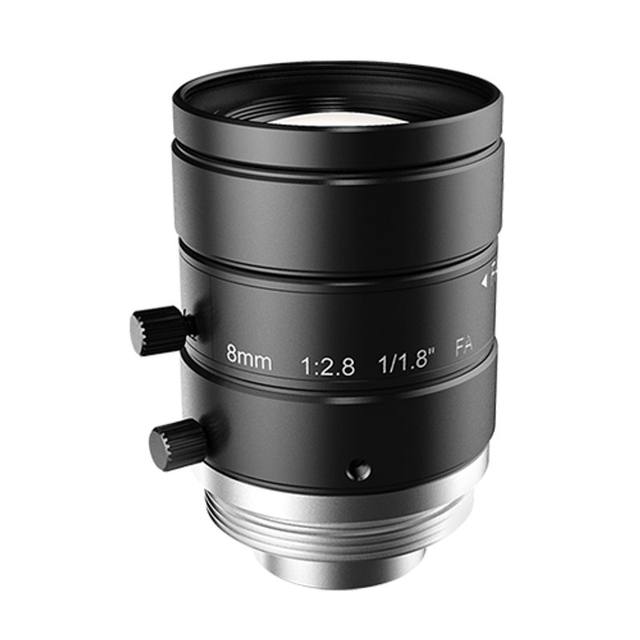
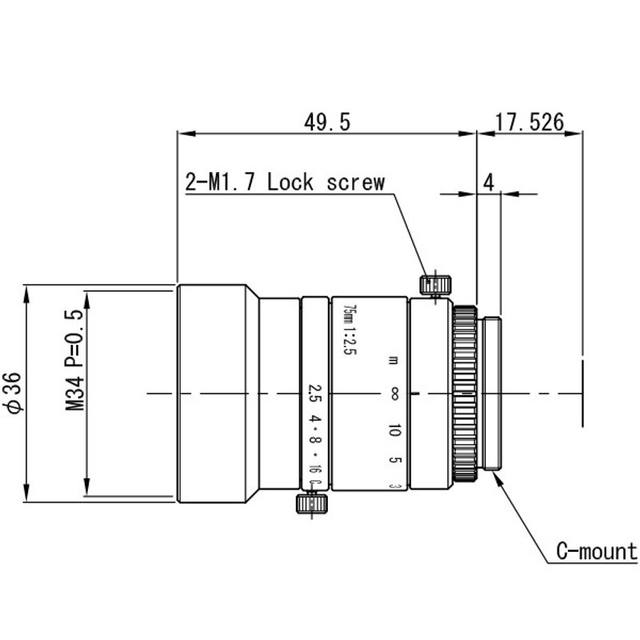
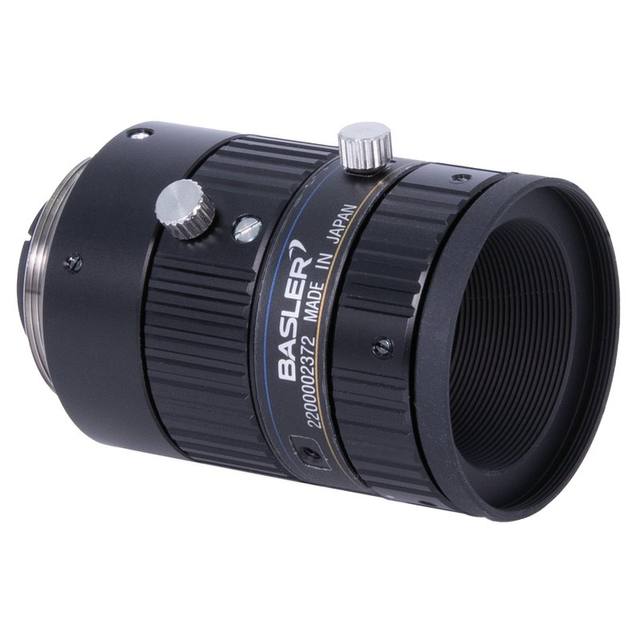
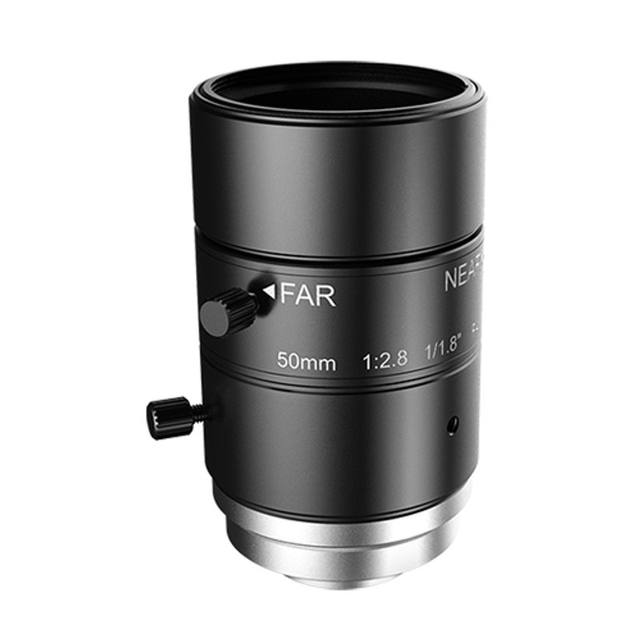
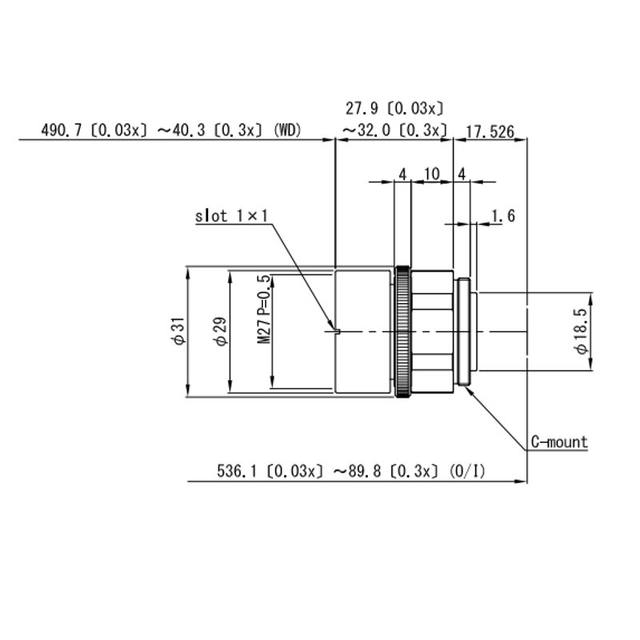
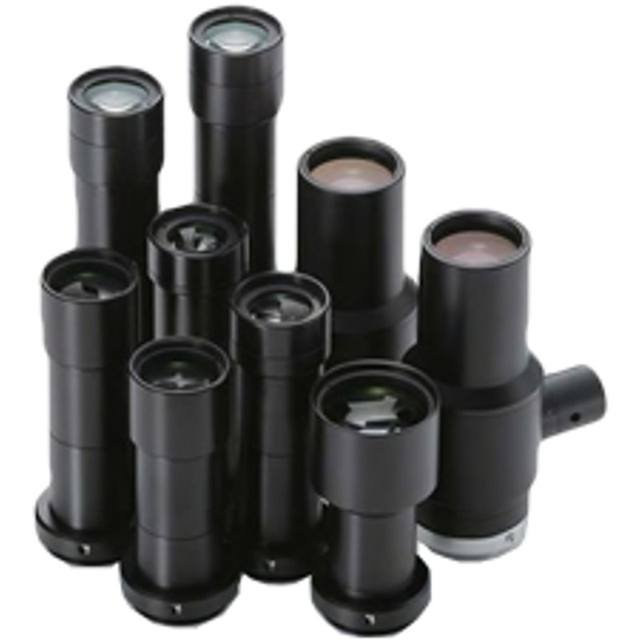
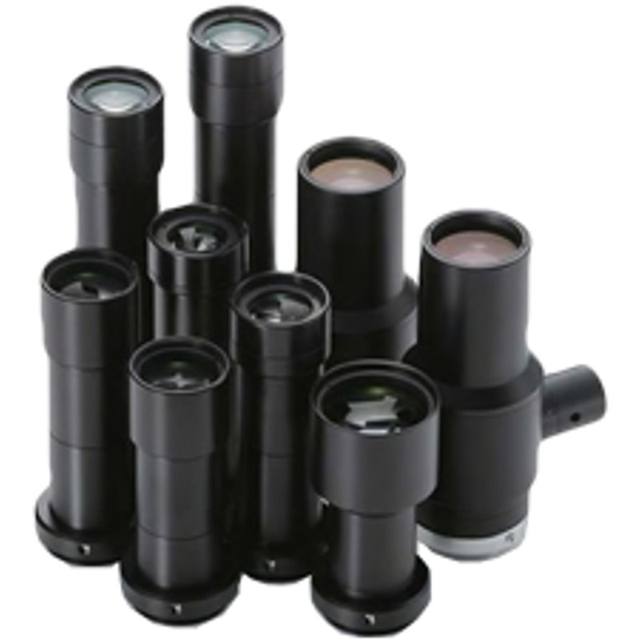
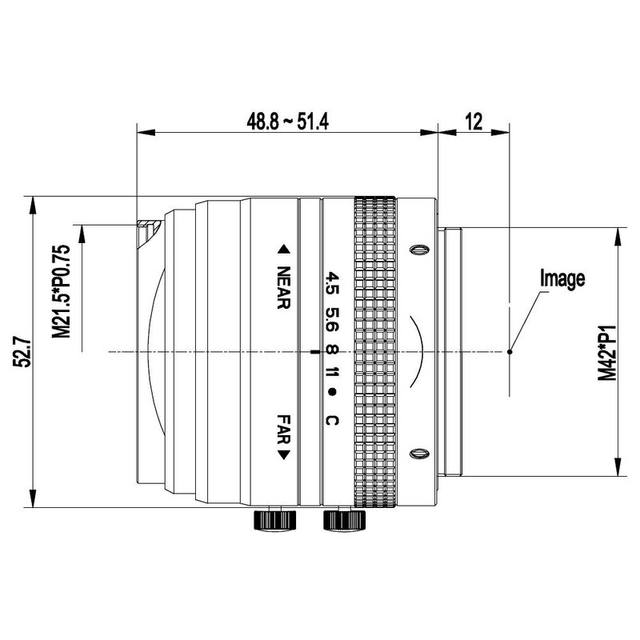
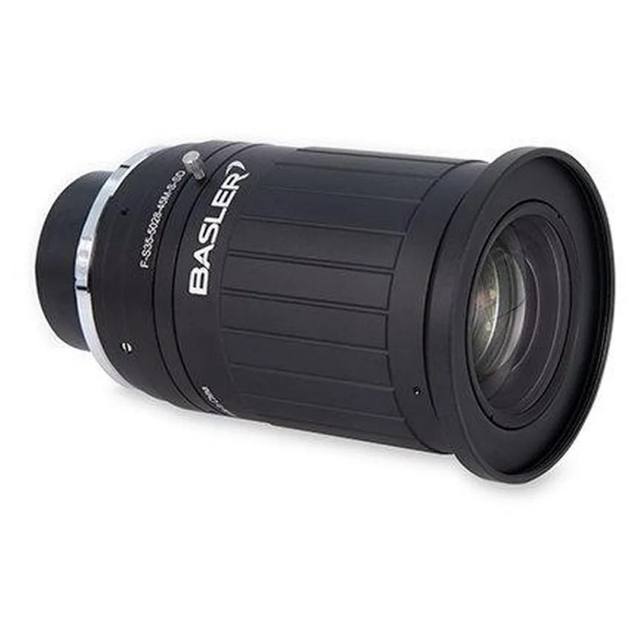
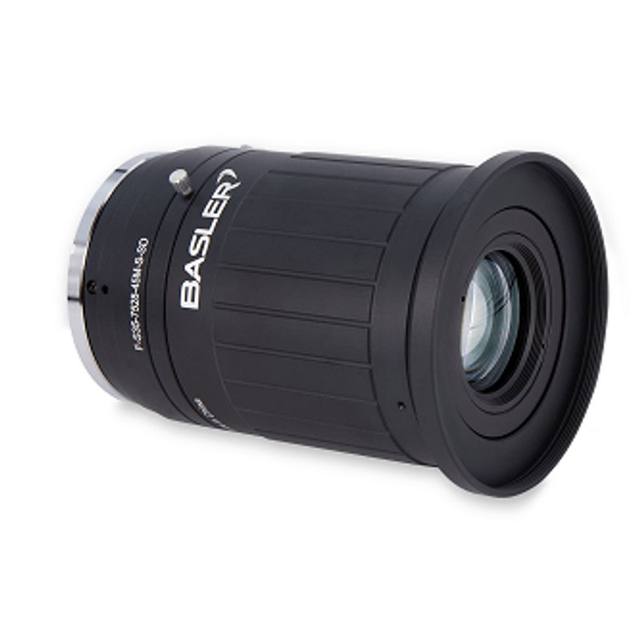
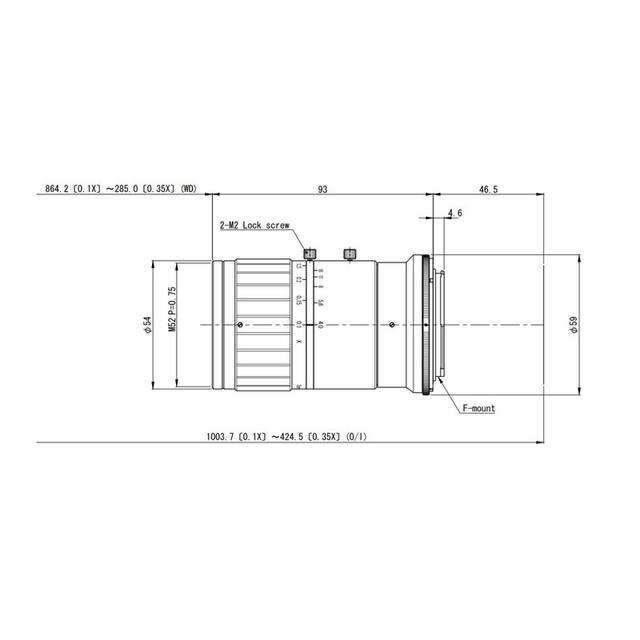
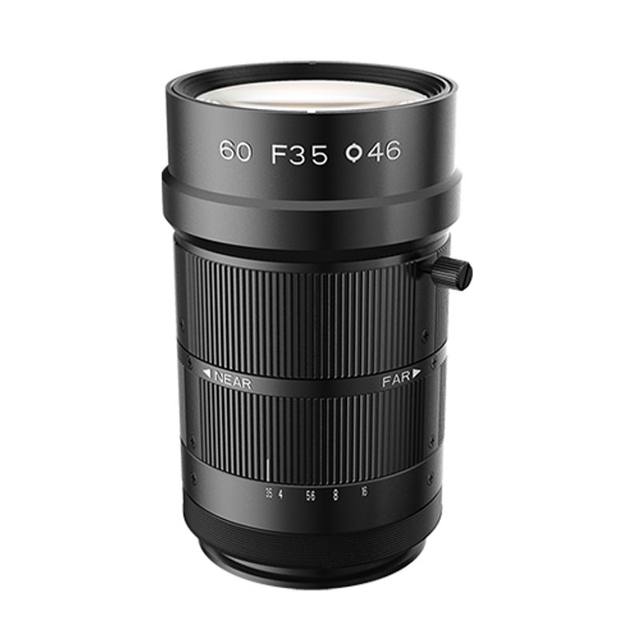
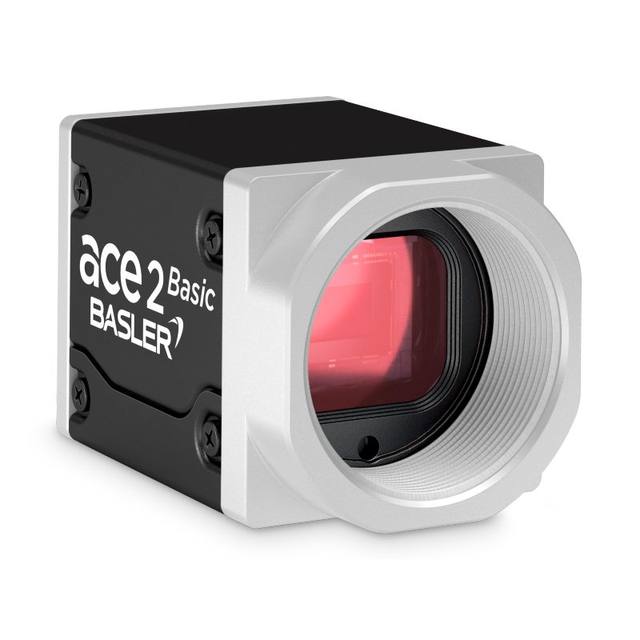
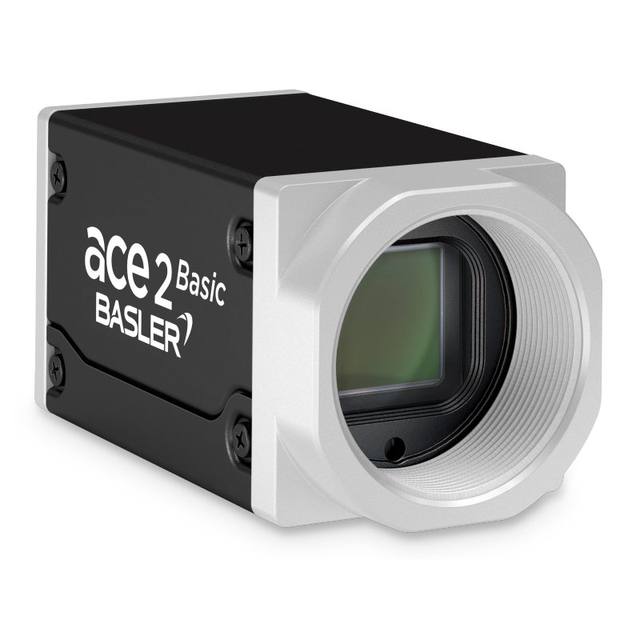
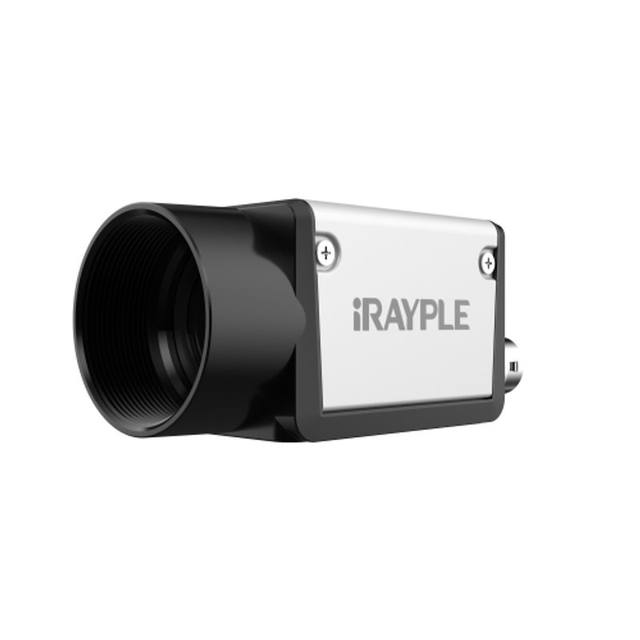
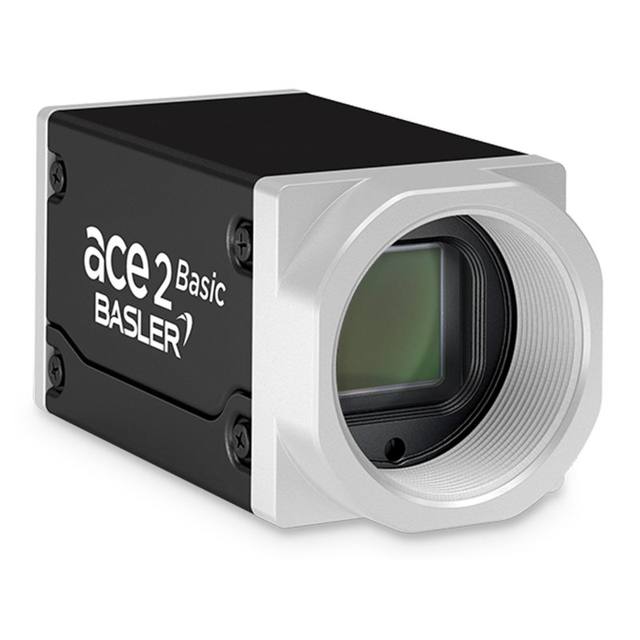
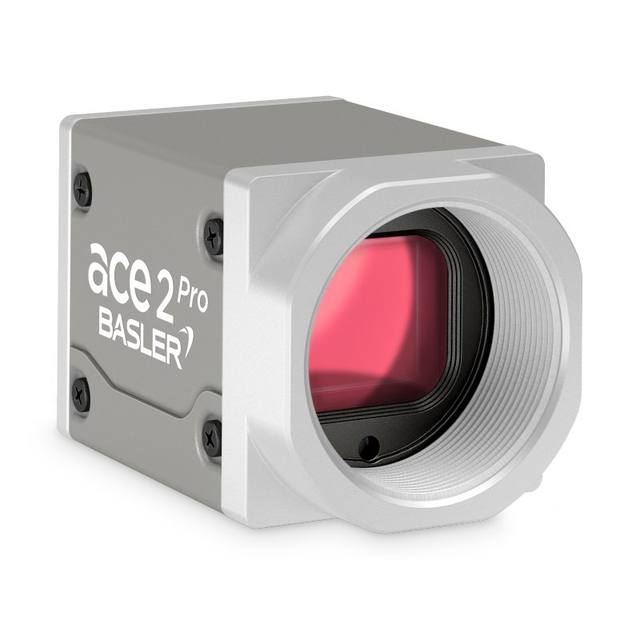
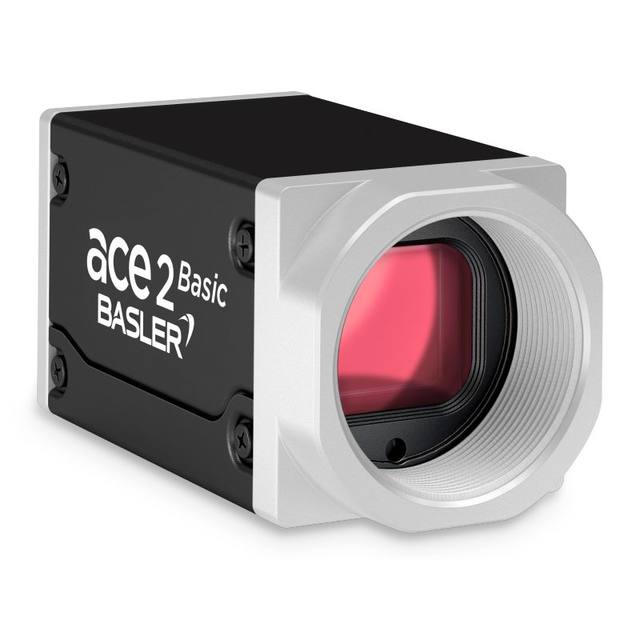
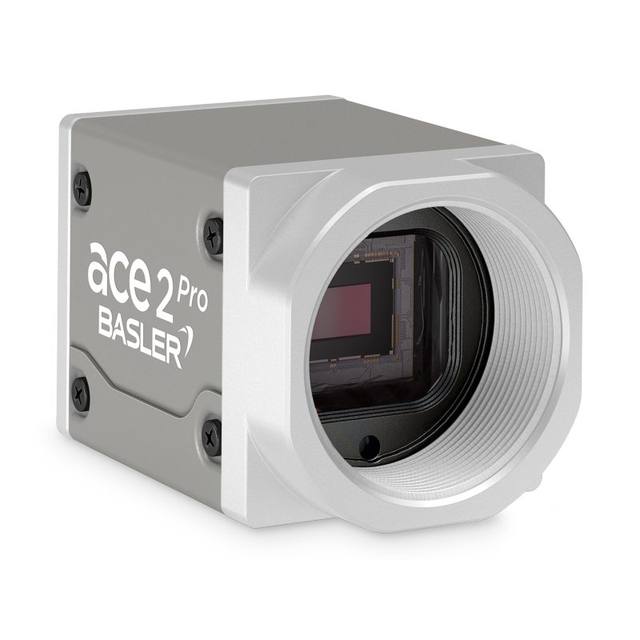
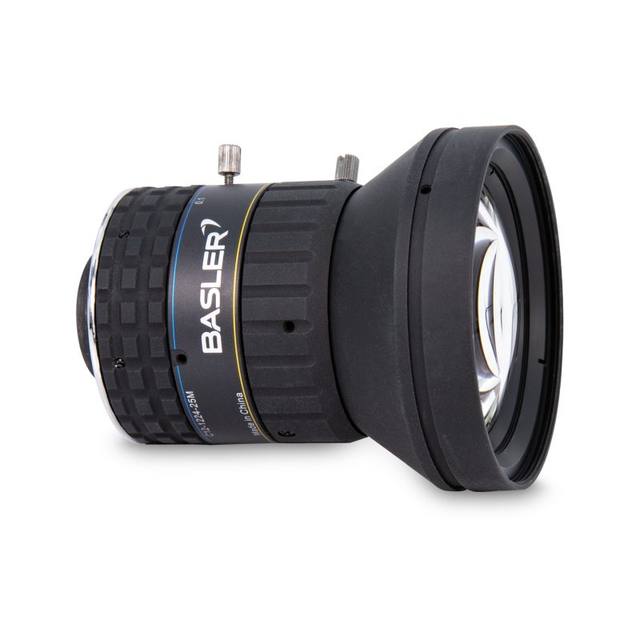
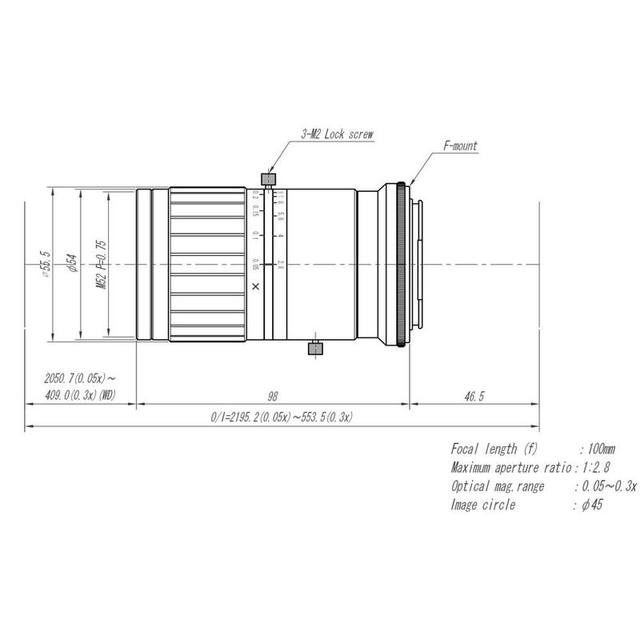
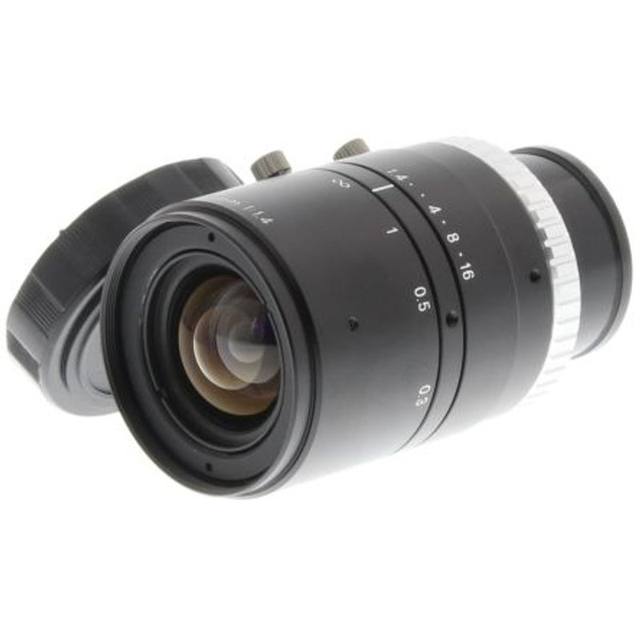
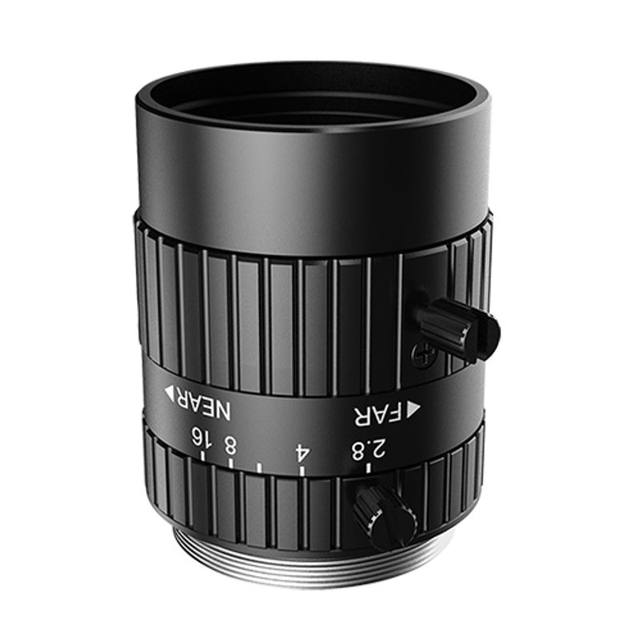
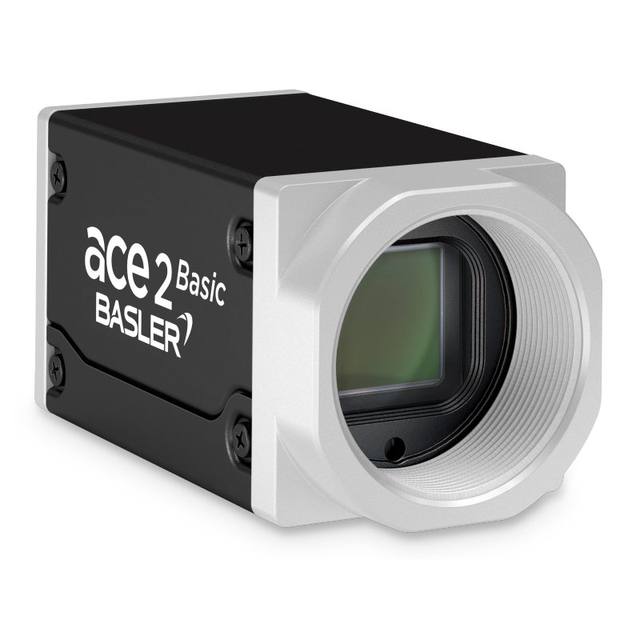
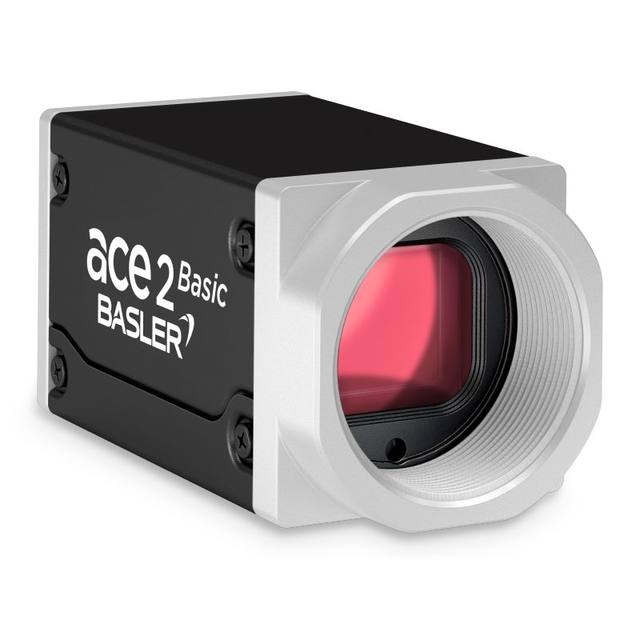
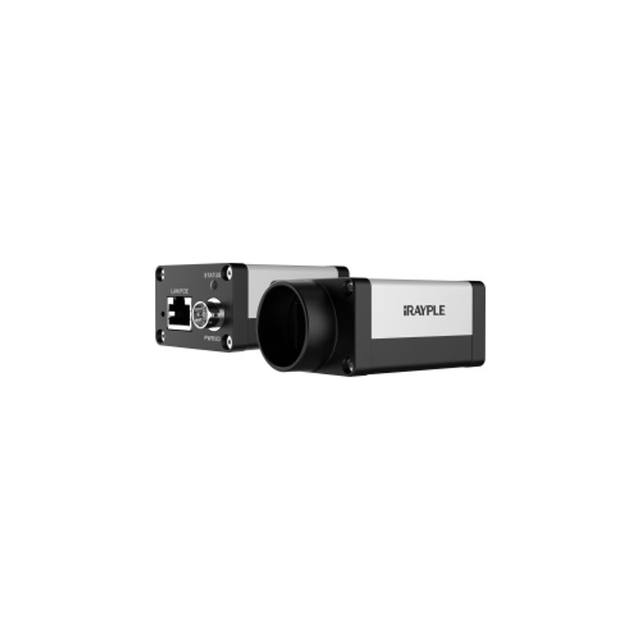
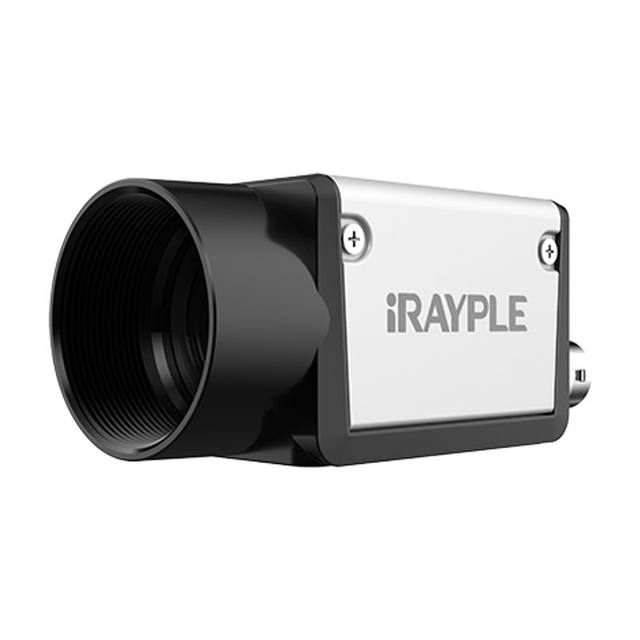
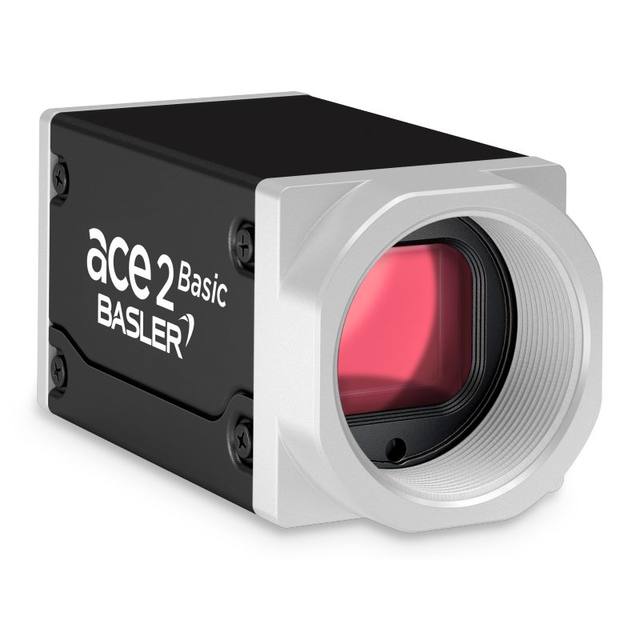
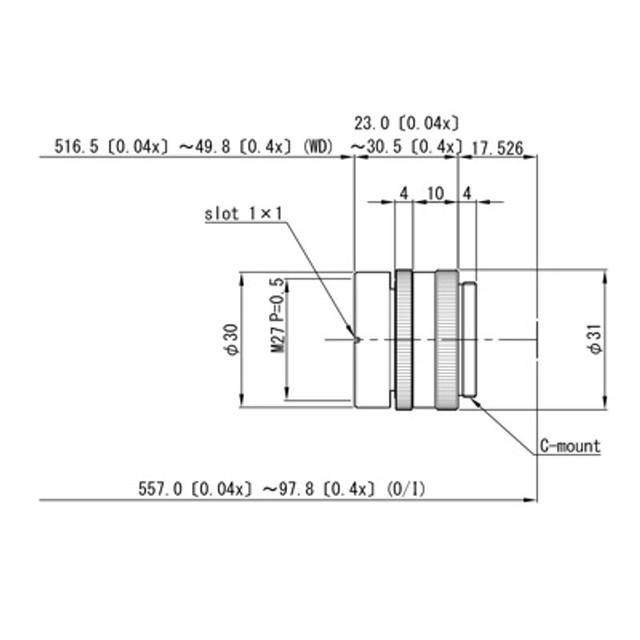
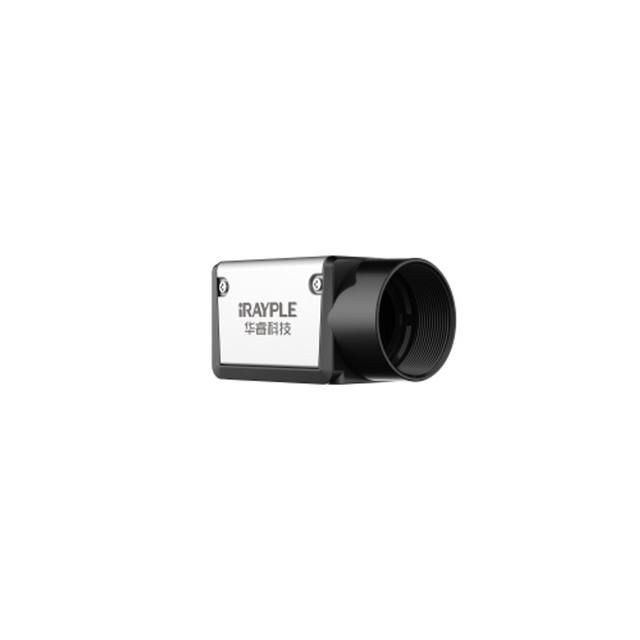
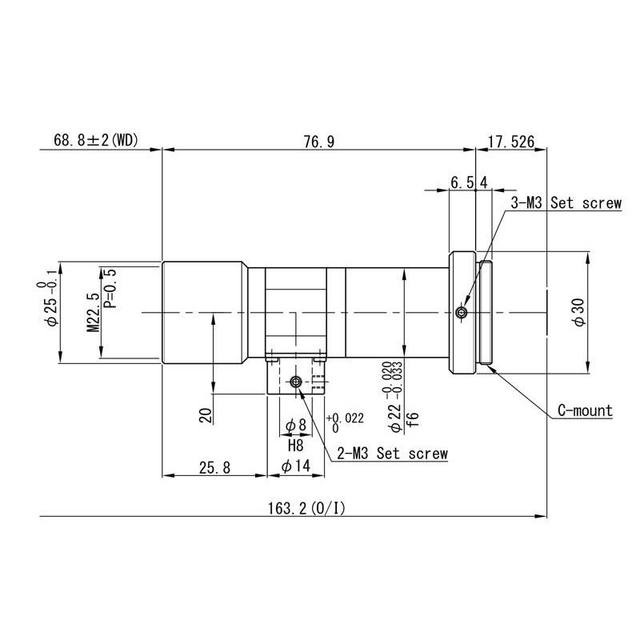
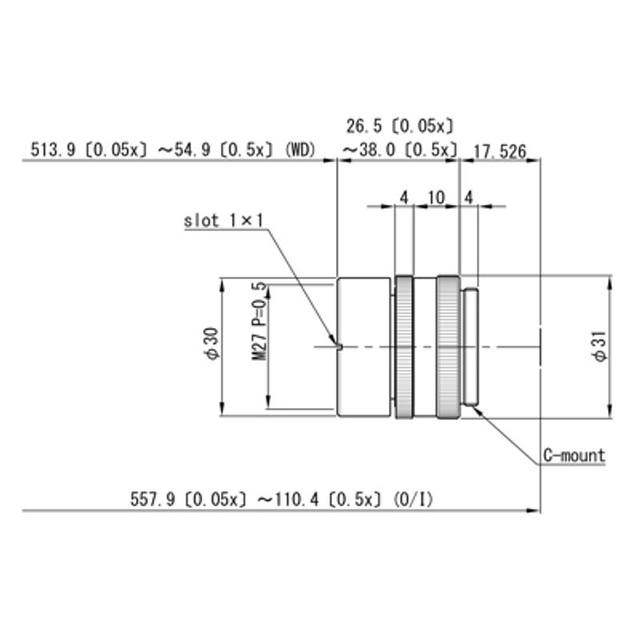
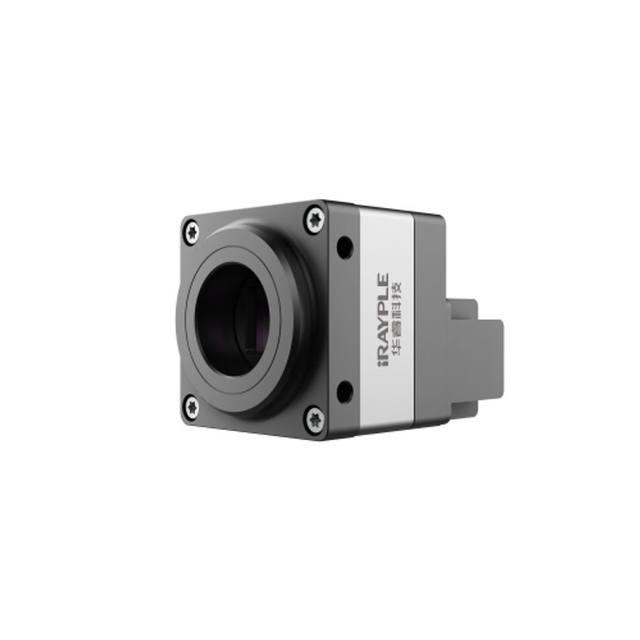
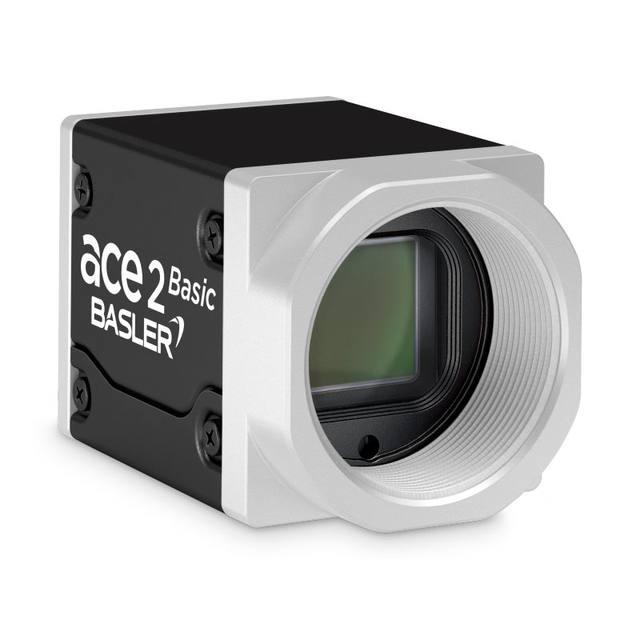
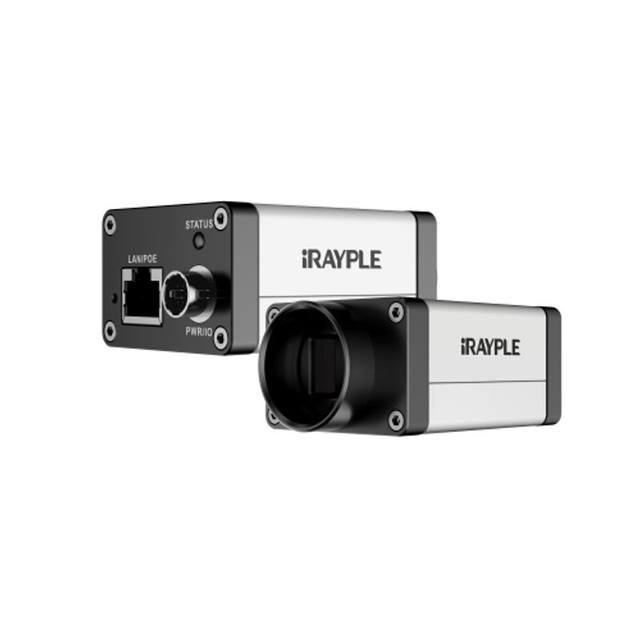
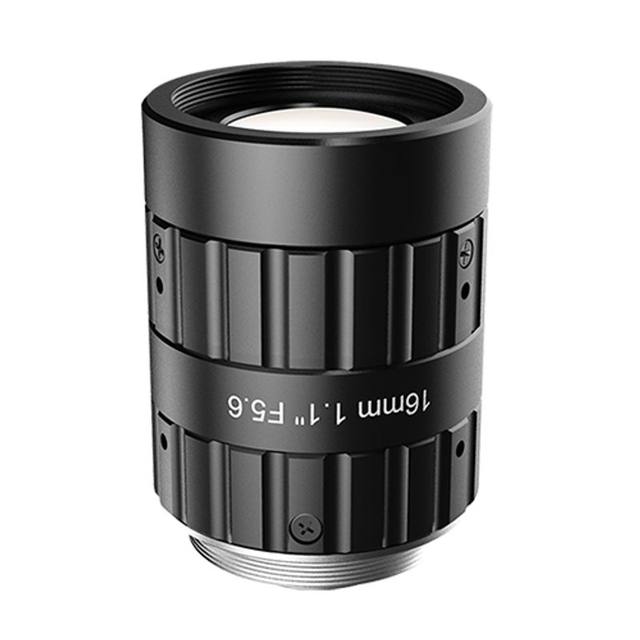
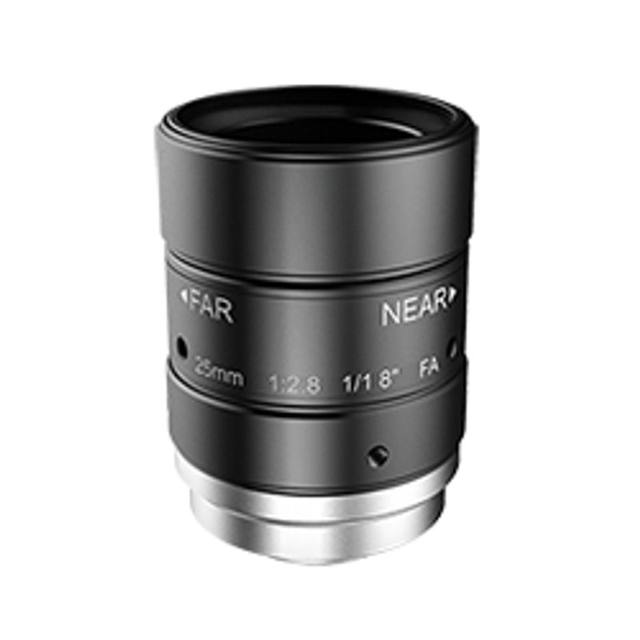
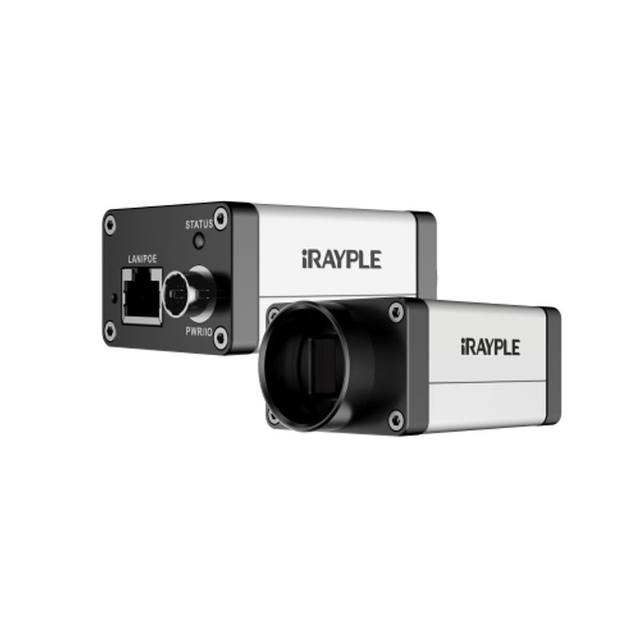
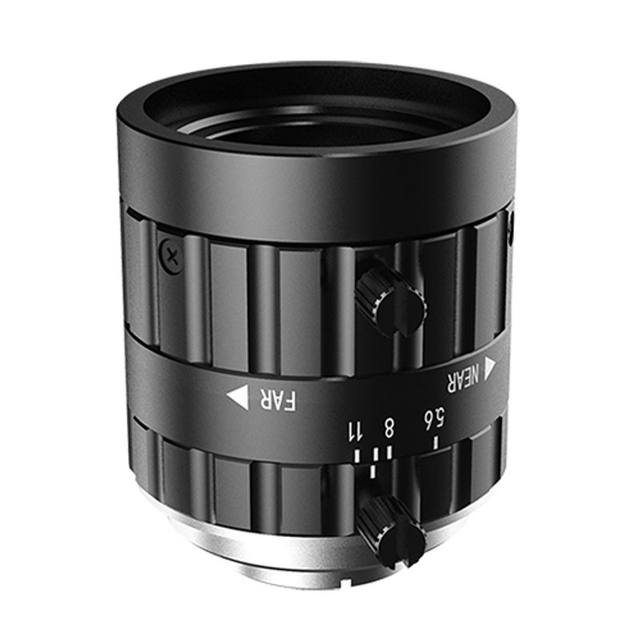
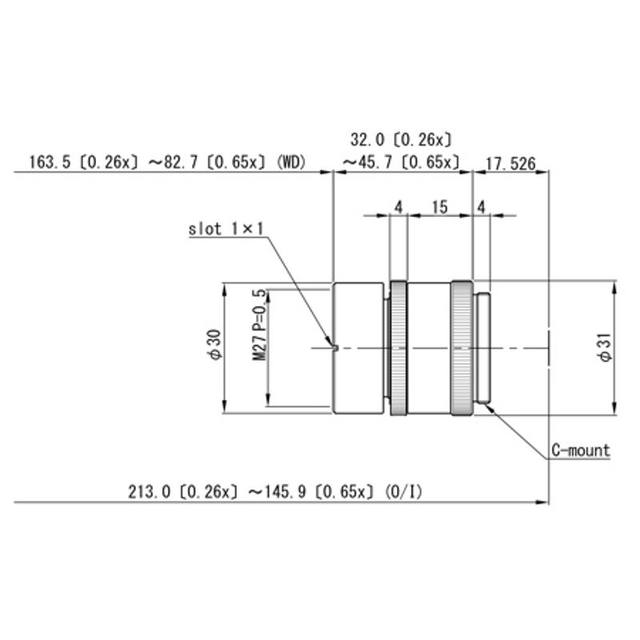
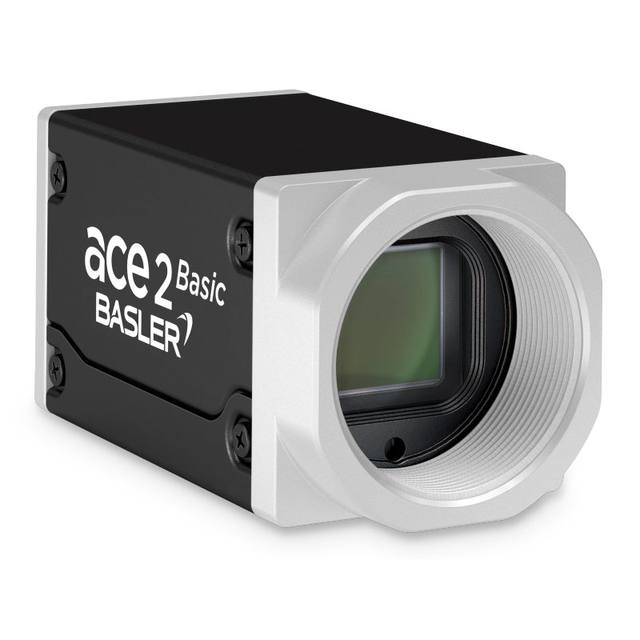
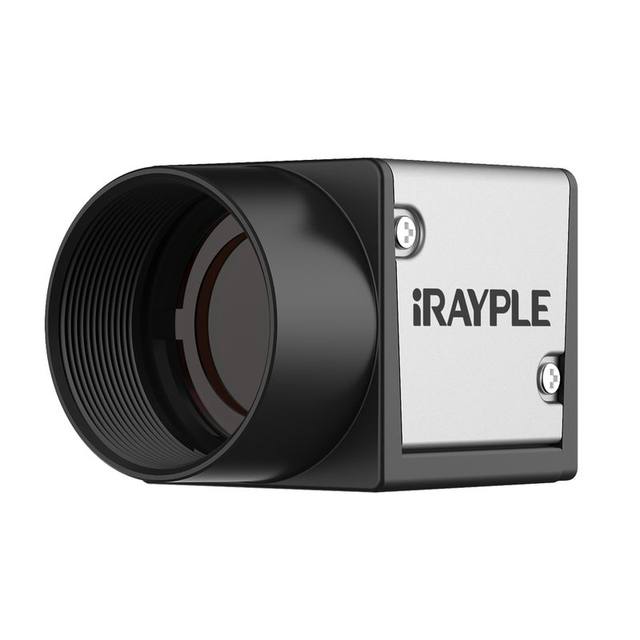
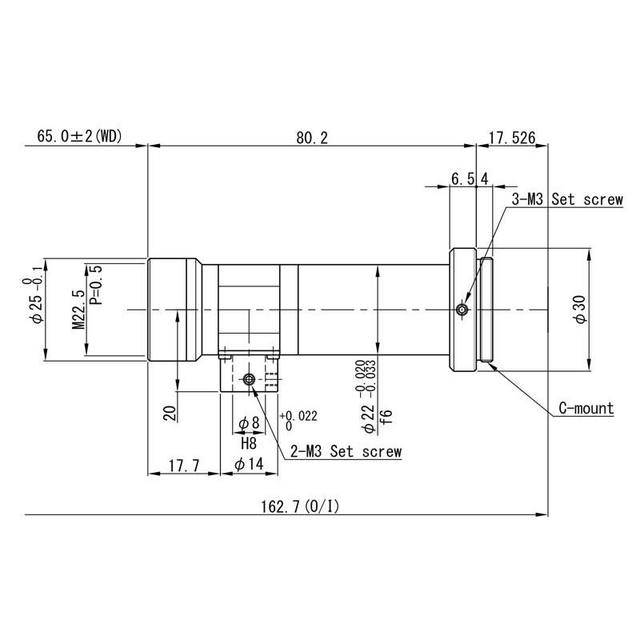
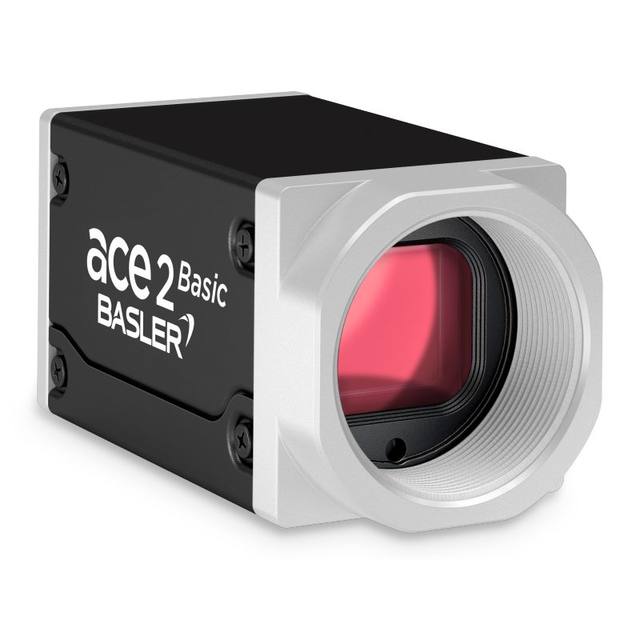
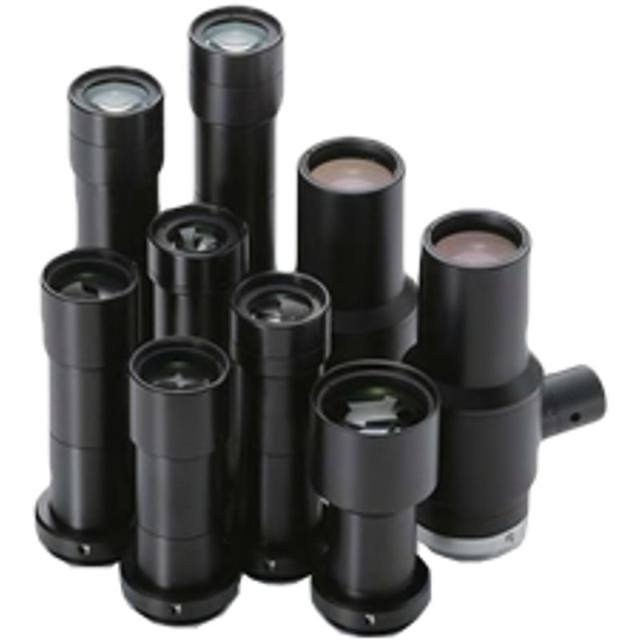
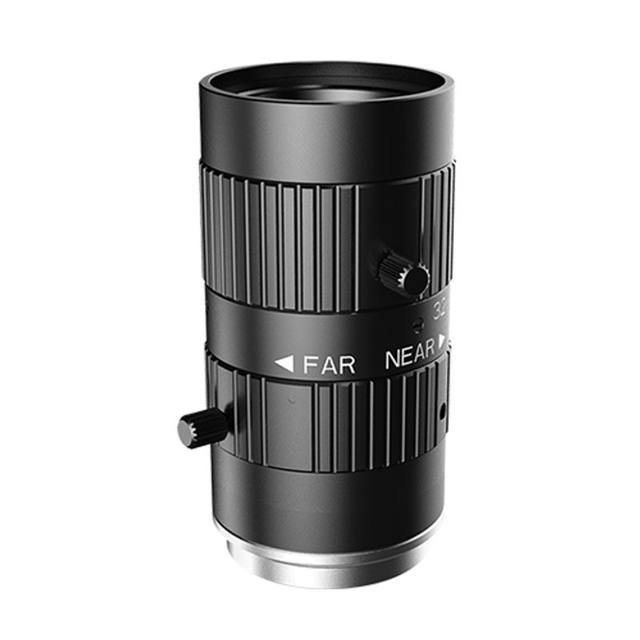
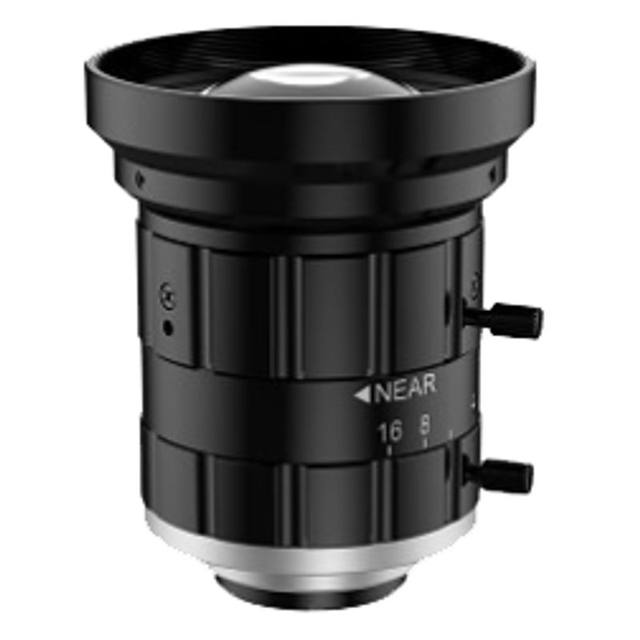
Shutter and sensor type follow from the motion. If text is read on a moving conveyor, a global-shutter sensor freezes the characters cleanly where a rolling shutter would shear them; pair it with a short, strobed exposure so blur stays well under a pixel. Monochrome sensors are usually preferable for OCR/OCV because they put all their pixels into spatial detail and pair naturally with a chosen light colour to lift contrast, whereas colour only earns its place when the marking is distinguished from its background by hue. On optics, fix the working distance and pick a lens that resolves finer than your pixel pitch and holds focus across the part-position and surface-curvature tolerance; for curved or stepped parts, depth of field becomes a real constraint worth designing for. Catalogue area-scan cameras from Basler, iRAYPLE and Omron/Sentech (STC) cover the resolution, shutter and interface combinations these tasks demand.
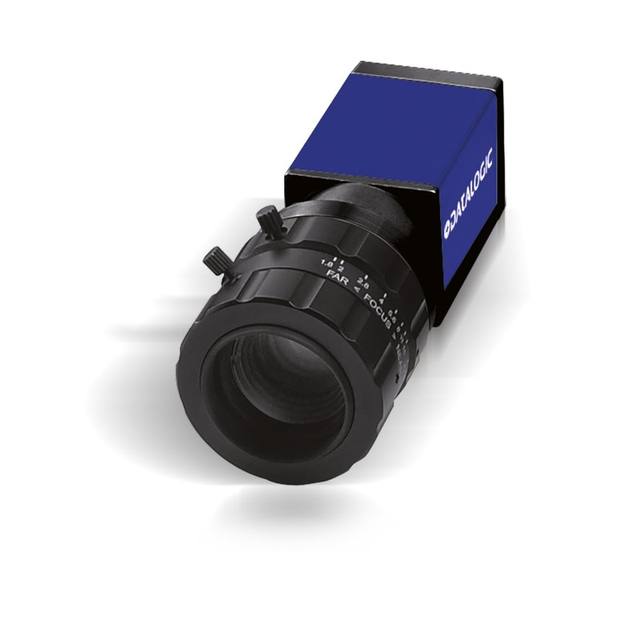
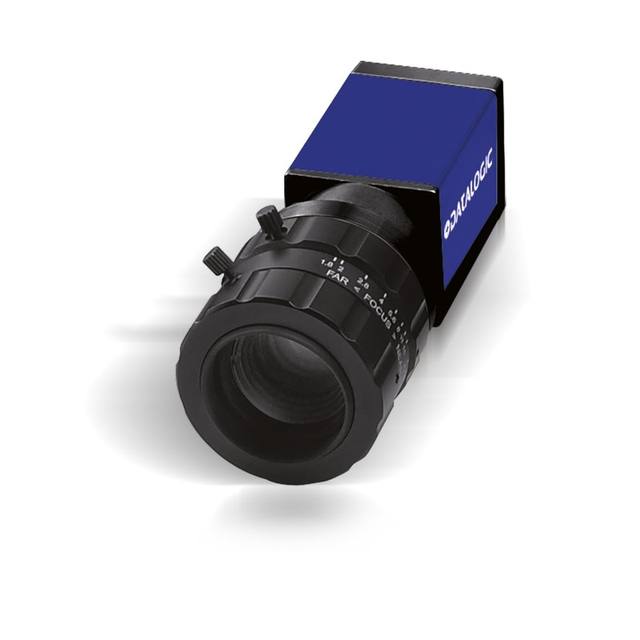
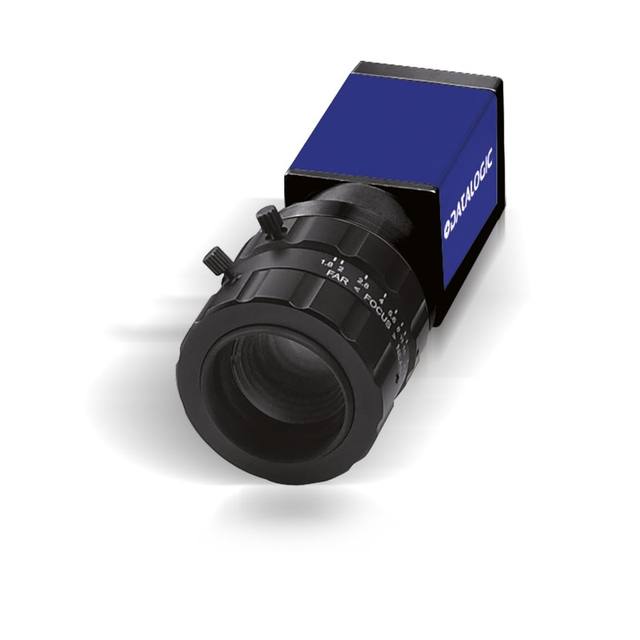
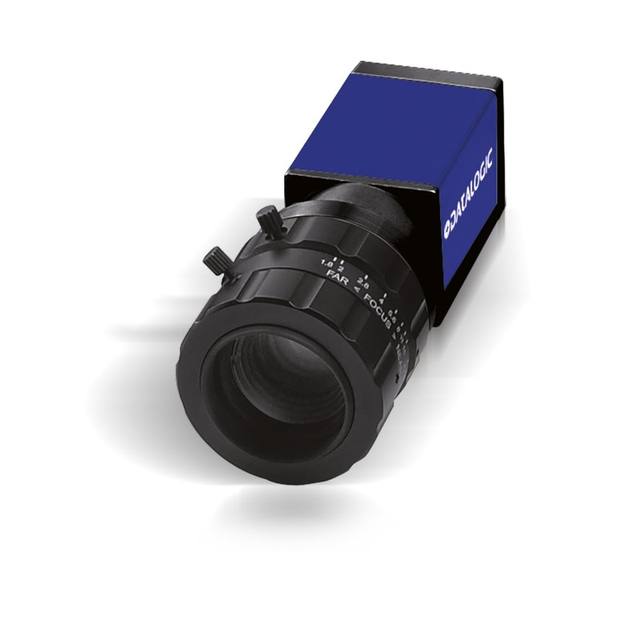
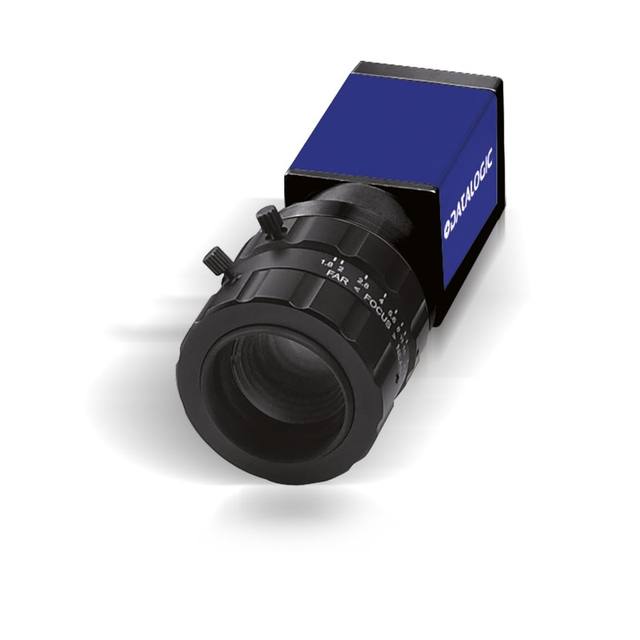
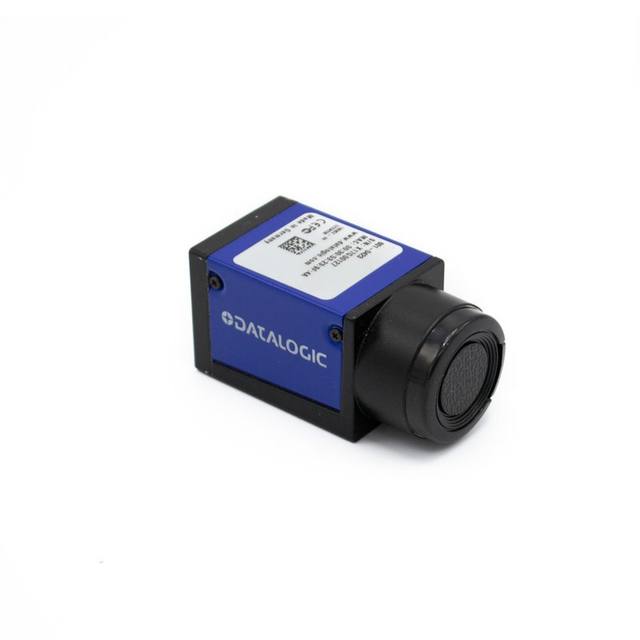
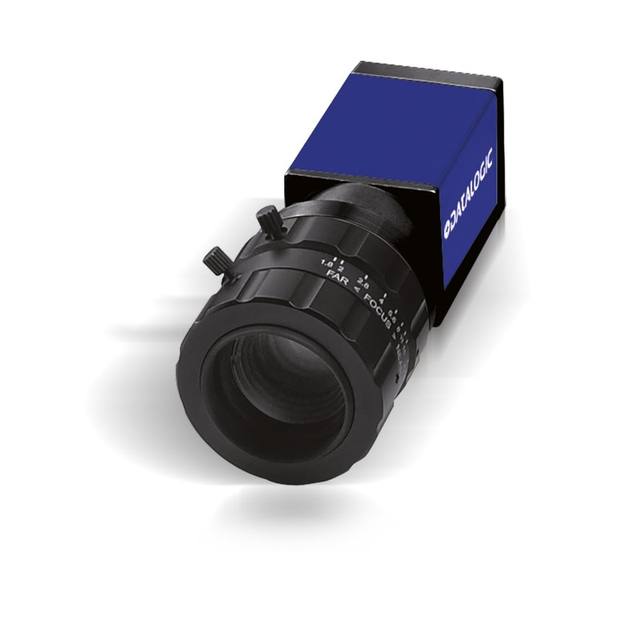
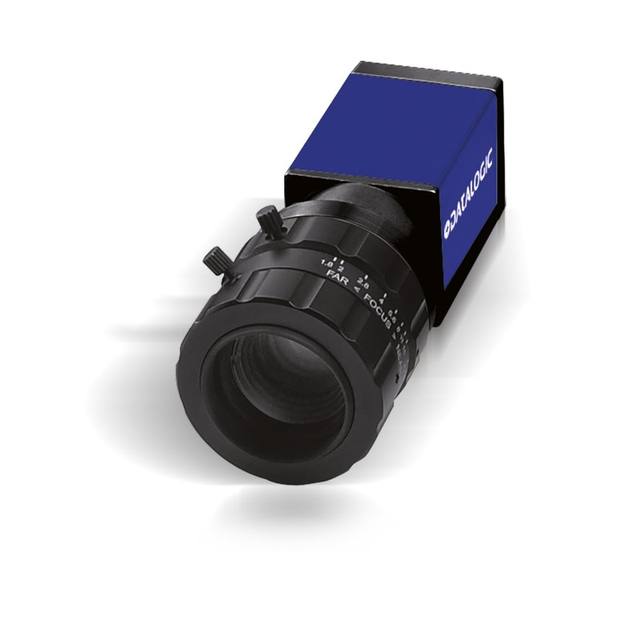
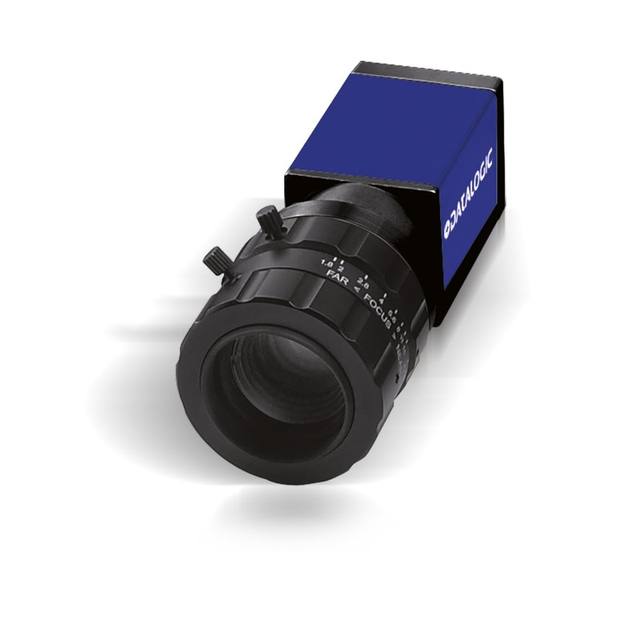
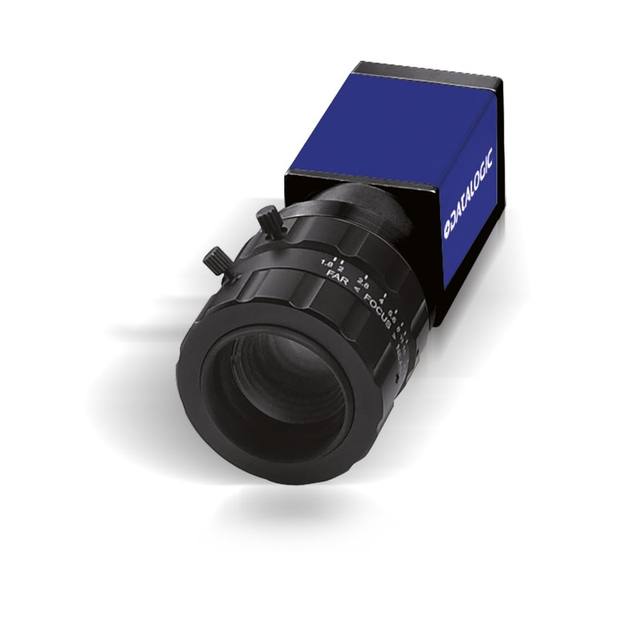
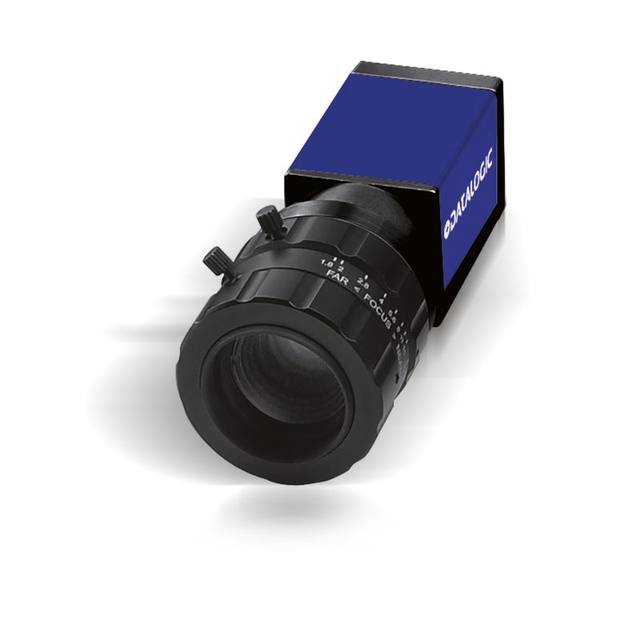
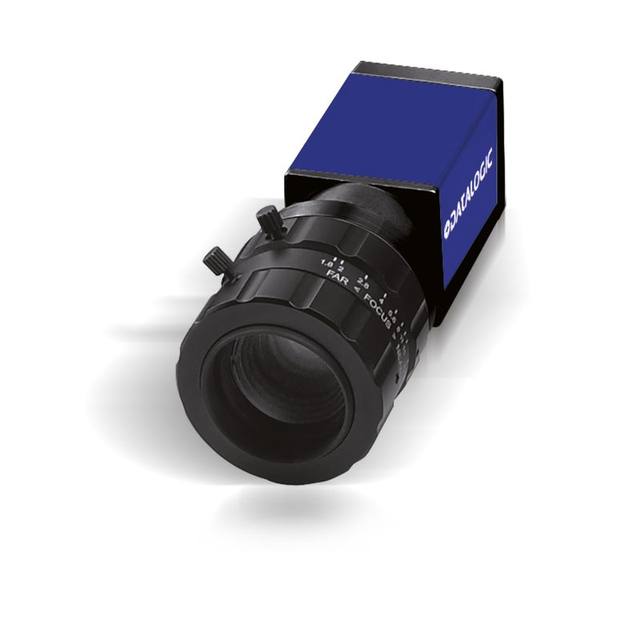
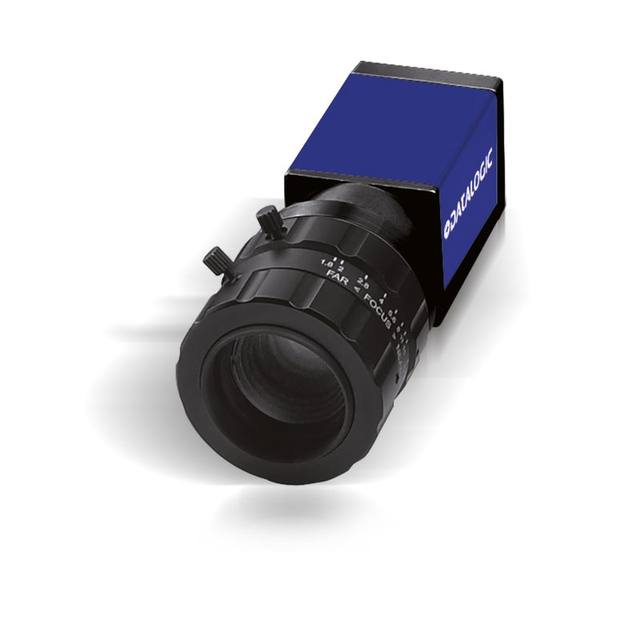
Where text and a barcode or Data Matrix appear together, an industrial code reader from Datalogic/Datasensing can decode the code and read or verify the human-readable text in one device, simplifying wiring and PLC handshaking. Reserve the full camera-plus-software route for cases needing multi-region inspection, unusual fields of view, or OCR combined with defect or presence checks in the same image.
Lighting is what makes the characters readable
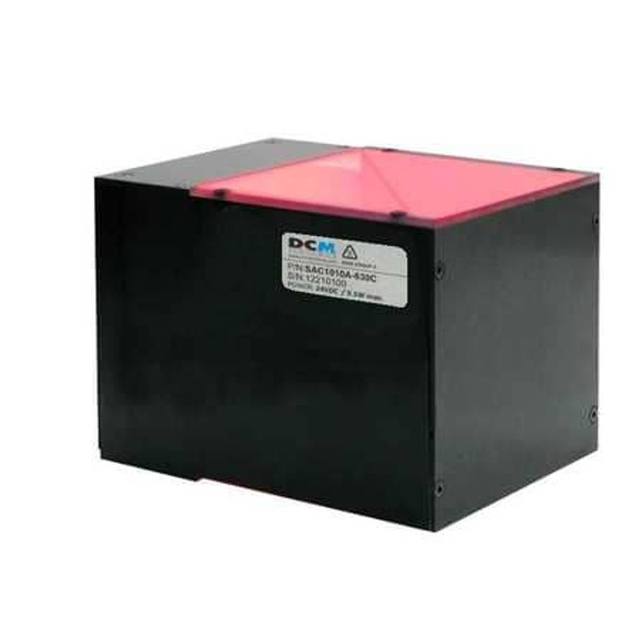
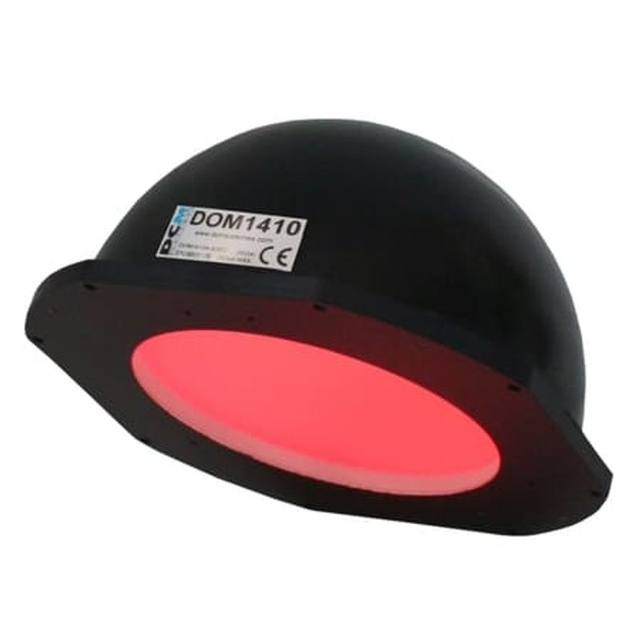
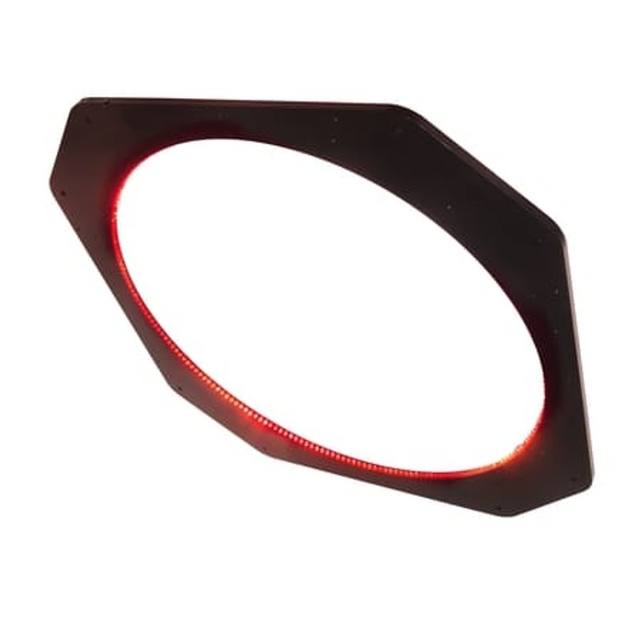
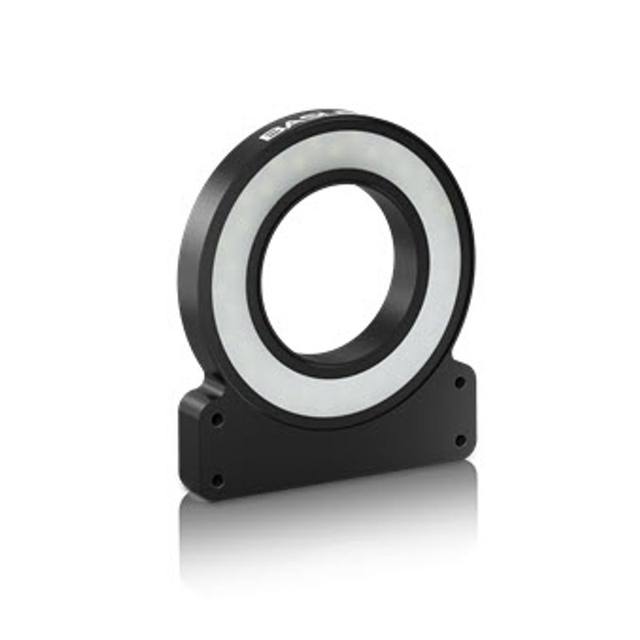
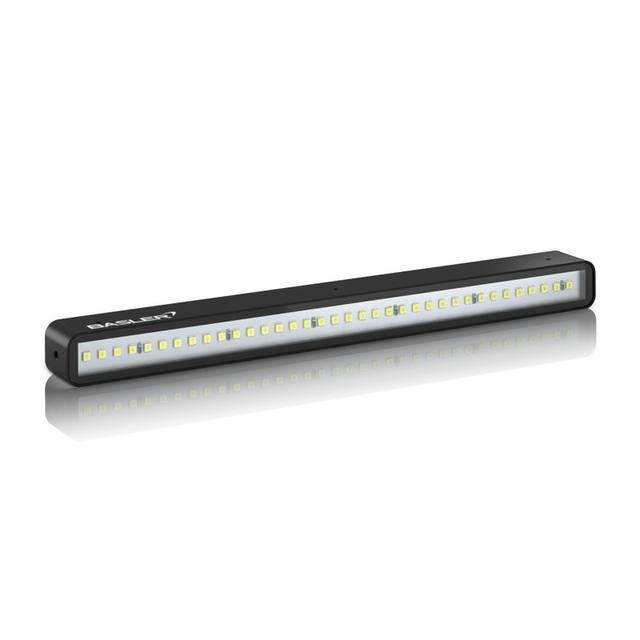
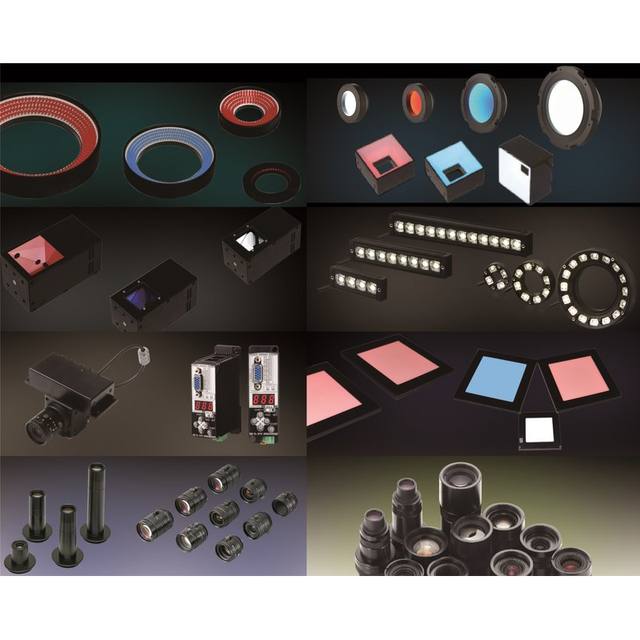
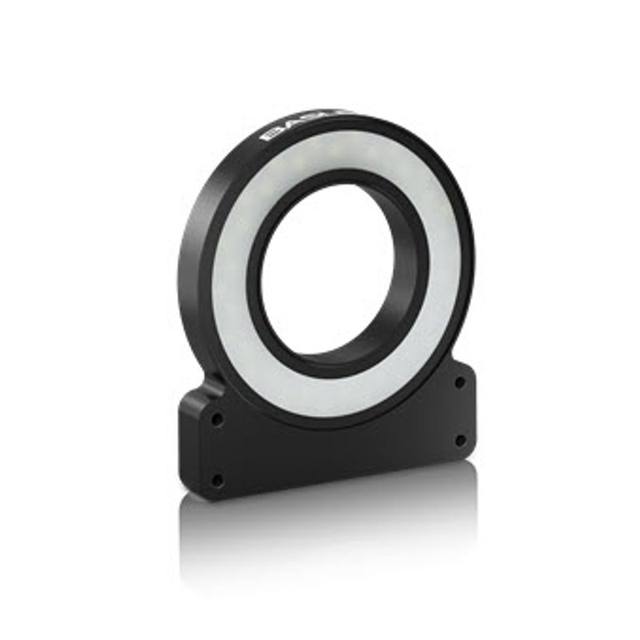
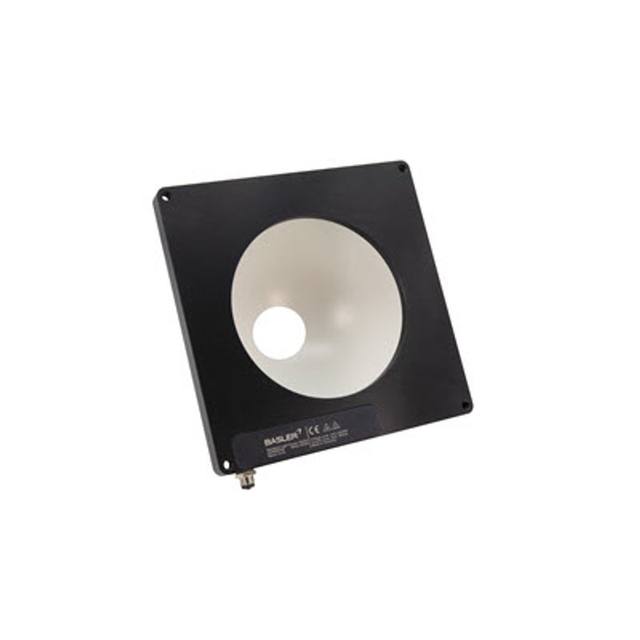
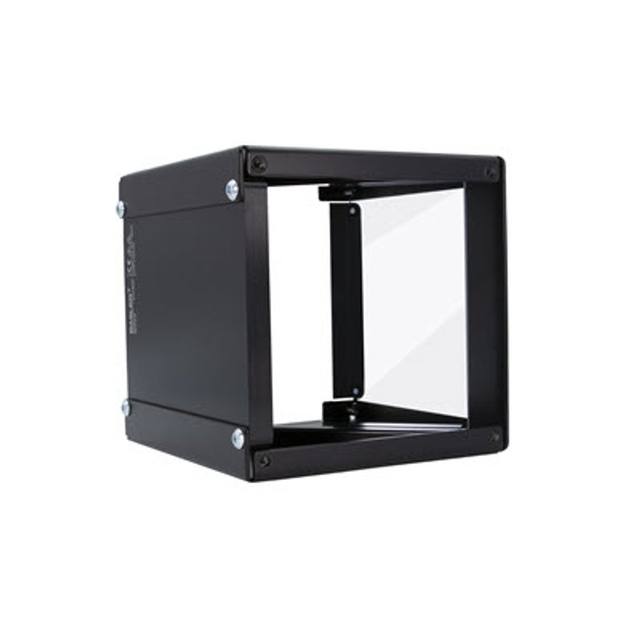
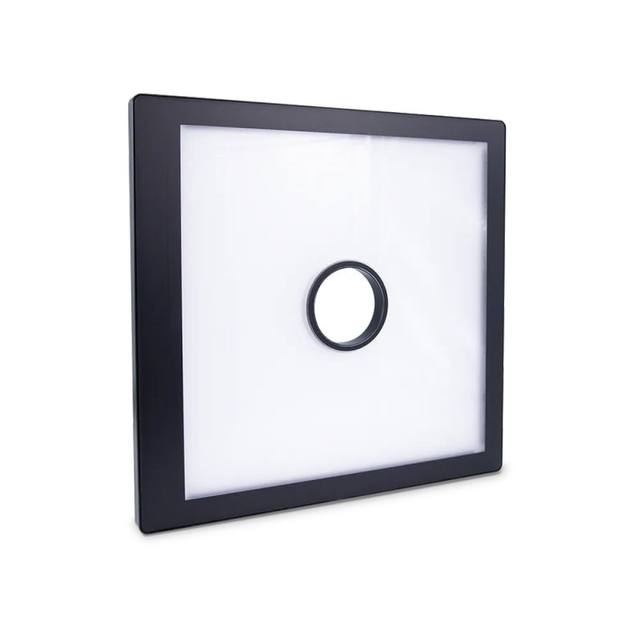
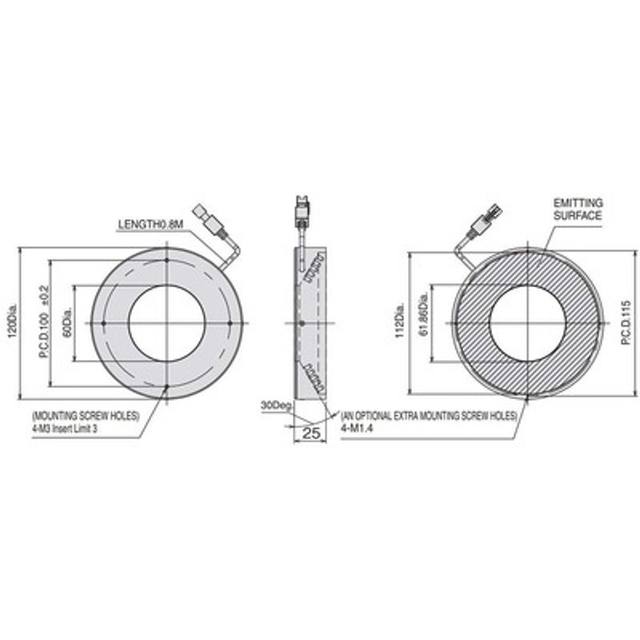
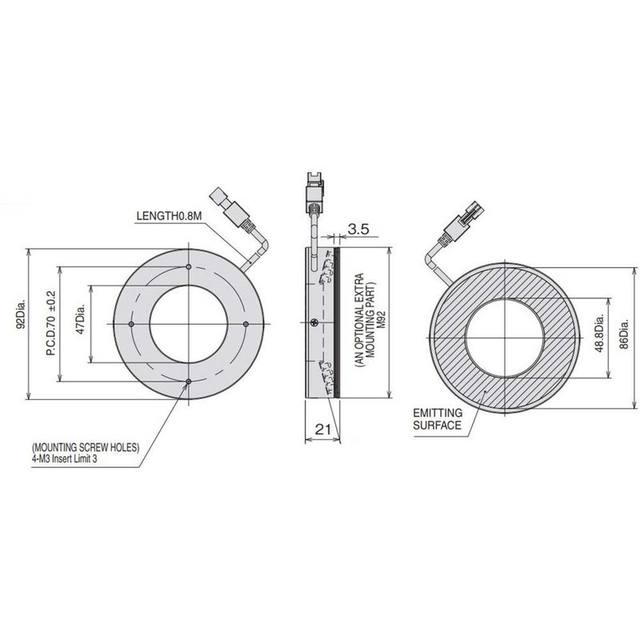
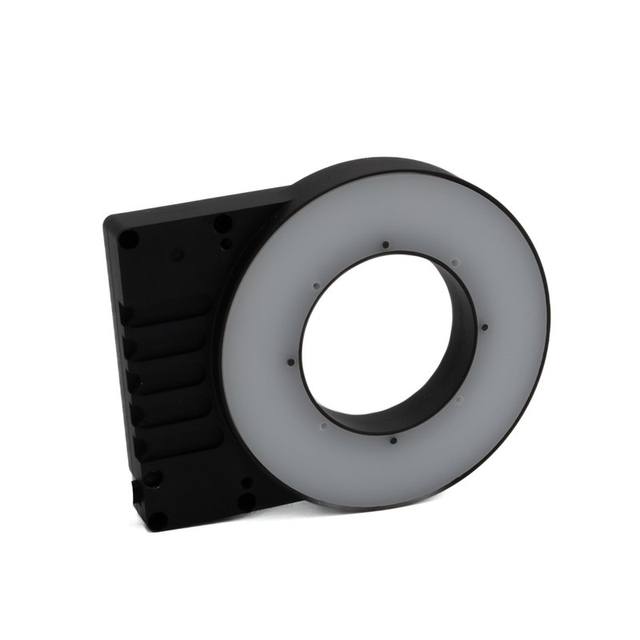
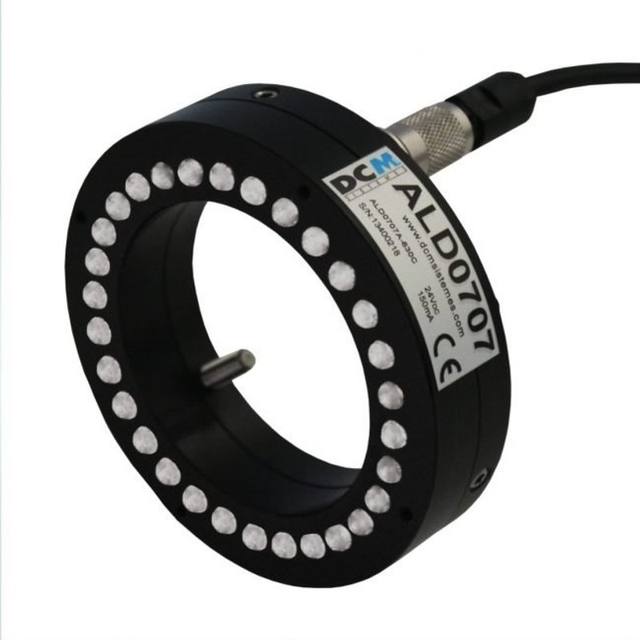
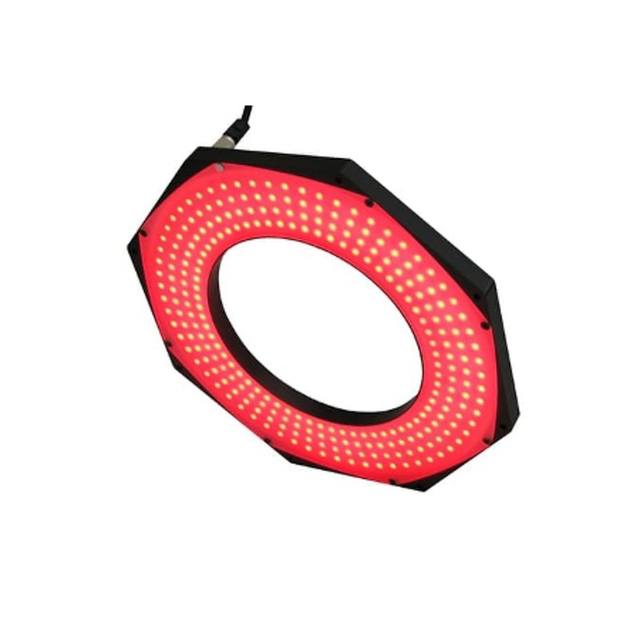
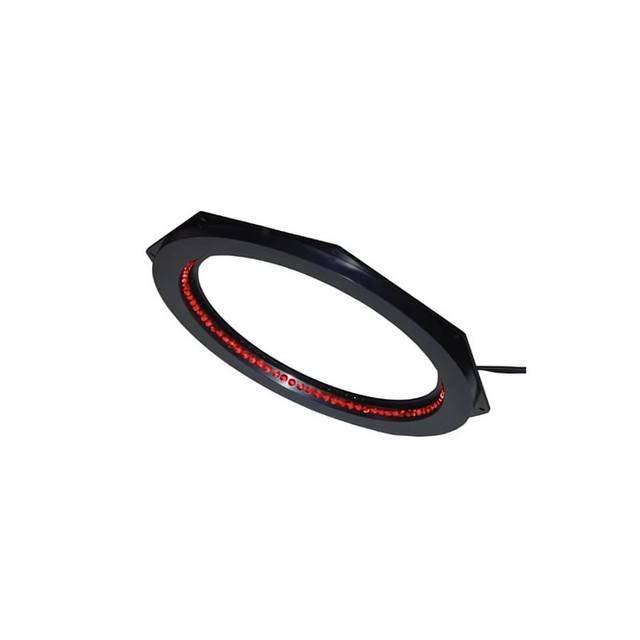
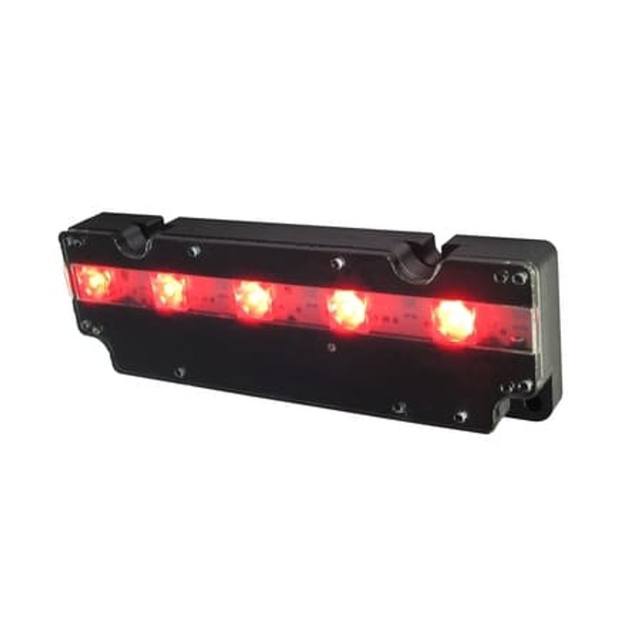
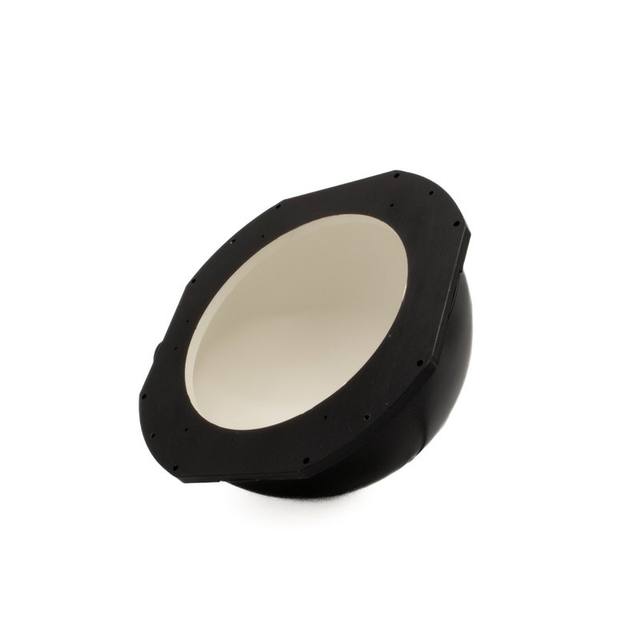
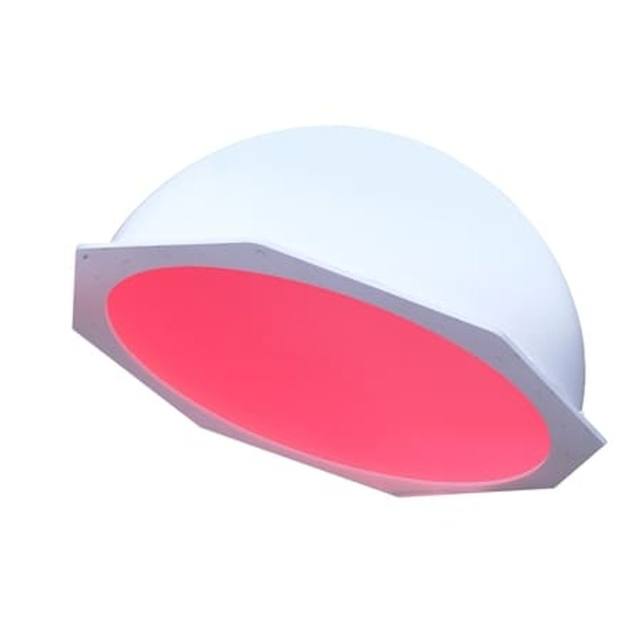
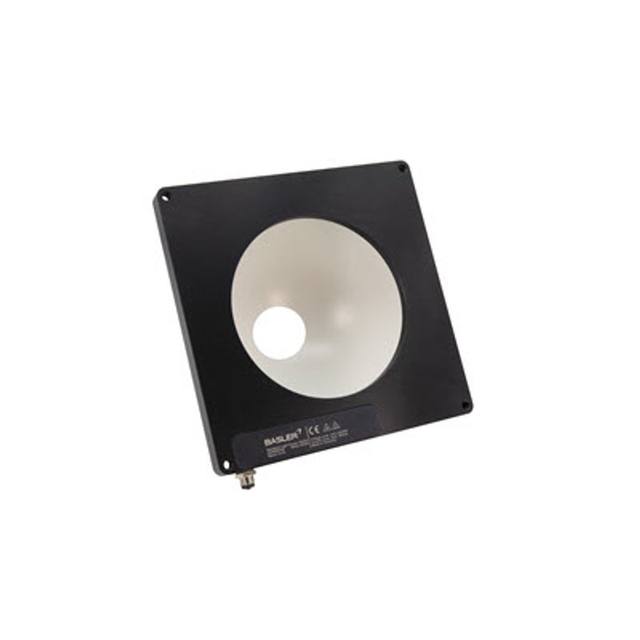
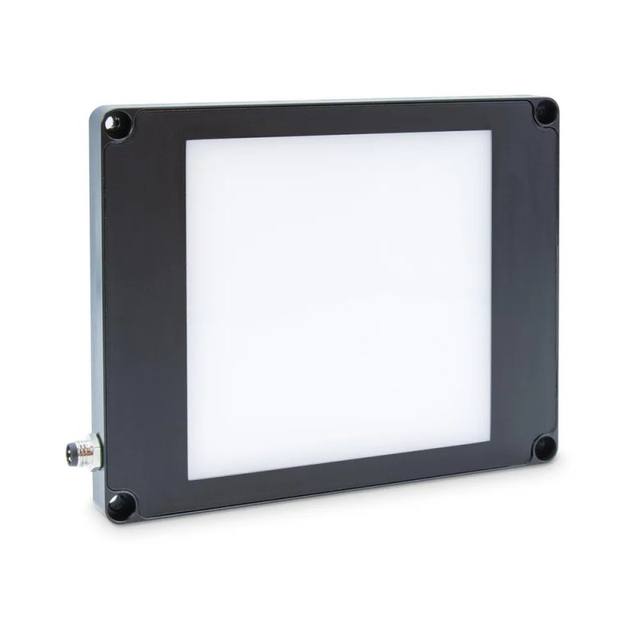
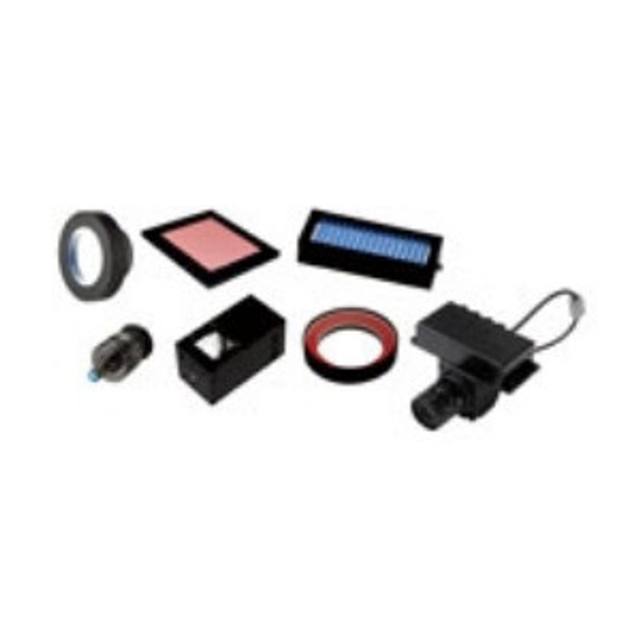
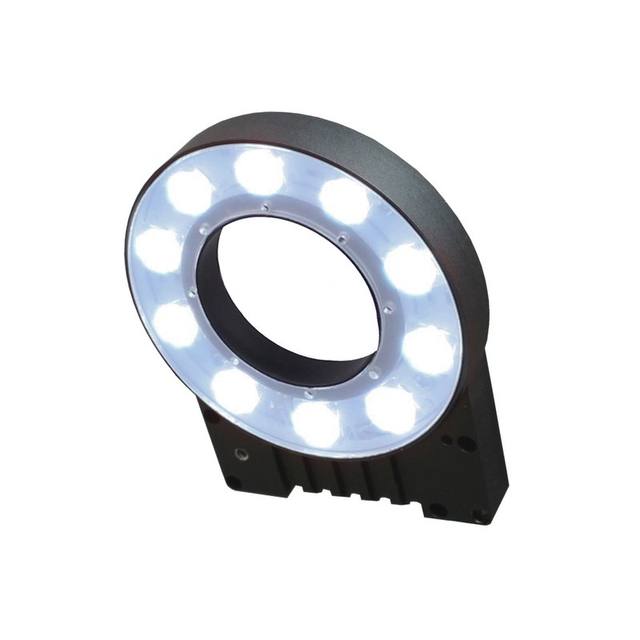
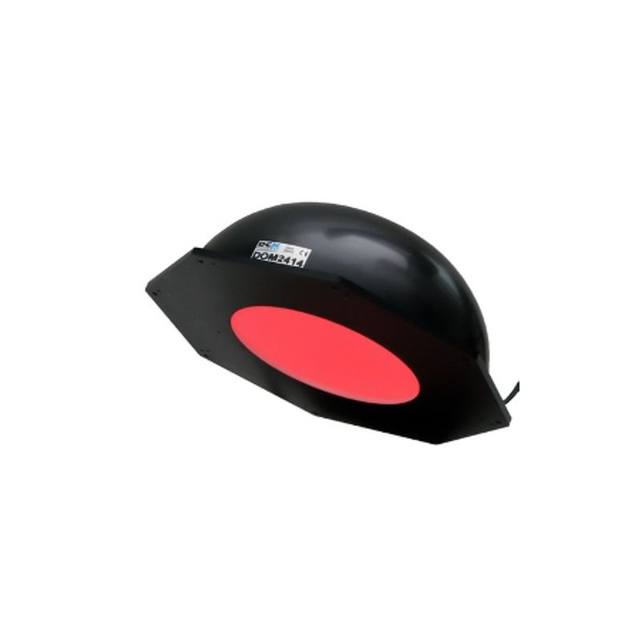
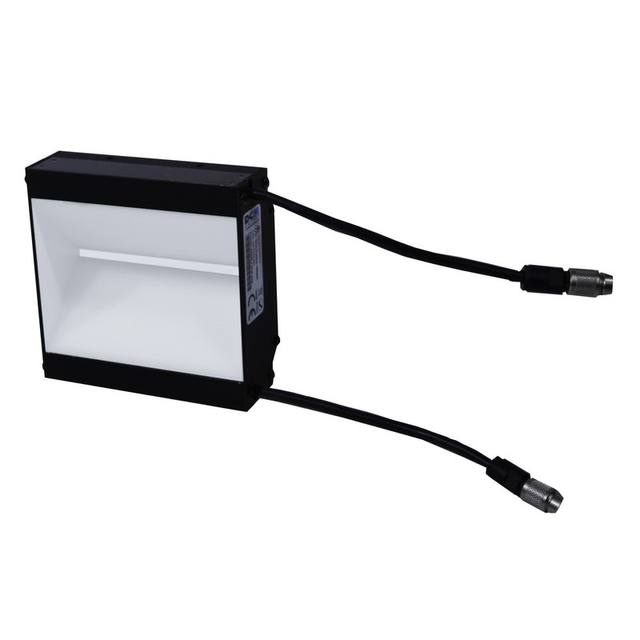
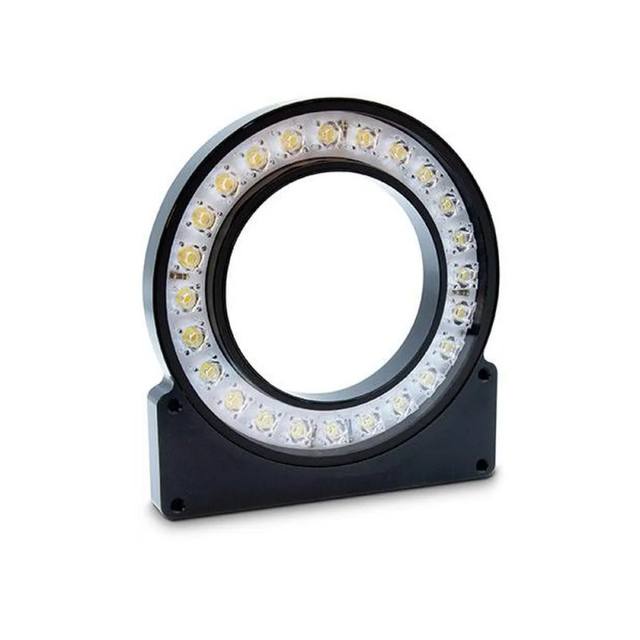
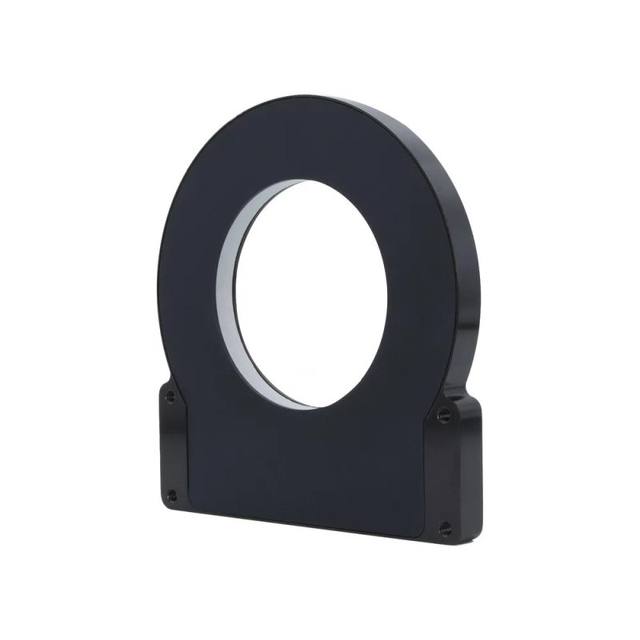
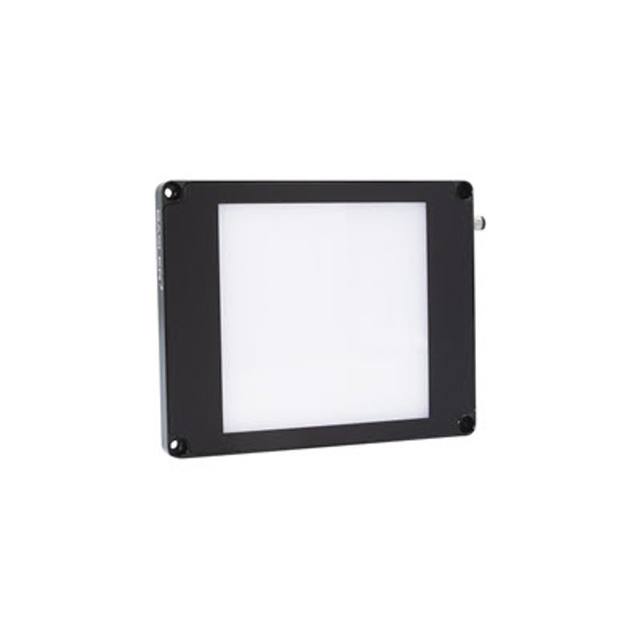
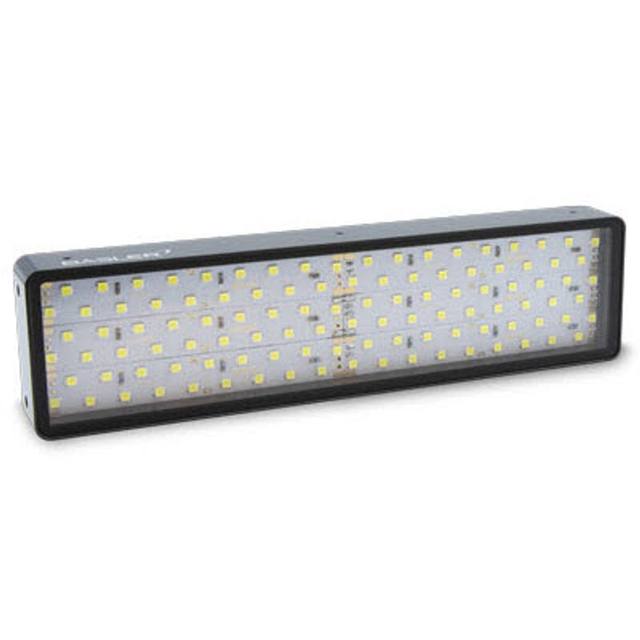
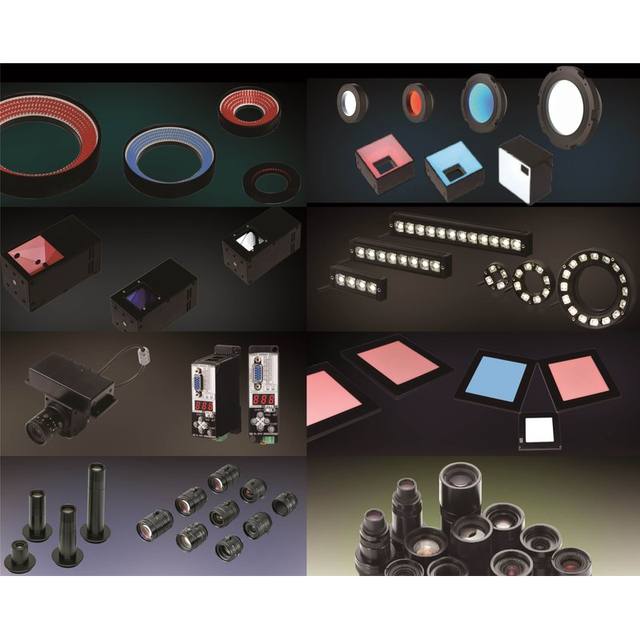
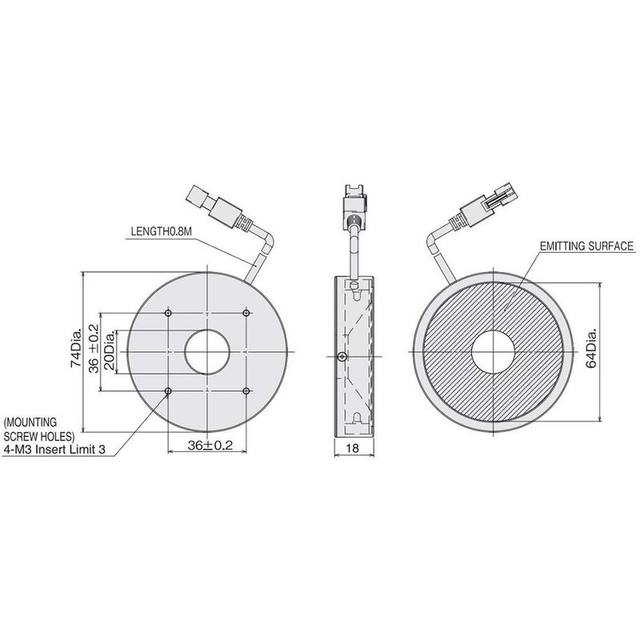
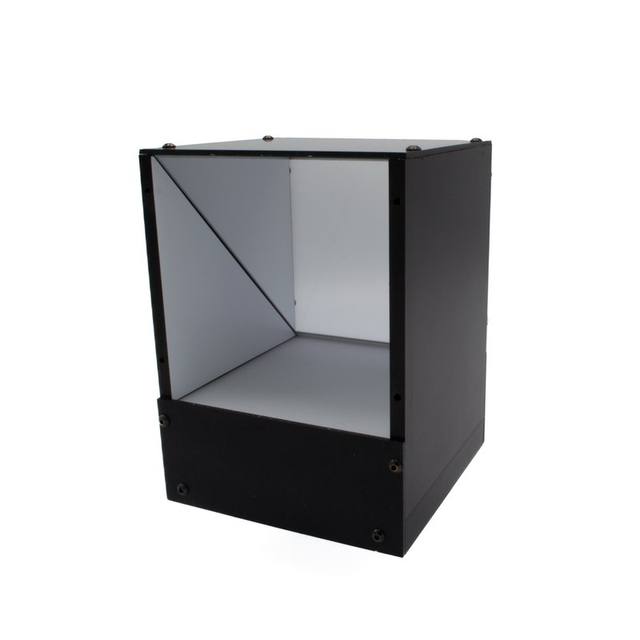
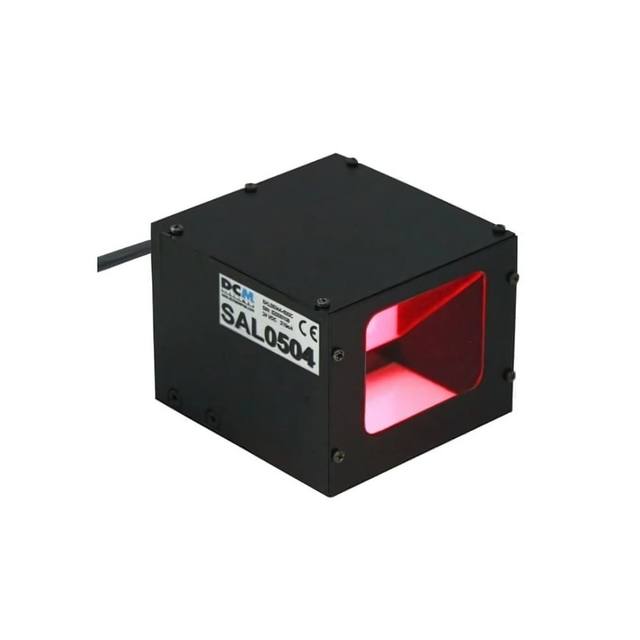
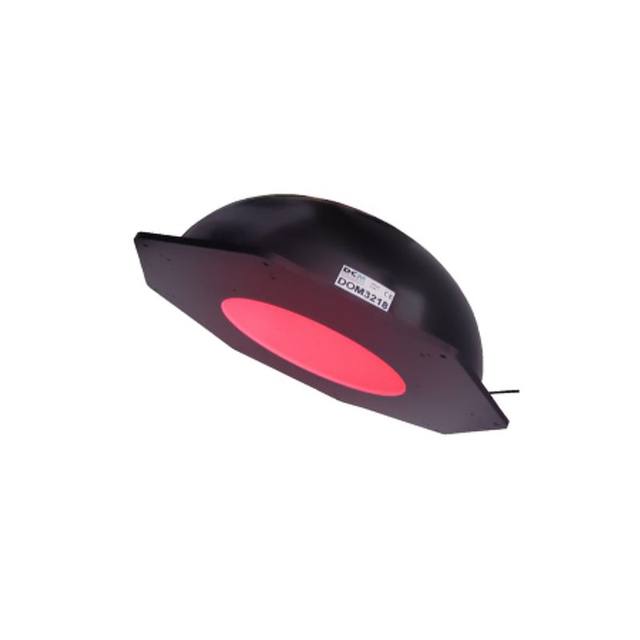
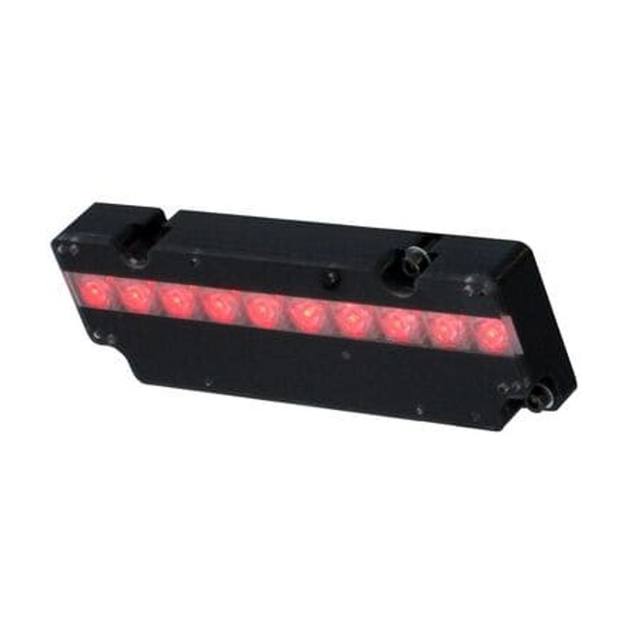
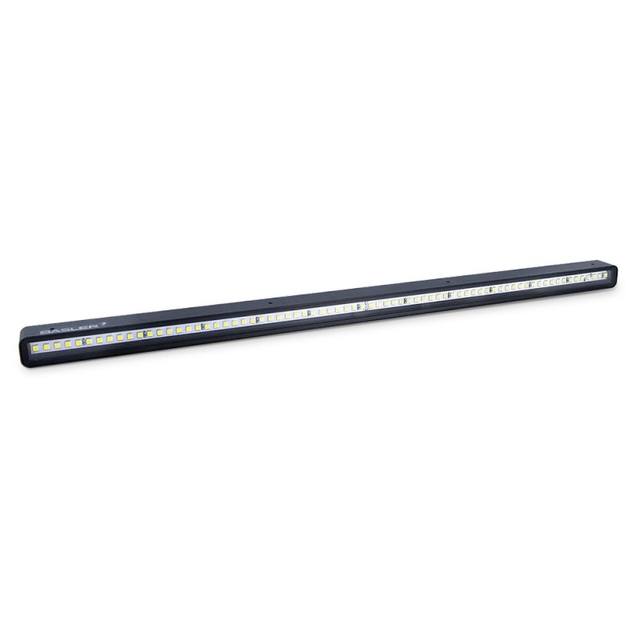
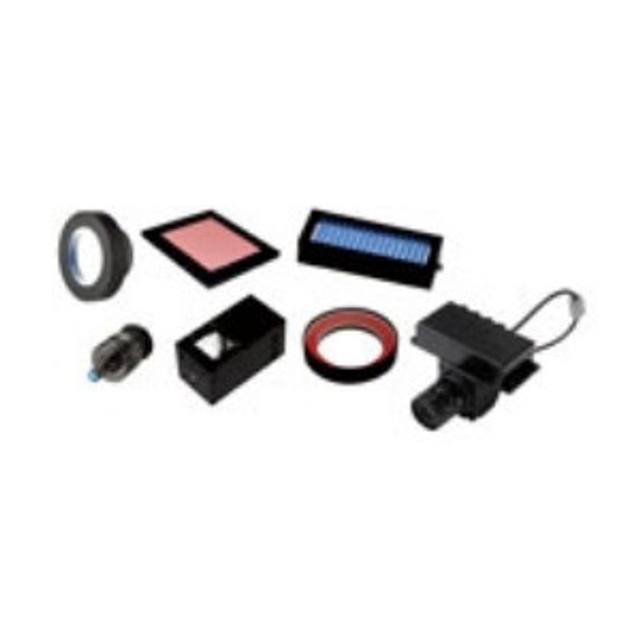
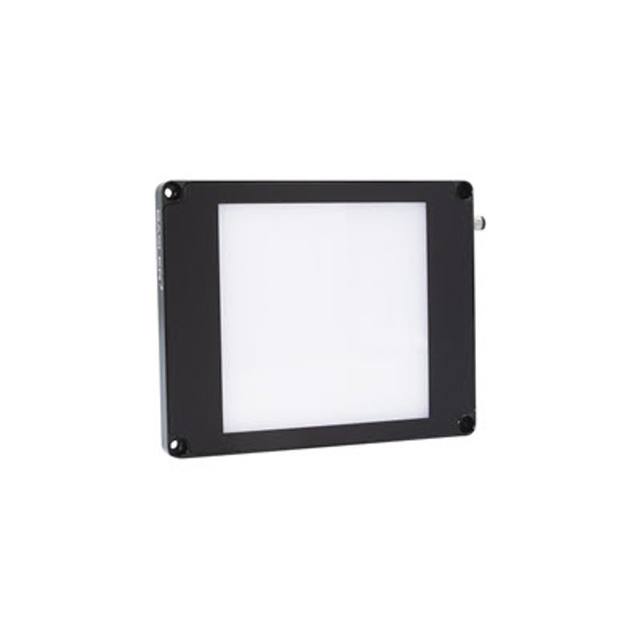
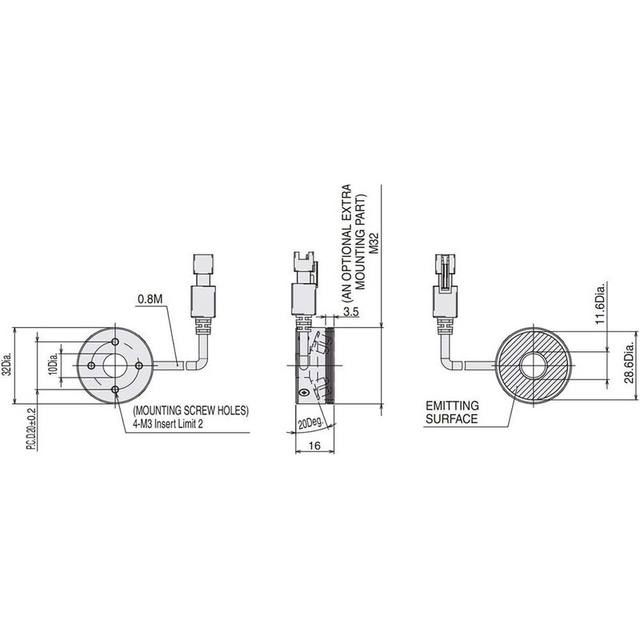
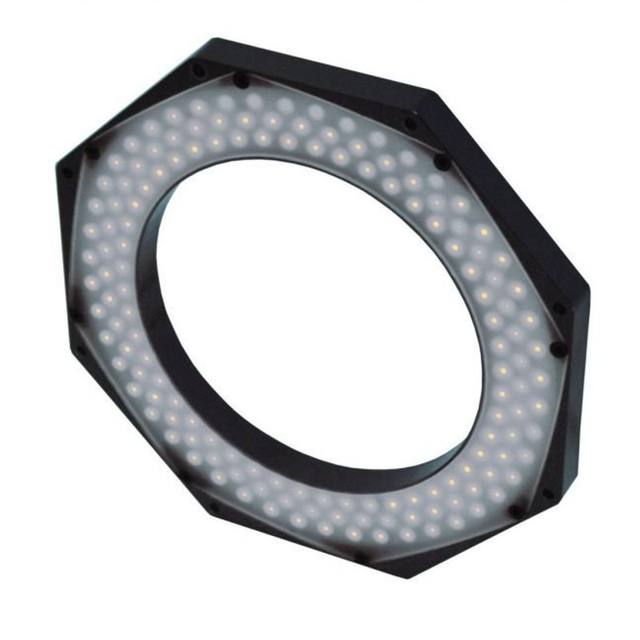
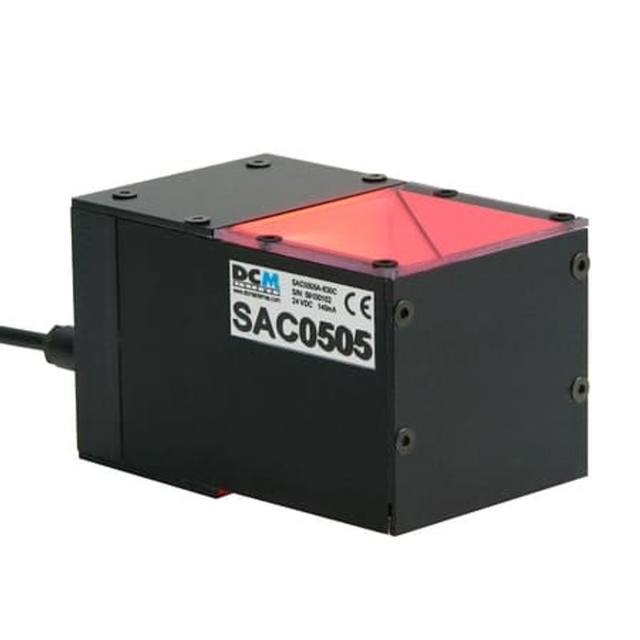
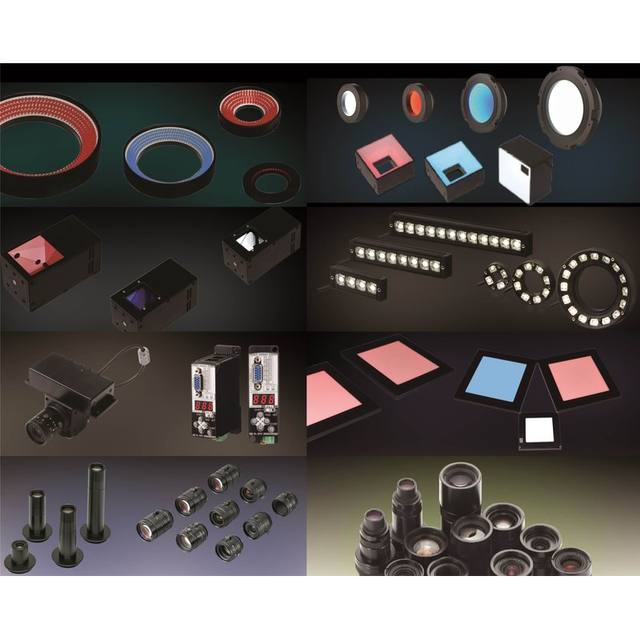
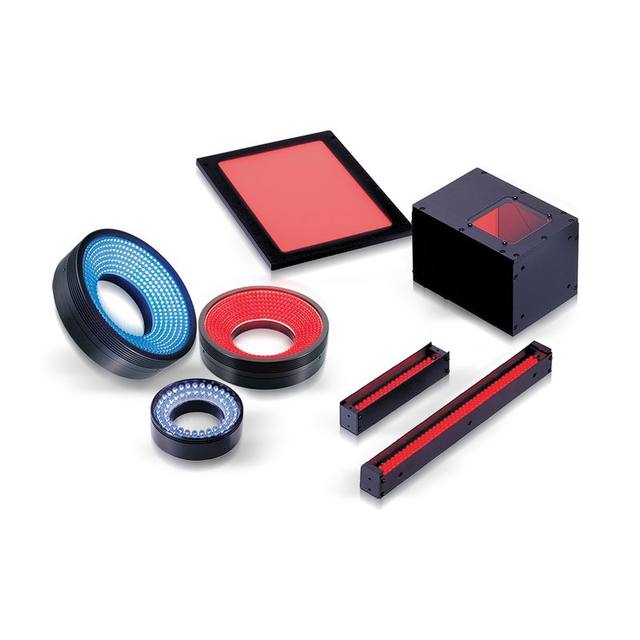
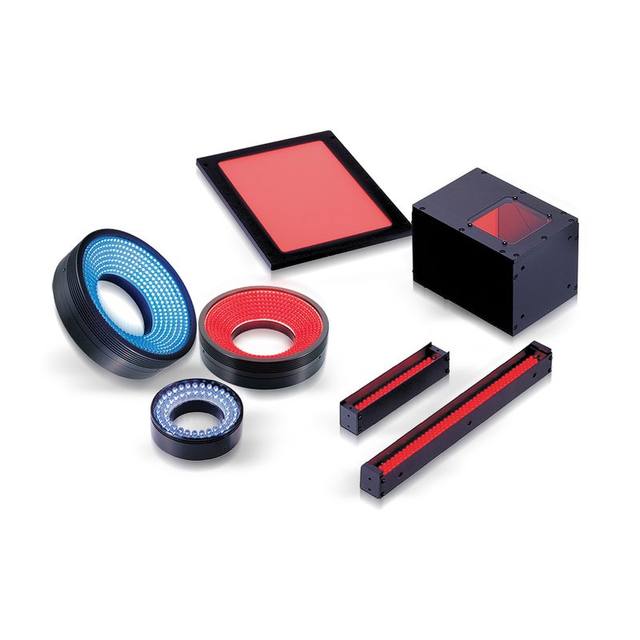
Lighting is the single highest-leverage decision in an OCR/OCV station, because it determines whether characters even separate from their background. The right geometry depends on the marking and substrate, and choosing it deliberately is usually what turns a marginal 95% read rate into a reliable one. For flat printed labels, diffuse coaxial (on-axis) light suppresses glare and gives even illumination; for laser etch or peen marks that sit in the surface, low-angle dark-field light catches the relief and renders the strokes bright against a dark background; for highly reflective or curved parts, a diffuse dome light eliminates the hotspots that otherwise swamp the text.
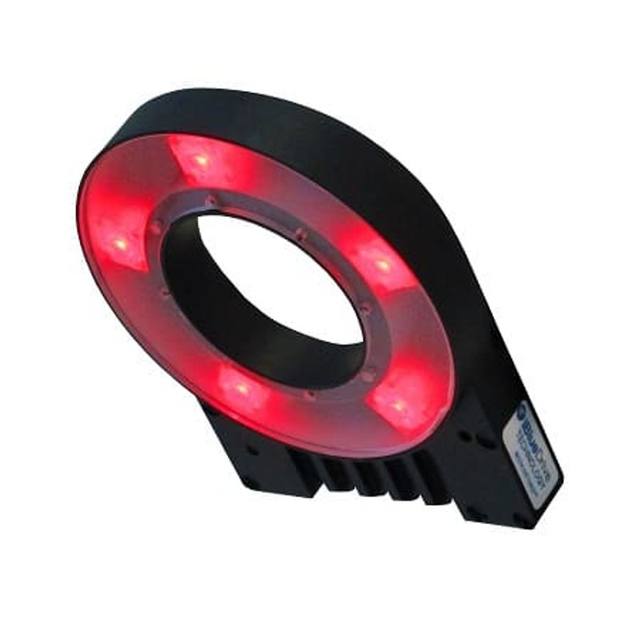
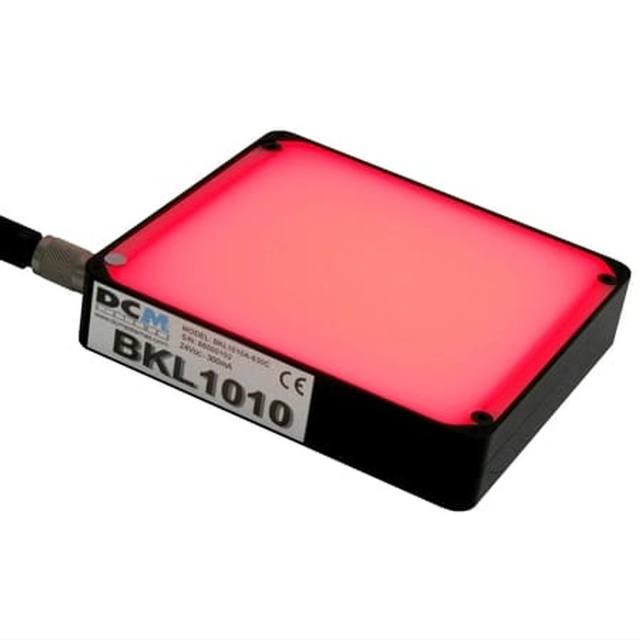
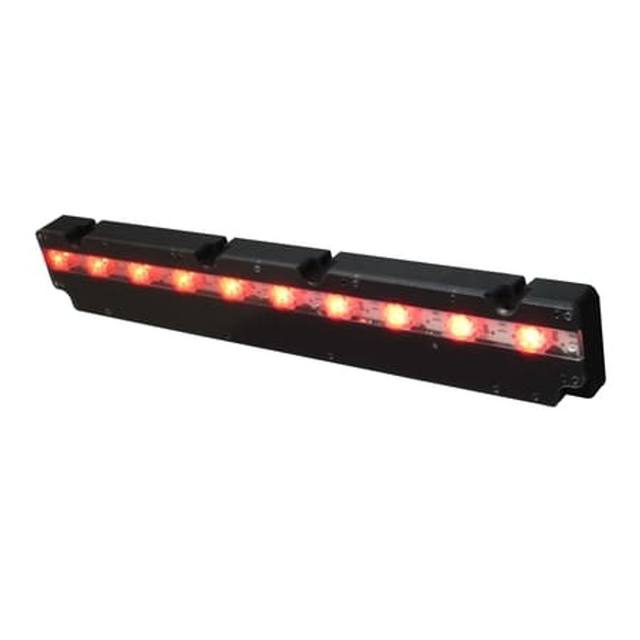
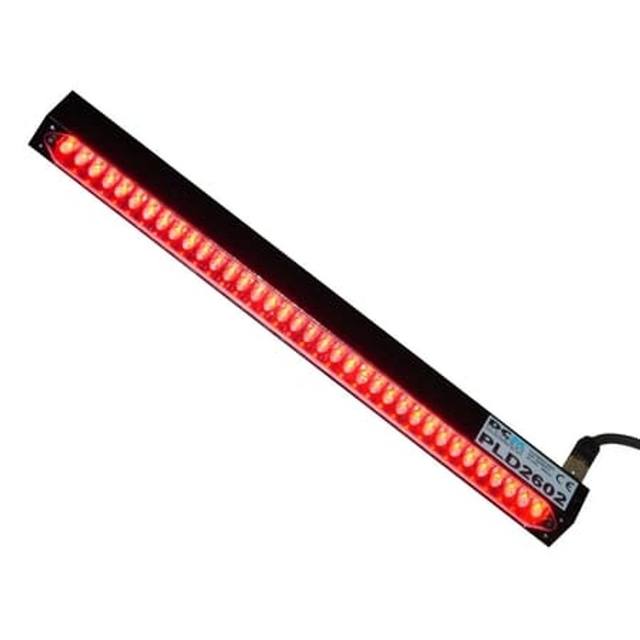
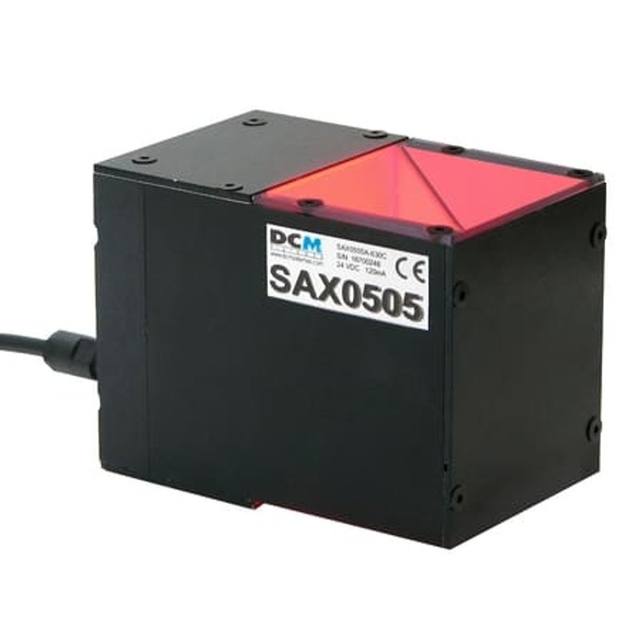
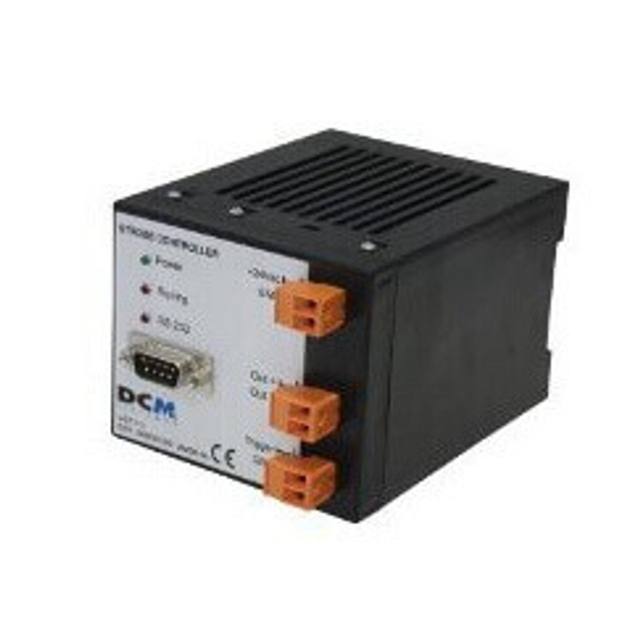
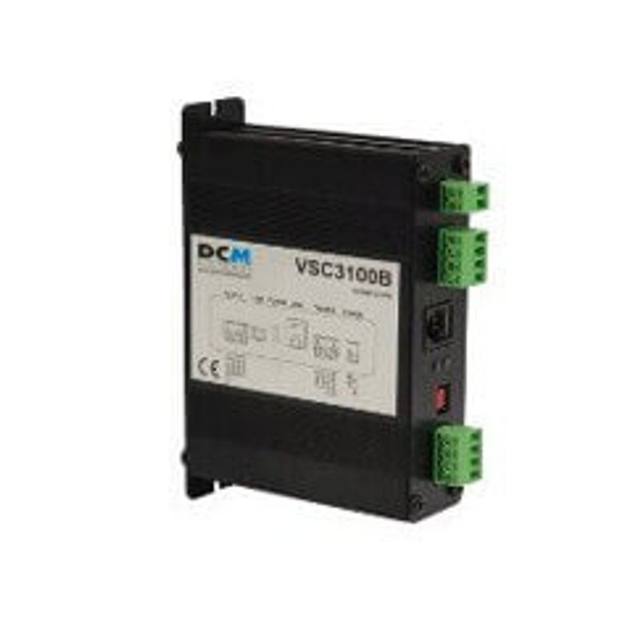
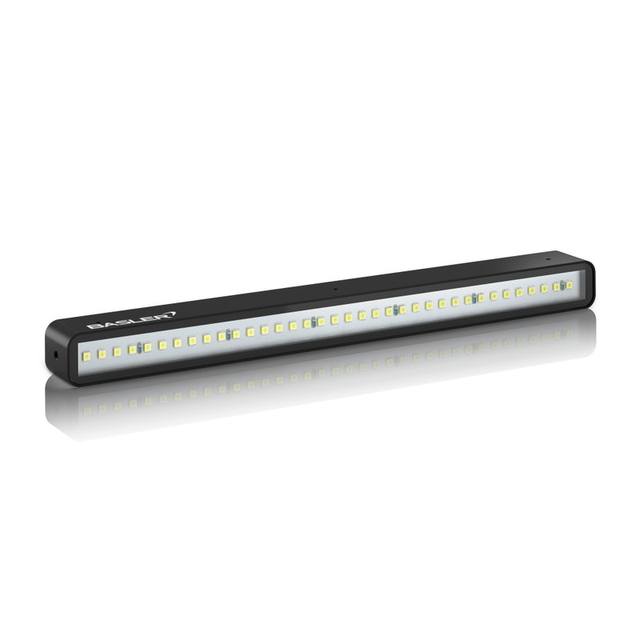
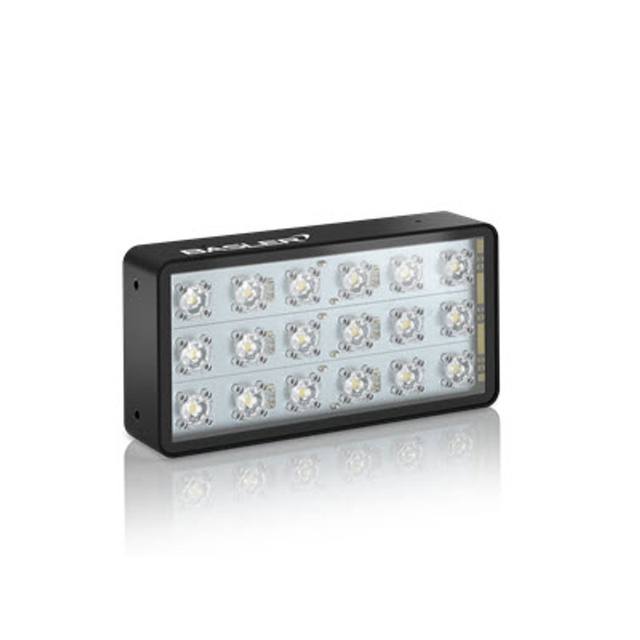
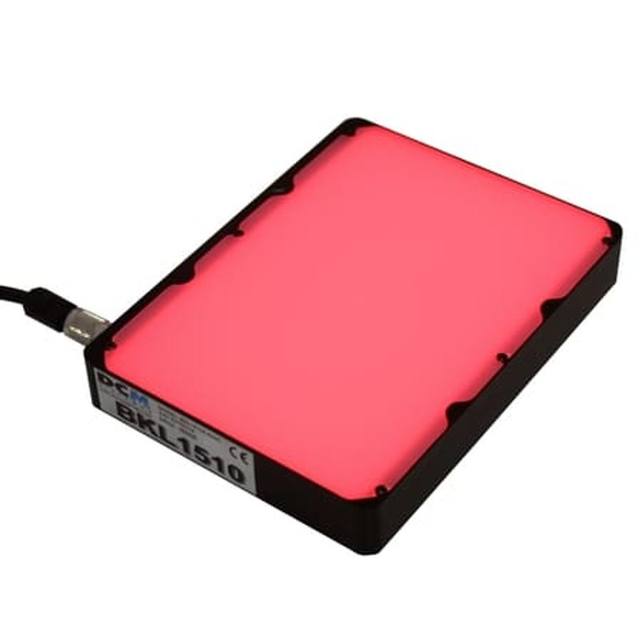
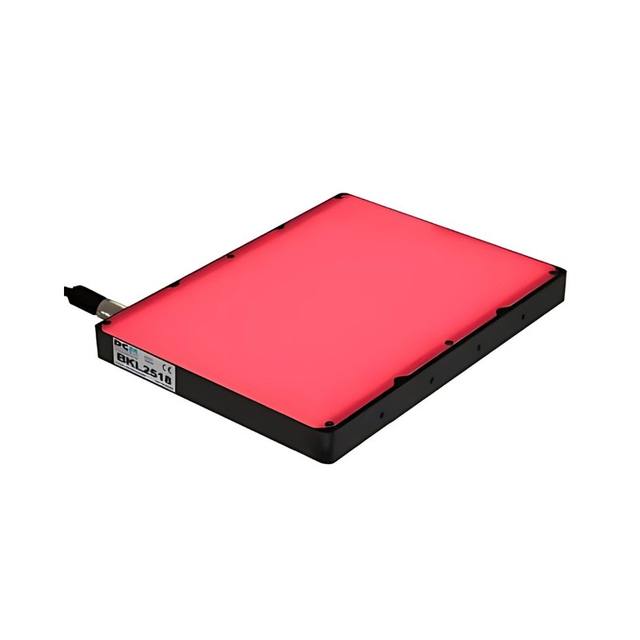
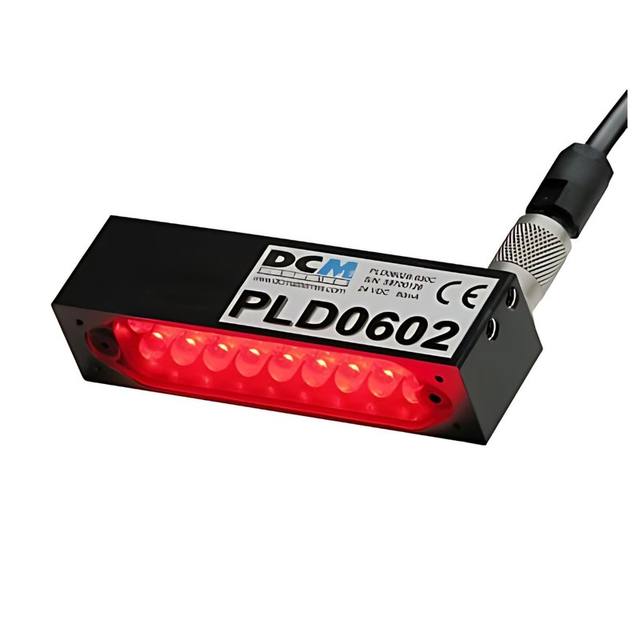
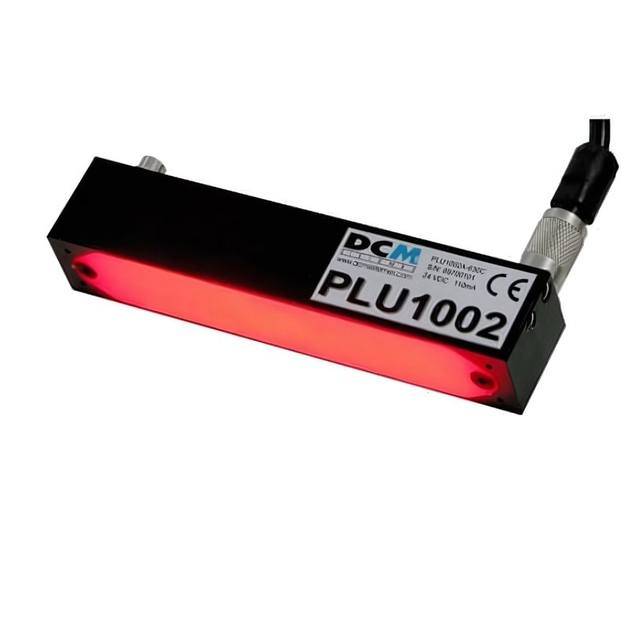
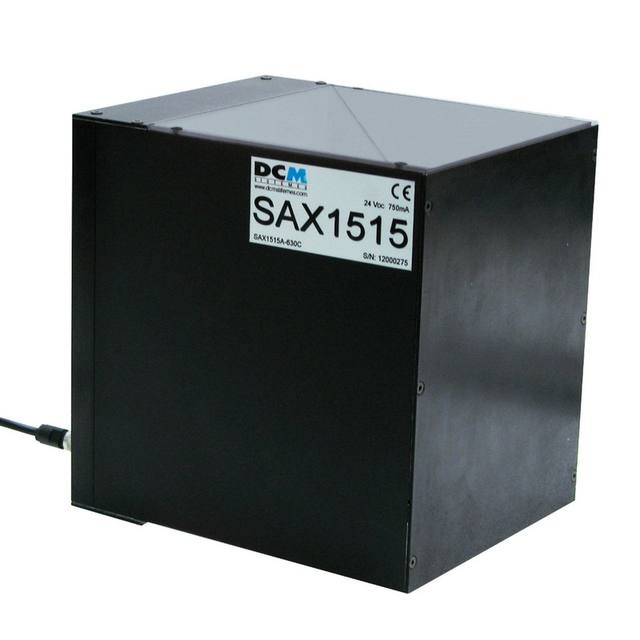
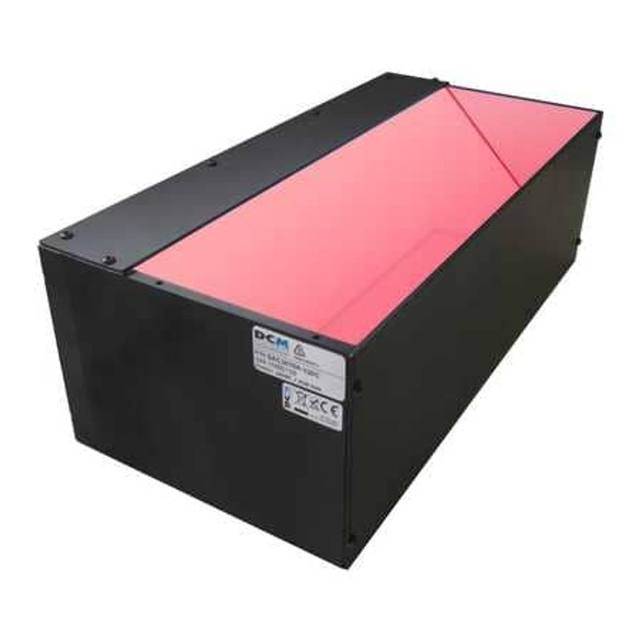
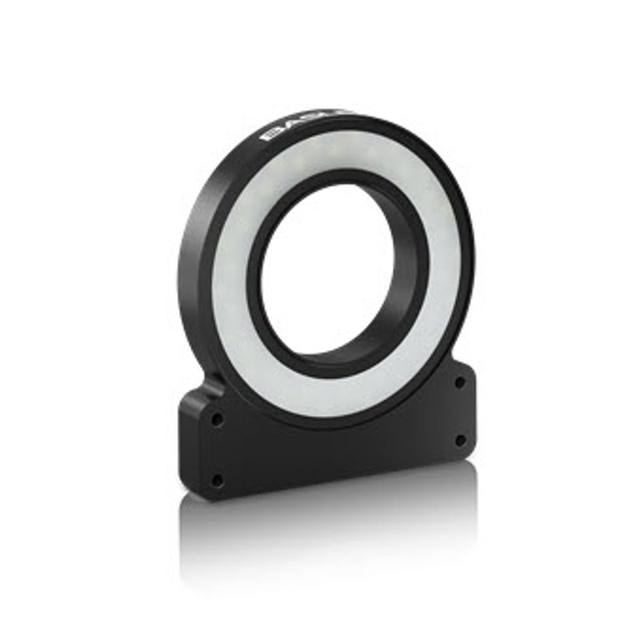
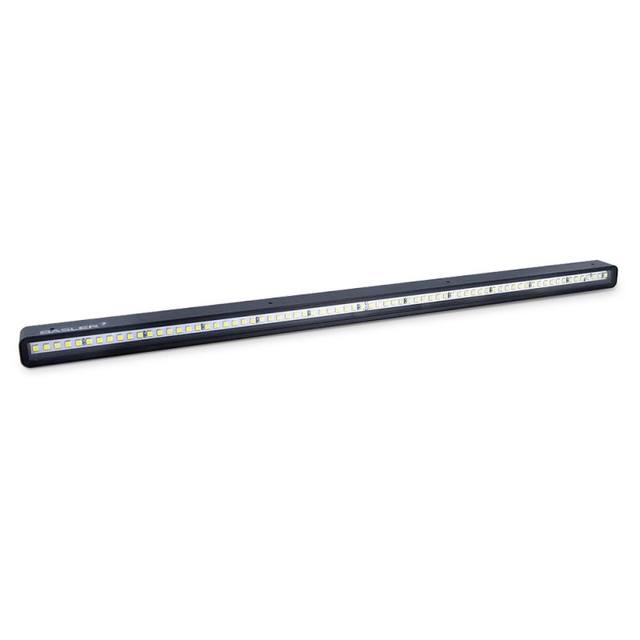
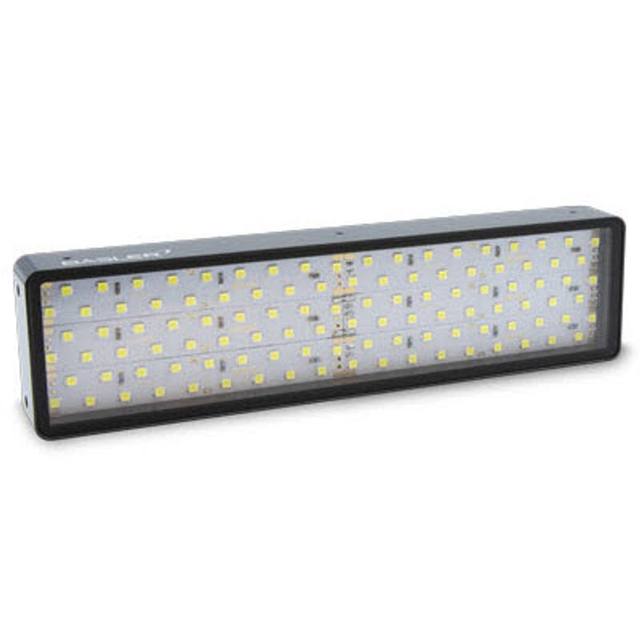
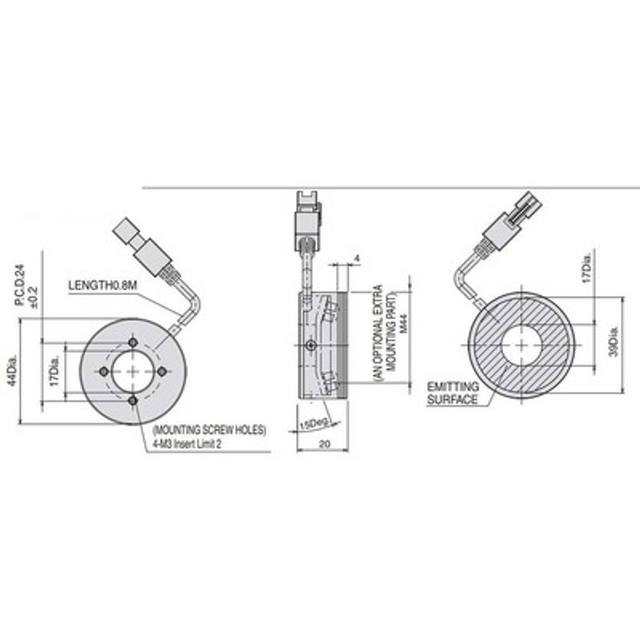
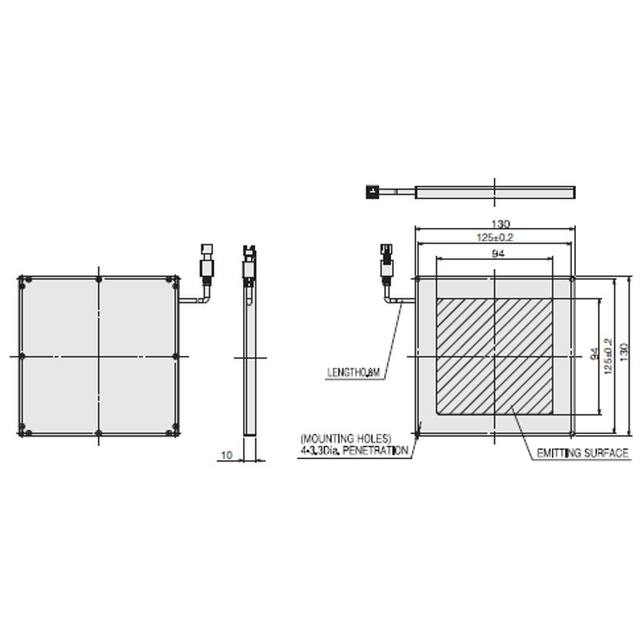
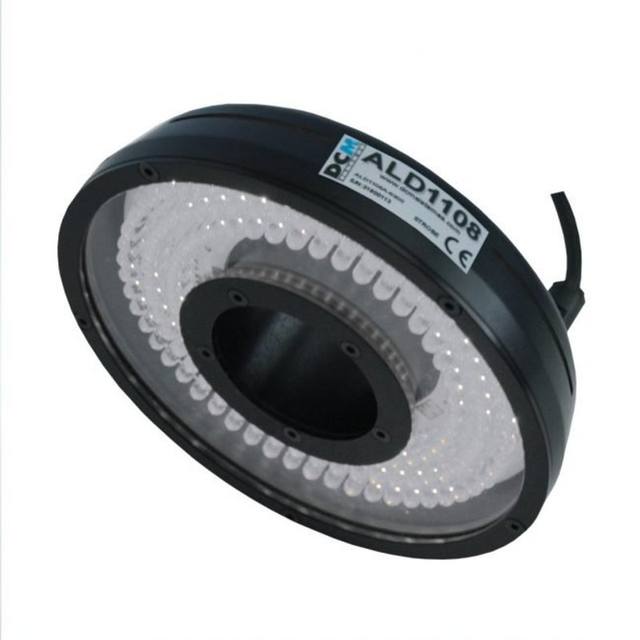
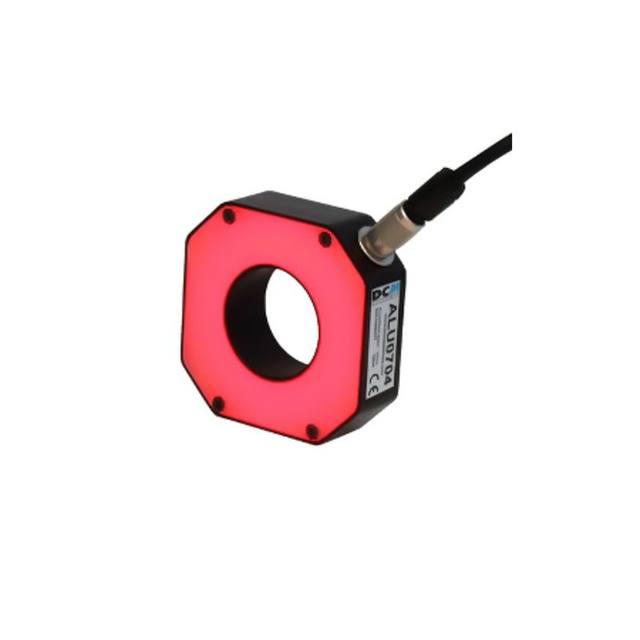
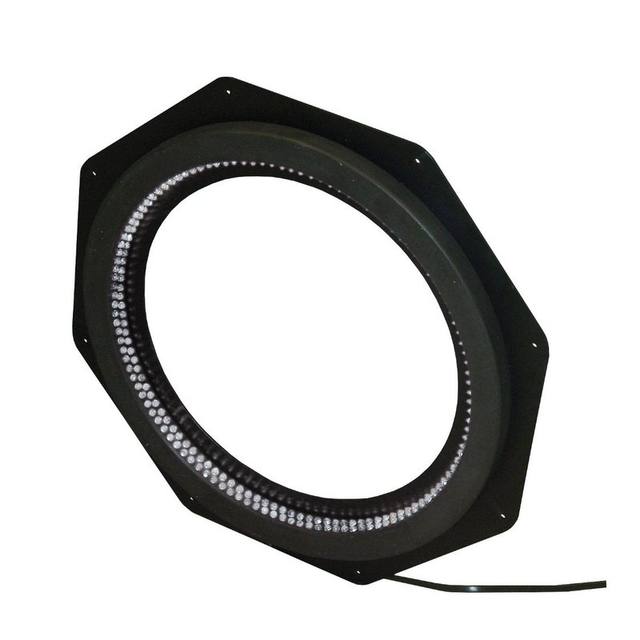
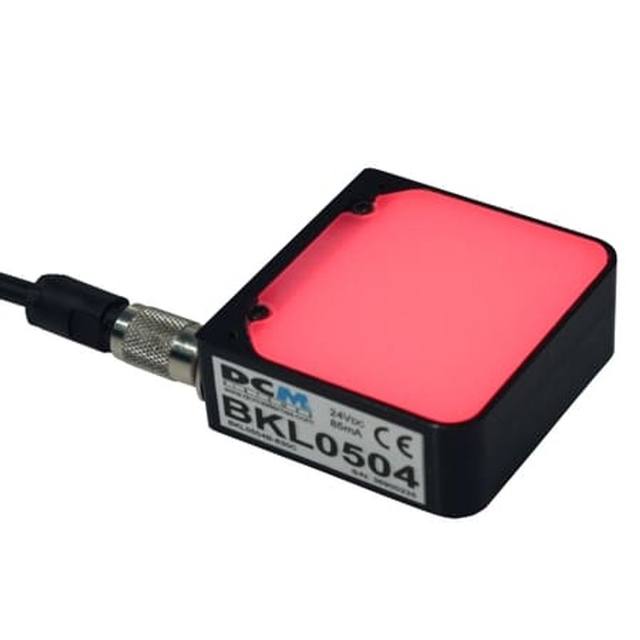
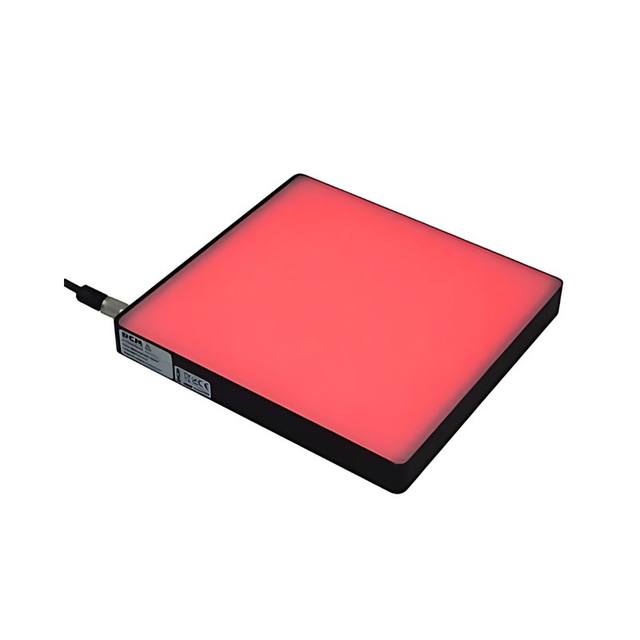
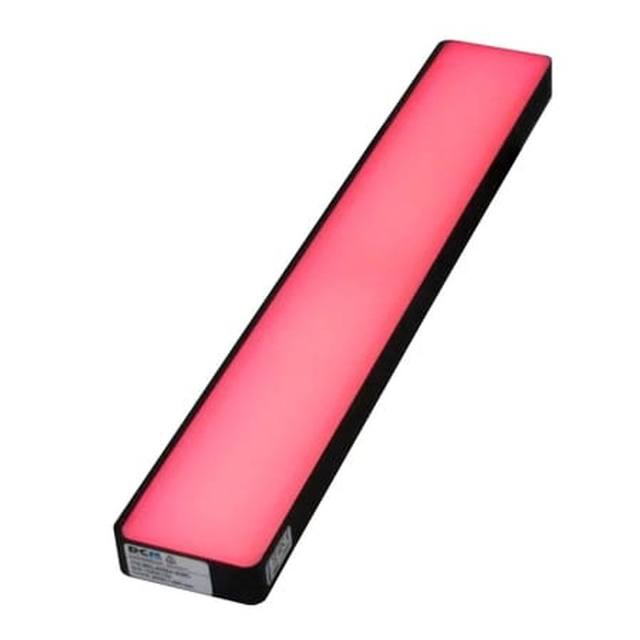
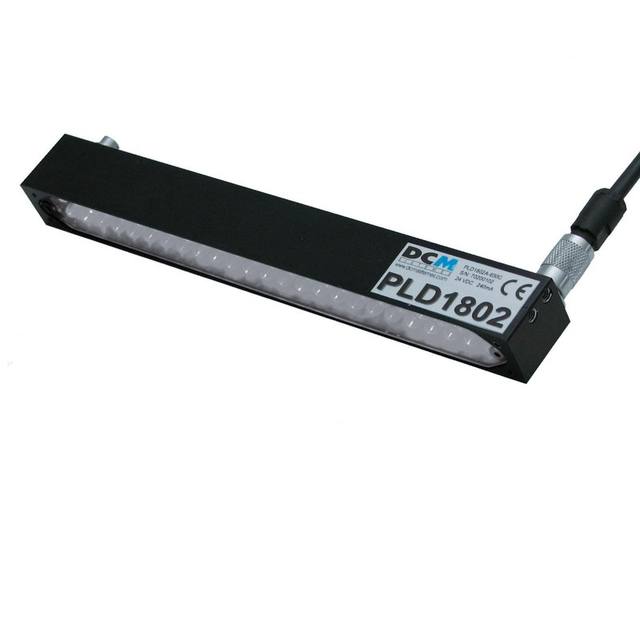
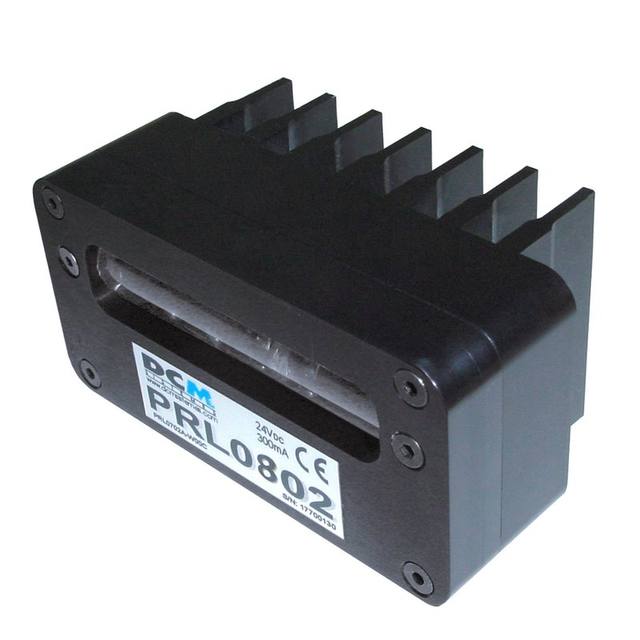
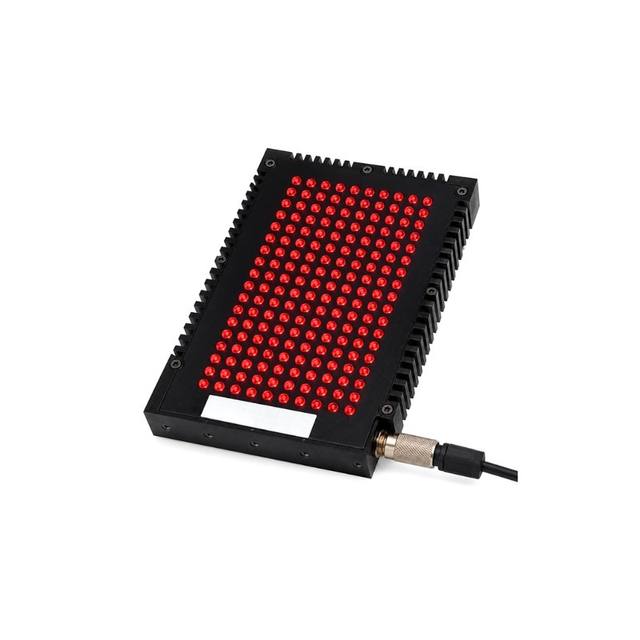
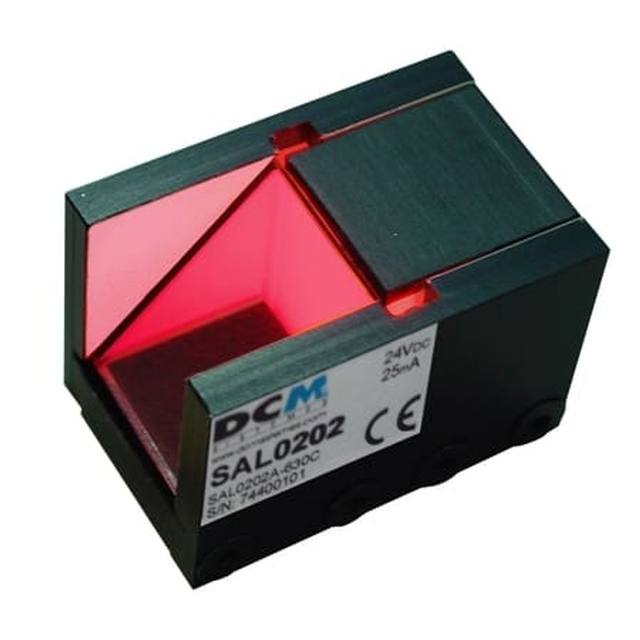
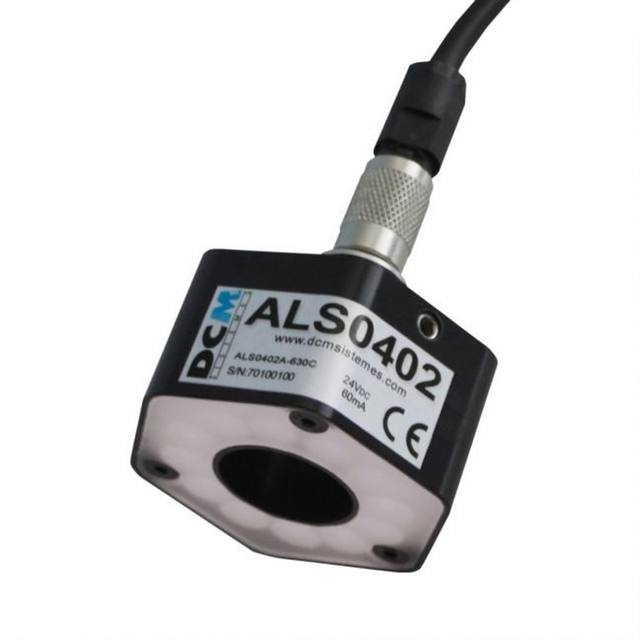
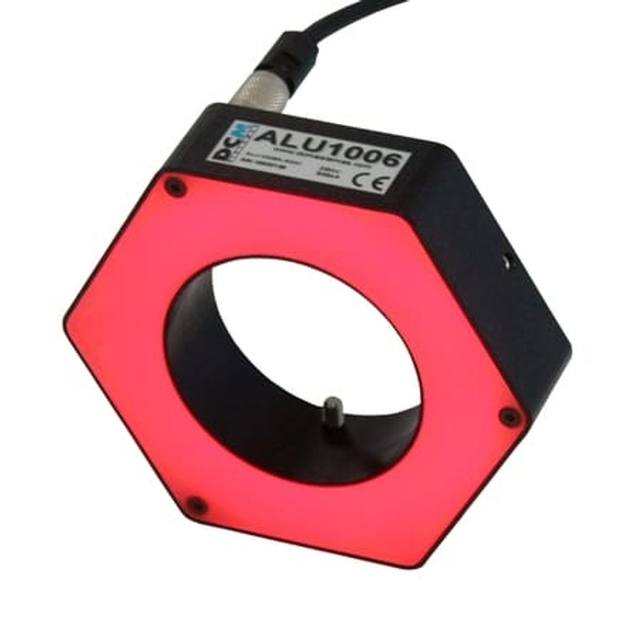
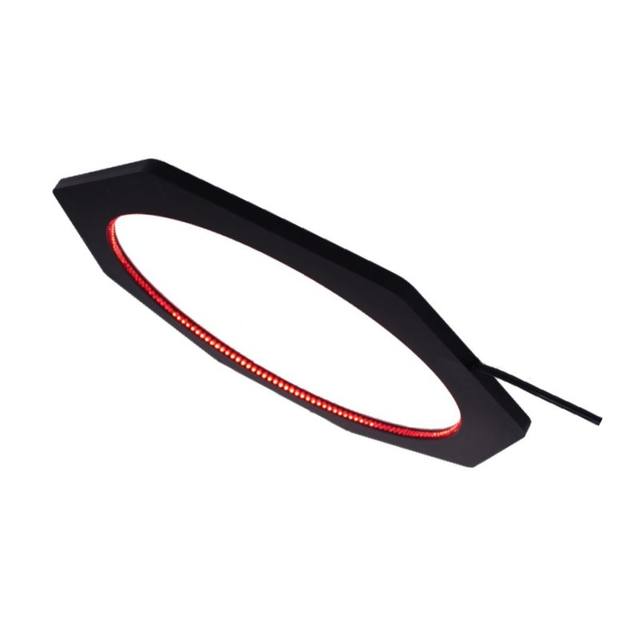
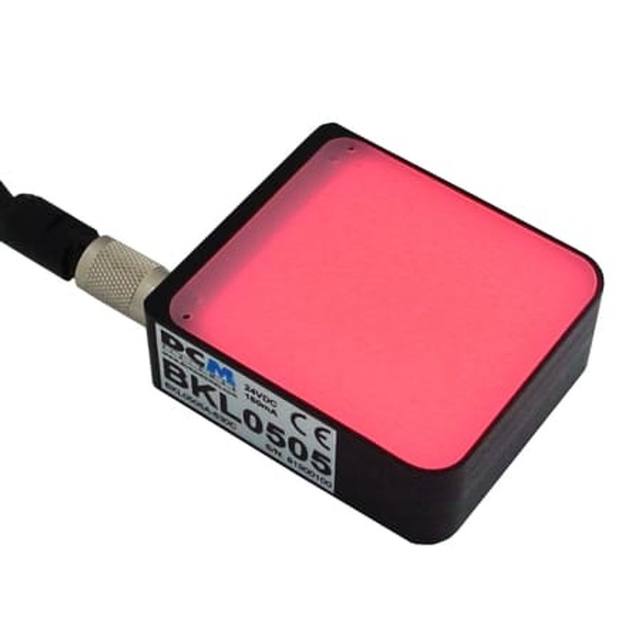
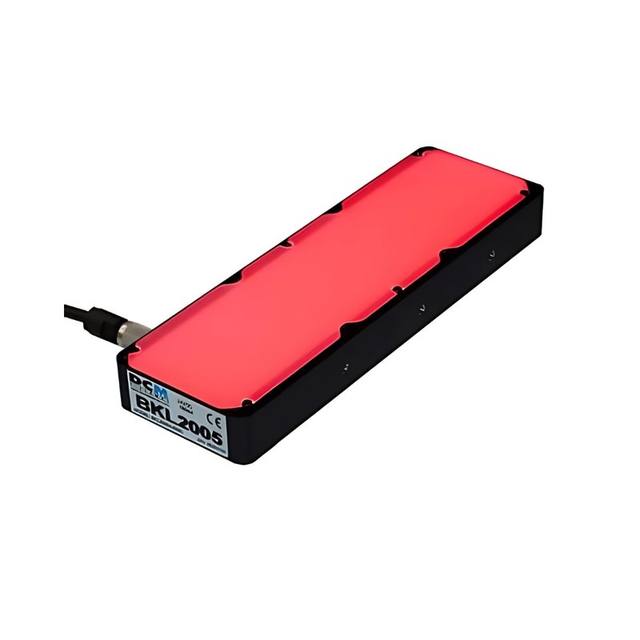
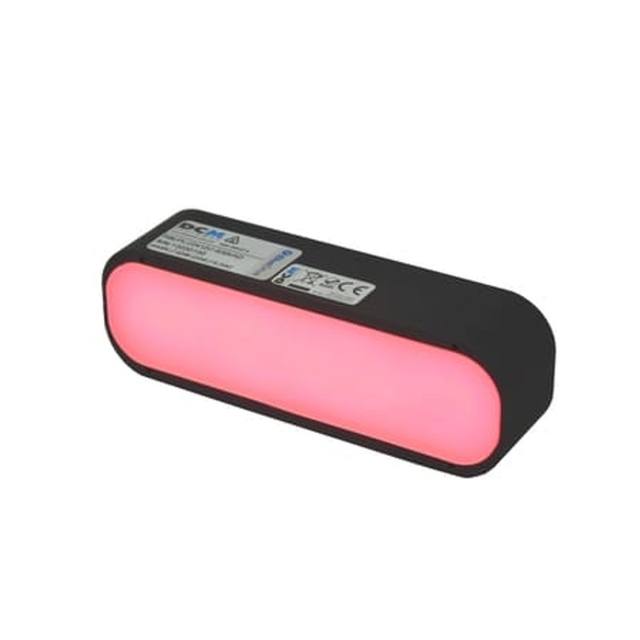
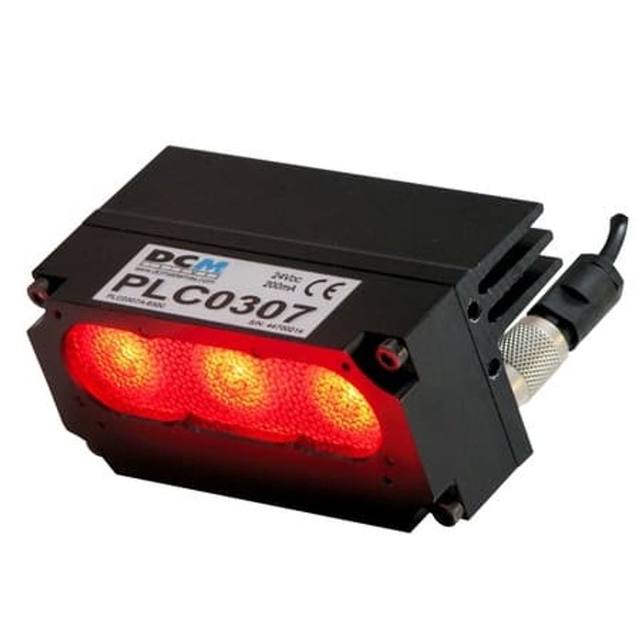
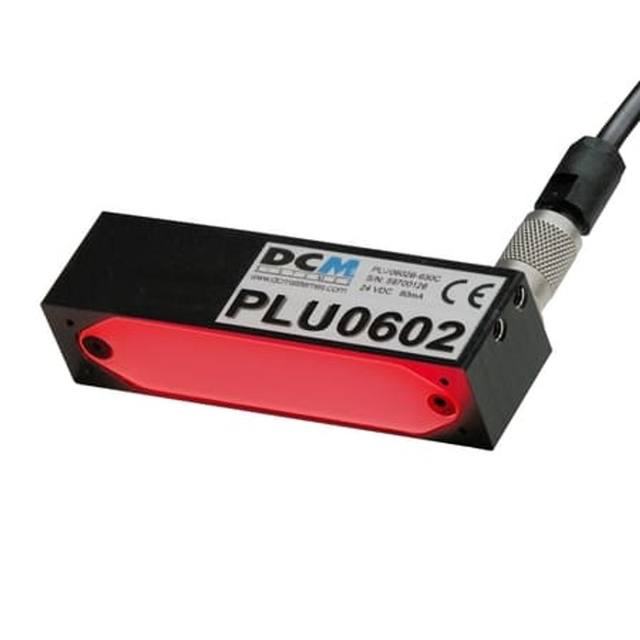
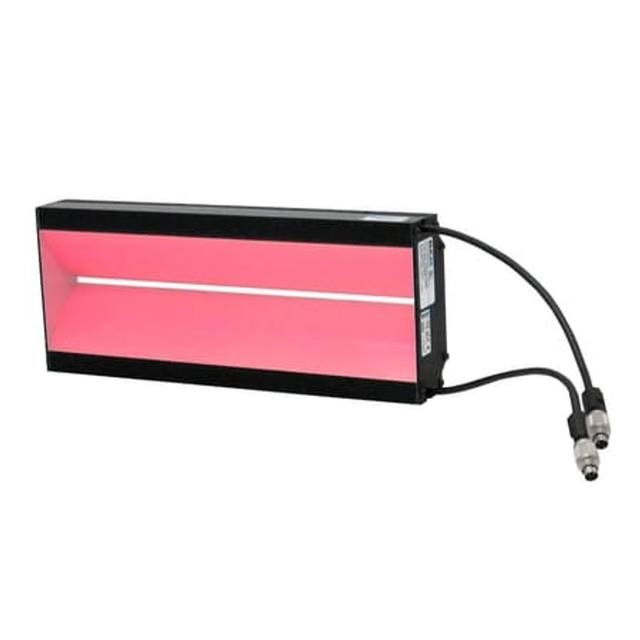
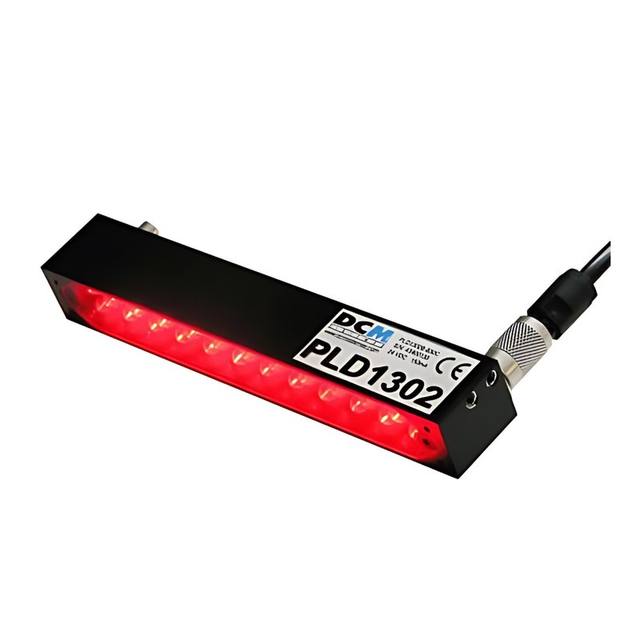
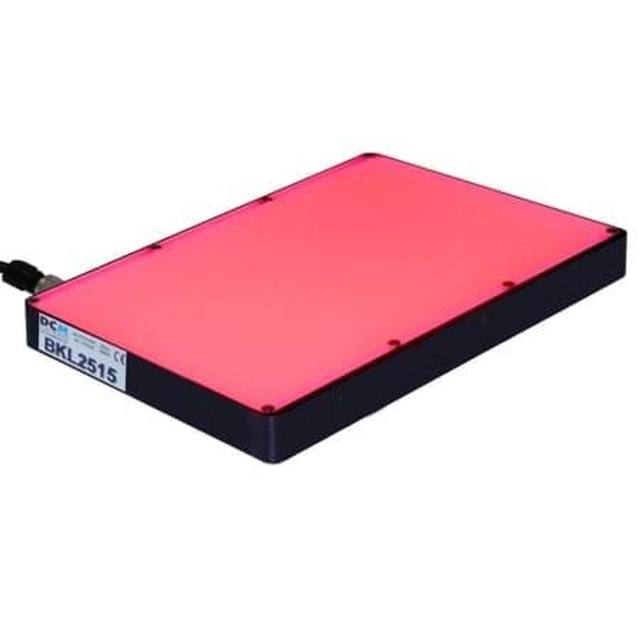
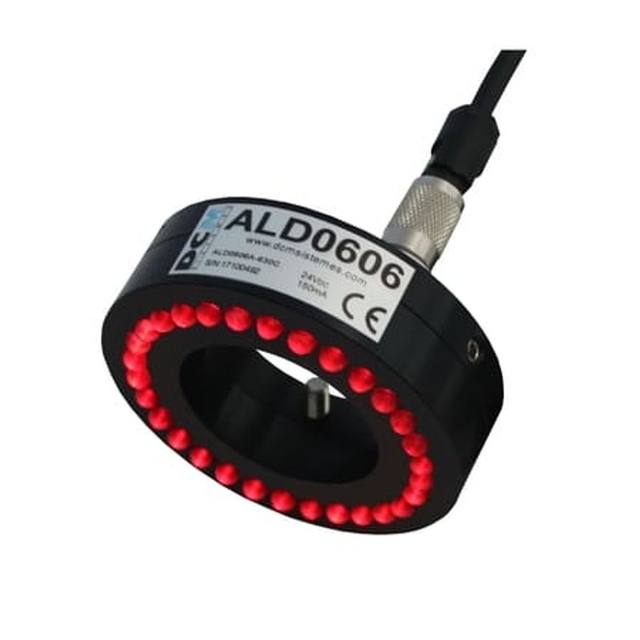
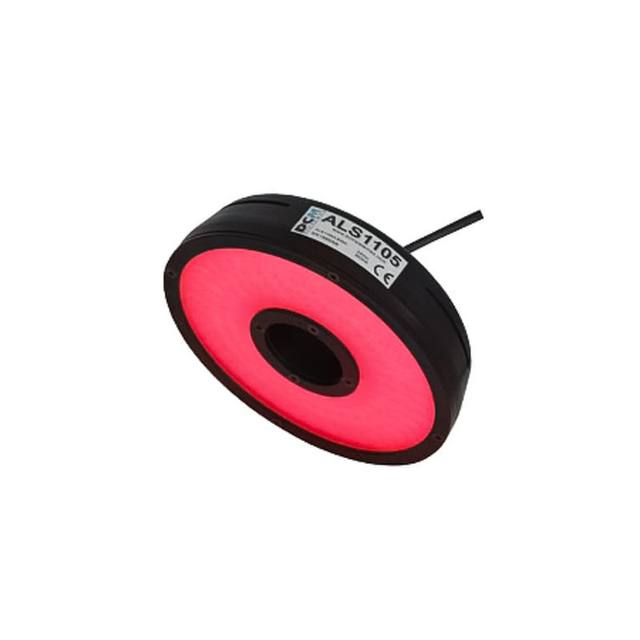
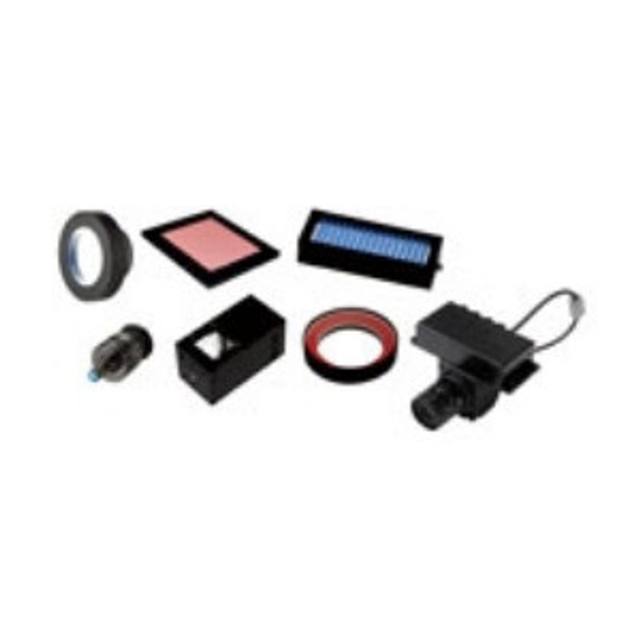
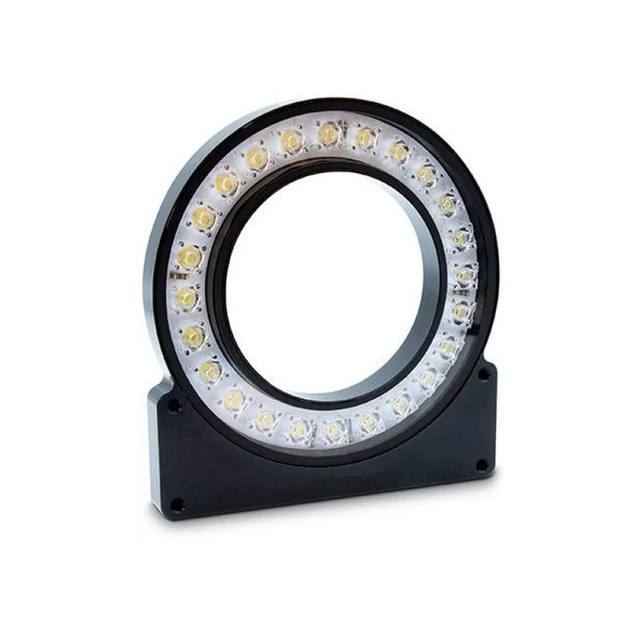
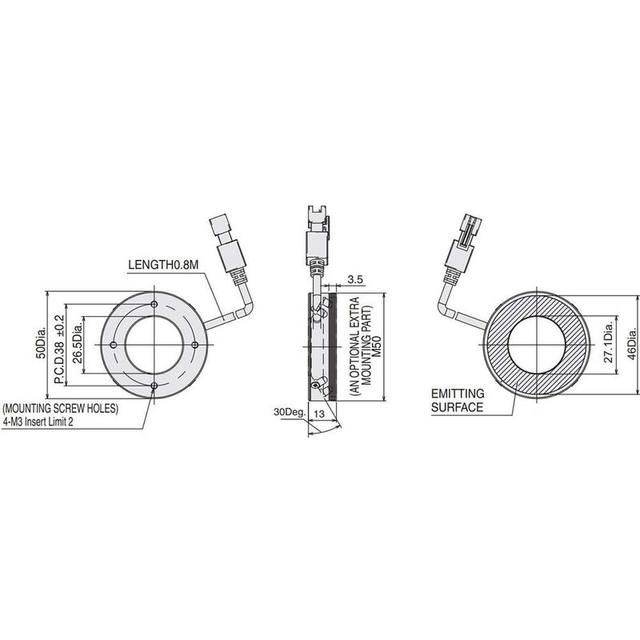
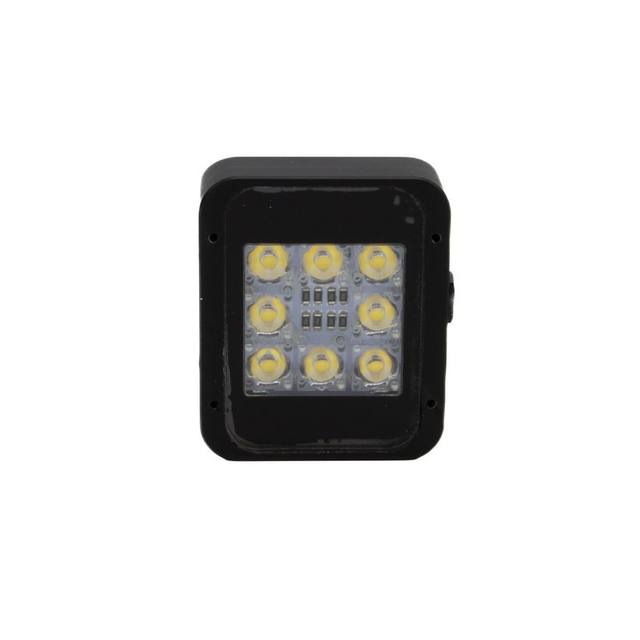
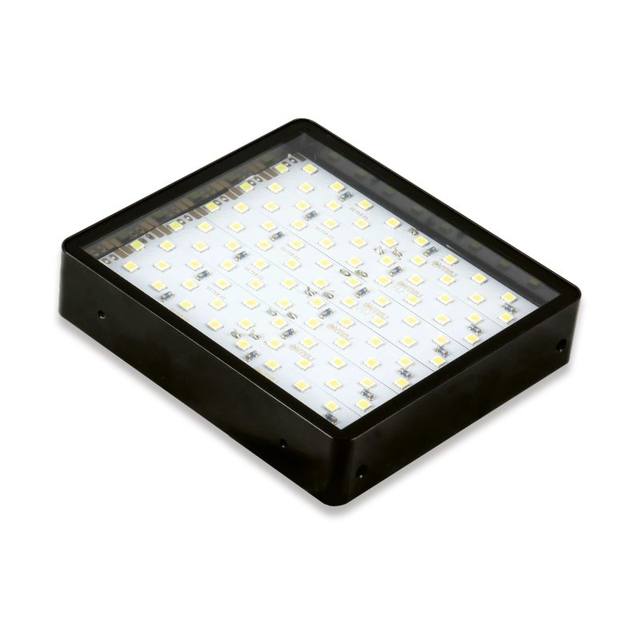
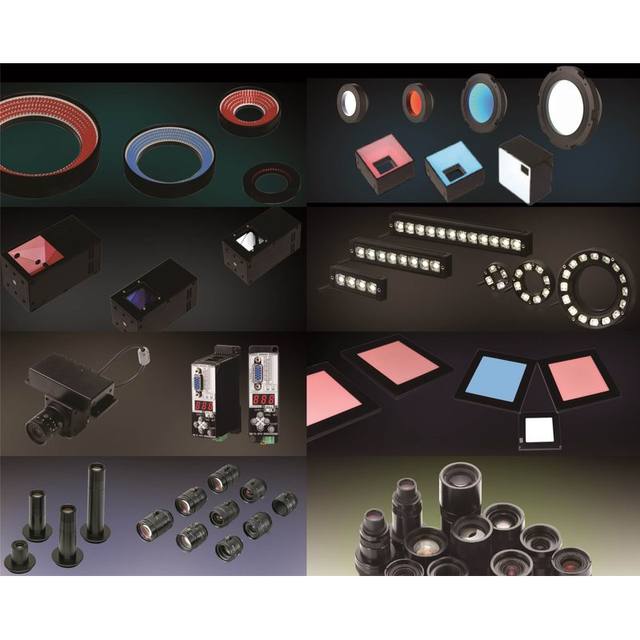
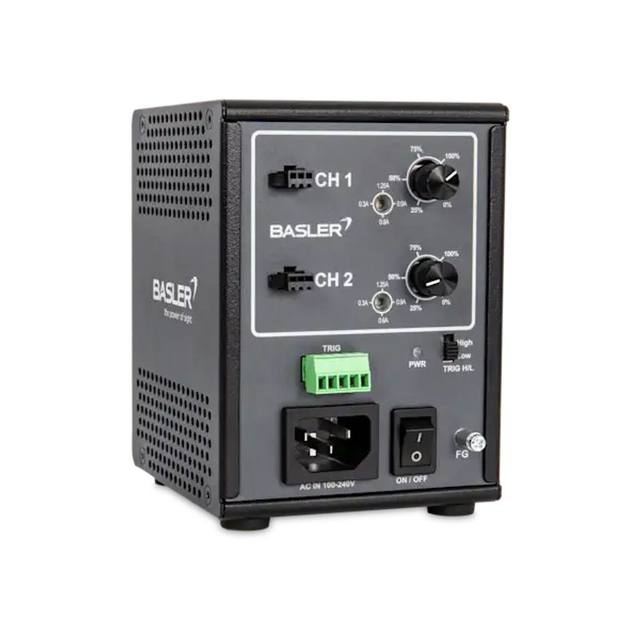
Colour and stability matter as much as geometry. Choosing a wavelength that contrasts with the substrate (for example red light against a substrate that reflects it differently from the ink) can lift effective contrast dramatically, and monochrome sensors exploit this directly. Whatever the geometry, the light must be bright and stable: for moving lines, strobe it in sync with the trigger so you can use short exposures that freeze motion, and drive it from a constant-current controller so output does not drift with temperature or age. DCM Sistemes lighting covers the coaxial, dome, bar and dark-field geometries these tasks call for; specifying the light alongside the camera, never after it, avoids re-spinning the whole station later.
- Coaxial / on-axis diffuse: flat printed labels and codes; kills glare, even field.
- Dome (diffuse): glossy, curved or specular parts; removes hotspots.
- Low-angle dark-field: laser etch, peen and embossed marks; relief reads bright.
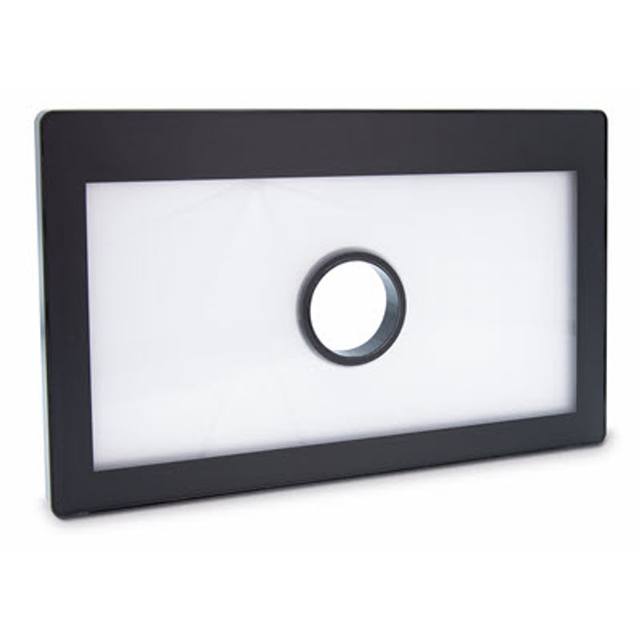
- Backlight: characters on translucent film or transparent containers.
- Strobe in sync with the trigger and use constant-current control for stability.
When the text or surface defeats rule-based reading
Classical OCR/OCV is fast, cheap and explainable, and for clean, high-contrast codes on a stable line it is the correct choice; reach for AI only when the imaging is genuinely optimised and reads still fail. The cases that defeat threshold-and-segment logic are familiar: dot-matrix and dot-peen characters that never form solid strokes, heavily textured or noisy backgrounds, low and variable contrast that no single lighting setup fully fixes, distorted or partially printed characters, and fonts or layouts that vary more than a template can absorb.
These are exactly the conditions where a deep-learning approach earns its place. Rosepetal, the group's deep-learning visual-inspection software, learns the appearance of acceptable and unacceptable text from examples rather than from hand-tuned thresholds, which makes it robust to the contrast and background variation that breaks rule-based engines, including hard-to-describe defects in the print itself. The fastest way to know whether your case needs it is empirical: capture representative images, the worst examples included, and have them evaluated against your actual read and reject criteria.
If you would like that evaluation, send sample images of your codes and we will assess them with Rosepetal and advise on the imaging chain that will feed it reliably. Where you need the complete station, camera, reader, lighting, optics and PLC integration, built and validated, AIS Vision, the group's machine-vision integrator, can specify and deliver the full system.