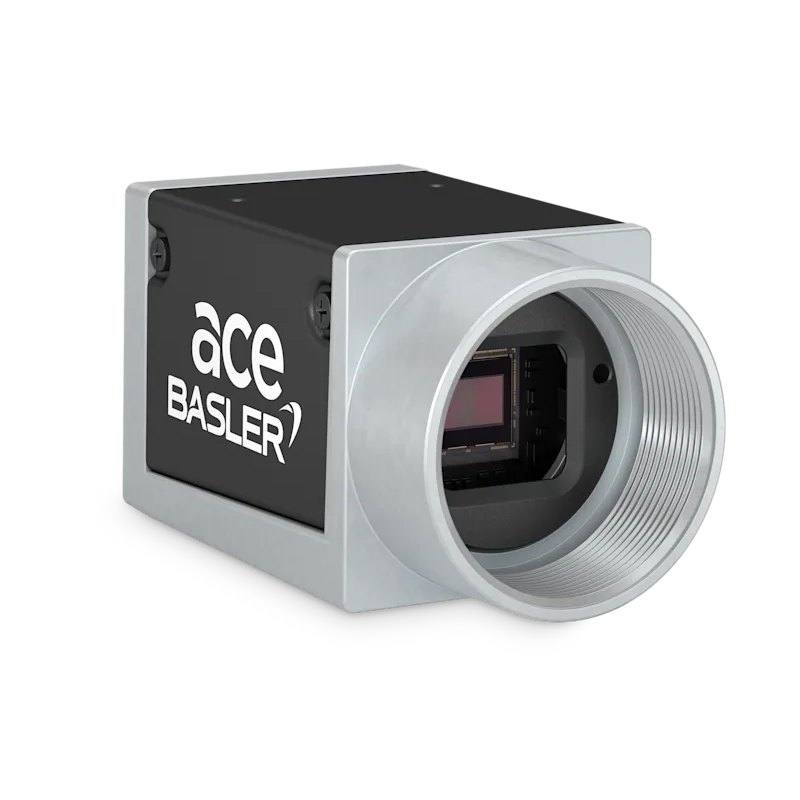
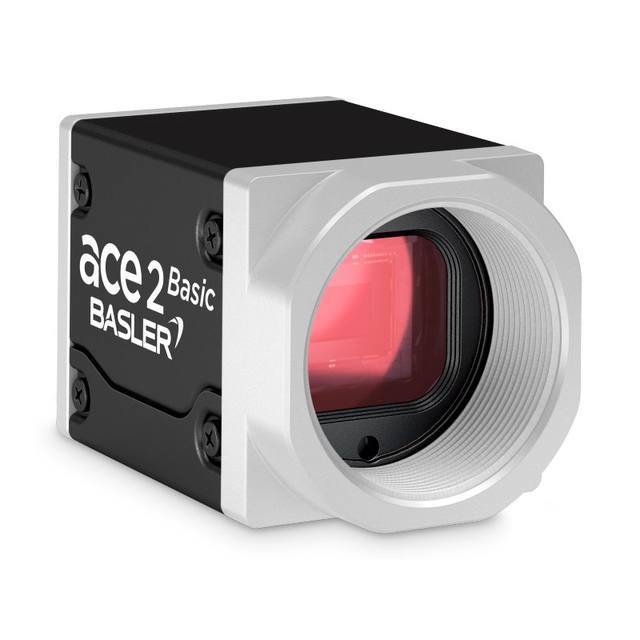
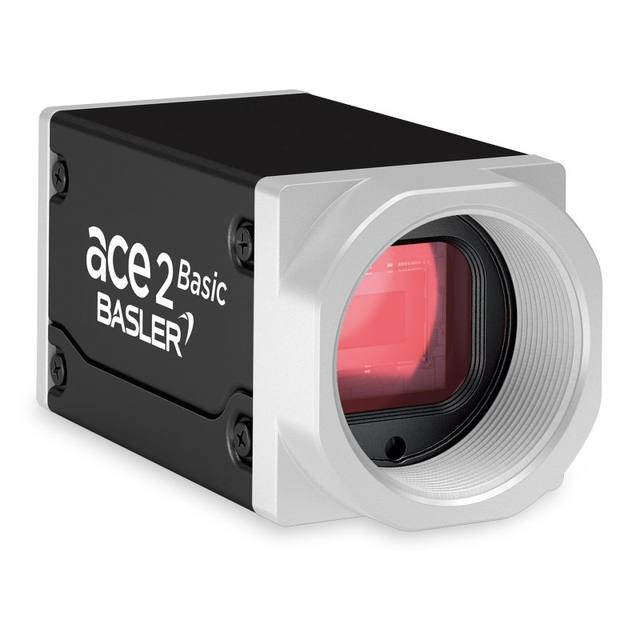
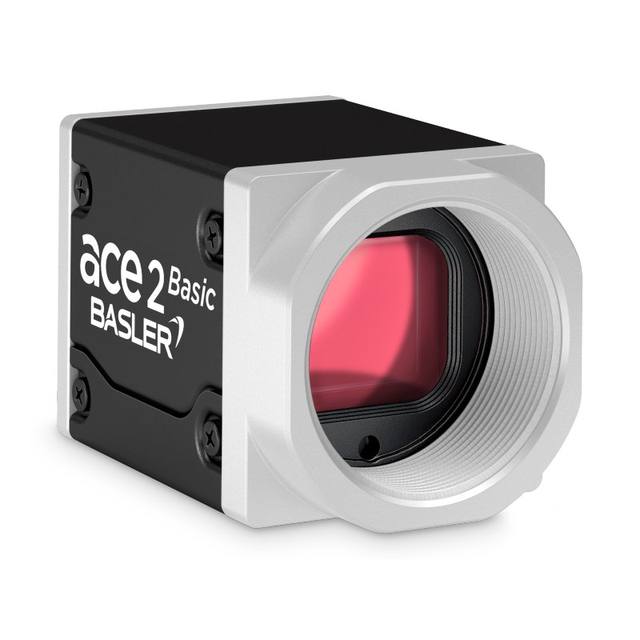
The Basler ace acA640-300gm/gc is a compact GigE Vision area scan camera built around the onsemi PYTHON 300 (NOIP1SN0300A mono / NOIP1SE0300A color) 1/4" progressive-scan CMOS sensor with global shutter and 4.8 x 4.8 um pixels. At its default 640 x 480 (VGA) resolution it reaches 376 fps in fast sensor readout mode (282 fps in normal mode), making it suited to high-speed inspection tasks. It uses a C-mount, connects via Gigabit Ethernet with an RJ45 connector, and can be powered over PoE (IEEE 802.3af) or 12-24 VDC at roughly 3 W. The camera supports the GigE Vision and GenICam standards in a 60.3 x 29 x 29 mm housing weighing under 90 g.
The Basler ace acA640-300gm/gc is a compact GigE Vision area scan camera built around the onsemi PYTHON 300 CMOS sensor (NOIP1SN0300A in the monochrome 'gm', NOIP1SE0300A in the color 'gc'). This is a 1/4-inch optical format progressive-scan sensor with a 3.9 mm diagonal and 4.8 x 4.8 um pixels, running a global shutter at a default VGA resolution of 640 x 480 (672 x 512 at full sensor). The headline characteristic here is not resolution but speed: at default resolution the camera reaches 376 fps in fast sensor readout mode and 282 fps in normal mode. The combination of global shutter and high frame rate is what defines this camera's role. The global shutter exposes every pixel simultaneously, so fast-moving parts are captured without the skew or smear a rolling shutter would introduce, and at 376 fps you can either freeze rapid motion or sample the same scene many times to catch transient events. The trade-off is that you are working with only 0.3 MP, so the value is in temporal resolution and motion fidelity rather than fine spatial detail.
For integration, the camera uses a C-mount and a Gigabit Ethernet interface terminated in an RJ45 connector, speaking the GigE Vision and GenICam standards so it drops into any GigE Vision-compliant software stack (such as Basler's pylon) with standard cabling. GigE supports long cable runs and easy multi-camera networking, which suits distributed inspection cells better than a point-to-point USB or CoaxPress link. Power is flexible: the camera draws about 3.1 W and can run on Power over Ethernet (IEEE 802.3af) so a single cable carries both data and power, or on 12-24 VDC if PoE infrastructure is not available. At 0.3 MP the data volume is modest, so GigE bandwidth is not a constraint even at the full 376 fps; the limiting factor on throughput will be exposure time and lighting rather than the interface.
Optically and mechanically the camera is small and light: a 60.3 x 29 x 29 mm standard ace box housing weighing about 90 g, rated for 0 to 50 degrees C operation. The 1/4-inch sensor with 4.8 um pixels means a relatively small image circle, so C-mount lenses for 1/4-inch or larger formats will cover it, and the small format keeps lenses compact and inexpensive. Because exposure times at hundreds of frames per second are necessarily short, this camera is photon-hungry and effectively demands controlled, bright illumination. To get the most out of the global shutter at speed, pair it with a strobed LED light synchronized to the camera's exposure via hardware trigger, which both freezes motion and lets you pulse the light brighter than its continuous rating. The monochrome 'gm' variant gives maximum sensitivity and is the right choice for measurement, defect detection and code reading; the color 'gc' variant trades some sensitivity for color information where the inspection task depends on it.
Best for
High-speed defect inspection on fast-moving lines where the 376 fps global shutter freezes parts without motion blur or rolling-shutter skew
Sampling rapid or transient events many times per second, such as catching intermittent faults on a continuously running web or conveyor
Robot guidance and pick-and-place where a small, light 90 g PoE-powered camera mounts easily on or near an end effector
Dimensional measurement and presence/position checks on small parts in electronics and semiconductor assembly where VGA resolution over a small field is sufficient
Industrial OCR/OCV and code reading on fast indexing stations where short exposures and bright triggered light keep characters crisp
Selection notes
This is a 0.3 MP (VGA) camera, so it is chosen for speed and motion fidelity, not pixel count; if your task needs fine spatial detail across a large field of view, a higher-resolution sensor is the better fit.
Confirm your field of view and required defect size against 640 x 480 pixels (672 x 512 full) and the 1/4-inch, 3.9 mm sensor; with 4.8 um pixels the achievable spatial sampling is modest, which drives lens focal length and working distance.
The 376 fps rating is for the fast sensor readout mode at default resolution (282 fps in normal mode); validate which mode and exposure time your application tolerates, since short exposures at high fps demand significantly more light.
Plan lighting and triggering together: at hundreds of frames per second exposures are very short, so budget for bright, controlled illumination, ideally strobed and hardware-synchronized to exposure to exploit the global shutter.
Decide between the monochrome gm and color gc early. The gm gives higher sensitivity for measurement, defects and code reading; only choose gc if color is genuinely part of the inspection criterion, as it costs sensitivity that matters at short exposures.
Plan for GigE infrastructure: a GigE Vision-capable NIC, and either an 802.3af PoE source or a 12-24 VDC supply for the ~3.1 W load; confirm the 0 to 50 degrees C operating range suits the installation environment.
Matched automatically by: lens mount fits the camera mount · lens image circle covers the camera sensor — this camera: C-mount · 1/4" optical format (3.9 mm diagonal) sensor.
By category
All 244C-mount lenses 179Telecentric lenses 62F-mount / large-format lenses 3
By brand
All 244Omron / Sentech 81iRAYPLE 66Basler 65Datalogic / Datasensing 32
Get a first image quickly with the pylon Viewer, then move into the pylon SDK for your application. These cameras are GenICam/GenTL-compliant, so any compliant vision software can drive them as well.
Download and install the pylon Camera Software Suite for your OS from Basler. This provides the pylon Viewer, the GenTL transport-layer producers and the pylon SDK (C/C++/.NET/Python). On Windows the installer adds the needed drivers; on Linux follow the included setup notes for USB and network permissions.
2. Connect the camera and check the link
Cable the camera to its matching interface: GigE Vision to a GigE port (use a quality cable and, ideally, a dedicated NIC with jumbo frames enabled), USB3 Vision to a USB 3.x port with the supplied cable, or CoaXPress to the frame grabber. Provide power where required (PoE, USB bus power, or PoCXP). Open the pylon Viewer and confirm the camera appears in the device list; for GigE, make sure the camera and NIC are on the same subnet.
3. Grab a first image and set exposure, gain and pixel format
Select the camera in the pylon Viewer and start a continuous grab. Adjust exposure time and gain until the image is well exposed (avoid clipped highlights), set the pixel format (e.g. Mono8 or a Bayer/RGB format), and focus the lens. Use a test pattern if the lens or scene is not ready yet.
4. Configure triggering and acquisition
Decide between free-run and triggered acquisition. For synchronized capture, set the trigger source (software or a hardware line on the I/O connector), trigger mode and any debounce or exposure mode, then verify timing. Note the parameter names you change in the Viewer feature tree, as you will reuse them in code.
5. Move to the SDK or a GenICam-compliant library
Recreate your settings in code with the pylon SDK (C, C++, .NET or Python) to open the device, apply the same features and pull frames into your pipeline; pylon vTools and pylon AI can add processing blocks. Because the cameras are GenICam/GenTL standard, third-party vision libraries work too. Once the image stream is stable, you can route frames to a deep-learning inspection such as Rosepetal for automated defect detection.
Frequently asked questions
It runs at a default 640 x 480 (VGA, 0.3 MP) resolution, with 672 x 512 available at full sensor. At the default resolution it reaches 376 fps in fast sensor readout mode and 282 fps in normal readout mode, built on the onsemi PYTHON 300 CMOS sensor.
It has a global shutter, which exposes all pixels at the same instant. Combined with the high frame rate, this lets it image fast-moving parts without the motion skew or smear a rolling shutter would produce.
It connects via Gigabit Ethernet (GigE) on an RJ45 connector and complies with the GigE Vision and GenICam standards. It can be powered over PoE (IEEE 802.3af) through the same Ethernet cable, or from a 12-24 VDC supply, drawing about 3.1 W.
It uses a C-mount and a 1/4-inch optical format sensor (3.9 mm diagonal) with 4.8 x 4.8 um pixels. C-mount lenses that cover the 1/4-inch format will work, and the small format keeps optics compact.
The acA640-300gm is monochrome (onsemi PYTHON 300 NOIP1SN0300A) and the acA640-300gc is color (NOIP1SE0300A). Both share the same VGA resolution, global shutter, frame rate, GigE interface and housing; choose mono for maximum sensitivity in measurement, defect and code-reading tasks, and color only when the inspection needs color information.
The housing measures 60.3 x 29 x 29 mm in the standard ace box form and weighs about 90 g, making it easy to mount in tight cells or on a robot. It is rated for operation from 0 to 50 degrees C.