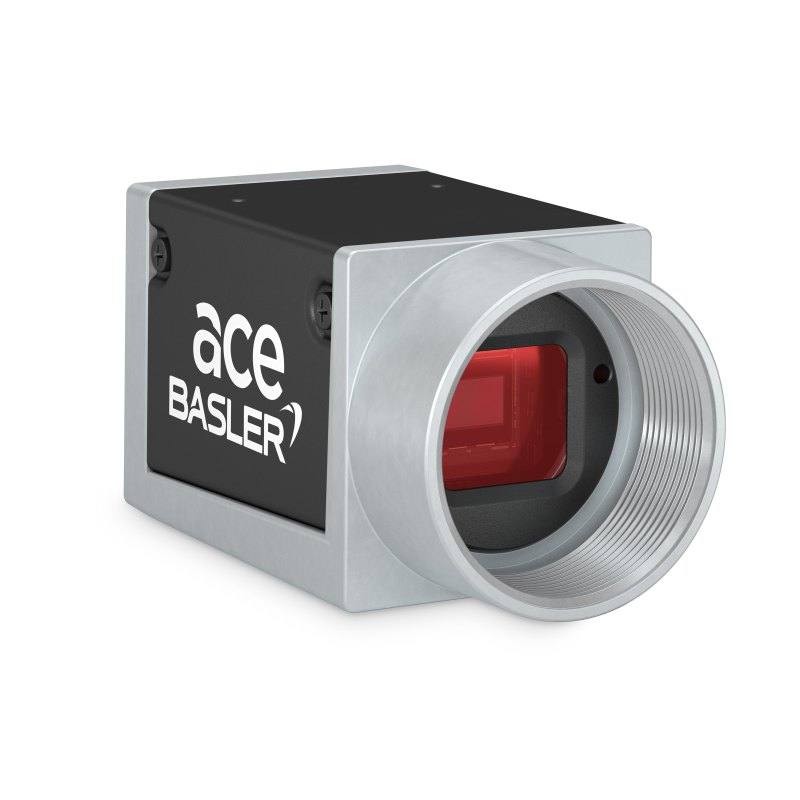
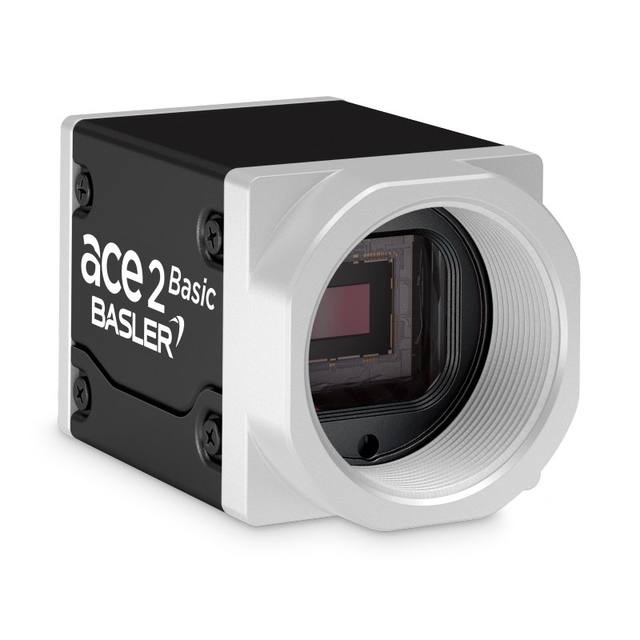
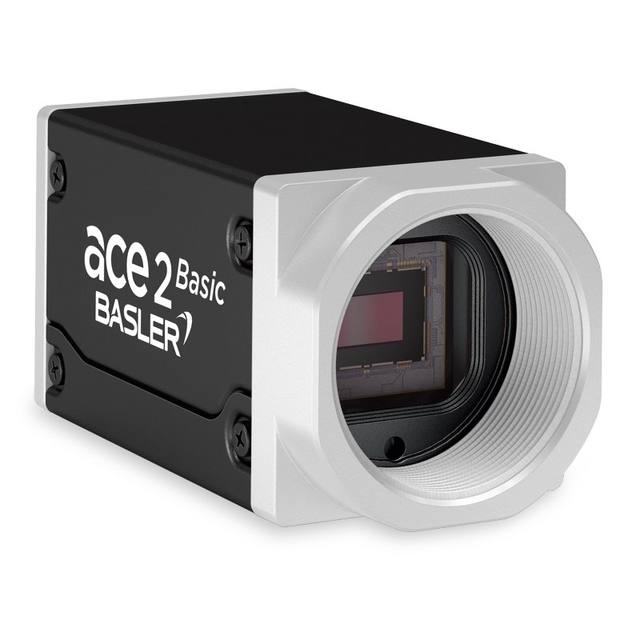
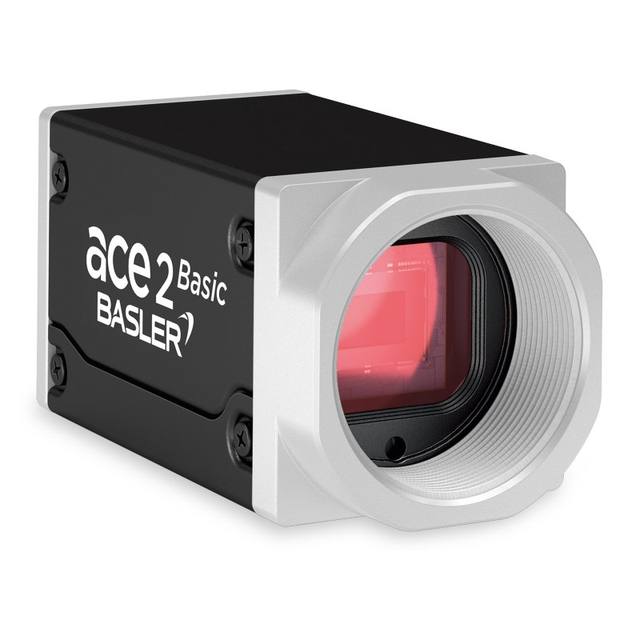
The acA1920-25gm (mono) and acA1920-25gc (color) are ace Classic GigE cameras based on the onsemi MT9P031 progressive-scan CMOS sensor at 1920×1080 resolution with 2.2 µm pixels and a 1/3.7" optical format. Both deliver 25 fps at full resolution with 12-bit pixel depth and a rolling shutter, communicating over Gigabit Ethernet with GigE Vision and GenICam compliance. They support Power over Ethernet (IEEE 802.3af) or 12 VDC power and fit a compact 42×29×29 mm box housing with a C-mount lens interface and IP30 ingress protection. I/O includes one opto-coupled input and one opto-coupled output for hardware triggering, and the cameras are certified CE (RoHS), FCC, UL, EAC, and UKCA.
The Basler acA1920-25gm/gc is built around the onsemi MT9P031 progressive-scan CMOS sensor delivering a 1920x1080 (Full HD) image at 25 fps with 12-bit pixel depth. At 2.2 µm pixel pitch on a 1/3.7" optical format (4.22 mm x 2.38 mm active area, 4.84 mm diagonal), the sensor produces fine spatial detail suited to reading small print, resolving narrow features, and distinguishing surface texture — all at a pixel budget that keeps processing overhead manageable on standard PC hardware. The rolling shutter characteristic means the sensor reads out line by line rather than all at once, which is well-matched to stationary or slow-moving targets. Installers working with faster conveyors or rotary indexers should account for the rolling-shutter skew and use hardware triggering through the opto-coupled I/O to freeze exposure at the precise moment the part is in frame.
The camera communicates over Gigabit Ethernet using GigE Vision and GenICam protocols, making it immediately compatible with all major machine-vision SDKs and open-source frameworks that support GenTL or GenICam. Power over Ethernet (IEEE 802.3af) eliminates a dedicated power cable run: a single cable from a PoE-capable switch handles both data and power within the 2.2 W consumption budget, substantially simplifying panel wiring in multi-camera fixtures. Alternatively, 12 VDC can be supplied from a standard supply if a non-PoE switch is already in place.
The C-mount lens interface opens the full breadth of C-mount industrial optics — fixed focal lengths from wide-angle down to macro, telecentric lenses for distortion-free gauging, and standard industrial format optics — while the compact 42 x 29 x 29 mm housing and 90 g weight allow the camera to be bracket-mounted in tight machine enclosures. The IP30 ingress protection rating covers typical clean-room and factory bench environments; for dusty or splash environments, a protective housing should be added. The operating range of 0-50 °C covers typical factory ambient conditions without supplemental cooling. The single opto-coupled input enables hardware triggering from a PLC, encoder, or photoelectric sensor, and the single opto-coupled output can strobe an LED controller or signal downstream equipment, forming a clean, deterministic inspection loop.
Best for
Label and packaging verification — 1920 x 1080 at 25 fps gives sufficient resolution to read GS1 DataMatrix, QR codes, and 1D barcodes printed at standard label densities across a field of view that covers a full package face, at throughputs typical of manual or semi-automated packing lines.
Surface and cosmetic inspection of stationary or slow-moving parts — the 2.2 µm pixel size resolves scratches, stains, and print defects on small components such as PCBs, connectors, and pharmaceutical blister packs where part motion is controlled by mechanical stops or indexers.
OCR / OCV for date codes and lot numbers — the full-HD resolution provides the character density needed to reliably read 6-10 point inkjet or laser-etched text when paired with appropriate illumination, without requiring a higher-cost multi-megapixel sensor.
Robot guidance and pick-and-place — at 25 fps the camera can serve as an overhead or wrist-mounted eye-in-hand imager for bin-picking and palletizing where cycle times are 2-4 seconds per pick, and the PoE single-cable connection simplifies routing along a robot arm.
Dimensional measurement of small parts — for gauging tasks where feature sizes are above a few pixel widths, the sensor's 12-bit output and stable CMOS readout support repeatable caliper-style measurements with standard blob or edge-detection algorithms.
Selection notes
Rolling shutter requires motion control: because the onsemi MT9P031 uses a rolling readout, parts must be stationary or nearly stationary during exposure to avoid geometric distortion. For conveyor applications, use a hardware trigger from an encoder-gated PLC output and set exposure time short enough that belt motion during readout is sub-pixel at the intended field of view — or evaluate a global-shutter camera if parts cannot be stopped.
Lens selection must respect the 1/3.7" image circle: the sensor has a 4.84 mm diagonal. C-mount lenses specified for 1/2" format will cover the sensor with margin. Using a lens specified for a smaller format will introduce vignetting at the sensor corners.
PoE switch budget: each camera draws up to 2.2 W. A GigE switch with 802.3af ports (15.4 W budget per port) can comfortably power multiple cameras. Confirm the switch's total PoE power budget when deploying more than four cameras on one switch.
IP30 limits environmental exposure: the camera body protects against solid objects larger than 2.5 mm but offers no water or dust ingress protection. In applications with coolant mist, metal swarf, or washdown cycles, a sealed enclosure with a glass window must be added, and the window's refractive effect on working distance and focus should be accounted for during optical design.
Pixel format selection affects pipeline compatibility: the camera supports 12-bit pixel depth. Confirm that the pixel format configured in your GenICam-compliant SDK matches your processing pipeline's expected input format before finalising integration.
Specifications: General
Brand
Basler
Camera type
Area Scan
Specifications: Sensor
Resolution
2 MP
Horizontal resolution
1920 px
Mono / color
Mono (acA1920-25gm) / Color (acA1920-25gc)
Sensor manufacturer
onsemi
Sensor model
onsemi MT9P031
Shutter
Rolling Shutter
Sensor size
1/3.7" (4.22 mm × 2.38 mm, diagonal 4.84 mm)
Pixel size
2.2 µm
Specifications: Performance
FPS
25 fps
Specifications: Interface
Interface
GigE (Gigabit Ethernet)
Protocols
GigE Vision, GenICam
Specifications: Optics
Mount
C-mount
Specifications: Electrical
Power
PoE (IEEE 802.3af) or 12 VDC
Power consumption
2.2 W
Specifications: Environment
IP rating
IP30
Operating temperature
0–50 °C
Specifications: Mechanical
Dimensions
42 × 29 × 29 mm
Weight
90 g
Housing material
Box
Applications this camera is commonly selected for. Open one to see the full recommended hardware and approach.
Matched automatically by: lens mount fits the camera mount · lens image circle covers the camera sensor — this camera: C-mount · 1/3.7" (4.22 mm × 2.38 mm, diagonal 4.84 mm) sensor.
By category
All 244C-mount lenses 179Telecentric lenses 62F-mount / large-format lenses 3
By brand
All 244Omron / Sentech 81iRAYPLE 66Basler 65Datalogic / Datasensing 32
Get a first image quickly with the pylon Viewer, then move into the pylon SDK for your application. These cameras are GenICam/GenTL-compliant, so any compliant vision software can drive them as well.
Download and install the pylon Camera Software Suite for your OS from Basler. This provides the pylon Viewer, the GenTL transport-layer producers and the pylon SDK (C/C++/.NET/Python). On Windows the installer adds the needed drivers; on Linux follow the included setup notes for USB and network permissions.
2. Connect the camera and check the link
Cable the camera to its matching interface: GigE Vision to a GigE port (use a quality cable and, ideally, a dedicated NIC with jumbo frames enabled), USB3 Vision to a USB 3.x port with the supplied cable, or CoaXPress to the frame grabber. Provide power where required (PoE, USB bus power, or PoCXP). Open the pylon Viewer and confirm the camera appears in the device list; for GigE, make sure the camera and NIC are on the same subnet.
3. Grab a first image and set exposure, gain and pixel format
Select the camera in the pylon Viewer and start a continuous grab. Adjust exposure time and gain until the image is well exposed (avoid clipped highlights), set the pixel format (e.g. Mono8 or a Bayer/RGB format), and focus the lens. Use a test pattern if the lens or scene is not ready yet.
4. Configure triggering and acquisition
Decide between free-run and triggered acquisition. For synchronized capture, set the trigger source (software or a hardware line on the I/O connector), trigger mode and any debounce or exposure mode, then verify timing. Note the parameter names you change in the Viewer feature tree, as you will reuse them in code.
5. Move to the SDK or a GenICam-compliant library
Recreate your settings in code with the pylon SDK (C, C++, .NET or Python) to open the device, apply the same features and pull frames into your pipeline; pylon vTools and pylon AI can add processing blocks. Because the cameras are GenICam/GenTL standard, third-party vision libraries work too. Once the image stream is stable, you can route frames to a deep-learning inspection such as Rosepetal for automated defect detection.
Frequently asked questions
At full 1920 x 1080 resolution the camera delivers 25 fps. Reducing the height of the region of interest (AOI) shortens the readout time and raises the frame rate proportionally — this is a standard feature of the GigE Vision / GenICam interface and is configurable directly in a GenICam-compliant SDK without firmware changes.
Yes. The camera accepts IEEE 802.3af PoE, which is the original 15.4 W-per-port standard available on most managed industrial GigE switches and mid-span PoE injectors. A dedicated 12 VDC supply via the camera's alternate power input can be used instead if a PoE switch is not available.
No. The onsemi MT9P031 uses a rolling shutter, meaning pixel rows are exposed sequentially rather than simultaneously. This is acceptable for stationary parts and slow-moving targets triggered with a hardware strobe, but it can introduce image skew on fast-moving objects. If your application cannot stop or slow the part, a global-shutter camera should be evaluated.
The camera uses a C-mount, which is the most widely supported mount in industrial machine vision. When selecting a lens, specify coverage for at least the 1/3.7" optical format (4.84 mm diagonal). Lenses rated for 1/2" format will also cover the sensor with margin.
The camera provides one opto-coupled input and one opto-coupled output. The input accepts a hardware trigger signal from a PLC, photoelectric sensor, or encoder-gated output. The output can drive an LED strobe controller or signal a downstream device. Both lines are electrically isolated, which protects the camera from ground loops in multi-device industrial panels.