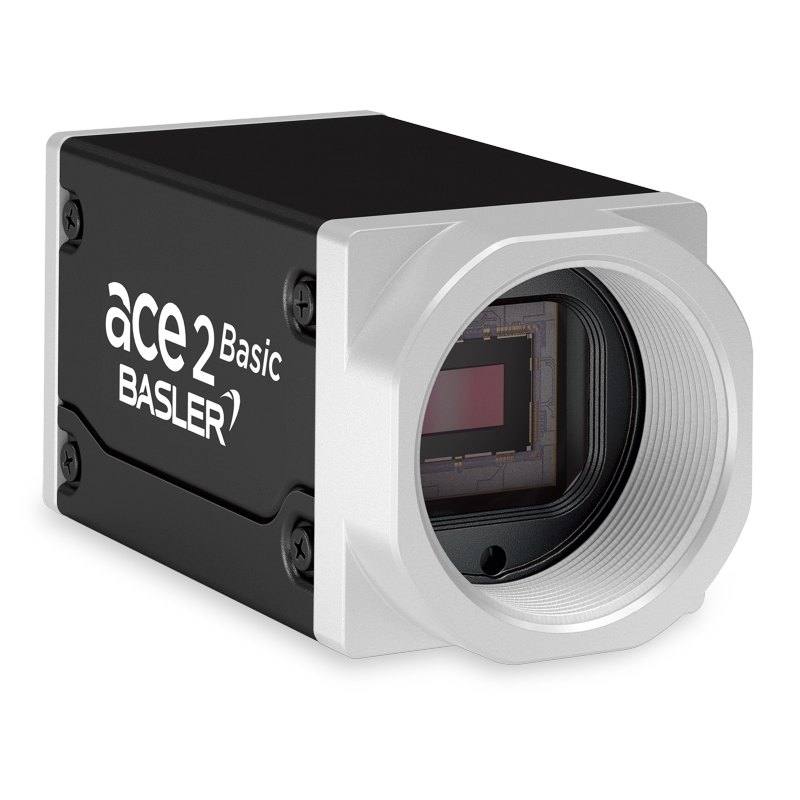
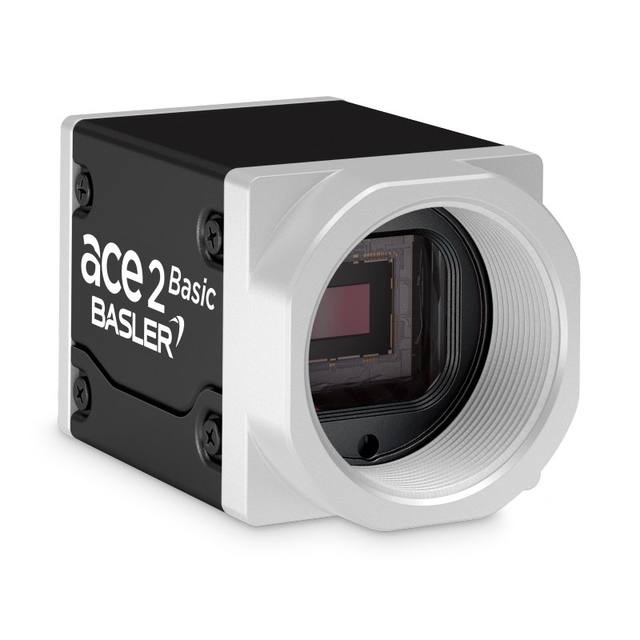
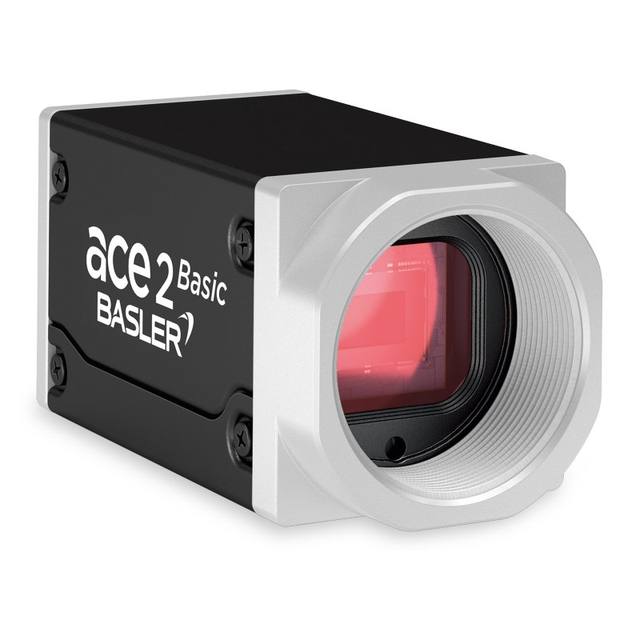
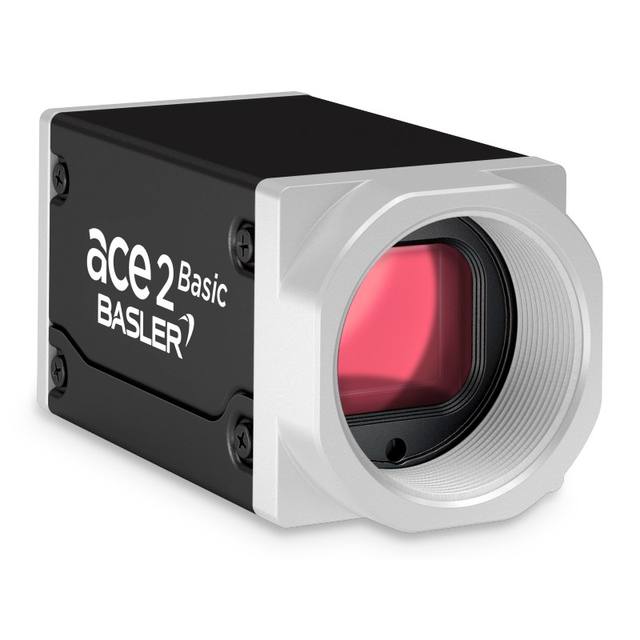
The Basler ace 2 a2A1920-165g5mBAS is a compact 5GigE area scan camera featuring the Sony IMX392 1/2.3" global shutter CMOS sensor at 1920 x 1200 resolution. It delivers 168 fps at full resolution with 12-bit pixel depth, 71.7 dB dynamic range, and 62.2% peak quantum efficiency. The camera supports GigE Vision 2.0 and GenICam protocols, requires 12–24 VDC external power (no PoE), and is housed in a 29 x 29 x 55.5 mm box-style enclosure rated IP30 with a C-mount lens interface.
The Basler ace 2 a2A1920-165g5mBAS is built around Sony's IMX392, a 1/2.3" Pregius global shutter CMOS sensor delivering 1920 x 1200 pixels at a 3.45 µm pixel pitch. Global shutter is the defining characteristic for motion-sensitive work: every pixel integrates simultaneously, so fast-moving parts, conveyor-mounted targets, and robot-arm-mounted cameras all produce geometrically correct, motion-artifact-free frames. At 2.3 MP the resolution is sufficient to inspect moderate-sized fields of view at sub-millimetre feature resolution, or to reliably decode 1D/2D codes down to small quiet zones, without the bandwidth and latency cost of a 5 or 12 MP sensor. The 71.7 dB dynamic range and 62.2% peak quantum efficiency mean it handles high-contrast scenes — shiny foil against matte cardboard, bright LED indicator markings on a dark PCB — without clipping highlights or losing shadow detail. The 12-bit output preserves that dynamic range through to the host for algorithms that need fine grey-level discrimination.
The 5GigE interface is the practical differentiator over standard GigE Vision cameras. At 168 fps full resolution, the raw data rate is roughly 540 MB/s — comfortably within the 5 Gbps link ceiling. Standard GigE (1 Gbps) cameras at this resolution would need to drop to around 29 fps to stay within bandwidth, so 5GigE delivers approximately 5x the throughput on a single cable run. The camera implements GigE Vision 2.0 and GenICam, so it drops into any compliant vision framework without bespoke drivers. Power is 12–24 VDC external — no Power over Ethernet — so the install requires a dedicated power cable at the camera mount, a consideration when routing to ceiling-mounted or robot-arm positions. At 5.3 W the thermal load is modest and the operating window of −10 to +50 °C covers unheated factory and warehouse environments.
The camera ships in a 55.5 × 29 × 29 mm box enclosure weighing 105 g — a compact, repeatable footprint that integrates into tight machine frames or on 6-axis robot wrists without significant payload impact. The C-mount lens interface gives access to a deep ecosystem of industrial-grade lenses; because the sensor active area is 6.6 × 4.1 mm (1/2.3"), any C-mount lens covering 1/2" or larger will fully illuminate the sensor. For dimensional measurement applications, a low-distortion or telecentric lens paired with this camera will produce consistent pixel-to-mm calibration across the field. For OCR and traceability tasks, the global shutter and high frame rate allow the strobe duration to be shortened aggressively — reducing motion blur below what exposure time alone could achieve — while the 12-bit depth and high QE give strong contrast on ink-jet printed or laser-etched marks. Hardware trigger input on the I/O connector allows precise synchronisation with PLC signals, conveyor encoders, or strobe controllers.
Best for
High-speed surface and packaging inspection on continuous-motion conveyors where global shutter is required to freeze part movement without geometric distortion
Industrial OCR, OCV, and 1D/2D barcode reading on lines where part velocity demands frame rates well above the ceiling of standard GigE cameras
Robot-guidance and bin-picking applications where the camera is mounted on the robot arm and must tolerate vibration and orientation changes without rolling-shutter artefacts
Dimensional gauging and go/no-go measurement tasks where the 2.3 MP resolution, high dynamic range, and 12-bit depth give precise sub-pixel edge localisation across a moderate field of view
Pharmaceutical blister-pack, label, and medical-device assembly inspection where clean monochrome imaging, compact form factor, and wide temperature tolerance are needed in a validated-line context
Selection notes
Power wiring: the camera requires a dedicated 12–24 VDC supply and does not support PoE, so plan for a separate power cable run alongside the Ethernet cable to every camera position — this adds connector and cable tray space versus PoE-capable alternatives.
Lens selection: the 1/2.3" sensor active area is 6.6 × 4.1 mm; verify that your chosen lens specifies coverage for at least 1/2" image circle and check for corner shading if using lenses rated exactly to 1/2" — lenses covering 1/1.8" or larger image circles give additional margin.
Network infrastructure: 5GigE requires 5GBASE-T NICs or managed switches with 5 Gbps ports; standard 1 Gbps infrastructure will negotiate down and severely limit achievable frame rate, negating the camera's speed advantage. Confirm switch and NIC compatibility before procurement.
IP30 rating limits the camera to clean or lightly contaminated environments; if the deployment involves washdown, coolant mist, or heavy particulate, consider an enclosure or a higher-IP-rated housing option, as IP30 provides no dust or liquid ingress protection beyond basic finger contact.
Strobe lighting pairing: to exploit the 168 fps capability the illumination must either be continuous at sufficient intensity for short exposures, or a strobed source with a controller capable of sub-millisecond pulse timing synchronised via the camera's hardware trigger — budget and spec the lighting controller accordingly.
Specifications: General
Brand
Basler
Camera type
Area Scan
Specifications: Sensor
Resolution
2.3 MP
Horizontal resolution
1200 px
Mono / color
Monochrome
Sensor manufacturer
Sony Pregius
Sensor model
Sony IMX392
Shutter
Global Shutter
Sensor size
1/2.3" (6.6 × 4.1 mm)
Pixel size
3.45 µm
Specifications: Performance
FPS
168 fps
Specifications: Interface
Interface
5GigE
Protocols
GigE Vision 2.0, GenICam
Specifications: Optics
Mount
C-Mount
Specifications: Electrical
Power
External DC (12–24 VDC, no PoE)
Power consumption
5.3 W
Supply voltage
12–24 VDC
Specifications: Environment
IP rating
IP30
Operating temperature
−10 to +50 °C
Specifications: Mechanical
Dimensions
55.5 × 29 × 29 mm
Weight
105 g
Housing material
Box
Applications this camera is commonly selected for. Open one to see the full recommended hardware and approach.
Matched automatically by: lens mount fits the camera mount · lens image circle covers the camera sensor — this camera: C-Mount · 1/2.3" (6.6 × 4.1 mm) sensor.
By category
All 237C-mount lenses 172Telecentric lenses 62F-mount / large-format lenses 3
By brand
All 237Omron / Sentech 74iRAYPLE 66Basler 65Datalogic / Datasensing 32
Get a first image quickly with the pylon Viewer, then move into the pylon SDK for your application. These cameras are GenICam/GenTL-compliant, so any compliant vision software can drive them as well.
Download and install the pylon Camera Software Suite for your OS from Basler. This provides the pylon Viewer, the GenTL transport-layer producers and the pylon SDK (C/C++/.NET/Python). On Windows the installer adds the needed drivers; on Linux follow the included setup notes for USB and network permissions.
2. Connect the camera and check the link
Cable the camera to its matching interface: GigE Vision to a GigE port (use a quality cable and, ideally, a dedicated NIC with jumbo frames enabled), USB3 Vision to a USB 3.x port with the supplied cable, or CoaXPress to the frame grabber. Provide power where required (PoE, USB bus power, or PoCXP). Open the pylon Viewer and confirm the camera appears in the device list; for GigE, make sure the camera and NIC are on the same subnet.
3. Grab a first image and set exposure, gain and pixel format
Select the camera in the pylon Viewer and start a continuous grab. Adjust exposure time and gain until the image is well exposed (avoid clipped highlights), set the pixel format (e.g. Mono8 or a Bayer/RGB format), and focus the lens. Use a test pattern if the lens or scene is not ready yet.
4. Configure triggering and acquisition
Decide between free-run and triggered acquisition. For synchronized capture, set the trigger source (software or a hardware line on the I/O connector), trigger mode and any debounce or exposure mode, then verify timing. Note the parameter names you change in the Viewer feature tree, as you will reuse them in code.
5. Move to the SDK or a GenICam-compliant library
Recreate your settings in code with the pylon SDK (C, C++, .NET or Python) to open the device, apply the same features and pull frames into your pipeline; pylon vTools and pylon AI can add processing blocks. Because the cameras are GenICam/GenTL standard, third-party vision libraries work too. Once the image stream is stable, you can route frames to a deep-learning inspection such as Rosepetal for automated defect detection.
Frequently asked questions
No. At 1920 x 1200 resolution with 12-bit pixel depth, the raw data rate at 168 fps exceeds 500 MB/s, which is far beyond the ~100 MB/s effective throughput of a 1 Gbps link. You need a 5GigE-capable NIC to reach full frame rate. On a 1 Gbps link, the camera would have to be throttled to roughly 29 fps to avoid packet loss.
No. The specs explicitly state external DC power (12–24 VDC) with no PoE. A separate power supply or power-injection cable is required at each camera location.
C-mount imposes no inherent image-circle limit. The camera's own sensor active area is 6.6 × 4.1 mm (1/2.3"), so any C-mount lens covering 1/2" or larger will fully illuminate it. You can use lenses rated for 1", 4/3", or larger formats without issue.
The enclosure is rated IP30, which protects only against solid objects larger than 2.5 mm and offers no protection against liquids or dust ingress. It is not suitable for outdoor use or washdown without an additional protective enclosure. For such environments, look for cameras with IP65 or IP67-rated housings.
The camera outputs 12-bit pixel data, meaning each pixel carries 4096 grey levels rather than the 256 of 8-bit output. In packed 12-bit format each raw frame at full resolution is approximately 3.3 MB (1920 × 1200 × 1.5 bytes), compared to 2.2 MB for 8-bit — a 50% increase. If your software stores 12-bit data in 16-bit containers the frame footprint grows to approximately 4.4 MB, roughly doubling versus 8-bit. Confirm your frame buffer, storage, and software pipeline can handle 12-bit streams at the target frame rate before finalising the system design.