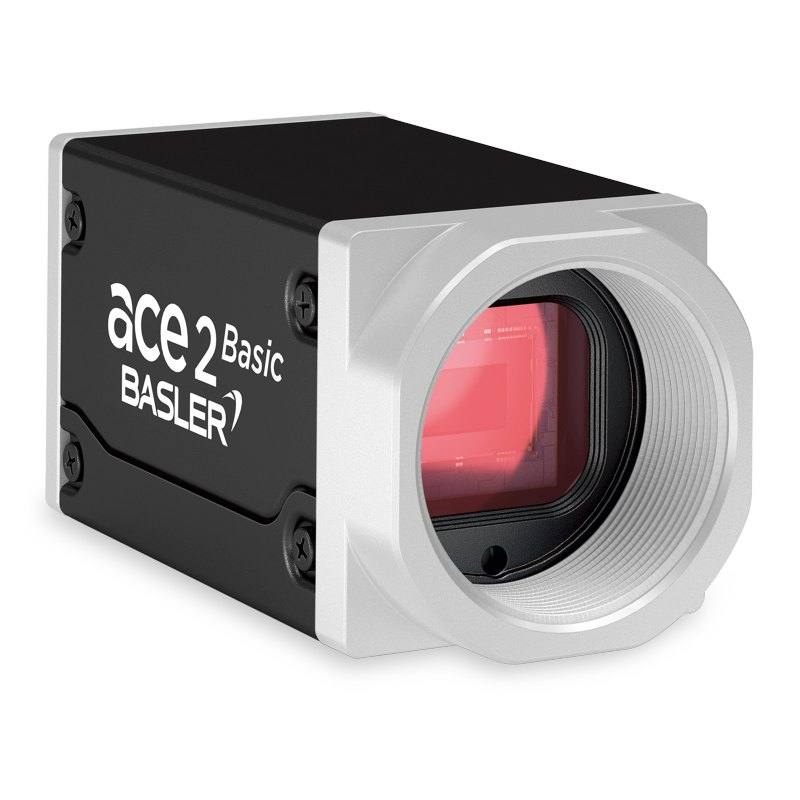
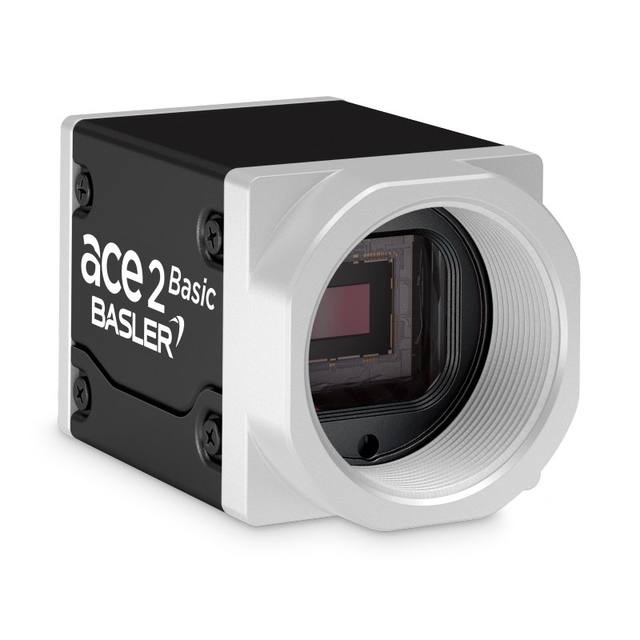
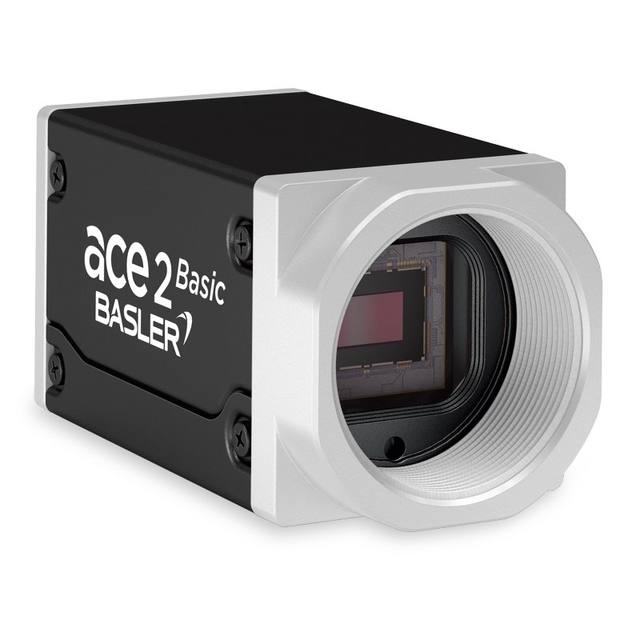
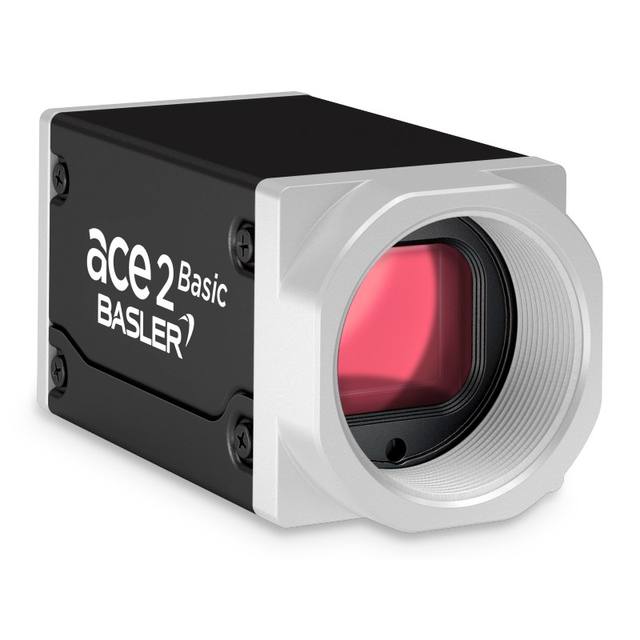
The Basler a2A2440-98g5cBAS is a 5-megapixel color area scan camera in the ace 2 R family, using the Sony IMX250LQR-C progressive scan global shutter CMOS sensor at 2448 x 2048 pixels with 3.45 µm pixel pitch. It connects via 5GigE (RJ45, also auto-negotiates to 100 Mbit/s, 1G, and 2.5G) and achieves up to 98.8 fps at full resolution. The camera features a C-mount, IP30 rating, 12–24 VDC power (5.9 W typical), and supports GigE Vision 2.0 and GenICam protocols. At 55.5 x 29 x 29 mm and 102 g it is well suited for high-speed inline inspection applications.
The Basler a2A2440-98g5c is built around the Sony IMX250LQR-C, a 2/3" Pregius global shutter CMOS sensor that resolves 2448 x 2048 pixels at a 3.45 µm pixel pitch. Global shutter means every pixel integrates simultaneously, so fast or erratically moving parts — conveyor belts, rotating components, blister packs on a filler — are captured without any motion blur or spatial distortion. At full 5 MP resolution the camera sustains up to 98.8 fps, giving a system designer ample headroom to inspect at high line speeds without resorting to ROI tricks to hit throughput targets. The color variant (with an IR cut filter) reproduces the visible spectrum faithfully, making it the right choice wherever hue is a discriminating feature: solder mask color, pill coating, label ink, or fruit ripeness.
The 5GigE interface over a standard RJ45 connector delivers roughly five times the raw bandwidth of GigE Vision while reusing Cat 6A cable infrastructure that most plants already have in place. Auto-negotiation to 100 Mbit/s, 1G, and 2.5G means the camera works on slower switches during commissioning or in lower-throughput stations without a separate SKU. GigE Vision 2.0 and GenICam compliance guarantee interoperability with any major vision runtime — Cognex VisionPro, Halcon, NI Vision, or open-source frameworks — and enable hardware triggering, exposure control, and I/O configuration through a single standard interface. Power runs from 12–24 VDC at a typical 5.9 W, compatible with both 12 V and 24 V cabinet supplies common in industrial automation.
At 55.5 x 29 x 29 mm and 105 g the camera fits inside tight enclosures and on lightweight robot arms without overloading payload budgets. The C-mount accepts the widest range of industrial lenses; the 2/3" sensor format (8.45 x 7.07 mm) requires lenses with a 2/3" or larger image circle to avoid vignetting, and the 3.45 µm pixel pitch rewards high-resolution lens designs to fully exploit the sensor's spatial frequency capability. IP30 rating protects against solid objects but not liquid ingress, so installations in wash-down or dusty environments need an appropriate protective housing. The -10 to +50 °C operating range covers typical factory floor and outdoor shelter conditions.
Best for
High-speed packaging inspection on bottling, blister, or pouch lines where 98.8 fps at 5 MP eliminates the need to run partial ROI to keep up with conveyor speed, and color discrimination catches label defects or fill-level variations.
Surface and cosmetic defect detection on electronics PCBs, automotive trim, and pharma tablet coatings where the global shutter freezes motion without distortion and the 5 MP resolution provides the fine spatial sampling needed to detect small scratches, voids, or discolorations.
Robot guidance and pick-and-place applications where a compact, lightweight camera must mount on a robot arm and deliver pose estimates faster than the robot cycle time — 98.8 fps gives the vision system multiple looks per motion cycle.
2D code reading and OCR/OCV traceability on high-speed production lines (logistics, pharma serialization, automotive part marking) where both color contrast and resolution matter for low-print-contrast labels or direct part marks.
Dimensional measurement and gauging tasks — such as connector pin inspection, tablet diameter, or cut-part verification — where the Sony Pregius sensor's low noise and predictable pixel response support sub-pixel edge detection algorithms.
Selection notes
Lens selection must cover the 2/3" image circle (8.45 x 7.07 mm diagonal ~11 mm). Lenses rated for 1" format provide comfortable margin; lenses rated for 1/2" or smaller will vignette at the corners and should not be used.
The 5GigE interface requires a 5GigE-capable NIC or managed switch port in the host PC. Standard GigE NICs will auto-negotiate down to 1G, reducing throughput to roughly one-fifth and limiting sustainable frame rate at full resolution — verify the host NIC supports NBASE-T (IEEE 802.3bz) at 5G before finalizing the system BOM.
IP30 rating provides no protection against water, coolant mist, or fine conductive dust. Installations near cutting, washing, or coating stations require an IP65/IP67 housing or a purged enclosure; factor the housing dimensions into the field-of-view and working distance calculation.
The IR cut filter blocks wavelengths above approximately 650 nm, so near-infrared illumination sources commonly used for contrast enhancement on reflective or transparent materials will not work with this color variant. Applications requiring NIR illumination should select the monochrome sibling model instead.
The camera is powered by an external 12–24 VDC supply at 5.9 W typical — it does not support Power over Ethernet. Ensure the control cabinet provides a regulated 12 V or 24 V rail with sufficient current headroom, and use a shielded cable run to minimize conducted noise on the power input.
Specifications: General
Brand
Basler
Camera type
Area Scan
Specifications: Sensor
Resolution
5 MP
Horizontal resolution
2448 x 2048 px
Mono / color
Color (visible spectrum, IR cut filter)
Sensor manufacturer
Sony Pregius
Sensor model
Sony IMX250LQR-C
Shutter
Global Shutter
Sensor size
2/3" (8.45 x 7.07 mm)
Pixel size
3.45 µm
Specifications: Performance
FPS
up to 98.8 fps
Specifications: Interface
Interface
5GigE (RJ45; also 100M/1G/2.5G)
Protocols
GigE Vision 2.0, GenICam
Specifications: Optics
Mount
C-mount
Specifications: Electrical
Power
12–24 VDC (external), 5.9 W typical
Power consumption
5.9 W
Specifications: Environment
IP rating
IP30
Operating temperature
-10 to +50 °C
Specifications: Mechanical
Dimensions
55.5 x 29 x 29 mm
Weight
105 g
Applications this camera is commonly selected for. Open one to see the full recommended hardware and approach.
Matched automatically by: lens mount fits the camera mount · lens image circle covers the camera sensor — this camera: C-mount · 2/3" (8.45 x 7.07 mm) sensor.
By category
All 198C-mount lenses 135Telecentric lenses 60F-mount / large-format lenses 3
By brand
All 198Omron / Sentech 66Basler 59iRAYPLE 48Datalogic / Datasensing 25
Get a first image quickly with the pylon Viewer, then move into the pylon SDK for your application. These cameras are GenICam/GenTL-compliant, so any compliant vision software can drive them as well.
Download and install the pylon Camera Software Suite for your OS from Basler. This provides the pylon Viewer, the GenTL transport-layer producers and the pylon SDK (C/C++/.NET/Python). On Windows the installer adds the needed drivers; on Linux follow the included setup notes for USB and network permissions.
2. Connect the camera and check the link
Cable the camera to its matching interface: GigE Vision to a GigE port (use a quality cable and, ideally, a dedicated NIC with jumbo frames enabled), USB3 Vision to a USB 3.x port with the supplied cable, or CoaXPress to the frame grabber. Provide power where required (PoE, USB bus power, or PoCXP). Open the pylon Viewer and confirm the camera appears in the device list; for GigE, make sure the camera and NIC are on the same subnet.
3. Grab a first image and set exposure, gain and pixel format
Select the camera in the pylon Viewer and start a continuous grab. Adjust exposure time and gain until the image is well exposed (avoid clipped highlights), set the pixel format (e.g. Mono8 or a Bayer/RGB format), and focus the lens. Use a test pattern if the lens or scene is not ready yet.
4. Configure triggering and acquisition
Decide between free-run and triggered acquisition. For synchronized capture, set the trigger source (software or a hardware line on the I/O connector), trigger mode and any debounce or exposure mode, then verify timing. Note the parameter names you change in the Viewer feature tree, as you will reuse them in code.
5. Move to the SDK or a GenICam-compliant library
Recreate your settings in code with the pylon SDK (C, C++, .NET or Python) to open the device, apply the same features and pull frames into your pipeline; pylon vTools and pylon AI can add processing blocks. Because the cameras are GenICam/GenTL standard, third-party vision libraries work too. Once the image stream is stable, you can route frames to a deep-learning inspection such as Rosepetal for automated defect detection.
Frequently asked questions
The camera achieves up to 98.8 fps at full 2448 x 2048 (5 MP). Reducing the vertical ROI decreases the sensor readout time proportionally, so frame rate increases as ROI shrinks — the exact fps for a given ROI can be calculated using Basler's pylon frame rate calculator, but the 98.8 fps figure is the published maximum at full resolution.
Yes. The camera accepts 12–24 VDC external power and draws 5.9 W typically, which is well within what a standard 24 VDC DIN-rail supply delivers. It is compatible with both 12 V and 24 V plant power standards.
C-mount has a 17.526 mm flange focal distance. Adapters for CS-mount, M42, and other thread standards exist but must preserve this flange distance. F-mount (46.5 mm) cannot be adapted to C-mount without a relay lens, which introduces additional glass elements and degrades optical performance — standard C-mount industrial lenses designed for 2/3" sensors are the correct choice.
Global shutter ensures all pixels capture light during the same time window, eliminating the rolling-shutter skew that distorts fast-moving objects. However, motion blur can still occur if the shutter exposure time is too long relative to object velocity. Use a strobe flash or high-intensity continuous light with a short exposure time to freeze motion completely.
The camera is GigE Vision 2.0 and GenICam compliant, meaning it works with any GigE Vision-compatible SDK or vision runtime — including Basler's pylon SDK (free download), Cognex VisionPro, Halcon, NI Vision Builder, and open-source libraries such as Harvester or OpenCV with an aravis backend. No proprietary driver is required beyond a GigE Vision transport layer.