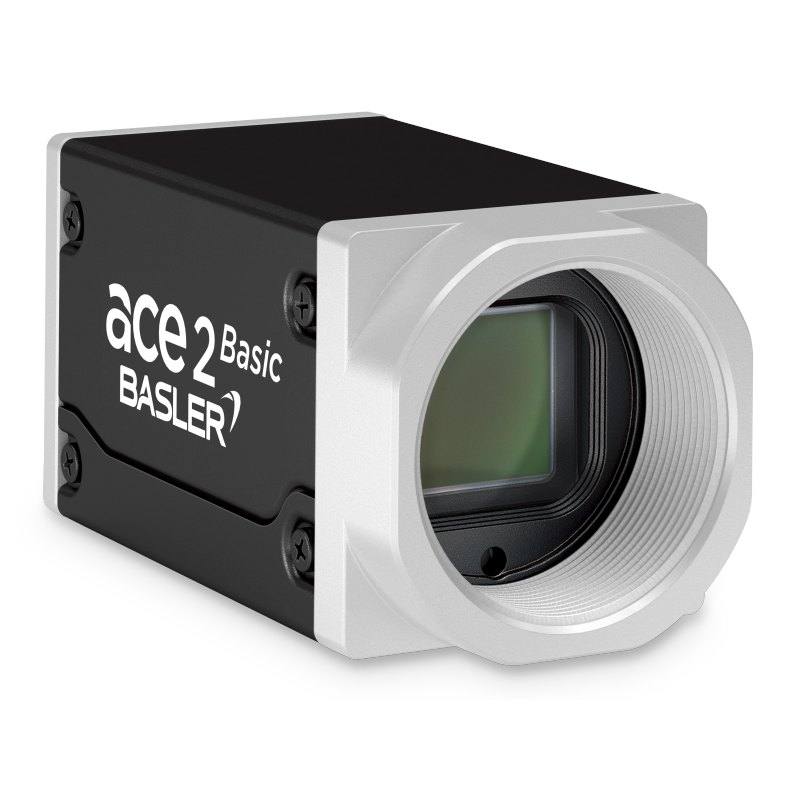
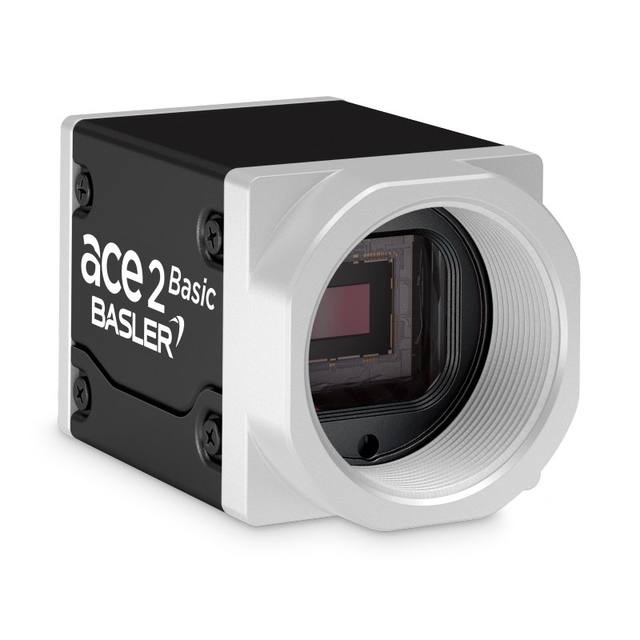
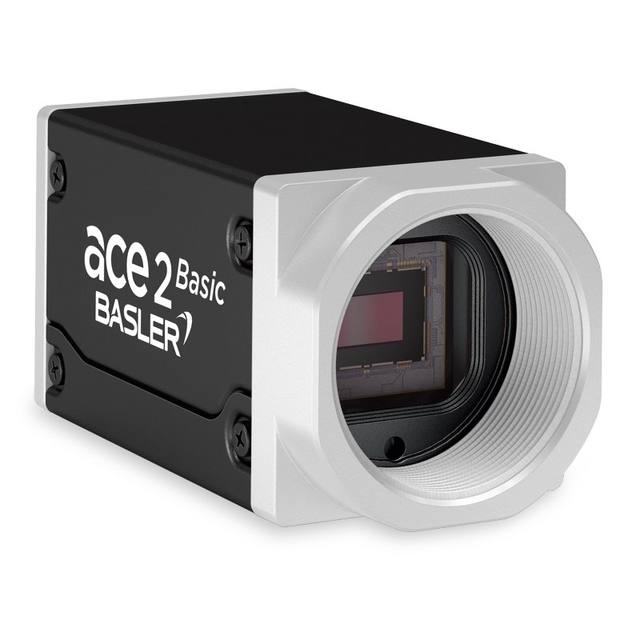
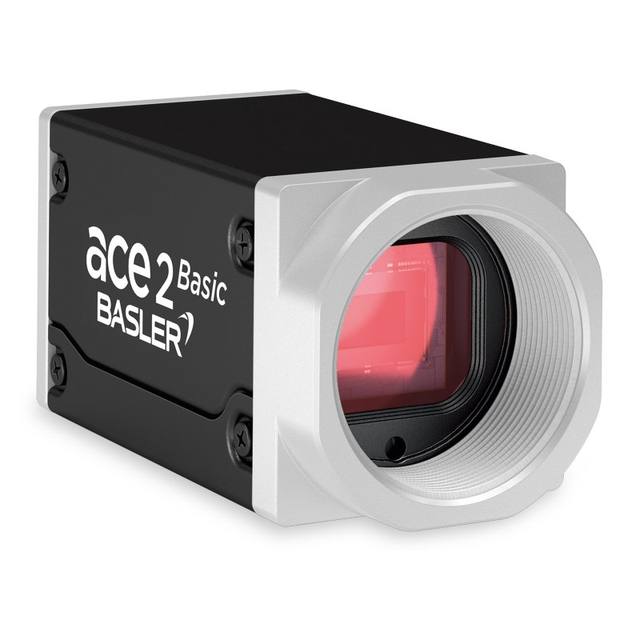
The Basler ace 2 a2A2840-67g5mBAS is a compact industrial area scan camera using the Sony IMX546 progressive scan CMOS sensor with a 2/3" format (11 mm diagonal) and 2.74 µm square pixels. It interfaces via 5GigE (NBASE-T, supporting 100 Mbit/s through 5 Gbit/s Ethernet) and complies with GigE Vision V2 and GenICam standards. The camera achieves up to 67 fps at full 2840 x 2840 resolution (71.2 fps in Performance bandwidth mode), with global shutter, 70 dB dynamic range, and pixel bit depths of 8, 10, or 12 bits. It is housed in a compact 55.5 x 29 x 29 mm C-mount box body rated IP30, powered at 12–24 VDC consuming approximately 5.3 W.
The Basler a2A2840-67g5m is built around Sony's IMX546 Pregius S global shutter progressive scan CMOS sensor, delivering 8 megapixels in a 2/3" optical format (7.78 × 7.78 mm active area, 11 mm diagonal) at a 2.74 µm pixel pitch. The perfectly square 2840 × 2840 pixel array is unusual in the GigE camera market and pays dividends on inspection tasks where the field of view is inherently symmetric: wafer maps, circular substrates, round PCB panels, and cap-seal checks all map cleanly without wasting sensor real estate. The global shutter captures all pixels simultaneously with no row-skew, meaning fast-moving parts on a conveyor or vibrating assemblies are frozen geometrically accurately — a prerequisite for any dimensional measurement or character-recognition task where distortion from a rolling shutter would introduce systematic error.
The 5GigE NBASE-T interface is the defining infrastructure advantage of this model. The camera negotiates automatically at 100 Mbit/s, 1 GbE, 2.5 GbE, or 5 GbE, depending on the switch port or NIC available, which means it can be dropped into an existing GigE infrastructure at reduced frame rate during commissioning and upgraded to full 5 Gbit/s bandwidth later without a cable change. At full 5 Gbit/s link speed the camera delivers 67 fps at the full 2840 × 2840 resolution (71.2 fps in Performance bandwidth mode). Compliance with GigE Vision V2 and GenICam means it integrates into any GigE Vision-compliant SDK with no proprietary driver burden. Power arrives over a separate M8 I/O connector at 12–24 VDC, consuming 5.3 W, keeping cabling simple without requiring Power-over-Ethernet infrastructure.
For installation design, the 2/3" C-mount format is the key lens-selection constraint. The 7.78 mm sensor diagonal is well within the image circle of any lens rated for 2/3" or larger, but lenses rated only for 1/1.8" or smaller will vignette. The monochrome sensor (no Bayer array) preserves full spatial resolution across the pixel array for fine-texture or edge-based inspection. Pixel bit depth is selectable at 8, 10, or 12 bits, supporting a range of quantisation requirements. The 70 dB dynamic range accommodates scenes with moderate contrast variation without HDR bracketing. Lighting can be continuous or strobed: the camera's trigger input (via the M8 I/O connector) supports hardware triggering for precisely timed strobe pulses. The IP30 housing and −10 to +50 °C operating range suit climate-controlled manufacturing environments; for harsher wash-down or outdoor conditions a supplementary housing is required. The compact 55.5 × 29 × 29 mm body fits constrained machine frames.
Best for
High-throughput surface and defect inspection on parts that move at speed — global shutter eliminates rolling-shutter smear at 67 fps, and 8 MP resolution supports large fields of view without sacrificing defect-detection pixel density.
Dimensional measurement of circular or square substrates such as semiconductor wafers, battery electrode sheets, and round pharmaceutical blister packs, where the square 2840 × 2840 array maps the part boundary without pixel waste or aspect-ratio compensation.
Industrial OCR/OCV and 2D/DM code reading on packaging lines where high character density and fast conveyor speeds both apply — global shutter freezes text geometry and 8 MP resolution resolves fine print at line speeds that would blur a rolling-shutter camera.
Robot guidance and bin-picking in automated assembly where the 5GigE link provides high-bandwidth image transfer over standard structured cabling, and global shutter captures arm-mounted or scene-mounted views without motion artefact.
Pharmaceutical and medical-device visual inspection requiring monochrome sensitivity and a 70 dB dynamic range to reveal subtle surface anomalies, label print quality, and fill-level checks in a compact 55.5 × 29 × 29 mm camera body that fits constrained machine frames.
Selection notes
Lens must cover the 2/3" (11 mm diagonal) image circle — verify the lens data sheet explicitly states 2/3" or larger coverage; a 1/1.8" or 1/2" rated lens will vignette the corners of this sensor.
Network infrastructure must support 5GigE (NBASE-T) at the NIC or managed-switch port to realise the 67 fps full-resolution rate; the camera auto-negotiates down to lower link speeds on legacy hardware, which may be acceptable for slower lines but should be budgeted in the design phase.
The IP30 ingress protection rating provides no defence against liquids or dust beyond finger-probing protection — applications in wash-down, high-dust, or outdoor environments require an external enclosure or a camera with a higher IP rating.
Pixel bit depth is selectable at 8, 10, or 12 bits; 12-bit mode increases per-frame data size by 50 % relative to 8-bit and will reduce sustainable frame rate over a given link speed — factor this into bandwidth and storage calculations if grey-level quantisation is critical.
Power is supplied via the M8 I/O connector at 12–24 VDC (5.3 W); the camera does not support Power over Ethernet (PoE), so a separate power run or DIN-rail supply must be included in the panel design alongside the Ethernet cable.
Specifications: General
Brand
Basler
Camera type
Area Scan
Specifications: Sensor
Resolution
8 MP
Horizontal resolution
2840 × 2840 px
Mono / color
Monochrome
Sensor manufacturer
Sony Pregius S
Sensor model
Sony IMX546-AAMJ-C
Shutter
Global Shutter
Sensor size
2/3" (11 mm diagonal, 7.78 × 7.78 mm)
Pixel size
2.74 µm
Specifications: Performance
FPS
67 fps (71.2 fps in Performance mode)
Specifications: Interface
Interface
5GigE (NBASE-T; also supports 100M/1G/2.5G)
Protocols
GigE Vision V2, GenICam
Specifications: Optics
Mount
C-mount
Specifications: Electrical
Power
12–24 VDC via M8 I/O connector
Power consumption
5.3 W
Specifications: Environment
IP rating
IP30
Operating temperature
-10 to +50 °C
Specifications: Mechanical
Dimensions
55.5 × 29 × 29 mm
Weight
100 g (Basler product page and shop)
Housing material
Box
Applications this camera is commonly selected for. Open one to see the full recommended hardware and approach.
Matched automatically by: lens mount fits the camera mount · lens image circle covers the camera sensor — this camera: C-mount · 2/3" (11 mm diagonal, 7.78 × 7.78 mm) sensor.
By category
All 198C-mount lenses 135Telecentric lenses 60F-mount / large-format lenses 3
By brand
All 198Omron / Sentech 66Basler 59iRAYPLE 48Datalogic / Datasensing 25
Get a first image quickly with the pylon Viewer, then move into the pylon SDK for your application. These cameras are GenICam/GenTL-compliant, so any compliant vision software can drive them as well.
Download and install the pylon Camera Software Suite for your OS from Basler. This provides the pylon Viewer, the GenTL transport-layer producers and the pylon SDK (C/C++/.NET/Python). On Windows the installer adds the needed drivers; on Linux follow the included setup notes for USB and network permissions.
2. Connect the camera and check the link
Cable the camera to its matching interface: GigE Vision to a GigE port (use a quality cable and, ideally, a dedicated NIC with jumbo frames enabled), USB3 Vision to a USB 3.x port with the supplied cable, or CoaXPress to the frame grabber. Provide power where required (PoE, USB bus power, or PoCXP). Open the pylon Viewer and confirm the camera appears in the device list; for GigE, make sure the camera and NIC are on the same subnet.
3. Grab a first image and set exposure, gain and pixel format
Select the camera in the pylon Viewer and start a continuous grab. Adjust exposure time and gain until the image is well exposed (avoid clipped highlights), set the pixel format (e.g. Mono8 or a Bayer/RGB format), and focus the lens. Use a test pattern if the lens or scene is not ready yet.
4. Configure triggering and acquisition
Decide between free-run and triggered acquisition. For synchronized capture, set the trigger source (software or a hardware line on the I/O connector), trigger mode and any debounce or exposure mode, then verify timing. Note the parameter names you change in the Viewer feature tree, as you will reuse them in code.
5. Move to the SDK or a GenICam-compliant library
Recreate your settings in code with the pylon SDK (C, C++, .NET or Python) to open the device, apply the same features and pull frames into your pipeline; pylon vTools and pylon AI can add processing blocks. Because the cameras are GenICam/GenTL standard, third-party vision libraries work too. Once the image stream is stable, you can route frames to a deep-learning inspection such as Rosepetal for automated defect detection.
Frequently asked questions
No. At full 2840 × 2840 resolution, the raw pixel throughput exceeds 1 GbE bandwidth. The camera auto-negotiates to whatever link speed the switch supports, so on a 1 GbE port it will run at a reduced frame rate. Achieving the rated 67 fps requires a 5GigE (NBASE-T) NIC and switch port, or a direct NIC connection.
Global shutter sensors typically have a slightly lower full-well capacity or quantum efficiency than equivalent rolling-shutter designs due to the additional in-pixel storage circuitry, but the Sony IMX546 Pregius S architecture is specifically engineered to minimise this trade-off. The 70 dB dynamic range confirms adequate sensitivity for well-lit industrial scenes; if light levels are marginal, use a higher-intensity strobe or continuous illumination source rather than reducing shutter speed.
The camera uses a standard C-mount. The sensor is 2/3" format with a 7.78 × 7.78 mm active area and 11 mm diagonal image circle. Select any C-mount lens explicitly rated for 2/3" or larger format coverage to avoid corner vignetting.
The a2A2840-67g5m is a monochrome-only model (as indicated by the 'm' suffix and the monochrome colour-mode spec). Basler does offer colour variants in the ace 2 family using the same IMX546 sensor (designated with a 'c' suffix), but those are separate SKUs and are not this product.
Yes. The M8 I/O connector provides trigger input lines that support hardware-triggered acquisition, enabling precise synchronisation with external strobe controllers. This is the recommended approach for high-speed lines where exposure timing must be locked to part position via an encoder or proximity sensor signal.