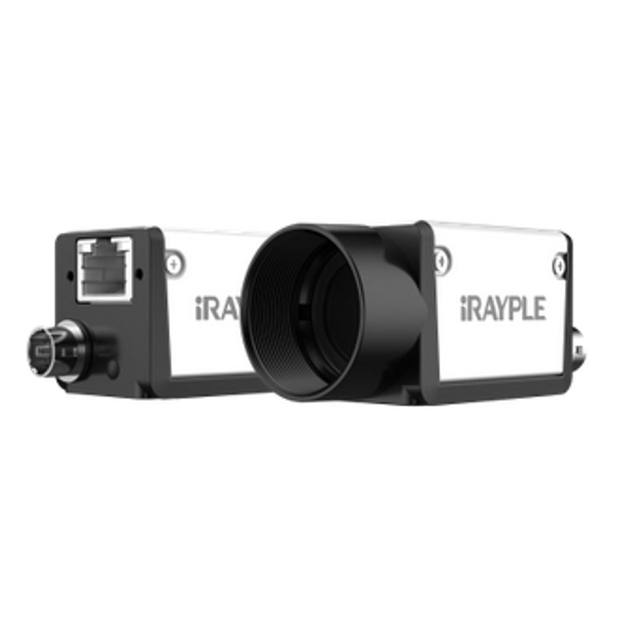
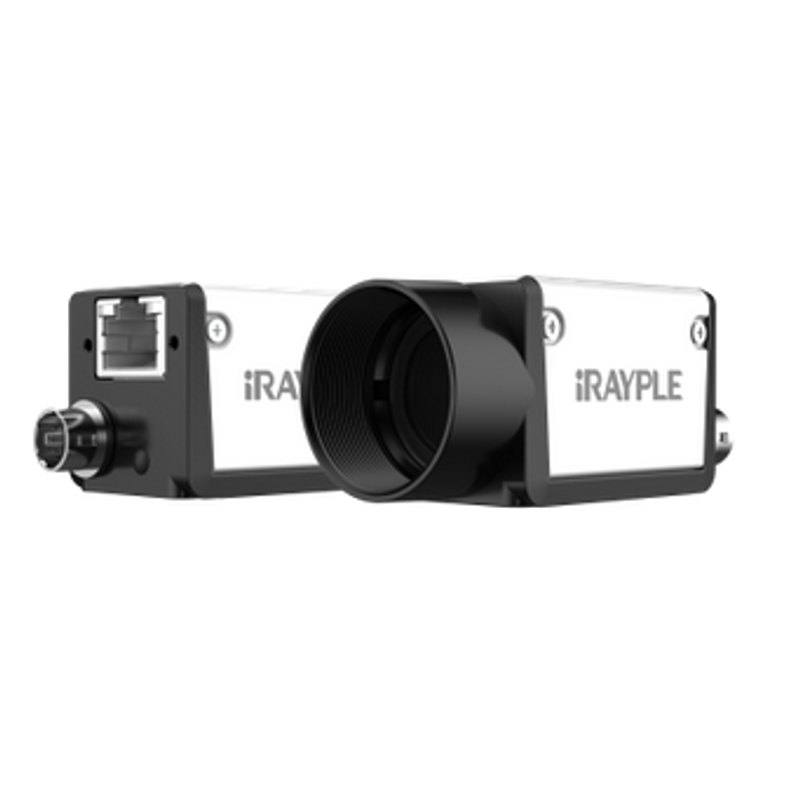
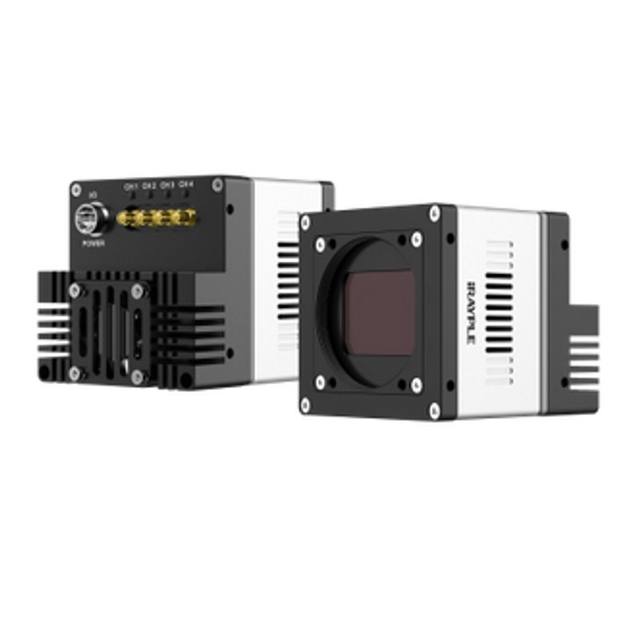
Entry-level area scan camera with an onsemi AR0521 CMOS sensor (2.2 um pixel, rolling shutter). Outputs 2592 x 1944 (5.04 MP) at up to 23 fps over Gigabit Ethernet, GigE Vision V2.0 / GenICam compliant, with PoE support and 256MB on-board cache.
The iRAYPLE A3504MG100E is a monochrome area scan camera built around the onsemi AR0521 sensor. With 5.04 MP of resolution and a 2.2 um pixel size, it packs a large pixel count onto a physically compact sensor, giving fine spatial sampling that suits inspection of detailed features over a fixed field of view. As a monochrome device, every pixel contributes directly to luminance detail rather than being split across a colour filter array, which generally yields higher effective resolution and better low-contrast sensitivity than a colour sensor of the same pixel count - the right choice when the task is dimensional measurement, edge and defect detection, or character reading rather than colour discrimination.
The sensor uses a rolling shutter, meaning rows are exposed and read out sequentially rather than all at once. For static scenes or slow, controlled motion this is a non-issue and keeps the camera cost-effective, but fast lateral motion can introduce geometric skew, so parts should be stationary at the moment of capture or moved slowly relative to the exposure. The camera streams at up to 23 fps at full resolution, which provides comfortable throughput for triggered, station-based inspection where one or a few frames are grabbed per part.
Connectivity is over Gigabit Ethernet using the GigE Vision standard with a GenICam-compliant feature interface, so the camera integrates with any standards-based machine-vision software through a common programming model. GigE allows long cable runs on inexpensive, field-terminable cabling, and Power over Ethernet lets a single cable carry both data and power, simplifying wiring in cabinets and on moving fixtures. The camera is also listed as Rosepetal-ready, indicating it is intended to drop into that vision/AI software pipeline.
Best for
AI-based surface and defect inspection on static or slowly indexed parts, where the high pixel count resolves small flaws
Industrial OCR/OCV - reading and verifying printed codes, date/lot markings and labels where monochrome contrast aids character recognition
Packaging inspection such as presence/absence, fill, seal and print verification at station-based throughput
Dimensional and edge-based measurement of detailed components held stationary during capture
Triggered single-frame capture in PoE-powered cells where a single cable for data and power simplifies installation
Selection notes
Pair the 2.2 um pixel size with a lens of sufficient resolving power; small pixels demand a higher-MTF lens to avoid being the limiting factor, and the lens image circle must cover the sensor format. Verify back-focal/mount compatibility against the camera's mount before specifying optics.
Because the sensor is rolling shutter, ensure parts are stationary at exposure or motion is slow enough to avoid skew; if you must image fast continuous motion or use short-pulse strobing of moving objects, consider a global-shutter model instead.
Monochrome captures luminance only - if the application needs to distinguish colours, this camera is the wrong choice; for mono inspection, choose illumination wavelength and geometry (e.g. directional, dome, backlight) to maximise feature contrast.
Plan the network: GigE supports long, low-cost cable runs, and PoE removes a separate power supply, but confirm the switch/NIC supplies PoE and budget bandwidth for the data rate; use a dedicated NIC or VLAN for deterministic throughput.
If the cell requires higher frame rates, faster motion handling, or much higher resolution than this model offers, evaluate a higher-tier camera; this unit targets station-based inspection.
Specifications: General
Camera type
Area scan
Specifications: Sensor
Resolution
5.04 MP
Horizontal resolution
2592 px
Mono / color
Monochrome
Sensor manufacturer
onsemi
Sensor model
AR0521
Shutter
Rolling shutter
Pixel size
2.2 µm
Specifications: Performance
FPS
23 fps
Specifications: Interface
Interface
GigE Vision, PoE
Protocols
GigE Vision, GenICam
Specifications: Optics
Mount
C-mount
Specifications: Commercial
Rosepetal-ready
Yes
This product groups every purchasable order code that shares the same sensing method, range and output. Cable length, connector type and operation mode (Light-ON/Dark-ON, NO/NC) vary by order code below.
Family variants with highlighted differences
Model
Mono / color
Interface
Availability
5.04 MP Monochrome GigE Vision Base
Monochrome
GigE Vision
On request
Applications this camera is commonly selected for. Open one to see the full recommended hardware and approach.
Follow these steps to bring up your iRAYPLE camera, capture a first image, and move from the viewer to your own application. The flow is the same across the A, AE, AX and L series; only the physical interface differs.
Download and install the iRAYPLE machine-vision SDK together with its viewer client for your operating system. The installer provides the camera drivers, the GenTL producer, and the viewer you will use for first light. For GigE Vision models, also install or enable the bundled filter/performance driver on the network adapter to maximize throughput.
2. Connect the camera to the correct interface
Wire the camera to its matching host interface: a dedicated Gigabit (or 10 GigE) NIC for GigE Vision models, a USB3 Vision port with a quality cable for USB3 models, or a frame grabber for CoaXPress models. Power the camera (PoE, USB bus power, or PoCXP / external supply as applicable). For GigE Vision, put the NIC and camera on the same subnet and, where supported, enable jumbo frames.
3. Detect and open the camera in the viewer
Launch the iRAYPLE viewer, run device enumeration, and select your camera from the discovered list. Open it to load the device feature tree (GenICam node map). If a GigE camera is found but cannot be opened, correct the IP configuration so the camera and NIC are in the same address range.
4. Set exposure, gain and trigger, then grab a first image
Start with continuous (free-run) acquisition under stable lighting. Adjust exposure time and gain for a well-exposed, low-noise image, set the pixel format (e.g. Mono8 or a Bayer/RGB format), and tune white balance on color models. Once the live image looks correct, switch trigger mode to hardware or software trigger to synchronize capture with your process, and verify a single triggered frame.
5. Move from the viewer to the SDK or a GenICam library
With imaging confirmed, reproduce the same settings in code using the SDK's C/C++ or Python API: enumerate, open, configure the relevant GenICam features, register a frame callback or grab loop, and convert frames to your pipeline's buffer format. Since the cameras are GenICam/GenTL-compliant, you can alternatively drive them from a third-party GenICam vision library. From here a stable image stream can feed a deep-learning inspection step such as Rosepetal for automated quality control.
Frequently asked questions
It uses a rolling shutter, where image rows are exposed and read out sequentially. This is fine for static scenes or slow, controlled motion, but fast lateral movement during exposure can cause geometric skew. For high-speed moving parts, choose a global-shutter camera instead.
It connects over Gigabit Ethernet using the GigE Vision standard with a GenICam feature interface. GigE allows long runs on standard, inexpensive Ethernet cabling, and the camera supports Power over Ethernet (PoE), so a single cable can carry both data and power.
It is a monochrome camera based on the onsemi AR0521 sensor, delivering 5.04 MP (2592 px horizontal) at up to 23 fps. Monochrome means all pixels capture luminance detail, which is generally preferred for measurement, defect detection and OCR/OCV over colour applications.
Yes. The camera is GigE Vision and GenICam compliant, so it presents a standard feature model that any GigE Vision-compatible software can control. It is also listed as Rosepetal-ready for use within that vision/AI pipeline.