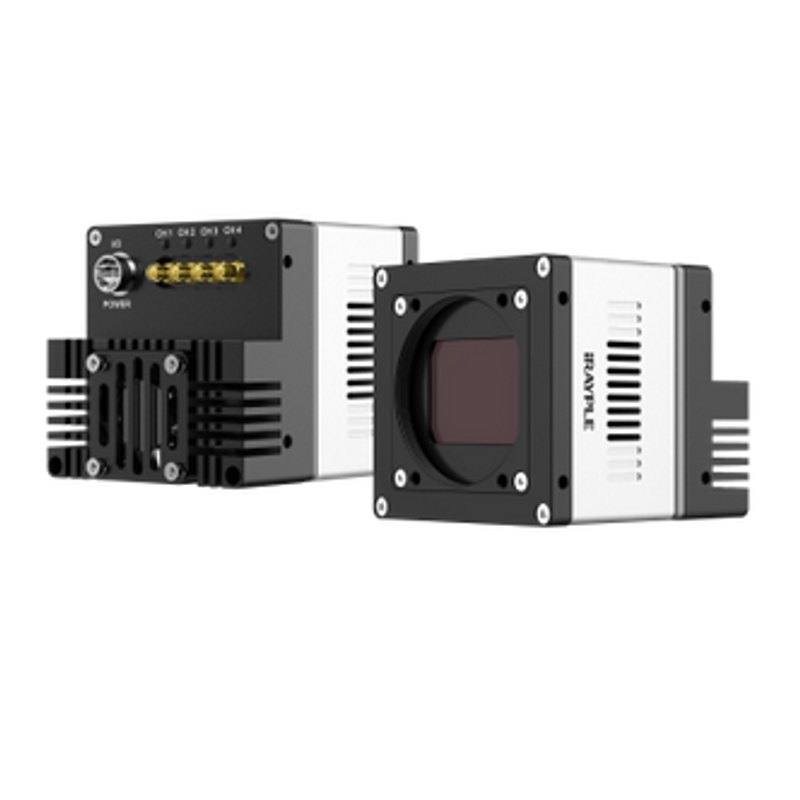
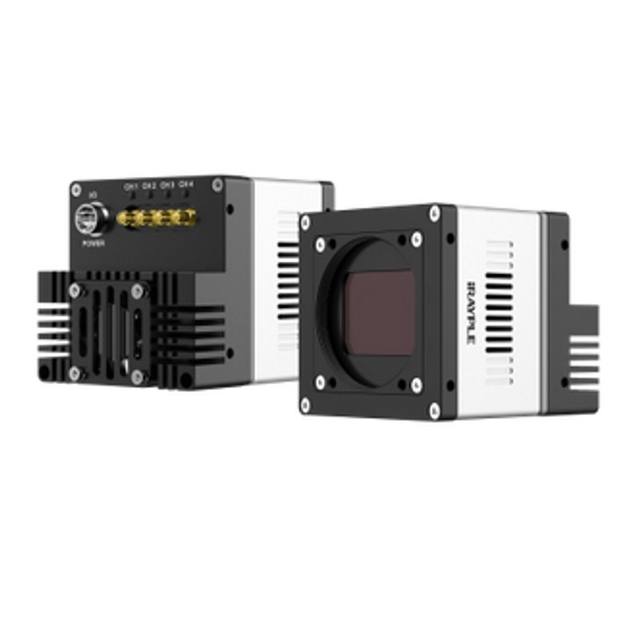
High-resolution, high-throughput area scan camera with a 1.1-inch Gpixel GMAX0505 global shutter sensor (2.5 um pixel). Outputs 5120 x 5120 (26.2 MP) at up to 150 fps over CXP-12 (4 x 12.5 Gbps). Supports hardware trigger/free-run, pixel-by-pixel FFC, ROI, PoCXP and DC 24V power.
The iRAYPLE A9B57MP050E is a monochrome area scan camera built around the Gpixel GMAX0505 global shutter sensor. At 26.2 MP it captures a wide, high-pixel-count frame in a single exposure, which suits applications that need to resolve fine detail across a large field of view without the mechanical motion or seam-stitching of a scanning approach. Because it is an area scan device, the whole scene is acquired at once, simplifying both optics and triggering compared with line scan systems that require precisely controlled relative motion between part and camera.
The combination of a global shutter and a 150 fps frame rate is the defining characteristic of this model. A global shutter exposes every pixel simultaneously, so fast-moving or indexed parts are captured without the skew and smear that a rolling shutter introduces. Running this resolution at up to 150 fps demands very high data bandwidth, which is why the camera uses a CoaXPress CXP-12 interface: CoaXPress carries high-throughput image data over coaxial cable with low, deterministic latency, and the standard also supports power and trigger signalling over the same cabling. The 1.1-inch sensor format with 2.5 µm pixels reflects a design that packs a high pixel count into a comparatively compact optical format.
Being monochrome, the sensor devotes all of its photosites to luminance rather than splitting them across a colour filter array, which generally yields higher effective spatial resolution and better sensitivity for a given pixel size, an advantage for measurement, edge detection and text reading where colour carries no information. The camera speaks GenICam, the vendor-neutral programming interface standard, so it can be integrated with compliant frame grabbers and machine-vision software without proprietary tooling. It is also listed as Rosepetal-ready, indicating compatibility with the Rosepetal platform for AI-based inspection workflows.
Best for
High-resolution dimensional measurement and metrology, where the 26.2 MP frame resolves fine features and tight tolerances across a large field of view in one shot
AI-based defect inspection on large or detailed surfaces, feeding high-pixel-count monochrome frames into deep-learning or rule-based analysis
Industrial OCR/OCV reading of printed, embossed or marked text and codes, where monochrome contrast and high resolution improve character legibility
High-speed inspection of moving or indexed parts at up to 150 fps, where the global shutter prevents motion-induced distortion
Applications needing long, robust cable runs from camera to processor that benefit from the deterministic, high-bandwidth CoaXPress CXP-12 link
Selection notes
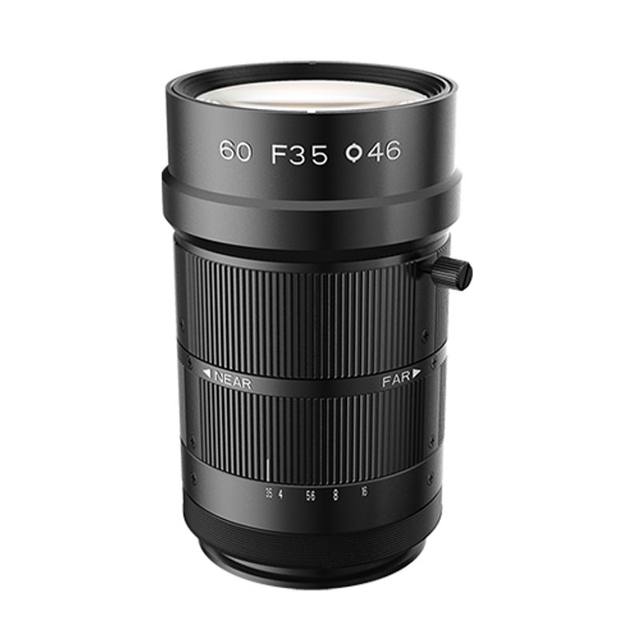
Specify a lens rated for the 1.1-inch sensor format and high pixel count; with a 2.5 µm pixel pitch the optics must resolve fine detail, so choose a high-resolution lens and verify it covers the full image circle to avoid corner softness or vignetting.
CoaXPress CXP-12 requires a matching CXP frame grabber and suitable coaxial cabling; plan the link budget for the cable length, and note that CoaXPress can deliver power over the coax (PoCXP) where supported.
High frame rate and high resolution generate substantial data; size the host PC, frame grabber bandwidth and storage or processing pipeline accordingly, and consider using ROI to trim the field of view when the full sensor is not needed to raise effective throughput.
A global shutter at speed needs adequate illumination for short exposures; budget bright, stable lighting (and consider strobing synchronised to the hardware trigger) to maintain image quality without motion blur.
If your application is colour-dependent, runs at modest resolution, or can use a more common GigE/USB3 interface, a different model may be more cost-effective; this camera is aimed at demanding high-resolution, high-speed monochrome tasks over CoaXPress.
Specifications: General
Camera type
Area scan
Specifications: Sensor
Resolution
26.2 MP
Horizontal resolution
5120 px
Mono / color
Monochrome
Sensor manufacturer
Gpixel
Sensor model
GMAX0505
Shutter
Global shutter
Sensor size
1.1"
Pixel size
2.5 µm
Specifications: Performance
FPS
150 fps
Specifications: Interface
Interface
CoaXPress, CXP-12
Protocols
GenICam
Specifications: Optics
Mount
M58
Specifications: Commercial
Rosepetal-ready
Yes
This product groups every purchasable order code that shares the same sensing method, range and output. Cable length, connector type and operation mode (Light-ON/Dark-ON, NO/NC) vary by order code below.
Family variants with highlighted differences
Model
Mono / color
Interface
Availability
26.2 MP Monochrome CoaXPress Base
Monochrome
CoaXPress
On request
Applications this camera is commonly selected for. Open one to see the full recommended hardware and approach.
Follow these steps to bring up your iRAYPLE camera, capture a first image, and move from the viewer to your own application. The flow is the same across the A, AE, AX and L series; only the physical interface differs.
Download and install the iRAYPLE machine-vision SDK together with its viewer client for your operating system. The installer provides the camera drivers, the GenTL producer, and the viewer you will use for first light. For GigE Vision models, also install or enable the bundled filter/performance driver on the network adapter to maximize throughput.
2. Connect the camera to the correct interface
Wire the camera to its matching host interface: a dedicated Gigabit (or 10 GigE) NIC for GigE Vision models, a USB3 Vision port with a quality cable for USB3 models, or a frame grabber for CoaXPress models. Power the camera (PoE, USB bus power, or PoCXP / external supply as applicable). For GigE Vision, put the NIC and camera on the same subnet and, where supported, enable jumbo frames.
3. Detect and open the camera in the viewer
Launch the iRAYPLE viewer, run device enumeration, and select your camera from the discovered list. Open it to load the device feature tree (GenICam node map). If a GigE camera is found but cannot be opened, correct the IP configuration so the camera and NIC are in the same address range.
4. Set exposure, gain and trigger, then grab a first image
Start with continuous (free-run) acquisition under stable lighting. Adjust exposure time and gain for a well-exposed, low-noise image, set the pixel format (e.g. Mono8 or a Bayer/RGB format), and tune white balance on color models. Once the live image looks correct, switch trigger mode to hardware or software trigger to synchronize capture with your process, and verify a single triggered frame.
5. Move from the viewer to the SDK or a GenICam library
With imaging confirmed, reproduce the same settings in code using the SDK's C/C++ or Python API: enumerate, open, configure the relevant GenICam features, register a frame callback or grab loop, and convert frames to your pipeline's buffer format. Since the cameras are GenICam/GenTL-compliant, you can alternatively drive them from a third-party GenICam vision library. From here a stable image stream can feed a deep-learning inspection step such as Rosepetal for automated quality control.
Frequently asked questions
Yes. The A9B57MP050E uses the Gpixel GMAX0505 global shutter sensor, so all pixels are exposed at the same instant. This avoids the geometric skew and smear a rolling shutter produces, making it well suited to fast-moving or indexed parts.
It uses a CoaXPress CXP-12 interface, which carries high-bandwidth image data over coaxial cable. You will need a compatible CoaXPress frame grabber and appropriate coax cabling; CoaXPress can also carry power and trigger signalling on the same connection.
The camera provides 26.2 MP with a 5120-pixel horizontal resolution and runs at up to 150 fps. The CXP-12 interface supplies the bandwidth needed to sustain that high pixel count at speed.
It is monochrome. A monochrome sensor uses all of its pixels for luminance rather than a colour filter array, which generally gives higher effective resolution and sensitivity, an advantage for measurement, defect detection and text reading where colour is not required.
It supports the GenICam standard, so it works with GenICam-compliant frame grabbers and machine-vision software without proprietary drivers. It is also listed as Rosepetal-ready for integration with the Rosepetal AI inspection platform.