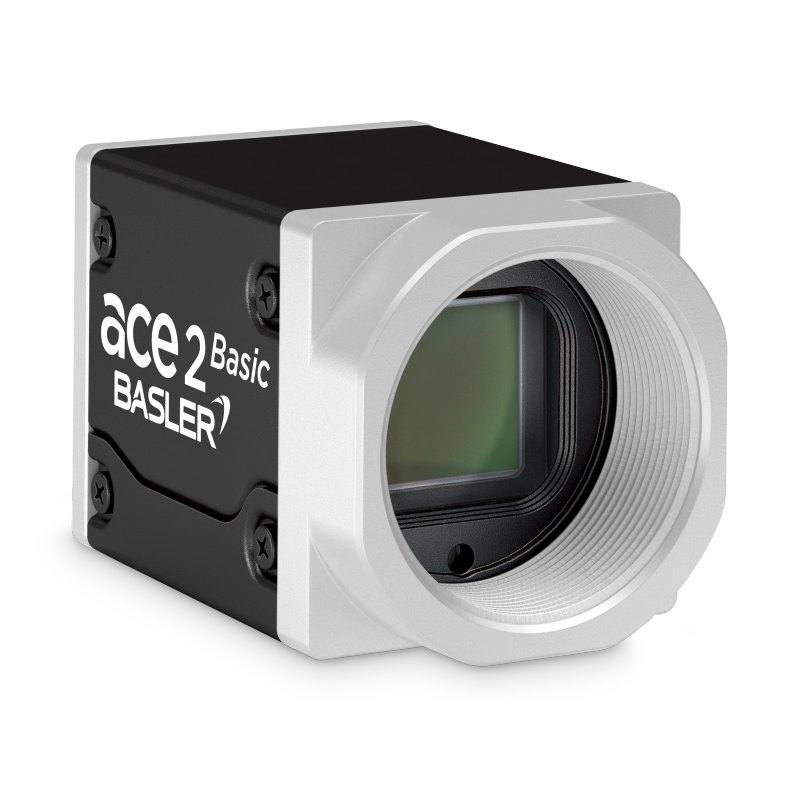
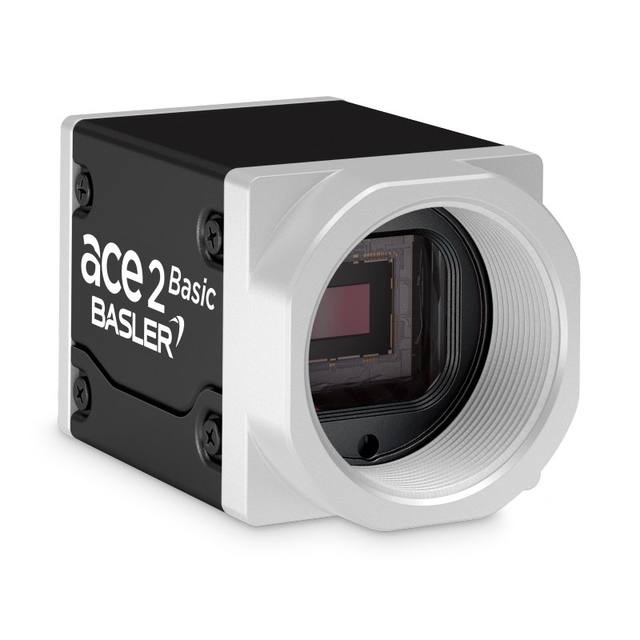
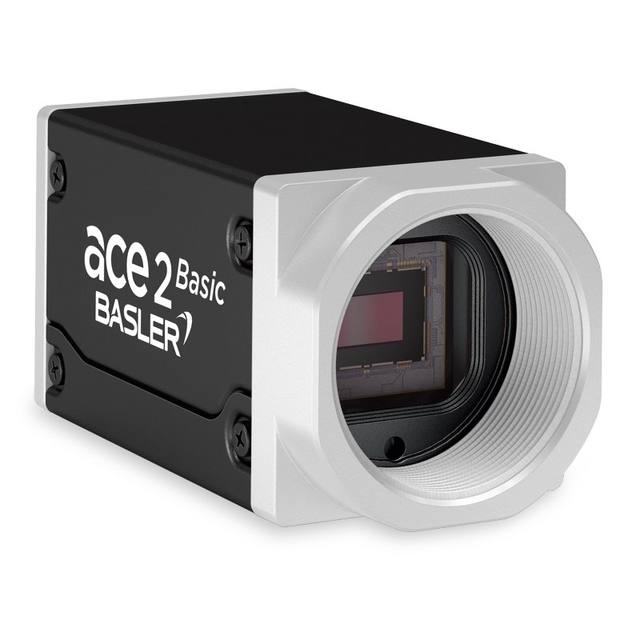
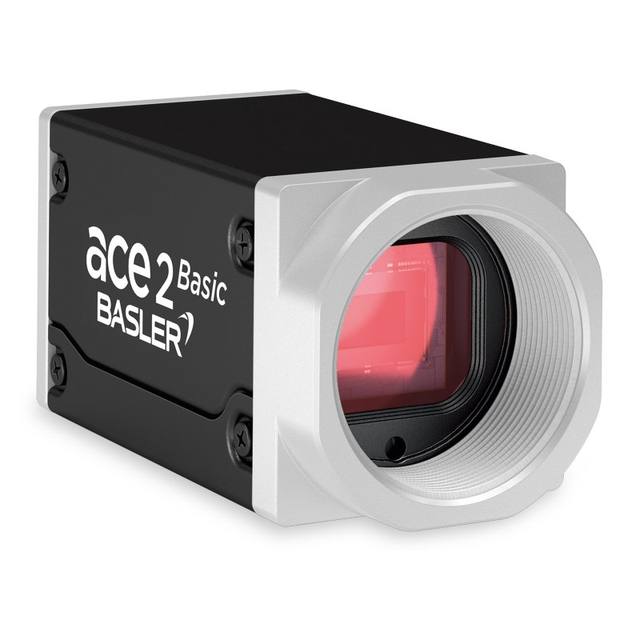
The Basler a2A4508-20um is part of the ace 2 R series, featuring an 18.4 MP (4508 x 4096) Gpixel GMAX2518 progressive scan CMOS sensor with a 1-inch optical format and 2.5 µm pixel pitch. It operates with a global shutter and communicates over USB 3.0 (SuperSpeed, up to 5 Gbit/s), achieving up to 20 fps at full resolution. The compact 42.8 x 29 x 29 mm C-mount housing draws approximately 3.4 W via the USB interface and is compliant with USB3 Vision and GenICam standards. Operating temperature range is -10 °C to 60 °C with IP30 protection.
The Basler a2A4508-20um pairs an 18.4 MP Gpixel GMAX2518 CMOS sensor — arrayed at 4508 x 4096 pixels across a 1-inch optical format (11.27 x 10.24 mm) — with a 2.5 µm pixel pitch and global shutter. Global shutter means every pixel integrates simultaneously, so fast-moving parts, conveyor-fed components, or robot-mounted cameras that generate relative motion will not suffer the rolling-shutter skew that distorts geometry and corrupts dimensional measurements. The 2.5 µm pitch keeps the physical sensor compact without sacrificing the spatial sampling density needed for fine-detail inspection, and the monochrome output maximises quantum efficiency relative to a Bayer-pattern colour variant, which matters when exposure windows are tight or illumination power is limited.
The USB 3.0 SuperSpeed interface (up to 5 Gbit/s) delivers up to 20 fps at full 18.4 MP resolution without requiring a dedicated frame-grabber or supplementary power supply — the camera draws approximately 3.4 W entirely from the USB bus at 5 VDC, simplifying cabling and reducing panel-space. USB3 Vision and GenICam compliance means it integrates cleanly into standard vision software environments without vendor-specific drivers. The C-mount on a 42.8 x 29 x 29 mm body (85 g) gives access to a broad ecosystem of industrial C-mount lenses; because the 1-inch sensor diagonal is larger than the more common 2/3-inch format, lens selection must confirm coverage for a 1-inch image circle to avoid corner vignetting. Operating range of -10 °C to 60 °C and IP30 protection make it appropriate for controlled factory environments where the camera is housed within an enclosure or positioned away from direct particulate exposure.
At 18.4 MP and 20 fps, this camera is positioned for applications where high spatial resolution and geometric integrity matter more than raw frame rate. Inspecting large panels for surface defects, reading dense 2D matrix codes on pharmaceutical packaging, or measuring fine-pitch features on PCBs are workflows where the pixel budget directly translates into detectable minimum feature size or field-of-view flexibility — a wider field becomes achievable at the same ground-sample distance, reducing the number of camera positions needed to cover a large part. The USB-only power architecture further suits lab, prototype, and retrofit deployments where adding a separate 12/24 V power rail or a PCIe frame-grabber card is impractical.
Best for
High-resolution surface and defect inspection on large flat substrates (PCBs, display panels, battery electrodes) where fine features must be resolved across a wide field in a single shot
Pharmaceutical and medical-device packaging inspection requiring simultaneous code reading, label verification, and print-quality OCR/OCV at 18.4 MP without changing camera positions
Dimensional measurement and gauging of precision mechanical or electronic components where global shutter eliminates motion-induced geometry distortion and monochrome output maximises contrast on structural edges
Robot-guidance and pick-and-place alignment tasks where a lightweight (85 g), bus-powered camera must be mounted on or near a moving arm without a separate power supply
Semiconductor and electronics traceability workflows reading dense DataMatrix or QR codes on small components, where the 2.5 µm pixel pitch provides the spatial sampling needed to resolve fine code cells
Selection notes
Lens image-circle coverage: the 1-inch sensor diagonal (approximately 15.2 mm) is larger than 2/3-inch lenses cover. Verify that any C-mount lens is explicitly rated for a 1-inch or larger image circle; undersized lenses will vignette the corners and degrade resolution at the frame edges where many inspection regions lie.
USB cable length and host controller quality matter at 5 Gbit/s: passive USB 3.0 cables are typically reliable to 3–5 m; beyond that, active optical or copper extension cables are required. Ensure the host PC has a dedicated USB 3.0 host controller rather than a shared hub to sustain the full 20 fps data throughput from an 18.4 MP sensor.
IP30 protection means the camera body is not sealed against dust or liquids. In environments with coolant mist, metal swarf, or condensation, mount the camera inside a protective enclosure with a glass or optical-quality polycarbonate window, and account for the window's effect on the optical path length when specifying the lens.
Triggering and lighting synchronisation: the camera's global shutter is well matched to strobe illumination — flash duration, not mechanical shutter speed, controls effective exposure on a global-shutter sensor. Ensure the lighting controller or strobe driver can synchronise to the camera's trigger output and that flash duration is shorter than the inter-frame period at the intended fps to avoid motion blur in the illumination window.
Pixel pitch at 2.5 µm is relatively small; diffraction limits become relevant at narrow apertures (f/8 and above for visible wavelengths). For highest MTF at the sensor, select lenses corrected for use at the specific conjugate ratio of the application and avoid stopping down beyond f/5.6 unless depth-of-field requirements dictate it.
Specifications: General
Brand
Basler
Camera type
Area Scan
Specifications: Sensor
Resolution
18.4 MP
Horizontal resolution
4508 x 4096 px
Mono / color
Mono
Sensor manufacturer
Gpixel
Sensor model
GMAX2518
Shutter
Global Shutter
Sensor size
1 inch (11.27 x 10.24 mm)
Pixel size
2.5 µm
Specifications: Performance
FPS
20 fps
Specifications: Interface
Interface
USB 3.0
Protocols
USB3 Vision, GenICam
Specifications: Optics
Mount
C-mount
Specifications: Electrical
Power
Powered via USB 3.0
Power consumption
3.4 W
Supply voltage
5 VDC (via USB)
Specifications: Environment
Operating temperature
-10 to 60 °C
Specifications: Mechanical
Dimensions
11.27 x 10.24 mm
Weight
85 g
Applications this camera is commonly selected for. Open one to see the full recommended hardware and approach.
Matched automatically by: lens mount fits the camera mount · lens image circle covers the camera sensor — this camera: C-mount · 1 inch (11.27 x 10.24 mm) sensor.
By category
All 90C-mount lenses 66Telecentric lenses 24
By brand
All 90Basler 34iRAYPLE 26Omron / Sentech 24Datalogic / Datasensing 6
Get a first image quickly with the pylon Viewer, then move into the pylon SDK for your application. These cameras are GenICam/GenTL-compliant, so any compliant vision software can drive them as well.
Download and install the pylon Camera Software Suite for your OS from Basler. This provides the pylon Viewer, the GenTL transport-layer producers and the pylon SDK (C/C++/.NET/Python). On Windows the installer adds the needed drivers; on Linux follow the included setup notes for USB and network permissions.
2. Connect the camera and check the link
Cable the camera to its matching interface: GigE Vision to a GigE port (use a quality cable and, ideally, a dedicated NIC with jumbo frames enabled), USB3 Vision to a USB 3.x port with the supplied cable, or CoaXPress to the frame grabber. Provide power where required (PoE, USB bus power, or PoCXP). Open the pylon Viewer and confirm the camera appears in the device list; for GigE, make sure the camera and NIC are on the same subnet.
3. Grab a first image and set exposure, gain and pixel format
Select the camera in the pylon Viewer and start a continuous grab. Adjust exposure time and gain until the image is well exposed (avoid clipped highlights), set the pixel format (e.g. Mono8 or a Bayer/RGB format), and focus the lens. Use a test pattern if the lens or scene is not ready yet.
4. Configure triggering and acquisition
Decide between free-run and triggered acquisition. For synchronized capture, set the trigger source (software or a hardware line on the I/O connector), trigger mode and any debounce or exposure mode, then verify timing. Note the parameter names you change in the Viewer feature tree, as you will reuse them in code.
5. Move to the SDK or a GenICam-compliant library
Recreate your settings in code with the pylon SDK (C, C++, .NET or Python) to open the device, apply the same features and pull frames into your pipeline; pylon vTools and pylon AI can add processing blocks. Because the cameras are GenICam/GenTL standard, third-party vision libraries work too. Once the image stream is stable, you can route frames to a deep-learning inspection such as Rosepetal for automated defect detection.
Frequently asked questions
The camera achieves up to 20 fps at its full native resolution of 4508 x 4096 pixels (18.4 MP) over USB 3.0. Reducing the region of interest (ROI) via GenICam commands will increase frame rate beyond 20 fps because fewer bytes are transferred per frame, though the exact rate depends on the ROI size and host USB controller throughput.
Global shutter exposes all pixels simultaneously. With a rolling shutter, pixels in different rows expose at slightly different times, causing geometric distortion of any object that moves — even slowly — relative to the camera. For dimensional measurement, robot guidance, or conveyor-fed inspection, a global shutter preserves the true geometry of the object so measurements derived from pixel coordinates are accurate.
Yes. The camera draws approximately 3.4 W at 5 VDC entirely through the USB 3.0 cable. No additional power connector is required. This is specific to the USB variant (the 'um' suffix); if your system later requires GigE or other interfaces, those variants have different power arrangements.
The camera uses a C-mount. Because the sensor is a 1-inch format (11.27 x 10.24 mm, approximately 15.2 mm diagonal), lenses must be specified for a 1-inch image circle. Lenses rated only for 2/3-inch or smaller formats will not fully cover the sensor and will produce dark or blurry corners.
The operating temperature range is -10 °C to 60 °C and the protection rating is IP30, which means the housing provides no protection against dust ingress or liquids. For harsh environments, the camera must be installed inside a sealed protective enclosure. It is well suited to controlled factory settings, clean rooms, or any location where it can be shielded from contaminants.