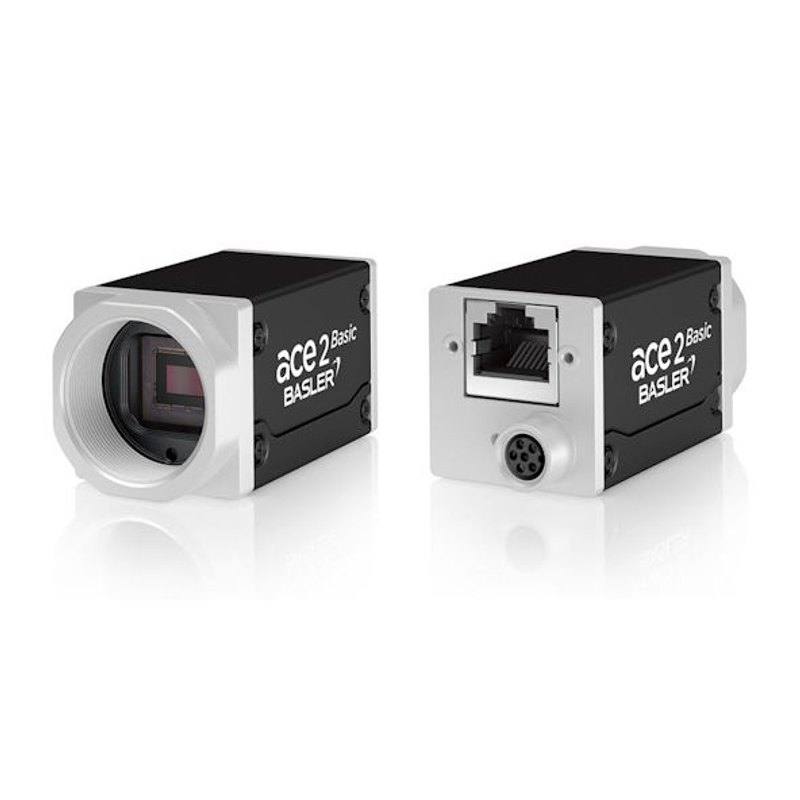
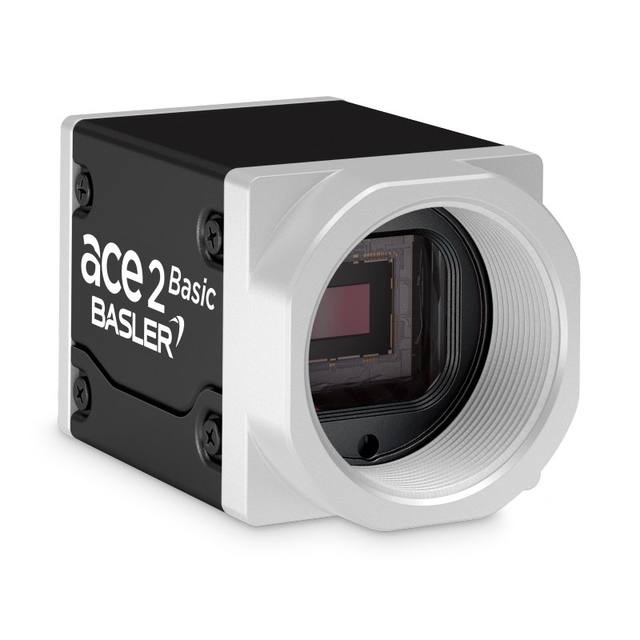
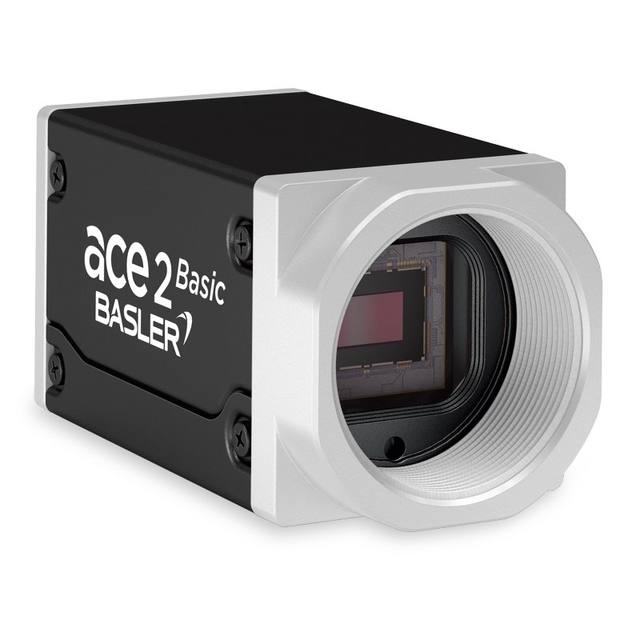
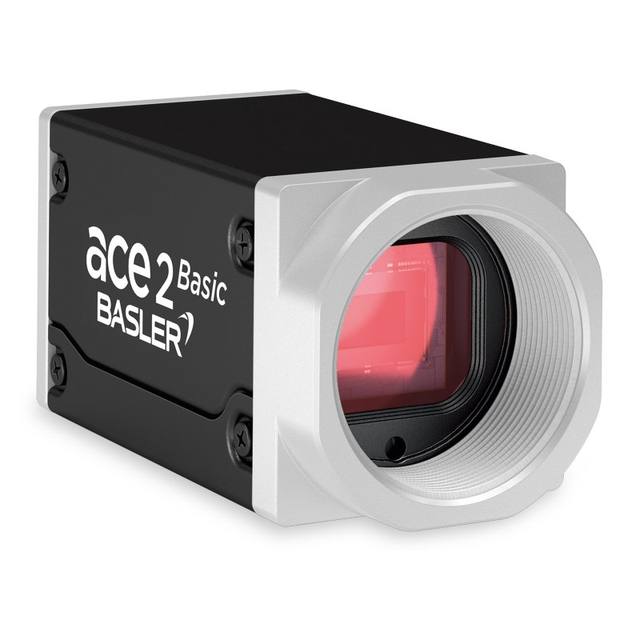
The Basler a2A2464-115g5cBAS belongs to the ace 2 R (Basic) family and uses the 2/3-inch OmniVision OG05C CMOS sensor with global shutter at 2448 × 2048 pixels (5 MP) and 3.45 µm pixel pitch. It connects via 5GigE (supporting 100 Mbit/s through 5 Gbit/s Ethernet speeds) and achieves 115 fps at full resolution with 8/10/12-bit output. The camera features a C-mount lens interface, M8 6-pin I/O connector, IP30 housing rated for −10 °C to 50 °C, and is compliant with GigE Vision 2.0 and GenICam standards. Its Visible + NIR spectral response makes it suitable for both standard and near-infrared imaging applications.
The Basler a2A2464-115g5c is built around the OmniVision OG05C, a 2/3-inch CMOS sensor delivering a 2448 × 2048 pixel (5 MP) array with a 3.45 µm pixel pitch. This is a global shutter design: every pixel integrates light simultaneously, so fast-moving parts on a conveyor or a robot-mounted camera undergoing vibration produce zero motion artifact — no rolling-shutter skew to correct in software. The color filter array gives direct RGB output at 8-, 10-, or 12-bit depth, while the Visible + NIR spectral response means the same camera can work with conventional white or colored LEDs and also with near-infrared illuminators, giving integrators flexibility to tune contrast for a specific material without changing hardware.
The 5GigE interface is the defining throughput enabler at this resolution. At 115 fps full-frame, the raw data rate exceeds what standard GigE Vision (1 Gbit/s) can sustain; 5GigE pushes that ceiling to 5 Gbit/s, letting the camera run at its native maximum without throttling or sub-sampling. The interface supports 100 Mbit/s through 5 Gbit/s Ethernet speeds. The GigE Vision 2.0 and GenICam compliance means the camera enumerates correctly in Basler's pylon SDK and in any third-party runtime — Cognex VisionPro, Halcon, NI Vision, OpenCV GenICam wrappers — without custom drivers.
From a mechanical integration standpoint the camera weighs 100 g, accepts standard C-mount lenses covering the 2/3-inch image circle, and uses an M8 6-pin connector for trigger, strobe, and GPIO lines. The IP30 housing protects against incidental finger contact and light dust, which matches light-assembly, electronics, and pharmaceutical environments where sealed IP65/67 is overkill but fully open boards are not acceptable. The −10 °C to 50 °C operating range covers most indoor factory floors, and the 12–24 VDC supply voltage range makes it compatible with both 12 V embedded-controller rails and 24 V PLC-standard power buses without an intermediate converter.
Best for
High-speed color surface inspection on conveyor lines where 115 fps global shutter captures parts moving at production speeds without motion blur or rolling-shutter distortion — typical targets include PCBs, pharmaceutical blister packs, and injection-molded plastic housings.
Dimensional measurement and robot guidance tasks that demand 5 MP spatial detail combined with distortion-free global exposure, allowing accurate edge-finding and calibration across the full 2448 × 2048 field without frame-to-frame positional uncertainty.
Packaging and label inspection combining OCR/OCV with color verification — the color sensor at 12-bit depth resolves subtle ink-density variation and print registration errors that monochrome cameras or lower bit-depth sensors miss.
NIR-augmented inspection where a single camera platform must handle both visible-light color jobs and near-infrared passes by switching illumination wavelength without swapping the camera.
Multi-camera 5GigE network builds where throughput uniformity matters: all cameras share the same switch infrastructure and protocol stack, simplifying network architecture and keeping CPU overhead predictable under GigE Vision 2.0 streaming.
Selection notes
Lens image-circle compatibility: the 2/3-inch sensor (8.45 × 7.07 mm, 11.02 mm diagonal) requires lenses rated for 2/3-inch or larger image circles. Many lower-cost C-mount lenses are rated for 1/2-inch or 1/1.8-inch and will exhibit significant corner shading or vignetting at 5 MP — verify the lens datasheet explicitly states 2/3-inch coverage before finalizing the optical stack.
Network infrastructure for 5GigE: standard 1 GigE NICs and unmanaged switches will not support the full 115 fps data rate. The host PC requires a 5GBASE-T or 10GBASE-T NIC, and any intervening switch must support 5GigE or 10GigE ports. Jumbo frames (MTU 9000) should be enabled on the NIC and switch to reduce per-packet overhead at sustained high frame rates.
Power delivery: the camera requires an external 12–24 VDC supply at 5.6 W typical. In multi-camera installations, confirm that the power supply or rail can deliver sufficient current per port, and route power via the M8 6-pin I/O connector or the appropriate external supply rather than assuming network-delivered power.
Trigger and strobe wiring: the M8 6-pin I/O connector carries hardware trigger input and strobe output for synchronizing the camera's global shutter with an external light source or PLC event. Strobe-controlled lighting (rather than continuous-on) is strongly recommended at 115 fps to manage heat and power in high-duty-cycle LED arrays.
IP30 suitability: the rating protects against direct finger contact but not dust ingress or liquid splash. In environments with coolant mist, metal swarf, or wash-down cycles, a protective enclosure or a higher-rated camera variant should be evaluated before deployment.
Specifications: General
Brand
Basler
Camera type
Area Scan
Specifications: Sensor
Resolution
5 MP
Horizontal resolution
2448 × 2048 px
Mono / color
Color (Visible + NIR)
Sensor manufacturer
OmniVision
Sensor model
OmniVision OG05C
Shutter
Global Shutter
Sensor size
2/3" (11.02 mm diagonal, 8.45 × 7.07 mm)
Pixel size
3.45 µm
Specifications: Performance
FPS
115 fps
Specifications: Interface
Interface
5GigE
Protocols
GigE Vision 2.0, GenICam
Specifications: Optics
Mount
C-mount
Specifications: Electrical
Power
12–24 VDC (5.6 W typical)
Supply voltage
12–24 VDC
Power consumption
5.6 W
Specifications: Environment
IP rating
IP30
Operating temperature
-10 °C to 50 °C
Specifications: Mechanical
Dimensions
8.45 × 7.07 mm
Weight
100 g
Applications this camera is commonly selected for. Open one to see the full recommended hardware and approach.
Matched automatically by: lens mount fits the camera mount · lens image circle covers the camera sensor — this camera: C-mount · 2/3" (11.02 mm diagonal, 8.45 × 7.07 mm) sensor.
By category
All 198C-mount lenses 135Telecentric lenses 60F-mount / large-format lenses 3
By brand
All 198Omron / Sentech 66Basler 59iRAYPLE 48Datalogic / Datasensing 25
Get a first image quickly with the pylon Viewer, then move into the pylon SDK for your application. These cameras are GenICam/GenTL-compliant, so any compliant vision software can drive them as well.
Download and install the pylon Camera Software Suite for your OS from Basler. This provides the pylon Viewer, the GenTL transport-layer producers and the pylon SDK (C/C++/.NET/Python). On Windows the installer adds the needed drivers; on Linux follow the included setup notes for USB and network permissions.
2. Connect the camera and check the link
Cable the camera to its matching interface: GigE Vision to a GigE port (use a quality cable and, ideally, a dedicated NIC with jumbo frames enabled), USB3 Vision to a USB 3.x port with the supplied cable, or CoaXPress to the frame grabber. Provide power where required (PoE, USB bus power, or PoCXP). Open the pylon Viewer and confirm the camera appears in the device list; for GigE, make sure the camera and NIC are on the same subnet.
3. Grab a first image and set exposure, gain and pixel format
Select the camera in the pylon Viewer and start a continuous grab. Adjust exposure time and gain until the image is well exposed (avoid clipped highlights), set the pixel format (e.g. Mono8 or a Bayer/RGB format), and focus the lens. Use a test pattern if the lens or scene is not ready yet.
4. Configure triggering and acquisition
Decide between free-run and triggered acquisition. For synchronized capture, set the trigger source (software or a hardware line on the I/O connector), trigger mode and any debounce or exposure mode, then verify timing. Note the parameter names you change in the Viewer feature tree, as you will reuse them in code.
5. Move to the SDK or a GenICam-compliant library
Recreate your settings in code with the pylon SDK (C, C++, .NET or Python) to open the device, apply the same features and pull frames into your pipeline; pylon vTools and pylon AI can add processing blocks. Because the cameras are GenICam/GenTL standard, third-party vision libraries work too. Once the image stream is stable, you can route frames to a deep-learning inspection such as Rosepetal for automated defect detection.
Frequently asked questions
The camera reaches 115 fps at its full 2448 × 2048 (5 MP) resolution over the 5GigE interface. No pixel binning or region-of-interest cropping is required to hit that rate, though ROI modes are available if a smaller area of interest is sufficient and even higher effective rates are needed.
No. The 5GigE interface requires 5GBASE-T or faster network hardware on both the NIC and any switch in the path. Standard 1 GigE equipment will negotiate a lower link speed — the camera will still connect but frame rate will be severely limited.
Yes, even for stationary targets. Global shutter eliminates the need to freeze motion mechanically or rely on very short strobe durations to mask rolling-shutter skew. This simplifies lighting design and makes calibration results stable across a broader range of exposure times, which matters for dimensional measurement applications.
The camera uses a C-mount, which is the standard industrial lens thread. The sensor is 2/3-inch (8.45 × 7.07 mm active area, 11.02 mm diagonal), so any lens selected must be rated for a 2/3-inch image circle or larger to avoid corner vignetting across the full 5 MP array.
The OmniVision OG05C in this camera has sensitivity extending into the near-infrared, and the product is specified as Visible + NIR — meaning there is no permanently bonded IR-cut filter. Installers who need pure RGB color fidelity should add an external IR-cut filter to the lens; those who want NIR imaging can illuminate with near-infrared sources directly without any filter change.