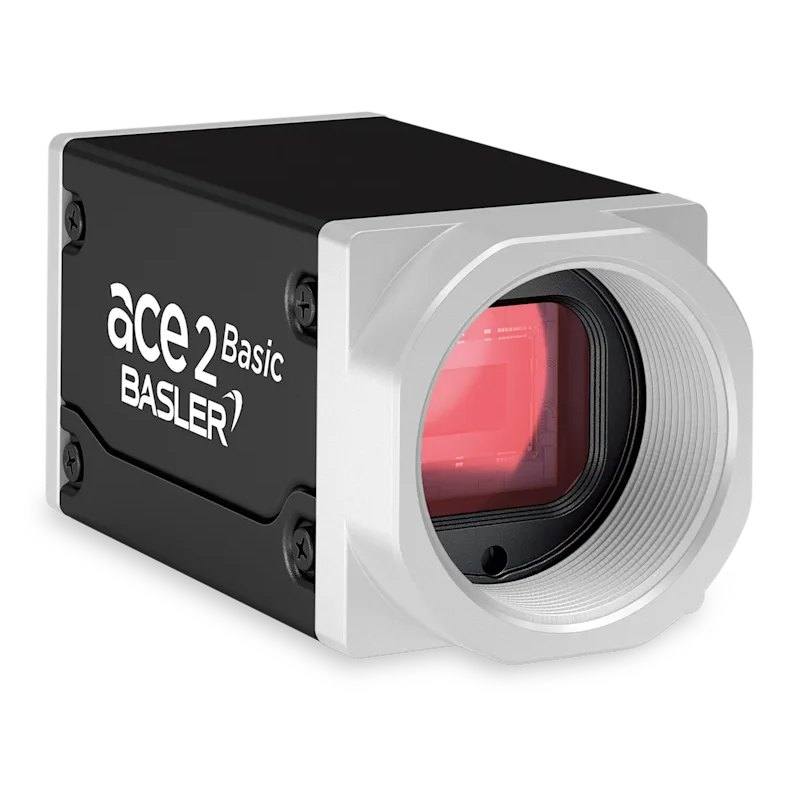
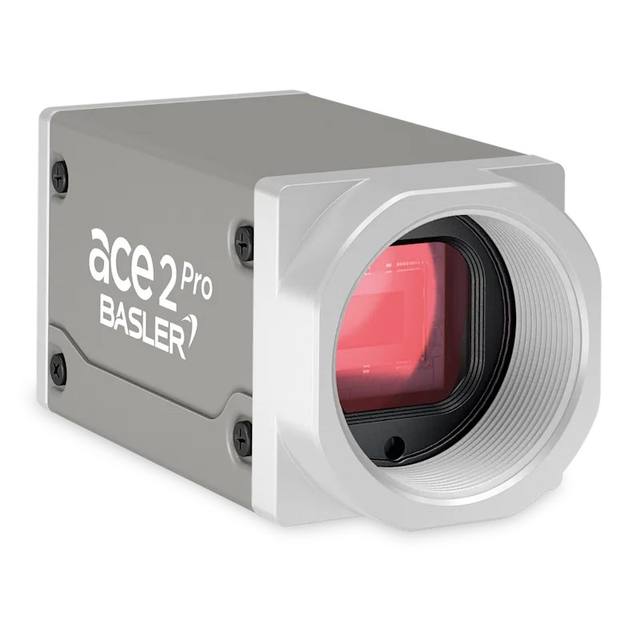
The Basler ace 2 a2A2590-22gcBAS is a GigE area scan camera with the 5 MP Sony IMX334ROI rolling shutter CMOS sensor (2592 x 1944 px, 2 um pixels, 1/2.8" format). It outputs color images at 22 fps over Gigabit Ethernet and is powered via PoE or 12-24 VDC. C-mount, typical power consumption 2.7 W.
The Basler ace 2 a2A2590-22gcBAS is a 5 MP color area scan camera built around a Sony Pregius CMOS sensor in a 1/2.8" optical format. As an area scan device it captures a full two-dimensional frame in a single exposure, which makes it well suited to inspecting discrete parts, labels and packaging where the scene is presented as a complete image rather than a continuously moving web. The 5 MP resolution provides enough detail to resolve fine features and small text across a typical machine-vision field of view, while the color sensor allows the system to use chromatic information for tasks such as verifying print colour, distinguishing materials, or separating defects that are defined by hue rather than contrast alone.
The camera uses a rolling shutter, meaning sensor rows are exposed and read out sequentially rather than all at once. This is a good fit for static or slow-moving scenes and for applications where the part is stationary at the moment of capture; for fast-moving objects, rolling shutter can introduce geometric skew unless motion is frozen with strobed lighting or the object is brought to rest. At 22 fps the camera delivers steady throughput for inline inspection cycles, and the small 2 µm pixel pitch concentrates the full resolution onto a compact sensor area, keeping the camera and its associated optics small.
Connectivity is over GigE Vision with GenICam compliance, so the camera integrates with standard machine-vision software and follows a well-established, interoperable acquisition model. Gigabit Ethernet allows long, inexpensive cable runs and straightforward integration into networked or distributed cells. The C-mount interface accepts a wide range of industrial lenses, and Power over Ethernet support means image data and power can travel over a single cable, simplifying wiring. The product is also flagged as Rosepetal-ready, indicating it is intended to work within that AI-vision toolchain.
Best for
AI-based defect inspection of discrete parts and surfaces, where colour and fine detail help separate true defects from acceptable variation
Industrial OCR/OCV reading and verifying printed text, codes and date markings on stationary or indexed parts
Colour-dependent verification tasks such as confirming correct component or material by hue
Networked or distributed inspection cells that benefit from long, low-cost Ethernet cabling and single-cable PoE power
Selection notes
Pair the camera with a C-mount lens whose image circle covers the 1/2.8" sensor and whose resolving power matches the 2 µm pixel pitch; small-pixel sensors demand higher-quality optics to avoid becoming the limiting factor in sharpness.
Because this is a rolling shutter sensor, plan for the part to be stationary during exposure or freeze motion with strobed/pulsed lighting; if you must image fast continuous motion without distortion, consider a global shutter model instead.
For GigE Vision, use suitably rated Ethernet cabling and a network interface that supports jumbo frames; if you intend to power the camera over the data cable, confirm your switch or injector provides PoE.
Specify lighting for the colour task at hand: balanced, stable illumination helps colour reproduction and OCR/OCV contrast, and the colour sensor's filter reduces effective light throughput compared with a monochrome equivalent.
If the application needs higher frame rates, larger sensor area, or monochrome-only sensitivity, evaluate other models in the ace 2 family rather than forcing this configuration.
Specifications: General
Camera type
Area scan
Specifications: Sensor
Resolution
5 MP
Horizontal resolution
2592 px
Mono / color
Color
Sensor manufacturer
Sony Pregius
Sensor model
IMX334ROI
Shutter
Rolling shutter
Sensor size
1/2.8"
Pixel size
2 µm
Specifications: Performance
FPS
22 fps
Specifications: Interface
Interface
GigE Vision, PoE
Protocols
GigE Vision, GenICam
Specifications: Optics
Mount
C-mount
Specifications: Electrical
Power
PoE
Specifications: Commercial
Rosepetal-ready
Yes
This product groups every purchasable order code that shares the same sensing method, range and output. Cable length, connector type and operation mode (Light-ON/Dark-ON, NO/NC) vary by order code below.
Family variants with highlighted differences
Model
Mono / color
Interface
Availability
5 MP Color GigE Vision Base
Color
GigE Vision
On request
Applications this camera is commonly selected for. Open one to see the full recommended hardware and approach.
Get a first image quickly with the pylon Viewer, then move into the pylon SDK for your application. These cameras are GenICam/GenTL-compliant, so any compliant vision software can drive them as well.
Download and install the pylon Camera Software Suite for your OS from Basler. This provides the pylon Viewer, the GenTL transport-layer producers and the pylon SDK (C/C++/.NET/Python). On Windows the installer adds the needed drivers; on Linux follow the included setup notes for USB and network permissions.
2. Connect the camera and check the link
Cable the camera to its matching interface: GigE Vision to a GigE port (use a quality cable and, ideally, a dedicated NIC with jumbo frames enabled), USB3 Vision to a USB 3.x port with the supplied cable, or CoaXPress to the frame grabber. Provide power where required (PoE, USB bus power, or PoCXP). Open the pylon Viewer and confirm the camera appears in the device list; for GigE, make sure the camera and NIC are on the same subnet.
3. Grab a first image and set exposure, gain and pixel format
Select the camera in the pylon Viewer and start a continuous grab. Adjust exposure time and gain until the image is well exposed (avoid clipped highlights), set the pixel format (e.g. Mono8 or a Bayer/RGB format), and focus the lens. Use a test pattern if the lens or scene is not ready yet.
4. Configure triggering and acquisition
Decide between free-run and triggered acquisition. For synchronized capture, set the trigger source (software or a hardware line on the I/O connector), trigger mode and any debounce or exposure mode, then verify timing. Note the parameter names you change in the Viewer feature tree, as you will reuse them in code.
5. Move to the SDK or a GenICam-compliant library
Recreate your settings in code with the pylon SDK (C, C++, .NET or Python) to open the device, apply the same features and pull frames into your pipeline; pylon vTools and pylon AI can add processing blocks. Because the cameras are GenICam/GenTL standard, third-party vision libraries work too. Once the image stream is stable, you can route frames to a deep-learning inspection such as Rosepetal for automated defect detection.
Frequently asked questions
It uses a rolling shutter, which exposes sensor rows sequentially. This works well for stationary or slow-moving parts; for fast-moving objects you should freeze motion with strobed lighting or move to a global shutter model to avoid geometric skew.
It connects over GigE Vision (Gigabit Ethernet) and is GenICam-compliant. Ethernet allows long, low-cost cable runs, and the camera supports Power over Ethernet, so data and power can share a single cable.
It is a colour camera, making it suitable for tasks that depend on hue, such as print-colour verification, material discrimination, and packaging checks where colour matters.
It provides 5 MP resolution (2592 px horizontal) at up to 22 fps, enough detail and throughput for inline inspection, OCR/OCV and packaging tasks.
It has a C-mount and a 1/2.8" sensor with 2 µm pixels. Choose a C-mount lens that covers the 1/2.8" format and resolves the small pixel pitch to get the full benefit of the sensor's resolution.