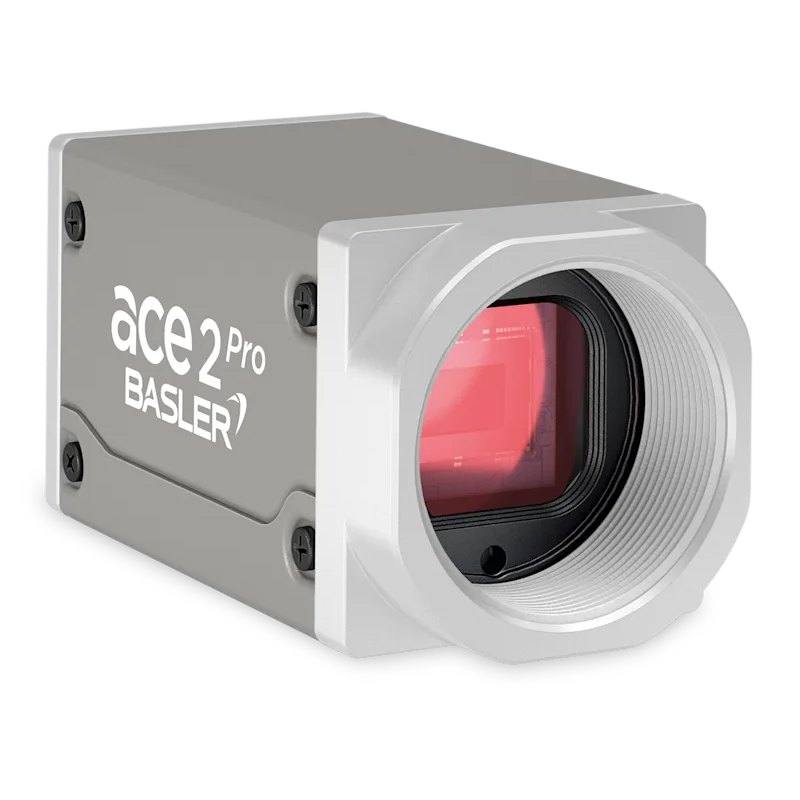
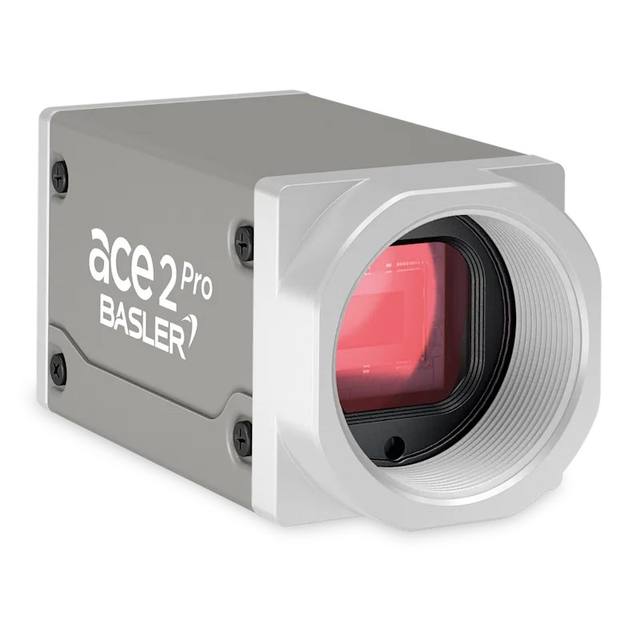
The Basler ace 2 a2A2048-37gcPRO is a GigE area scan camera with the 3.2 MP Sony IMX900 global shutter CMOS sensor (2048 x 1536 px, 2.25 um pixels, 1/3.1" format), based on Sony Pregius S technology. It outputs color images at 37 fps over Gigabit Ethernet and covers the visible and NIR spectrum. Powered via PoE or 12-24 VDC, C-mount.
The Basler ace 2 a2A2048-37gcPRO is a colour area scan camera built around a 3.2 MP Sony Pregius IMX900 global shutter CMOS sensor in a 1/3.1" format, with a horizontal resolution of 2048 px. The area scan architecture captures the full two-dimensional frame in a single exposure, which suits inspection of discrete parts, packaging and stationary or step-and-repeat scenes where a complete image of the object is needed rather than a continuously scrolling line. The global shutter is the defining sensor feature here: every pixel starts and stops integrating light at the same instant, so fast-moving objects are recorded without the geometric skew or smearing that a rolling shutter introduces. That makes the camera well suited to objects moving on a conveyor or indexing past the field of view.
At 37 fps the camera delivers a steady stream of full-resolution colour frames over its Gigabit Ethernet interface, giving a usable throughput for inline inspection on production lines. The small 2.25 um pixel keeps the overall sensor compact while still providing 3.2 MP of detail, which is helpful for resolving fine print, surface texture and small features. As a colour sensor it captures chromatic information directly, so it is appropriate where colour is part of the inspection criterion, for example verifying label or product colour, or where colour contrast aids feature separation. Being a one-shot colour device, it trades some spatial resolution and light sensitivity against a comparable monochrome sensor in exchange for native colour data.
Connectivity follows the GigE Vision standard with a GenICam-compliant interface, so the camera integrates with standard machine-vision software and SDKs without proprietary framework lock-in, and standard Ethernet cabling can run substantial distances to the host. Power over Ethernet allows image data and power to share a single cable, simplifying wiring and cabinet layout; the C-mount lens interface accepts a wide range of common industrial optics. The camera is also listed as Rosepetal-ready, indicating it is intended to drop into that vision platform for tasks such as AI-based defect detection.
Best for
AI-based defect inspection of moving parts on a conveyor, where the global shutter prevents motion distortion
Industrial OCR/OCV reading of printed codes, dates and characters on products or packaging
Packaging inspection, including label presence, print quality and colour verification
Inline colour-dependent quality checks where chromatic information is part of the pass/fail criterion
Step-and-repeat or indexed inspection stations imaging discrete components at moderate frame rates
Selection notes
Pair with a C-mount lens whose image circle and resolving power suit the 1/3.1" sensor and the 2.25 um pixel pitch; an under-resolving lens will waste the sensor's detail, so favour optics rated for small-pixel, high-resolution sensors.
Plan lighting for a colour global-shutter sensor: short exposures freeze motion but reduce collected light, so provide ample, stable, colour-neutral illumination and consider strobing synchronised to the camera to maximise contrast without smear.
Use the GigE Vision interface with standard Ethernet cabling and a PoE-capable switch or injector; verify the network path and NIC can sustain the data rate, and keep cable runs within standard Ethernet limits or use appropriate infrastructure for longer distances.
If the application is purely monochrome (e.g. grayscale metrology or maximum light sensitivity), a monochrome variant will typically give better effective resolution and low-light performance; choose this colour model only when colour data is genuinely required.
For substantially higher resolution, faster line-rate continuous-web imaging, or longer-distance high-bandwidth links, evaluate higher-resolution models, line scan cameras, or a different interface respectively, as this model targets moderate-resolution area scan over Gigabit Ethernet.
Specifications: General
Camera type
Area scan
Specifications: Sensor
Resolution
3.2 MP
Horizontal resolution
2048 px
Mono / color
Color
Sensor manufacturer
Sony Pregius
Sensor model
IMX900
Shutter
Global shutter
Sensor size
1/3.1"
Pixel size
2.25 µm
Specifications: Performance
FPS
37 fps
Specifications: Interface
Interface
GigE Vision, PoE
Protocols
GigE Vision, GenICam
Specifications: Optics
Mount
C-mount
Specifications: Electrical
Power
PoE
Specifications: Commercial
Rosepetal-ready
Yes
This product groups every purchasable order code that shares the same sensing method, range and output. Cable length, connector type and operation mode (Light-ON/Dark-ON, NO/NC) vary by order code below.
Family variants with highlighted differences
Model
Mono / color
Interface
Availability
3.2 MP Color GigE Vision Base
Color
GigE Vision
On request
Applications this camera is commonly selected for. Open one to see the full recommended hardware and approach.
Get a first image quickly with the pylon Viewer, then move into the pylon SDK for your application. These cameras are GenICam/GenTL-compliant, so any compliant vision software can drive them as well.
Download and install the pylon Camera Software Suite for your OS from Basler. This provides the pylon Viewer, the GenTL transport-layer producers and the pylon SDK (C/C++/.NET/Python). On Windows the installer adds the needed drivers; on Linux follow the included setup notes for USB and network permissions.
2. Connect the camera and check the link
Cable the camera to its matching interface: GigE Vision to a GigE port (use a quality cable and, ideally, a dedicated NIC with jumbo frames enabled), USB3 Vision to a USB 3.x port with the supplied cable, or CoaXPress to the frame grabber. Provide power where required (PoE, USB bus power, or PoCXP). Open the pylon Viewer and confirm the camera appears in the device list; for GigE, make sure the camera and NIC are on the same subnet.
3. Grab a first image and set exposure, gain and pixel format
Select the camera in the pylon Viewer and start a continuous grab. Adjust exposure time and gain until the image is well exposed (avoid clipped highlights), set the pixel format (e.g. Mono8 or a Bayer/RGB format), and focus the lens. Use a test pattern if the lens or scene is not ready yet.
4. Configure triggering and acquisition
Decide between free-run and triggered acquisition. For synchronized capture, set the trigger source (software or a hardware line on the I/O connector), trigger mode and any debounce or exposure mode, then verify timing. Note the parameter names you change in the Viewer feature tree, as you will reuse them in code.
5. Move to the SDK or a GenICam-compliant library
Recreate your settings in code with the pylon SDK (C, C++, .NET or Python) to open the device, apply the same features and pull frames into your pipeline; pylon vTools and pylon AI can add processing blocks. Because the cameras are GenICam/GenTL standard, third-party vision libraries work too. Once the image stream is stable, you can route frames to a deep-learning inspection such as Rosepetal for automated defect detection.
Frequently asked questions
Yes. It uses a Sony Pregius IMX900 global shutter CMOS sensor, so all pixels are exposed simultaneously. This captures fast-moving objects without the skew or smearing typical of rolling-shutter sensors, which is important for conveyor and indexed-motion inspection.
It is a GigE Vision camera that runs over standard Gigabit Ethernet cabling and supports GenICam. It can be powered by Power over Ethernet (PoE), allowing data and power to share a single Ethernet cable and simplifying installation.
It is a colour camera, capturing chromatic information directly from the sensor. This makes it suitable for inspections where colour is part of the criterion. If your task is purely grayscale or needs maximum light sensitivity, a monochrome model is generally a better fit.
The sensor is 3.2 MP with a horizontal resolution of 2048 px, and the camera outputs colour images at 37 fps. That combination supports inline inspection at moderate resolution and speed over a single GigE link.
It has a C-mount, which accepts a wide range of standard industrial lenses. Select a lens whose image circle covers the 1/3.1" sensor and that can resolve the 2.25 um pixel pitch to get the full benefit of the sensor's detail.