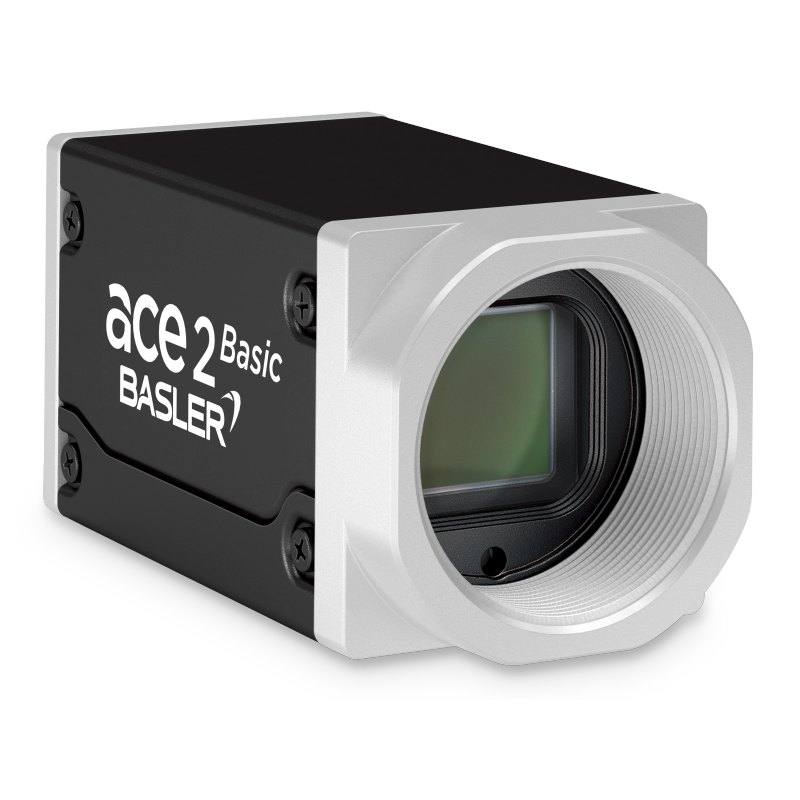
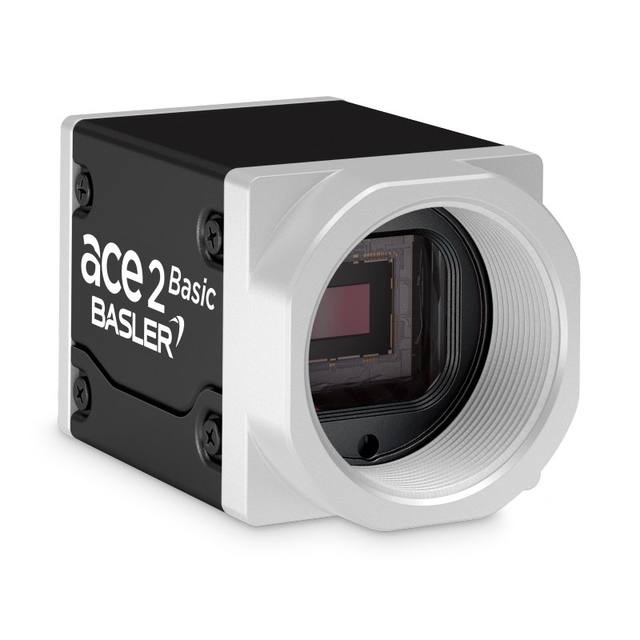
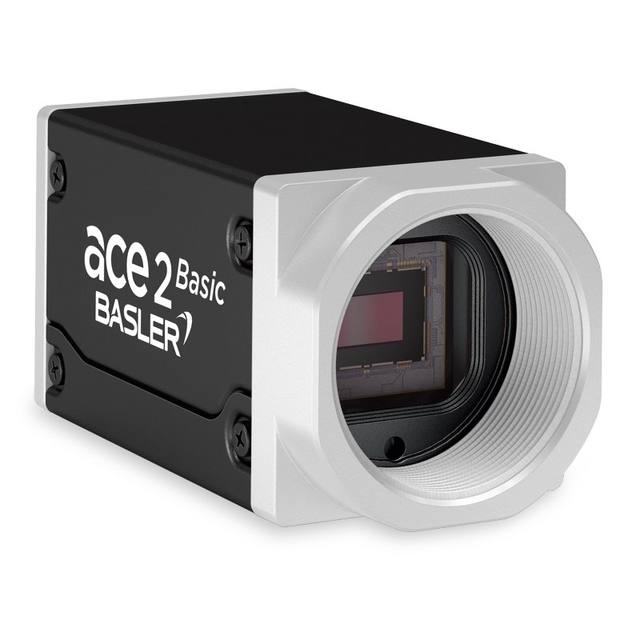
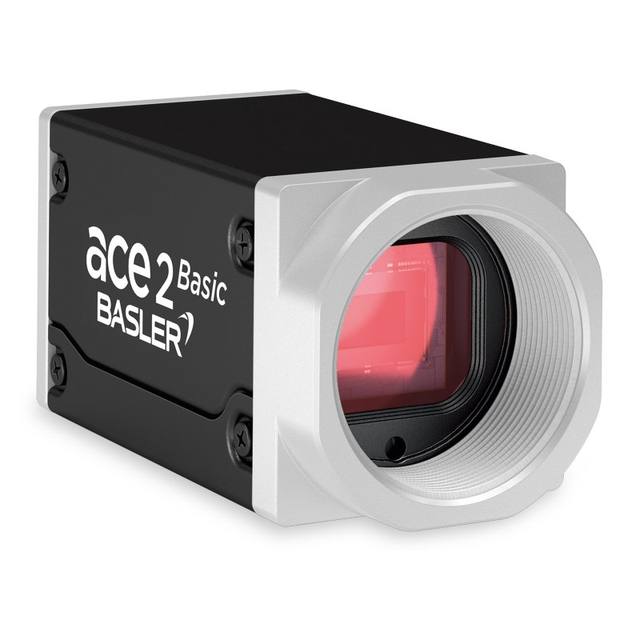
The Basler ace 2 a2A4200-12gmBAS is a compact GigE area scan camera delivering 4200 x 2160 pixel (9.1 MP) resolution at 12 fps using the Gpixel GMAX2509 progressive scan CMOS sensor with global shutter. The 2/3" format sensor features 2.5 µm square pixels and provides 68.8 dB dynamic range with 37 dB SNR. The camera supports PoE (IEEE 802.3af) or 12–24 VDC power, outputs pixel data at 8, 10, or 12-bit depth, and is compliant with GigE Vision 2.0 and GenICam standards. It is housed in a compact 55.5 × 29 × 29 mm IP30-rated box body with C-mount lens interface.
The Basler ace 2 a2A4200-12gmBAS is a 9.1 MP monochrome GigE area scan camera built around the Gpixel GMAX2509 progressive scan CMOS sensor, producing a 4200 × 2160 pixel image at 11.5 fps (default bandwidth) or up to 13.0 fps with optimized bandwidth. The 2/3" optical format measures 10.52 × 5.42 mm, with 2.5 × 2.5 µm square pixels — a fine pitch that captures high spatial-frequency detail without relying on exotic optics, making it well-suited to fine-pitch PCB inspection, semiconductor wafer mapping, and surface defect detection where resolving sub-millimetre features across a wide field is the primary requirement. Global shutter capture eliminates motion smear entirely, so parts moving on a conveyor or under a robot end-effector are frozen without geometric distortion, a property that is critical whenever you need to run dimensional measurement or pattern matching on a live production line rather than a stopped-and-indexed fixture.
Dynamic range of 68.8 dB and SNR of 37 dB give the sensor enough headroom to handle the contrast differences common in industrial scenes — bright specular highlights from polished metal alongside recessed dark features such as laser-marked codes or engraved text — without the pixel blooming or noise floor creep that undermine grey-level analysis. Pixel data can be output at 8, 10, or 12-bit depth, giving integrators the choice of leaner bandwidth at 8 bit for simple pass/fail classification or the full 12-bit depth for quantitative grey-level measurement or AI-based defect scoring. The GigE Vision 2.0 / GenICam interface provides plug-and-play compatibility with every major vision software platform and allows cable runs up to 100 m without active extenders — a practical advantage when mounting cameras remotely from the host PC in large robotic cells or multi-camera line arrays. Power is supplied either via PoE (IEEE 802.3af) from a standard PoE switch, eliminating a separate power cable, or via the conventional 12–24 VDC auxiliary input.
The camera body is a compact 55.5 × 29 × 29 mm box weighing under 100 g, drawing only 3.4 W — figures that make multi-camera mounting on gantries, robot flanges, or crowded inspection housings straightforward without thermal management concerns. The C-mount lens interface gives access to the widest possible selection of industrial lenses covering the 2/3" format, from short-focal-length telecentric lenses for high-accuracy gauging to longer focal lengths for stand-off inspection. An IP30 rating keeps the electronics protected from incidental tool contact and light dust ingress; for environments requiring washdown protection, an enclosure upgrade would be needed. The −10 to 60 °C operating temperature range accommodates both climate-controlled cleanrooms and moderately warm factory floors near heat-intensive machinery.
Best for
High-resolution surface and defect inspection: the 9.1 MP global shutter sensor resolves fine-pitch surface anomalies — scratches, pitting, coating voids, solder bridges — across wide inspection windows on moving parts, making it productive for electronics PCB, semiconductor wafer, and flat-panel display lines.
Dimensional measurement on the production line: global shutter plus monochrome output (no colour demosaicing artefacts) and selectable 12-bit depth support precise sub-pixel edge detection and gauging algorithms, suited to automotive components, medical-device part verification, and precision stamped parts where tolerances are tight.
OCR / OCV and traceability code reading: 4200 pixels across the field provides enough resolution to decode small direct-part-mark DataMatrix codes, laser-etched alphanumeric strings, or dot-peen marks on components at production speed without requiring the camera to stop above each label.
Robot guidance and pick-and-place: the camera's under-100 g weight, PoE single-cable simplicity, and compact 29 × 29 mm cross-section make it practical to mount on a robot wrist or gantry Z-axis; global shutter ensures pose estimation from a moving viewpoint is free of rolling-shutter skew.
Packaging and pharma inspection: up to 13.0 fps throughput combined with high resolution allows label verification, fill-level checks, and cap/closure integrity inspection at moderate conveyor speeds in packaging and pharmaceutical lines where traceability and defect rejection are regulatory requirements.
Selection notes
Lens coverage must match the 2/3" sensor format (10.52 × 5.42 mm). Many C-mount lenses are specified for 1/2" or 2/3" formats; using a 1/2"-rated lens will produce corner shading or vignetting across the full 9.1 MP array. Confirm the lens image circle covers 2/3" at the chosen working distance and aperture.
Throughput ceiling at up to 13.0 fps over GigE limits applicability on high-speed lines. At 9.1 MP, the camera is bandwidth-constrained by the 1 Gbit/s link; lines running faster than roughly 13 parts per second at full resolution will require a different interface (USB3 or CoaXPress) or a lower-resolution camera. Partial-scan ROI modes can raise frame rate for narrower inspection windows.
PoE requires a switch port rated to IEEE 802.3af (up to 15.4 W per port); the camera draws 3.4 W, well within the limit, but the switch must be 802.3af-capable — passive PoE injectors at non-standard voltages will damage the camera. Alternatively, use the 12–24 VDC auxiliary input.
IP30 is suitable for controlled indoor environments but not for dust-heavy or humid settings without an additional enclosure. If the installation is subject to coolant mist, metal dust, or regular cleaning, specify an IP65/IP67 housing or select a camera with an integrated higher ingress-protection rating.
The 2.5 µm pixel pitch is fine enough that optical resolution can become the bottleneck rather than the sensor. Pair with a lens whose MTF at the Nyquist frequency of 200 lp/mm meets your minimum contrast requirement; budget lenses designed for lower-resolution sensors often fall short at this spatial frequency and will wash out fine detail.
Matched automatically by: lens mount fits the camera mount · lens image circle covers the camera sensor — this camera: C-Mount · 2/3" (10.52 × 5.42 mm) sensor.
By category
All 198C-mount lenses 135Telecentric lenses 60F-mount / large-format lenses 3
By brand
All 198Omron / Sentech 66Basler 59iRAYPLE 48Datalogic / Datasensing 25
Get a first image quickly with the pylon Viewer, then move into the pylon SDK for your application. These cameras are GenICam/GenTL-compliant, so any compliant vision software can drive them as well.
Download and install the pylon Camera Software Suite for your OS from Basler. This provides the pylon Viewer, the GenTL transport-layer producers and the pylon SDK (C/C++/.NET/Python). On Windows the installer adds the needed drivers; on Linux follow the included setup notes for USB and network permissions.
2. Connect the camera and check the link
Cable the camera to its matching interface: GigE Vision to a GigE port (use a quality cable and, ideally, a dedicated NIC with jumbo frames enabled), USB3 Vision to a USB 3.x port with the supplied cable, or CoaXPress to the frame grabber. Provide power where required (PoE, USB bus power, or PoCXP). Open the pylon Viewer and confirm the camera appears in the device list; for GigE, make sure the camera and NIC are on the same subnet.
3. Grab a first image and set exposure, gain and pixel format
Select the camera in the pylon Viewer and start a continuous grab. Adjust exposure time and gain until the image is well exposed (avoid clipped highlights), set the pixel format (e.g. Mono8 or a Bayer/RGB format), and focus the lens. Use a test pattern if the lens or scene is not ready yet.
4. Configure triggering and acquisition
Decide between free-run and triggered acquisition. For synchronized capture, set the trigger source (software or a hardware line on the I/O connector), trigger mode and any debounce or exposure mode, then verify timing. Note the parameter names you change in the Viewer feature tree, as you will reuse them in code.
5. Move to the SDK or a GenICam-compliant library
Recreate your settings in code with the pylon SDK (C, C++, .NET or Python) to open the device, apply the same features and pull frames into your pipeline; pylon vTools and pylon AI can add processing blocks. Because the cameras are GenICam/GenTL standard, third-party vision libraries work too. Once the image stream is stable, you can route frames to a deep-learning inspection such as Rosepetal for automated defect detection.
Frequently asked questions
The camera runs at 11.5 fps in its default bandwidth mode and 13.0 fps in optimized-bandwidth mode at full 4200 × 2160 resolution over a GigE link. Frame rate can be raised further by defining a region of interest (ROI) that reduces the number of lines read out; GigE Vision 2.0 and GenICam expose the ROI controls through all standard vision software packages.
The camera complies with GigE Vision 2.0 and GenICam, so it works with any standard Gigabit Ethernet NIC. For best performance, a dedicated NIC with jumbo-frame support and receive-buffer tuning is recommended, but no proprietary frame grabber is required. PoE delivery requires a switch or injector that meets IEEE 802.3af.
Output can be set to 8, 10, or 12 bits per pixel. Use 8-bit for applications that need to minimise bandwidth or storage and where simple pass/fail thresholding is sufficient. Use 10- or 12-bit when grey-level quantification matters — for example, in AI-based defect scoring, surface roughness estimation, or any measurement where subtle contrast differences between acceptable and defective parts must be preserved.
The camera uses a C-mount and has a 2/3" sensor (10.52 × 5.42 mm active area, 2.5 µm pixel pitch). Source lenses explicitly rated for 2/3" image circle or larger. For dimensional gauging applications requiring low distortion across the full field, a telecentric lens designed for 2/3" format is the standard choice.
The housing is rated IP30, which protects against solid objects larger than 2.5 mm but provides no ingress protection against liquids or fine particulates. For outdoor use, washdown zones, or dusty factory environments, the camera would need to be installed inside an appropriately rated protective enclosure. The operating temperature range of −10 to 60 °C accommodates most indoor industrial environments.