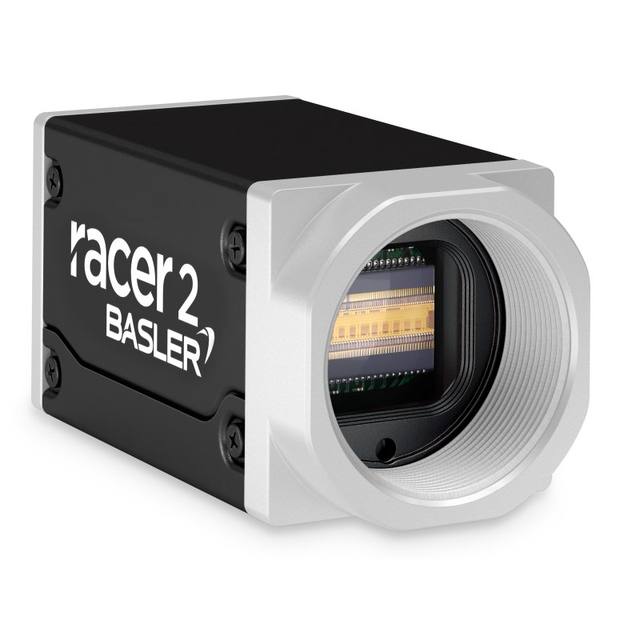
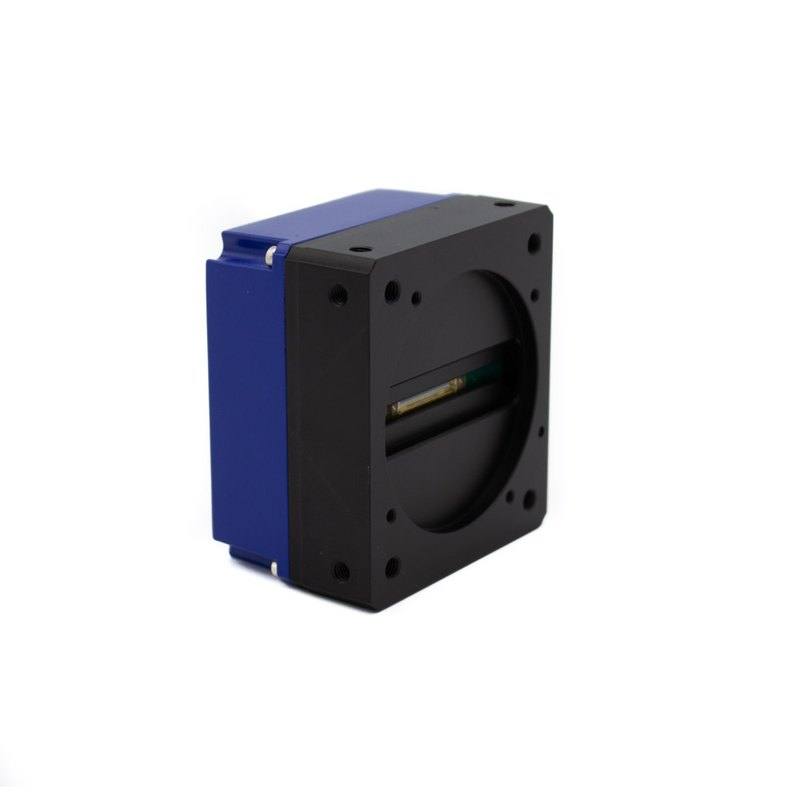
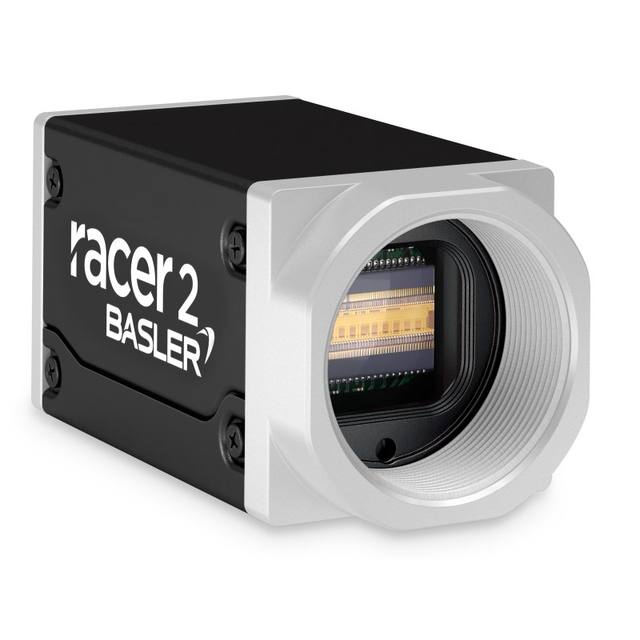
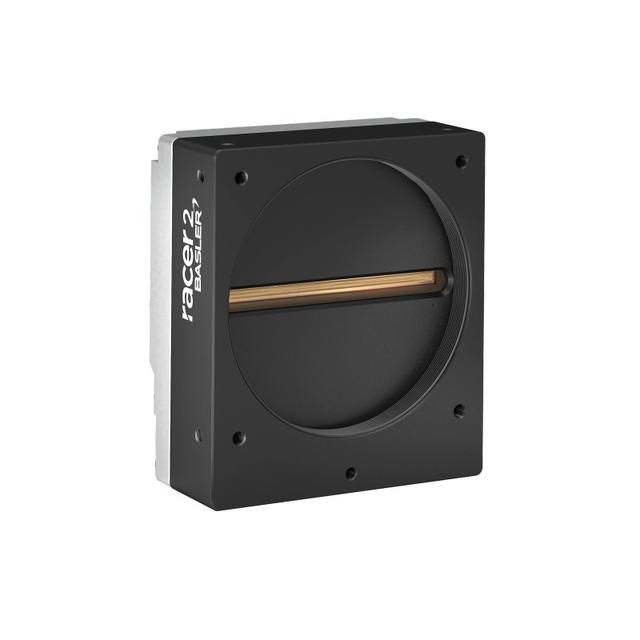
The CAM-M570-GE-4096 is a compact monochrome GigE line scan camera from Datasensing (Datalogic) featuring a 4096-pixel Linear CMOS sensor with 7 × 7 µm pixel pitch and a maximum line rate of 26,000 lines/second. It delivers 8-bit image data (via internal 12-bit A/D conversion) over a Gigabit Ethernet link conforming to the GigE Vision standard, with separate 6-pin power and 12-pin trigger/encoder cabling. The camera supports F-mount, C-mount, and M42-mount lens options, operates on +12 to +24 VDC at 4 W maximum, and is housed in a compact 36 × 56 × 62 mm IP30-rated enclosure. It integrates directly with Datalogic/Datasensing MX-E45, MX-E90, and MX-G2000 industrial vision processors running Impact Software 11.2.1.11 or later.
The CAM-M570-GE-4096 is a GigE line scan camera built around a 4096-pixel Linear CMOS sensor with a 7 × 7 µm square pixel pitch. Unlike area-scan cameras that capture a complete frame at once, this sensor acquires a single line of pixels at up to 26,000 lines per second — a 26 kHz maximum line rate — building up a two-dimensional image as the web, sheet, or object moves continuously beneath it. That combination of resolution and line rate determines the finest detail the system can resolve at a given conveyor speed: at 26 kHz with a 4096-pixel swath and an optical magnification that maps one pixel to 0.1 mm in the web direction, the camera can follow a web moving at approximately 156 m/min — making it well suited to high-throughput print verification, surface grading, and packaging inspection where stopping the line is not acceptable. The internal 12-bit A/D conversion path preserves fine tonal gradations before the data is delivered to the host as 8-bit grayscale over GigE Vision (1000Base-T), giving the image processing algorithm a clean, low-noise signal despite the compact 4 W power draw.
Connectivity follows the GigE Vision standard, so any compliant host — including Datalogic's own MX-E45, MX-E90, and MX-G2000 vision processors running Impact Software 11.2.1.11 or later — can control the camera through a standard Cat-5e/6 Ethernet cable up to 100 m without a frame grabber or specialised cable. Power and trigger arrive on separate connectors: a 6-pin cable carries the +12 to +24 VDC supply (4 W maximum), and a 12-pin cable provides the trigger and encoder inputs that synchronise line acquisition to conveyor speed. Encoder-driven triggering is essential for line scan integrity — without it, variations in web speed produce geometric distortion — so the dedicated 12-pin trigger/encoder port is a critical design-in feature rather than an afterthought. The monochrome output means all 4096 pixels contribute directly to luminance resolution rather than being split across a Bayer colour matrix, which is the correct choice for contrast-based defect detection, printed code reading, and dimensional gauging where colour differentiation is unnecessary.
The housing measures 36 × 56 × 62 mm and weighs 240 g, making it compact enough to mount in tight machine frames or multi-camera arrays across wide webs. The IP30 enclosure protects against finger contact and light particulate contamination but is not sealed against dust jets or liquid splash, so installations in wet or heavily contaminated environments will require an additional enclosure or lens tube. Lens options span F-mount, C-mount, and M42-mount, giving integrators broad flexibility: F-mount barrel lenses are common for wide field-of-view line scan applications; C-mount lenses suit shorter working distances with narrower swaths; M42 (T2) provides a thread-based alternative often used with telecentric or macro optics. Operating temperature is rated 0 to +50 °C, appropriate for controlled production environments but not unheated outdoor enclosures. For lighting, a line scan camera of this type demands a bright, narrow illuminated stripe — typically a line light or bar light oriented parallel to the sensor — with pulse-synchronised or continuous high-frequency AC-free illumination to avoid banding artefacts at 26 kHz acquisition rates.
Best for
High-speed web and sheet inspection on printing presses, label converting lines, or film extrusion systems where material moves continuously and must be checked across its full width without line stoppage.
Printed text and barcode verification on packaging lines that require simultaneous OCR/OCV and code reading across a 4096-pixel swath in a single camera pass.
Surface defect grading on metal strip, plastic sheet, or woven textile where a monochrome CMOS sensor's uniform spectral response and 12-bit internal dynamic range help distinguish true defects from surface texture.
Dimensional measurement and registration inspection on flat products — board, foil, or laminate — where encoder-synchronised line acquisition eliminates the geometric distortion that would otherwise corrupt width or edge-position measurements.
Multi-camera wide-web coverage systems where the small 36 × 56 × 62 mm form factor and 4 W draw allow several heads to be mounted side by side on a single cross-beam and powered from a compact DIN-rail supply.
Selection notes
Encoder wiring is mandatory for geometric accuracy. The 12-pin trigger/encoder port must be connected to a quadrature encoder tracking the web or conveyor drive; without it, any speed variation will stretch or compress the output image and invalidate dimensional or positional measurements.
GigE bandwidth constrains sustainable throughput. At 26 kHz with 4096 pixels at 8 bits, the raw pixel data rate is approximately 107 MB/s — close to the practical usable payload capacity of a Gigabit Ethernet link once IP, UDP, and GigE Vision packet headers are accounted for. Enabling Jumbo Frames (9000-byte MTU) on both the camera NIC and host NIC reduces per-packet overhead and is strongly recommended to avoid dropped lines at maximum line rate.
Lighting must be flicker-free and line-format. At 26 kHz line rates, standard fluorescent or unconditioned LED drivers with 100/120 Hz ripple will produce repeating bright-dark bands across the image. Use a high-frequency constant-current LED driver or a strobe controller synchronised to the encoder pulse; a line light geometry (bar or fibre-optic line generator) keeps the illuminated stripe narrow enough to avoid out-of-focus scatter.
IP30 is not dust-tight. In environments with metal swarf, textile lint, or food powder, plan a secondary sealed housing, positive-pressure purge, or a sealed lens tube to protect the sensor window and lens from contamination that would degrade contrast over time.
Lens mount choice affects working distance and field uniformity. F-mount barrel lenses are the practical choice for fields wider than ~200 mm at typical stand-off distances; C-mount lenses are limited by the shorter back focal distance and smaller image circle. For gauging applications where edge distortion must be controlled, consider an M42-mounted telecentric or low-distortion lens, accepting the narrower available field of view.
Specifications: General
Brand
Datalogic / Datasensing
Camera type
Line Scan
Specifications: Sensor
Horizontal resolution
4096 px
Mono / color
Monochrome (Grayscale)
Sensor model
Linear CMOS
Pixel size
7 × 7 µm
Specifications: Performance
Line rate
26 kHz
Specifications: Interface
Interface
GigE (1000Base-T)
Protocols
GigE Vision
Specifications: Optics
Mount
F-mount / C-mount / M42-mount
Specifications: Electrical
Power
12–24 VDC (4 W max, 6-pin cable)
Power consumption
4 W
Specifications: Environment
IP rating
IP30
Operating temperature
0 to +50 °C
Specifications: Mechanical
Dimensions
36 × 56 × 62 mm
Weight
240 g
Applications this camera is commonly selected for. Open one to see the full recommended hardware and approach.
1. Install the IMPACT Software Suite and connect the camera
Install the IMPACT Software Suite on your PC, which provides both the configuration/viewer tools and the SDK. For a GigE Vision model (E100, M or U series), connect it to a dedicated NIC and, for USB3 models, use a certified USB3 cable and port. Power the camera and confirm it enumerates.
2. Bring the camera online and verify the link
For GigE Vision, put the camera and the host NIC on the same subnet (a static IP on the camera matching the NIC range is the most reliable starting point); for USB3, confirm the device is recognized. Open the IMPACT viewer/device tool, discover the camera, and verify a stable connection before streaming. Enabling jumbo frames on the NIC helps GigE throughput.
3. Set exposure, gain and trigger, then grab a first image
In the IMPACT tools, start a live stream and adjust exposure and gain until the image is well-lit without saturation; set white balance on color models. Begin in free-run (continuous) mode to confirm imaging, then switch to hardware or software trigger as your application requires. Capture and save a reference image once the scene looks correct.
4. Build a vision tool or move to the SDK/API
Use the IMPACT point-and-click vision tools to assemble an inspection, or use the IMPACT SDK to access the camera and results programmatically and feed them into your HMI/PLC application. As these are GenICam/GenTL-compliant devices, you can alternatively drive them from any GenICam-compliant third-party vision library if your pipeline standardizes on one.
5. Route the stable feed to deep-learning inspection (optional)
Once you have a stable, repeatable image, the feed can be sent to a deep-learning inspection platform such as Rosepetal for defect detection or classification tasks that go beyond rule-based tooling. Keep lighting, optics and trigger timing fixed so the images reaching the model stay consistent.
Frequently asked questions
The camera's maximum line rate is 26,000 lines per second (26 kHz). Achievable web speed depends on the spatial resolution required: if you set the optical magnification so that one pixel covers 0.1 mm in the web direction, the camera can handle a web speed of 26,000 × 0.1 mm/s = 2,600 mm/s (156 m/min). Increase pixel ground-sample distance to 0.2 mm and the camera can follow 312 m/min at the same 26 kHz rate.
The sensor uses a 12-bit internal analogue-to-digital converter, but the data delivered over the GigE Vision link is 8-bit grayscale. The 12-bit conversion improves the quality of the tonal mapping and reduces fixed-pattern noise before the data is reduced to 8 bits; there is no 12-bit output mode listed in the specifications.
The camera body accepts F-mount, C-mount, and M42-mount lenses. These three standards cover the broad majority of industrial line scan lenses. F-mount is typically chosen for long-working-distance, wide-field applications; C-mount for compact setups; and M42 for specialty optics such as telecentric or macro lenses.
Yes. The camera communicates over the GigE Vision standard, which is a widely adopted GenICam-compliant interface. Any GigE Vision-compliant software or SDK — including Cognex VisionPro, Halcon, Matrox Imaging Library, or open-source libraries — can enumerate and control the camera. The Datalogic MX-E45, MX-E90, and MX-G2000 processors with Impact Software 11.2.1.11 or later provide a validated, out-of-the-box integration path, but they are not a requirement.
The enclosure is rated IP30, which protects against solid objects larger than 2.5 mm (e.g., fingers and tools) but provides no protection against dust ingress or liquids. It is not suitable for direct washdown or dusty environments without an additional protective housing or sealed enclosure. For food, beverage, or heavy-particulate applications, a positive-pressure housing or sealed camera enclosure should be specified separately.