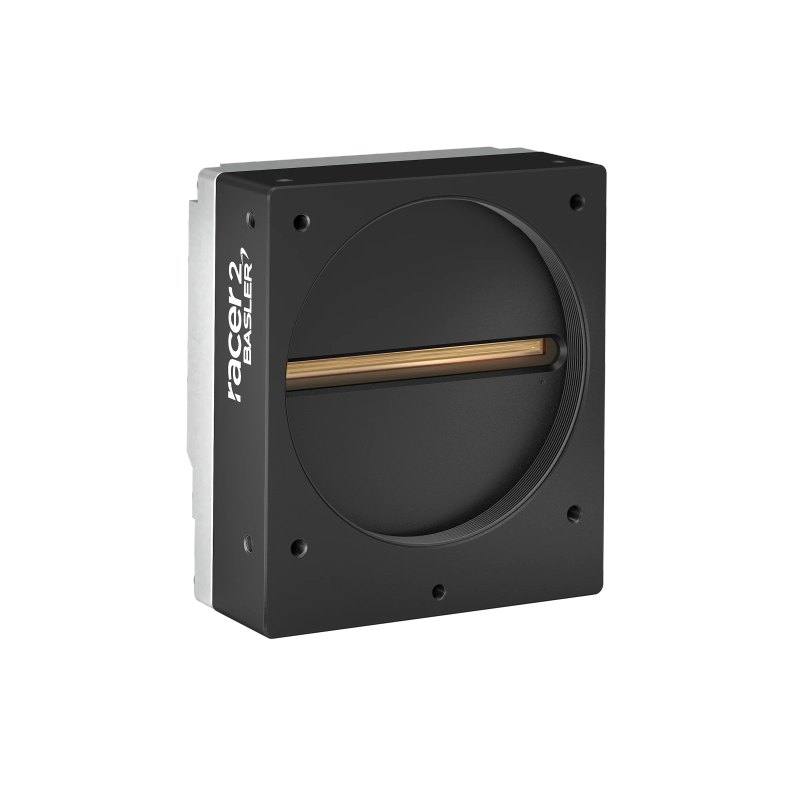
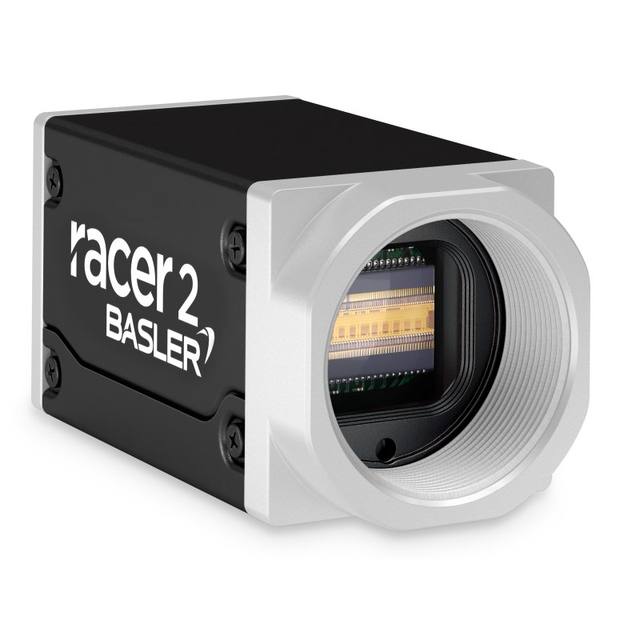
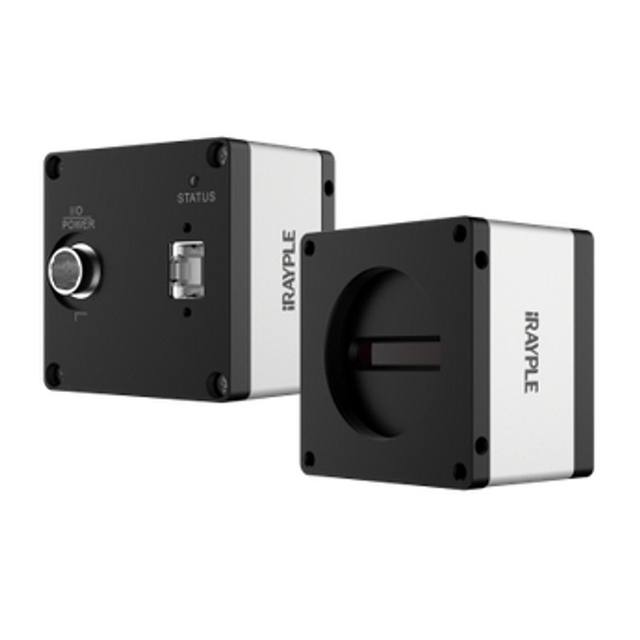
The Basler racer 2 r2L16384-60cc is a high-resolution color line scan camera featuring the Gpixel GL3516 dual-line CMOS sensor at 16,384 pixels horizontal resolution and a maximum line rate of 60 kHz. It uses a bilinear color arrangement where one line captures green and the other alternates red and blue pixels, delivering color imaging without a Bayer mosaic penalty. The camera connects via two CXP-12 channels (CoaXPress 2.0) at up to 12.5 Gbps per channel and supports Power over CoaXPress (PoCXP), eliminating the need for a separate power supply. With an M72 lens mount, 57.34 mm sensor format, and a compact 36 x 80 x 90 mm housing weighing 420 g, it is designed for high-throughput web and surface inspection applications.
Brand
Basler
Camera type
Line Scan
Interface
CoaXPress 2.0 — 2x CXP-12 (2.5–12.5 Gbps per channel)
The Basler racer 2 r2L16384-60cc is built around the Gpixel GL3516 dual-line CMOS sensor, delivering 16,384 pixels of horizontal resolution across a 57.34 mm sensor format with a 3.5 µm pixel pitch. The dual-line architecture uses a bilinear color arrangement — one row dedicated to green, the second alternating red and blue — which avoids the resolution penalty of a conventional Bayer mosaic while still producing full-color output. The global shutter eliminates the geometric distortion that rolling-shutter line-scan designs introduce when material speed or trigger timing varies, making the camera dependable on indexing conveyors, variable-speed web lines, and applications where line trigger jitter cannot be fully controlled.
The camera's maximum line rate of 60 kHz combined with 16,384 pixels per line means it can resolve fine surface detail at very high web or transport speeds without sacrificing swath width. The CoaXPress 2.0 interface uses two CXP-12 channels, each capable of up to 12.5 Gbps, giving the link enough aggregate bandwidth to sustain the full pixel stream at maximum line rate. Power over CoaXPress (PoCXP) is supported alongside an auxiliary 18.6–26 VDC input on the I/O connector, so the camera can draw power directly through the coax cable and reduce cabling complexity in the enclosure. GenICam compliance ensures the camera integrates with any standard-compliant frame grabber and vision SDK without vendor-specific middleware.
The M72 x 0.75 lens mount is the correct choice for a sensor format of 57.34 mm; line-scan lenses designed for this mount cover the full sensor width without vignetting. The compact 36 × 80 × 90 mm housing and 420 g mass simplify integration into tight gantry or web-press enclosures, and the 9 W power consumption keeps thermal load low enough that forced-air cooling is generally not required within the 0–50 °C rated operating range. IP30 protection is suitable for controlled factory environments; installations in more contaminated areas will need an appropriate enclosure. The camera ships without an IR cut filter, so the spectral response extends into near-infrared — a factor to account for when selecting illumination and optical filters to keep color accuracy consistent.
Best for
High-speed web and sheet inspection — printing presses, film lines, and foil webs where 60 kHz line rate and 16k-pixel swath coverage must be maintained simultaneously to detect sub-millimetre defects across the full material width.
Color surface defect detection on textiles, coated metals, and laminates where the bilinear dual-line sensor delivers true color discrimination between substrate tone and defect signature without the resolution loss of a single-line Bayer sensor.
Flat-panel display and semiconductor wafer macro-inspection where the wide 57.34 mm sensor format maps a large field in a single pass and the global shutter prevents pixel-position error from mechanical vibration.
Packaging and label print verification where color fidelity and the ability to run at line speed are both mandatory — the 60 kHz line rate keeps pace with modern labeling and flexographic press output.
Battery electrode and precision-coated-material inspection in automotive and energy sectors where the combination of high resolution, color, and CoaXPress long-reach cabling allows the camera to be mounted away from the main process cabinet.
Selection notes
Frame grabber compatibility: the camera requires a CoaXPress 2.0 frame grabber with two CXP-12 ports wired to a single camera link. Confirm the grabber's GenICam driver supports dual-channel racer 2 topology before specifying hardware.
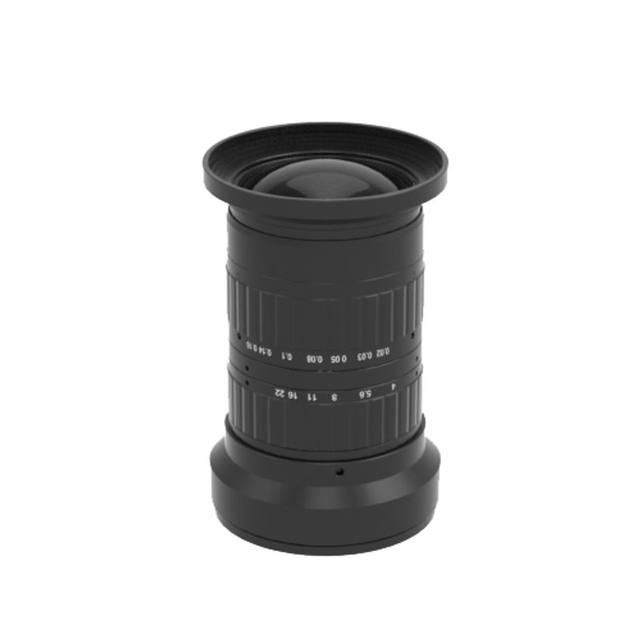
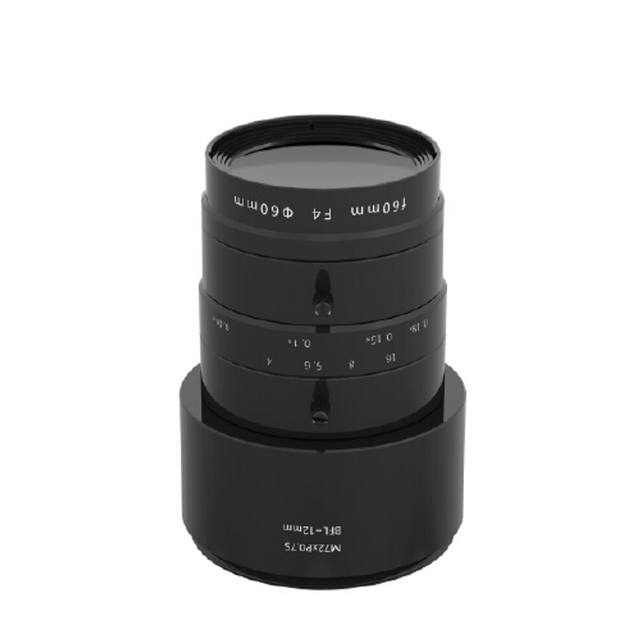
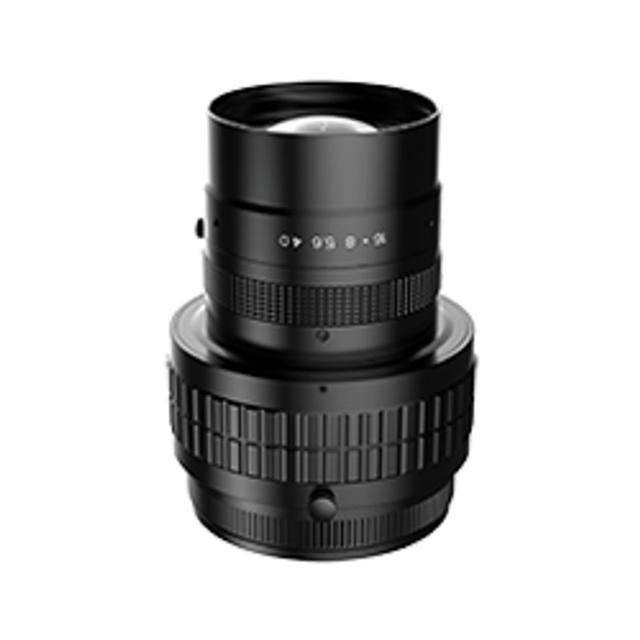
Lens selection is constrained to M72 mount lenses rated for at least a 57.34 mm image circle. Using a lens with a smaller image circle will cause corner shading across the outer pixel columns — validate modulation transfer function and vignetting across the full 16,384-pixel width at the chosen working distance.
The sensor ships without an IR cut filter. If the illumination source has significant near-infrared output (many LEDs do), an external IR cut filter mounted in the lens thread is necessary to prevent color channel contamination and maintain accurate color reconstruction from the bilinear arrangement.
IP30 protection covers accidental finger contact but not dust or liquid ingress. For printing, textile, or wet-process environments, a sealed camera enclosure with a glass window and positive-pressure air purge should be planned into the mechanical design.
PoCXP simplifies cabling but imposes a power budget from the frame grabber or CXP injector. Verify the grabber's PoCXP per-port current budget against the camera's 9 W draw — if the budget is marginal, use the AUX 18.6–26 VDC connector on the I/O port as the primary supply instead.
Specifications: General
Brand
Basler
Camera type
Line Scan
Specifications: Sensor
Horizontal resolution
16,384 px
Mono / color
Color (bilinear dual-line, no IR cut filter)
Sensor manufacturer
Gpixel
Sensor model
Gpixel GL3516
Shutter
Global Shutter
Sensor size
57.34 mm
Pixel size
3.5 µm
Specifications: Performance
Line rate
60 kHz
Specifications: Interface
Interface
CoaXPress 2.0 — 2x CXP-12 (2.5–12.5 Gbps per channel)
Protocols
GenICam, CoaXPress 2.0
Specifications: Optics
Mount
M72 x 0.75
Specifications: Electrical
Power
PoCXP 24 VDC or AUX 18.6–26 VDC via I/O connector
Power consumption
9 W
Specifications: Environment
IP rating
IP30
Operating temperature
0–50 °C
Specifications: Mechanical
Dimensions
36 x 80 x 90 mm
Weight
420 g
Applications this camera is commonly selected for. Open one to see the full recommended hardware and approach.
Get a first image quickly with the pylon Viewer, then move into the pylon SDK for your application. These cameras are GenICam/GenTL-compliant, so any compliant vision software can drive them as well.
Download and install the pylon Camera Software Suite for your OS from Basler. This provides the pylon Viewer, the GenTL transport-layer producers and the pylon SDK (C/C++/.NET/Python). On Windows the installer adds the needed drivers; on Linux follow the included setup notes for USB and network permissions.
2. Connect the camera and check the link
Cable the camera to its matching interface: GigE Vision to a GigE port (use a quality cable and, ideally, a dedicated NIC with jumbo frames enabled), USB3 Vision to a USB 3.x port with the supplied cable, or CoaXPress to the frame grabber. Provide power where required (PoE, USB bus power, or PoCXP). Open the pylon Viewer and confirm the camera appears in the device list; for GigE, make sure the camera and NIC are on the same subnet.
3. Grab a first image and set exposure, gain and pixel format
Select the camera in the pylon Viewer and start a continuous grab. Adjust exposure time and gain until the image is well exposed (avoid clipped highlights), set the pixel format (e.g. Mono8 or a Bayer/RGB format), and focus the lens. Use a test pattern if the lens or scene is not ready yet.
4. Configure triggering and acquisition
Decide between free-run and triggered acquisition. For synchronized capture, set the trigger source (software or a hardware line on the I/O connector), trigger mode and any debounce or exposure mode, then verify timing. Note the parameter names you change in the Viewer feature tree, as you will reuse them in code.
5. Move to the SDK or a GenICam-compliant library
Recreate your settings in code with the pylon SDK (C, C++, .NET or Python) to open the device, apply the same features and pull frames into your pipeline; pylon vTools and pylon AI can add processing blocks. Because the cameras are GenICam/GenTL standard, third-party vision libraries work too. Once the image stream is stable, you can route frames to a deep-learning inspection such as Rosepetal for automated defect detection.
Frequently asked questions
The camera uses CoaXPress 2.0 with two CXP-12 channels, each running at up to 12.5 Gbps. CXP coaxial cables support cable runs significantly longer than GigE or USB3 — the exact maximum length depends on the specific cable grade and the frame grabber's receiver specification; consult the frame grabber vendor's CXP-12 cable length table for a qualified cable list.
The bilinear arrangement dedicates one physical line to green and the second to alternating red and blue pixels. Horizontal color resolution is higher than a conventional Bayer single-line sensor because each pixel contributes to its primary color without sharing duty with two others. However, because red and blue pixels are sampled at half the horizontal pitch of green, color resolution at the finest detail level is not identical across all three channels — a factor to evaluate when the application depends on sub-pixel color edge discrimination.
Not necessarily. The camera supports Power over CoaXPress (PoCXP), so it can draw power directly through the coax cable from a compatible frame grabber or CXP power injector. An auxiliary 18.6–26 VDC supply via the I/O connector is also available if PoCXP is not available or the grabber's per-port power budget is insufficient for the camera's 9 W consumption.
The camera uses an M72 x 0.75 thread mount. Compatible lenses must cover a 57.34 mm image circle — this rules out most C-mount and F-mount line-scan lenses. Purpose-built M72 line-scan lenses from suppliers such as Schneider, Sill Optics, and Computar that are specified for a 57 mm or larger image circle are the correct selection.
The rated operating temperature is 0–50 °C. At 9 W power consumption the thermal load is modest, and under normal factory ambient conditions active cooling is not required, provided the housing is not thermally isolated (e.g. sealed inside an enclosure without conduction or convection path). In high-ambient or sealed-enclosure installations, verifying that the housing temperature stays within specification under worst-case conditions is good practice.