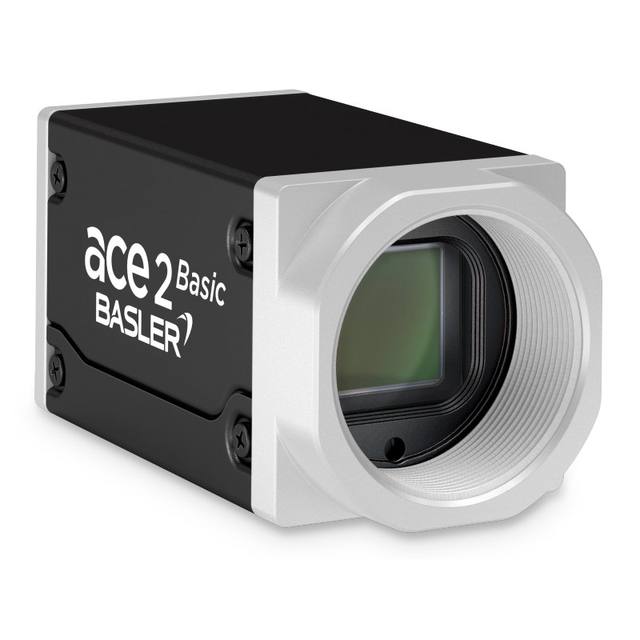
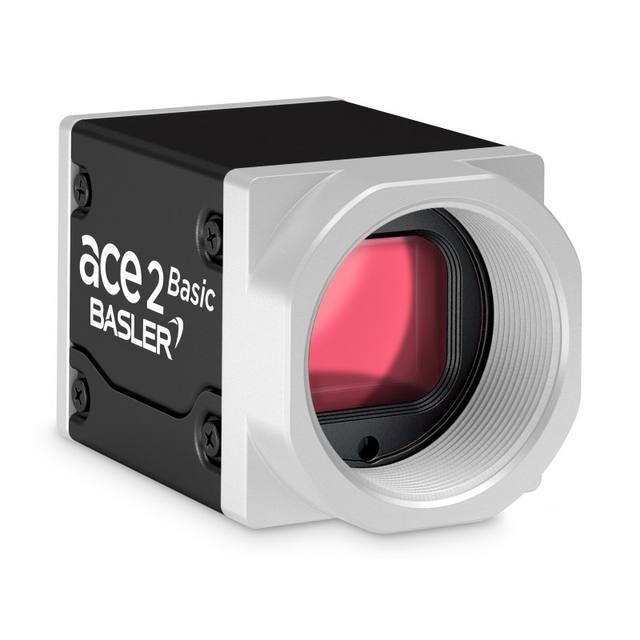
The STC-MBS2041POE (mono) and STC-MCS2041POE (color) are 20-megapixel GigE Vision 2.1 area-scan cameras based on the Sony IMX183 1-inch CMOS sensor with 2.4 µm pixel pitch and rolling/global-reset shutter. Both models are powered via PoE (IEEE 802.3af Class 1) or an external 10.8–26.4 V supply, deliver 5.5 fps at full resolution over a 1000BASE-T link, and measure just 29 × 29 × 53 mm. Features include GenICam compliance, PTP (IEEE 1588) time synchronization, Action Commands, ROI, defective pixel correction, and 8 user-preset memory slots.
Brand
Omron / Sentech
Camera type
Area Scan
Interface
GigE Vision PoE (1000BASE-T, IEEE 802.3af)
Resolution
20 MP
Horizontal resolution
5472 x 3648 px
Mono / color
Mono (STC-MBS2041POE) / Color (STC-MCS2041POE)
Sensor manufacturer
Sony (IMX183) — Pregius designation not stated in source
The STC-MBS2041POE (monochrome) and STC-MCS2041POE (color) are built around the Sony IMX183 1-inch CMOS sensor, delivering a 5472 x 3648 pixel array — 20 megapixels — with a 2.4 µm pixel pitch. At 1-inch format, the sensor is physically large enough that a single capture can cover a wide field of view without sacrificing the spatial sampling density needed for fine-detail discrimination. The rolling/global-reset shutter architecture means the camera can operate in rolling mode for continuous inspection of stationary or slow-moving parts, while the global-reset mode arrests motion in all rows simultaneously when an external strobe is fired — an important capability when inspecting parts on a moving conveyor with a high-intensity flash source. At full 20 MP resolution the camera delivers 5.5 fps over a standard 1000BASE-T GigE link, which is sufficient for moderate-throughput lines; ROI windowing can raise effective frame rates where only a sub-region of the sensor needs to be read out.
The GigE Vision 2.1 / GenICam interface, combined with PoE (IEEE 802.3af Class 1, 4.4 W total power consumption), dramatically simplifies infrastructure: a single Cat-5e/Cat-6 cable from a PoE switch carries both image data and power to the camera, eliminating a separate power supply run to each camera head. Alternatively, a 10.8–26.4 Vdc external supply can be used where PoE switches are absent or where existing cable runs are already in place. PTP (IEEE 1588) time synchronisation and Action Commands allow multiple cameras to be precisely co-triggered from a software command broadcast over the network — no additional hardware trigger wiring required — which is valuable in multi-angle inspection cells. Eight user-preset memory slots let operators store and recall complete camera configurations, reducing changeover time when the same line runs different product SKUs.
The C-mount lens interface pairs with the broad ecosystem of C-mount lenses designed for 1-inch image circles. For a 1-inch sensor at 5472 pixels, installers should select a lens whose image circle fully covers the 1-inch format and whose resolving power is matched to the 2.4 µm pixel pitch — in practice this means a lens specified for 20+ MP or rated for high resolution at the chosen f-number. The compact 29 × 29 × 53 mm body (65 g) makes it straightforward to mount in tight jigs, on robot end-effectors, or inside enclosures where a larger camera body would conflict with tooling. The operating temperature ceiling of 39 °C should be factored into enclosure thermal design, particularly in hot press, oven-adjacent, or foundry environments where ambient heat management is needed.
Best for
High-resolution surface inspection of large flat parts — PCBs, display panels, battery electrodes, or pharmaceutical blister packs — where 20 MP provides the pixel budget to capture an entire panel in one shot while still resolving fine defects such as scratches, missing solder paste, or pinhole voids.
Dimensional measurement and gauging of components where a wide field of view must be maintained alongside sub-millimetre feature resolution; the 5472 × 3648 array gives high spatial sampling without the cost of stitching multiple lower-resolution captures.
Multi-camera inspection cells where PoE and PTP synchronisation remove the need for dedicated trigger cabling and separate power runs to each camera head, lowering installation cost and enabling tight inter-camera timing via Action Commands.
Robot-guided pick-and-place or assembly guidance where the compact 29 × 29 mm footprint fits on an end-effector and the GigE interface supports the long cable runs common in robot cells without signal degradation.
Traceability and OCR/OCV tasks on packaging lines where both the monochrome variant (for contrast-optimised 1D/2D code reading) and the color variant (for label color verification or color-coded component identification) are needed within the same camera platform.
Selection notes
Frame rate vs. throughput: At full 20 MP the camera is capped at 5.5 fps over GigE. If your line speed demands more than 5.5 part-presentations per second, plan around ROI windowing to reduce readout area and raise frame rate, or evaluate whether a lower-resolution camera is the correct choice for the application.
Shutter selection and lighting: The rolling/global-reset shutter is not a true global shutter. To freeze motion artifact-free on a moving conveyor, pair the camera with a strobe controller and use the global-reset mode so all rows expose simultaneously — a continuous-light setup in rolling mode will produce image skew for any part in motion during readout.
PoE switch sizing: The camera draws 4.4 W; IEEE 802.3af Class 1 supplies up to 15.4 W at the PSE, so per-port headroom is adequate. However, confirm your PoE switch's total power budget when deploying multiple cameras on the same switch, and ensure Cat-5e/Cat-6 runs remain within the 100 m Ethernet distance limit.
Thermal management: The specified operating range tops out at 39 °C. In enclosures, near hot tooling, or in summer environments without climate control, active ventilation or a cooled enclosure may be required to maintain reliable operation.
Lens selection for full-sensor coverage: The 1-inch IMX183 sensor requires a C-mount lens with a 1-inch image circle. Many C-mount lenses are specified for 2/3-inch sensors and will vignette heavily at this format. Confirm the lens datasheet explicitly states 1-inch coverage, and verify resolving power is appropriate for the 2.4 µm pixel pitch.
Specifications: General
Brand
Omron / Sentech
Camera type
Area Scan
Specifications: Sensor
Resolution
20 MP
Horizontal resolution
5472 x 3648 px
Mono / color
Mono (STC-MBS2041POE) / Color (STC-MCS2041POE)
Sensor manufacturer
Sony (IMX183) — Pregius designation not stated in source
Sensor model
Sony IMX183
Shutter
Rolling / Global Reset
Sensor size
1" (25.4 mm)
Pixel size
2.4 x 2.4 µm
Specifications: Performance
FPS
5.5 fps
Specifications: Interface
Interface
GigE Vision PoE (1000BASE-T, IEEE 802.3af)
Protocols
GigE Vision 2.1, GenICam
Specifications: Optics
Mount
C-mount
Specifications: Electrical
Power
PoE (IEEE 802.3af) or external 10.8–26.4 Vdc
Power consumption
4.4 W
Supply voltage
10.8 – 26.4 Vdc
Specifications: Environment
Operating temperature
0 – +39 °C
Specifications: Mechanical
Dimensions
29 x 29 x 53 mm
Weight
65 g
Applications this camera is commonly selected for. Open one to see the full recommended hardware and approach.
These steps take an Omron Sentech (STC) camera from the box to a stable first image and on to your own application. They apply across the GigE Vision, USB3 Vision and CoaXPress STC families; the interface only changes how you cable and power the camera.
Download and install the Sentech SDK on the host PC. The package provides StViewer, the viewing and configuration software you use to bring the camera up, and StApi, the programming SDK you integrate later. Because the cameras are GenICam/GenTL-compliant, StApi also registers a GenTL producer, so any GenICam-compliant third-party vision software can discover and drive the camera as an alternative front end.
2. Cable, power and connect the camera
Connect according to the interface. GigE Vision: link to a Gigabit NIC (use PoE or the separate power input) and put the camera and host on the same subnet; for USB3 Vision use a USB 3.x port and a certified cable; for CoaXPress (STC) connect to a CoaXPress frame grabber, which also supplies Power-over-Coax. Then open StViewer and let it enumerate the camera. If a GigE camera does not appear, check the IP configuration and firewall, and on USB3 confirm the host bandwidth and driver.
3. Configure exposure, gain and white balance
Open the device in StViewer and start a live stream. Set exposure and gain for a well-exposed, low-noise image: raise exposure first and only add gain when more light or a faster shutter is not an option, keeping exposure short enough to freeze motion on global-shutter models. On colour cameras, run white balance under your actual production lighting. Adjust the lens aperture and focus on a representative target before tuning anything else.
4. Set the trigger and grab a first image
Start in free-run (continuous) acquisition to confirm a clean, stable image. For inline inspection switch to hardware or software triggering: select the trigger source, set the active edge and any delay, and wire the strobe or illumination to the camera's I/O so lighting fires with each exposure. Acquire and save a frame in StViewer; this saved image is your reference for the SDK stage and for downstream inspection.
5. Move to the StApi SDK (or any GenICam software)
Once the image is stable, reproduce the same settings in code. Use StApi to open the device, apply the GenICam features you validated in StViewer (exposure, gain, trigger, pixel format) and grab frames into your application via the bundled C++, C, C#/.NET or Python interfaces; the included samples are the fastest starting point. Prefer a different stack? The same GenICam/GenTL camera works with third-party vision libraries. With a reliable feed, you can route it into a deep-learning inspection such as Rosepetal for AI-based defect detection.
Frequently asked questions
The two models are mechanically and electrically identical. The STC-MBS2041POE is the monochrome variant, which produces higher contrast images and is preferred for 1D/2D code reading, OCR, and single-wavelength lighting setups. The STC-MCS2041POE is the color variant, useful when color verification, label inspection, or component color differentiation is required. Both share the same Sony IMX183 sensor, 20 MP resolution, 5.5 fps, C-mount, and PoE interface.
Yes. The camera accepts an external DC supply in the range 10.8–26.4 Vdc in addition to PoE. If a PoE switch is not available, a standard 12 V or 24 V industrial power supply within that voltage range can be used, with image data still transmitted over the standard GigE Ethernet port.
The camera supports PTP (IEEE 1588) time synchronisation and GigE Vision Action Commands. When all cameras in a network are synchronised to a PTP master clock, a single broadcast Action Command can trigger all cameras within the network simultaneously — no hardware trigger wiring between cameras is needed. This is particularly valuable in multi-angle cells where per-camera I/O cabling would be complex.
The published full-resolution frame rate is 5.5 fps at 5472 × 3648 pixels over a 1000BASE-T link. Reducing the active ROI reduces the readout data volume, and the camera will deliver higher frame rates proportionally — the exact achievable fps for a given ROI should be verified with Omron/Sentech's published ROI frame-rate table or confirmed during integration testing.
No. The IMX183 in this camera uses a rolling/global-reset architecture. In global-reset mode, all rows begin and end exposure at the same time when triggered by an external strobe, which prevents motion artifacts for flash-lit moving parts. For applications requiring true global shutter (e.g., very fast lateral motion under continuous lighting), a camera with a dedicated global-shutter sensor should be evaluated instead.