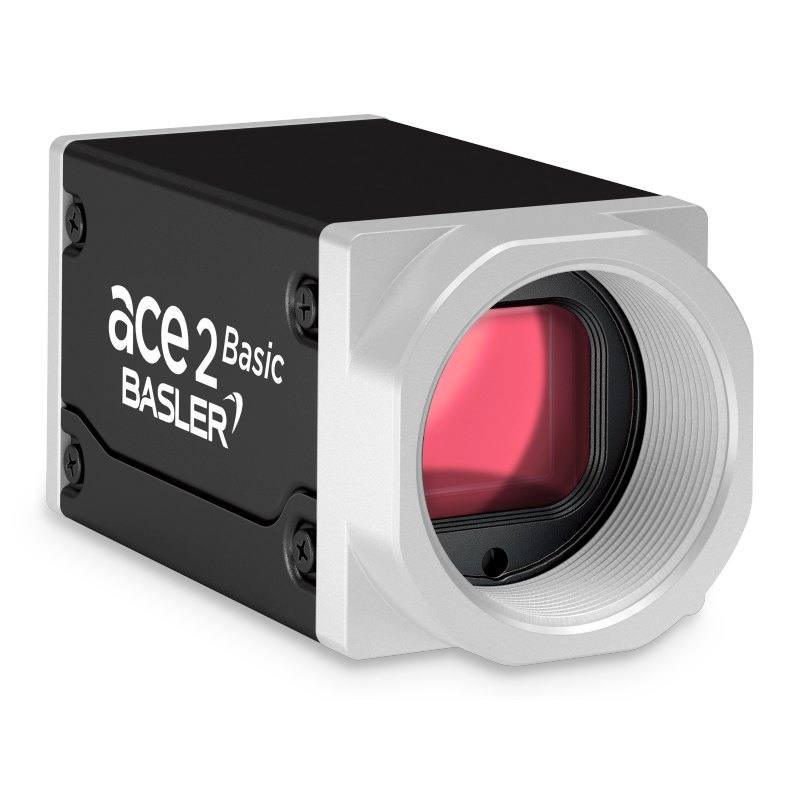
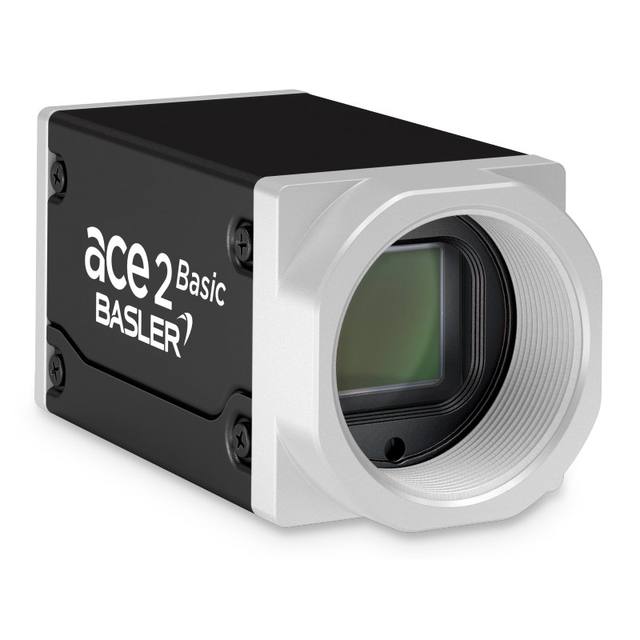
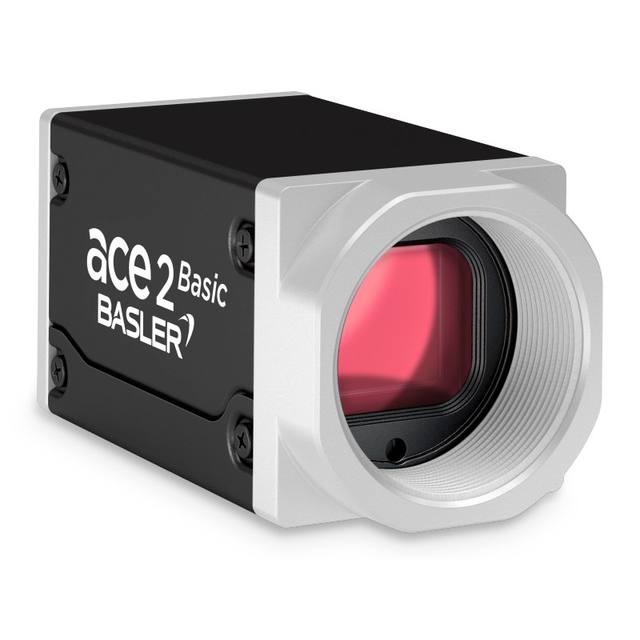
The Basler ace 2 a2A4096-44g5cBAS is a 5GigE area-scan camera built around the 1/1.1" Sony IMX545 (Pregius) global-shutter CMOS sensor, delivering 4096 x 3000 px (12.3 MP) color images at up to 44 fps. It uses a C-mount, supports 8/10/12-bit pixel depth, and connects over a 5 Gigabit Ethernet RJ45 interface (also backward-compatible with 100/1000/2500 Mbit/s). Power is supplied via the M8 6-pin I/O connector at 12-24 VDC with typical consumption of about 5.8 W (PoE not supported). The camera conforms to GigE Vision 2.0 and GenICam standards and carries an IP30 rating.
The Basler ace 2 a2A4096-44g5cBAS is a 12.3 MP color area-scan camera built around the 1/1.1-inch Sony IMX545 Pregius S global-shutter CMOS sensor, reading out 4096 x 3000 px at up to 44 fps (47 fps in performance mode). The combination of a global shutter and a high resolution is the defining characteristic for an installer: every pixel is exposed simultaneously, so parts moving on a conveyor, on a turntable or under a robot are captured without the skew and smear that a rolling shutter introduces. That makes this a camera you can synchronise to a hard external trigger and a strobed flash, freezing motion while still resolving fine detail across a 4096 x 3000 field. The 2.74 x 2.74 um pixels on an 11.2 x 8.2 mm sensing area mean the available detail is genuinely 12.3 MP-worth, and as a color sensor (color-filter-array output) it suits jobs where color is part of the decision (print verification, color-coded parts, packaging) rather than purely structural defect detection.
Connectivity is over a single 5GigE RJ45 link conforming to GigE Vision 2.0 and GenICam, which is the practical sweet spot for a sensor of this pixel count and frame rate: 5 Gigabit Ethernet provides roughly five times the bandwidth of standard GigE, enough headroom to stream 12.3 MP frames at 44 fps over ordinary Cat-class cabling and standard RJ45 connectors, with backward compatibility down to 100/1000/2500 Mbit/s if the host NIC or switch is slower. Because it follows GigE Vision and GenICam, it drops into pylon and any compliant third-party vision software without proprietary frame grabbers. One wiring detail to plan around: this model does not support PoE, so power must come separately as 12-24 VDC through the M8 6-pin I/O connector (rated input 10.8-30 VDC), and that same M8 connector is where you bring in your trigger and I/O lines.
Mechanically it is a compact box-housed camera, 55.5 x 29 x 29 mm (62.2 mm including the lens mount and connectors) and 105 g, with a C-mount and an IP30 rating, drawing about 5.8 W. The C-mount and 1/1.1-inch format set the lens math: to use the full 4096 x 3000 frame you need a C-mount lens with an image circle that covers a 1/1.1-inch sensor, and at 2.74 um pixels the lens has to resolve fine detail to avoid becoming the limiting factor. IP30 and a -10 to 50 C operating range indicate a clean factory-cell or enclosure-mounted device rather than a washdown camera, so it should sit behind a window or in a housing where dust and liquid are controlled. Supporting 8/10/12-bit output gives you a choice between maximum throughput at 8-bit and extra tonal depth at 12-bit for demanding grading or measurement tasks.
Best for
High-resolution surface and defect inspection of moving parts where the global shutter freezes motion across the full 4096 x 3000 frame
Color-dependent packaging and print inspection that needs both fine detail and color information at 44 fps
Industrial OCR/OCV and code reading where 12.3 MP resolves small characters and marks over a wide field of view
Dimensional measurement and metrology tasks that benefit from global-shutter geometric fidelity and 2.74 um pixel detail
Robot-guided pick-and-place and handling where motion-free 5GigE imaging over standard RJ45 cabling simplifies cell wiring
Selection notes
Budget for power and I/O separately: PoE is not supported, so you must run 12-24 VDC and your trigger/I/O lines through the M8 6-pin connector rather than over the Ethernet cable.
Confirm host bandwidth: streaming 12.3 MP at 44 fps needs a 5GigE-capable NIC or switch to hit full frame rate; on 1000/2500 Mbit/s links the camera works but throughput (and thus achievable fps) drops.
Match the lens to the format and pixel: choose a C-mount lens that covers the 1/1.1-inch (11.2 x 8.2 mm) sensor and resolves fine enough to do justice to the 2.74 um pixels, or resolution is wasted.
Plan environmental protection: IP30 and -10 to 50 C mean enclosure or window mounting in clean cells, not direct washdown or heavily contaminated areas.
Pair with strobed/triggered lighting: to exploit the global shutter on fast-moving parts, synchronise exposure to an external trigger and a flash; pick 8-bit for maximum throughput or 10/12-bit when grading and measurement need extra tonal depth.
Matched automatically by: lens mount fits the camera mount · lens image circle covers the camera sensor — this camera: C-mount · 1/1.1" (11.2 x 8.2 mm sensing area) sensor.
By category
All 90C-mount lenses 66Telecentric lenses 24
By brand
All 90Basler 34iRAYPLE 26Omron / Sentech 24Datalogic / Datasensing 6
Get a first image quickly with the pylon Viewer, then move into the pylon SDK for your application. These cameras are GenICam/GenTL-compliant, so any compliant vision software can drive them as well.
Download and install the pylon Camera Software Suite for your OS from Basler. This provides the pylon Viewer, the GenTL transport-layer producers and the pylon SDK (C/C++/.NET/Python). On Windows the installer adds the needed drivers; on Linux follow the included setup notes for USB and network permissions.
2. Connect the camera and check the link
Cable the camera to its matching interface: GigE Vision to a GigE port (use a quality cable and, ideally, a dedicated NIC with jumbo frames enabled), USB3 Vision to a USB 3.x port with the supplied cable, or CoaXPress to the frame grabber. Provide power where required (PoE, USB bus power, or PoCXP). Open the pylon Viewer and confirm the camera appears in the device list; for GigE, make sure the camera and NIC are on the same subnet.
3. Grab a first image and set exposure, gain and pixel format
Select the camera in the pylon Viewer and start a continuous grab. Adjust exposure time and gain until the image is well exposed (avoid clipped highlights), set the pixel format (e.g. Mono8 or a Bayer/RGB format), and focus the lens. Use a test pattern if the lens or scene is not ready yet.
4. Configure triggering and acquisition
Decide between free-run and triggered acquisition. For synchronized capture, set the trigger source (software or a hardware line on the I/O connector), trigger mode and any debounce or exposure mode, then verify timing. Note the parameter names you change in the Viewer feature tree, as you will reuse them in code.
5. Move to the SDK or a GenICam-compliant library
Recreate your settings in code with the pylon SDK (C, C++, .NET or Python) to open the device, apply the same features and pull frames into your pipeline; pylon vTools and pylon AI can add processing blocks. Because the cameras are GenICam/GenTL standard, third-party vision libraries work too. Once the image stream is stable, you can route frames to a deep-learning inspection such as Rosepetal for automated defect detection.
Frequently asked questions
No. PoE is not supported. Power is supplied separately as 12-24 VDC (rated 10.8-30 VDC) through the M8 6-pin I/O connector, with typical consumption around 5.8 W.
It uses a 5GigE (5 Gigabit Ethernet) RJ45 interface that is backward-compatible with 100/1000/2500 Mbit/s, and it conforms to GigE Vision 2.0 and GenICam, so it works with pylon and other compliant vision software.
It has a global shutter and is a color camera, built on the 1/1.1-inch Sony IMX545 Pregius S CMOS sensor, so it freezes motion across the full frame while capturing color.
It delivers 4096 x 3000 px (12.3 MP) at up to 44 fps, and up to 47 fps in performance mode, with selectable 8/10/12-bit pixel depth.
It uses a C-mount and a 1/1.1-inch sensor (11.2 x 8.2 mm sensing area) with 2.74 x 2.74 um pixels, so the lens must cover that format and resolve fine detail to use the full resolution.