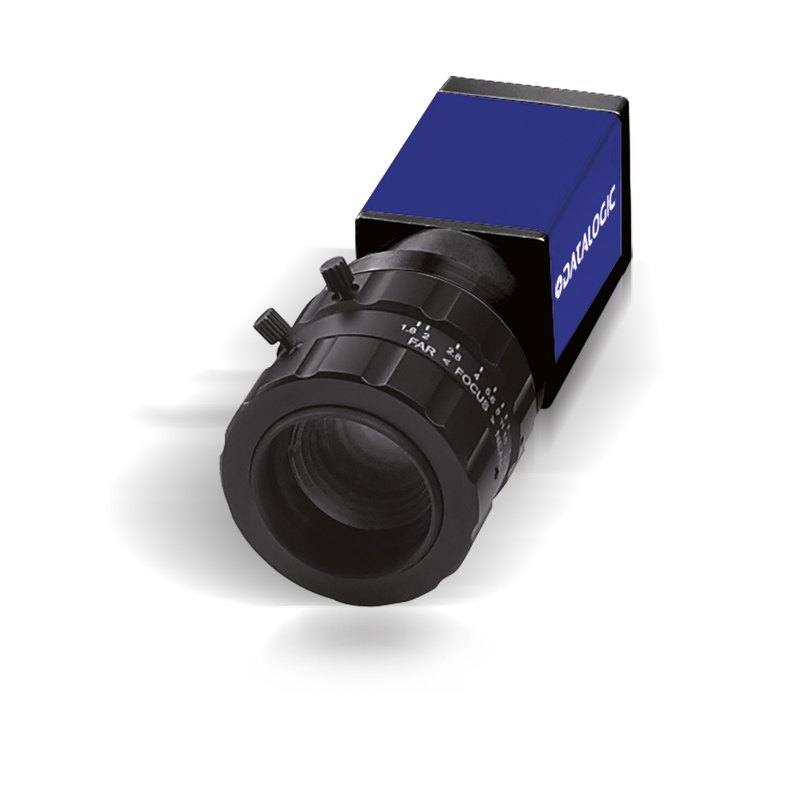
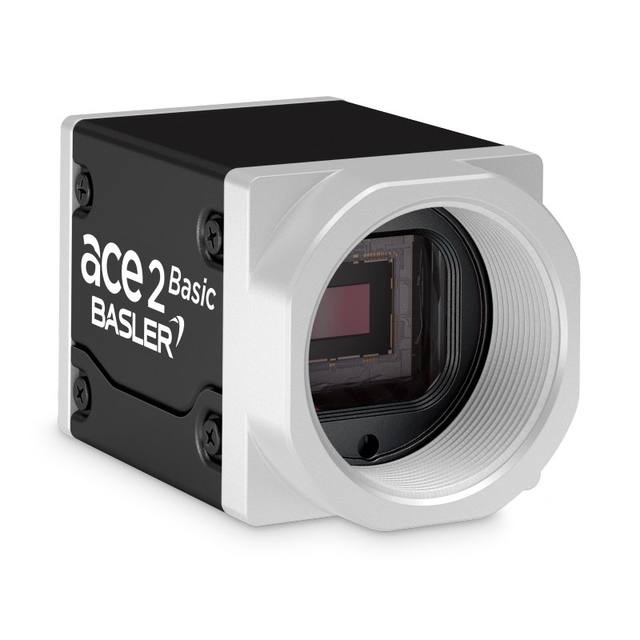
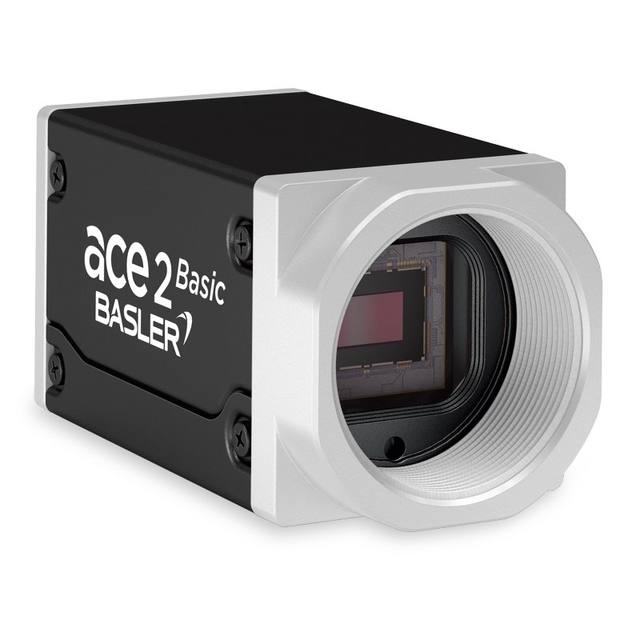
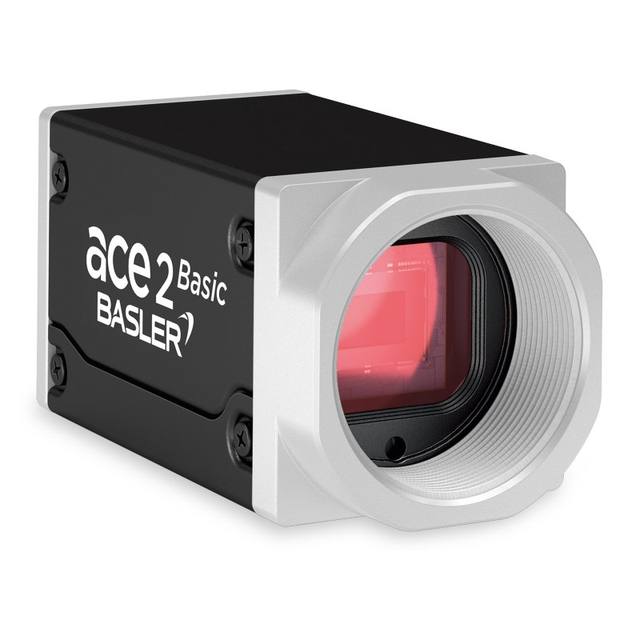
The Datasensing CAM-E193C-GE (E193C) is a 3.1 MP GigE area-scan color camera featuring a 1/1.8" global shutter CMOS sensor at 2048×1536 pixels and 3.45 µm pixel pitch. It delivers up to 35 full-resolution frames per second with partial scan support for higher rates. The camera connects via GigE (1000Base-T) and is powered by PoE or 12–24 VDC, housed in a compact 42×29×29 mm IP30-rated enclosure with C-mount lens attachment. Designed for integration with Datalogic/Datasensing MX-E Series machine vision processors running Impact Software, it provides trigger and strobe I/O for flexible line integration.
The CAM-E193C-GE is built around a 1/1.8" global shutter CMOS sensor resolving 2048 x 1536 pixels (3.1 MP) at a 3.45 µm pixel pitch. Global shutter captures every pixel simultaneously, eliminating the motion-induced distortion that rolling shutters introduce when imaging fast-moving parts or when the camera itself is robot-mounted. At 35 full-resolution frames per second over GigE (1000Base-T), the camera keeps pace with moderate-to-high-speed production lines, and partial-scan readout pushes that rate further when only a horizontal strip of the sensor is needed — useful in label or barcode zone reads. The color sensor is a deliberate engineering choice: Bayer-pattern color enables wavelength discrimination that monochrome cannot offer, allowing the vision system to separate similarly shaped features by hue — critical in pharmaceutical tablet color grading, label print-color verification, or food appearance inspection.
The C-mount interface gives installers a wide ecosystem of lens choices spanning fixed focal lengths and telecentric options; the 7.07 mm x 5.30 mm active sensor area imposes an image-circle requirement of at least 8.9 mm diagonal, so standard 1/1.8" and larger C-mount lenses are fully compatible. The camera connects through a single Ethernet cable that carries both GigE Vision data and, with a PoE-capable switch or injector, delivers operating power — eliminating a separate power run and simplifying cable management in tight enclosures or articulated robot arms. Alternatively, a 12–24 VDC supply covers installations where PoE infrastructure is absent. The 42 x 29 x 29 mm body keeps mass and footprint minimal, and the IP30 rating is appropriate for clean-room and enclosed machine environments, though it should not be used in wash-down zones without additional housing.
The camera is designed as a native peripheral for the Datasensing MX-E Series machine vision processors running Impact Software, communicating via GigE Vision / GenICam. Dedicated trigger and strobe I/O lines allow the camera to synchronize acquisition precisely to encoder pulses, part-present photoelectric sensors, or PLC signals, while the strobe output drives external LED controllers in sync with exposure — an important pairing for consistent illumination without the heat load of continuous lighting. The operating temperature range of 0–50 °C covers most factory-floor environments but should be verified against enclosure thermal rise in high-ambient installations.
Best for
Color label and packaging print inspection on lines where hue differences distinguish good from defective prints, leveraging the Bayer color sensor and 35 FPS throughput
Pharmaceutical tablet and capsule color grading and surface defect detection where color discrimination and global shutter freeze motion without distortion
OCR/OCV on moving parts or labels at moderate line speeds, benefiting from 3.1 MP resolution sufficient to resolve small character heights across a wide field
Robot guidance and pick-and-place applications where the compact 29 x 29 mm body fits easily on an arm and PoE reduces cabling complexity during articulation
Traceability code reading (1D/2D/DPM) integrated with Datasensing MX-E processors, using Impact Software to run decode and inspection logic on a single platform without an external PC
Selection notes
Lens image circle must cover the 8.9 mm sensor diagonal; confirm any candidate C-mount lens is rated for 1/1.8" format or larger — undersized lenses will vignette corners and degrade resolution at the edges of the 2048 x 1536 array
PoE simplifies wiring but requires a PoE-capable switch port or midspan injector; verify available PoE budget on the switch before designing the cable run, especially when multiple cameras share the same switch
IP30 protection suits enclosed machine interiors and clean rooms but is inadequate for spray, wash-down, or heavy particulate environments — a sealed enclosure or camera with higher IP rating is required for those conditions
Color mode is fixed in this model; if the application demands higher quantum efficiency at lower light levels or simpler processing, a monochrome variant should be evaluated, as the Bayer filter reduces effective light sensitivity relative to an equivalent monochrome sensor
GigE bandwidth is shared on the network segment — at 35 FPS with a 3.1 MP color sensor, raw throughput approaches the ceiling of a 1 Gbps link; use a dedicated switch port per camera and avoid mixing camera traffic with general factory network traffic to prevent dropped frames
Specifications: General
Brand
Datalogic / Datasensing
Camera type
Area Scan
Specifications: Sensor
Resolution
3.1 MP
Horizontal resolution
2048 px
Mono / color
Color
Sensor size
1/1.8" (8.9 mm diagonal, 7.07×5.30 mm)
Pixel size
3.45 µm
Shutter
Global Shutter
Specifications: Performance
FPS
35 FPS (higher with partial scan)
Specifications: Interface
Interface
GigE (1000Base-T)
Protocols
GigE Vision / GenICam (Impact Software)
Specifications: Optics
Mount
C-Mount
Specifications: Electrical
Power
PoE or 12–24 VDC
Specifications: Environment
IP rating
IP30
Operating temperature
0 to 50°C
Specifications: Mechanical
Dimensions
7.07 mm (H) × 5.30 mm (V)
Applications this camera is commonly selected for. Open one to see the full recommended hardware and approach.
Matched automatically by: lens mount fits the camera mount · lens image circle covers the camera sensor — this camera: C-Mount · 1/1.8" (8.9 mm diagonal, 7.07×5.30 mm) sensor.
By category
All 220C-mount lenses 155Telecentric lenses 62F-mount / large-format lenses 3
By brand
All 220iRAYPLE 66Omron / Sentech 66Basler 59Datalogic / Datasensing 29
1. Install the IMPACT Software Suite and connect the camera
Install the IMPACT Software Suite on your PC, which provides both the configuration/viewer tools and the SDK. For a GigE Vision model (E100, M or U series), connect it to a dedicated NIC and, for USB3 models, use a certified USB3 cable and port. Power the camera and confirm it enumerates.
2. Bring the camera online and verify the link
For GigE Vision, put the camera and the host NIC on the same subnet (a static IP on the camera matching the NIC range is the most reliable starting point); for USB3, confirm the device is recognized. Open the IMPACT viewer/device tool, discover the camera, and verify a stable connection before streaming. Enabling jumbo frames on the NIC helps GigE throughput.
3. Set exposure, gain and trigger, then grab a first image
In the IMPACT tools, start a live stream and adjust exposure and gain until the image is well-lit without saturation; set white balance on color models. Begin in free-run (continuous) mode to confirm imaging, then switch to hardware or software trigger as your application requires. Capture and save a reference image once the scene looks correct.
4. Build a vision tool or move to the SDK/API
Use the IMPACT point-and-click vision tools to assemble an inspection, or use the IMPACT SDK to access the camera and results programmatically and feed them into your HMI/PLC application. As these are GenICam/GenTL-compliant devices, you can alternatively drive them from any GenICam-compliant third-party vision library if your pipeline standardizes on one.
5. Route the stable feed to deep-learning inspection (optional)
Once you have a stable, repeatable image, the feed can be sent to a deep-learning inspection platform such as Rosepetal for defect detection or classification tasks that go beyond rule-based tooling. Keep lighting, optics and trigger timing fixed so the images reaching the model stay consistent.
Frequently asked questions
The camera conforms to GigE Vision and GenICam standards, so it is compatible with any GigE Vision-compliant host application. However, it is specifically designed to integrate with Datalogic/Datasensing MX-E Series processors running Impact Software, which is the validated and supported configuration.
Yes. The camera supports partial scan mode, which reads out only a defined horizontal region of interest. Reducing the active rows shortens the readout time and increases the achievable frame rate beyond the 35 FPS full-resolution figure.
The camera accepts either Power over Ethernet (PoE) delivered through the GigE cable, or a separate 12–24 VDC supply, allowing flexible installation depending on available infrastructure.
The camera uses a standard C-mount. Lenses must provide an image circle covering the 1/1.8" sensor format, which has an 8.9 mm diagonal and a 7.07 mm x 5.30 mm active area. Lenses specified for 1/1.8", 2/3", 1/1.2", or larger formats are suitable.
No. The enclosure is rated IP30, which provides basic protection against solid objects larger than 2.5 mm but offers no protection against liquids. Outdoor or wash-down deployments require a sealed housing or a camera with a higher IP rating such as IP65 or IP67.