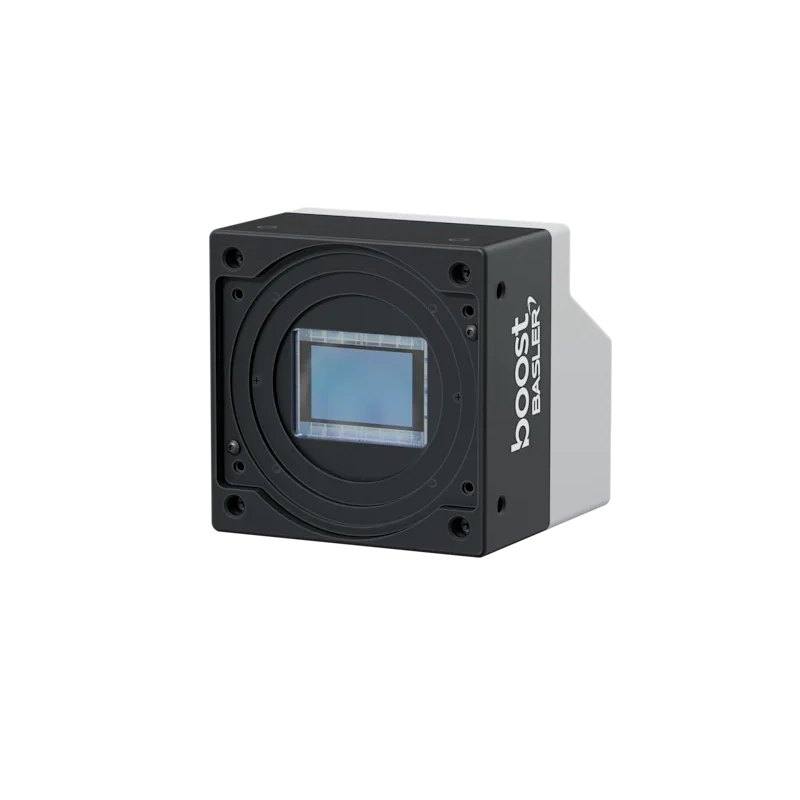
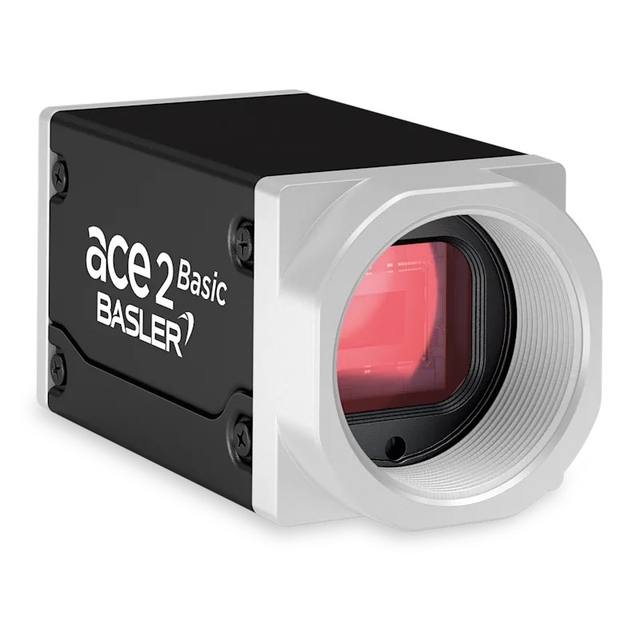
The Basler boost boA9344-70cc is a CoaXPress 2.0 (CXP-12) high-resolution area scan camera with the 65 MP Gpixel GMAX3265 global shutter CMOS sensor (9344 x 7000 px, 3.2 um pixels, 2.3" format). It outputs color images at 70 fps over CoaXPress at up to 12.5 Gbps. Multiple lens mounts available (C, M58x0.75, M42x1, F-mount); powered via PoCXP or 24 VDC, typical power 14 W.
The Basler boost boA9344-70cc is a high-resolution area scan camera built around a 65 MP Gpixel GMAX3265 global shutter sensor in a 2.3" format with 3.2 um pixels. As an area scan device, it captures the full two-dimensional field in a single exposure, which makes it well suited to inspecting discrete parts or stationary scenes without the precise web-transport synchronisation that line scan systems demand. The very high pixel count lets it resolve fine detail across a large field of view, so a single acquisition can either cover a large object at moderate detail or a smaller object at very high spatial detail, reducing the number of cameras or imaging stations needed.
The global shutter is a key characteristic for this class of work: every pixel starts and ends its exposure at the same instant, so fast-moving or indexing parts are captured without the geometric skew or smearing that a rolling shutter would introduce. Combined with a frame rate of 70 fps, this allows the camera to keep pace with continuously moving production lines or rapid index-and-grab cycles while preserving accurate part geometry. That combination of high resolution and distortion-free, time-consistent capture is what makes the sensor appropriate for measurement-grade and inspection tasks.
The camera uses a CoaXPress CXP-12 interface, a coaxial-cable link designed for the sustained, high-bandwidth data rates that a 65 MP sensor running at full frame rate produces. CoaXPress carries image data, control, and trigger signalling over the same cable and supports robust cable runs, which suits factory installations where the camera and processing PC are some distance apart. It is a colour camera and is supplied here with an F-mount, and it exposes a standard GenICam interface so it integrates with compliant machine-vision software. It is powered from an external supply and is listed as Rosepetal-ready.
Best for
High-resolution dimensional measurement of parts where the global shutter preserves accurate geometry on moving or indexed product
AI-based defect inspection across large fields of view, where the 65 MP sensor exposes fine surface and feature detail for training and inference
Industrial OCR / OCV reading of printed codes, characters and marks at high spatial detail
Inspection of large or wide objects in a single capture, replacing multiple lower-resolution cameras or stations
High-throughput line inspection of discrete parts where the 70 fps frame rate keeps pace with fast index-and-grab cycles
Selection notes
Sustaining 65 MP at 70 fps over CoaXPress CXP-12 requires a matching CXP-12 frame grabber and a suitably specified host PC; budget for the grabber, the coaxial cabling and the data path, and verify cable length against the CXP-12 link rate you intend to run.
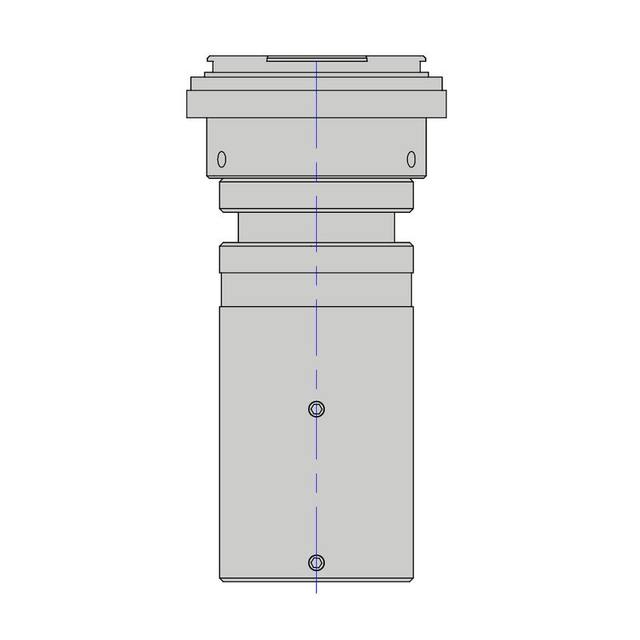
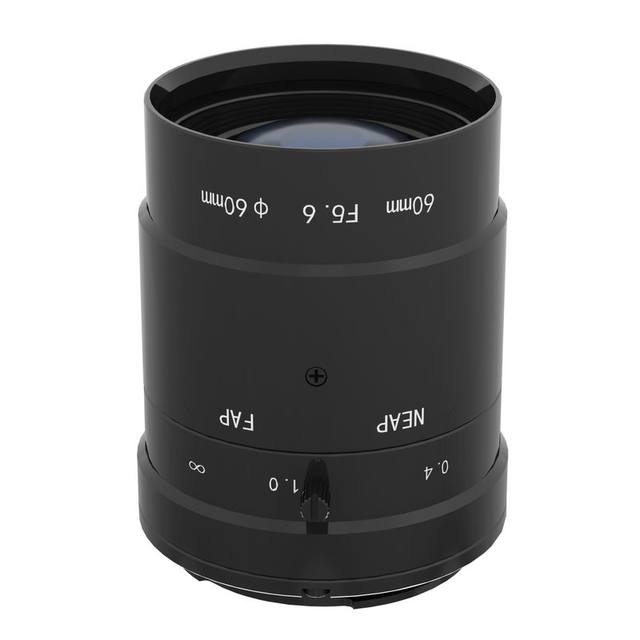
The 3.2 um pixels on a 2.3" sensor place real demands on the lens: choose a high-resolving lens with an image circle that covers this sensor format and resolution, and confirm the F-mount option fits your optical design or select an alternative mount if your layout needs it.
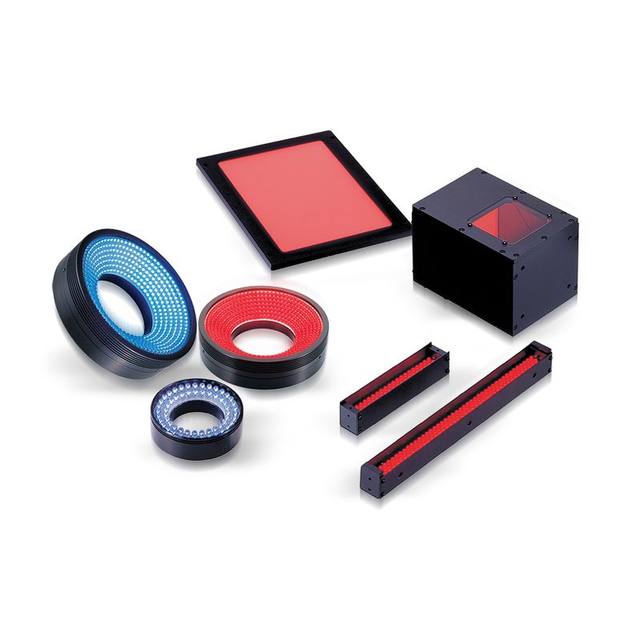
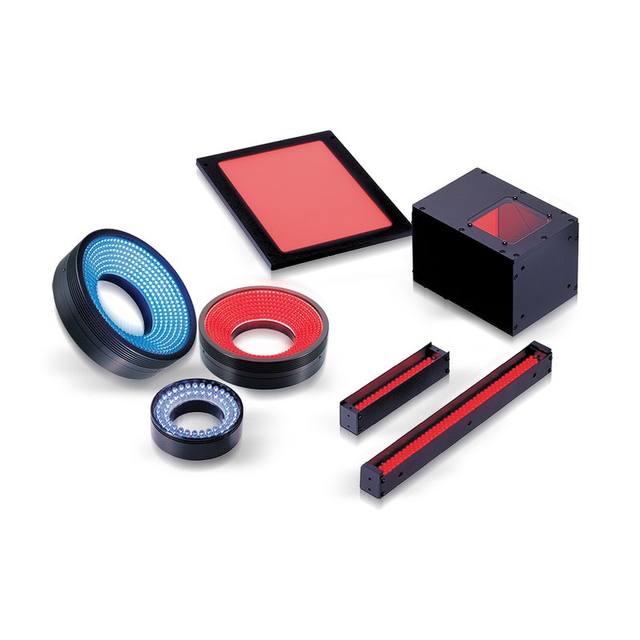
Plan lighting around the global shutter and high frame rate: short, well-controlled exposures need ample, stable illumination, and strobed or triggered lighting synchronised to the camera helps freeze motion and maintain consistent images at speed.
Confirm the external power arrangement during integration, as the camera relies on an external supply rather than drawing power from a single host-port cable as some other interfaces allow.
If your application is monochrome-only metrology or you do not need this much resolution or this interface bandwidth, a lower-resolution or monochrome model, or a simpler GigE/USB3 interface, may be a more cost-effective fit; conversely, continuous web or roll-goods inspection points toward a line scan camera instead.
Specifications: General
Camera type
Area scan
Specifications: Sensor
Resolution
65 MP
Horizontal resolution
9344 px
Mono / color
Color
Sensor manufacturer
Gpixel
Sensor model
GMAX3265
Shutter
Global shutter
Sensor size
2.3"
Pixel size
3.2 µm
Specifications: Performance
FPS
70 fps
Specifications: Interface
Interface
CoaXPress, CXP-12
Protocols
GenICam
Specifications: Optics
Mount
F-mount
Specifications: Electrical
Power
External supply
Specifications: Commercial
Rosepetal-ready
Yes
This product groups every purchasable order code that shares the same sensing method, range and output. Cable length, connector type and operation mode (Light-ON/Dark-ON, NO/NC) vary by order code below.
Family variants with highlighted differences
Model
Mono / color
Interface
Availability
65 MP Color CoaXPress Base
Color
CoaXPress
On request
Applications this camera is commonly selected for. Open one to see the full recommended hardware and approach.
Get a first image quickly with the pylon Viewer, then move into the pylon SDK for your application. These cameras are GenICam/GenTL-compliant, so any compliant vision software can drive them as well.
Download and install the pylon Camera Software Suite for your OS from Basler. This provides the pylon Viewer, the GenTL transport-layer producers and the pylon SDK (C/C++/.NET/Python). On Windows the installer adds the needed drivers; on Linux follow the included setup notes for USB and network permissions.
2. Connect the camera and check the link
Cable the camera to its matching interface: GigE Vision to a GigE port (use a quality cable and, ideally, a dedicated NIC with jumbo frames enabled), USB3 Vision to a USB 3.x port with the supplied cable, or CoaXPress to the frame grabber. Provide power where required (PoE, USB bus power, or PoCXP). Open the pylon Viewer and confirm the camera appears in the device list; for GigE, make sure the camera and NIC are on the same subnet.
3. Grab a first image and set exposure, gain and pixel format
Select the camera in the pylon Viewer and start a continuous grab. Adjust exposure time and gain until the image is well exposed (avoid clipped highlights), set the pixel format (e.g. Mono8 or a Bayer/RGB format), and focus the lens. Use a test pattern if the lens or scene is not ready yet.
4. Configure triggering and acquisition
Decide between free-run and triggered acquisition. For synchronized capture, set the trigger source (software or a hardware line on the I/O connector), trigger mode and any debounce or exposure mode, then verify timing. Note the parameter names you change in the Viewer feature tree, as you will reuse them in code.
5. Move to the SDK or a GenICam-compliant library
Recreate your settings in code with the pylon SDK (C, C++, .NET or Python) to open the device, apply the same features and pull frames into your pipeline; pylon vTools and pylon AI can add processing blocks. Because the cameras are GenICam/GenTL standard, third-party vision libraries work too. Once the image stream is stable, you can route frames to a deep-learning inspection such as Rosepetal for automated defect detection.
Frequently asked questions
It uses a CoaXPress CXP-12 interface over coaxial cable. You will need a compatible CXP-12 frame grabber in the host PC, plus appropriate coaxial cabling; CoaXPress carries image data, camera control and triggering over the same connection.
Yes. The GMAX3265 sensor is a global shutter sensor, so all pixels are exposed simultaneously. This captures fast-moving or indexed parts without the skew or smear that a rolling shutter would introduce, which matters for measurement and high-speed inspection.
It is a colour camera with a 65 MP sensor (9344 px horizontal) running at 70 fps. The high pixel count suits large fields of view and fine-detail inspection, while the frame rate supports fast production cycles.
This model is listed with an F-mount. Because of the 2.3" sensor format and 3.2 um pixels, pair it with a high-resolution lens whose image circle fully covers the sensor.
It is powered from an external supply. Account for the external power arrangement when planning the installation, alongside the CoaXPress data and control cabling.