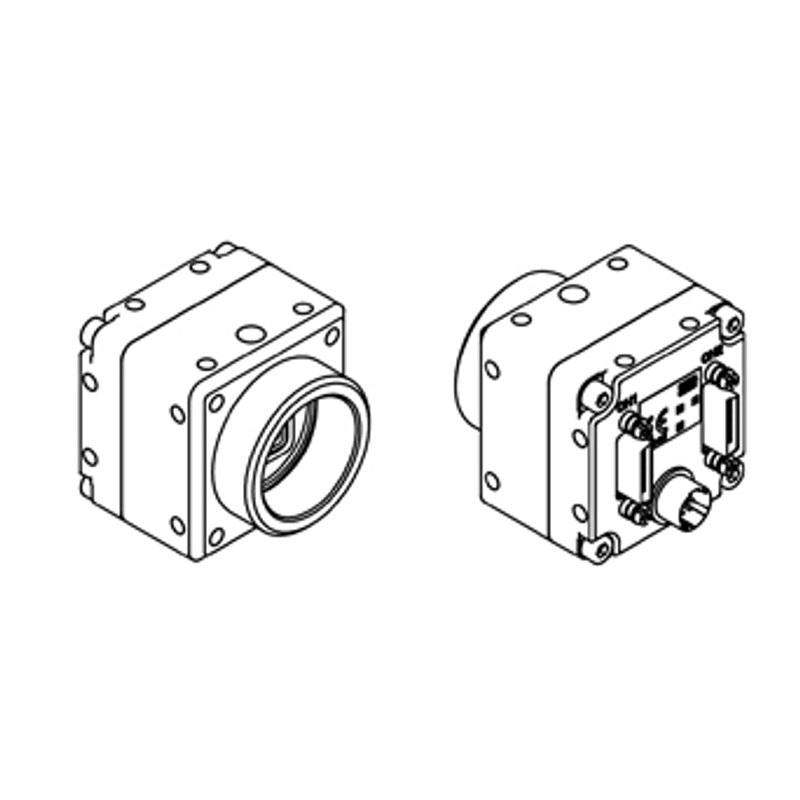
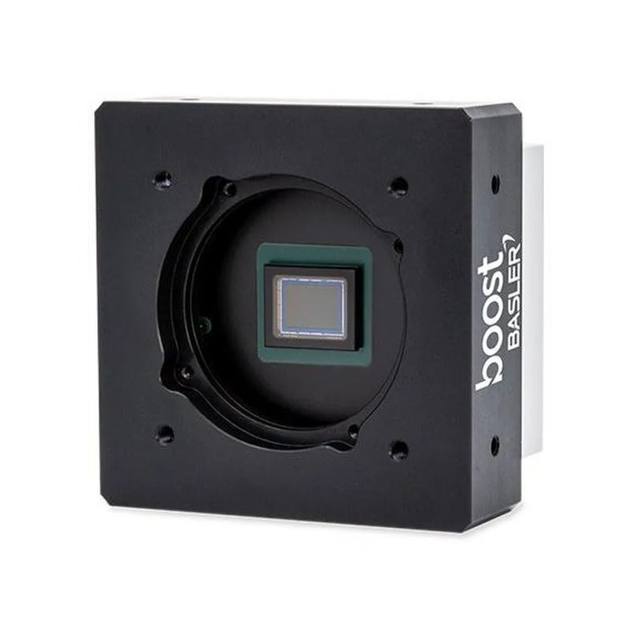
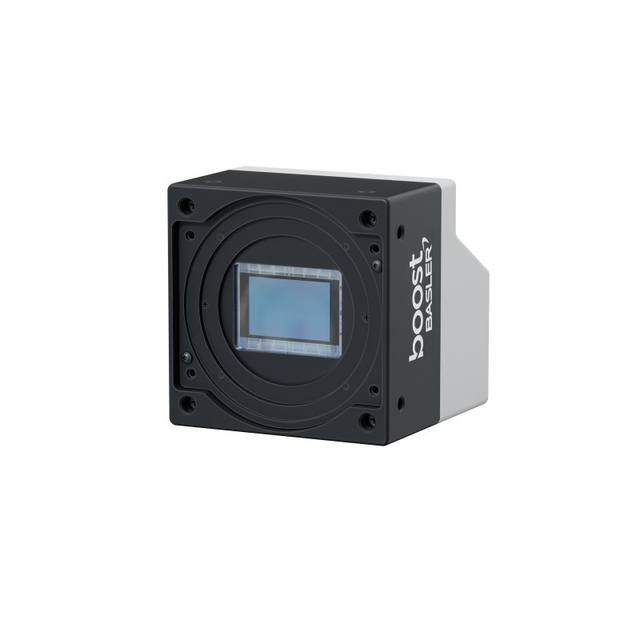
The STC-CMB401PCL-NIR is an industrial area-scan camera built around the ams OSRAM CMV4000 NIR-enhanced global-shutter CMOS sensor delivering 2048 x 2048 (4 MP) resolution at up to 179.2 fps. It uses a Camera Link 2.1 interface (80-bit / Full / Medium / Base) with a C-mount and 1-inch optical format and 5.5 um square pixels. The near-infrared-enhanced monochrome sensor improves sensitivity in the NIR band for low-light and IR-assisted inspection. Power is supplied via PoCL or an external +12 Vdc source with consumption of 3.0 W or less.
The STC-CMB401PCL-NIR is built around the ams OSRAM CMV4000 NIR-enhanced global-shutter CMOS sensor, delivering 2048 x 2048 pixels (4 MP) on a 1-inch optical format with 5.5 um square pixels. The global shutter is the defining trait for an installer: every pixel is exposed simultaneously, so fast-moving parts, indexed conveyors and rotating product are captured without the skew or smear that a rolling shutter would introduce. Combined with a frame rate of up to 179.2 fps at full resolution, this makes the camera suited to high-speed inline inspection where the part does not stop for the image. The square 2048 x 2048 frame is convenient for symmetric fields of view and for tasks like wafer, panel and PCB inspection where a square sensor maps cleanly onto a square part.
The monochrome sensor is NIR-enhanced, meaning its quantum efficiency is shifted to retain useful sensitivity in the near-infrared band rather than rolling off sharply past visible red. In practice this is what makes the camera worth specifying over a standard mono unit: it lets you pair the camera with NIR illumination (for example 850 nm or longer) to penetrate certain inks, coatings and surface contaminants, to suppress ambient visible-light variation, or simply to gain signal in low-light and IR-assisted setups. Because it is monochrome, every photosite contributes to luminance resolution with no Bayer interpolation, so it resolves fine surface detail and edges better than a same-resolution color sensor and is the right choice for defect, surface and dimensional work where color is not the discriminating feature.
The interface is Camera Link 2.1, configurable across 80-bit / Full / Medium / Base tap modes, which is what sustains the 179.2 fps throughput off the 4 MP sensor over a deterministic, low-latency link to a frame grabber. This is a grabber-based architecture, not a plug-and-play USB or GigE camera, so a Camera Link frame grabber and the corresponding cabling are part of the design. Power is supplied either via PoCL (Power over Camera Link) down the same cable or from an external +12 Vdc source, with total consumption of 3.0 W or less. The camera uses a C-mount and measures 40 x 40 x 40.5 mm (excluding connector) at 90 g, a compact footprint that fits tight inspection stations and multi-camera arrays. The rated operating range is -5 to +40 deg C, which covers typical factory-floor and enclosure conditions but should be checked against hot machinery or unconditioned environments.
Best for
High-speed inline inspection of moving or indexed parts where the global shutter prevents motion skew at up to 179.2 fps
NIR-assisted surface and defect inspection using 850 nm or longer illumination to suppress ambient visible light or reveal sub-surface and ink/coating detail
Electronics, semiconductor and PCB inspection where the square 2048 x 2048 frame maps cleanly onto square panels and wafers
Industrial OCR/OCV and mark reading on high-contrast monochrome features at line speed
Dimensional measurement and edge-based gauging where full-resolution monochrome detail and a global shutter give clean, repeatable edges
Selection notes
This is a Camera Link 2.1 camera, so budget for a matching Camera Link frame grabber and cabling; it is not a standalone USB3/GigE device and needs a host PC with a grabber to capture the 80-bit / Full / Medium / Base data stream.
Decide power delivery early: PoCL sends power down the Camera Link cable (simpler wiring) versus an external +12 Vdc supply; consumption is 3.0 W or less, so thermal load is modest.
Specify NIR-capable optics and lighting to exploit the sensor: a C-mount lens that covers the 1-inch format and 2048 x 2048 array, ideally NIR-corrected so focus holds in the IR band, plus NIR illumination matched to your target.
Match the lens to a 1-inch sensor with 5.5 um pixels; choose focal length from your working distance and field of view, and verify the lens resolves 4 MP across the full frame to avoid corner softness limiting effective resolution.
Confirm the -5 to +40 deg C operating range against your installation; near hot machinery or in unconditioned areas, plan enclosure cooling. The 40 x 40 x 40.5 mm body and 90 g weight ease mounting in tight or multi-camera stations.
Specifications: General
Brand
Omron / Sentech
Camera type
Area scan
Specifications: Sensor
Resolution
4 MP
Horizontal resolution
2048 x 2048 px
Mono / color
Monochrome NIR-enhanced
Sensor manufacturer
ams OSRAM (CMOSIS)
Sensor model
ams OSRAM CMV4000 (NIR)
Shutter
Global shutter
Sensor size
1" optical format
Pixel size
5.5 x 5.5 um
Specifications: Performance
FPS
Up to 179.2 fps
Specifications: Interface
Interface
Camera Link 2.1 (80-bit / Full / Medium / Base)
Specifications: Optics
Mount
C-mount
Specifications: Electrical
Power
pocl (PoCL or external +12 Vdc) — value code should be 'pocl', not 'poe'
Power consumption
3 W
Specifications: Environment
Operating temperature
-5 to +40 deg C
Specifications: Mechanical
Dimensions
40 (W) x 40 (H) x 40.5 (D) mm (excl. connector)
Weight
90 g
Applications this camera is commonly selected for. Open one to see the full recommended hardware and approach.
Matched automatically by: lens mount fits the camera mount · lens image circle covers the camera sensor — this camera: C-mount · 1" optical format sensor.
By category
All 90C-mount lenses 66Telecentric lenses 24
By brand
All 90Basler 34iRAYPLE 26Omron / Sentech 24Datalogic / Datasensing 6
These steps take an Omron Sentech (STC) camera from the box to a stable first image and on to your own application. They apply across the GigE Vision, USB3 Vision and CoaXPress STC families; the interface only changes how you cable and power the camera.
Download and install the Sentech SDK on the host PC. The package provides StViewer, the viewing and configuration software you use to bring the camera up, and StApi, the programming SDK you integrate later. Because the cameras are GenICam/GenTL-compliant, StApi also registers a GenTL producer, so any GenICam-compliant third-party vision software can discover and drive the camera as an alternative front end.
2. Cable, power and connect the camera
Connect according to the interface. GigE Vision: link to a Gigabit NIC (use PoE or the separate power input) and put the camera and host on the same subnet; for USB3 Vision use a USB 3.x port and a certified cable; for CoaXPress (STC) connect to a CoaXPress frame grabber, which also supplies Power-over-Coax. Then open StViewer and let it enumerate the camera. If a GigE camera does not appear, check the IP configuration and firewall, and on USB3 confirm the host bandwidth and driver.
3. Configure exposure, gain and white balance
Open the device in StViewer and start a live stream. Set exposure and gain for a well-exposed, low-noise image: raise exposure first and only add gain when more light or a faster shutter is not an option, keeping exposure short enough to freeze motion on global-shutter models. On colour cameras, run white balance under your actual production lighting. Adjust the lens aperture and focus on a representative target before tuning anything else.
4. Set the trigger and grab a first image
Start in free-run (continuous) acquisition to confirm a clean, stable image. For inline inspection switch to hardware or software triggering: select the trigger source, set the active edge and any delay, and wire the strobe or illumination to the camera's I/O so lighting fires with each exposure. Acquire and save a frame in StViewer; this saved image is your reference for the SDK stage and for downstream inspection.
5. Move to the StApi SDK (or any GenICam software)
Once the image is stable, reproduce the same settings in code. Use StApi to open the device, apply the GenICam features you validated in StViewer (exposure, gain, trigger, pixel format) and grab frames into your application via the bundled C++, C, C#/.NET or Python interfaces; the included samples are the fastest starting point. Prefer a different stack? The same GenICam/GenTL camera works with third-party vision libraries. With a reliable feed, you can route it into a deep-learning inspection such as Rosepetal for AI-based defect detection.
Frequently asked questions
It uses the ams OSRAM CMV4000 NIR-enhanced global-shutter CMOS sensor at 2048 x 2048 pixels (4 MP), on a 1-inch optical format with 5.5 x 5.5 um square pixels.
It is a global-shutter sensor, which captures the whole frame at once to avoid motion distortion, and it runs at up to 179.2 fps at full 4 MP resolution.
It uses a Camera Link 2.1 interface configurable in 80-bit / Full / Medium / Base modes, so it requires a Camera Link frame grabber and a host PC; it is not a USB or GigE camera.
It is monochrome and NIR-enhanced, meaning the sensor retains sensitivity into the near-infrared band. That lets you pair it with NIR lighting for low-light, IR-assisted, or ambient-suppressed inspection while keeping full luminance resolution with no Bayer interpolation.
It accepts PoCL (power over the Camera Link cable) or an external +12 Vdc supply, drawing 3.0 W or less. It has a C-mount, so it takes C-mount lenses sized for the 1-inch sensor.
The body is 40 (W) x 40 (H) x 40.5 (D) mm excluding the connector and weighs 90 g, with a rated operating temperature of -5 to +40 deg C.