
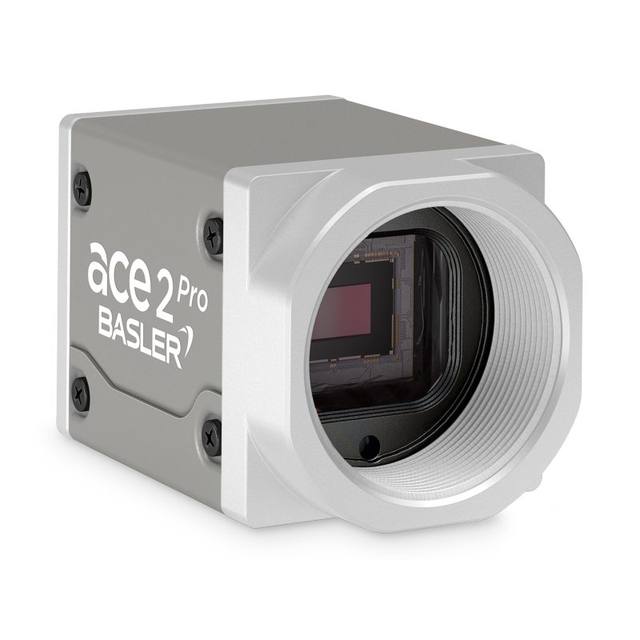
2.3 MP monochrome USB 3.0 area-scan camera with Sony IMX392 global-shutter CMOS sensor delivering 160 fps in the Basler ace 2 Pro series.
- Rosepetal compatible
- Recommended by AIS Vision
On request
High frame-rate cameras, CXP/USB3/10GigE and global shutter for fast capture on the production line.
Related searches: high speed camera, high frame rate machine vision
High-speed cameras exist to do one thing well: capture sharp, repeatable images of parts that are moving fast, indexing quickly, or appearing on the sensor for only a few hundred microseconds. On a fast line the limiting factor is rarely whether the camera can 'see' the part — it is whether you can freeze the motion, get the data off the sensor in time, and do it again for the next part without dropping a frame. Those are imaging and bandwidth problems, and they are what this category is built around.
The headline frame rate on a datasheet is only the start of the story. Real throughput depends on the resolution you actually read out, the interface you choose, whether you can crop to a region of interest, how short an exposure your lighting can support, and whether the receiving side — a frame grabber or a host NIC — can sustain the data rate without buffering up and stalling. This guide walks through those trade-offs so you can specify a camera that holds its rated speed in production, not just in a benchmark.
205 results
2.3 MP monochrome USB 3.0 area-scan camera with Sony IMX392 global-shutter CMOS sensor delivering 160 fps in the Basler ace 2 Pro series.
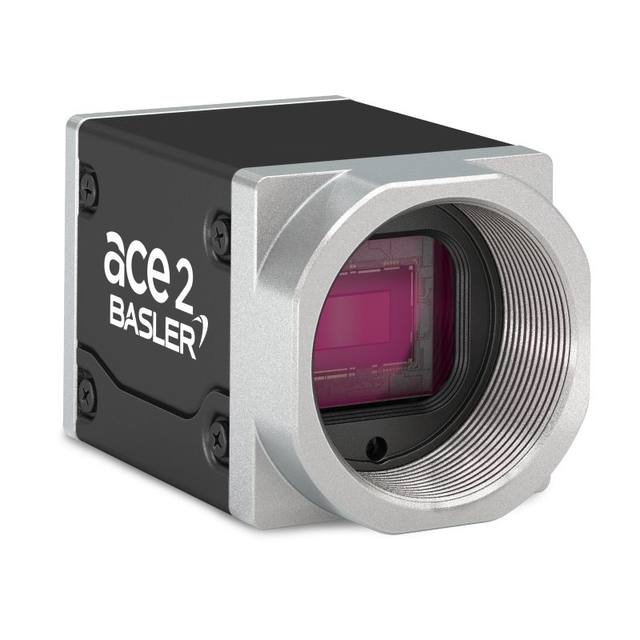
2.3 MP GMSL2 color area-scan camera with Sony IMX392 global shutter sensor delivering up to 168 fps over coaxial cable, designed for NVIDIA Jetson Orin embedded vision systems.
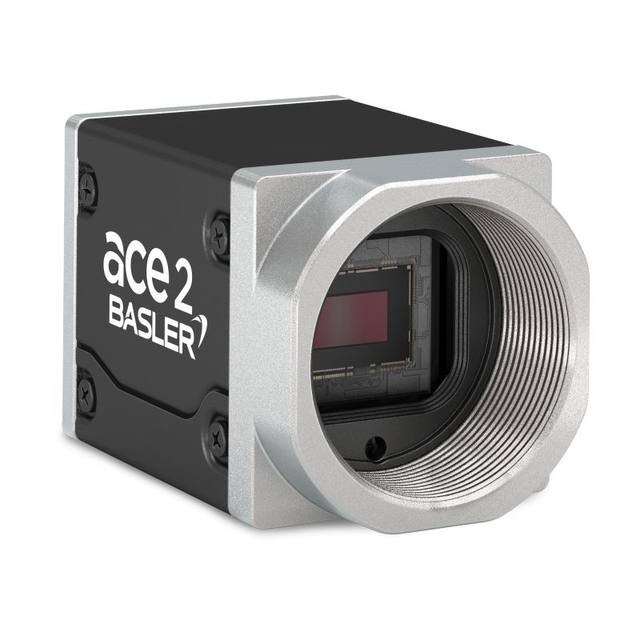
Monochrome GMSL2 area-scan camera with Sony IMX392 global-shutter sensor delivering 1920×1200 px at 168 fps, designed for NVIDIA Jetson Orin-based robotics and logistics systems.
High-speed USB3 area scan camera with a 3.2 MP Sony IMX900 global shutter CMOS sensor delivering 114 fps in monochrome, sensitive in visible and NIR.
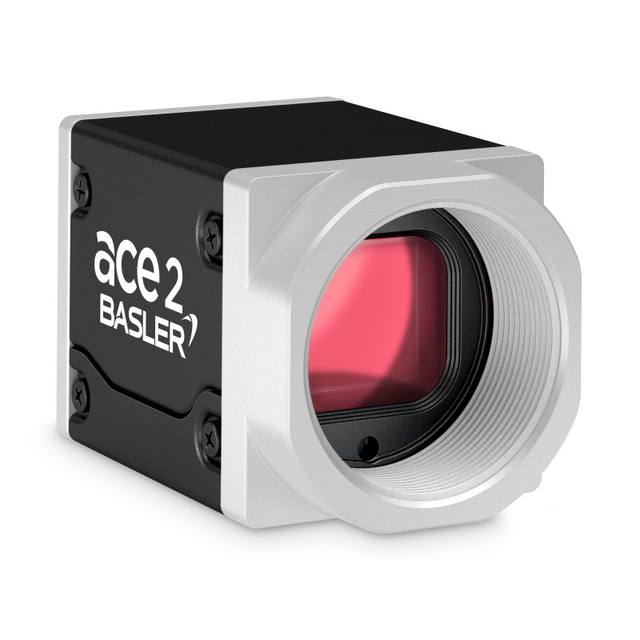
The Basler ace 2 V a2A2448-210cc is a 5 MP color CoaXPress (CXP-12) area scan camera with a Sony IMX537 global shutter CMOS sensor running up to 212 fps.
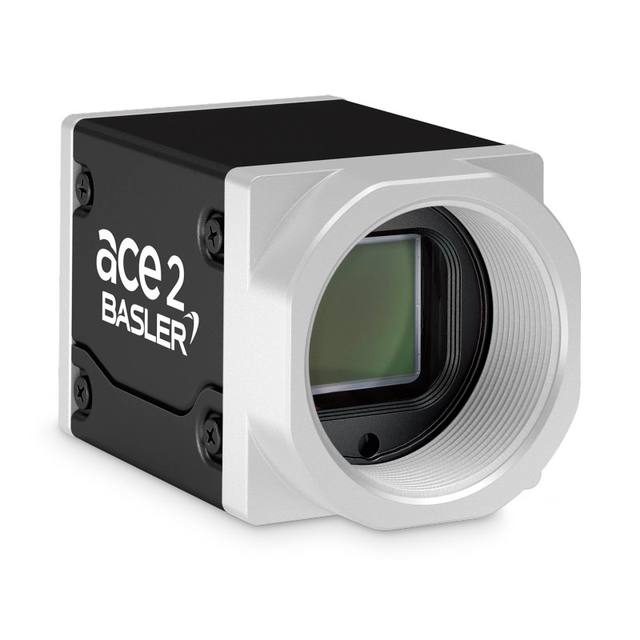
The Basler a2A2448-210cm is a 5.1 MP monochrome CoaXPress (CXP-12) area scan camera with a Sony IMX537 global shutter sensor delivering up to 212 fps.
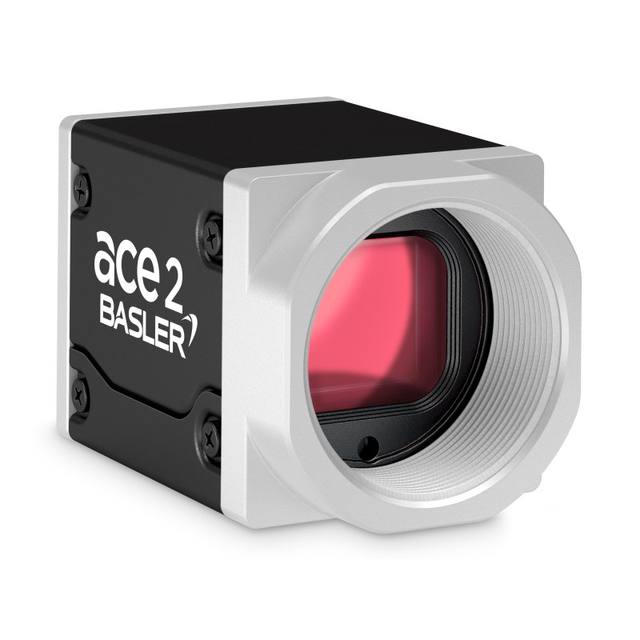
8.1 MP color area scan camera with CoaXPress CXP-12 interface and Sony IMX546 global shutter sensor delivering 86 fps.
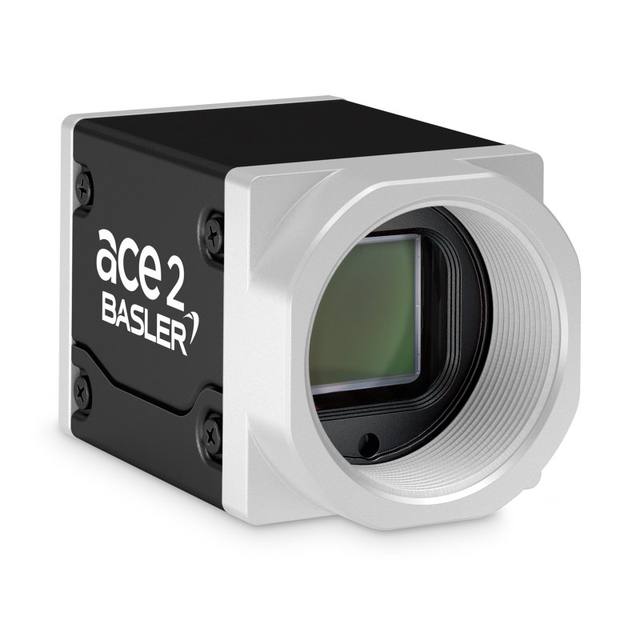
8 MP global shutter monochrome CXP-12 area scan camera from the Basler ace 2 V series, delivering up to 86.4 fps via CoaXPress 2.0.
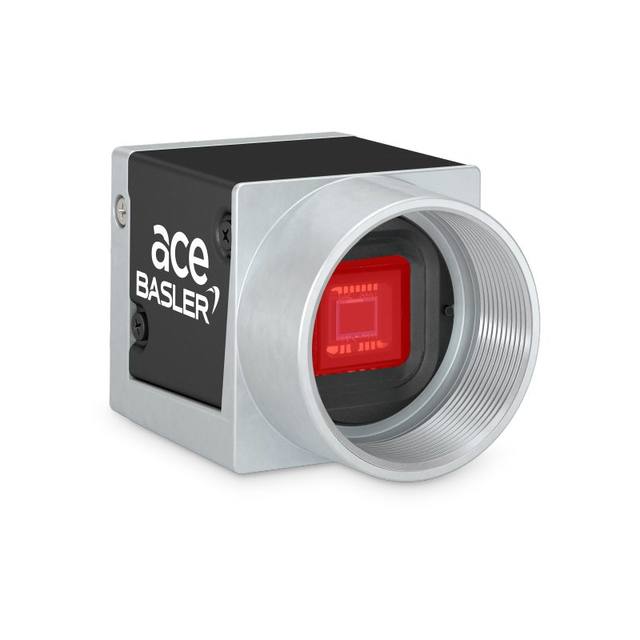
The Basler acA1300-200uc USB 3.0 camera with the onsemi PYTHON 1300 CMOS sensor delivers 203 frames per second at 1.3 MP resolution.
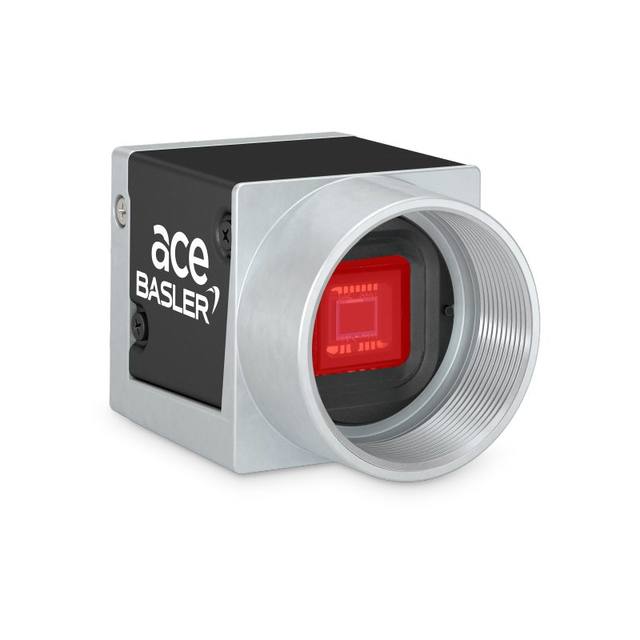
The Basler acA1440-220uc USB 3.0 camera with the Sony IMX273 CMOS sensor delivers 227 frames per second at 1.6 MP resolution.
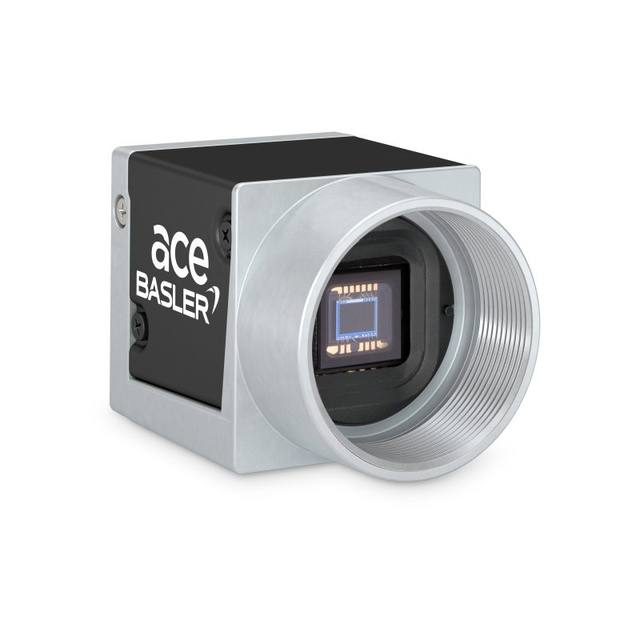
1.6 MP monochrome USB 3.0 area-scan camera with Sony IMX273 global shutter CMOS sensor delivering 227 fps.
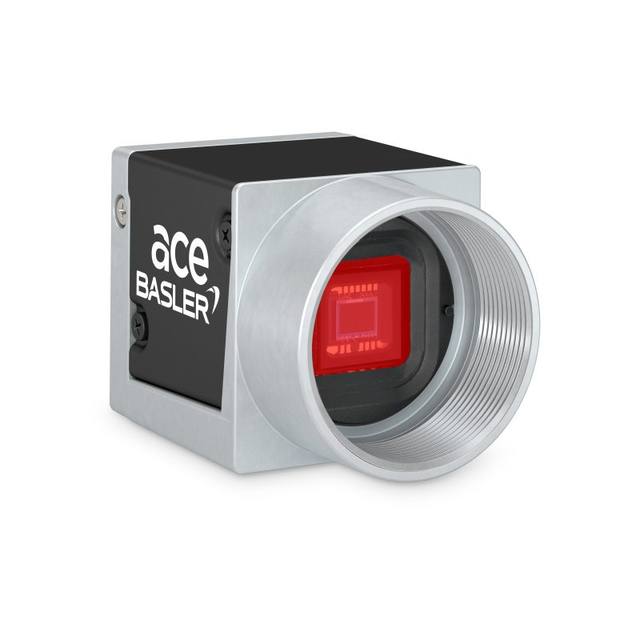
2.3 MP USB 3.0 color area-scan camera with onsemi PYTHON 2000 global-shutter CMOS sensor delivering up to 150 fps.
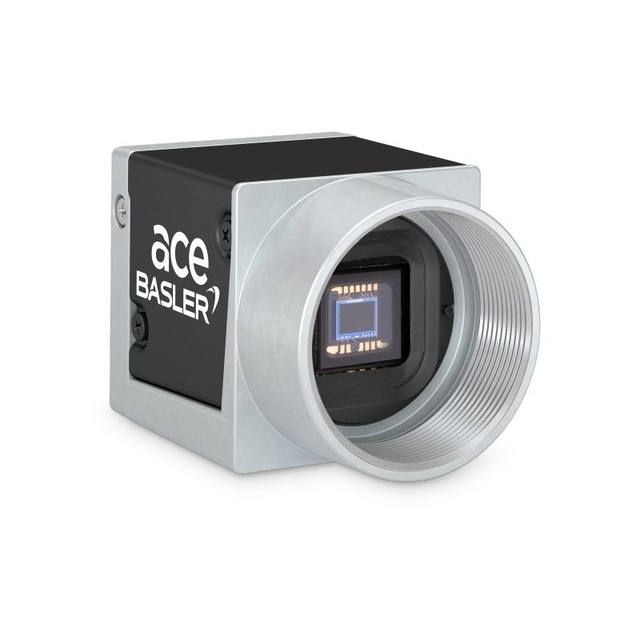
The Basler acA1920-150um USB 3.0 camera with the onsemi PYTHON 2000 CMOS sensor delivers 150 frames per second at 2.3 MP resolution.
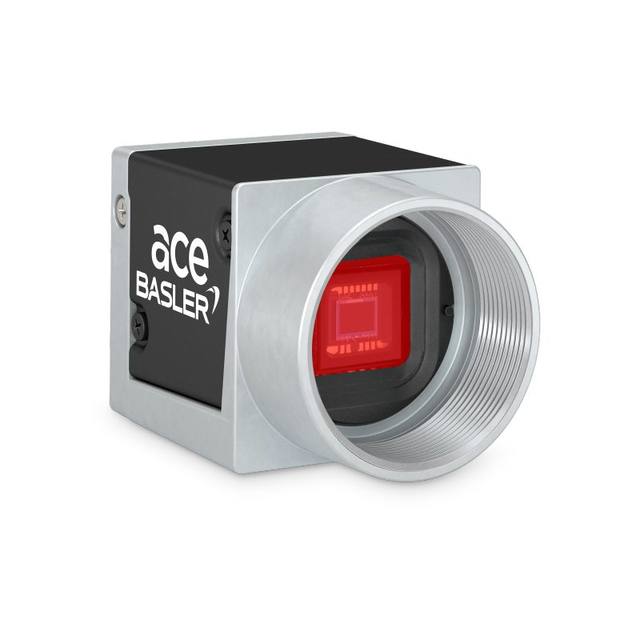
The Basler acA1920-155uc USB 3.0 camera with the Sony IMX174 CMOS sensor delivers 164 frames per second at 2.3 MP resolution.
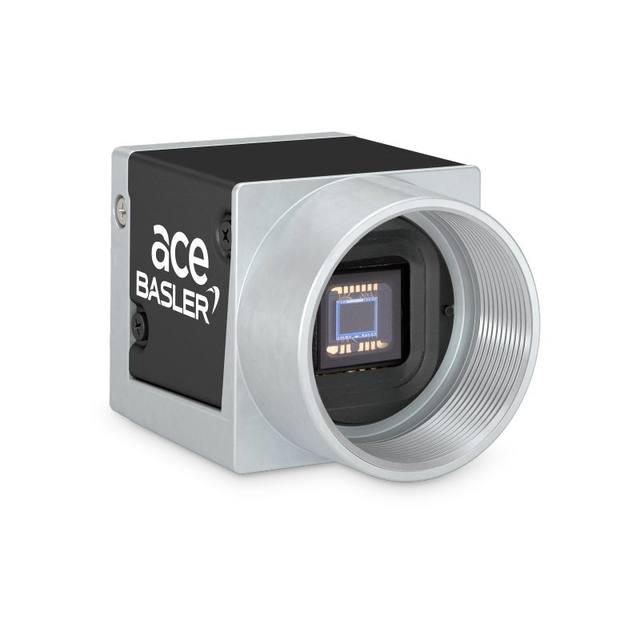
The Basler acA1920-155um USB 3.0 camera with the Sony IMX174 CMOS sensor delivers 164 frames per second at 2.3 MP resolution.
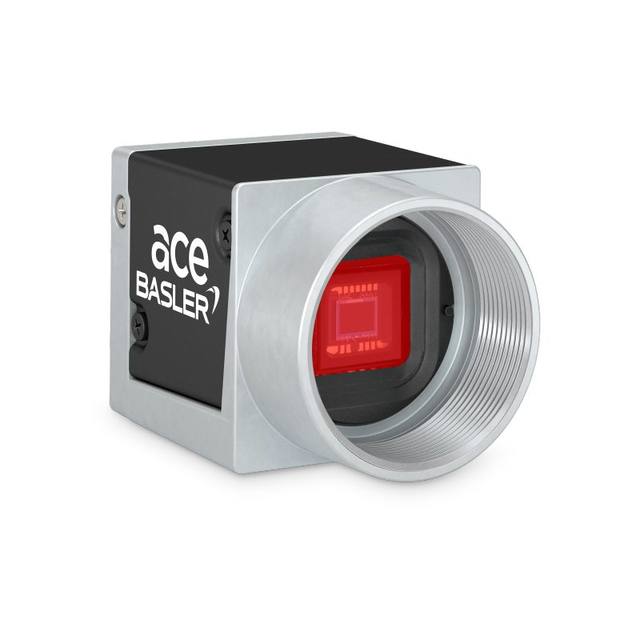
The Basler acA2000-165uc USB 3.0 camera with the ams CMV2000 CMOS sensor delivers 165 frames per second at 2 MP resolution.
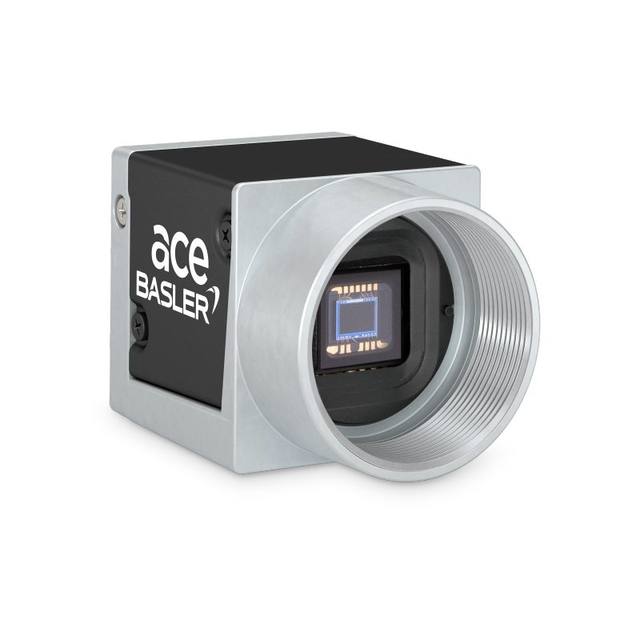
The Basler acA2000-165um USB 3.0 camera with the ams CMV2000 CMOS sensor delivers 165 frames per second at 2 MP resolution.
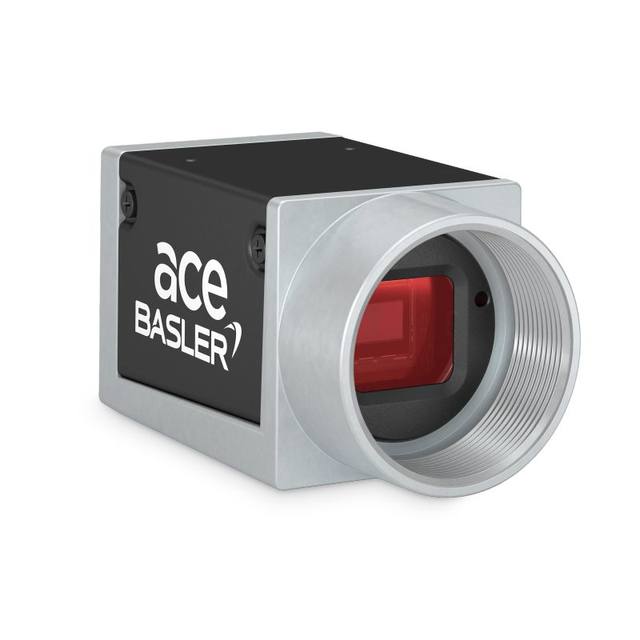
The Basler acA2000-340kc Camera Link camera with the ams CMV2000 CMOS sensor delivers 340 frames per second at 2 MP resolution.
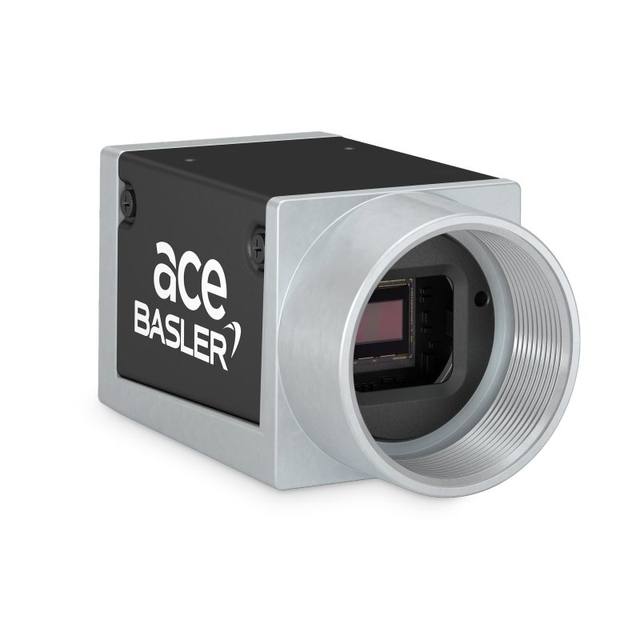
The Basler acA2000-340km Camera Link camera with the ams CMV2000 CMOS sensor delivers 340 frames per second at 2 MP resolution.
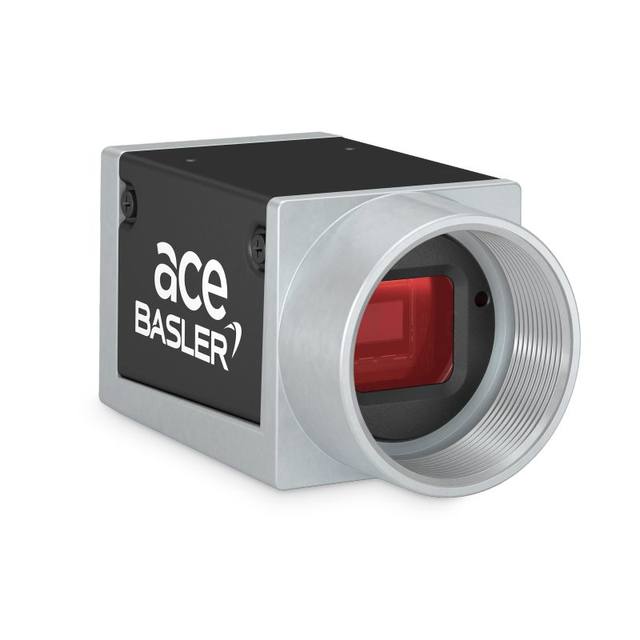
The Basler acA2040-180kc Camera Link camera with the ams CMV4000 CMOS sensor delivers 180 frames per second at 4 MP resolution.
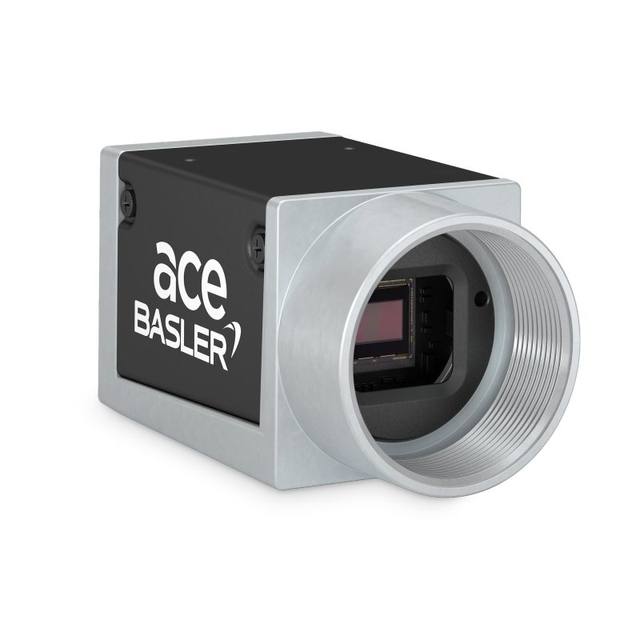
The Basler acA2040-180km Camera Link camera with the ams CMV4000 CMOS sensor delivers 180 frames per second at 4 MP resolution.
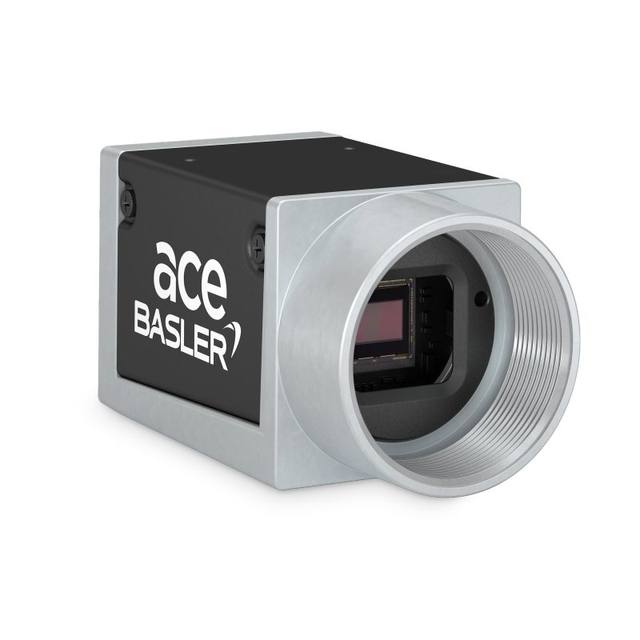
The Basler acA2040-180kmNIR Camera Link camera with the ams CMV4000 CMOS sensor (NIR enhanced) delivers 180 frames per second at 4 MP resolution.
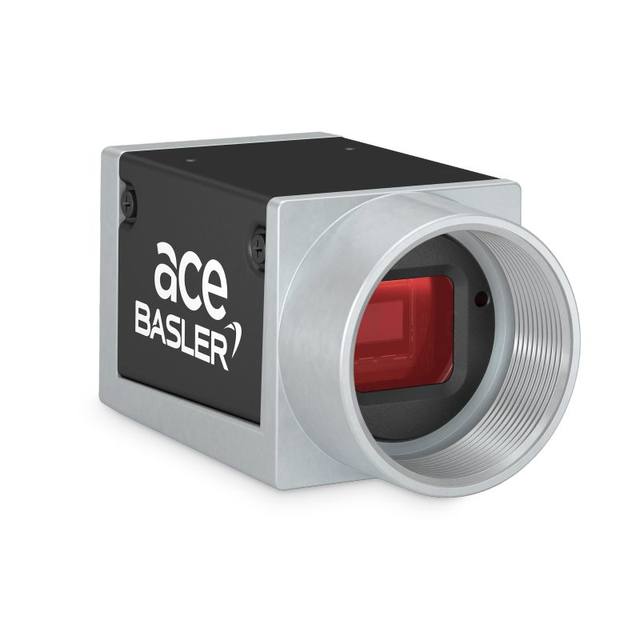
The Basler acA640-300gc GigE camera with the onsemi PYTHON 300 CMOS sensor delivers 376 frames per second at VGA resolution.
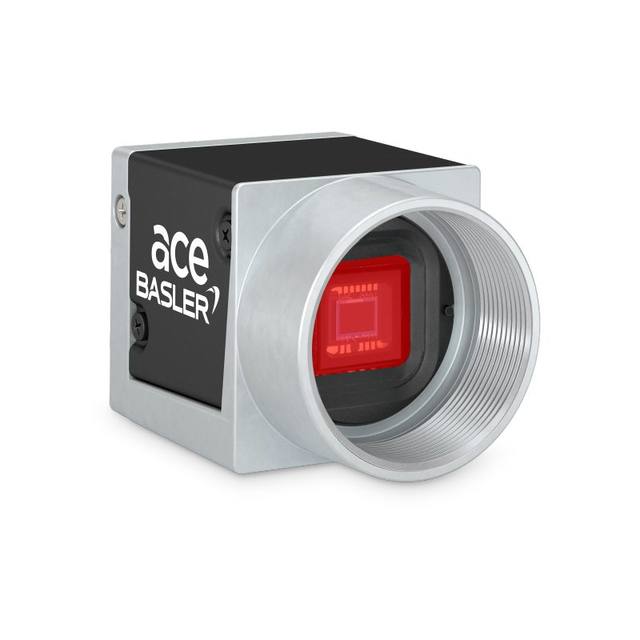
The Basler acA640-750uc USB 3.0 camera with the onsemi PYTHON 300 CMOS sensor delivers 751 frames per second at VGA resolution.
High-speed in an industrial context is not the multi-thousand-fps slow-motion world of crash testing and ballistics; those use specialised cameras with large internal memory that record a burst and download afterwards. Machine-vision high-speed cameras stream continuously: they sustain a high frame rate indefinitely so that every part on a fast line is inspected in real time. The practical question is always rate of parts, not peak fps — how many objects pass the camera per second, and how many frames you need of each to make a reliable decision.
Two separate clocks govern whether you keep up. The first is the sensor and its readout: how quickly it can expose and shift out a frame, which sets the theoretical maximum fps at a given resolution. The second is the transport: how fast the chosen interface and the receiving hardware can move and absorb that data without back-pressure. A camera that can produce 300 fps is useless if the link can only carry 120 fps of full frames; the sensor simply waits. Specifying a high-speed system means balancing both clocks against the real trigger rate of your line, with headroom for jitter.
The fundamental constraint is that frame rate and resolution trade against each other through a fixed data budget. A sensor reads out a finite number of pixels per second; spend them on a large frame and you get fewer frames, spend them on a small frame and you get more. This is why a camera quotes its maximum fps at full resolution, and a much higher number when windowed down — the two figures describe the same pixel throughput sliced differently. Sizing a high-speed camera therefore starts with the minimum resolution you genuinely need on the part, not the maximum the sensor offers.
Work the requirement backwards. Decide how many pixels must land on the smallest feature you have to detect or measure (a few pixels for presence, more for gauging or code reading), set the field of view from the part and its position tolerance, and that gives the resolution you actually need. Anything beyond that costs you frame rate and bandwidth for no inspection benefit. On fast lines it is common — and correct — to choose a moderate-resolution global-shutter sensor that hits a high frame rate cleanly rather than a high-megapixel sensor throttled down to a fraction of its speed.
Brands such as Basler, iRAYPLE and Omron/Sentech (STC) build high-speed models around fast global-shutter CMOS families precisely because those sensors offer a strong fps-per-megapixel ratio and clean readout. Match the sensor to the job: prioritise readout speed and shutter type for fast motion, and reserve very high pixel counts for the high-resolution category where dwell time allows it.
High frame rate alone does not give a sharp image of a moving part — exposure time does. Motion blur is set by how far the part travels across the sensor during the exposure, so the rule is simple: keep the object's movement within roughly one pixel (or a fraction of your smallest feature) for the duration of the exposure. On a fast conveyor that can mean exposures in the tens of microseconds, far shorter than the frame period. Confusing frame rate with exposure is one of the most common high-speed mistakes; you can run 200 fps and still record smeared, unusable images if the exposure is too long.
The catch is that very short exposures starve the sensor of light, and pushing analogue gain to compensate raises noise and erodes the contrast your algorithm or AI model depends on. The professional answer is light, not gain: deliver a large amount of controlled illumination during a short window. A strobed light source pulsed in sync with the camera trigger concentrates intense illumination into the exposure window, freezing motion while keeping noise low — and it lets lamps run harder in pulse mode than they could continuously. Pair the camera's strobe/flash output with a controllable LED source and a lighting controller, and synchronise both to an encoder or part-detect trigger.
Three details make or break this in practice. Use the camera's hardware trigger and strobe output rather than software timing, so exposure and flash are deterministic and jitter-free. Confirm the sensor's exposure and trigger latency are short and stable enough for your part rate. And design the optics for the short exposure: a faster lens (lower f-number) or more light lets you keep exposure short without lifting gain, preserving image quality at speed.
For continuous high-speed work the interface usually sets the ceiling, not the sensor. The data rate is resolution times bit depth times frame rate, and it must fit inside the interface's bandwidth with margin. GigE Vision (about 1 Gbit/s, ~115 MB/s usable) is the easy-to-integrate default with long cable reach, but it caps full-frame fps quickly; it suits modest resolutions or moderate speeds. USB3 Vision offers roughly 350–400 MB/s over short cables and is a strong single-camera high-bandwidth choice. For genuinely demanding cases, 10 GigE lifts the ceiling around tenfold, and CoaXPress (CXP) scales to several gigabytes per second over coax with deterministic, low-latency transfer and power-over-coax — the standard pairing for the fastest sensors.
Choose the interface from the sustained data rate the inspection demands, then leave headroom. A link run at its theoretical maximum has no slack for protocol overhead, host scheduling or bursty triggers, and the result is dropped frames or growing latency. It is also worth distinguishing burst from sustained throughput: a camera with on-board buffering can absorb a short burst above the link rate, but if your average part rate exceeds what the interface can carry continuously, the buffer fills and you start losing frames. Size for the sustained case.
The catalog spans these interfaces across Basler, iRAYPLE and Omron/Sentech, so the camera can be matched to the bandwidth the application actually needs. As a rough hierarchy: GigE for reach and simplicity at modest speed; USB3 for a fast single-camera link over short runs; 10 GigE or CoaXPress when full-resolution frame rate outruns the others.
When you need more speed than full-frame readout allows, two on-sensor tools recover it. A region of interest (ROI / AOI) reads out only the rows and columns you care about; because frame rate scales with the area read, cropping to a band or a small window can multiply fps dramatically — ideal when parts pass through a known strip of the field. Binning combines neighbouring pixels, trading resolution for lower data volume and higher sensitivity, which helps when light is scarce at short exposures and you do not need every pixel. Both reduce the data that has to cross the interface, easing the bandwidth ceiling as well as lifting the sensor's fps.
Shutter type is non-negotiable for fast motion. A global shutter exposes every pixel at the same instant, so a moving part is captured without distortion. A rolling shutter exposes rows sequentially and will skew or smear a fast-moving object, even with a short exposure, because different rows see the part at different positions. High-speed machine-vision cameras are therefore almost always global shutter, and you should treat that as a hard requirement whenever the object moves during acquisition.
For the most demanding sustained rates, a frame grabber earns its place. With CoaXPress or Camera Link, the grabber handles deterministic, low-latency capture, offloads the host CPU, can drive precise trigger and strobe timing, and reliably sustains throughput that a software-only NIC stack may not. For GigE and USB3 the host receives directly, so a properly specified NIC, driver and PC matter just as much — a fast camera behind an undersized host will still drop frames. Decide early whether the architecture is grabber-based (CXP/Camera Link) or host-based (GigE/USB3), because it shapes the camera choice, the cabling and the PC build.
How global and rolling shutters differ, why rolling shutter distorts moving objects, and when each is the right choice for industrial inspection.
How to build a high-speed machine-vision system: balance frame rate against resolution, freeze motion with short exposure and strobe lighting, and size the interface and frame grabber for sustained throughput.
A practical guide to continuous, strobed, and overdrive LED lighting in machine vision: why a short pulse freezes motion, why overdrive (not strobing alone) adds brightness, how to synchronize the pulse to camera exposure, the duty-cycle limits that protect LED life, and how to size and select a lighting controller.
We help you choose high-speed cameras based on your application, FOV, working distance and environment.