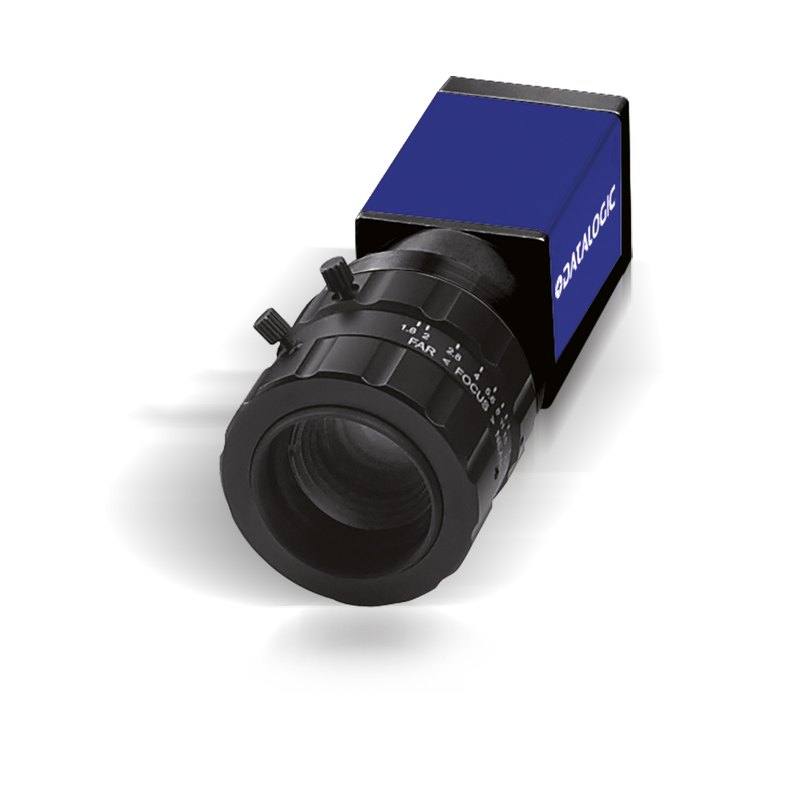
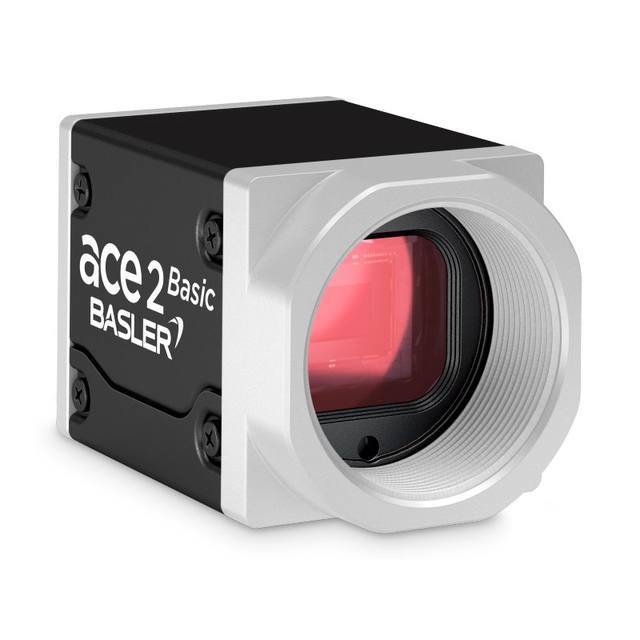
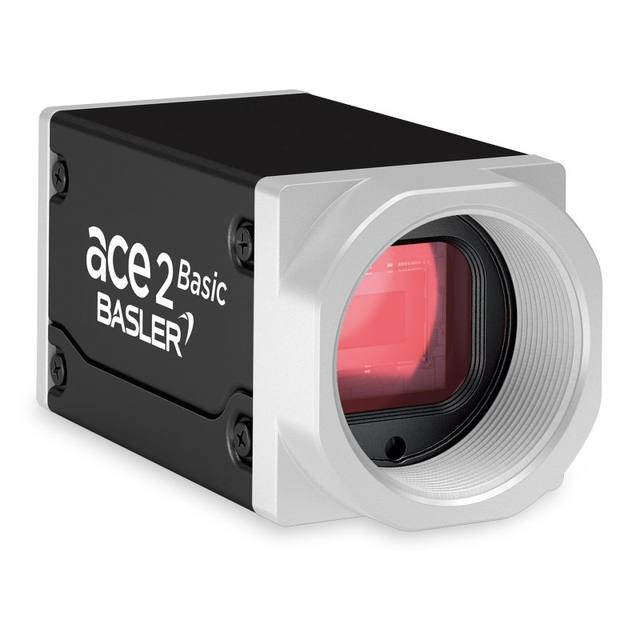
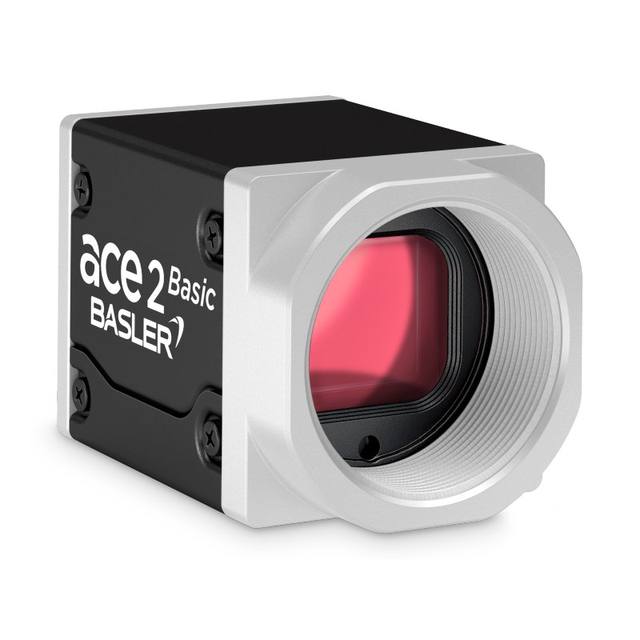
The CAM-E151-GE (E151) is a compact GigE area-scan camera in Datasensing's E1xx/M1xx series, built around a 1/2" (6.14 x 4.92 mm) global-shutter CMOS sensor with 1280 x 1024 resolution and 4.8 x 4.8 um square pixels. It delivers 75 full-resolution frames per second (higher with partial scan) in grayscale, with gain adjustable from 100% to 1023% and exposure from 112 us to 1 s. The camera uses a C-mount lens interface over a Gigabit Ethernet (1000Base-T) link and is powered by PoE or 12-24 VDC, in a small 42 x 29 x 29 mm IP30 housing rated for 0-50 C operation. Datalogic part number 959933024; integrates with Datalogic MX-E / Impact vision systems.
Brand
Datalogic / Datasensing
Camera type
Area scan
Interface
GigE Vision (1000Base-T, PoE)
Resolution
1.3 MP (1280 x 1024)
Horizontal resolution
1280 x 1024 px
Mono / color
Mono (grayscale)
Shutter
Global shutter
FPS
75 fps (full resolution; higher with partial scan)
The CAM-E151-GE sits in the lightweight, general-purpose tier of Datasensing's GigE area-scan range. Its core is a 1/2-inch (6.14 x 4.92 mm) global-shutter CMOS sensor delivering 1280 x 1024 pixels (1.3 MP) of monochrome data on 4.8 um square pixels. The global shutter is the defining feature here: every pixel is exposed simultaneously, so a part moving past the camera, or a camera mounted on a moving axis, is captured without the skew and smear that a rolling shutter would introduce. That makes this camera a natural fit for triggered inspection on a conveyor or index table, where parts are in motion at the instant of capture. The mono sensor concentrates all available photons into a single grayscale channel rather than splitting them across a color filter array, which improves light efficiency and edge contrast for measurement, presence/absence and code-reading tasks where color is not the discriminating feature.
On the speed side, the camera runs 75 full-resolution frames per second over its Gigabit Ethernet link, and the technical summary notes higher rates are available with partial scan (windowing a region of interest reduces the data per frame and lifts the frame rate). At 1.3 MP, 75 fps comfortably covers the throughput of most discrete-part inspection lines, and the partial-scan headroom gives room for high-rate triggered grabs on small targets. Exposure is adjustable from 112 us up to 1 s and gain from 100% to 1023%, a wide envelope that lets the integrator freeze fast motion with a short exposure plus strobed lighting at one end, or accumulate signal in dim, fixed scenes at the other. Because the sensor is monochrome, pairing it with a wavelength-matched illuminator (and an optical filter on the lens) is the standard way to maximize contrast and reject ambient light.
Mechanically and electrically the E151 is built for tight, clean installations. The C-mount interface is the workhorse standard for this format, giving access to a very broad catalog of fixed-focal lenses; with an 8 mm sensor diagonal and 4.8 um pixels, ordinary C-mount optics will resolve the sensor without exotic high-resolution lenses. Connectivity is GigE Vision / GenICam, so the camera is discoverable and configurable from any compliant vision software and integrates directly with Datalogic's MX-E / Impact systems (Datalogic part 959933024). Power arrives either over the same Ethernet cable via PoE or from a 12-24 VDC supply, so a single cable can carry both data and power. The housing is a compact 42 x 29 x 29 mm block rated IP30 for 0-50 C operation, indicating an enclosed cabinet/machine-integrated camera rather than a washdown unit, so it belongs inside a machine guard or a sealed enclosure rather than in a hose-down food zone.
Best for
Triggered presence/absence and defect inspection of discrete parts moving on a conveyor or index table, where the global shutter prevents motion skew at the moment of capture
Code and character work such as OCR/OCV verification and 1D/2D code reading where grayscale contrast matters more than color
Dimensional and gauging measurements on small to medium parts, using the sharp mono edges and fixed C-mount optics for repeatable geometry
High-rate triggered capture on a small target by windowing the sensor (partial scan) to push frame rate above the 75 fps full-frame figure
Space-constrained machine builds where the 42 x 29 x 29 mm body and single-cable PoE wiring simplify integration inside a cabinet or guarded cell
Selection notes
Resolution is fixed at 1.3 MP (1280 x 1024). Confirm that this pixel count covers your field of view at the smallest defect or feature you must resolve; for fine inspection over a wide FOV you may need a higher-resolution model instead.
IP30 rating means this is an enclosure/cabinet camera, not a washdown unit. For wet, dusty or hose-down environments plan a protective housing, and keep operation within the 0-50 C range.
It is a monochrome camera. If your application discriminates by color (sorting, color-coded marks), this sensor cannot do that; mono is the right choice only when contrast or geometry is the cue.
Lighting and triggering pairing is essential. To exploit the global shutter, budget for a wavelength-matched strobed illuminator and a short exposure (down to 112 us); add a matching optical filter on the C-mount lens to suppress ambient light.
Plan the GigE link: a 1000Base-T port with a PoE-capable switch or PoE injector, and standard Cat 5e/6 cabling. Using PoE consolidates power and data on one cable; otherwise provide 12-24 VDC. Verify GigE Vision / GenICam compatibility with your chosen software or use Datalogic MX-E / Impact.
Specifications: General
Brand
Datalogic / Datasensing
Camera type
Area scan
Specifications: Sensor
Resolution
1.3 MP (1280 x 1024)
Horizontal resolution
1280 x 1024 px
Mono / color
Mono (grayscale)
Shutter
Global shutter
Sensor size
1/2" (6.14 x 4.92 mm, 8 mm diag)
Pixel size
4.8 x 4.8 um
Specifications: Performance
FPS
75 fps (full resolution; higher with partial scan)
Specifications: Interface
Interface
GigE Vision (1000Base-T, PoE)
Protocols
GigE Vision / GenICam
Specifications: Optics
Mount
C-mount
Specifications: Electrical
Power
PoE or 12-24 VDC
Specifications: Environment
IP rating
IP30
Operating temperature
0 to 50 C
Specifications: Mechanical
Dimensions
42 x 29 x 29 mm
Weight
1 g
Applications this camera is commonly selected for. Open one to see the full recommended hardware and approach.
Matched automatically by: lens mount fits the camera mount · lens image circle covers the camera sensor — this camera: C-mount · 1/2" (6.14 x 4.92 mm, 8 mm diag) sensor.
By category
All 229C-mount lenses 164Telecentric lenses 62F-mount / large-format lenses 3
By brand
All 229Omron / Sentech 74iRAYPLE 66Basler 59Datalogic / Datasensing 30
1. Install the IMPACT Software Suite and connect the camera
Install the IMPACT Software Suite on your PC, which provides both the configuration/viewer tools and the SDK. For a GigE Vision model (E100, M or U series), connect it to a dedicated NIC and, for USB3 models, use a certified USB3 cable and port. Power the camera and confirm it enumerates.
2. Bring the camera online and verify the link
For GigE Vision, put the camera and the host NIC on the same subnet (a static IP on the camera matching the NIC range is the most reliable starting point); for USB3, confirm the device is recognized. Open the IMPACT viewer/device tool, discover the camera, and verify a stable connection before streaming. Enabling jumbo frames on the NIC helps GigE throughput.
3. Set exposure, gain and trigger, then grab a first image
In the IMPACT tools, start a live stream and adjust exposure and gain until the image is well-lit without saturation; set white balance on color models. Begin in free-run (continuous) mode to confirm imaging, then switch to hardware or software trigger as your application requires. Capture and save a reference image once the scene looks correct.
4. Build a vision tool or move to the SDK/API
Use the IMPACT point-and-click vision tools to assemble an inspection, or use the IMPACT SDK to access the camera and results programmatically and feed them into your HMI/PLC application. As these are GenICam/GenTL-compliant devices, you can alternatively drive them from any GenICam-compliant third-party vision library if your pipeline standardizes on one.
5. Route the stable feed to deep-learning inspection (optional)
Once you have a stable, repeatable image, the feed can be sent to a deep-learning inspection platform such as Rosepetal for defect detection or classification tasks that go beyond rule-based tooling. Keep lighting, optics and trigger timing fixed so the images reaching the model stay consistent.
Frequently asked questions
It uses a 1/2-inch (6.14 x 4.92 mm) global-shutter CMOS sensor with 1280 x 1024 resolution (1.3 MP) and 4.8 x 4.8 um square pixels. The sensor is monochrome (grayscale).
It delivers 75 frames per second at full 1280 x 1024 resolution over Gigabit Ethernet. Higher frame rates are available with partial scan, where windowing a smaller region of interest reduces the data per frame.
It connects over a GigE Vision Gigabit Ethernet (1000Base-T) link using the GigE Vision / GenICam protocol, and is powered either by Power-over-Ethernet on the same cable or by a 12-24 VDC supply.
The camera has a C-mount interface, which gives access to a wide range of standard fixed-focal C-mount lenses. With an 8 mm sensor diagonal and 4.8 um pixels, ordinary C-mount optics resolve the sensor without needing specialized high-resolution lenses.
No. The housing is rated IP30 and specified for 0-50 C operation, so it is intended for use inside a cabinet, machine guard or protective enclosure rather than direct washdown or wet/dusty exposure.
Exposure is adjustable from 112 us to 1 s and gain from 100% to 1023%, letting you use a short exposure with strobed light to freeze motion, or a longer exposure with added gain for dim, static scenes.