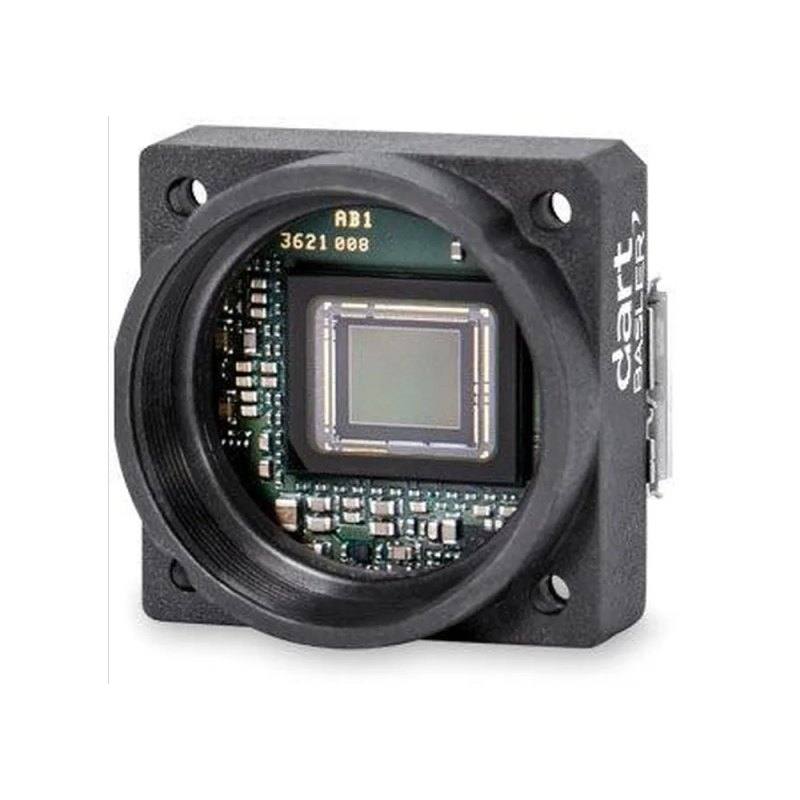
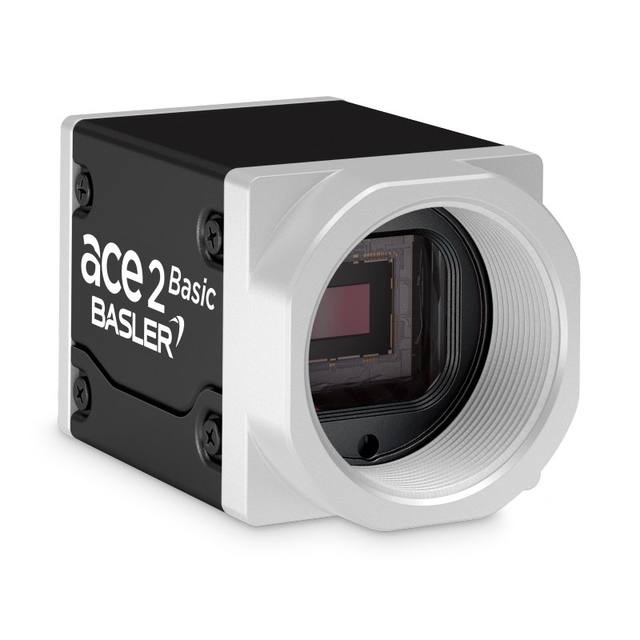
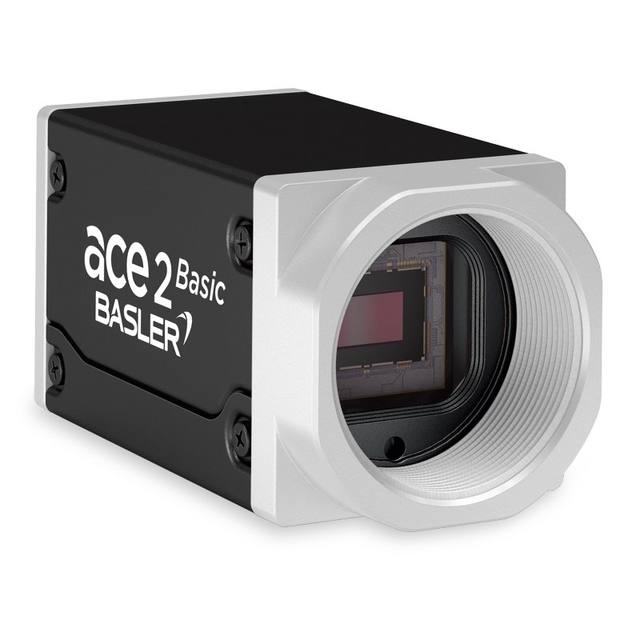
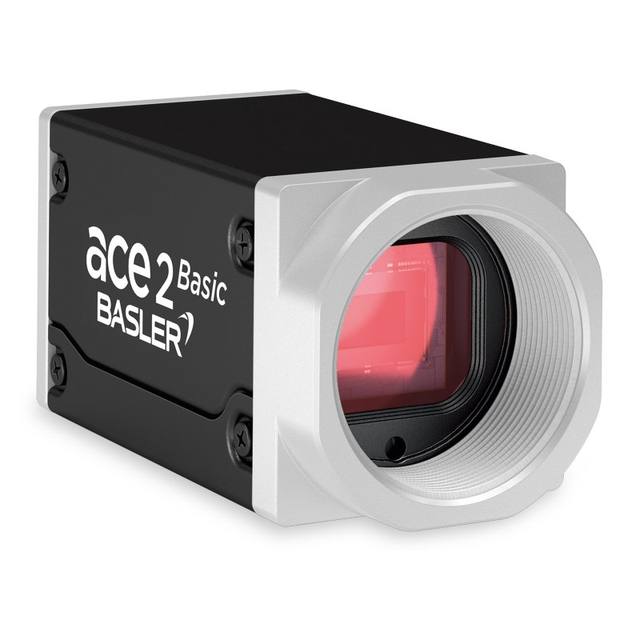
The Basler daA2448-70um is a dart-series USB 3.0 board-level area scan camera featuring a Sony IMX548 progressive scan CMOS sensor with a 1/1.8" optical format and 2448 × 2048 pixel resolution (5 MP). It uses a global shutter with 2.74 µm pixel pitch and achieves up to 72.8 fps at full resolution over USB3 Vision / GenICam. The camera is available in bare board, S-mount, and CS-mount variants, weighing as little as 5 g, and consumes approximately 1.8 W at 5 VDC, making it suited for compact embedded vision systems.
The Basler daA2448-70um pairs the Sony IMX548 global shutter sensor — a 5 MP (2448 x 2048) Sony Pregius CMOS device in a 1/1.8" optical format — with a USB 3.0 SuperSpeed interface to deliver up to 72.8 fps at full resolution. The 2.74 µm pixel pitch is fine enough to resolve tight surface features and small character strokes without binning, while the global shutter captures every pixel simultaneously. That simultaneity is critical on moving lines: parts can travel past the camera at line speed without the diagonal smear artefacts that a rolling shutter would introduce, making the sensor a reliable foundation for in-motion inspection, robot guidance, and code reading wherever a physical trigger pulse is impractical or the conveyor cannot be stopped.
At 20 x 29 x 29 mm and 15 g, this is a board-level dart-series camera offered in bare-board, S-mount, and CS-mount variants. CS-mount gives the widest choice of off-the-shelf machine-vision lenses covering the 1/1.8" (6.71 x 5.61 mm active area) format; S-mount suits tightly integrated OEM assemblies where the PCB mounts directly inside a housing. Power draw is approximately 1.8 W drawn entirely from the USB 5 VDC bus, so no separate power rail is required — one cable carries both data at 5 Gbit/s and power. USB3 Vision and GenICam 2.x compliance means the camera integrates cleanly into any GenICam-aware software framework without vendor-specific drivers, and standard features such as hardware trigger, exposure control, and ROI are all accessible through the same interface.
The combination of 5 MP resolution, a 1/1.8" sensor, and up to 72.8 fps positions this camera at the capable end of compact-format USB3 imagers. Designers integrating it into embedded or OEM systems benefit from the low 1.8 W thermal load — meaningful in fanless enclosures or multi-camera arrays where aggregate heat is a constraint — and the 0 to 50 °C operating range covers typical factory-floor ambient temperatures. For lighting and trigger pairing, the global shutter allows short strobe pulses without motion blur, so high-intensity pulsed LEDs can be used to freeze motion and maximise effective SNR. Lenses covering the CS-mount flange distance and 1/1.8" image circle should be selected; using a lens rated for a smaller format will introduce vignetting and corner softness that undermines resolution at the sensor periphery.
Best for
High-speed surface and defect inspection on moving conveyors where global shutter is mandatory to prevent motion smear at 72.8 fps
Compact OEM or embedded vision modules — bare-board and S-mount variants fit directly into custom housings with a single USB cable carrying both data and 1.8 W power
Industrial OCR/OCV and 1D/2D barcode reading where 5 MP resolution provides sufficient pixels-per-character across moderate fields of view
Robot guidance and pick-and-place applications requiring snapshot imaging of randomly positioned parts without mechanical synchronisation
Multi-camera inspection arrays in electronics, semiconductor, or pharma lines where per-camera thermal and cabling overhead must stay minimal
Selection notes
Lens format matching: the Sony IMX548 has a 6.71 x 5.61 mm active area (1/1.8" diagonal, 8.7 mm). Lenses must be rated for at least 1/1.8" image circle; lenses designed for 1/2" or smaller formats will vignette the outer columns and rows, wasting resolution. CS-mount lenses require the standard 12.526 mm flange-to-sensor distance; verify no extension rings are inserted unintentionally.
USB host controller quality matters at 72.8 fps / 5 MP: at full frame and maximum frame rate the pixel stream approaches the 5 Gbit/s USB3 ceiling. Use a dedicated USB 3.0 host controller per camera — sharing a single host across multiple cameras will cause frame drops. Basler recommends validated host controllers and recommends disabling USB selective suspend in the OS power settings.
Global shutter enables strobe triggering: because all pixels integrate simultaneously, a pulsed LED strobe synchronised to the camera's trigger input can freeze parts moving at line speed. Size the strobe pulse width to the minimum exposure your lighting permits — typically 50–200 µs for bright LEDs — rather than relying on continuous illumination, which reduces thermal stress on the fixture and improves contrast.
Operating temperature ceiling is 50 °C: in fanless enclosures or multi-camera arrays, verify that the combined thermal load does not push the PCB ambient above this limit. At 1.8 W per camera, a four-camera array dissipates 7.2 W inside the enclosure before accounting for host PC or other electronics.
Monochrome-only variant: this model (suffix 'um') is monochrome. If colour differentiation is required — distinguishing wire insulation colours, label print colours, or food product hues — a colour variant (suffix 'uc') must be selected instead. Monochrome sensors deliver higher quantum efficiency and SNR per pixel compared with equivalent colour (Bayer) sensors, which is an advantage for defect inspection under monochromatic lighting.
Specifications: General
Brand
Basler
Camera type
Area Scan
Specifications: Sensor
Resolution
5 MP
Horizontal resolution
2448 px
Mono / color
Monochrome
Sensor manufacturer
Sony Pregius
Sensor model
Sony IMX548-AAMJ-C
Shutter
Global Shutter
Sensor size
1/1.8" (8.7 mm diagonal, 6.71 × 5.61 mm)
Pixel size
2.74 µm × 2.74 µm
Specifications: Performance
FPS
72.8 fps (max, throughput limit disabled)
Specifications: Interface
Interface
USB 3.0 (SuperSpeed 5 Gbit/s)
Protocols
USB3 Vision, GenICam 2.x
Specifications: Optics
Mount
CS-Mount (also S-Mount and No-Mount variants)
Specifications: Electrical
Power
USB-powered (~1.8 W @ 5 VDC)
Specifications: Environment
Operating temperature
0 to 50 °C
Specifications: Mechanical
Dimensions
20 × 29 × 29 mm
Weight
15 g
Applications this camera is commonly selected for. Open one to see the full recommended hardware and approach.
Matched automatically by: lens mount fits the camera mount · lens image circle covers the camera sensor — this camera: CS-Mount (also S-Mount and No-Mount variants) · 1/1.8" (8.7 mm diagonal, 6.71 × 5.61 mm) sensor.
By category
All 220C-mount lenses 155Telecentric lenses 62F-mount / large-format lenses 3
By brand
All 220iRAYPLE 66Omron / Sentech 66Basler 59Datalogic / Datasensing 29
Get a first image quickly with the pylon Viewer, then move into the pylon SDK for your application. These cameras are GenICam/GenTL-compliant, so any compliant vision software can drive them as well.
Download and install the pylon Camera Software Suite for your OS from Basler. This provides the pylon Viewer, the GenTL transport-layer producers and the pylon SDK (C/C++/.NET/Python). On Windows the installer adds the needed drivers; on Linux follow the included setup notes for USB and network permissions.
2. Connect the camera and check the link
Cable the camera to its matching interface: GigE Vision to a GigE port (use a quality cable and, ideally, a dedicated NIC with jumbo frames enabled), USB3 Vision to a USB 3.x port with the supplied cable, or CoaXPress to the frame grabber. Provide power where required (PoE, USB bus power, or PoCXP). Open the pylon Viewer and confirm the camera appears in the device list; for GigE, make sure the camera and NIC are on the same subnet.
3. Grab a first image and set exposure, gain and pixel format
Select the camera in the pylon Viewer and start a continuous grab. Adjust exposure time and gain until the image is well exposed (avoid clipped highlights), set the pixel format (e.g. Mono8 or a Bayer/RGB format), and focus the lens. Use a test pattern if the lens or scene is not ready yet.
4. Configure triggering and acquisition
Decide between free-run and triggered acquisition. For synchronized capture, set the trigger source (software or a hardware line on the I/O connector), trigger mode and any debounce or exposure mode, then verify timing. Note the parameter names you change in the Viewer feature tree, as you will reuse them in code.
5. Move to the SDK or a GenICam-compliant library
Recreate your settings in code with the pylon SDK (C, C++, .NET or Python) to open the device, apply the same features and pull frames into your pipeline; pylon vTools and pylon AI can add processing blocks. Because the cameras are GenICam/GenTL standard, third-party vision libraries work too. Once the image stream is stable, you can route frames to a deep-learning inspection such as Rosepetal for automated defect detection.
Frequently asked questions
The camera achieves up to 72.8 fps at full 2448 x 2048 resolution when the throughput limit is disabled via the GenICam DeviceLinkThroughputLimitMode feature. With the limit enabled the frame rate is capped to avoid buffer overruns on slower host controllers; disabling it pushes the USB3 link toward its 5 Gbit/s ceiling and requires a validated, dedicated USB host controller.
Yes, with a 5 mm C-to-CS adapter ring. CS-mount has a 12.526 mm flange distance; C-mount has 17.526 mm. Adding the 5 mm adapter converts a C-mount lens to the correct back focal distance. Ensure the lens image circle covers 1/1.8" (8.7 mm diagonal) regardless of mount type.
No. The daA2448-70um draws approximately 1.8 W at 5 VDC entirely from the USB bus. A single USB 3.0 cable provides both the 5 Gbit/s data link and all required operating power, eliminating a separate power connector or supply in the installation.
The global shutter ensures all pixels are exposed at the same instant, so motion artefacts are eliminated at any conveyor speed as long as exposure time is short enough to freeze motion (motion blur limit = conveyor speed x exposure time). However, a hardware trigger input is available via the USB3 Vision interface and is recommended to synchronise frame capture to part position using a photoelectric sensor or encoder signal for repeatable, well-framed images.
The camera complies with the USB3 Vision transport layer standard and GenICam 2.x, meaning it works with any GenICam-compliant vision software — including Basler's own pylon SDK, Halcon, VisionPro, NI Vision, and open-source frameworks such as OpenCV via the Aravis library. No vendor-specific driver installation is required beyond a standard USB3 Vision GenTL producer.