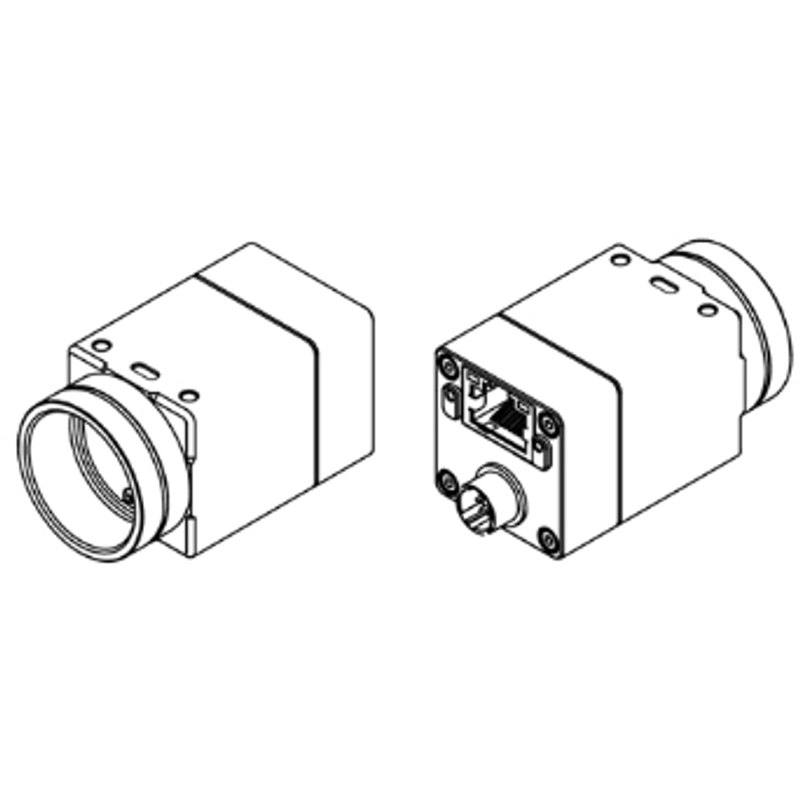
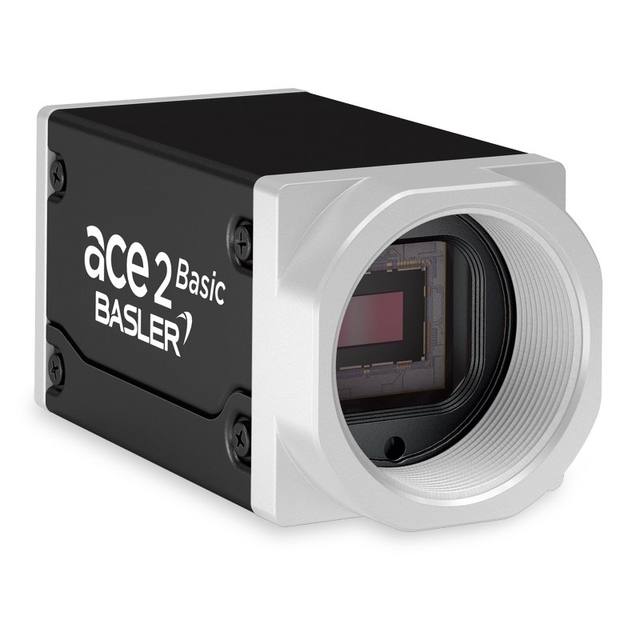
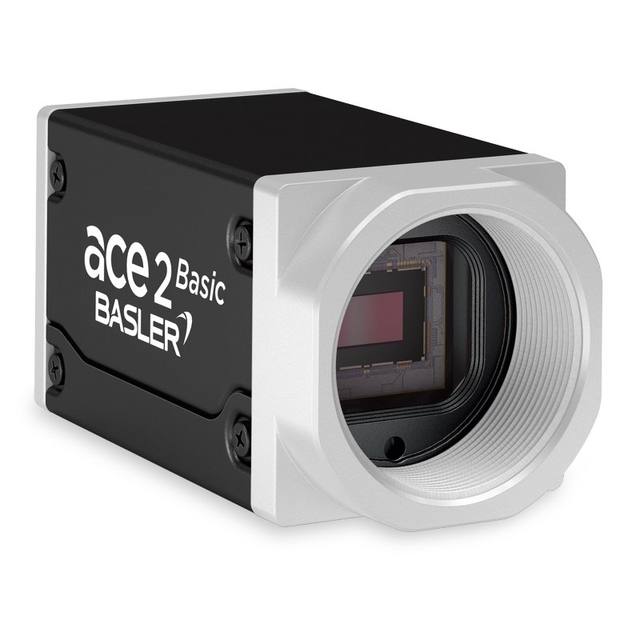
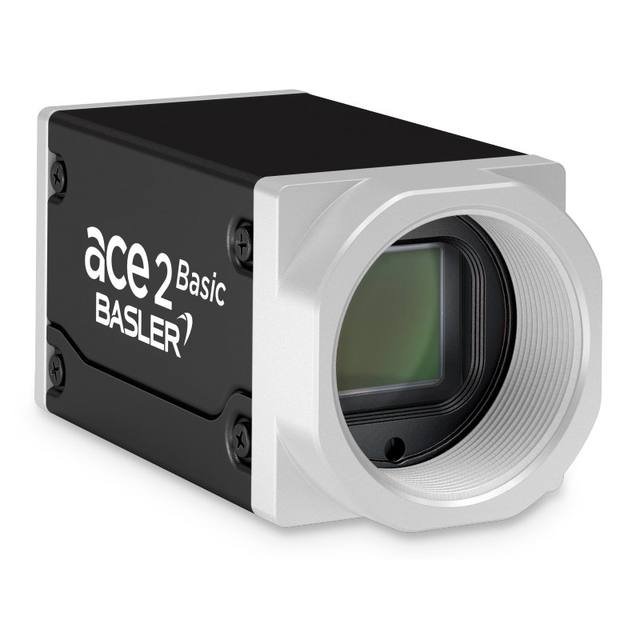
The STC-MBE132POE (mono) and STC-MCE132POE (color) are small-housing GigE Vision 2.1 cameras using a 1/1.8" Teledyne e2v EV76C560 global-shutter CMOS sensor at 1,280 x 1,024 pixels (1.3MP) with 5.3 µm square pixels. They deliver up to 61.0 fps over a 1000BASE-T GigE interface with PoE (IEEE 802.3af), and also accept external +10.8 to +26.4 Vdc power. The C-mount cameras measure 29 x 29 x 53 mm, weigh about 63 g, and output 8-bit/10-bit data with exposure times from 10 µs to 1 s.
Brand
Omron / Sentech
Camera type
Area scan
Interface
GigE Vision (1000BASE-T, PoE)
Resolution
1.3 MP
Horizontal resolution
1,280 (H) x 1,024 (V) px
Mono / color
Mono (STC-MBE132POE) / Color (STC-MCE132POE)
Sensor manufacturer
Teledyne e2v
Sensor model
Teledyne e2v EV76C560
Shutter
Global shutter / Rolling shutter (selectable; EV76C560 dual-mode)
This is a compact 1.3 MP area-scan camera built around the Teledyne e2v EV76C560 CMOS sensor, a 1/1.8-inch device delivering 1,280 (H) x 1,024 (V) pixels on 5.3 um square pixels. The standout characteristic is the sensor's dual-mode shutter: it can run in global shutter for distortion-free capture of moving parts, or be switched to rolling shutter, so the same camera covers both conveyor-tracking work and slower static inspection. At 5.3 um, the pixels are relatively large for a 1.3 MP part, which favors sensitivity and signal-to-noise over raw pixel count, a sensible trade for line-side inspection where light budget and shutter speed matter more than megapixels. Both versions share the sensor and housing; choose the STC-MBE132POE (mono) for maximum sensitivity and contrast on defect, gauging and code work, or the STC-MCE132POE (color) when the application depends on color discrimination such as wire, label or component verification.
The interface is GigE Vision 2.1 over 1000BASE-T with GenICam, which standardizes cleanly across a multi-camera cell; as with any 1000BASE-T link, a single Cat-5e/6 run reaches the standard ~100 m before needing a switch. The camera is PoE-powered (IEEE 802.3af), so a single Ethernet cable carries both data and power at roughly 3.7 W draw, simplifying cabling and machine wiring; where PoE is unavailable it also accepts external +10.8 to +26.4 Vdc. Frame rate tops out at 61.0 fps at full resolution, with exposure adjustable from 10 us at the fast end to 1 s for very dim scenes, and pixel output selectable at 8-bit or 10-bit for finer tonal gradation in grading and measurement tasks.
Mechanically this is a small-footprint design: 29 (W) x 29 (H) x 53 (D) mm and about 63 g, with a C-mount for lensing. The compact body and light weight make it well suited to robot end-of-arm mounting and tight multi-camera fixtures, while the C-mount opens the full range of standard machine-vision optics, match the lens to the 1/1.8-inch format and your required field of view and working distance. Note the operating temperature window of 0 to +35 C, which is comfortable for climate-controlled production lines but worth checking against hot enclosures or outdoor-adjacent installs. To get full value from the global-shutter mode on fast lines, pair short exposures with adequate illumination and a hardware trigger so motion is frozen cleanly; strobed lighting synchronized to the trigger is the typical approach.
Best for
Conveyor-side defect inspection of moving parts, where global shutter freezes motion without smear at up to 61 fps
Industrial OCR/OCV and 1D/2D code reading on packaging and labels, using the mono version for maximum contrast
Dimensional measurement and gauging tasks that benefit from 10-bit output and distortion-free global-shutter capture
Robot guidance and end-of-arm vision, where the 63 g, 29 x 29 mm body fits compact, weight-sensitive mounts
Multi-camera inspection cells standardized on GigE Vision with single-cable PoE wiring for simplified machine integration
Selection notes
Confirm whether you need mono or color before ordering: the STC-MBE132POE (mono) maximizes sensitivity and contrast for defect, code and gauging work, while the STC-MCE132POE (color) is the choice only when color discrimination is essential.
At 1.3 MP (1,280 x 1,024), verify the resolution covers your smallest defect or feature across the required field of view; the 5.3 um pixels favor light sensitivity over fine spatial detail, so larger fields or tiny features may need a higher-resolution camera.
Plan the network: a single 1000BASE-T link reaches the standard ~100 m on one cable but caps bandwidth, so size switches, NIC count and cabling for the number of cameras and the 61 fps stream.
Decide your power path early: PoE (IEEE 802.3af) carries data and ~3.7 W on one cable, but if your infrastructure lacks PoE you will need to supply external +10.8 to +26.4 Vdc.
Budget illumination and triggering for global-shutter operation: short exposures down to 10 us freeze motion but demand bright, ideally strobed lighting synced to a hardware trigger, and confirm the 0 to +35 C rating suits your enclosure thermals.
Specifications: General
Brand
Omron / Sentech
Camera type
Area scan
Specifications: Sensor
Resolution
1.3 MP
Horizontal resolution
1,280 (H) x 1,024 (V) px
Mono / color
Mono (STC-MBE132POE) / Color (STC-MCE132POE)
Sensor manufacturer
Teledyne e2v
Sensor model
Teledyne e2v EV76C560
Shutter
Global shutter / Rolling shutter (selectable; EV76C560 dual-mode)
Sensor size
1/1.8"
Pixel size
5.3 x 5.3 µm
Specifications: Performance
FPS
61.0 fps
Specifications: Interface
Interface
GigE Vision (1000BASE-T, PoE)
Protocols
GigE Vision 2.1 / GenICam
Specifications: Optics
Mount
C-mount
Specifications: Electrical
Power
PoE (IEEE 802.3af) or external +10.8 to +26.4 Vdc
Power consumption
3.7 W
Specifications: Environment
Operating temperature
0 to +35 °C
Specifications: Mechanical
Dimensions
29 (W) x 29 (H) x 53 (D) mm
Weight
63 g
Applications this camera is commonly selected for. Open one to see the full recommended hardware and approach.
These steps take an Omron Sentech (STC) camera from the box to a stable first image and on to your own application. They apply across the GigE Vision, USB3 Vision and CoaXPress STC families; the interface only changes how you cable and power the camera.
Download and install the Sentech SDK on the host PC. The package provides StViewer, the viewing and configuration software you use to bring the camera up, and StApi, the programming SDK you integrate later. Because the cameras are GenICam/GenTL-compliant, StApi also registers a GenTL producer, so any GenICam-compliant third-party vision software can discover and drive the camera as an alternative front end.
2. Cable, power and connect the camera
Connect according to the interface. GigE Vision: link to a Gigabit NIC (use PoE or the separate power input) and put the camera and host on the same subnet; for USB3 Vision use a USB 3.x port and a certified cable; for CoaXPress (STC) connect to a CoaXPress frame grabber, which also supplies Power-over-Coax. Then open StViewer and let it enumerate the camera. If a GigE camera does not appear, check the IP configuration and firewall, and on USB3 confirm the host bandwidth and driver.
3. Configure exposure, gain and white balance
Open the device in StViewer and start a live stream. Set exposure and gain for a well-exposed, low-noise image: raise exposure first and only add gain when more light or a faster shutter is not an option, keeping exposure short enough to freeze motion on global-shutter models. On colour cameras, run white balance under your actual production lighting. Adjust the lens aperture and focus on a representative target before tuning anything else.
4. Set the trigger and grab a first image
Start in free-run (continuous) acquisition to confirm a clean, stable image. For inline inspection switch to hardware or software triggering: select the trigger source, set the active edge and any delay, and wire the strobe or illumination to the camera's I/O so lighting fires with each exposure. Acquire and save a frame in StViewer; this saved image is your reference for the SDK stage and for downstream inspection.
5. Move to the StApi SDK (or any GenICam software)
Once the image is stable, reproduce the same settings in code. Use StApi to open the device, apply the GenICam features you validated in StViewer (exposure, gain, trigger, pixel format) and grab frames into your application via the bundled C++, C, C#/.NET or Python interfaces; the included samples are the fastest starting point. Prefer a different stack? The same GenICam/GenTL camera works with third-party vision libraries. With a reliable feed, you can route it into a deep-learning inspection such as Rosepetal for AI-based defect detection.
Frequently asked questions
Both. It uses the Teledyne e2v EV76C560 sensor, which is dual-mode and selectable, global shutter for distortion-free capture of moving parts, or rolling shutter for slower, static scenes.
It is a 1.3 MP camera at 1,280 (H) x 1,024 (V) pixels on a 1/1.8-inch sensor with 5.3 um pixels, running up to 61.0 fps at full resolution.
It uses a GigE Vision 2.1 (1000BASE-T) interface with GenICam and is powered over PoE (IEEE 802.3af) on the same Ethernet cable at about 3.7 W, or alternatively from an external +10.8 to +26.4 Vdc supply.
It has a C-mount for standard machine-vision lenses, and the housing measures 29 (W) x 29 (H) x 53 (D) mm and weighs about 63 g.
Yes. The STC-MBE132POE is monochrome and the STC-MCE132POE is color; both share the same EV76C560 sensor, housing and interface. The mono version offers higher sensitivity and contrast, while the color version is for applications needing color discrimination.