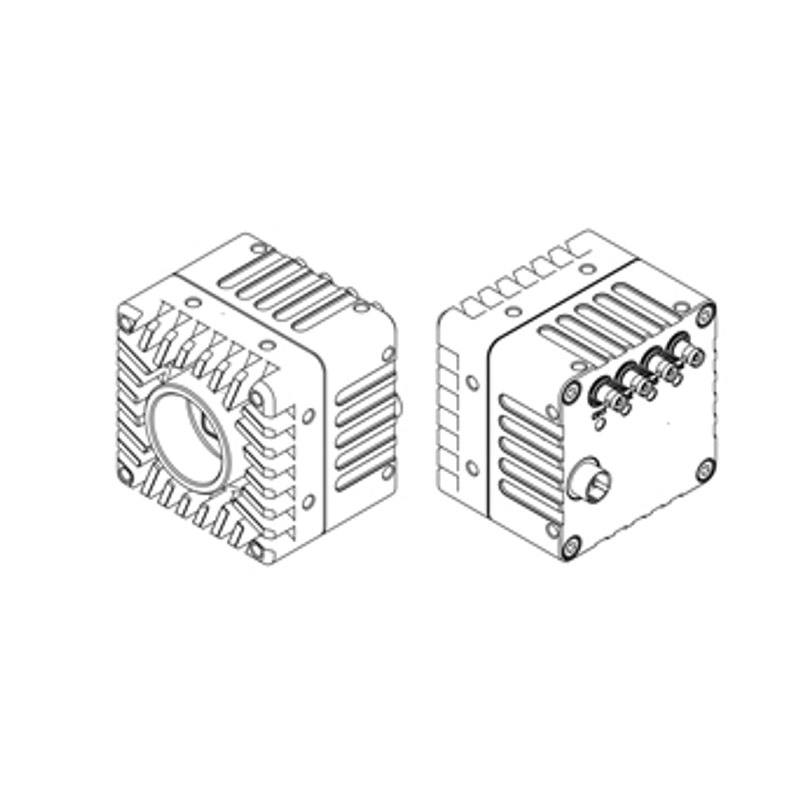
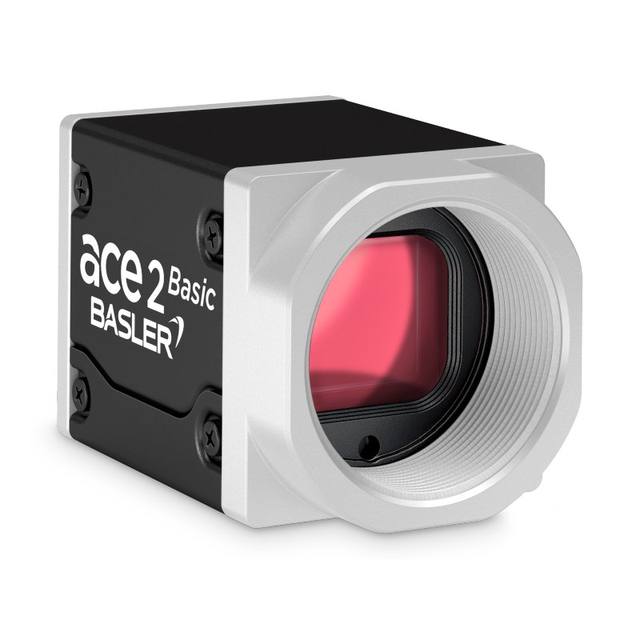
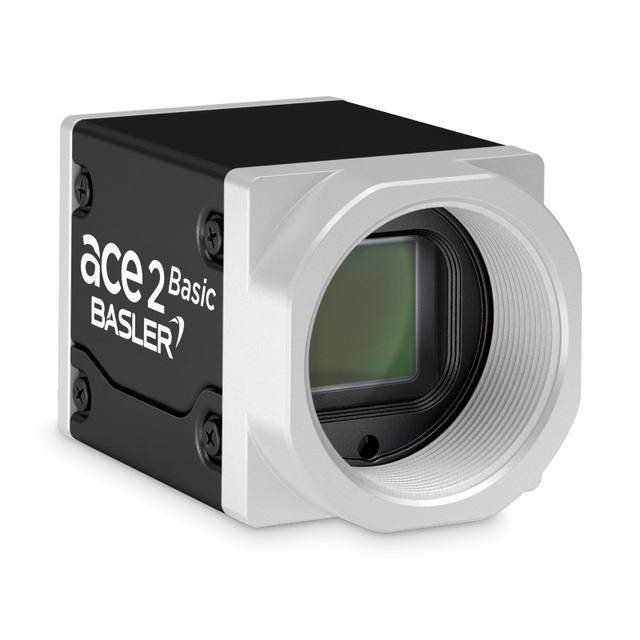
The STC-LBS162BCXP124 (mono) and STC-LCS162BCXP124 (color) are high-resolution CoaXPress 2.0 area-scan cameras built on the Sony IMX532 1.1-inch global-shutter CMOS sensor with 5,320 x 3,032 effective pixels (16.1 MP) at a 2.74 µm pixel pitch. They reach 158.0 fps over a CXP-12 four-lane CoaXPress link (Micro BNC 75 ohm x 4) with Mono8/10/12 output and an exposure range of 1 µs to 16.777 s. The camera uses a C-mount, measures 55 x 55 x 46.5 mm at approximately 220 g, and is powered via PoCXP or external +18.5 to +26 Vdc at less than 8.2 W.
Brand
Omron / Sentech
Camera type
Area scan
Interface
CoaXPress CXP-12 (4 lane), CoaXPress 2.0
Resolution
16.1 MP (source states "16MP"; sensor is 16.19 MP, effective 5320x3032)
The STC-LBS162BCXP124 (monochrome) and STC-LCS162BCXP124 (color) pair a 1.1-inch Sony IMX532 Pregius S global-shutter CMOS sensor with a four-lane CoaXPress CXP-12 interface, and that combination is the whole story of this camera. With 5,320 x 3,032 effective pixels (16.1 MP) on a 2.74 um pitch, it puts a large pixel budget on a generously sized 1.1-inch optical format, so each pixel collects more light than the sub-2 um pixels common on smaller high-resolution sensors. Because the IMX532 is a global shutter, every pixel is exposed simultaneously: fast-moving parts on a conveyor, indexing turntables, or web material are captured without the skew and smear that a rolling shutter would introduce. That makes it a natural fit for inspection where the part is in motion or where a strobe must freeze a moving line.
The performance ceiling here is set by the interface. CXP-12 at four lanes (Micro BNC 75 ohm x 4) carries the full 16.1 MP frame at 158 fps, which is roughly 2.5 gigapixels per second of usable throughput, a rate that GigE Vision or even USB3 Vision simply cannot sustain at this resolution. The trade-off is that you need a CoaXPress frame grabber in the host PC and coax cabling, but in return you get deterministic, low-latency capture and the ability to power the camera over the same coax via PoCXP (or external +18.5 to +26 Vdc), with consumption held under 8.2 W. Output is Mono8/10/12 on the LBS, giving you up to 12-bit depth when subtle grayscale contrast (faint surface defects, low-contrast print) matters more than frame rate. The exposure range spans 1 us to 16.777 s, so the same camera can both freeze high-speed motion with a microsecond exposure and integrate long for dim or static scenes.
Mechanically this is a compact, integration-friendly head: 55 x 55 x 46.5 mm and about 220 g, with a C-mount that keeps lens cost and availability sensible. Note that a 1.1-inch sensor is large, so you must specify a lens with an image circle that covers the full 1.1-inch format and resolves down to the 2.74 um pixel - an undersized or low-MP lens will vignette the corners and waste resolution. The camera operates from 0 to +40 deg C, so it expects a controlled enclosure rather than a hot, unventilated cabinet. For demanding monochrome inspection you would typically pair it with bright, controlled illumination (strobed via the camera's trigger to match the short exposures that high frame rates require) and a high-resolution lens stopped to a working aperture that balances depth of field against diffraction at this fine pixel pitch.
Best for
High-resolution surface and defect inspection on fast-moving lines, where the IMX532 global shutter freezes motion and the 16.1 MP frame captures fine flaws across a wide field in a single grab
AI-based defect detection on electronics, semiconductor wafers/packages, and automotive parts, where 158 fps over CXP-12 keeps a deep-learning pipeline fed without dropping frames
Dimensional measurement and metrology that needs many pixels across the part, using the 5,320 x 3,032 array and crisp global-shutter edges for sub-pixel gauging
Industrial OCR/OCV and print inspection on packaging and printed media, exploiting the 12-bit mono output (LBS) to resolve low-contrast or faint characters
High-speed packaging inspection where products index quickly past the camera and capture must be skew-free and tightly synchronized to a strobe or PLC trigger
Selection notes
This is a CoaXPress CXP-12 camera, not GigE or USB3 - budget for a 4-channel CXP-12 frame grabber and four Micro BNC 75 ohm coax runs; the four lanes are what enable 158 fps at full 16.1 MP, so fewer lanes or a slower grabber will cap your real frame rate
Specify a lens rated for the 1.1-inch optical format and for 16 MP-class resolution; a smaller image circle will vignette and a low-resolving lens will not exploit the 2.74 um pixel pitch
Choose mono (LBS) versus color (LCS) by task: mono gives full per-pixel resolution and stronger low-contrast sensitivity for surface/defect/OCR work, color (LCS) only where chromatic information is essential
Plan illumination and triggering together - at 158 fps the per-frame exposure window is short, so you typically need bright, strobed lighting synchronized to the camera trigger rather than continuous light
Power can come over the coax via PoCXP or from an external +18.5 to +26 Vdc supply at under 8.2 W; confirm your grabber supplies PoCXP if you want single-cable power, and keep the camera within its 0 to +40 deg C operating range
Specifications: General
Brand
Omron / Sentech
Camera type
Area scan
Specifications: Sensor
Resolution
16.1 MP (source states "16MP"; sensor is 16.19 MP, effective 5320x3032)
Horizontal resolution
5,320 x 3,032 px
Mono / color
Mono (LBS) / Color (LCS)
Sensor manufacturer
Sony Pregius S (IMX532)
Sensor model
Sony IMX532 CMOS
Shutter
Global shutter
Sensor size
1.1 inch optical format
Pixel size
2.74 x 2.74 µm
Specifications: Performance
FPS
158.0 fps
Specifications: Interface
Interface
CoaXPress CXP-12 (4 lane), CoaXPress 2.0
Protocols
CoaXPress 2.0 (GenICam not stated on source pages)
Specifications: Optics
Mount
C-mount
Specifications: Electrical
Power
pocxp (PoCXP or external +18.5 to +26 Vdc, < 8.2 W)
Supply voltage
PoCXP / External power
Power consumption
8.2 W
Specifications: Environment
Operating temperature
0 to +40 deg. C
Specifications: Mechanical
Dimensions
55 (W) x 55 (H) x 46.5 (D) mm
Weight
220 g
Applications this camera is commonly selected for. Open one to see the full recommended hardware and approach.
Matched automatically by: lens mount fits the camera mount · lens image circle covers the camera sensor — this camera: C-mount · 1.1 inch optical format sensor.
By category
All 67C-mount lenses 43Telecentric lenses 24
By brand
All 67Basler 34iRAYPLE 23Omron / Sentech 8Datalogic / Datasensing 2
These steps take an Omron Sentech (STC) camera from the box to a stable first image and on to your own application. They apply across the GigE Vision, USB3 Vision and CoaXPress STC families; the interface only changes how you cable and power the camera.
Download and install the Sentech SDK on the host PC. The package provides StViewer, the viewing and configuration software you use to bring the camera up, and StApi, the programming SDK you integrate later. Because the cameras are GenICam/GenTL-compliant, StApi also registers a GenTL producer, so any GenICam-compliant third-party vision software can discover and drive the camera as an alternative front end.
2. Cable, power and connect the camera
Connect according to the interface. GigE Vision: link to a Gigabit NIC (use PoE or the separate power input) and put the camera and host on the same subnet; for USB3 Vision use a USB 3.x port and a certified cable; for CoaXPress (STC) connect to a CoaXPress frame grabber, which also supplies Power-over-Coax. Then open StViewer and let it enumerate the camera. If a GigE camera does not appear, check the IP configuration and firewall, and on USB3 confirm the host bandwidth and driver.
3. Configure exposure, gain and white balance
Open the device in StViewer and start a live stream. Set exposure and gain for a well-exposed, low-noise image: raise exposure first and only add gain when more light or a faster shutter is not an option, keeping exposure short enough to freeze motion on global-shutter models. On colour cameras, run white balance under your actual production lighting. Adjust the lens aperture and focus on a representative target before tuning anything else.
4. Set the trigger and grab a first image
Start in free-run (continuous) acquisition to confirm a clean, stable image. For inline inspection switch to hardware or software triggering: select the trigger source, set the active edge and any delay, and wire the strobe or illumination to the camera's I/O so lighting fires with each exposure. Acquire and save a frame in StViewer; this saved image is your reference for the SDK stage and for downstream inspection.
5. Move to the StApi SDK (or any GenICam software)
Once the image is stable, reproduce the same settings in code. Use StApi to open the device, apply the GenICam features you validated in StViewer (exposure, gain, trigger, pixel format) and grab frames into your application via the bundled C++, C, C#/.NET or Python interfaces; the included samples are the fastest starting point. Prefer a different stack? The same GenICam/GenTL camera works with third-party vision libraries. With a reliable feed, you can route it into a deep-learning inspection such as Rosepetal for AI-based defect detection.
Frequently asked questions
It provides 16.1 MP (5,320 x 3,032 effective pixels) from the Sony IMX532 sensor and runs at up to 158.0 fps when the full frame is read out over its four-lane CoaXPress CXP-12 link.
Global shutter. The 1.1-inch Sony IMX532 Pregius S CMOS exposes all pixels simultaneously, so moving parts are captured without the skew or distortion a rolling shutter would cause.
It uses CoaXPress CXP-12 (CoaXPress 2.0) over four lanes via Micro BNC 75 ohm x 4 connectors, which requires a compatible CoaXPress frame grabber in the host PC.
It can be powered over the coax via PoCXP, or from an external +18.5 to +26 Vdc supply. Power consumption is under 8.2 W.
It has a C-mount and a 2.74 x 2.74 um pixel pitch on the 1.1-inch sensor. It is offered as the STC-LBS162BCXP124 in monochrome (Mono8/10/12) and the STC-LCS162BCXP124 in color.