Omron / Sentech Sentech STC-B(B/C)S213POE-BC Board-Level GigE Vision Camera
STC-BBS213POE-BC
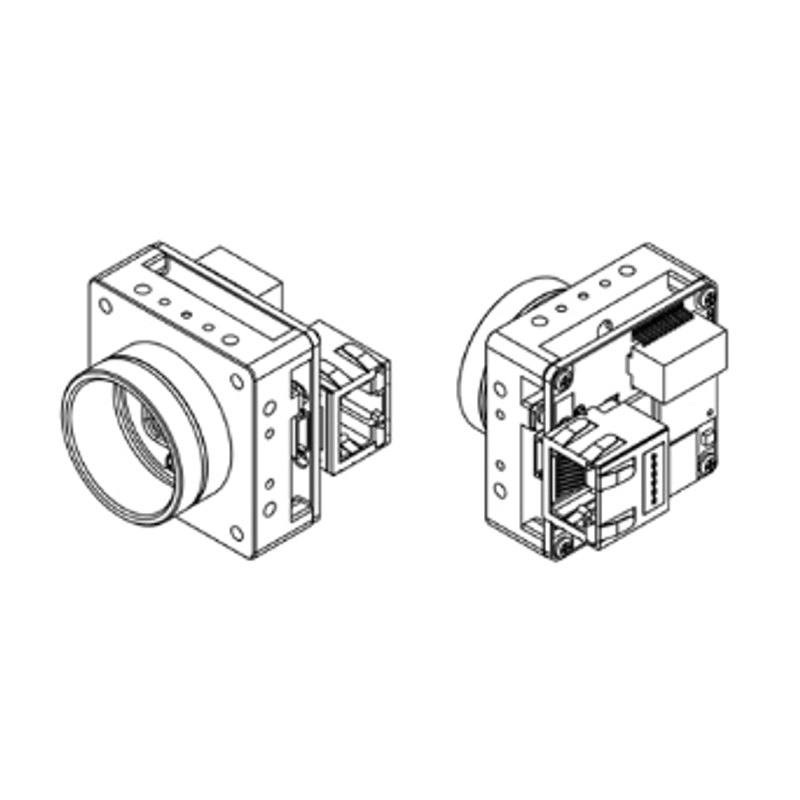
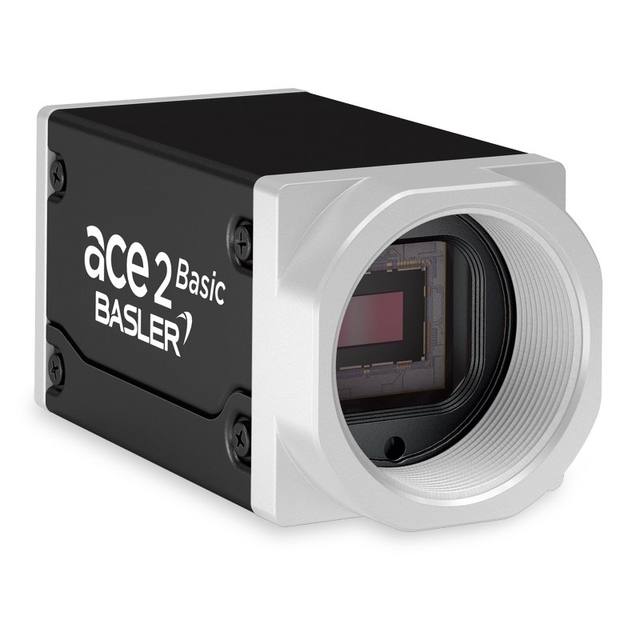
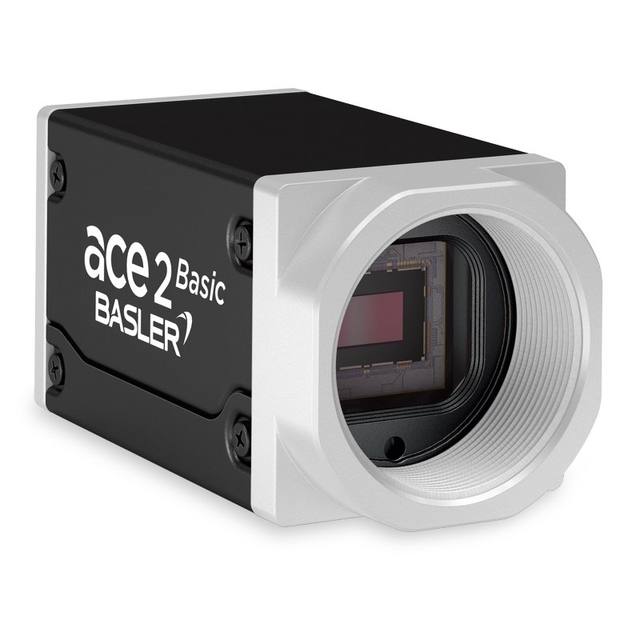
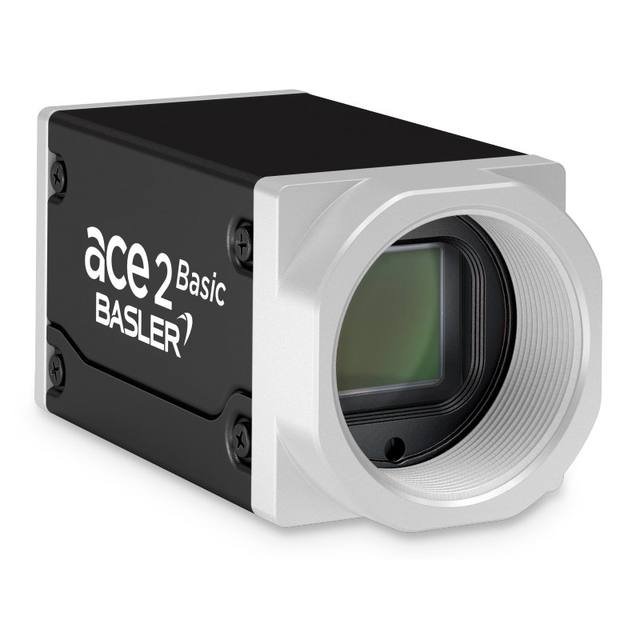
The STC-B(B/C)S213POE-BC is part of Omron Sentech's B-Series board-level GigE Vision lineup, delivering 2.1 MP (1920 x 1080) images at up to 53.0 fps over a single PoE (IEEE802.3af Class2, 1000BASE-T) GigE Vision 2.1 interface. It uses a 1/2.8" Sony CMOS sensor with 2.9 x 2.9 um pixels: IMX290 in the monochrome STC-BBS213POE-BC, IMX291 in the color STC-BCS213POE-BC, and the near-infrared-sensitive IMX462 in the color-NIR STC-BCS213POE-BC-NIR. The sensor operates in rolling-shutter mode with a global-reset option, and the camera ships in a compact 38 x 38 x 40.1 mm C-mount board package weighing about 47 g and drawing 4.1 W or less. The highly customizable board-level design targets OEM integration in machine-vision systems.
The Omron Sentech STC-B(B/C)S213POE-BC is a board-level area-scan camera that puts 2.1 MP (1920 x 1080) on a 1/2.8" Sony CMOS sensor with 2.9 x 2.9 um pixels, running at up to 53.0 fps. That combination defines its sweet spot: it is a fast, modest-resolution sensor well suited to high-throughput inspection where you need many frames per second rather than extreme pixel counts. With a Full-HD frame, it is the right tool for verifying presence/absence, reading codes and characters, guiding robots, and taking 2D measurements on parts that fit comfortably within a 1080p field of view; it is not intended for the kind of fine-feature work that demands a 12 MP or 20 MP sensor. The C-mount and 1/2.8" optical format make lens selection straightforward, since standard C-mount machine-vision lenses rated for this small format are widely available.
The sensor runs in rolling shutter with a global-reset option, which is the key behavioral detail for an installer. True rolling shutter can smear or skew fast-moving objects, so for moving lines the global-reset mode (paired with a controlled strobe that freezes motion during the integration window) is what lets you capture motion cleanly. This makes lighting and trigger design central to deploying the camera well: pulse the illumination, fire it through the camera's trigger, and use the global reset so every row starts exposing together. The color/mono/NIR choice further shapes the application. The monochrome STC-BBS213POE-BC (IMX290) maximizes sensitivity and is preferred for measurement, OCR/OCV and code reading; the color STC-BCS213POE-BC (IMX291) is for tasks where color is the discriminating feature; and the color-NIR STC-BCS213POE-BC-NIR (IMX462) extends response into the near-infrared for inspection under IR illumination or behind IR-pass filtering.
On the system side, this is a clean single-cable design: GigE Vision 2.1 over 1000BASE-T with PoE (IEEE 802.3af Class 2) carries both data and power on one Cat-cable run, drawing 4.1 W or less, which simplifies wiring. GenICam compliance means it drops into standard GigE Vision software stacks without proprietary drivers. The board-level package is compact (38 x 38 x 40.1 mm) and light (about 47 g), explicitly aimed at OEM integration where the camera is built into a machine or enclosure rather than bolted on as a finished box. Its 0 to +67 degC operating range is broad enough for typical industrial cabinets and enclosed optical heads, though the board-level form factor means thermal management and mechanical mounting become the integrator's responsibility.
Best for
High-throughput defect inspection on electronics, packaging and semiconductor lines where 53 fps at Full-HD keeps pace with fast indexing
Industrial OCR/OCV and date/lot code reading using the high-sensitivity monochrome (IMX290) variant
Reading 1D/2D traceability codes on parts and packaging where 1080p resolution is sufficient for the code size
Robot guidance and pick-and-place where a compact, single-cable PoE camera must be embedded into the end-effector or cell
OEM machine builds needing a board-level GigE Vision module for 2D dimensional measurement of parts that fit a 1080p frame
Selection notes
Confirm the 2.1 MP (1920 x 1080) resolution resolves your smallest feature: at 1080 rows, plan the lens and working distance so the critical detail spans enough pixels, since this sensor trades pixel count for speed and sensitivity.
Pick the variant by task: monochrome STC-BBS213POE-BC (IMX290) for measurement, OCR and code reading; color STC-BCS213POE-BC (IMX291) when color is the cue; color-NIR STC-BCS213POE-BC-NIR (IMX462) for near-infrared illumination or IR-filtered inspection.
Because the sensor is rolling shutter, design for motion: use the global-reset mode with a freezing strobe and the camera trigger, or limit to stationary captures, to avoid skew on moving parts.
Budget the PoE infrastructure: this camera takes power and data over one 1000BASE-T cable via IEEE 802.3af Class 2, so the switch or injector must supply Class 2 PoE; confirm the 4.1 W draw is covered per port.
Plan for the board-level form factor: at 38 x 38 x 40.1 mm and about 47 g with a C-mount, you are responsible for the housing, mechanical mounting and heat-sinking; verify the 0 to +67 degC range against your enclosure's internal temperature.
Match the lens to the 1/2.8" format and C-mount: use C-mount lenses with image-circle coverage and resolving power appropriate for the 2.9 um pixel pitch.
These steps take an Omron Sentech (STC) camera from the box to a stable first image and on to your own application. They apply across the GigE Vision, USB3 Vision and CoaXPress STC families; the interface only changes how you cable and power the camera.
Download and install the Sentech SDK on the host PC. The package provides StViewer, the viewing and configuration software you use to bring the camera up, and StApi, the programming SDK you integrate later. Because the cameras are GenICam/GenTL-compliant, StApi also registers a GenTL producer, so any GenICam-compliant third-party vision software can discover and drive the camera as an alternative front end.
2. Cable, power and connect the camera
Connect according to the interface. GigE Vision: link to a Gigabit NIC (use PoE or the separate power input) and put the camera and host on the same subnet; for USB3 Vision use a USB 3.x port and a certified cable; for CoaXPress (STC) connect to a CoaXPress frame grabber, which also supplies Power-over-Coax. Then open StViewer and let it enumerate the camera. If a GigE camera does not appear, check the IP configuration and firewall, and on USB3 confirm the host bandwidth and driver.
3. Configure exposure, gain and white balance
Open the device in StViewer and start a live stream. Set exposure and gain for a well-exposed, low-noise image: raise exposure first and only add gain when more light or a faster shutter is not an option, keeping exposure short enough to freeze motion on global-shutter models. On colour cameras, run white balance under your actual production lighting. Adjust the lens aperture and focus on a representative target before tuning anything else.
4. Set the trigger and grab a first image
Start in free-run (continuous) acquisition to confirm a clean, stable image. For inline inspection switch to hardware or software triggering: select the trigger source, set the active edge and any delay, and wire the strobe or illumination to the camera's I/O so lighting fires with each exposure. Acquire and save a frame in StViewer; this saved image is your reference for the SDK stage and for downstream inspection.
5. Move to the StApi SDK (or any GenICam software)
Once the image is stable, reproduce the same settings in code. Use StApi to open the device, apply the GenICam features you validated in StViewer (exposure, gain, trigger, pixel format) and grab frames into your application via the bundled C++, C, C#/.NET or Python interfaces; the included samples are the fastest starting point. Prefer a different stack? The same GenICam/GenTL camera works with third-party vision libraries. With a reliable feed, you can route it into a deep-learning inspection such as Rosepetal for AI-based defect detection.
Frequently asked questions
It delivers 2.1 MP (1920 x 1080) images at up to 53.0 fps from a 1/2.8" Sony CMOS sensor with 2.9 x 2.9 um pixels.
It uses a rolling shutter with a global-reset option. For moving objects, use the global-reset mode together with a strobed light fired via the trigger to freeze motion and avoid skew.
It is a GigE Vision 2.1 / GenICam camera over 1000BASE-T, powered by PoE (IEEE 802.3af Class 2) on the same single Ethernet cable, drawing 4.1 W or less.
The monochrome STC-BBS213POE-BC uses the Sony IMX290, the color STC-BCS213POE-BC uses the IMX291, and the color-NIR STC-BCS213POE-BC-NIR uses the near-infrared-sensitive IMX462. All share the 2.1 MP resolution, 53 fps frame rate and 1/2.8" format.
It has a C-mount on a 1/2.8" optical format and is a board-level module measuring 38 x 38 x 40.1 mm at about 47 g, designed for OEM integration where the integrator provides the housing, mounting and thermal management. It operates from 0 to +67 degC.