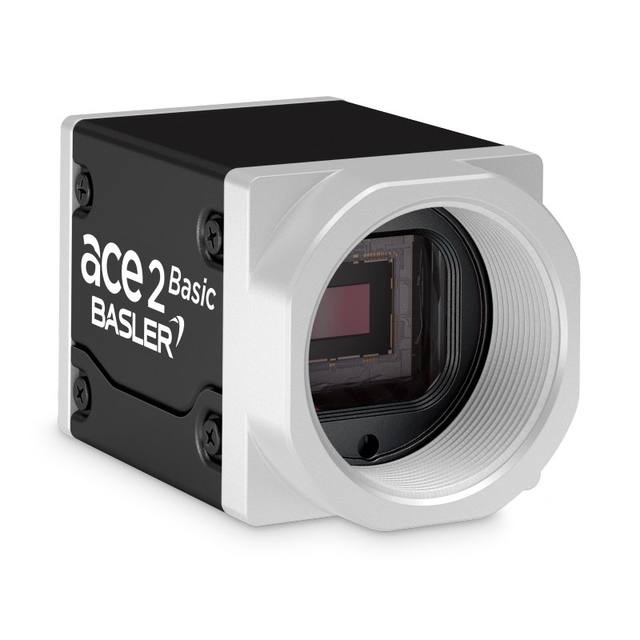
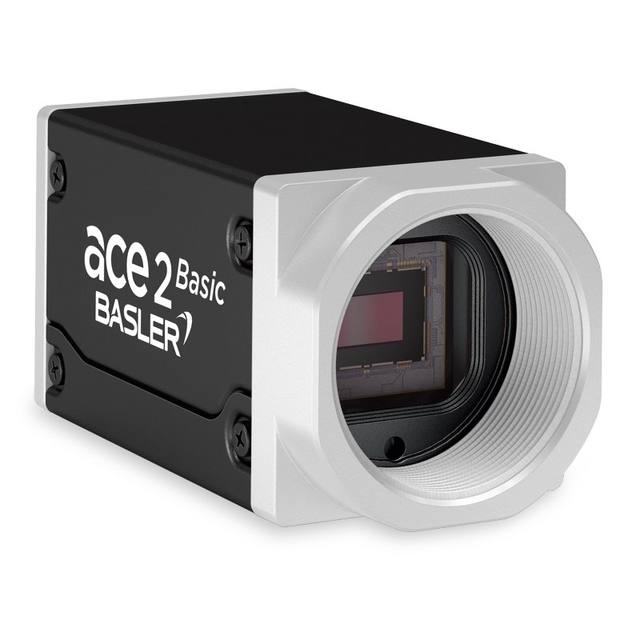
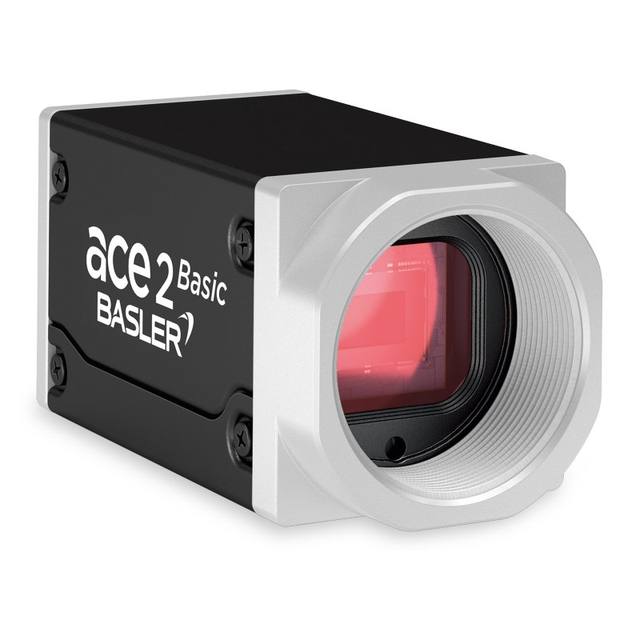
The STC-MBS202POE and STC-MCS202POE are compact GigE Vision 2.1 area scan cameras from Omron Sentech featuring a Sony IMX430 1/1.7-inch global shutter CMOS sensor with 1,624 × 1,240 pixel resolution (2MP) and 4.5 µm pixel pitch. Both models support Power over Ethernet (IEEE 802.3af CLASS2) with a maximum consumption of 4.9 W via PoE or 4.0 W via an external 10.8–26.4 VDC supply. The cameras comply with GigE Vision 2.1 and GenICam standards, support IEEE 1588 PTP synchronization, hardware/software triggering, ROI, binning, defective pixel correction, and auto-exposure/gain. The monochrome variant outputs Mono8/10/12 formats; the color variant adds Bayer and RGB8 formats including an IR-cut filter.
The STC-MBS202POE/STC-MCS202POE pair their 2 MP Sony IMX430 global shutter CMOS sensor — a 1/1.7-inch format device with 1,624 × 1,240 pixels at 4.5 µm pitch — with a GigE Vision 2.1 / GenICam interface to produce a camera that is simultaneously fast and distortion-tolerant. Global shutter capture means every pixel integrates light at exactly the same instant, so fast-moving parts on a conveyor or robotic end-effectors do not induce the skew or rolling distortion that plagues CMOS rolling-shutter designs. At full resolution the camera sustains 54.6 fps, giving adequate headroom to inspect multiple parts per second, strobe-sync through hardware or software trigger, and still leave CPU bandwidth for analysis. The Sony Pregius IMX430 is a well-characterised sensor in the machine-vision community, with a pixel size large enough (4.5 µm) to collect sufficient photons for short strobe exposures while keeping read noise at bay — both important for high-contrast defect and code-reading applications.
Power over Ethernet (IEEE 802.3af CLASS2, 1000BASE-T) is the defining deployment convenience of this model. The camera draws a maximum of 4.9 W from a PoE switch and requires only a single Cat-5e/Cat-6 cable for data and power; alternatively it accepts 10.8–26.4 VDC via an external supply, which matters in installations where a managed PoE switch is not available or where multiple cameras share a common 24 V rail. IEEE 1588 PTP synchronisation is supported, enabling multi-camera systems to share a common time base and trigger frame capture across several units with sub-millisecond alignment — useful in conveyor-wide inspection cells that need correlated top-and-side images. Region of interest (ROI) and binning modes are available, letting integrators trade resolution for even higher frame rates when full 2 MP detail is not required for a given inspection zone.
Both monochrome and colour variants are housed in the same 29 × 29 × 53 mm aluminium body weighing 65 g and accepting C-mount lenses — a mount with the broadest available selection of industrial and telecentric lenses. The 1/1.7-inch optical format is larger than the more common 1/2-inch sensors used in entry-level 2 MP cameras, which means only lenses rated for 1/1.7 inch or larger will deliver corner sharpness across the full sensor area; checking the lens image-circle specification is therefore a critical design-in step. The monochrome variant outputs Mono8, Mono10, and Mono12 pixel formats, preserving 10- or 12-bit dynamic range for gradient-sensitive tasks such as surface inspection or dimensional gauging. The colour variant adds Bayer mosaic and RGB8 output plus an integrated IR-cut filter, making it suitable for label colour verification, colour-coded part sorting, and any task where hue discrimination adds discriminability. Operating temperature spans 0 to +36 °C, which covers typical factory-floor ambient conditions without forced cooling.
Best for
High-speed conveyor inspection of small components — at 54.6 fps with global shutter, the camera can image parts moving on a conveyor without motion blur or geometric distortion, suitable for electronics SMD inspection, pharmaceutical tablet inspection, or small-parts packaging lines.
1D/2D barcode and Data Matrix traceability reading — the 2 MP resolution and 4.5 µm pixel pitch provide enough detail to resolve small or densely printed codes, and hardware trigger plus PoE simplify integration with conveyor PLC systems without separate power wiring.
Robot guidance and pick-and-place — global shutter eliminates the positional error that rolling shutter introduces when the camera or the part is moving; the compact 65 g body and single-cable PoE connection keep payload and wiring overhead on a robot arm minimal.
Dimensional measurement and gauging — the 10- and 12-bit Mono output modes (monochrome variant) preserve fine grey-level gradients that sub-pixel edge-detection algorithms depend on; pairing with a telecentric C-mount lens removes perspective error across the field.
Packaging and label inspection including colour verification — the STC-MCS202POE colour variant with integrated IR-cut filter and RGB8 output enables label colour conformance checks, date-code OCR, and fill-level verification on lines handling consumer goods or pharmaceutical packs.
Selection notes
Lens image-circle must cover 1/1.7 inch — this sensor format is larger than 1/2-inch. Standard 1/2-inch C-mount lenses will vignette at the corners. Specify lenses rated for 1/1.7-inch or larger to deliver sharpness across the full sensor area.
PoE switch class matters — the camera requires IEEE 802.3af CLASS2. Verify that the switch port delivers CLASS2 power correctly; the 10.8–26.4 VDC external supply path is the fallback if switch-managed PoE is unavailable, with a maximum consumption of 4.0 W via that route.
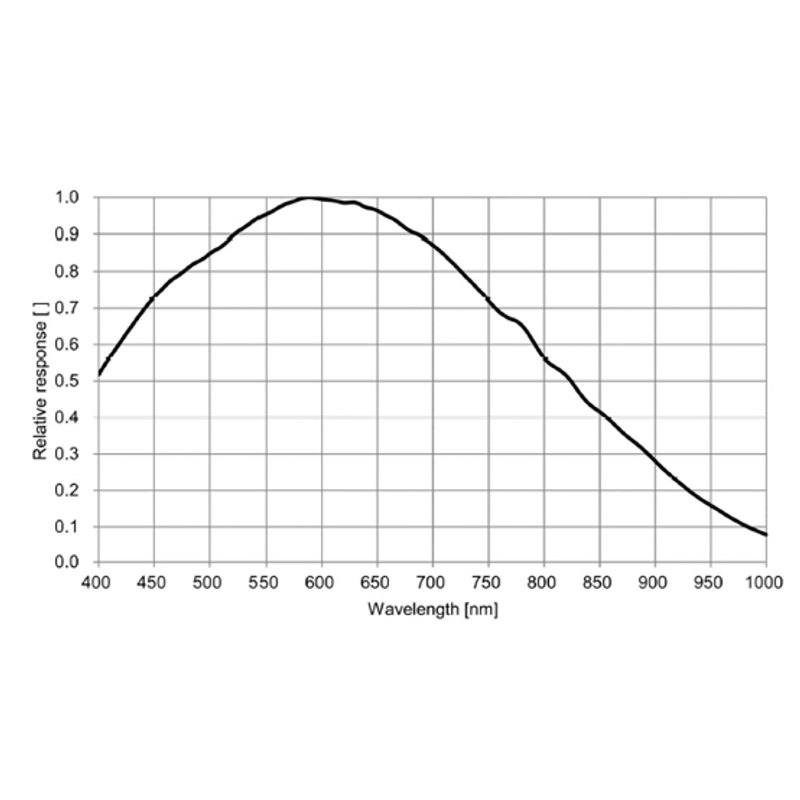
Mono vs. colour selection is application-driven and not field-changeable — the monochrome STC-MBS202POE delivers higher quantum efficiency and access to Mono10/12 bit depth, which is preferable for grey-level defect detection, gauging, and OCR. The colour STC-MCS202POE includes a permanently mounted IR-cut filter; if you intend to use near-infrared illumination for contrast enhancement, the monochrome variant is required.
Multi-camera synchronisation via IEEE 1588 PTP requires a PTP-capable network switch — standard unmanaged GigE switches do not relay PTP timestamps accurately. If phase-locked multi-camera triggering is needed, plan for a managed switch with hardware-timestamped PTP support.
Operating temperature ceiling of +36 °C should be verified against the worst-case enclosure thermal budget — in sealed or poorly ventilated enclosures with nearby heat sources such as lighting or drivers, ambient temperature inside the housing can significantly exceed room temperature. At 4.9 W maximum draw the camera itself is a modest heat source, but thermal management of the enclosure is the integrator's responsibility.
Specifications: General
Brand
Omron / Sentech
Camera type
Area Scan
Specifications: Sensor
Resolution
2.0 MP
Horizontal resolution
1624 × 1240 px
Mono / color
Mono (STC-MBS202POE) / Color (STC-MCS202POE)
Sensor manufacturer
Sony Pregius
Sensor model
Sony IMX430
Shutter
Global Shutter
Sensor size
1/1.7 inch
Pixel size
4.5 µm
Specifications: Performance
FPS
54.6 fps (max)
Specifications: Interface
Interface
GigE Vision PoE (IEEE 802.3af CLASS2, 1000BASE-T)
Protocols
GigE Vision 2.1, GenICam
Specifications: Optics
Mount
C-Mount
Specifications: Electrical
Power
PoE (IEEE 802.3af) or external 10.8–26.4 VDC
Power consumption
4.9 W
Specifications: Environment
Operating temperature
0 to +36 °C
Specifications: Mechanical
Dimensions
29 × 29 × 53 mm
Weight
65 g
Housing material
Aluminium
Applications this camera is commonly selected for. Open one to see the full recommended hardware and approach.
These steps take an Omron Sentech (STC) camera from the box to a stable first image and on to your own application. They apply across the GigE Vision, USB3 Vision and CoaXPress STC families; the interface only changes how you cable and power the camera.
Download and install the Sentech SDK on the host PC. The package provides StViewer, the viewing and configuration software you use to bring the camera up, and StApi, the programming SDK you integrate later. Because the cameras are GenICam/GenTL-compliant, StApi also registers a GenTL producer, so any GenICam-compliant third-party vision software can discover and drive the camera as an alternative front end.
2. Cable, power and connect the camera
Connect according to the interface. GigE Vision: link to a Gigabit NIC (use PoE or the separate power input) and put the camera and host on the same subnet; for USB3 Vision use a USB 3.x port and a certified cable; for CoaXPress (STC) connect to a CoaXPress frame grabber, which also supplies Power-over-Coax. Then open StViewer and let it enumerate the camera. If a GigE camera does not appear, check the IP configuration and firewall, and on USB3 confirm the host bandwidth and driver.
3. Configure exposure, gain and white balance
Open the device in StViewer and start a live stream. Set exposure and gain for a well-exposed, low-noise image: raise exposure first and only add gain when more light or a faster shutter is not an option, keeping exposure short enough to freeze motion on global-shutter models. On colour cameras, run white balance under your actual production lighting. Adjust the lens aperture and focus on a representative target before tuning anything else.
4. Set the trigger and grab a first image
Start in free-run (continuous) acquisition to confirm a clean, stable image. For inline inspection switch to hardware or software triggering: select the trigger source, set the active edge and any delay, and wire the strobe or illumination to the camera's I/O so lighting fires with each exposure. Acquire and save a frame in StViewer; this saved image is your reference for the SDK stage and for downstream inspection.
5. Move to the StApi SDK (or any GenICam software)
Once the image is stable, reproduce the same settings in code. Use StApi to open the device, apply the GenICam features you validated in StViewer (exposure, gain, trigger, pixel format) and grab frames into your application via the bundled C++, C, C#/.NET or Python interfaces; the included samples are the fastest starting point. Prefer a different stack? The same GenICam/GenTL camera works with third-party vision libraries. With a reliable feed, you can route it into a deep-learning inspection such as Rosepetal for AI-based defect detection.
Frequently asked questions
Yes. Both variants comply with GigE Vision 2.1 and GenICam standards, which means they are compatible with any GigE Vision-compliant SDK or vision runtime — including Halcon, VisionPro, NI Vision, and open-source libraries such as Aravis — without requiring proprietary drivers.
Yes. The camera accepts an external DC supply of 10.8 to 26.4 VDC, which covers the standard 12 V and 24 V rails common in machine-vision and industrial control cabinets. Power consumption via this path is 4.0 W maximum.
The monochrome STC-MBS202POE outputs Mono8, Mono10, and Mono12. Mono10/12 are relevant when downstream algorithms rely on fine grey-level gradients — for example, sub-pixel edge detection for dimensional gauging or low-contrast surface defect detection where 8-bit quantisation would merge adjacent grey levels. The colour STC-MCS202POE adds Bayer mosaic and RGB8 formats.
At full 1,624 × 1,240 resolution the camera delivers 54.6 fps. Enabling a reduced Region of Interest (ROI) decreases the number of lines transferred per frame and will increase the achievable frame rate above 54.6 fps, the exact value depending on the ROI height and the GigE bandwidth ceiling of the 1000BASE-T link.
Only the monochrome STC-MBS202POE is appropriate for near-infrared work. The colour STC-MCS202POE incorporates a permanent IR-cut filter that blocks wavelengths beyond the visible spectrum. If your application uses NIR lighting for contrast enhancement — such as imaging through packaging films or revealing subsurface features — specify the monochrome variant.