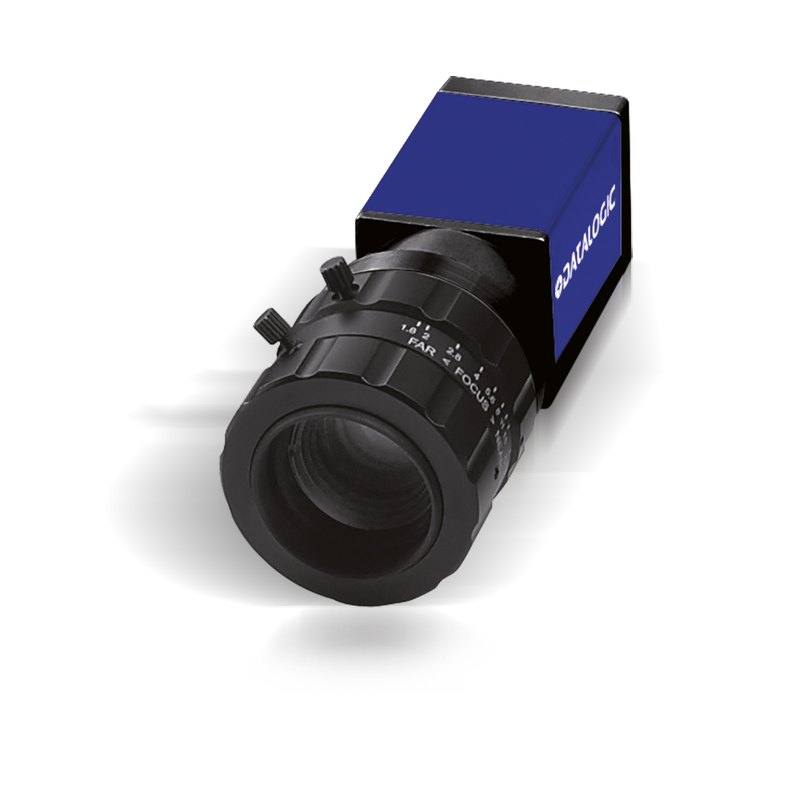
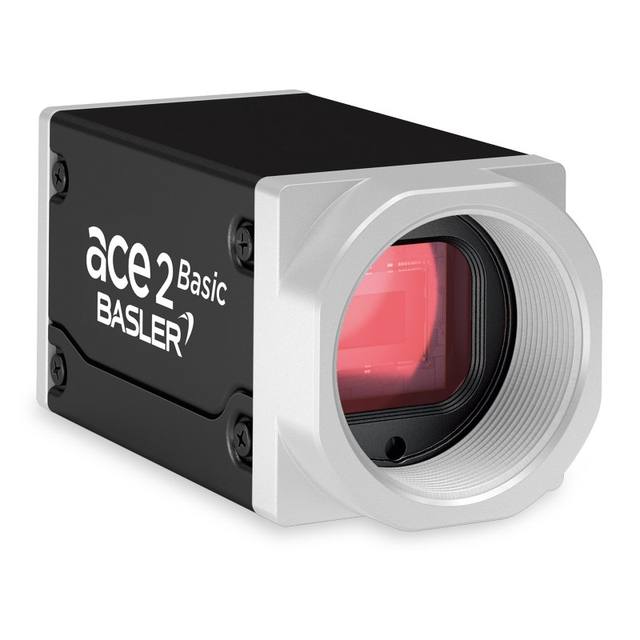
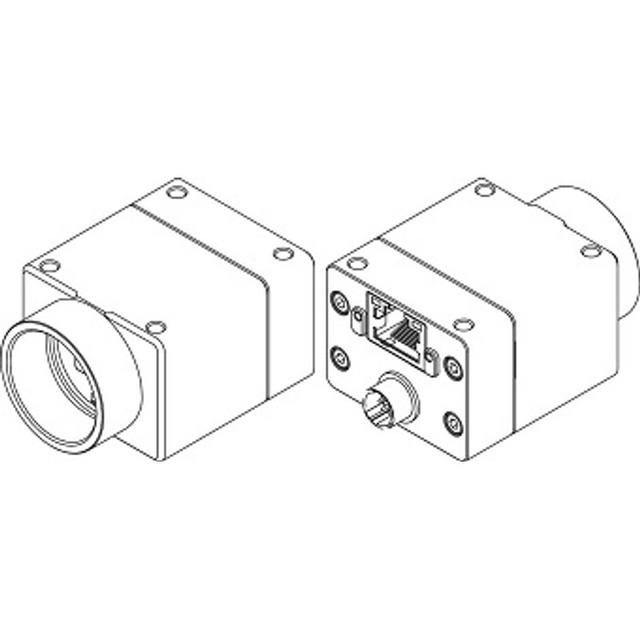
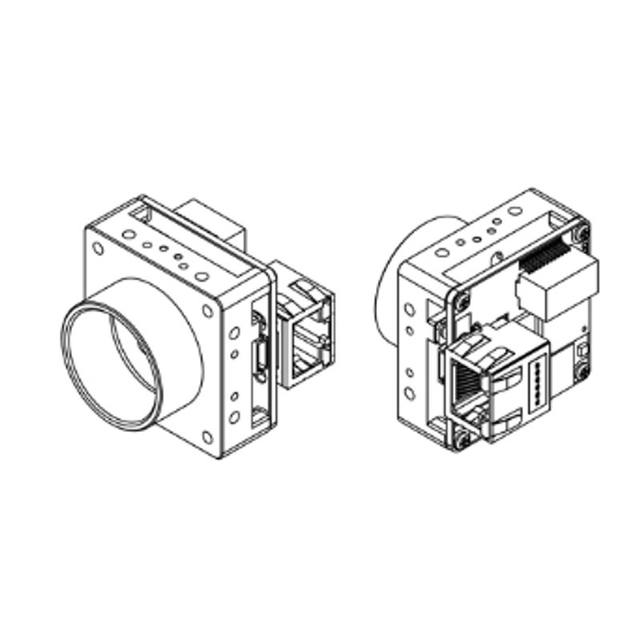
The CAM-E193-GE is a GigE Vision–compliant monochrome area-scan camera featuring a 1/1.8" global shutter CMOS sensor with 2048×1536 pixel resolution at 35 fps. The 3.45 µm pixel pitch sensor delivers a 7.07 mm × 5.30 mm active area (8.9 mm diagonal). The camera is powered via PoE (or 12–24 VDC), mounts standard C-mount optics, and fits into the compact 42 × 29 × 29 mm E-series housing rated IP30. It integrates with Datalogic/Datasensing MX-E and Impact vision software platforms and supports partial-scan readout for higher frame rates.
The CAM-E193-GE is built around a 1/1.8" global shutter CMOS sensor delivering 2048 x 1536 pixels (3.15 MP) at up to 35 fps. The 3.45 µm pixel pitch across a 7.07 x 5.30 mm active area (8.9 mm diagonal) gives installers a well-balanced combination of spatial resolution and light sensitivity: fine enough to resolve small defects or tight print characters, yet large enough pixels to maintain usable signal-to-noise ratios under practical factory lighting conditions. Global shutter readout eliminates motion-induced distortion entirely — every pixel captures the same instant — which is essential whenever parts move on a conveyor, a robot arm presents a component, or a strobe flash is used to freeze motion. This makes the camera equally suitable for synchronised strobe illumination and for free-running continuous-light setups, with no risk of the rolling-shutter skew that would otherwise corrupt dimensional measurements or OCR reads on moving targets.
The GigE Vision / GenICam interface over 1000Base-T Ethernet means the camera integrates into standard Ethernet infrastructure with cable runs up to 100 m without active components. Power over Ethernet (PoE) eliminates a separate power feed to the camera head — a significant wiring simplification in multi-camera lines — while the alternative 12–24 VDC input provides compatibility with conventional machine I/O rails. The C-mount lens standard gives access to the full catalogue of industrial C-mount optics; because the 1/1.8" sensor diagonal is 8.9 mm, any C-mount lens with an image circle rated for 1/1.8" or larger will achieve corner-to-corner coverage without vignetting. Partial-scan readout lets integrators trade unused vertical pixels for higher frame rates when only a horizontal strip of the scene is needed — useful in label inspection or barcode reading where the ROI is a fixed band. The camera ships with native support for Datalogic/Datasensing MX-E controllers and Impact vision software, streamlining deployment on Datalogic-based inspection cells without requiring a third-party frame grabber or SDK.
At 42 x 29 x 29 mm the E-series housing is compact enough to mount in tight enclosures or on robot end-effectors where space is constrained, and the 0–50 °C operating range covers the majority of controlled factory and warehouse environments. The IP30 rating means the unit is protected against solid-object ingress but is not sealed against liquids; enclosures or protective covers are required in wash-down or high-humidity zones. CE, FCC, and RoHS compliance simplifies regulatory sign-off for deployments in European and North American markets. Together with the monochrome sensor — which maximises spatial resolution per pixel compared with a Bayer-pattern colour variant — this camera targets applications where grayscale contrast carries all the information needed: surface texture, edge position, print density, and code contrast.
Best for
Conveyor-fed packaging inspection — global shutter prevents label or print distortion at typical line speeds, and 35 fps provides enough frame rate to inspect individual items at high throughput
Industrial OCR / OCV of expiry dates, lot codes, and serial numbers — 3.15 MP resolution resolves small characters across a reasonably wide field, and monochrome maximises contrast for ink-on-substrate reads
1D/2D barcode and Data Matrix traceability reads on parts or labels — sufficient resolution for dense codes, compatible with Datalogic's own vision and decoding software stack
Robot guidance and pick-and-place positioning — global shutter captures a sharp image of a moving or vibrating part presented to the camera, and PoE simplifies cabling to a robot-mounted head
Dimensional gauging and presence/absence checks in electronics or automotive assembly — 2048 px across the horizontal axis provides sub-pixel edge accuracy when paired with an appropriate C-mount telecentric or fixed-focal lens
Selection notes
Lens selection must respect the 1/1.8" (8.9 mm diagonal) sensor format — verify that the chosen C-mount lens specifies an image circle of at least 8.9 mm, otherwise corner shading or resolution loss will appear at the sensor edges
PoE requires a PoE-capable switch or injector; if the network infrastructure does not support PoE, use the 12–24 VDC input via the camera's I/O connector instead
IP30 provides no liquid protection — in food, beverage, or pharma environments where washdown or condensation is possible, a sealed protective housing is mandatory before deployment
Partial-scan mode can increase effective frame rate beyond 35 fps when only a horizontal ROI is required, but the exact achievable fps per ROI height should be confirmed in the camera's GigE Vision register map or Datalogic documentation, as this depends on the specific readout architecture
Integration with Datalogic MX-E controllers or Impact vision software is a documented design-in path; when pairing with a third-party vision runtime, confirm GenICam compliance is sufficient for your SDK — the camera exposes standard GigE Vision / GenICam attributes, so most major vision libraries (Halcon, Cognex VisionPro, OpenCV with Aravis) will enumerate and control it without a proprietary driver
Specifications: General
Brand
Datalogic / Datasensing
Camera type
Area scan
Specifications: Sensor
Resolution
3.15
Horizontal resolution
2048 px
Mono / color
Monochrome (grayscale)
Shutter
Global shutter
Sensor size
1/1.8" (8.9 mm diag, 7.07 × 5.30 mm)
Pixel size
3.45 µm
Specifications: Performance
FPS
36
Specifications: Interface
Interface
GigE (1000 Base-T)
Protocols
GigE Vision, GenICam
Specifications: Optics
Mount
C-Mount
Specifications: Electrical
Power
PoE or 12–24 VDC
Specifications: Environment
IP rating
CE, FCC, RoHS
Operating temperature
0 to 50 °C
Specifications: Mechanical
Dimensions
42 × 29 × 29 mm
Applications this camera is commonly selected for. Open one to see the full recommended hardware and approach.
Matched automatically by: lens mount fits the camera mount · lens image circle covers the camera sensor — this camera: C-Mount · 1/1.8" (8.9 mm diag, 7.07 × 5.30 mm) sensor.
By category
All 220C-mount lenses 155Telecentric lenses 62F-mount / large-format lenses 3
By brand
All 220iRAYPLE 66Omron / Sentech 66Basler 59Datalogic / Datasensing 29
1. Install the IMPACT Software Suite and connect the camera
Install the IMPACT Software Suite on your PC, which provides both the configuration/viewer tools and the SDK. For a GigE Vision model (E100, M or U series), connect it to a dedicated NIC and, for USB3 models, use a certified USB3 cable and port. Power the camera and confirm it enumerates.
2. Bring the camera online and verify the link
For GigE Vision, put the camera and the host NIC on the same subnet (a static IP on the camera matching the NIC range is the most reliable starting point); for USB3, confirm the device is recognized. Open the IMPACT viewer/device tool, discover the camera, and verify a stable connection before streaming. Enabling jumbo frames on the NIC helps GigE throughput.
3. Set exposure, gain and trigger, then grab a first image
In the IMPACT tools, start a live stream and adjust exposure and gain until the image is well-lit without saturation; set white balance on color models. Begin in free-run (continuous) mode to confirm imaging, then switch to hardware or software trigger as your application requires. Capture and save a reference image once the scene looks correct.
4. Build a vision tool or move to the SDK/API
Use the IMPACT point-and-click vision tools to assemble an inspection, or use the IMPACT SDK to access the camera and results programmatically and feed them into your HMI/PLC application. As these are GenICam/GenTL-compliant devices, you can alternatively drive them from any GenICam-compliant third-party vision library if your pipeline standardizes on one.
5. Route the stable feed to deep-learning inspection (optional)
Once you have a stable, repeatable image, the feed can be sent to a deep-learning inspection platform such as Rosepetal for defect detection or classification tasks that go beyond rule-based tooling. Keep lighting, optics and trigger timing fixed so the images reaching the model stay consistent.
Frequently asked questions
Yes — the CAM-E193-GE supports Power over Ethernet (PoE), so a single Cat5e/Cat6 cable from a PoE switch or injector carries both data and power. A separate 12–24 VDC supply is supported as an alternative but is not required when PoE infrastructure is available.
Global shutter eliminates rolling-shutter motion artefacts, so both continuous and strobed illumination are valid. With continuous light the shutter must be set short enough to freeze motion. Strobe mode (flash triggered by the camera's exposure signal) is equally compatible and allows higher peak illumination intensity without increasing average heat load on the light.
Standard 1000Base-T Ethernet supports up to 100 m per segment over Cat5e or better cable, which is the operative limit for this camera's GigE interface. Active switches or extenders can extend reach further if required.
No. The CAM-E193-GE has a 1/1.8" sensor with an 8.9 mm diagonal, which is larger than a 1/2" format (8.0 mm diagonal). A 1/2" lens will likely exhibit vignetting or resolution falloff toward the corners. Use lenses specified for 1/1.8" or larger image circles.
The housing is rated IP30, which means it is protected only against solid objects larger than 2.5 mm — there is no rated protection against dust, water spray, or condensation. Outdoor or wash-down deployments require an appropriately sealed protective enclosure around the camera.