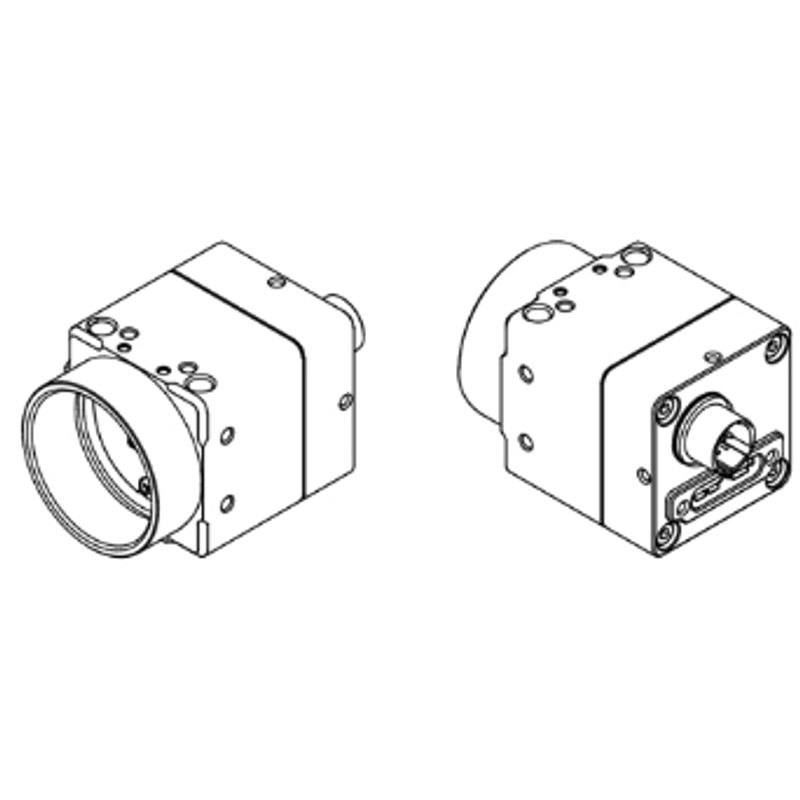
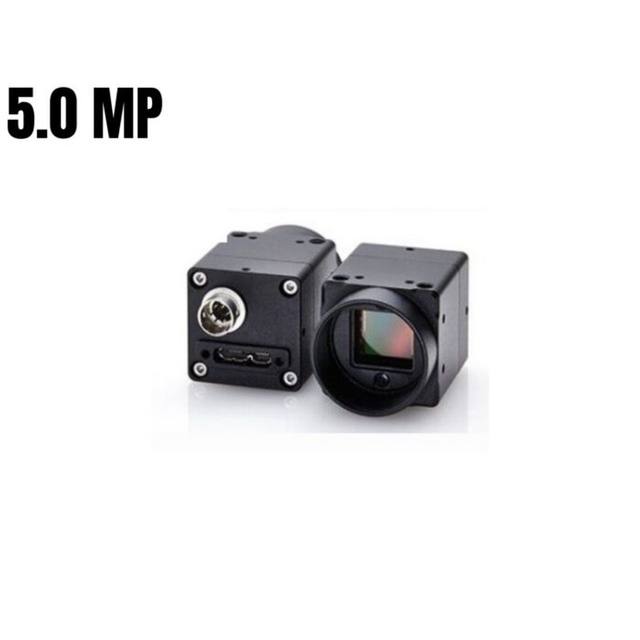
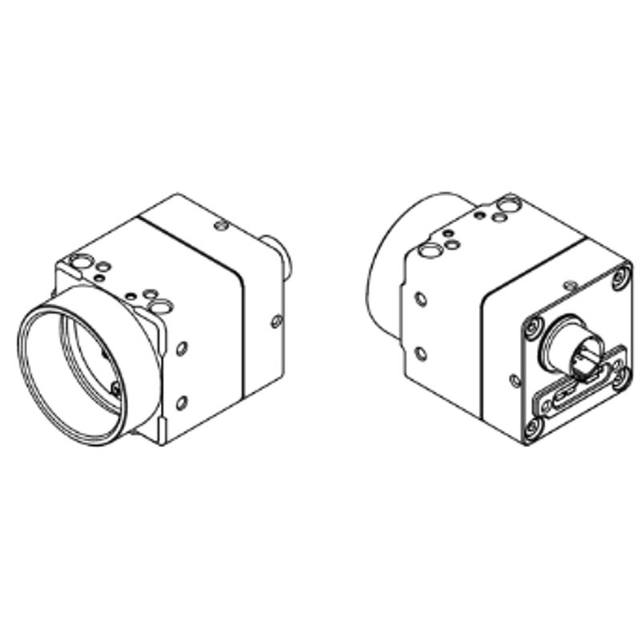
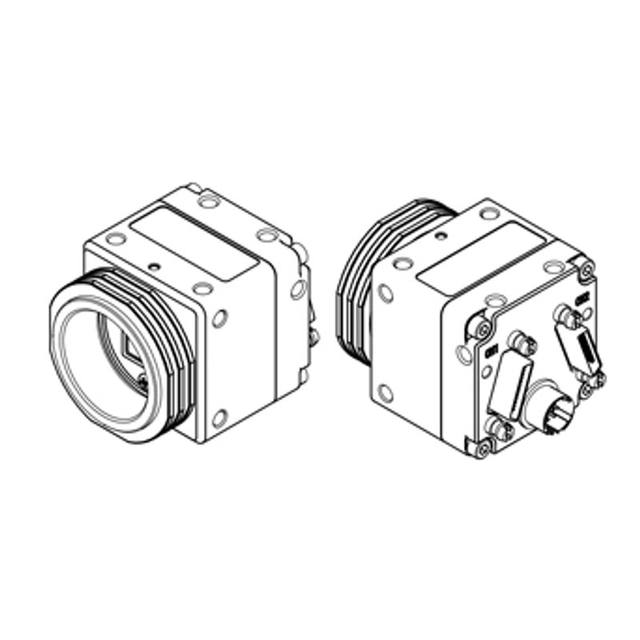
Monochrome area scan camera using the 2/3" Sony IMX264 Pregius global shutter CMOS sensor with 2448 x 2048 active resolution and 3.45 um pixels. USB 3.0 / USB3 Vision interface at up to 35.8 fps. C-mount, aluminium housing.
The Omron Sentech STC-MBS500U3V is a 5 MP monochrome area scan camera built around a 2/3" Sony Pregius IMX264 global shutter sensor. The 2448-pixel-wide array, combined with 3.45 um pixels, gives it the spatial detail needed to resolve fine features across a moderately large field of view, while the global shutter exposes every pixel simultaneously. That global-shutter behaviour is the key distinction from rolling-shutter sensors: it captures moving objects without the skew, smear or partial-exposure artefacts that appear when different rows are read out at different times, which makes it well suited to parts on a conveyor or any scene with relative motion between camera and target.
As a monochrome device, the sensor dedicates every pixel to luminance rather than splitting resolution across a colour filter array. This typically yields higher effective spatial resolution and better light sensitivity than a colour equivalent of the same pixel count, which is advantageous for measurement, edge detection and text reading where colour carries no information. At up to 35.8 fps the camera delivers full-frame throughput fast enough for many in-line inspection tasks, and frame rate can usually be increased further by reducing the region of interest when only part of the field needs to be imaged.
Connectivity is over USB3 Vision, a standardised machine-vision interface that combines high USB bandwidth with the GenICam programming model. GenICam compliance means the camera presents a standard feature set and can be controlled from any GenICam-aware software stack without proprietary drivers, simplifying integration and switching between vendors. The C-mount and 2/3" sensor format make it compatible with a wide and readily available range of industrial lenses, and the camera is listed as Rosepetal-ready for direct use in that AI inspection workflow.
Best for
AI-based surface and defect inspection where fine, motion-free detail on moving parts is required
Industrial OCR/OCV for reading and verifying printed or marked text, codes and characters
Packaging inspection such as label presence, print quality and fill or seal verification on a line
General in-line quality control on conveyors where the global shutter prevents motion distortion
Dimensional measurement and gauging tasks that benefit from monochrome spatial resolution
Selection notes
Pair the camera with a C-mount lens rated for the 2/3" sensor format and for at least 5 MP resolution; a lens that under-resolves the 3.45 um pixels will limit achievable detail regardless of sensor specification.
As a monochrome camera it relies on controlled illumination for contrast. Choose lighting geometry (e.g. diffuse, dark-field or coaxial) to suit the feature being inspected, and use the global shutter together with strobed or pulsed lighting to freeze motion cleanly.
Plan USB3 Vision cabling carefully: USB cable runs have a limited passive length, so use screw-lock industrial cables and, for longer runs, active optical or repeater solutions to maintain reliable bandwidth and prevent dropped frames.
Confirm your software is GenICam/USB3 Vision compliant so the camera integrates without proprietary drivers; for Rosepetal deployments the camera is listed as ready to use directly.
If your application needs colour discrimination, very long cable runs or higher full-frame frame rates than this model provides, consider a colour variant, a different interface or a faster camera instead.
Specifications: General
Camera type
Area scan
Specifications: Sensor
Resolution
5 MP
Horizontal resolution
2448 px
Mono / color
Monochrome
Sensor manufacturer
Sony Pregius
Sensor model
Sony IMX264
Shutter
Global shutter
Sensor size
2/3"
Pixel size
3.45 µm
Specifications: Performance
FPS
35.8 fps
Specifications: Interface
Interface
USB3 Vision
Protocols
USB3 Vision, GenICam
Specifications: Optics
Mount
C-mount
Specifications: Commercial
Rosepetal-ready
Yes
This product groups every purchasable order code that shares the same sensing method, range and output. Cable length, connector type and operation mode (Light-ON/Dark-ON, NO/NC) vary by order code below.
Family variants with highlighted differences
Model
Mono / color
Interface
Availability
5 MP Monochrome USB3 Vision Base
Monochrome
USB3 Vision
On request
Applications this camera is commonly selected for. Open one to see the full recommended hardware and approach.
These steps take an Omron Sentech (STC) camera from the box to a stable first image and on to your own application. They apply across the GigE Vision, USB3 Vision and CoaXPress STC families; the interface only changes how you cable and power the camera.
Download and install the Sentech SDK on the host PC. The package provides StViewer, the viewing and configuration software you use to bring the camera up, and StApi, the programming SDK you integrate later. Because the cameras are GenICam/GenTL-compliant, StApi also registers a GenTL producer, so any GenICam-compliant third-party vision software can discover and drive the camera as an alternative front end.
2. Cable, power and connect the camera
Connect according to the interface. GigE Vision: link to a Gigabit NIC (use PoE or the separate power input) and put the camera and host on the same subnet; for USB3 Vision use a USB 3.x port and a certified cable; for CoaXPress (STC) connect to a CoaXPress frame grabber, which also supplies Power-over-Coax. Then open StViewer and let it enumerate the camera. If a GigE camera does not appear, check the IP configuration and firewall, and on USB3 confirm the host bandwidth and driver.
3. Configure exposure, gain and white balance
Open the device in StViewer and start a live stream. Set exposure and gain for a well-exposed, low-noise image: raise exposure first and only add gain when more light or a faster shutter is not an option, keeping exposure short enough to freeze motion on global-shutter models. On colour cameras, run white balance under your actual production lighting. Adjust the lens aperture and focus on a representative target before tuning anything else.
4. Set the trigger and grab a first image
Start in free-run (continuous) acquisition to confirm a clean, stable image. For inline inspection switch to hardware or software triggering: select the trigger source, set the active edge and any delay, and wire the strobe or illumination to the camera's I/O so lighting fires with each exposure. Acquire and save a frame in StViewer; this saved image is your reference for the SDK stage and for downstream inspection.
5. Move to the StApi SDK (or any GenICam software)
Once the image is stable, reproduce the same settings in code. Use StApi to open the device, apply the GenICam features you validated in StViewer (exposure, gain, trigger, pixel format) and grab frames into your application via the bundled C++, C, C#/.NET or Python interfaces; the included samples are the fastest starting point. Prefer a different stack? The same GenICam/GenTL camera works with third-party vision libraries. With a reliable feed, you can route it into a deep-learning inspection such as Rosepetal for AI-based defect detection.
Frequently asked questions
Yes. It uses a Sony Pregius IMX264 global shutter sensor, which exposes all pixels at the same instant. This captures fast-moving objects without the geometric distortion or smear associated with rolling shutters, making it suitable for parts in motion on a production line.
The camera is 5 MP with a 2448-pixel-wide active array and runs at up to 35.8 fps at full frame. Frame rate can typically be increased by reducing the region of interest when only part of the image is needed.
It uses a USB3 Vision interface and supports the GenICam standard. Because USB cable runs have a limited passive length, use locking industrial USB3 Vision cables, and for longer distances use active optical or repeater cabling to preserve bandwidth.
This model is monochrome. Monochrome dedicates every pixel to luminance, giving higher effective resolution and better light sensitivity than a colour equivalent, which is ideal for measurement, defect detection and OCR/OCV. Choose a colour camera only if colour itself is part of the inspection criteria.
It has a C-mount and a 2/3" sensor format with 3.45 um pixels. Select a C-mount lens specified for the 2/3" format and for at least 5 MP resolution so the optics can resolve the sensor's detail.