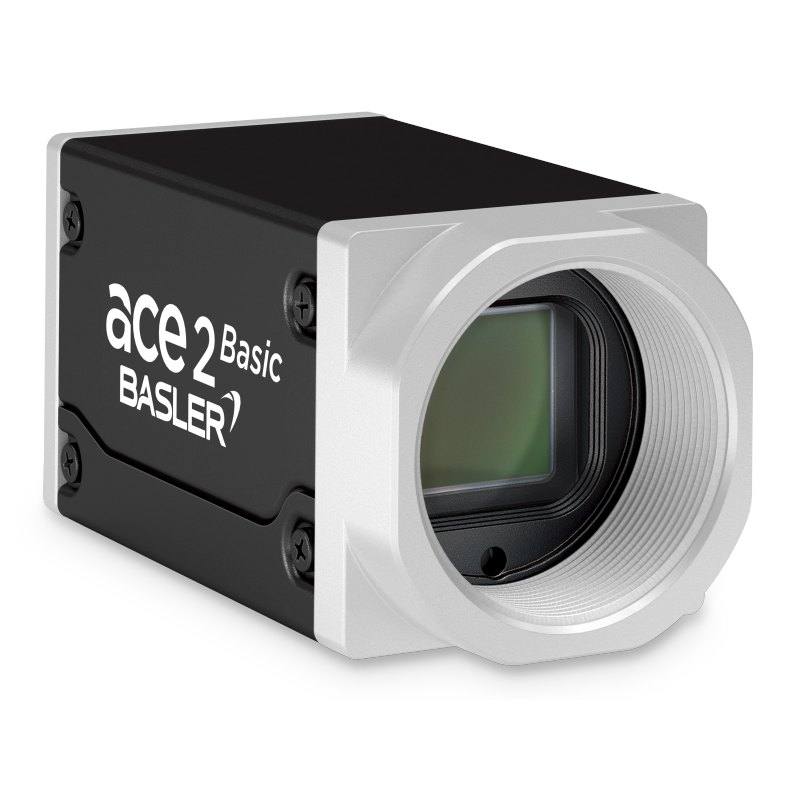
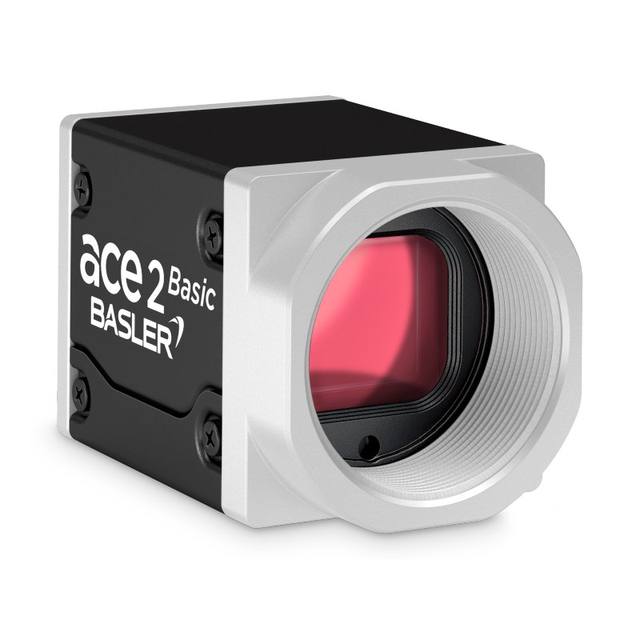
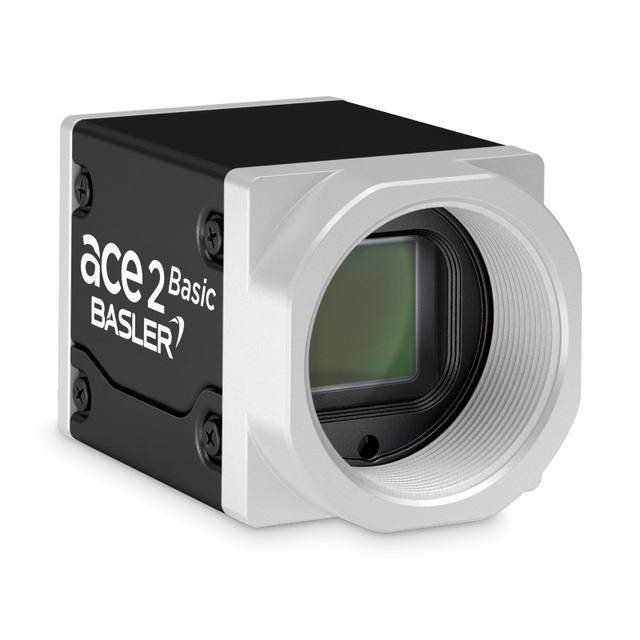
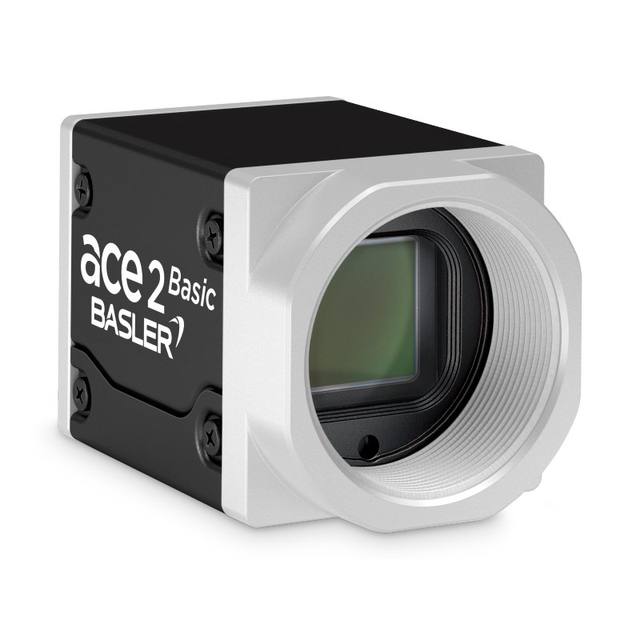
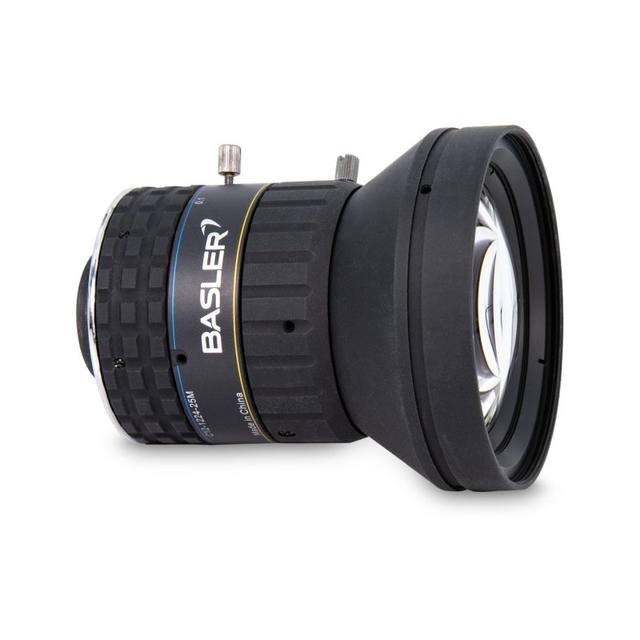
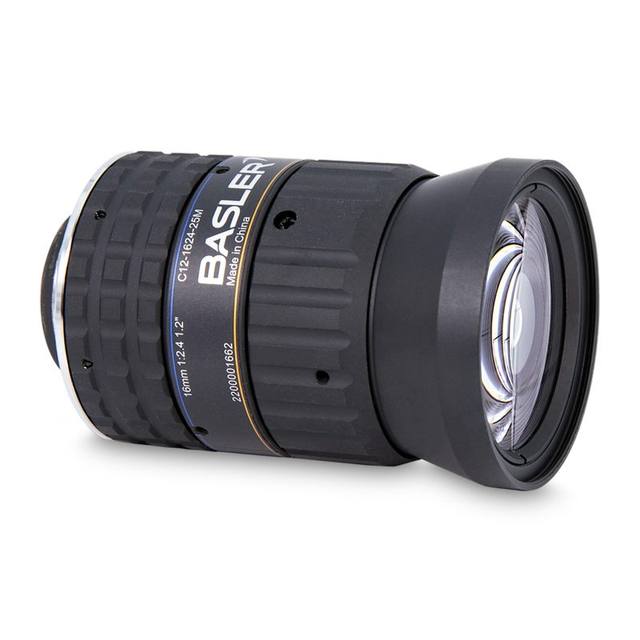
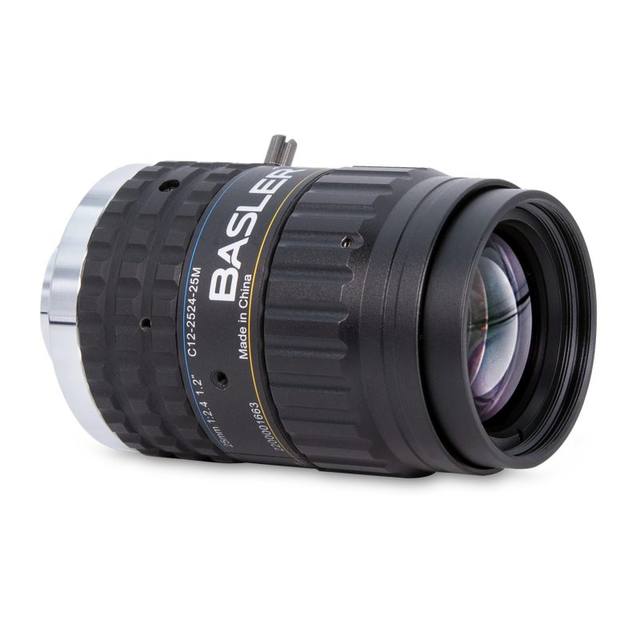
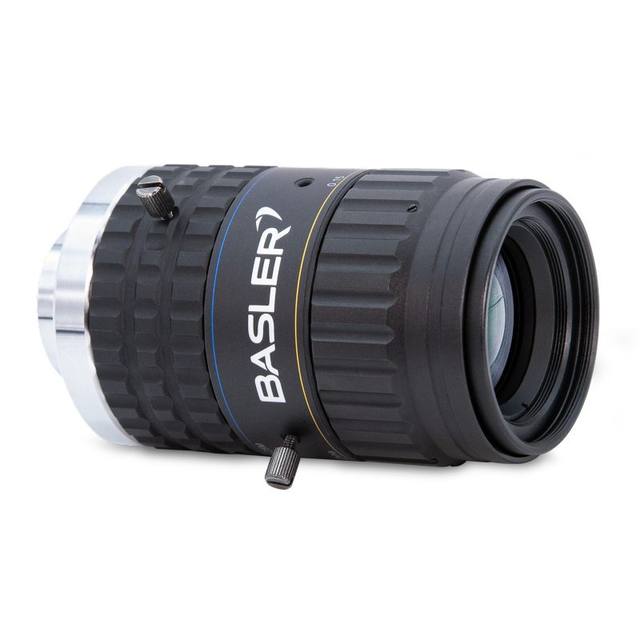
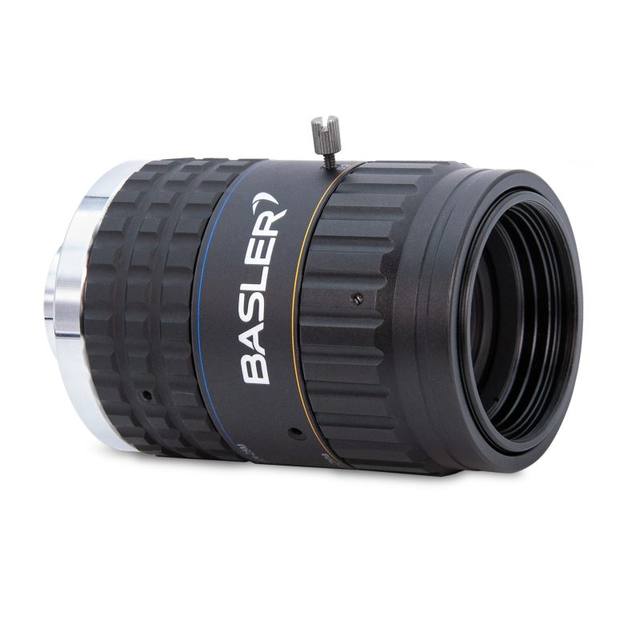
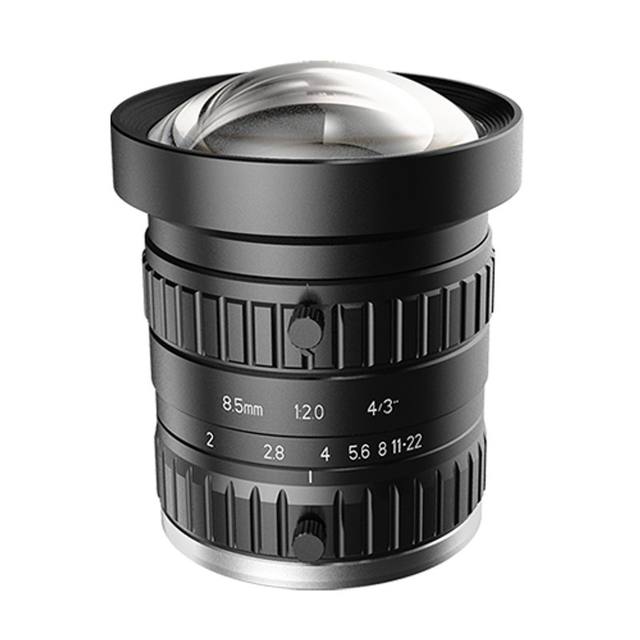
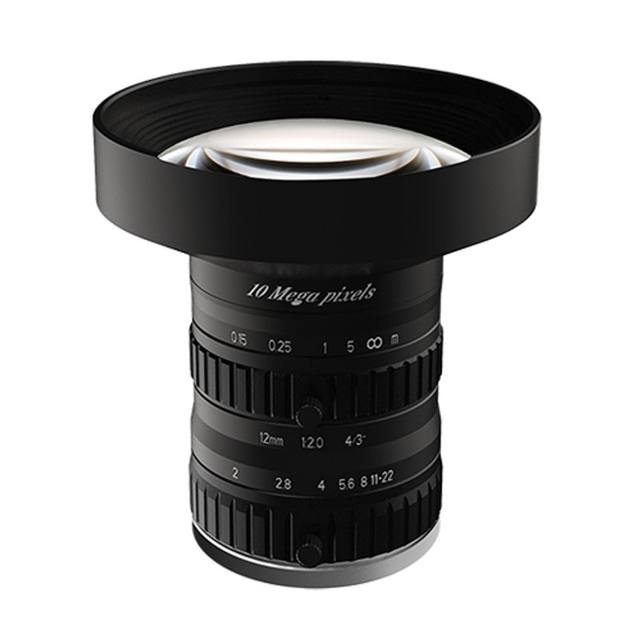
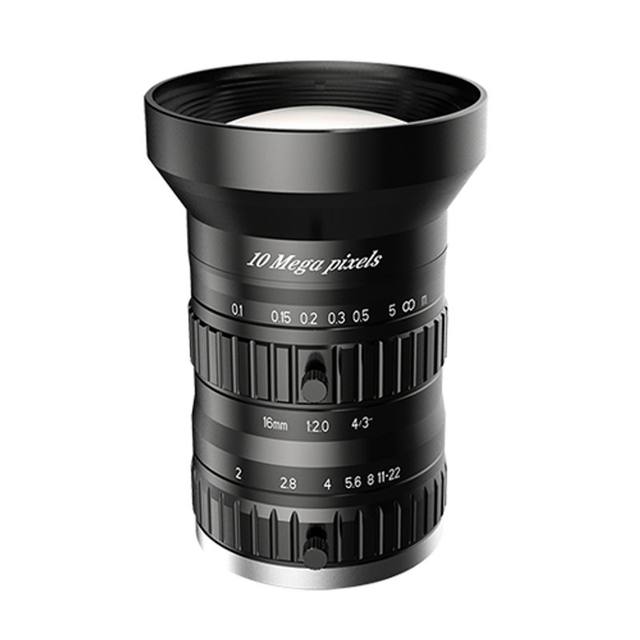
The Basler ace 2 a2A5328-22g5mBAS is a 5GigE industrial area-scan camera built around the 1.2" Sony IMX540 progressive-scan CMOS global-shutter sensor, delivering 5328 x 4608 px (24.4 MP) at approximately 22 fps. It uses 2.74 µm square pixels, a C-mount, and supports 8/10/12-bit pixel depth in monochrome. The 5 Gigabit Ethernet interface (RJ-45) is GigE Vision 2.0 and GenICam compliant; power is supplied externally at 12-24 VDC (no PoE) with typical consumption near 5.8 W. The IP30-rated housing weighs about 100 g and operates from -10 to 50 °C.
Brand
Basler
Camera type
Area scan
Interface
5GigE (5 Gigabit Ethernet, RJ-45)
Resolution
24.4 MP
Horizontal resolution
5328 x 4608 px
Mono / color
Mono
Sensor manufacturer
Sony (IMX540, Pregius S)
Sensor model
Sony IMX540
Shutter
Global shutter
FPS
~22 fps at full resolution (23.5 fps in Performance mode)
The Basler ace 2 a2A5328-22g5mBAS is a 5GigE area-scan camera built around the 1.2-inch Sony IMX540 Pregius S CMOS sensor, a global-shutter device that resolves 5328 x 4608 px (24.4 MP) with 2.74 um square pixels. The global shutter is the headline feature: every pixel is exposed simultaneously, so fast-moving parts on a conveyor or an indexing stage are captured without the geometric skew that a rolling shutter would introduce. At this pixel count you get the spatial detail needed for fine surface defects, small print, and tight dimensional tolerances, while the 2.74 um pixel keeps the optical format at a manageable 1.2 inch (14.57 x 12.6 mm, 19.3 mm diagonal) so standard C-mount optics can cover the sensor.
The 5GigE interface is the practical enabler for moving 24.4 MP frames at speed. The camera runs roughly 22 fps at full resolution (23.5 fps in Performance mode), and 5 Gigabit Ethernet over RJ-45 provides the bandwidth to sustain that without dropping to a slower frame rate the way standard GigE would at this resolution. Because it is GigE Vision 2.0 and GenICam compliant, it drops into existing Vision-standard toolchains and supports cable runs far longer than USB3, which suits cameras mounted away from the controller cabinet. Note that there is no PoE on this model: power comes from an external 12-24 VDC supply at about 5.8 W typical, so you will run a separate power lead to the camera alongside the data cable.
This is a monochrome camera with 8/10/12-bit pixel depth, which makes it a measurement and inspection tool rather than a color-sorting one. Mono sensors put all photosites toward luminance with no Bayer filter, giving higher effective resolution and light sensitivity for contrast-based tasks such as defect detection, edge-based gauging, and OCR/OCV. Because contrast is created by your illumination rather than by color, the camera should be paired deliberately with structured lighting and, for moving targets, a strobe or hardware trigger synchronized to the global shutter so each frame is frozen cleanly. The compact 55.5 x 29 x 29 mm, ~100 g housing is IP30-rated and rated for -10 to 50 C, so it is built for enclosed machine builds and clean factory environments rather than washdown or outdoor duty.
Best for
High-resolution surface and defect inspection on electronics, semiconductor, and metal parts where 24.4 MP resolves fine flaws across a single field of view
Dimensional measurement and edge-based gauging that benefits from global-shutter geometric accuracy on moving or indexed parts
Industrial OCR/OCV and print/label verification where monochrome contrast and 12-bit depth aid character reading
Packaging and print inspection lines running at moderate web or conveyor speeds within the ~22 fps full-frame budget
Robot-guidance and pick stations needing a high-pixel-count mono camera on a long GigE Vision cable run away from the controller
Selection notes
Plan power separately: this model has no PoE and requires an external 12-24 VDC feed (~5.8 W typical), so route a power lead in addition to the RJ-45 data cable.
Confirm your network path supports 5GigE end to end. A 5 Gigabit Ethernet NIC and appropriate cabling are needed to sustain ~22 fps at full 24.4 MP; standard GigE will bottleneck this resolution.
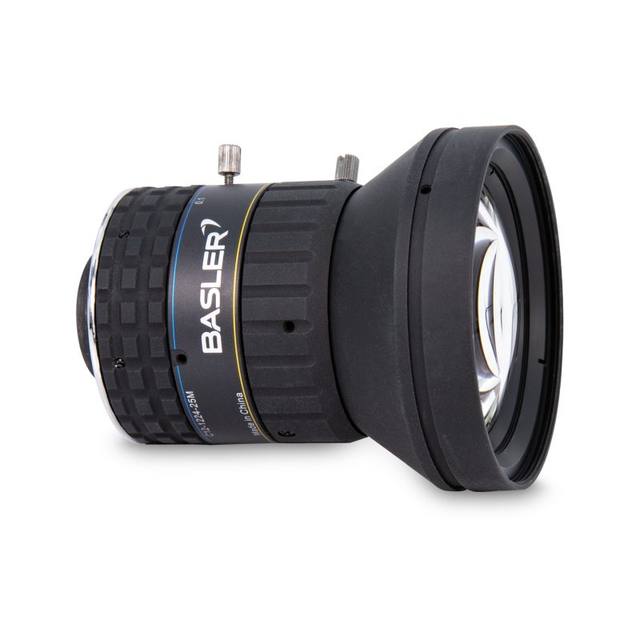
Match the lens to the 1.2-inch format and 2.74 um pixel. Choose a C-mount lens that covers the 19.3 mm image circle and resolves fine enough to not waste the high pixel density.
It is monochrome only. If your task needs color discrimination this camera will not provide it; design contrast into the lighting (geometry, wavelength, angle) instead.
Check the environment: IP30 and -10 to 50 C suit enclosed machine builds and clean factory floors, not washdown, dusty, or outdoor installations without additional protection.
For moving parts, exploit the global shutter with a hardware trigger and/or strobe lighting synchronized to exposure to freeze motion and keep frames blur-free.
Specifications: General
Brand
Basler
Camera type
Area scan
Specifications: Sensor
Resolution
24.4 MP
Horizontal resolution
5328 x 4608 px
Mono / color
Mono
Sensor manufacturer
Sony (IMX540, Pregius S)
Sensor model
Sony IMX540
Shutter
Global shutter
Sensor size
1.2" format (14.57 x 12.6 mm, 19.3 mm diagonal)
Pixel size
2.74 x 2.74 µm
Specifications: Performance
FPS
~22 fps at full resolution (23.5 fps in Performance mode)
Specifications: Interface
Interface
5GigE (5 Gigabit Ethernet, RJ-45)
Protocols
GigE Vision 2.0, GenICam
Specifications: Optics
Mount
C-mount
Specifications: Electrical
Power
External 12-24 VDC (no PoE)
Power consumption
5.8 W
Specifications: Environment
IP rating
IP30
Operating temperature
-10 to 50 °C
Specifications: Mechanical
Dimensions
55.5 x 29 x 29 mm (62.2 mm with C-mount)
Weight
100 g
Applications this camera is commonly selected for. Open one to see the full recommended hardware and approach.
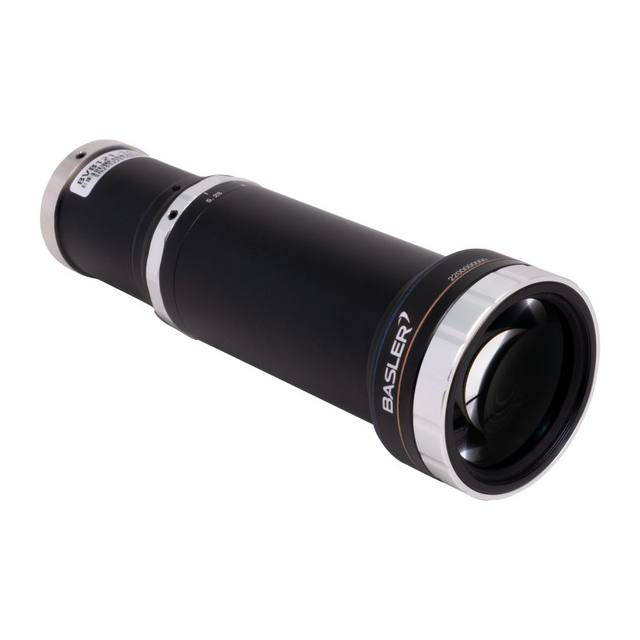
Matched automatically by: lens mount fits the camera mount · lens image circle covers the camera sensor — this camera: C-mount · 1.2" format (14.57 x 12.6 mm, 19.3 mm diagonal) sensor.
By category
All 26C-mount lenses 20Telecentric lenses 6
By brand
All 26Basler 12iRAYPLE 6Omron / Sentech 6Datalogic / Datasensing 2
Get a first image quickly with the pylon Viewer, then move into the pylon SDK for your application. These cameras are GenICam/GenTL-compliant, so any compliant vision software can drive them as well.
Download and install the pylon Camera Software Suite for your OS from Basler. This provides the pylon Viewer, the GenTL transport-layer producers and the pylon SDK (C/C++/.NET/Python). On Windows the installer adds the needed drivers; on Linux follow the included setup notes for USB and network permissions.
2. Connect the camera and check the link
Cable the camera to its matching interface: GigE Vision to a GigE port (use a quality cable and, ideally, a dedicated NIC with jumbo frames enabled), USB3 Vision to a USB 3.x port with the supplied cable, or CoaXPress to the frame grabber. Provide power where required (PoE, USB bus power, or PoCXP). Open the pylon Viewer and confirm the camera appears in the device list; for GigE, make sure the camera and NIC are on the same subnet.
3. Grab a first image and set exposure, gain and pixel format
Select the camera in the pylon Viewer and start a continuous grab. Adjust exposure time and gain until the image is well exposed (avoid clipped highlights), set the pixel format (e.g. Mono8 or a Bayer/RGB format), and focus the lens. Use a test pattern if the lens or scene is not ready yet.
4. Configure triggering and acquisition
Decide between free-run and triggered acquisition. For synchronized capture, set the trigger source (software or a hardware line on the I/O connector), trigger mode and any debounce or exposure mode, then verify timing. Note the parameter names you change in the Viewer feature tree, as you will reuse them in code.
5. Move to the SDK or a GenICam-compliant library
Recreate your settings in code with the pylon SDK (C, C++, .NET or Python) to open the device, apply the same features and pull frames into your pipeline; pylon vTools and pylon AI can add processing blocks. Because the cameras are GenICam/GenTL standard, third-party vision libraries work too. Once the image stream is stable, you can route frames to a deep-learning inspection such as Rosepetal for automated defect detection.
Frequently asked questions
It uses the 1.2-inch Sony IMX540 Pregius S CMOS global-shutter sensor at 5328 x 4608 px (24.4 MP), with 2.74 x 2.74 um square pixels.
Monochrome only, with selectable 8/10/12-bit pixel depth. It is suited to contrast-based inspection, gauging, and OCR/OCV rather than color tasks.
About 22 fps at full 24.4 MP resolution, and up to 23.5 fps in Performance mode.
No. This model has no PoE and is powered by an external 12-24 VDC supply, drawing approximately 5.8 W typical.
It connects over 5GigE (5 Gigabit Ethernet, RJ-45) and is GigE Vision 2.0 and GenICam compliant, so it integrates with standard Vision toolchains.
It uses a C-mount and a 1.2-inch sensor format (14.57 x 12.6 mm, 19.3 mm diagonal), so the lens must cover that 19.3 mm image circle.