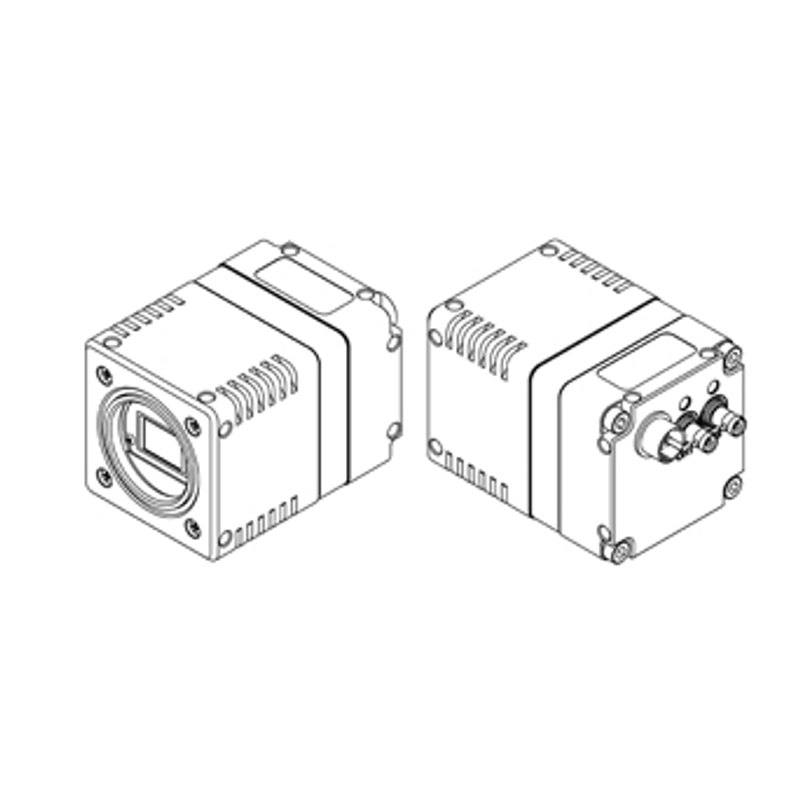
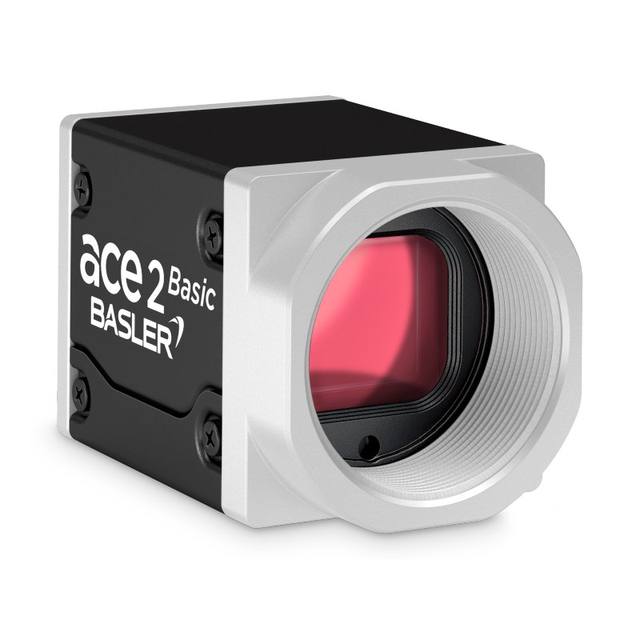
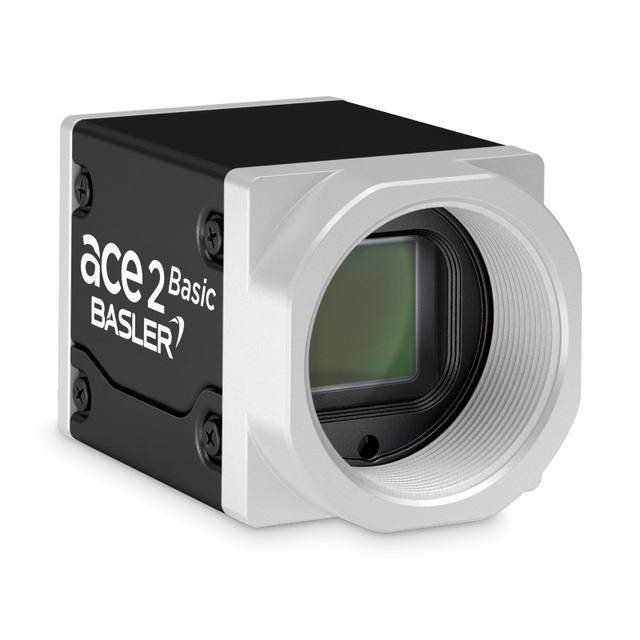
The STC-STS502CXP122 is an area-scan color camera using a prism-based 3CMOS architecture that splits incoming light into red, green and blue paths onto three separate Sony IMX548 1/1.8" global-shutter sensors (2,448 x 2,048 px each, 2.74 µm pixels) for superior color fidelity versus single-sensor Bayer cameras. It delivers 5.0 MP RGB images at up to 108.9 fps over a CoaXPress CXP-12 2-lane interface compliant with CoaXPress Standard Version 2.0, with RGB8/RGB10/RGB12 output. It uses a C-mount lens, powers via PoCXP or external +18.5 to +26 Vdc (under 6.7 W), and operates from 0 to +42 deg C. Exposure is adjustable from 1 µs to 16.777 s with up to 39.4 dB analog gain.
The STC-STS502CXP122 is an unusual area-scan camera because it does not rely on a single Bayer-mosaic sensor. Instead it uses a dichroic prism that splits incoming light into red, green and blue paths and lands each path on its own Sony IMX548 1/1.8-inch global-shutter sensor (2,448 x 2,048 px, 2.74 um pixels). The practical consequence for an installer is that every output pixel carries true, co-located R, G and B information rather than interpolated color, so there is no Bayer demosaicing, no color moire on fine repeating textures, and far more accurate hue separation. For tasks where color is the measurement itself, such as verifying print color, distinguishing subtly different materials, or grading produce, this 3CMOS prism architecture delivers fidelity a single-sensor color camera cannot match at the same nominal 5.0 MP.
On the speed and interface side, the camera streams 5.0 MP RGB frames at up to 108.9 fps over a CoaXPress CXP-12 2-lane link that is compliant with CoaXPress Standard Version 2.0 and GenICam. CXP-12 over two lanes gives the bandwidth headroom needed to move three-channel RGB8/RGB10/RGB12 data at that frame rate over a single coaxial cable run, and PoCXP means power and data share that one cable, simplifying long cabling to a frame grabber. The global shutter on all three IMX548 sensors freezes motion without rolling-shutter skew, so the camera is suited to imaging moving web, indexed parts on a conveyor, or anything where exposure timing must be deterministic. Exposure is adjustable from 1 us up to 16.777 s, and analog gain reaches 39.4 dB, giving wide latitude from short strobed captures to long low-light integrations.
Mechanically and electrically the camera is straightforward to design in. It uses a C-mount, so it pairs with common machine-vision C-mount lenses; with a 1/1.8-inch sensor format and 2.74 um pixels you should choose a lens that resolves at least that pixel pitch across the full 2,448 x 2,048 frame to avoid throwing away the color and resolution advantage. Power comes either through PoCXP or an external +18.5 to +26 Vdc supply, with consumption under 6.7 W, and the body weighs 168 g. The operating range is 0 to +42 deg C, which is comfortable for most indoor inspection cells but worth checking against hot enclosures or ovens. Because it is a CoaXPress camera it requires a CXP-12 frame grabber in the host PC rather than a plug-and-play USB or GigE connection, which is the main system-level decision this camera forces.
Best for
High-fidelity color print and label inspection where true RGB (not interpolated Bayer color) is needed to catch hue and registration defects
Surface and material inspection that distinguishes subtly different colors or finishes on electronics, packaging or printed media
High-speed color web or conveyor inspection where the global shutter freezes motion at up to 108.9 fps without rolling-shutter skew
Pharmaceutical and medical-device packaging verification requiring accurate color reading of labels, seals and components
Color OCR/OCV and packaging inspection where text or marks must be read reliably against colored backgrounds
Selection notes
This is a CoaXPress CXP-12 2-lane camera, so it requires a matching CXP-12 frame grabber in the host PC. It is not a plug-and-play USB or GigE device. Budget for the grabber and a compliant coax cable.
The 3CMOS prism design yields true co-located RGB per pixel, but the prism shortens available back focal distance. Confirm your C-mount lens is mechanically and optically compatible with a prism-based color camera before committing.
With 2.74 um pixels on a 1/1.8-inch sensor, pick a high-resolution C-mount lens that out-resolves the pixel pitch across the full 2,448 x 2,048 field, otherwise the color and detail advantage is lost to lens blur.
Plan power as either PoCXP over the coax or an external +18.5 to +26 Vdc supply; total draw is under 6.7 W, so single-cable PoCXP keeps the installation clean over long runs.
Operating range is 0 to +42 deg C and the body is 168 g. For hot enclosures or warm process areas verify the thermal margin and provide mounting that conducts heat away.
Exposure spans 1 us to 16.777 s with up to 39.4 dB gain. For fast color capture, pair short exposures with adequate strobed lighting rather than relying on high gain, which adds noise.
Specifications: General
Brand
Omron / Sentech
Camera type
Area scan (3CMOS prism)
Specifications: Sensor
Resolution
5.0 MP (5.01 MP per channel)
Horizontal resolution
2,448 (H) x 2,048 (V) px x 3 (RGB)
Mono / color
Color (RGB prism 3CMOS)
Sensor manufacturer
Sony (IMX548)
Sensor model
Sony IMX548 (x3, one per RGB channel)
Shutter
Global shutter
Sensor size
1/1.8 inch
Pixel size
2.74 x 2.74 µm
Specifications: Performance
FPS
108.9 fps
Specifications: Interface
Interface
CoaXPress CXP-12, 2 lane
Protocols
CoaXPress Standard Version 2.0 / GenICam
Specifications: Optics
Mount
C-mount
Specifications: Electrical
Power
pocxp
Power consumption
6.7 W
Specifications: Environment
Operating temperature
0 to +42 deg C
Specifications: Mechanical
Dimensions
2,448 (H) x 2,048 (V) x 3 (R, G, B)
Weight
168 g
Applications this camera is commonly selected for. Open one to see the full recommended hardware and approach.
These steps take an Omron Sentech (STC) camera from the box to a stable first image and on to your own application. They apply across the GigE Vision, USB3 Vision and CoaXPress STC families; the interface only changes how you cable and power the camera.
Download and install the Sentech SDK on the host PC. The package provides StViewer, the viewing and configuration software you use to bring the camera up, and StApi, the programming SDK you integrate later. Because the cameras are GenICam/GenTL-compliant, StApi also registers a GenTL producer, so any GenICam-compliant third-party vision software can discover and drive the camera as an alternative front end.
2. Cable, power and connect the camera
Connect according to the interface. GigE Vision: link to a Gigabit NIC (use PoE or the separate power input) and put the camera and host on the same subnet; for USB3 Vision use a USB 3.x port and a certified cable; for CoaXPress (STC) connect to a CoaXPress frame grabber, which also supplies Power-over-Coax. Then open StViewer and let it enumerate the camera. If a GigE camera does not appear, check the IP configuration and firewall, and on USB3 confirm the host bandwidth and driver.
3. Configure exposure, gain and white balance
Open the device in StViewer and start a live stream. Set exposure and gain for a well-exposed, low-noise image: raise exposure first and only add gain when more light or a faster shutter is not an option, keeping exposure short enough to freeze motion on global-shutter models. On colour cameras, run white balance under your actual production lighting. Adjust the lens aperture and focus on a representative target before tuning anything else.
4. Set the trigger and grab a first image
Start in free-run (continuous) acquisition to confirm a clean, stable image. For inline inspection switch to hardware or software triggering: select the trigger source, set the active edge and any delay, and wire the strobe or illumination to the camera's I/O so lighting fires with each exposure. Acquire and save a frame in StViewer; this saved image is your reference for the SDK stage and for downstream inspection.
5. Move to the StApi SDK (or any GenICam software)
Once the image is stable, reproduce the same settings in code. Use StApi to open the device, apply the GenICam features you validated in StViewer (exposure, gain, trigger, pixel format) and grab frames into your application via the bundled C++, C, C#/.NET or Python interfaces; the included samples are the fastest starting point. Prefer a different stack? The same GenICam/GenTL camera works with third-party vision libraries. With a reliable feed, you can route it into a deep-learning inspection such as Rosepetal for AI-based defect detection.
Frequently asked questions
Yes. It is an RGB prism 3CMOS color camera. A prism splits incoming light into red, green and blue paths onto three separate Sony IMX548 sensors, so each output pixel carries true co-located R, G and B rather than interpolated Bayer color, supporting RGB8, RGB10 and RGB12 output.
It connects over CoaXPress CXP-12 using 2 lanes, compliant with CoaXPress Standard Version 2.0 and GenICam. It requires a CXP-12 frame grabber in the host PC; it is not a USB or GigE plug-and-play camera.
5.0 MP (5.01 MP per channel) at 2,448 (H) x 2,048 (V) px per RGB channel, running at up to 108.9 fps over the CXP-12 2-lane link.
All three Sony IMX548 sensors are global shutter, so motion is frozen without rolling-shutter skew, which suits high-speed conveyor and web inspection.
It uses a C-mount lens. It powers via PoCXP over the coax or an external +18.5 to +26 Vdc supply, drawing under 6.7 W, and operates from 0 to +42 deg C.