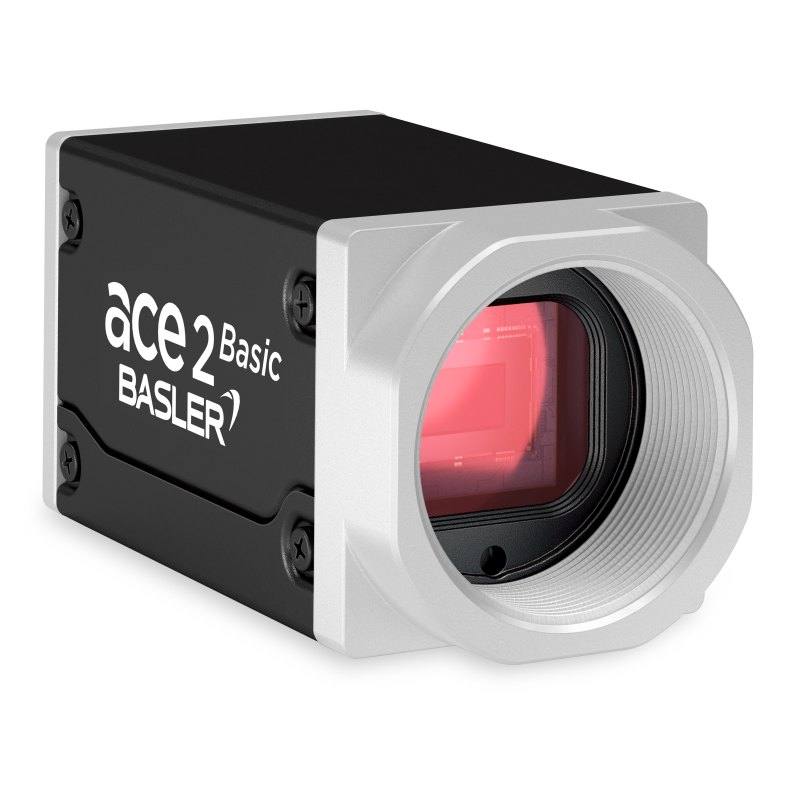
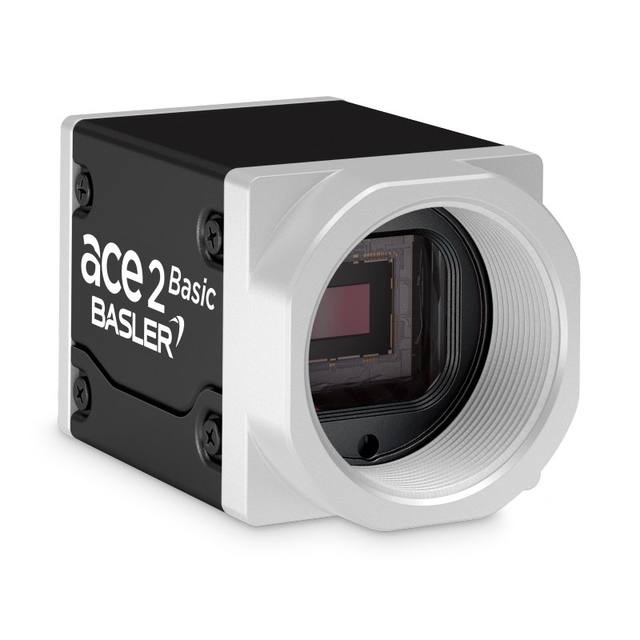
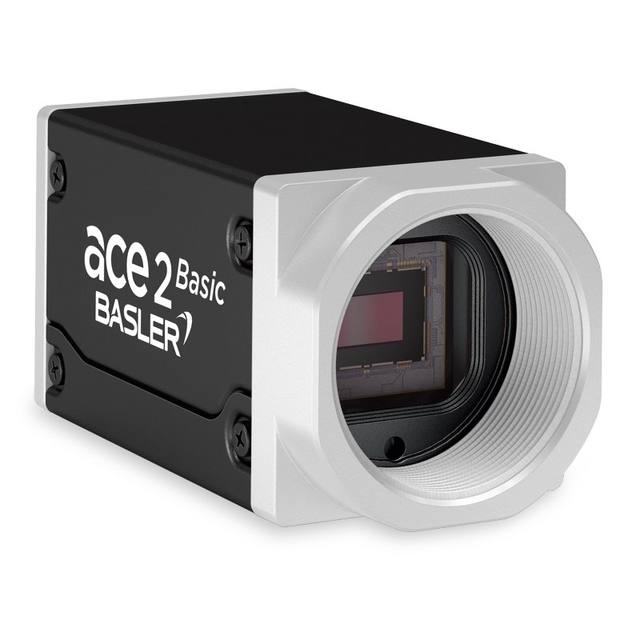
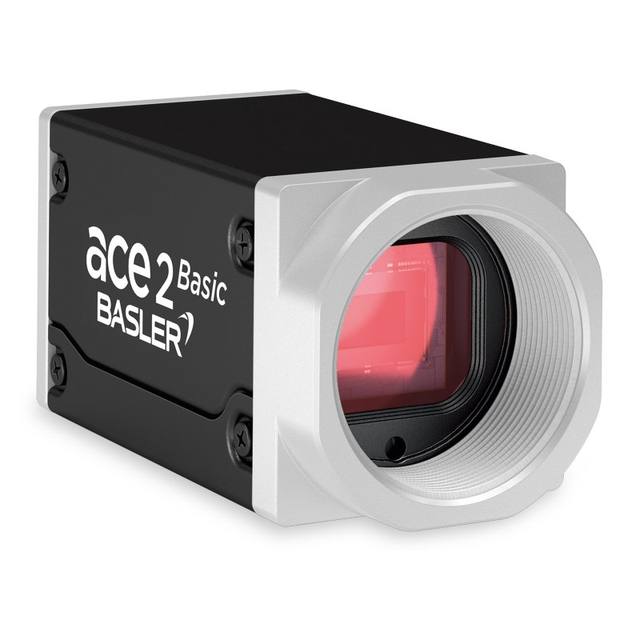
The Basler a2A2600-20gcBAS belongs to the ace 2 R Basic product family and uses a Gpixel GMAX2505 progressive scan CMOS sensor with global shutter in a 1/2" optical format (6.52 × 5.42 mm). It communicates over GigE Vision 2.0 (Fast Ethernet and Gigabit Ethernet) and supports Power over Ethernet (IEEE 802.3af) or 12–24 VDC auxiliary supply with typical consumption of 3.2 W (non-PoE) or 4.4 W (PoE). The compact 55.5 × 29 × 29 mm aluminum box housing weighs under 100 g and carries a C-mount lens attachment with IP30 protection rating. I/O includes 1 opto-coupled input line and 2 general-purpose GPIO lines via an M8 6-pin connector, with hardware trigger, software trigger, and free-run acquisition modes.
The Basler ace 2 a2A2600-20gcBAS pairs a Gpixel GMAX2505 global shutter CMOS sensor with a 1/2" optical format (6.52 x 5.42 mm, 8.45 mm diagonal) to deliver 5.6 MP resolution at 2600 x 2160 pixels. The 2.5 x 2.5 µm pixel pitch is fine enough to resolve small text, fine surface defects, and 1D/2D codes across a wide field without resorting to a longer focal-length lens — but it does demand a well-corrected, high-resolution C-mount optic to avoid soft corners. The global shutter captures all pixels simultaneously, eliminating the rolling-shutter motion artifacts that would otherwise appear when imaging parts on a moving conveyor or during robot-arm motion, making this sensor architecture a prerequisite for reliable edge detection and dimensional checks on dynamic lines.
Running at up to 20 fps (21.1 fps with optimized bandwidth settings) over GigE Vision 2.0, which supports both Fast Ethernet (100 Mbit/s) and Gigabit Ethernet (1000 Mbit/s), the camera fits naturally into factory networks without specialist cabling. Power over Ethernet (IEEE 802.3af) means a single CAT-6 cable carries both image data and power, eliminating a dedicated power run to each camera station — a significant advantage in multi-camera inspection cells or overhead mounting positions. Where PoE switches are not available, a 12–24 VDC auxiliary supply via the M8 6-pin connector works equally well. Typical consumption is 3.2 W (non-PoE) or 4.4 W (PoE), both within the IEEE 802.3af power budget, so the camera draws modest infrastructure load. The I/O on that same connector — one opto-isolated input and two configurable GPIO lines — covers hardware trigger from a photoelectric sensor, encoder strobe, or PLC output, as well as a reject or alarm output back to line control.
The compact 55.5 x 29 x 29 mm aluminum housing weighs under 100 g and carries an IP30 rating, appropriate for enclosed machine-vision enclosures in clean environments. An operating range of -10 to 60 °C covers most in-plant conditions including unheated warehouse applications. The color sensor (Bayer-pattern) adds the ability to detect color-coded label variants, verify pharmaceutical cap colors, or distinguish product types by color — use cases where a monochrome sensor would require a separate filter or illumination trick. Lighting selection should account for the color sensor: a broadband white or matched-wavelength LED strobe synchronized to the hardware trigger line will deliver consistent color balance and freeze motion at the pixel level. The C-mount accepts the broad library of 1/2" and smaller format lenses; when a 2/3" C-mount lens is used the sensor falls inside the image circle, which can be advantageous for reducing vignetting in high-contrast surface inspection.
Best for
Conveyor-fed packaging inspection — label presence, fill level color verification, and barcode/2D code reading at up to 20 fps, with global shutter preventing smear on labels moving at typical line speeds
Electronics PCB and component inspection — 5.6 MP resolution resolves fine component placement and solder quality at working distances that keep the optics clear of the board, color distinguishing component marking colors and polarity bands
Pharmaceutical primary packaging — verifying cap color, lot code OCR, and tamper-evident seal integrity in a single color pass, with hardware trigger synchronizing to track-and-trace encoders
Robot guidance and bin picking — global shutter freezes the scene during robot arm motion for reliable feature extraction; PoE simplifies wiring on articulated arms or gantry-mounted heads
Logistics sortation and label verification — reading shipping labels, verifying address zone colors, and confirming package dimensions against a reference at induction points, connected over the existing LAN infrastructure via GigE with PoE
Selection notes
Lens resolution budget: at 2.5 µm pixel pitch the lens MTF at Nyquist (200 lp/mm at the sensor) must be high to exploit the full resolution; select a lens rated for 5 MP or better on a 1/2" format — undercorrected lenses will soft-limit effective resolution well before the sensor limit
GigE bandwidth ceiling: raw Bayer 8-bit output at 2600 x 2160 x 20 fps is approximately 112 MB/s, which fits within a Gigabit Ethernet link (125 MB/s), but Bayer 12-bit packed (~169 MB/s) approaches the link limit; verify that your chosen pixel format and ROI settings deliver the throughput your cycle time requires before finalizing the installation, and use Fast Ethernet (100 Mbit/s) mode only for lower-resolution or lower-frame-rate configurations
PoE switch sizing: the camera draws up to 4.4 W in PoE mode (IEEE 802.3af); budget accordingly when specifying a PoE switch for a multi-camera cell, and ensure the switch supports IEEE 802.3af on each port rather than only on a subset
IP30 is suitable for enclosed cabinets and clean-room-adjacent environments, but is not rated against water jets or heavy particulate; for dusty or wash-down zones consider a protective housing or choose a variant with higher ingress protection
Color sensor calibration: for repeatable color measurement (rather than binary pass/fail), a white-balance calibration target and consistent broadband illumination are essential — the GMAX2505 Bayer sensor will shift apparent color if illumination spectrum or intensity drifts between shifts
Matched automatically by: lens mount fits the camera mount · lens image circle covers the camera sensor — this camera: C-mount · 1/2" (8.45 mm diagonal, 6.52 × 5.42 mm) sensor.
By category
All 229C-mount lenses 164Telecentric lenses 62F-mount / large-format lenses 3
By brand
All 229Omron / Sentech 74iRAYPLE 66Basler 59Datalogic / Datasensing 30
Get a first image quickly with the pylon Viewer, then move into the pylon SDK for your application. These cameras are GenICam/GenTL-compliant, so any compliant vision software can drive them as well.
Download and install the pylon Camera Software Suite for your OS from Basler. This provides the pylon Viewer, the GenTL transport-layer producers and the pylon SDK (C/C++/.NET/Python). On Windows the installer adds the needed drivers; on Linux follow the included setup notes for USB and network permissions.
2. Connect the camera and check the link
Cable the camera to its matching interface: GigE Vision to a GigE port (use a quality cable and, ideally, a dedicated NIC with jumbo frames enabled), USB3 Vision to a USB 3.x port with the supplied cable, or CoaXPress to the frame grabber. Provide power where required (PoE, USB bus power, or PoCXP). Open the pylon Viewer and confirm the camera appears in the device list; for GigE, make sure the camera and NIC are on the same subnet.
3. Grab a first image and set exposure, gain and pixel format
Select the camera in the pylon Viewer and start a continuous grab. Adjust exposure time and gain until the image is well exposed (avoid clipped highlights), set the pixel format (e.g. Mono8 or a Bayer/RGB format), and focus the lens. Use a test pattern if the lens or scene is not ready yet.
4. Configure triggering and acquisition
Decide between free-run and triggered acquisition. For synchronized capture, set the trigger source (software or a hardware line on the I/O connector), trigger mode and any debounce or exposure mode, then verify timing. Note the parameter names you change in the Viewer feature tree, as you will reuse them in code.
5. Move to the SDK or a GenICam-compliant library
Recreate your settings in code with the pylon SDK (C, C++, .NET or Python) to open the device, apply the same features and pull frames into your pipeline; pylon vTools and pylon AI can add processing blocks. Because the cameras are GenICam/GenTL standard, third-party vision libraries work too. Once the image stream is stable, you can route frames to a deep-learning inspection such as Rosepetal for automated defect detection.
Frequently asked questions
The camera delivers up to 20 fps at full 2600 x 2160 resolution, or up to 21.1 fps with optimized GigE bandwidth settings. Reducing the active ROI height will increase frame rate proportionally by reducing the data volume per frame, which is useful when inspecting a narrow feature on a fast line.
The Gpixel GMAX2505 is a global shutter CMOS sensor and this camera is configured as a color (Bayer) device — global shutter applies to all pixels regardless of color filter pattern, so color images are captured without rolling-shutter distortion on moving subjects.
Yes. The M8 6-pin I/O connector accepts 12–24 VDC auxiliary power at 3.2 W typical, so a standard 24 VDC machine supply works without any PoE infrastructure. PoE (IEEE 802.3af) is an alternative, not a requirement.
The camera uses a C-mount. Lenses designed for 1/2" or smaller image circles will cover the sensor fully; lenses for larger formats (2/3", 1") also fit and typically provide better corner sharpness and less vignetting. A CS-mount lens must not be used without a 5 mm adapter ring as it will not reach the correct flange distance.
IP30 protects against solid objects larger than 2.5 mm but provides no moisture protection whatsoever. For outdoor, high-humidity, or wash-down environments a sealed protective housing is required. IP30 is appropriate for enclosed machine-vision enclosures in clean industrial settings.