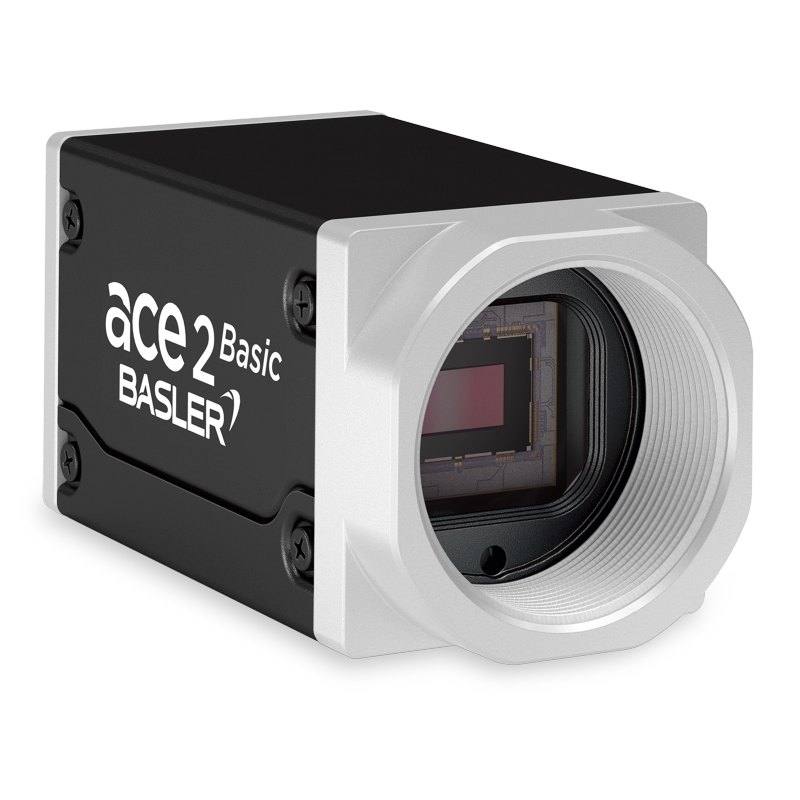
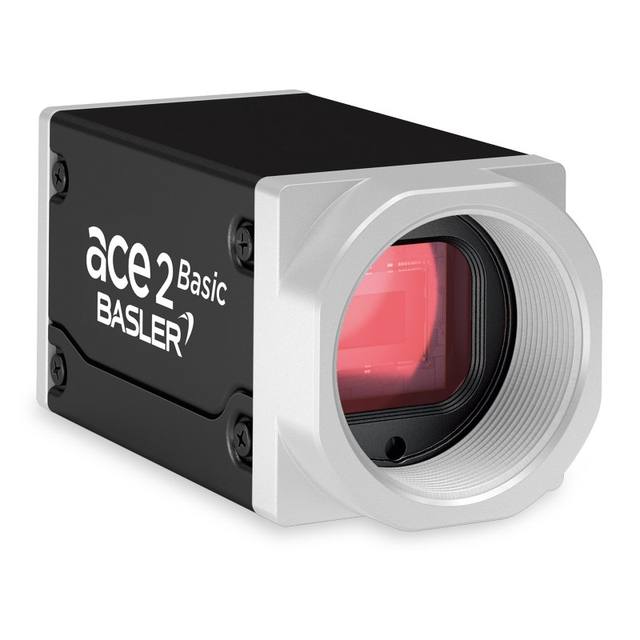
The Basler ace 2 a2A2590-22gm is part of Basler's ace 2 R (Robust) GigE camera family, offering a 2592 x 1944 pixel monochrome image at up to 22 fps using the Sony IMX334LLR-C progressive-scan CMOS sensor with a 1/2.8" format and 2.0 µm pixel pitch. It supports GigE Vision 2.0 and GenICam protocols and can be powered via Power over Ethernet (IEEE 802.3af) or 12–24 VDC through its M8 I/O connector. The camera features a C-mount lens interface, IP30-rated compact housing (55.5 × 29 × 29 mm), hardware and software triggering, and typical dynamic range of 69.2 dB. It is offered in BAS (basic) and PRO variants sharing the same core sensor and interface, differentiated by software feature sets.
The Basler ace 2 a2A2590-22gm pairs a Sony IMX334LLR-C CMOS sensor with a 1/2.8" optical format (5.2 × 3.9 mm active area) to deliver a 2592 × 1944 pixel monochrome image — 5 MP — at up to 22 fps over GigE. With 2.0 µm square pixels and a 69.2 dB dynamic range, the sensor captures fine surface texture and tonal gradients well suited to defect detection and OCR tasks where per-pixel contrast matters more than speed. The rolling shutter is adequate for stationary or slow-moving subjects and for applications where an external strobe can be timed to freeze the exposure window; integrators who need to image parts on fast-moving conveyors without a strobe should evaluate the exposure time relative to line speed before committing.
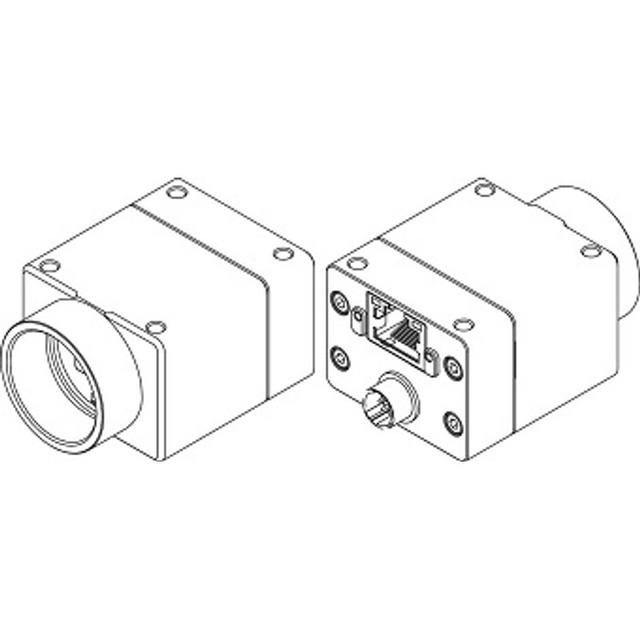
Interface and power logistics are handled entirely through the GigE Vision 2.0 / GenICam connection. A single Cat5e/Cat6 cable carries image data and, via PoE (IEEE 802.3af), up to 3.5 W of camera power — eliminating a separate power run to the mounting location and simplifying cabling in multi-camera cells. The M8 I/O connector accepts 12–24 VDC for installations where a managed PoE switch is not available, and it carries hardware trigger and strobe lines. GigE's reach of up to 100 m with standard cabling makes this camera practical for conveyor lines or overhead gantry positions where USB3 or CoaXPress would require repeaters.
The compact housing measures 55.5 × 29 × 29 mm and weighs 100 g, fitting standard C-mount lenses from the widest available catalog. IP30 protection covers incidental finger and tool contact but not dust or liquid ingress, so the camera should be mounted inside a protective enclosure or above the contamination zone on wash-down lines. Operating temperature spans –10 to 60 °C in the BAS variant (–10 to 50 °C for PRO), covering most ambient factory environments without active cooling. BAS and PRO variants share the identical sensor and GigE hardware; the PRO tier unlocks additional software features — evaluate required feature sets against project budgets, since sensor performance is identical across both.
Best for
Pharmaceutical and electronics packaging inspection where 5 MP resolution provides enough pixel density to resolve label text, 1D/2D codes, and small print defects at typical conveyor widths with a mid-focal-length C-mount lens
Industrial OCR and OCV on printed circuit board markings, laser-etched part numbers, or ink-jet date codes, where monochrome sensitivity and fine 2.0 µm pixel pitch improve contrast on low-reflectance characters
Robot guidance and pick-and-place alignment in structured-light or overhead fixed-camera configurations where the part is stationary or briefly stopped, making rolling shutter acceptable and PoE cabling beneficial in a compact robot cell
Traceability and barcode reading on logistics and automotive assembly lines where long cable runs (up to 100 m via GigE) allow a single camera to cover a wide conveyor span without signal repeaters
Dimensional measurement of small-to-medium components where 2592 × 1944 resolution enables sub-pixel edge detection across a field of view sized for the relevant tolerance, and the 69.2 dB dynamic range accommodates shiny and matte surface finishes in the same scene
Selection notes
Rolling shutter requires careful trigger and strobe coordination for moving targets: the exposure window scans line-by-line, so a short, well-timed strobe flash — rather than continuous illumination — is the standard mitigation; confirm that your lighting controller supports sub-millisecond strobe latency relative to the hardware trigger input on the M8 connector
Lens selection must account for the 1/2.8" (5.2 × 3.9 mm) sensor format — use a lens with an image circle rated for 1/2.8" or larger; C-mount lenses designed for 1/1.8" or 2/3" will cover this sensor with margin, while lenses specified only for 1/3" will vignette
IP30 is not suitable for direct exposure to coolant, wash-down spray, or heavy particulate; plan for an IP65/IP67 enclosure or a camera with a higher native IP rating if the mounting point is within the contamination zone
PoE power draw is 3.5 W, well within the 15.4 W ceiling of IEEE 802.3af; a single PoE switch port per camera is sufficient, and no PoE+ (802.3at) switch is required — a consideration when specifying switch infrastructure for multi-camera lines
BAS and PRO variants share identical optical and interface hardware; the decision is purely about software feature requirements — do not over-specify PRO if BAS feature set covers the application, as it affects per-unit cost at volume
Specifications: General
Brand
Basler
Camera type
Area Scan
Specifications: Sensor
Resolution
5 MP
Horizontal resolution
2592 × 1944 px
Mono / color
Monochrome
Sensor manufacturer
sony_starvis
Sensor model
Sony IMX334ROI
Shutter
Rolling Shutter
Sensor size
1/2.8" (5.2 × 3.9 mm)
Pixel size
2.0 × 2.0 µm
Specifications: Performance
FPS
22 fps (Performance mode)
Specifications: Interface
Interface
GigE (100/1000 Mbit/s)
Protocols
GigE Vision 2.0, GenICam
Specifications: Optics
Mount
C-mount
Specifications: Electrical
Power
PoE (IEEE 802.3af) or 12–24 VDC
Power consumption
3.5 W
Specifications: Environment
IP rating
IP30
Operating temperature
-10 to 60 °C (BAS); -10 to 50 °C (PRO)
Specifications: Mechanical
Dimensions
5.2 × 3.9 mm
Weight
100 g
Applications this camera is commonly selected for. Open one to see the full recommended hardware and approach.
Matched automatically by: lens mount fits the camera mount · lens image circle covers the camera sensor — this camera: C-mount · 1/2.8" (5.2 × 3.9 mm) sensor.
By category
All 244C-mount lenses 179Telecentric lenses 62F-mount / large-format lenses 3
By brand
All 244Omron / Sentech 81iRAYPLE 66Basler 65Datalogic / Datasensing 32
Get a first image quickly with the pylon Viewer, then move into the pylon SDK for your application. These cameras are GenICam/GenTL-compliant, so any compliant vision software can drive them as well.
Download and install the pylon Camera Software Suite for your OS from Basler. This provides the pylon Viewer, the GenTL transport-layer producers and the pylon SDK (C/C++/.NET/Python). On Windows the installer adds the needed drivers; on Linux follow the included setup notes for USB and network permissions.
2. Connect the camera and check the link
Cable the camera to its matching interface: GigE Vision to a GigE port (use a quality cable and, ideally, a dedicated NIC with jumbo frames enabled), USB3 Vision to a USB 3.x port with the supplied cable, or CoaXPress to the frame grabber. Provide power where required (PoE, USB bus power, or PoCXP). Open the pylon Viewer and confirm the camera appears in the device list; for GigE, make sure the camera and NIC are on the same subnet.
3. Grab a first image and set exposure, gain and pixel format
Select the camera in the pylon Viewer and start a continuous grab. Adjust exposure time and gain until the image is well exposed (avoid clipped highlights), set the pixel format (e.g. Mono8 or a Bayer/RGB format), and focus the lens. Use a test pattern if the lens or scene is not ready yet.
4. Configure triggering and acquisition
Decide between free-run and triggered acquisition. For synchronized capture, set the trigger source (software or a hardware line on the I/O connector), trigger mode and any debounce or exposure mode, then verify timing. Note the parameter names you change in the Viewer feature tree, as you will reuse them in code.
5. Move to the SDK or a GenICam-compliant library
Recreate your settings in code with the pylon SDK (C, C++, .NET or Python) to open the device, apply the same features and pull frames into your pipeline; pylon vTools and pylon AI can add processing blocks. Because the cameras are GenICam/GenTL standard, third-party vision libraries work too. Once the image stream is stable, you can route frames to a deep-learning inspection such as Rosepetal for automated defect detection.
Frequently asked questions
It depends on line speed and exposure time. The IMX334LLR-C uses a rolling shutter, meaning rows are exposed sequentially rather than simultaneously. Fast-moving objects will appear skewed or blurred unless exposure time is short enough to freeze motion within a single row's scan period, or unless a triggered strobe collapses the effective exposure to a brief flash. For high-speed conveyors, use a strobe synchronized to the hardware trigger on the M8 connector and keep exposure times well below the per-row scan period for your frame rate.
GigE Vision over standard Cat5e or Cat6 Ethernet supports cable runs up to 100 m without repeaters. No proprietary cable is needed — standard industrial Ethernet cable with M12 or RJ45 connectors is used. If PoE is selected for power, ensure the cable meets Cat5e or better spec to carry both data and the 3.5 W supply current without excessive voltage drop.
The camera uses a C-mount interface. The sensor active area is 5.2 × 3.9 mm (1/2.8" format), so any C-mount lens with an image circle of 1/2.8" or larger will fully illuminate the sensor. Lenses rated for 1/1.8", 1/2", or 2/3" formats are all suitable choices with image circle margin.
PoE (IEEE 802.3af) is sufficient on its own. The camera draws 3.5 W, and 802.3af delivers up to 15.4 W, leaving ample headroom. In installations where a PoE switch is not available, the M8 I/O connector accepts 12–24 VDC from a standard DIN-rail power supply. Either power path is independent of image data, which always travels over the GigE network cable.
Both variants use the identical Sony IMX334LLR-C sensor, the same 2592 × 1944 resolution, the same 22 fps frame rate, and the same GigE interface hardware. The BAS and PRO designations reflect software feature tiers within Basler's pylon SDK — PRO enables additional acquisition and control features. Image quality, dynamic range (69.2 dB), and physical dimensions are identical. Operating temperature range differs slightly: BAS supports –10 to 60 °C while PRO is rated to –10 to 50 °C.