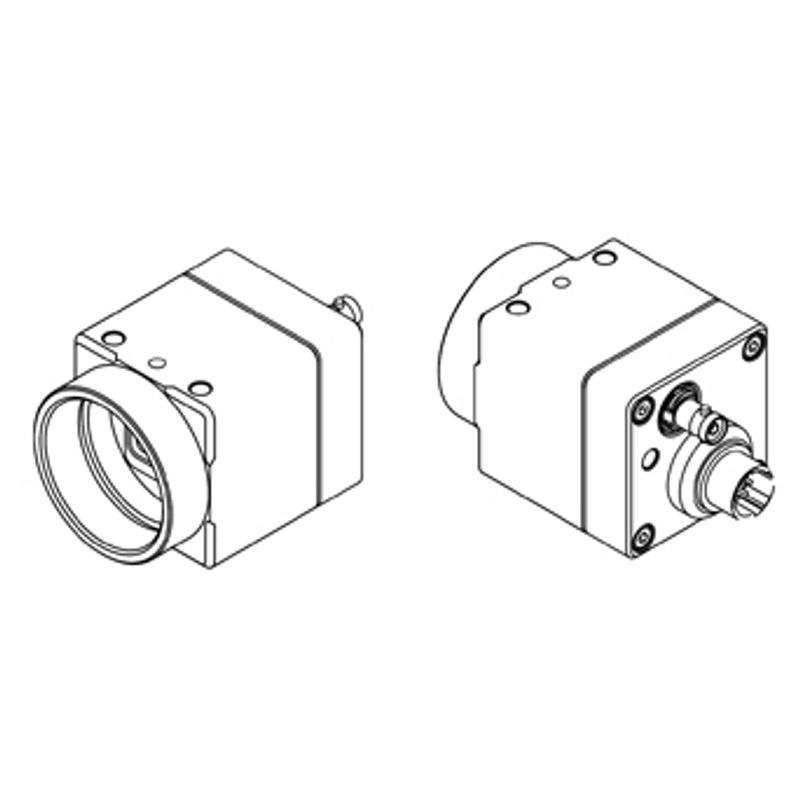
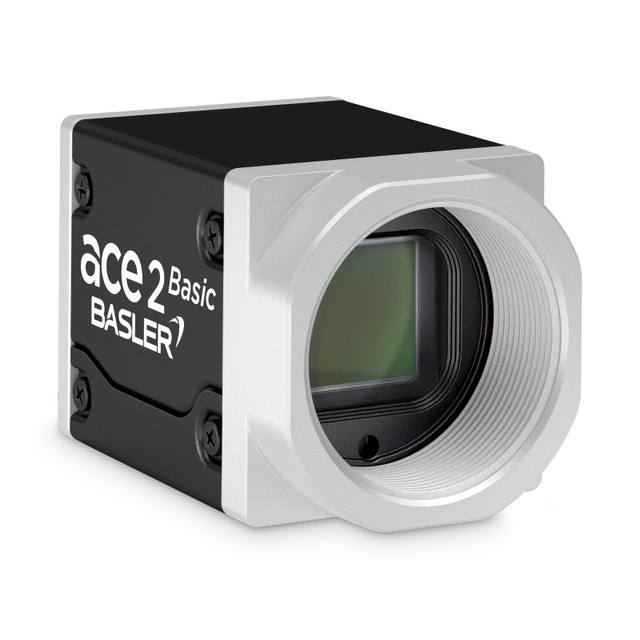
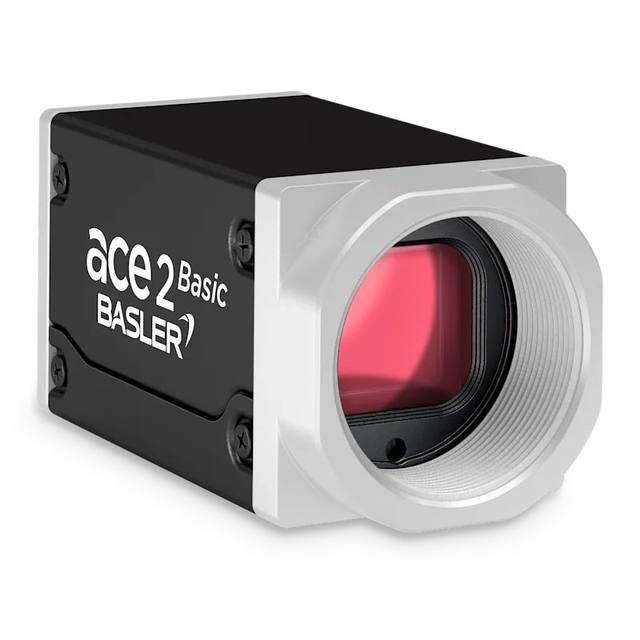
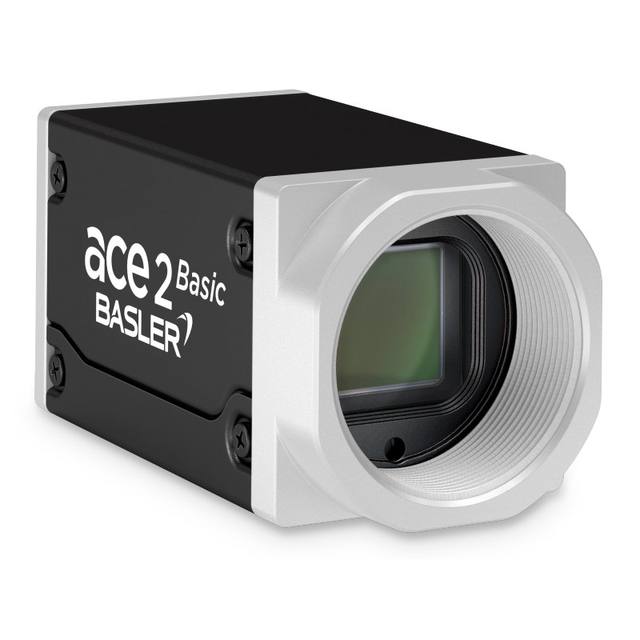
The STC-MBS161BCXP121 (mono) and STC-MCS161BCXP121 (color) are compact 29 x 29 x 40 mm CoaXPress area-scan cameras built around the 1.1" Sony IMX542 global-shutter CMOS sensor delivering 16 megapixels (5,320 x 3,032 px) at 2.74 um pixel pitch. They run at 52.6 fps over a single CXP-12 lane (CoaXPress Standard Version 2.0) via a Micro-BNC connector and use a C-mount. Power is supplied via PoCXP or external 18.5-26 Vdc at 3.6 W or less. Image controls include analog gain 0-18 dB, digital gain x1-x7, exposure 1 us to 16.777 s, gamma 0.10-4.00, flat-field correction and (color) auto/manual white balance.
Brand
Omron / Sentech
Camera type
Area scan
Interface
CoaXPress CXP-12 (1 lane, CoaXPress Standard v2.0)
Resolution
16 MP
Horizontal resolution
5,320 (H) x 3,032 (V) px
Mono / color
Mono (STC-MBS161BCXP121) / Color (STC-MCS161BCXP121)
The Omron Sentech STC-MBS161BCXP121 (monochrome) and STC-MCS161BCXP121 (color) are built around a 1.1" Sony IMX542 Pregius S global-shutter CMOS sensor that resolves 16 megapixels (5,320 x 3,032 px) on a fine 2.74 um pixel pitch. The combination of a global shutter and that high a pixel count is the defining trait here: every pixel is exposed simultaneously, so fast-moving parts on a conveyor or indexing stage are captured without the skew or smear a rolling shutter would introduce, while the 16MP grid gives enough spatial sampling to hold tight tolerances across a wide field of view. The 1.1" optical format with 2.74 um pixels means you can place a small inspection feature across many pixels, which is what makes this body suited to fine defect, surface and measurement work rather than coarse presence/absence checks.
Bandwidth is delivered over a single CXP-12 lane (CoaXPress Standard Version 2.0) through a Micro-BNC connector, sustaining 52.6 fps at full 16MP resolution. CoaXPress is the right interface for this data rate: it carries high-throughput image data, trigger and control over one coaxial cable, and supports cable runs well beyond what USB3 allows, so the camera can sit deep inside a machine while the frame grabber stays in the control cabinet. Power comes either over the same coax via PoCXP or from an external +18.5 to +26 Vdc supply, with the camera drawing 3.6 W or less, which simplifies cabling and keeps heat low in enclosed housings. The camera speaks GenICam over the CoaXPress link, so it integrates with standard frame-grabber and machine-vision software stacks without proprietary drivers.
On-camera image controls give the integrator room to tune the signal before it reaches the algorithm: analog gain runs 0-18 dB and digital gain x1 to x7 for low-light or short-exposure scenes, exposure spans 1 us to 16.777 s to cover both stroboscopic freeze-motion and long integration, and gamma is adjustable 0.10-4.00. Flat-field correction helps flatten illumination and lens-shading non-uniformity across the large sensor, and the color (MCS) variant adds auto/manual white balance. The body uses a C-mount and is compact at 29 x 29 x 40 mm and 54 g, so it fits tight gantries and multi-camera arrays; note the 0 to +40 degC operating range, which sets the thermal envelope for enclosed or warm production areas. Because exposures can be driven down to 1 us, this camera pairs naturally with a triggered strobe lighting setup to freeze motion at speed.
Best for
High-resolution surface and defect inspection on electronics, semiconductor and printed materials where the 16MP sensor must resolve fine flaws across a wide field of view
Dimensional measurement and metrology tasks that need the fine 2.74 um pixel pitch and distortion-free global-shutter capture
Inspecting fast-moving parts on conveyors or indexing stages, where the global shutter prevents motion skew at up to 52.6 fps
Industrial OCR/OCV and code/character verification on packaging and labels, using the high pixel count to read small print reliably
Multi-camera CoaXPress inspection cells where long cable runs from the machine to a cabinet-mounted frame grabber are required
Selection notes
This is a frame-grabber camera: a CoaXPress CXP-12 (v2.0) capable grabber is required, and to use single-cable PoCXP powering, the grabber and Micro-BNC cabling must support power-over-coax; otherwise plan for an external +18.5 to +26 Vdc supply.
Choose the variant deliberately: MBS161BCXP121 is monochrome for maximum sensitivity and resolution on defect/measurement work, while MCS161BCXP121 is color (with auto/manual white balance) when chromatic features matter. Both share the same IMX542 sensor and 16MP resolution.
The 1.1" format with 16MP on 2.74 um pixels demands a C-mount lens rated for 1.1" sensors at high resolution; an undersized or low-MTF lens will limit corner sharpness and waste the available pixels.
Exposure can reach as short as 1 us, so design the lighting around it; pair with a triggered strobe controller to freeze motion at full frame rate, since short exposures cut the light reaching the sensor.
Mind the operating envelope: 0 to +40 degC ambient and roughly 3.6 W draw mean the 29 x 29 x 40 mm body needs adequate airflow or a heat-sinking mount in warm or fully enclosed installations.
Specifications: General
Brand
Omron / Sentech
Camera type
Area scan
Specifications: Sensor
Resolution
16 MP
Horizontal resolution
5,320 (H) x 3,032 (V) px
Mono / color
Mono (STC-MBS161BCXP121) / Color (STC-MCS161BCXP121)
Sensor manufacturer
Sony Pregius S (IMX542)
Sensor model
Sony IMX542
Shutter
Global shutter
Sensor size
1.1" optical format
Pixel size
2.74 (H) x 2.74 (V) um
Specifications: Performance
FPS
52.6 fps at full resolution
Specifications: Interface
Interface
CoaXPress CXP-12 (1 lane, CoaXPress Standard v2.0)
Protocols
GenICam / CoaXPress Standard v2.0
Specifications: Optics
Mount
C-mount
Specifications: Electrical
Power
PoCXP or external +18.5 to +26 Vdc
Power consumption
3.6 W
Specifications: Environment
Operating temperature
0 to +40 degC
Specifications: Mechanical
Dimensions
29 x 29 x 40 mm
Weight
54 g
Applications this camera is commonly selected for. Open one to see the full recommended hardware and approach.
Matched automatically by: lens mount fits the camera mount · lens image circle covers the camera sensor — this camera: C-mount · 1.1" optical format sensor.
By category
All 67C-mount lenses 43Telecentric lenses 24
By brand
All 67Basler 34iRAYPLE 23Omron / Sentech 8Datalogic / Datasensing 2
These steps take an Omron Sentech (STC) camera from the box to a stable first image and on to your own application. They apply across the GigE Vision, USB3 Vision and CoaXPress STC families; the interface only changes how you cable and power the camera.
Download and install the Sentech SDK on the host PC. The package provides StViewer, the viewing and configuration software you use to bring the camera up, and StApi, the programming SDK you integrate later. Because the cameras are GenICam/GenTL-compliant, StApi also registers a GenTL producer, so any GenICam-compliant third-party vision software can discover and drive the camera as an alternative front end.
2. Cable, power and connect the camera
Connect according to the interface. GigE Vision: link to a Gigabit NIC (use PoE or the separate power input) and put the camera and host on the same subnet; for USB3 Vision use a USB 3.x port and a certified cable; for CoaXPress (STC) connect to a CoaXPress frame grabber, which also supplies Power-over-Coax. Then open StViewer and let it enumerate the camera. If a GigE camera does not appear, check the IP configuration and firewall, and on USB3 confirm the host bandwidth and driver.
3. Configure exposure, gain and white balance
Open the device in StViewer and start a live stream. Set exposure and gain for a well-exposed, low-noise image: raise exposure first and only add gain when more light or a faster shutter is not an option, keeping exposure short enough to freeze motion on global-shutter models. On colour cameras, run white balance under your actual production lighting. Adjust the lens aperture and focus on a representative target before tuning anything else.
4. Set the trigger and grab a first image
Start in free-run (continuous) acquisition to confirm a clean, stable image. For inline inspection switch to hardware or software triggering: select the trigger source, set the active edge and any delay, and wire the strobe or illumination to the camera's I/O so lighting fires with each exposure. Acquire and save a frame in StViewer; this saved image is your reference for the SDK stage and for downstream inspection.
5. Move to the StApi SDK (or any GenICam software)
Once the image is stable, reproduce the same settings in code. Use StApi to open the device, apply the GenICam features you validated in StViewer (exposure, gain, trigger, pixel format) and grab frames into your application via the bundled C++, C, C#/.NET or Python interfaces; the included samples are the fastest starting point. Prefer a different stack? The same GenICam/GenTL camera works with third-party vision libraries. With a reliable feed, you can route it into a deep-learning inspection such as Rosepetal for AI-based defect detection.
Frequently asked questions
It uses a 1.1" Sony IMX542 Pregius S global-shutter CMOS sensor delivering 16 megapixels at 5,320 x 3,032 px, with a 2.74 x 2.74 um pixel pitch.
It connects over a single CoaXPress CXP-12 lane (CoaXPress Standard Version 2.0) via a Micro-BNC connector and runs at 52.6 fps at full 16MP resolution.
Both: the STC-MBS161BCXP121 is monochrome, and the STC-MCS161BCXP121 is color with auto/manual white balance. Both share the same IMX542 sensor and 16MP resolution.
It can be powered over the coax via PoCXP or from an external +18.5 to +26 Vdc supply, and it draws 3.6 W or less.
It uses a C-mount, measures 29 x 29 x 40 mm, weighs 54 g, and operates from 0 to +40 degC. Note that a lens rated for the 1.1" optical format is required to cover the sensor.
Exposure is adjustable from 1 us to 16.777 s, analog gain spans 0-18 dB, digital gain x1-x7, and gamma 0.10-4.00, with flat-field correction included.