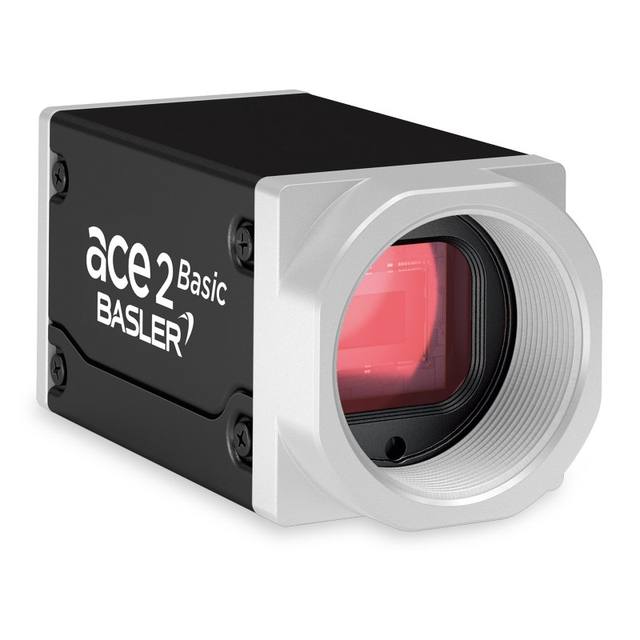
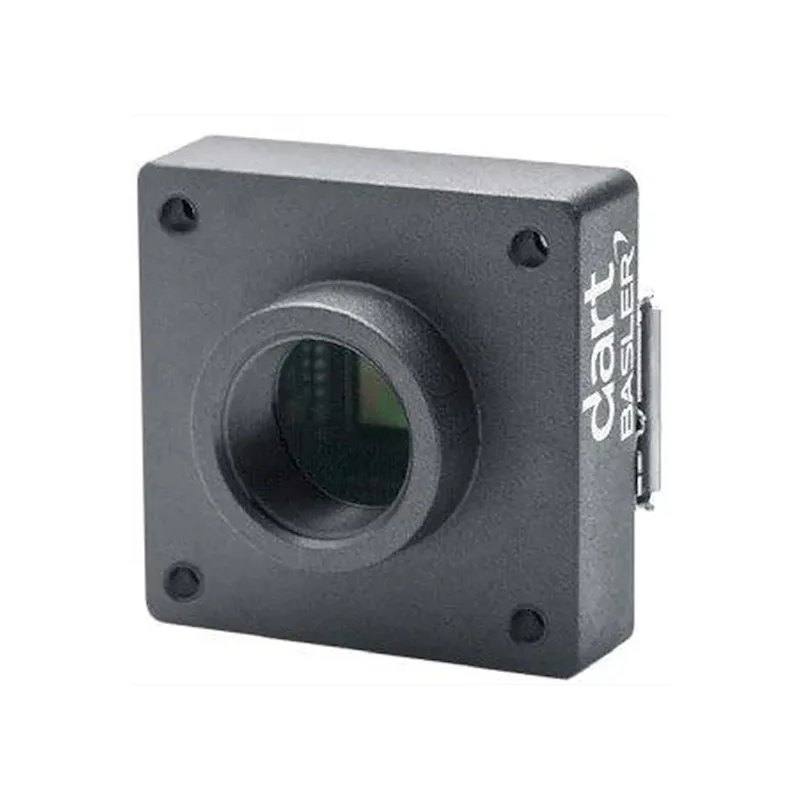
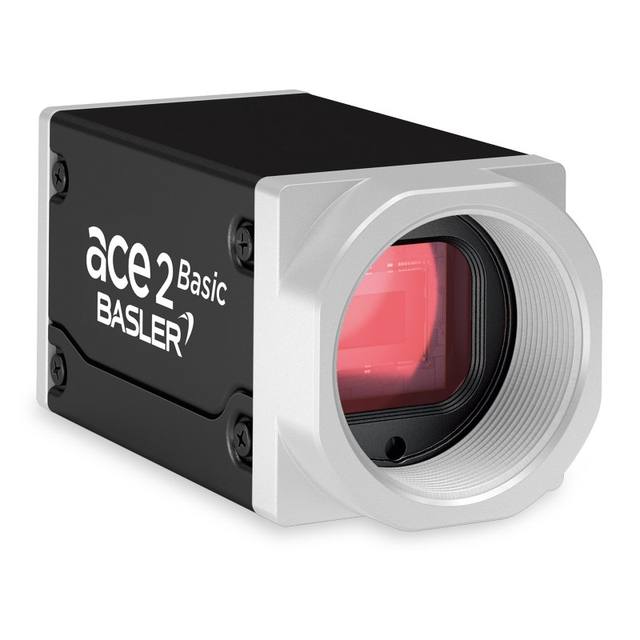
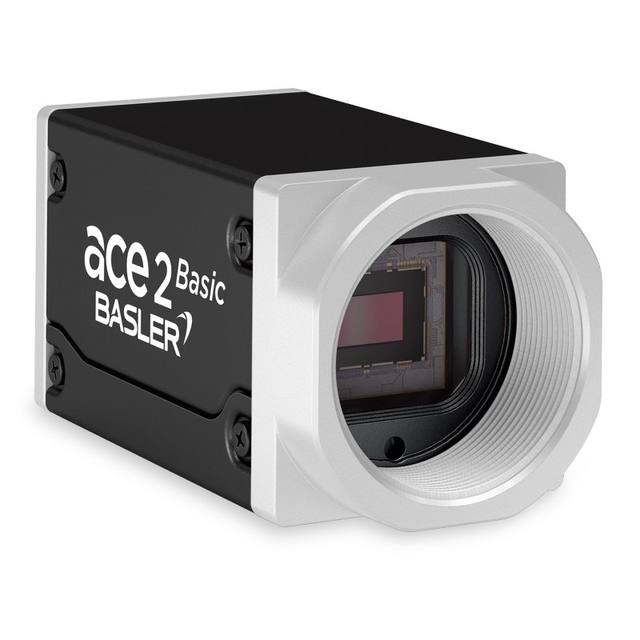
The daA1440-220uc belongs to Basler's dart series of compact board-level cameras and uses a Sony IMX273LQR-C 1/2.9-inch global-shutter CMOS sensor with 3.45 µm pixels and a native resolution of 1456 x 1088 px (1440 x 1080 default, ~1.6 MP). It connects over a USB 3.0 (SuperSpeed, nominal 5 Gbit/s) Micro-B interface and reaches up to 227.7 fps at minimum exposure with the Device Link Throughput Limit disabled. The camera is USB3 Vision and GenICam compliant, draws roughly 2 W from a 5 VDC supply, and is offered in S-mount, CS-mount, and bare-board (no-mount) variants with 4 GPIO lines.
Brand
Basler
Camera type
Area scan
Interface
USB 3.0 (SuperSpeed, nominal max. 5 Gbit/s)
Resolution
1.6 MP
Horizontal resolution
1456 x 1088 px (full); 1440 x 1080 px (default)
Mono / color
Color
Sensor manufacturer
Sony Pregius
Sensor model
Sony IMX273LQR-C
Shutter
Global shutter
FPS
Up to 227.7 fps (min. exposure, Device Link Throughput Limit disabled); 98.9 fps default
Mount
S-mount (also CS-mount and bare board / no-mount variants)
The Basler dart daA1440-220uc is a compact board-level area-scan camera built around the Sony IMX273LQR-C, a 1/2.9-inch (6.3 mm diagonal) Pregius global-shutter CMOS sensor with 3.45 µm pixels and a native 1456 x 1088 px array (1440 x 1080, ~1.6 MP, in the default geometry). The global shutter is the headline trait for an installer: every pixel is exposed simultaneously, so fast-moving parts on a conveyor, indexing fixtures or robot-mounted optics are captured without the skew and smear a rolling-shutter sensor would introduce. Paired with the color filter on this variant, the camera suits tasks where part color, label color or print color matters as well as geometry — defect inspection, code and text reading, and logistics sortation where mixed-color goods stream past.
Speed is the second defining characteristic. The sensor reaches up to 227.7 fps at minimum exposure with the Device Link Throughput Limit disabled, and a more conservative 98.9 fps in the default configuration. That frame budget lets you freeze fast indexing motion or take multiple looks at a part within a single station cycle, but it depends on the USB 3.0 (SuperSpeed, nominal 5 Gbit/s) Micro-B link actually being given the throughput — at full resolution and color, high frame rates push real bandwidth, so the achievable rate will track the host controller and cabling you provide. Because the camera is USB-powered (approximately 2 W at 5 VDC) and weighs only 15 g in a 20 x 29 x 29 mm board-level form, it carries no separate power line, which simplifies single-cable integration into tight enclosures and onto moving arms.
Optically and electrically the daA1440-220uc is built for embedding. It ships in S-mount, CS-mount and bare-board (no-mount) variants, so lens selection follows the housing you choose — small-format S-mount lenses for the most compact builds, CS-mount for more standard optics. With a 6.3 mm sensor diagonal and 3.45 µm pixels, the working field of view and resolving power are set entirely by the lens focal length and working distance, so the lens calculation is the critical design step rather than an afterthought. Four GPIO lines provide hardware trigger-in and strobe/flash-out, which is how you tie exposure to an encoder or proximity sensor and synchronize a strobed light — essential for sharp images at this speed. It is USB3 Vision and GenICam 2.x compliant (PFNC 1.x, SFNC 2.x), so it drops into standard machine-vision software stacks, and the 0 to 50 °C operating range frames where it can be deployed without added cooling.
Best for
High-speed defect inspection of parts indexing past a station, where the global shutter freezes motion and the up-to-227.7 fps rate allows multiple looks per cycle
Color-dependent inspection and OCR/OCV on packaging and labels, using the color IMX273 sensor to read print, verify label color and check date/lot codes
Logistics sortation of mixed goods on a conveyor, where USB 3.0 single-cable integration and low 15 g weight ease mounting at scan points
Robot-guidance and arm-mounted vision, where the 20 x 29 x 29 mm board-level form, 2 W USB power and 15 g mass minimize payload and cabling on a moving tool
Compact embedded vision in tight enclosures or smart devices, where the board-level housing and S-mount or no-mount options let the camera fit space-constrained designs
Selection notes
Confirm your host can sustain the bandwidth: the headline 227.7 fps requires minimum exposure with the Device Link Throughput Limit disabled, and the default configuration delivers 98.9 fps — at 1.6 MP color, real USB 3.0 SuperSpeed (5 Gbit/s) throughput and a quality Micro-B cable and controller govern what you actually achieve
Plan the lens around the 1/2.9-inch (6.3 mm diagonal) sensor and 3.45 µm pixels, and match it to the mount variant you order — S-mount, CS-mount or bare board — because field of view and resolving power are determined entirely by focal length and working distance
Budget lighting and triggering for the speed: use the GPIO lines (4 available) to drive a strobed light and to trigger exposure from an encoder or sensor, which keeps images sharp at high frame rates
Account for the board-level mechanics: with no protective housing and a 20 x 29 x 29 mm, 15 g body, plan mounting, connector strain relief and dust/contamination protection into the enclosure design
Verify the thermal and power envelope for your install: the camera operates from 0 to 50 °C and draws roughly 2 W from the 5 VDC USB supply, so ensure the host port can power it and that the mounting offers adequate heat dissipation in a closed cabinet
Choose color versus monochrome deliberately — this is the color variant on the IMX273; if your task is purely geometric or low-light, a monochrome version of the same sensor would typically give better sensitivity and edge sharpness
Specifications: General
Brand
Basler
Camera type
Area scan
Specifications: Sensor
Resolution
1.6 MP
Horizontal resolution
1456 x 1088 px (full); 1440 x 1080 px (default)
Mono / color
Color
Sensor manufacturer
Sony Pregius
Sensor model
Sony IMX273LQR-C
Shutter
Global shutter
Sensor size
1/2.9" (6.3 mm diagonal)
Pixel size
3.45 x 3.45 µm
Specifications: Performance
FPS
Up to 227.7 fps (min. exposure, Device Link Throughput Limit disabled); 98.9 fps default
Specifications: Interface
Interface
USB 3.0 (SuperSpeed, nominal max. 5 Gbit/s)
Protocols
USB3 Vision, GenICam 2.x (PFNC 1.x, SFNC 2.x)
Specifications: Optics
Mount
S-mount (also CS-mount and bare board / no-mount variants)
Specifications: Electrical
Power
USB-powered, approx. 2 W @ 5 VDC
Power consumption
2 W
Supply voltage
5 VDC
Specifications: Environment
Operating temperature
0 to 50 °C
Specifications: Mechanical
Housing material
Board level
Dimensions
20 x 29 x 29 mm
Weight
15 g
Applications this camera is commonly selected for. Open one to see the full recommended hardware and approach.
We could not derive compatible lenses from the available data for this camera.
Matched automatically by: lens mount fits the camera mount · lens image circle covers the camera sensor — this camera: S-mount (also CS-mount and bare board / no-mount variants) · 1/2.9" (6.3 mm diagonal) sensor.
Get a first image quickly with the pylon Viewer, then move into the pylon SDK for your application. These cameras are GenICam/GenTL-compliant, so any compliant vision software can drive them as well.
Download and install the pylon Camera Software Suite for your OS from Basler. This provides the pylon Viewer, the GenTL transport-layer producers and the pylon SDK (C/C++/.NET/Python). On Windows the installer adds the needed drivers; on Linux follow the included setup notes for USB and network permissions.
2. Connect the camera and check the link
Cable the camera to its matching interface: GigE Vision to a GigE port (use a quality cable and, ideally, a dedicated NIC with jumbo frames enabled), USB3 Vision to a USB 3.x port with the supplied cable, or CoaXPress to the frame grabber. Provide power where required (PoE, USB bus power, or PoCXP). Open the pylon Viewer and confirm the camera appears in the device list; for GigE, make sure the camera and NIC are on the same subnet.
3. Grab a first image and set exposure, gain and pixel format
Select the camera in the pylon Viewer and start a continuous grab. Adjust exposure time and gain until the image is well exposed (avoid clipped highlights), set the pixel format (e.g. Mono8 or a Bayer/RGB format), and focus the lens. Use a test pattern if the lens or scene is not ready yet.
4. Configure triggering and acquisition
Decide between free-run and triggered acquisition. For synchronized capture, set the trigger source (software or a hardware line on the I/O connector), trigger mode and any debounce or exposure mode, then verify timing. Note the parameter names you change in the Viewer feature tree, as you will reuse them in code.
5. Move to the SDK or a GenICam-compliant library
Recreate your settings in code with the pylon SDK (C, C++, .NET or Python) to open the device, apply the same features and pull frames into your pipeline; pylon vTools and pylon AI can add processing blocks. Because the cameras are GenICam/GenTL standard, third-party vision libraries work too. Once the image stream is stable, you can route frames to a deep-learning inspection such as Rosepetal for automated defect detection.
Frequently asked questions
It uses a global shutter. The Sony IMX273LQR-C is a Pregius global-shutter CMOS sensor, so all pixels are exposed at the same instant — ideal for imaging fast-moving parts without motion skew or smear.
Up to 227.7 fps at minimum exposure with the Device Link Throughput Limit disabled, and 98.9 fps in the default configuration. The actual rate at full 1.6 MP color depends on the available USB 3.0 throughput, host controller and cabling.
It is a 1.6 MP camera with a native 1456 x 1088 px array (1440 x 1080 default) on a 1/2.9-inch sensor (6.3 mm diagonal) with 3.45 µm pixels, based on the Sony IMX273 Pregius CMOS.
It connects over USB 3.0 (SuperSpeed, nominal max 5 Gbit/s) via a Micro-B port and is powered over the same USB link, drawing approximately 2 W at 5 VDC. It is USB3 Vision and GenICam 2.x compliant.
It is offered in S-mount, CS-mount and bare-board (no-mount) variants. As a board-level camera in a 20 x 29 x 29 mm, 15 g form factor, the mount you choose determines which lenses fit your build.
This variant (daA1440-220uc) is a color camera, using the color version of the Sony IMX273 sensor, which suits tasks where label, print or part color must be evaluated alongside geometry.