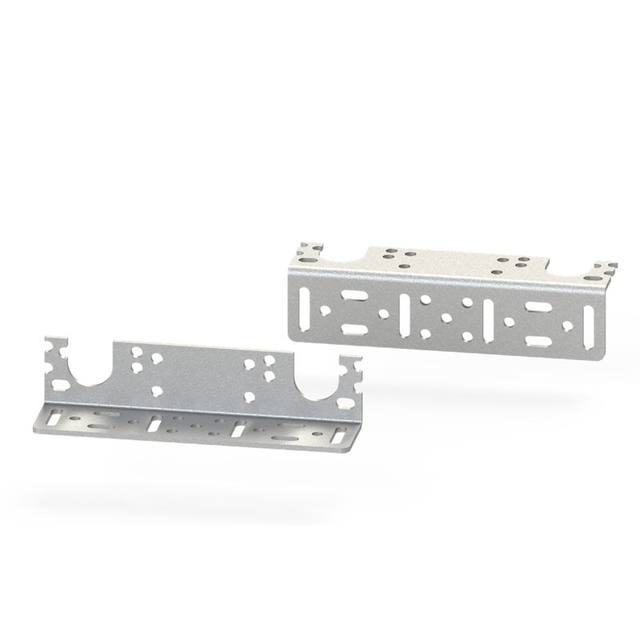
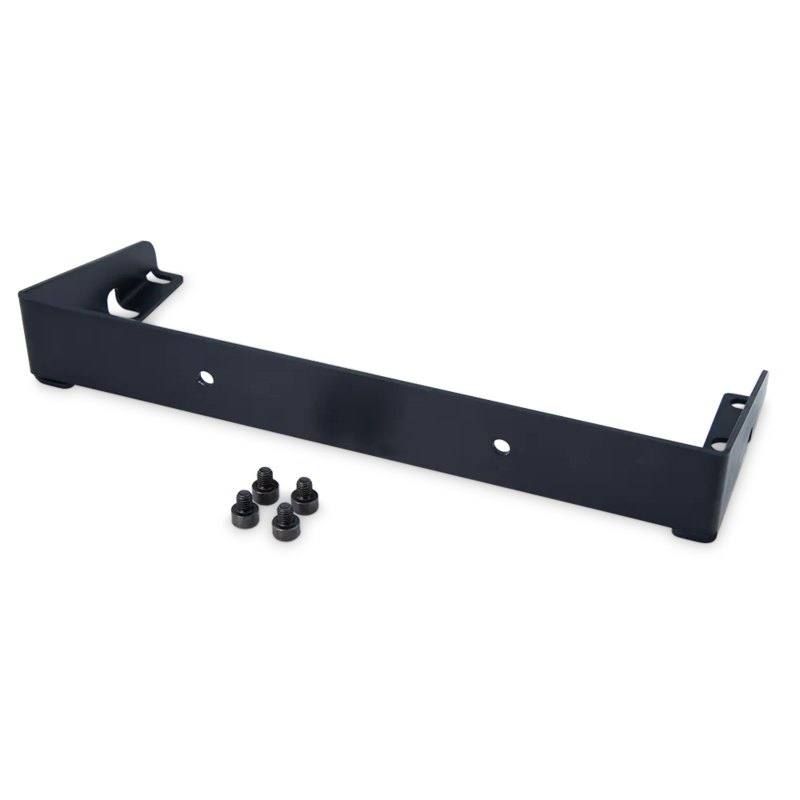
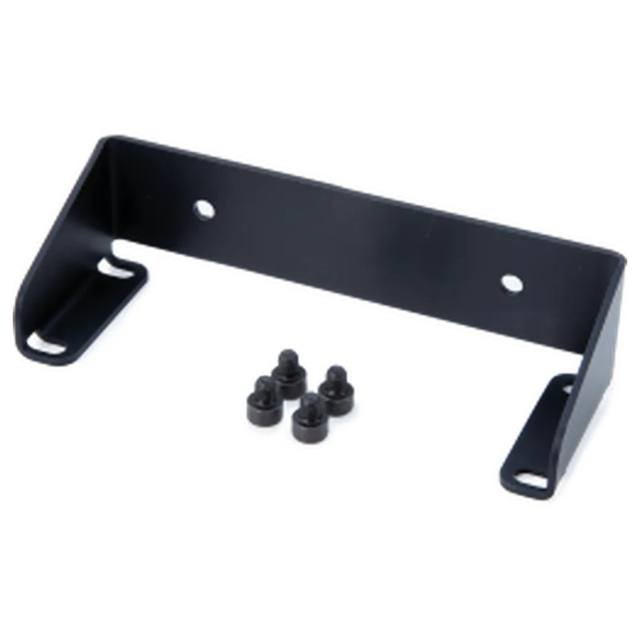
Basler BL Wall Mount for Flatdome L — lighting mount / bracket. Lighting holder matched to the Basler Standard Lights for flexible and quick mechanical integration of the lighting.
Brand
Basler
Compatible with
Area Scan Cameras: Basler ace 2, Basler ace, Basler dart, Basler MED ace; Line Scan Cameras: Basler racer; Lighting: Basler Light Flatdome-200x200, Basler Light Flatdome-100x200
Larger Flatdomes need support, and this wall mount holds them from the machine structure instead of from the camera. It carries the Flatdome-100x200 and the Flatdome-200x200, so the light has its own support and the camera can be changed, refocused or moved without disturbing the lighting.
That independence is the trade against the camera-mounted option. Dome-type lights are typically viewed through an opening in the diffuser, so camera and light must still share one axis. In return you can set the dome's distance to the part separately from the lens working distance, which helps on shiny or curved parts where the diffuse light needs to wrap around the surface.
Best for
Large parts or trays lit by a 100x200 or 200x200 dome that you prefer to support from the frame rather than from the camera.
Stations where the camera or lens is swapped during commissioning while the lighting stays fixed.
Shiny, curved or textured surfaces that need soft light with the dome distance tuned independently of the focus.
Selection notes
Fix the camera on its own bracket and verify that the optical axis passes through the dome opening; with a wall mount this alignment is yours to set.
The 100x200 and 200x200 domes are the sizes to plan with here. Planning a 200x300 Flatdome? Ask us to confirm the mount before ordering.
To carry the dome directly on the camera instead, the BL Camera Mount 36 takes the 100x200 dome and the BL Camera Mount 45 the 200x200, both on ace-family cameras.
Specifications: General
Brand
Basler
Compatible with
Area Scan Cameras: Basler ace 2, Basler ace, Basler dart, Basler MED ace; Line Scan Cameras: Basler racer; Lighting: Basler Light Flatdome-200x200, Basler Light Flatdome-100x200
Get a first image quickly with the pylon Viewer, then move into the pylon SDK for your application. These cameras are GenICam/GenTL-compliant, so any compliant vision software can drive them as well.
Download and install the pylon Camera Software Suite for your OS from Basler. This provides the pylon Viewer, the GenTL transport-layer producers and the pylon SDK (C/C++/.NET/Python). On Windows the installer adds the needed drivers; on Linux follow the included setup notes for USB and network permissions.
2. Connect the camera and check the link
Cable the camera to its matching interface: GigE Vision to a GigE port (use a quality cable and, ideally, a dedicated NIC with jumbo frames enabled), USB3 Vision to a USB 3.x port with the supplied cable, or CoaXPress to the frame grabber. Provide power where required (PoE, USB bus power, or PoCXP). Open the pylon Viewer and confirm the camera appears in the device list; for GigE, make sure the camera and NIC are on the same subnet.
3. Grab a first image and set exposure, gain and pixel format
Select the camera in the pylon Viewer and start a continuous grab. Adjust exposure time and gain until the image is well exposed (avoid clipped highlights), set the pixel format (e.g. Mono8 or a Bayer/RGB format), and focus the lens. Use a test pattern if the lens or scene is not ready yet.
4. Configure triggering and acquisition
Decide between free-run and triggered acquisition. For synchronized capture, set the trigger source (software or a hardware line on the I/O connector), trigger mode and any debounce or exposure mode, then verify timing. Note the parameter names you change in the Viewer feature tree, as you will reuse them in code.
5. Move to the SDK or a GenICam-compliant library
Recreate your settings in code with the pylon SDK (C, C++, .NET or Python) to open the device, apply the same features and pull frames into your pipeline; pylon vTools and pylon AI can add processing blocks. Because the cameras are GenICam/GenTL standard, third-party vision libraries work too. Once the image stream is stable, you can route frames to a deep-learning inspection such as Rosepetal for automated defect detection.
Frequently asked questions
The Basler Light Flatdome-100x200 and Flatdome-200x200.
The mount fixes the light to the machine structure, so the camera sits on its own bracket. It is intended for systems using the ace 2, ace, dart, MED ace or racer cameras.