Skip to content
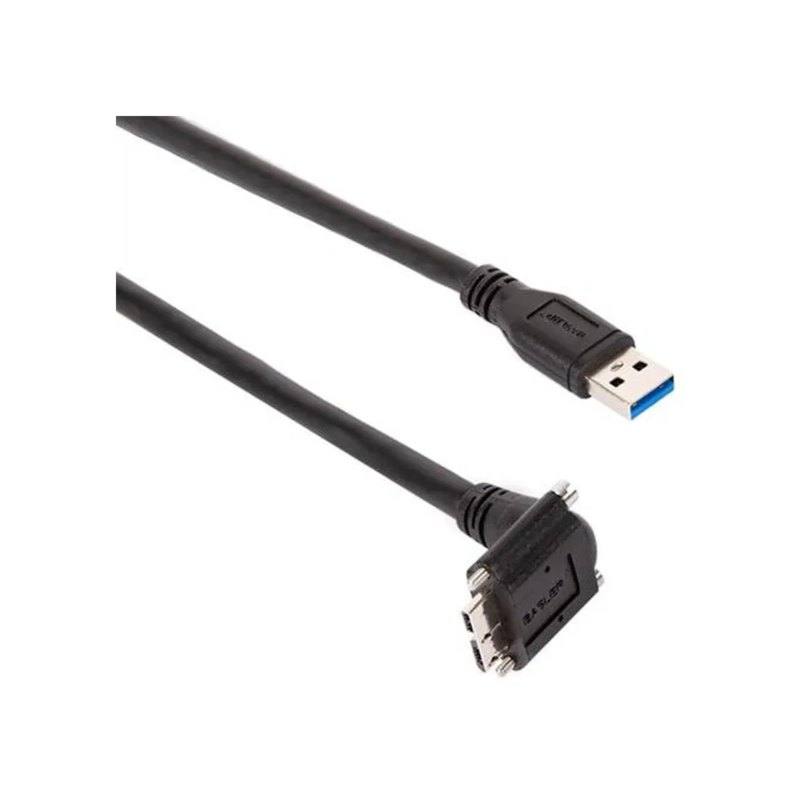
Basler Cable USB 3.0, Micro B 90° A1 sl/A (ace downwards), P machine vision accessory
  • Recommended by AIS Vision

Basler Cable USB 3.0, Micro B 90° A1 sl/A (ace downwards), P (1–5 m)

Cable USB 3.0, Micro B 90° A1 sl/A (ace downwards), P

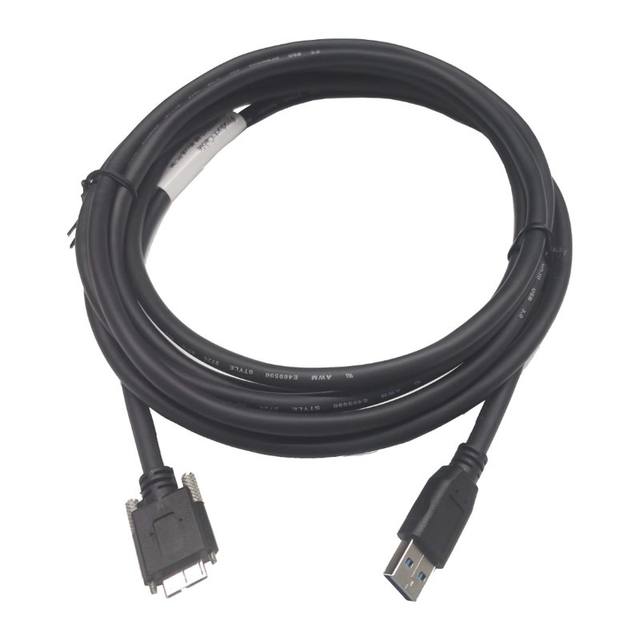
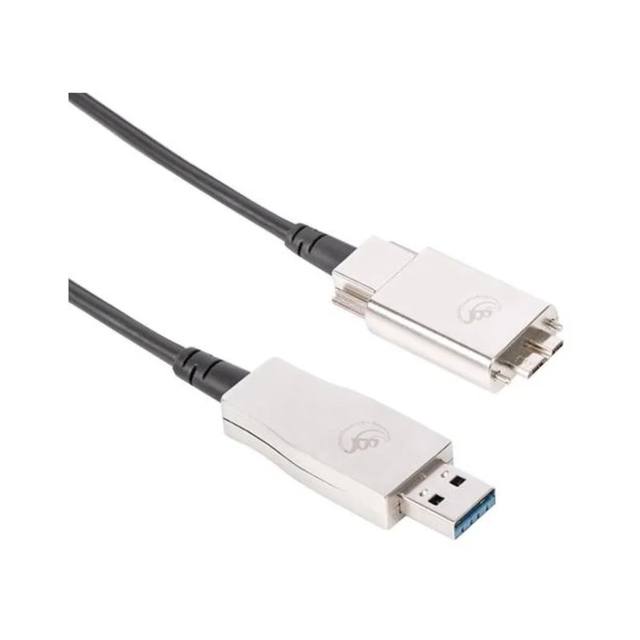
Basler Cable USB 3.0, Micro B 90° A1 sl/A (ace downwards), P — USB data cable, USB 3.0 Micro B, 90° angled, locking screws (camera side), to USB 3.0 Type A (host side), static installation, 3 lengths 1–5 m. The cable has a Micro B plug (90° angled) with locking screws on the camera side and an A plug on the host side. To use this cable with a Basler dart USB 3.0 camera we recommend: dart mounting cover

Brand
Basler
Cable type
USB — Basler interface "USB 3.0"
Cable length
1–5 m (1, 3, 5 m)
Connector A
USB 3.0 Micro B, 90° angled, locking screws (camera side)
Connector B
USB 3.0 Type A (host side)
High-flex / drag chain
No — static installation (Basler: "static")
Compatible with
Area Scan Cameras: Basler ace 2, Basler dart, Basler ace, Basler MED ace; Acquisition Cards: Basler USB Interface Card, 4HC, 5G, 4Port, Basler USB Interface Card, 4HC, 5G, 8Port, Basler USB Interface Card, 1HC, 10G, 2Port, Basler USB Interface Card, 1HC, 5G, 2Port, Basler USB Interface Card, 1HC, 5G, 4Port

Technical overview

A 90° Micro B plug lets the cable run along the camera instead of straight out of its back, saving the depth that a straight plug and its bend radius would need. Basler names this A1 version ace downwards: it is the orientation for an ace camera with the cable leaving towards the underside. Locking screws on the camera side hold the plug against vibration and pull.

It is Premium line in 1 m, 3 m or 5 m, static installation, with a 36-month warranty. For a dart camera, Basler recommends adding the dart mounting cover. The A3 cable, Cable USB 3.0, Micro B 90° A3 / A (1–5 m), has the same lengths but a different exit orientation, no locking screws and a dart and UV pairing.

Best for

  • ace, ace 2 and MED ace cameras in compact enclosures, where the cable has to drop downwards instead of protruding from the back.
  • Machines with vibration, such as conveyor frames or packaging lines, where the locking screws keep the Micro B plug seated.
  • dart cameras fitted with the dart mounting cover, which Basler recommends for use with this cable.

Selection notes

  • Match the exit direction to your mounting: A1 is the ace downwards orientation and A3 is a different one, so check which suits how the camera sits.
  • Leave room beside the plug to reach and turn the locking screws.
  • Static installation only, and 5 m is the longest. A moving axis needs the straight-plug drag-chain Cable USB 3.0, Micro B sl / A, DrC (5 m); for up to 8 m choose the straight Cable USB 3.0, Micro B sl/A, P (1–8 m).

Specifications: General
BrandBasler
Cable typeUSB — Basler interface "USB 3.0"
Compatible withArea Scan Cameras: Basler ace 2, Basler dart, Basler ace, Basler MED ace; Acquisition Cards: Basler USB Interface Card, 4HC, 5G, 4Port, Basler USB Interface Card, 4HC, 5G, 8Port, Basler USB Interface Card, 1HC, 10G, 2Port, Basler USB Interface Card, 1HC, 5G, 2Port, Basler USB Interface Card, 1HC, 5G, 4Port

Specifications: Interface
Connector AUSB 3.0 Micro B, 90° angled, locking screws (camera side)
Connector BUSB 3.0 Type A (host side)

Specifications: Mechanical
Cable length1–5 m (1, 3, 5 m)
High-flex / drag chainNo — static installation (Basler: "static")

Frequently asked questions

Related technical guides

Often used with

USB3 Vision cameras

Industrial cameras with this interface.
All industrial cameras →
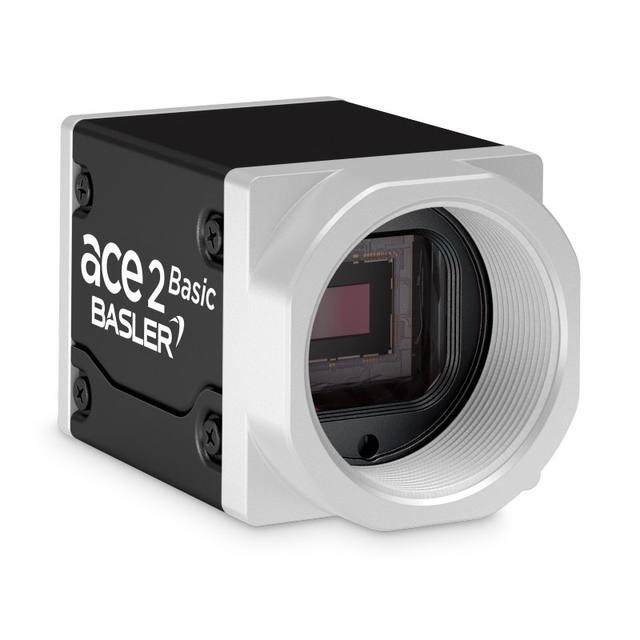
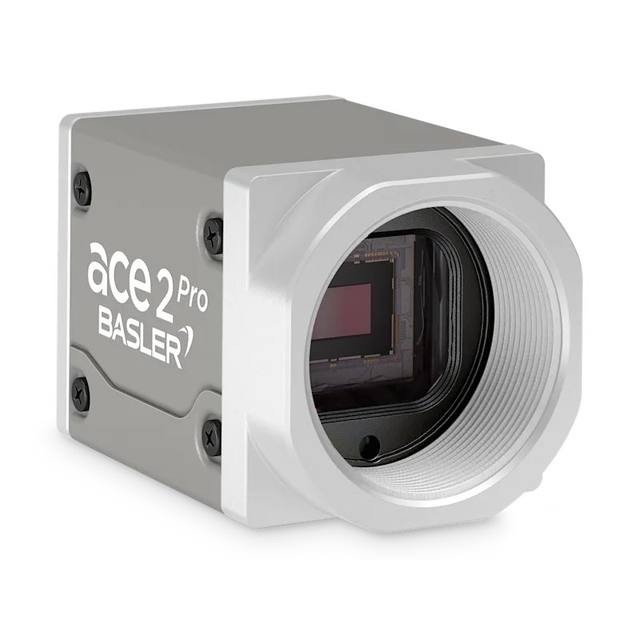
  • Basler a2A2600-64um machine vision camera
    • Area scan
    • USB 3.0 (USB3 Vision, 5 Gbit/s SuperSpeed)
    • 5.6 MP (2600 x 2160; 5 MP at default 2600 x 2128 windowing)
    • Global shutter
    • Rosepetal compatible
    • Recommended by AIS Vision
    On request
    View
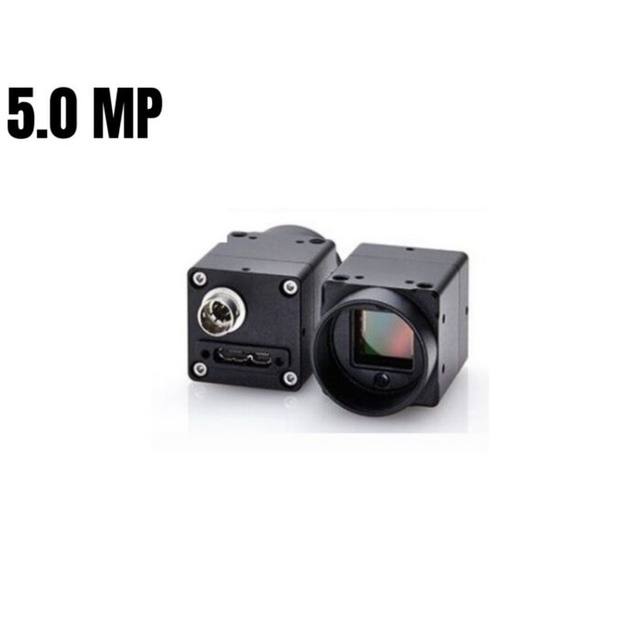
  • Omron / Sentech Sentech STC-MCS510U3V machine vision camera
    Omron / SentechOmron Sentech STC-MCS510U3VSTC-MCS510U3V
    • Area scan
    • USB3 Vision
    • 5 MP
    • Global shutter
    • Rosepetal compatible
    • Recommended by AIS Vision
    On request
    View

AIS Vision · Integration

We validate camera + lens + lighting

AIS Vision defines and tests the optimal combination of camera, optics and lighting for your application before you buy.