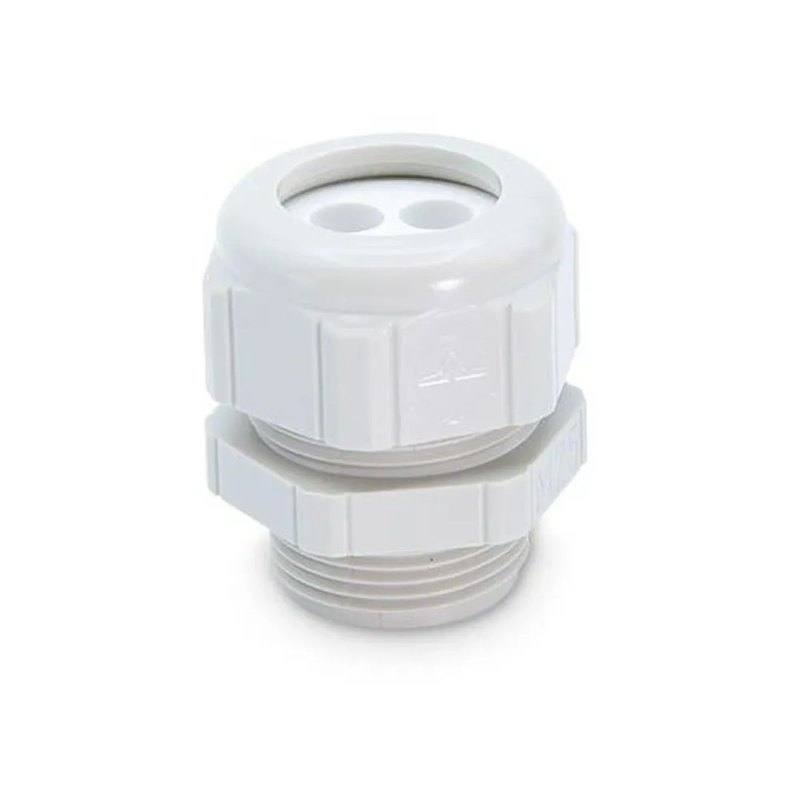
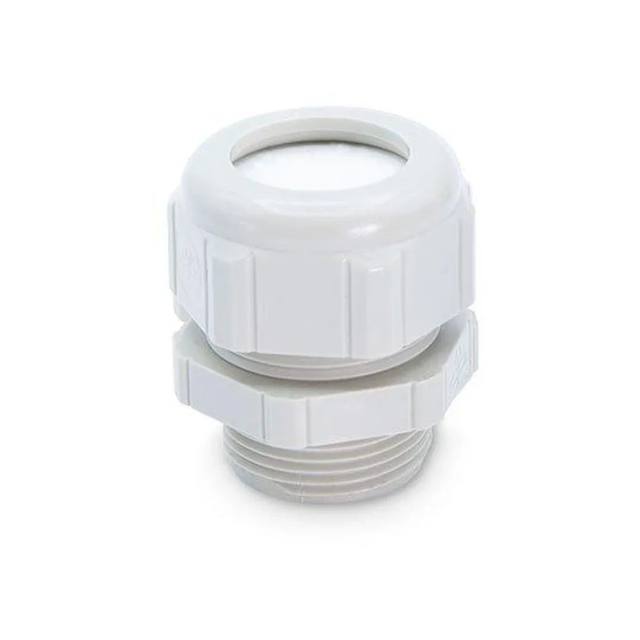
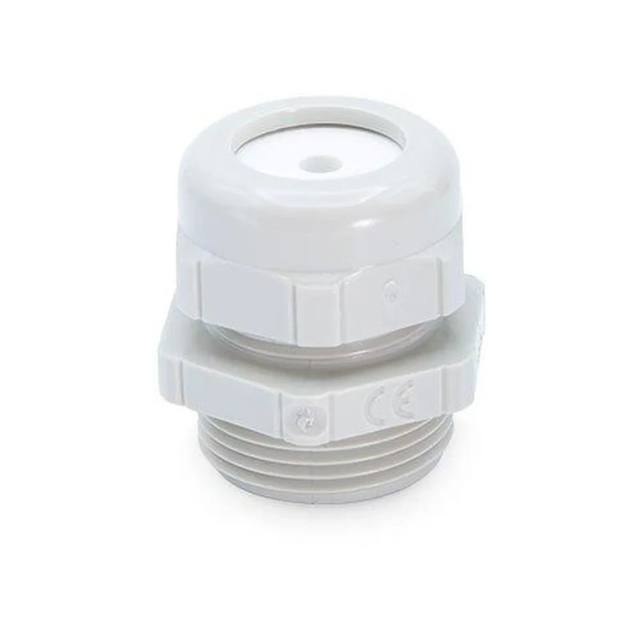
Basler M25 cable gland double hole — M25 cable gland for the IP67 housing, weight 25 g, material Polycarbonate, operating 0 °C - 50 °C, IP67. Note: Camera housing, lens housing, and cable gland are required for complete protection of the camera and lens.
Brand
Basler
Weight
25 g
Housing material
Polycarbonate
Operating temperature
0 °C - 50 °C
IP rating
IP67 (Basler protection class; Basler: camera housing + lens housing + cable gland together give IP67)
Compatible with
Camera Housing: Basler Camera housing ace 2 GigE, Basler Camera housing ace 2 USB / CXP / GMSL, Basler Camera housing ace USB, Basler Camera housing ace GigE
Two holes, 6.5 mm and 5.5 mm, let two cables leave the housing through one M25 gland, for example a data cable and a thinner I/O or power lead. Each jacket has to fill its own hole, and the two sizes are only 1 mm apart, so measure both cables: a jacket between 5.5 mm and 6.5 mm suits neither hole well.
If only one cable leaves the housing, the single-hole gland is the simpler choice. The double-hole gland is polycarbonate, weighs 25 g and is rated 0 °C to 50 °C, so check that range against the cell.
Best for
Cameras that take power or I/O on a cable of their own, apart from the link to the host, so two cables must leave the housing through a single entry.
Mixed cable sizes: one jacket of about 6.5 mm and one thinner jacket of about 5.5 mm, each sealed in its own hole.
A housing already fitted with the single-hole gland that needs a second cable later: both glands are M25 and fit the same four housings, so the gland can be exchanged.
Selection notes
Give each cable the hole it fills: the larger jacket in the 6.5 mm hole, the thinner one in the 5.5 mm hole.
For one cable choose the single-hole gland; for jackets that match neither size, the drillable gland.
Plan the camera housing and lens housing together with the gland, since Basler states IP67 only for the complete set.
Specifications: General
Brand
Basler
Compatible with
Camera Housing: Basler Camera housing ace 2 GigE, Basler Camera housing ace 2 USB / CXP / GMSL, Basler Camera housing ace USB, Basler Camera housing ace GigE
Specifications: Environment
Operating temperature
0 °C - 50 °C
IP rating
IP67 (Basler protection class; Basler: camera housing + lens housing + cable gland together give IP67)
Get a first image quickly with the pylon Viewer, then move into the pylon SDK for your application. These cameras are GenICam/GenTL-compliant, so any compliant vision software can drive them as well.
Download and install the pylon Camera Software Suite for your OS from Basler. This provides the pylon Viewer, the GenTL transport-layer producers and the pylon SDK (C/C++/.NET/Python). On Windows the installer adds the needed drivers; on Linux follow the included setup notes for USB and network permissions.
2. Connect the camera and check the link
Cable the camera to its matching interface: GigE Vision to a GigE port (use a quality cable and, ideally, a dedicated NIC with jumbo frames enabled), USB3 Vision to a USB 3.x port with the supplied cable, or CoaXPress to the frame grabber. Provide power where required (PoE, USB bus power, or PoCXP). Open the pylon Viewer and confirm the camera appears in the device list; for GigE, make sure the camera and NIC are on the same subnet.
3. Grab a first image and set exposure, gain and pixel format
Select the camera in the pylon Viewer and start a continuous grab. Adjust exposure time and gain until the image is well exposed (avoid clipped highlights), set the pixel format (e.g. Mono8 or a Bayer/RGB format), and focus the lens. Use a test pattern if the lens or scene is not ready yet.
4. Configure triggering and acquisition
Decide between free-run and triggered acquisition. For synchronized capture, set the trigger source (software or a hardware line on the I/O connector), trigger mode and any debounce or exposure mode, then verify timing. Note the parameter names you change in the Viewer feature tree, as you will reuse them in code.
5. Move to the SDK or a GenICam-compliant library
Recreate your settings in code with the pylon SDK (C, C++, .NET or Python) to open the device, apply the same features and pull frames into your pipeline; pylon vTools and pylon AI can add processing blocks. Because the cameras are GenICam/GenTL standard, third-party vision libraries work too. Once the image stream is stable, you can route frames to a deep-learning inspection such as Rosepetal for automated defect detection.
Frequently asked questions
6.5 mm and 5.5 mm. Each cable should fill its own hole.
The camera housings for ace 2 GigE, ace 2 USB / CXP / GMSL, ace USB and ace GigE.
Camera Housing: Basler Camera housing ace 2 GigE, Basler Camera housing ace 2 USB / CXP / GMSL, Basler Camera housing ace USB, Basler Camera housing ace GigE
Camera Housing: Basler Camera housing ace 2 GigE, Basler Camera housing ace 2 USB / CXP / GMSL, Basler Camera housing ace USB, Basler Camera housing ace GigE