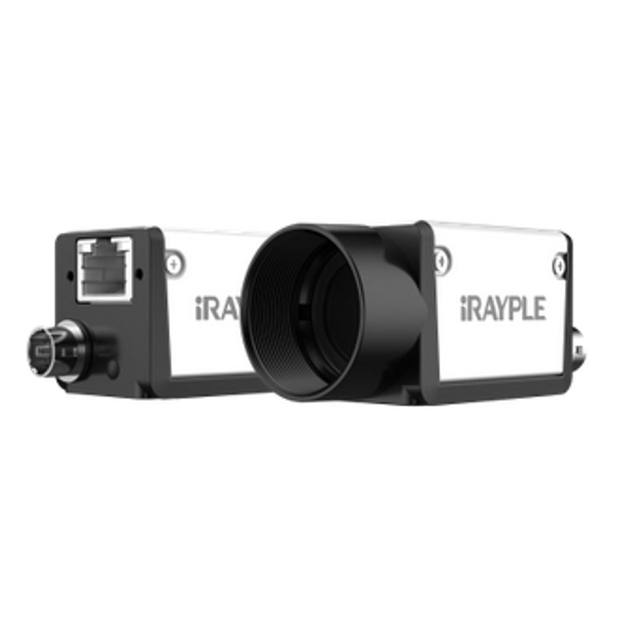
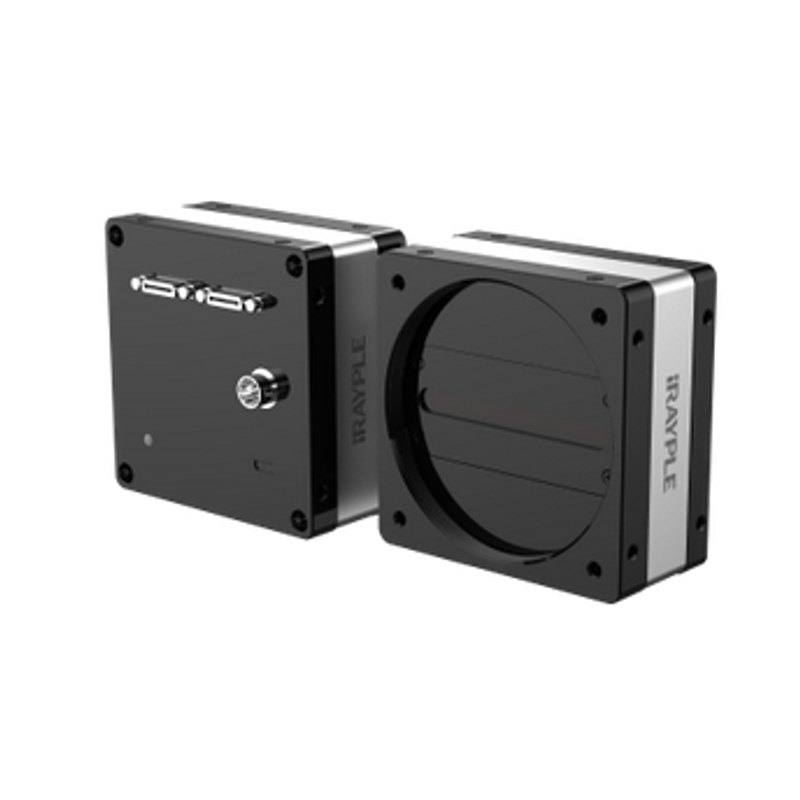
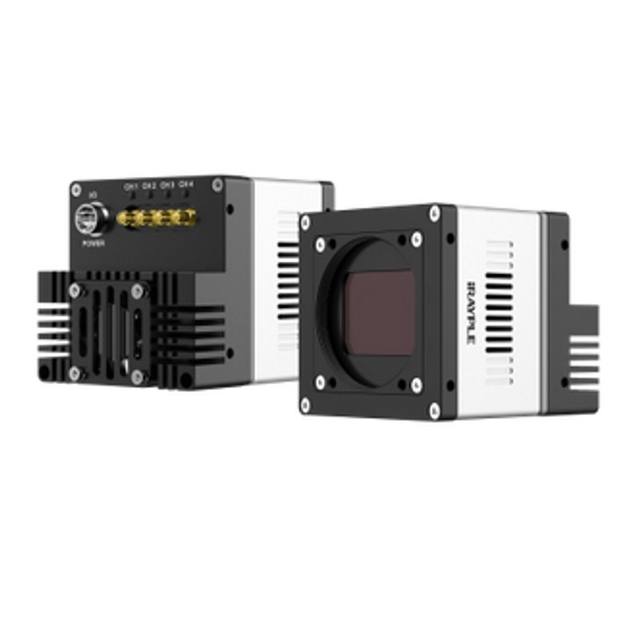
Line scan camera with a 4096 x 2 (4K) sensor and 7 x 7 um pixels. Reaches a 120 kHz line rate over a Camera Link interface (Base/Medium/Full/Deca modes, up to 6.8 Gbps). Targeted at continuous web, print and surface inspection applications.
The iRAYPLE L5047MK140E is a monochrome line scan camera built around a 4K sensor with 4096 pixels across a single horizontal line. Unlike an area-scan camera that captures a full two-dimensional frame in one exposure, a line scan camera images one narrow strip at a time and reconstructs a continuous two-dimensional image as the object moves past the sensor. This makes it well suited to inspecting material that travels on a conveyor, web or rotating drum, where the motion of the part itself provides the second image dimension and the line can be repeated indefinitely to cover any object length.
With a line rate of 120 kHz, the camera can acquire up to 120,000 lines per second, which is what allows it to keep pace with fast-moving production lines without smearing or under-sampling along the travel direction. The 4096-pixel width combined with a 7 um pixel pitch determines the achievable spatial resolution across the web: the field of view divided by 4096 sets the cross-web sampling, while the line rate matched to the transport speed sets the resolution along the web. Because it is monochrome, every pixel contributes to luminance detail rather than being filtered into colour channels, which generally yields higher effective resolution and sensitivity for defect detection where colour is not a requirement.
The camera uses a Camera Link interface, a deterministic parallel digital connection long established in high-speed industrial imaging for its low-latency, high-bandwidth data transfer directly into a frame grabber. It implements the GenICam standard, providing a vendor-neutral programming interface for camera configuration and control so the device can be integrated with standards-compliant software and acquisition libraries. Together these traits position the L5047MK140E as a high-throughput imaging component for continuous-motion inspection tasks rather than for static, single-shot capture.
Best for
Continuous web inspection of materials such as film, paper, foil, textiles and nonwovens moving at high transport speeds
Surface inspection on flat or cylindrical products where defects, scratches, streaks or contamination must be detected across the full width
High-speed print and label inspection where registration and print-quality faults are checked in line
Inspection of long or endless objects on conveyors or rollers where an area-scan frame cannot capture the full length in one exposure
Roll-to-roll and converting processes requiring uniform, distortion-free imaging at sustained line rates
Selection notes
Line scan imaging demands precise synchronisation between the line rate and the object's transport speed; pair the camera with an encoder so line triggers track real material speed and the along-web pixel aspect stays correct as speed varies.
Lighting is critical for line scan: use a bright, uniform line light focused on the imaged strip, since each line is captured in a very short exposure window and the high 120 kHz line rate leaves little integration time per line.
Select a lens that resolves the 7 um pixel pitch across the full 4096-pixel sensor width and covers the sensor format without vignetting; line scan optics must hold uniform sharpness and illumination edge-to-edge across the scan line.
Plan the interface around Camera Link and a compatible frame grabber, accounting for cable length limits and the chosen Camera Link configuration; verify the grabber supports the bandwidth required at the full line rate.
If your application needs colour discrimination, a fixed two-dimensional frame of a stationary scene, or simpler plug-and-play networking without a frame grabber, a colour, area-scan or GigE/USB3 model may be a better fit than this monochrome Camera Link line scan camera.
Specifications: General
Camera type
Line scan
Specifications: Sensor
Horizontal resolution
4k (4096 px)
Mono / color
Monochrome
Sensor size
4K
Pixel size
7 µm
Specifications: Performance
Line rate
120 kHz
Specifications: Interface
Interface
Camera Link
Protocols
GenICam
Specifications: Optics
Mount
M42
This product groups every purchasable order code that shares the same sensing method, range and output. Cable length, connector type and operation mode (Light-ON/Dark-ON, NO/NC) vary by order code below.
Family variants with highlighted differences
Model
Mono / color
Interface
Availability
4k (4096 px) Monochrome Camera Link Base
Monochrome
Camera Link
On request
Applications this camera is commonly selected for. Open one to see the full recommended hardware and approach.
Follow these steps to bring up your iRAYPLE camera, capture a first image, and move from the viewer to your own application. The flow is the same across the A, AE, AX and L series; only the physical interface differs.
Download and install the iRAYPLE machine-vision SDK together with its viewer client for your operating system. The installer provides the camera drivers, the GenTL producer, and the viewer you will use for first light. For GigE Vision models, also install or enable the bundled filter/performance driver on the network adapter to maximize throughput.
2. Connect the camera to the correct interface
Wire the camera to its matching host interface: a dedicated Gigabit (or 10 GigE) NIC for GigE Vision models, a USB3 Vision port with a quality cable for USB3 models, or a frame grabber for CoaXPress models. Power the camera (PoE, USB bus power, or PoCXP / external supply as applicable). For GigE Vision, put the NIC and camera on the same subnet and, where supported, enable jumbo frames.
3. Detect and open the camera in the viewer
Launch the iRAYPLE viewer, run device enumeration, and select your camera from the discovered list. Open it to load the device feature tree (GenICam node map). If a GigE camera is found but cannot be opened, correct the IP configuration so the camera and NIC are in the same address range.
4. Set exposure, gain and trigger, then grab a first image
Start with continuous (free-run) acquisition under stable lighting. Adjust exposure time and gain for a well-exposed, low-noise image, set the pixel format (e.g. Mono8 or a Bayer/RGB format), and tune white balance on color models. Once the live image looks correct, switch trigger mode to hardware or software trigger to synchronize capture with your process, and verify a single triggered frame.
5. Move from the viewer to the SDK or a GenICam library
With imaging confirmed, reproduce the same settings in code using the SDK's C/C++ or Python API: enumerate, open, configure the relevant GenICam features, register a frame callback or grab loop, and convert frames to your pipeline's buffer format. Since the cameras are GenICam/GenTL-compliant, you can alternatively drive them from a third-party GenICam vision library. From here a stable image stream can feed a deep-learning inspection step such as Rosepetal for automated quality control.
Frequently asked questions
It is a line scan camera. It images a single horizontal line of 4096 pixels at a time and builds a full two-dimensional image as the inspected object moves past the sensor, which is ideal for continuous web and surface inspection rather than static, single-frame capture.
It uses a Camera Link interface, which requires a compatible Camera Link frame grabber in the host PC. Camera Link provides a deterministic, low-latency, high-bandwidth connection suited to high-speed acquisition; plan cable lengths and the frame grabber's bandwidth to match the camera's full line rate.
The camera reaches a line rate of 120 kHz, meaning up to 120,000 lines per second, with a 4096-pixel (4K) horizontal sensor and a 7 um pixel pitch. The cross-web resolution is set by your field of view across 4096 pixels, while the along-web resolution depends on matching the line rate to the transport speed.
It is a monochrome camera. Monochrome sensors devote every pixel to luminance, which typically gives higher effective resolution and light sensitivity for defect and surface inspection where colour information is not needed.
Yes. The camera supports the GenICam standard, providing a vendor-neutral interface for configuration and control so it can be integrated with GenICam-compliant acquisition software and machine-vision libraries.