
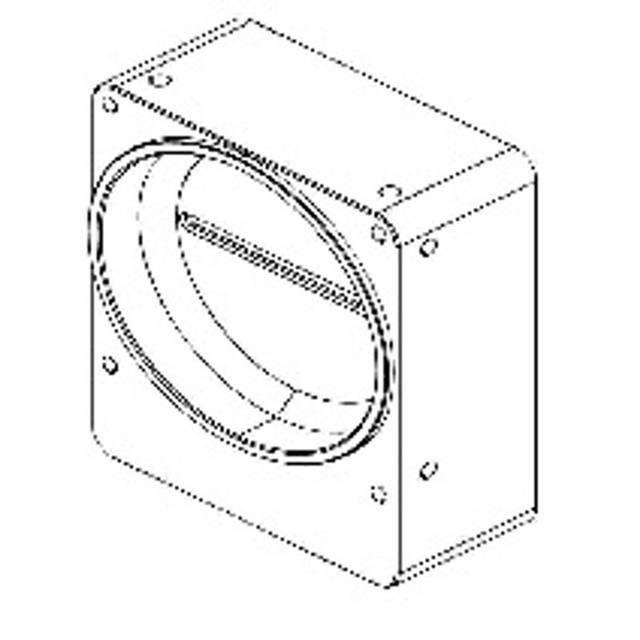
8192-pixel monochrome CMOS Camera Link line scan camera with an ams OSRAM DR-8K-7 sensor, 7 µm pixels, 80 kHz line rate and M72 mount.
- Rosepetal compatible
- Recommended by AIS Vision
On request
Line scan cameras for continuous inspection of moving material: web, film, paper, textile, metal and print.
Related searches: line scan camera, continuous inspection
Line scan cameras build a continuous image one row of pixels at a time as material moves beneath the sensor. Instead of capturing a fixed rectangular frame, they stitch thousands of single lines into a seamless image whose length is effectively unlimited - ideal for endless webs of paper, film, foil, textile and sheet metal, or for unwrapping the full surface of a rotating cylindrical part.
The trade-off is that a line scan system is never just a camera. Image quality depends on tight synchronisation to material speed (usually via an encoder), a high-bandwidth interface and frame grabber, and intense, uniform line lighting. This guide explains the parameters that actually drive a successful build so you can match a sensor, interface and supporting hardware to your web width, speed and defect size.
111 results
8192-pixel monochrome CMOS Camera Link line scan camera with an ams OSRAM DR-8K-7 sensor, 7 µm pixels, 80 kHz line rate and M72 mount.
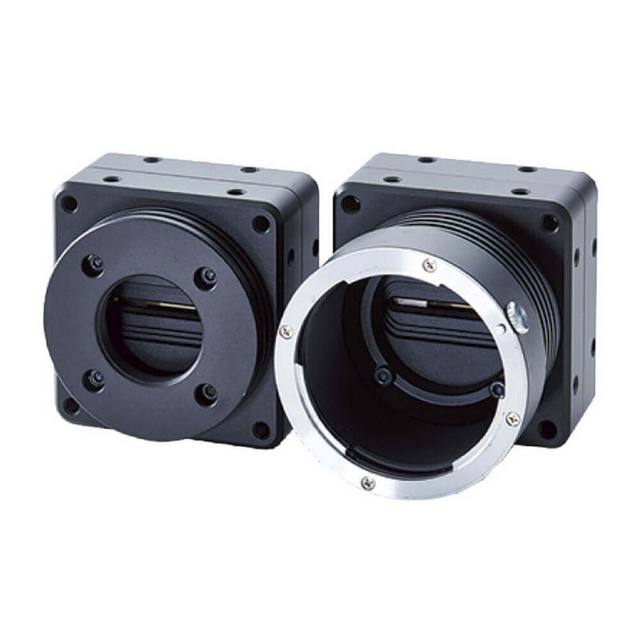
16K-pixel monochrome CMOS Camera Link line scan camera with 3.5 um pixels, 40 kHz line rate and an M72 lens mount.
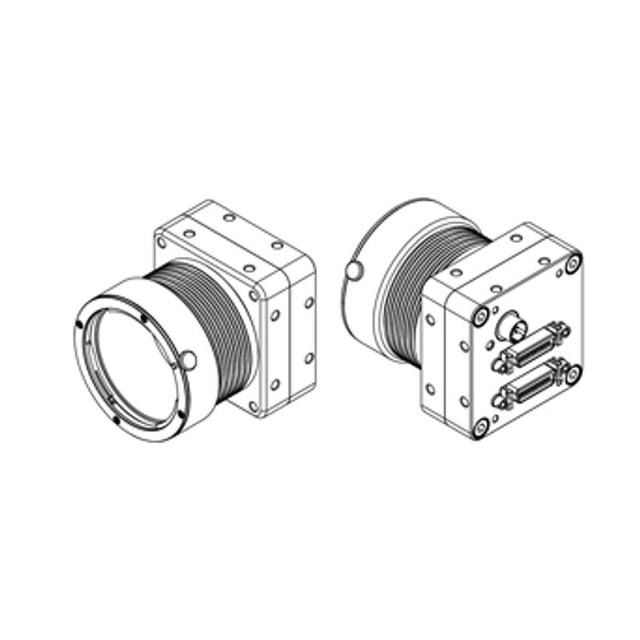
4K monochrome CMOS Camera Link line scan camera with F-mount, 4096 px resolution and 80 kHz line rate.
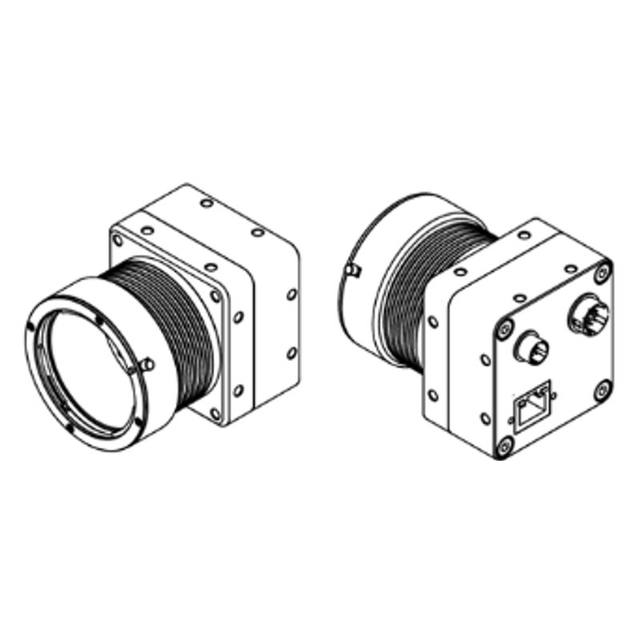
The FS-C4KU7DGES-F is a GigE Vision color dual-line CMOS line scan camera with 4K (4,096-pixel) resolution, 26 kHz line rate, PoE power, and an F-mount lens interface designed for high-speed industrial inspection.
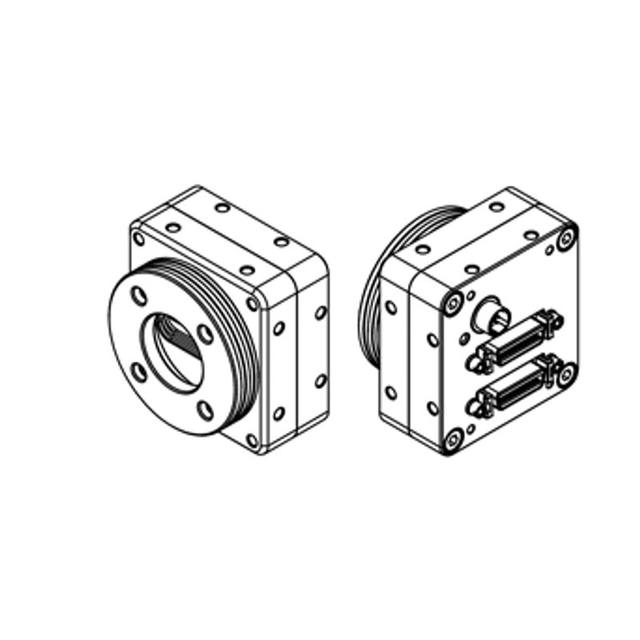
Omron FS-B2KU7CLU-C Line Scan Camera.
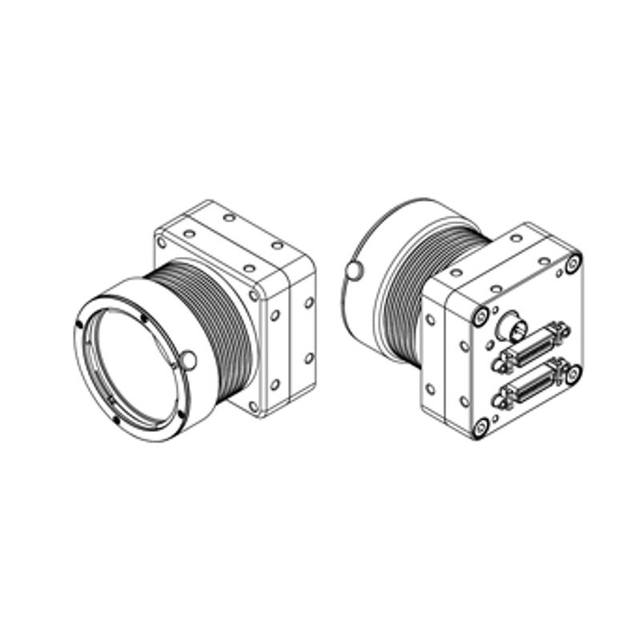
Omron FS-B2KU7CLU-F Line Scan Camera.
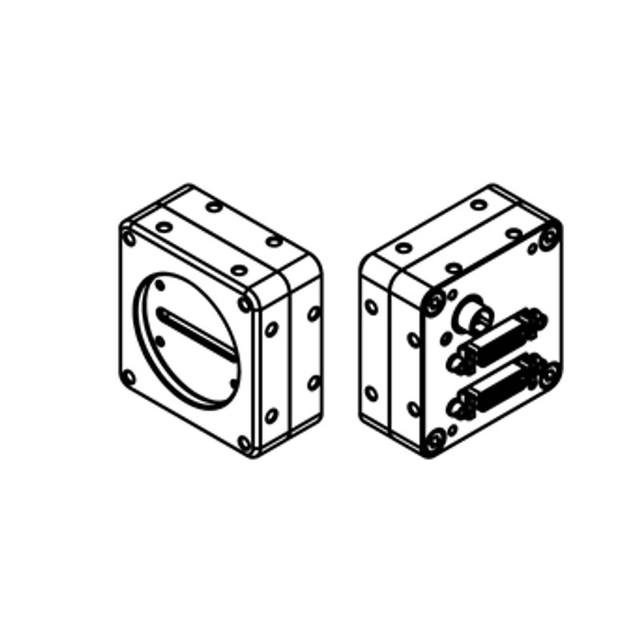
Omron FS-B2KU7CLU-M42 Line Scan Camera.
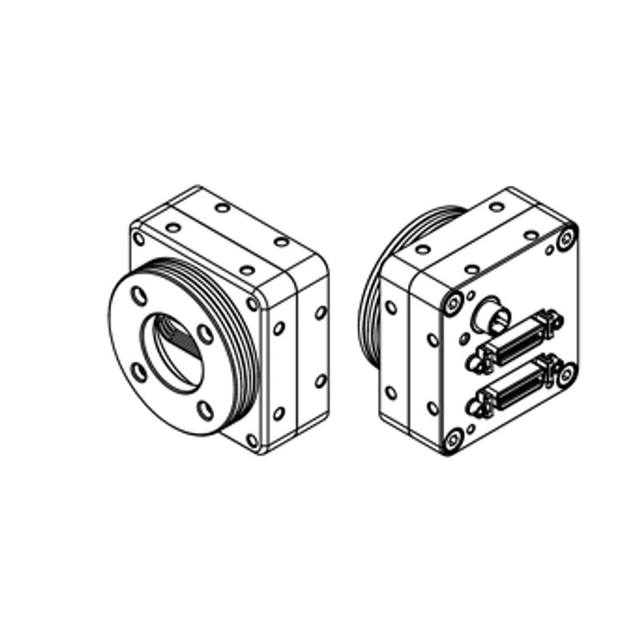
Omron FS-B2KU7DCLU-C Line Scan Camera.
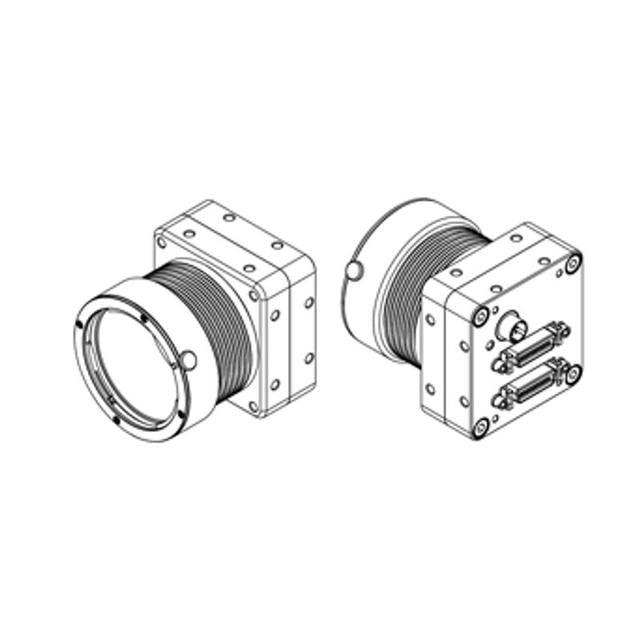
Omron FS-B2KU7DCLU-F Line Scan Camera.
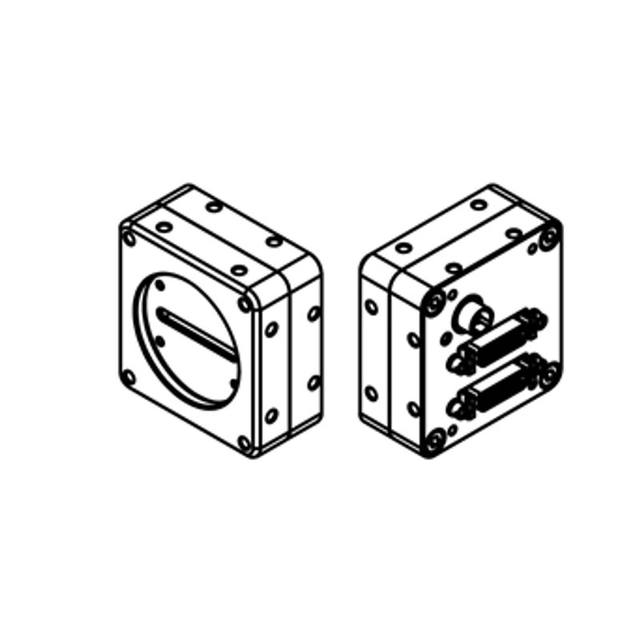
Omron FS-B2KU7DCLU-M42 Line Scan Camera.
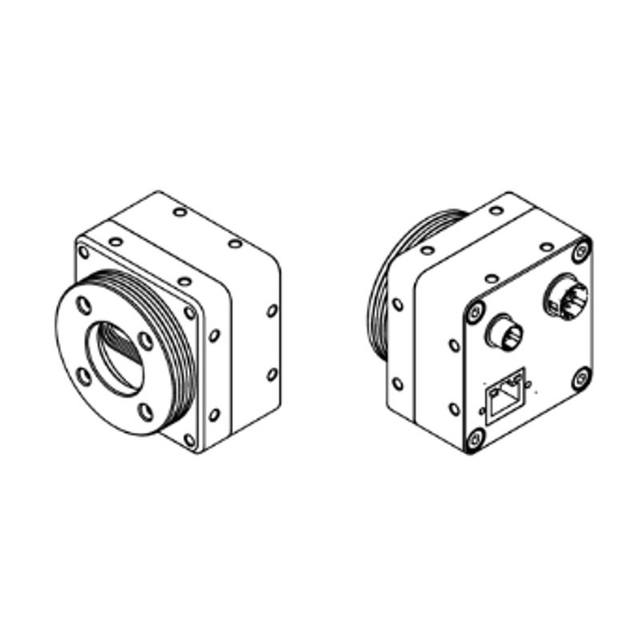
Omron FS-B2KU7DGES-C Line Scan Camera.
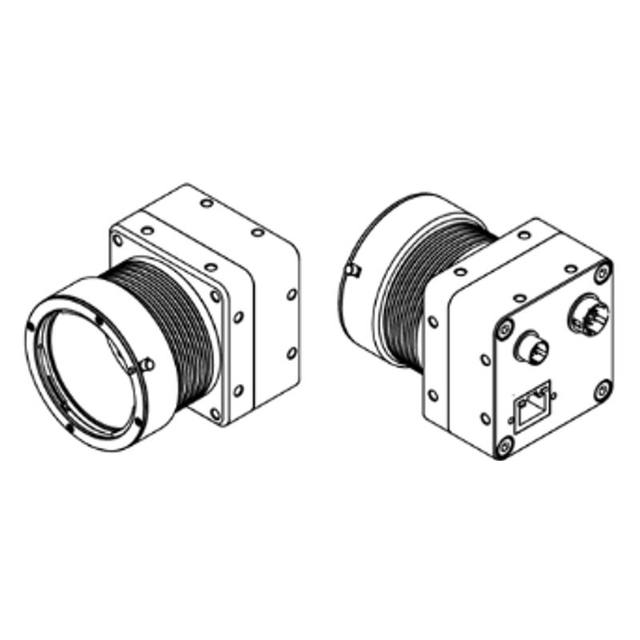
Omron FS-B2KU7DGES-F Line Scan Camera.
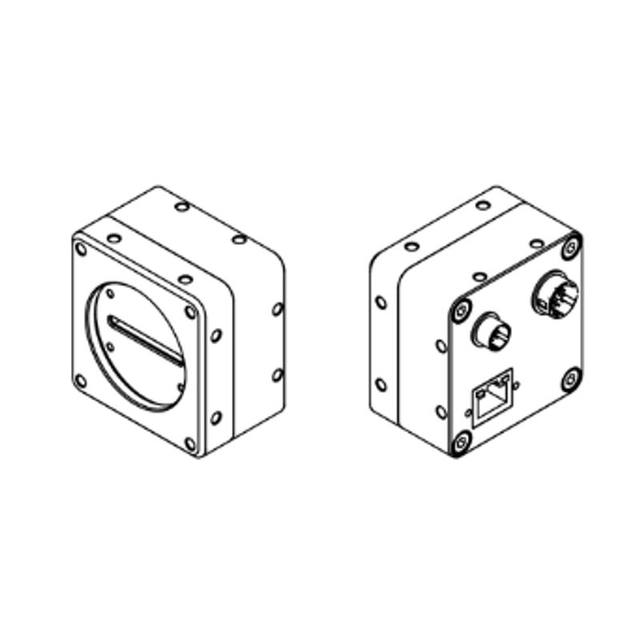
Omron FS-B2KU7DGES-M42 Line Scan Camera.
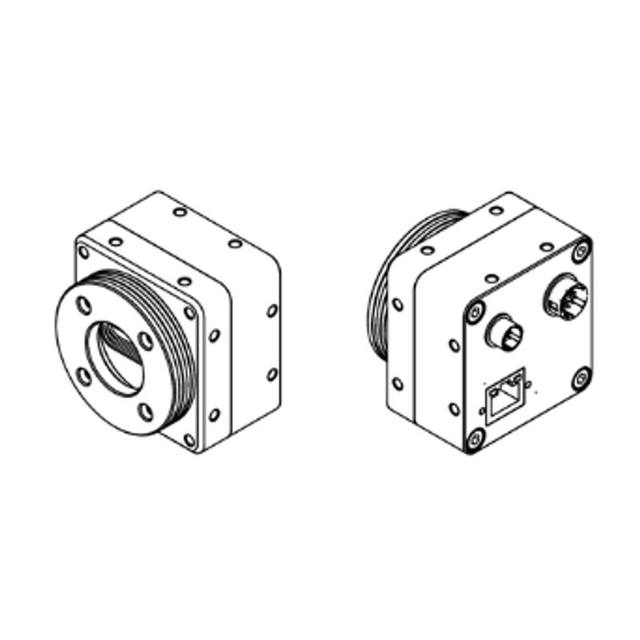
Omron FS-B2KU7GES-C Line Scan Camera.
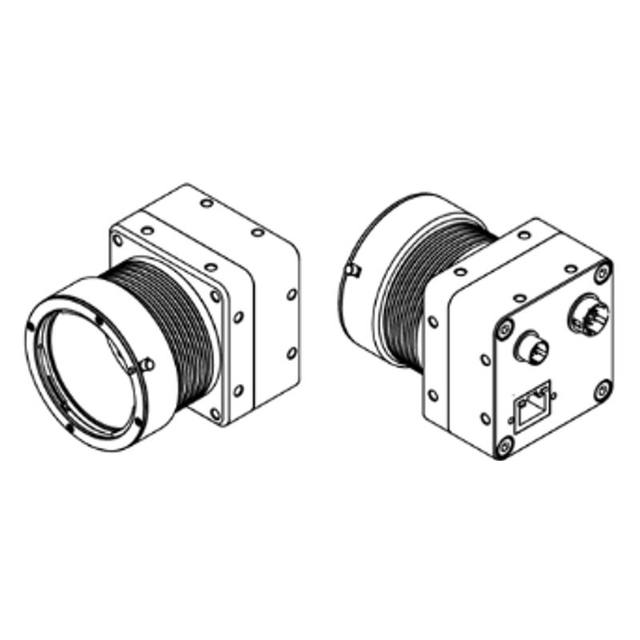
Omron FS-B2KU7GES-F Line Scan Camera.
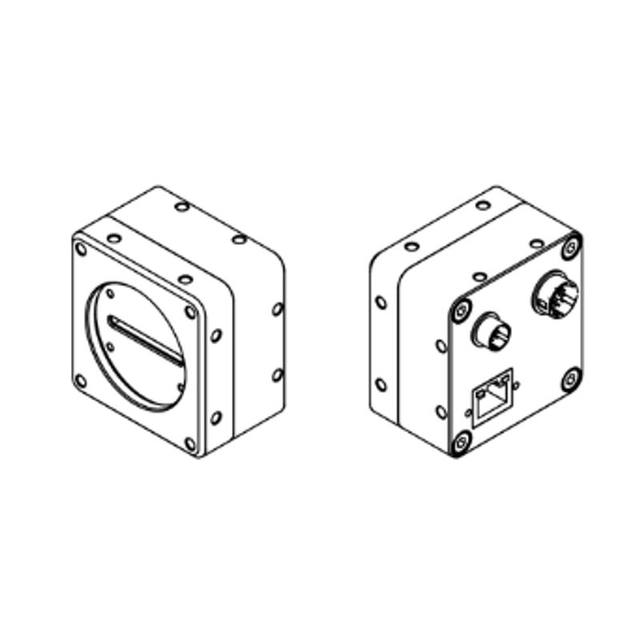
Omron FS-B2KU7GES-M42 Line Scan Camera.
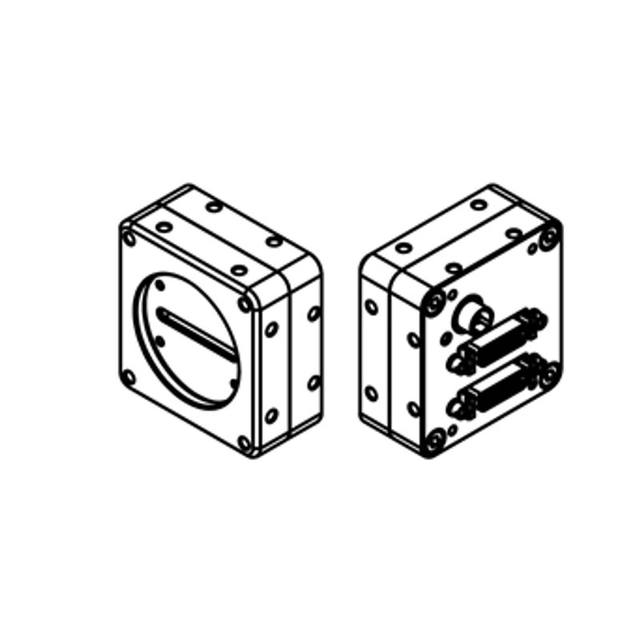
Omron FS-B4KU7CLU-M42 Line Scan Camera.
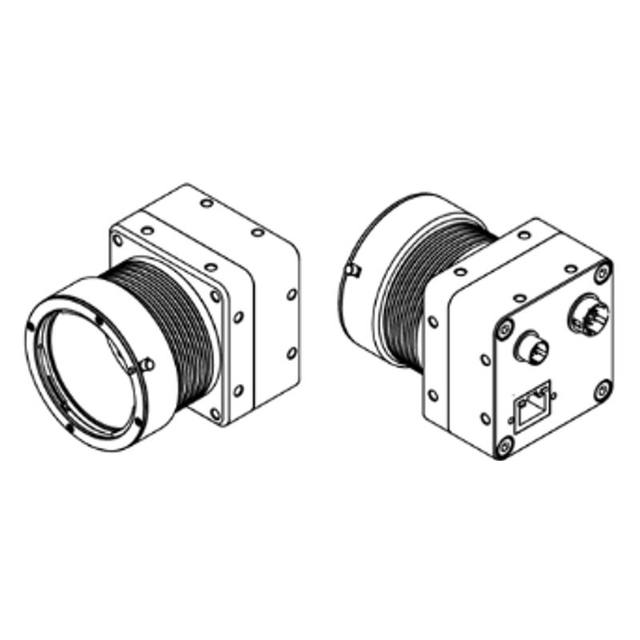
Omron FS-B4KU7GES-F Line Scan Camera.
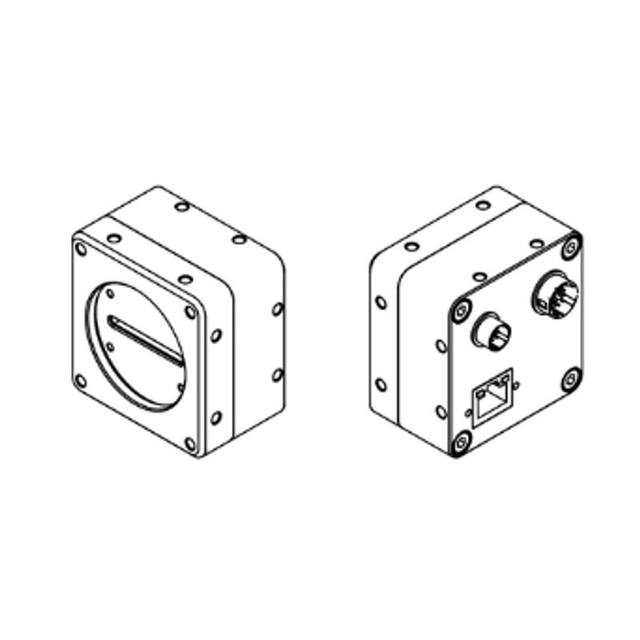
Omron FS-B4KU7GES-M42 Line Scan Camera.
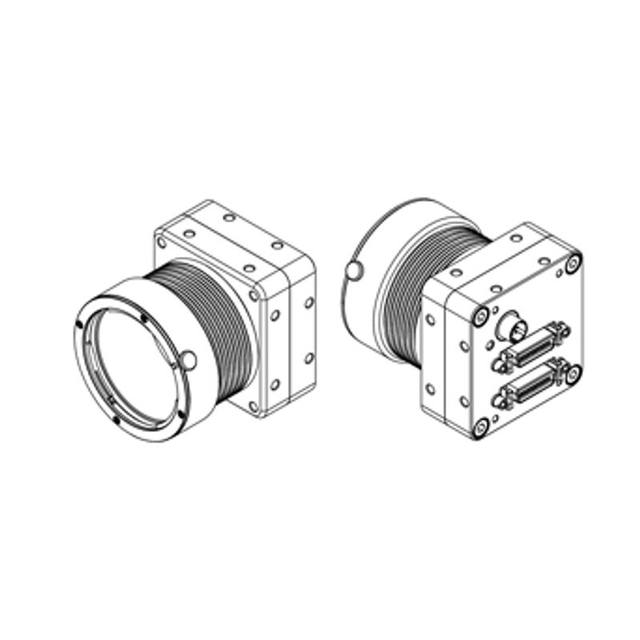
Omron FS-B8KU35CLU-F Line Scan Camera.
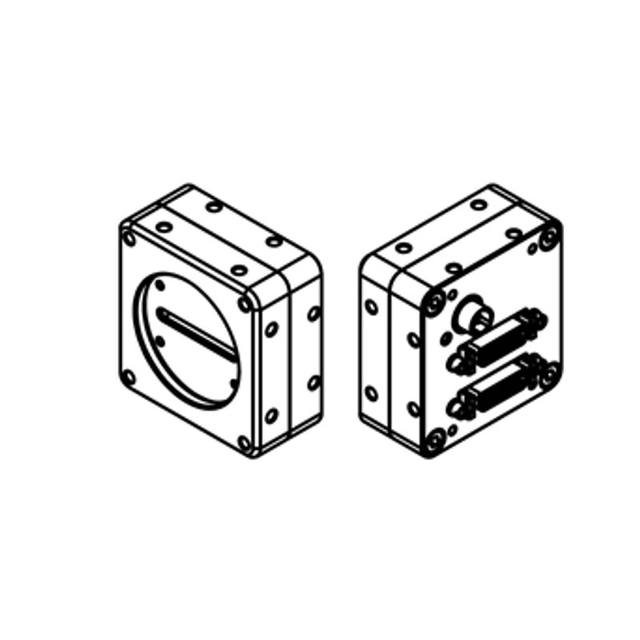
Omron FS-B8KU35CLU-M42 Line Scan Camera.
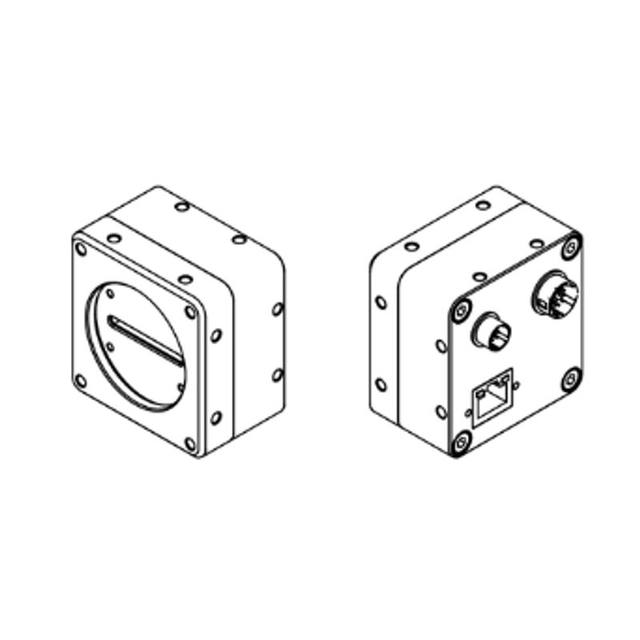
Omron FS-B8KU35GES-M42 Line Scan Camera.
Omron FS-B8KU7DCLU-M72 Line Scan Camera.
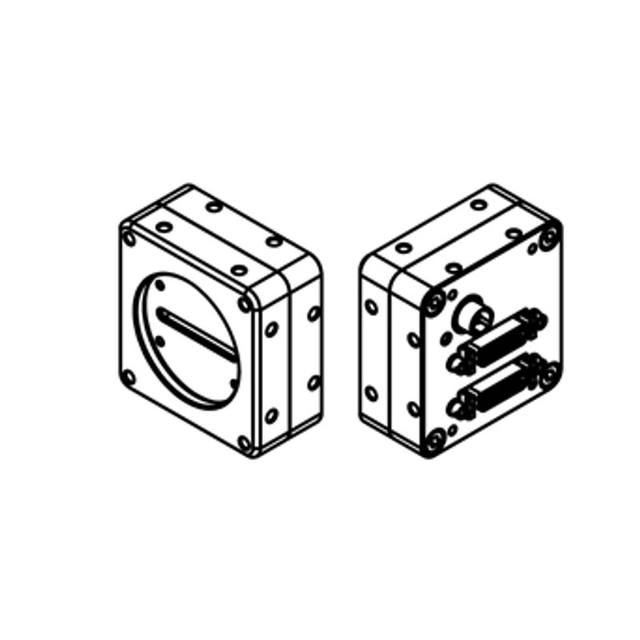
Omron FS-C4KU7DCLU-M42 Line Scan Camera.
The deciding factor is geometry combined with motion. If your product is a continuous web or a long, moving strip with no natural frame boundary, an area scan camera forces you into overlapping captures with stitching artefacts and seams. A line scan camera removes that problem entirely: the conveyor or web motion is the second axis of the image, so you get one unbroken image of arbitrary length at perfectly consistent resolution down the run.
The second strong case is resolution across a wide product. A line scan sensor concentrates all its pixels into a single very long row - commonly 2K, 4K, 8K, 12K or 16K pixels wide - so it can resolve fine defects across a wide web that would need several tiled area scan cameras to match. One 16K line scan camera can cover a width that might otherwise demand four or five area scan cameras plus the calibration and overlap management that comes with them.
Line scan also shines on round or cylindrical parts. By rotating the part exactly once under a fixed line, you image the entire circumference as a flat, undistorted rectangle - useful for inspecting bottles, cans, shafts, fruit and other rotationally symmetric objects where an area scan camera would only ever see one face at a time.
The core performance number is line rate - how many lines per second the camera can expose and read out, quoted in kHz. Line rate, web speed and your required along-the-web resolution are locked together: line rate (lines/s) must equal web speed (mm/s) divided by the desired pixel size along the travel direction (mm/line). Push the web faster or ask for finer resolution and the required line rate climbs in direct proportion. It is common to spec the line rate first from the fastest production speed and smallest defect, then work backwards to the sensor and interface that can sustain it.
Across the web, resolution is set by sensor width and optics: pixel size across the web equals the field of view width divided by the number of sensor pixels. This is where the resolution-over-width advantage matters - an 8K or 16K sensor lets you hold a small pixel pitch across a wide product without tiling. Keep the across-web and along-web pixel sizes roughly equal (square pixels in the final image) unless the application deliberately favours one axis, so defects look the same regardless of orientation.
At high line rates, light becomes the limiting factor before the sensor does. The exposure window per line shrinks as line rate rises, so you need disproportionately more illumination to keep signal-to-noise acceptable. When light runs out, TDI (time delay and integration) line scan sensors are the answer: they integrate the same point on the web across multiple sensor stages, multiplying effective sensitivity and enabling very high speeds in low-light conditions, at the cost of higher price and tighter mechanical and encoder tolerances. Catalog line scan families from Basler (racer 2, including TDI variants), iRAYPLE (L Series) and Omron/Sentech (STC/FS line scan) span this range from cost-effective CMOS to high-sensitivity TDI.
Because the image is built line by line, any variation in material speed distorts the picture - speed up and the image stretches, slow down and it compresses. The standard solution is to trigger each line from a rotary encoder coupled to the web or conveyor, so one line is acquired per fixed increment of travel rather than per fixed unit of time. This keeps the along-web scale constant regardless of speed changes, accelerations, stops and starts, giving you measurable, repeatable geometry for metrology and reliable defect sizing.
Specify the encoder resolution against your along-web pixel size: you want enough encoder pulses per millimetre that each acquired line maps cleanly to one pixel row, often using the grabber's tick-multiplier or divider to match exactly. Plan for direction handling and jitter on lines that start and stop, and confirm the camera or frame grabber accepts the encoder input directly. Encoders, trigger cables and brackets from suppliers such as Datalogic/Datasensing are part of the system, not an afterthought - the encoder is as much a precision component as the camera.
Line scan generates a continuous, high-bandwidth data stream, so the interface and acquisition hardware are critical. GigE Vision (often with PoE) suits lower and mid-range line rates and simplifies cabling, while Camera Link and especially CoaXPress (CXP) carry the sustained bandwidth that fast, wide sensors demand. Camera Link and CXP cameras require a matching frame grabber in the host PC - the grabber handles deterministic encoder triggering, line-rate timing and DMA transfer that a software-only interface cannot guarantee at high throughput. Basler and iRAYPLE both offer grabbers aligned to their line scan ranges; size the grabber and PCIe bandwidth to the camera's peak data rate, not its average.
Lighting is where line scan projects most often fail. All of the camera's pixels look at one thin line, and at high line rates the per-line exposure is extremely short, so you need an intense, narrow, highly uniform line of light precisely aligned and focused onto that sensor line. Line (bar) lights and focused-line illuminators are purpose-built for this; uniformity across the full width and stability over time directly determine defect contrast and false-reject rates. Geometry matters too - bright-field for general surface, dark-field or grazing-angle line lighting to pop scratches, embossing and topographic defects on metal, film and print.
Finally, treat optics and mechanics as part of the spec. Wide, high-resolution line scan sensors are physically long and often need large-format F-mount or M42/M72 lenses with enough image circle and resolving power to cover the sensor corner to corner without falloff. Rigid mounting, vibration control and accurate perpendicular alignment of the camera, light and web keep the single imaged line sharp and consistent across the entire width.
A practical, application-first method for selecting an industrial camera: derive resolution from field of view and smallest detail, then match shutter, speed, interface, lens and lighting.
When to use a matrix (area scan) sensor versus a line sensor: discrete parts vs continuous web and cylindrical material, encoder sync, lighting and frame grabber needs.
When 20+ MP cameras earn their place in inspection: sensor formats, the optics and MTF challenge, bandwidth and interfaces, lighting uniformity, and single high-res vs multi-camera.
We help you choose line scan cameras based on your application, FOV, working distance and environment.