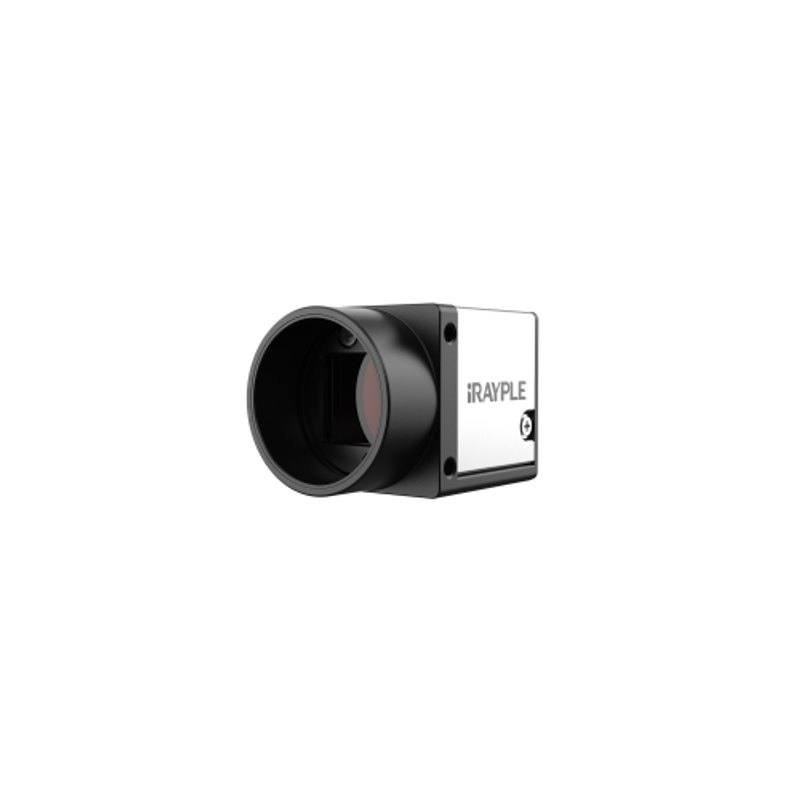
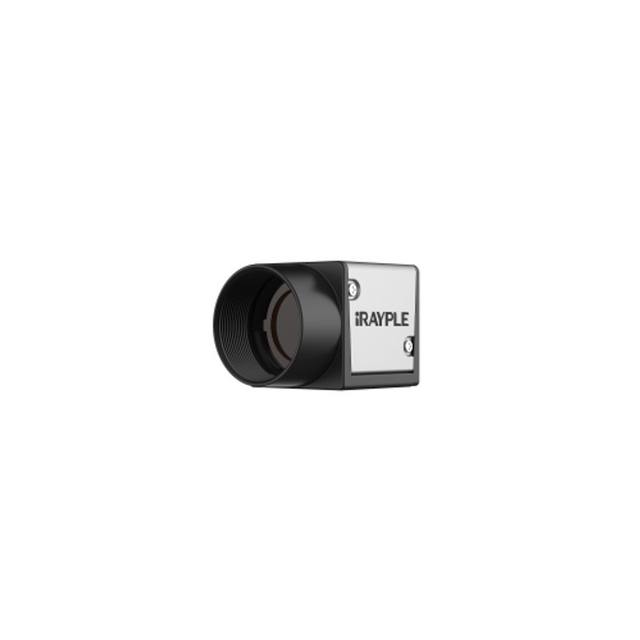
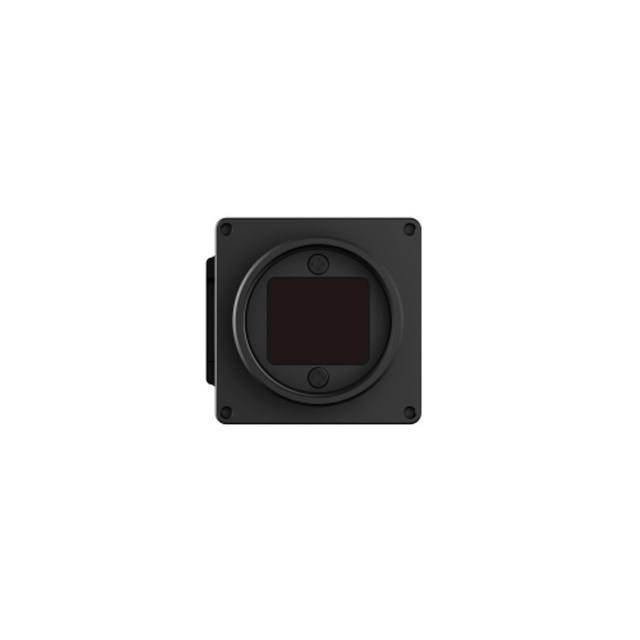
The iRAYPLE AH3A29CU000E is a 12 MP color camera with an HR sensor in a 1/1.566 inch format, outputting 4096 × 3024 px. The shutter is listed as rolling, meaning rows are exposed in sequence rather than all at once. For stationary parts or slow scenes this is usually acceptable, but a fast-moving subject can show skew, so the camera suits scenes that stay still during exposure. Color output is Bayer RG 8 with a listed full-frame rate of 31.2 fps, so the host or imaging software must convert the Bayer data to RGB. The 1.998 μm pixel pitch means the lens has to resolve fine detail to make full use of the 12 MP sensor.
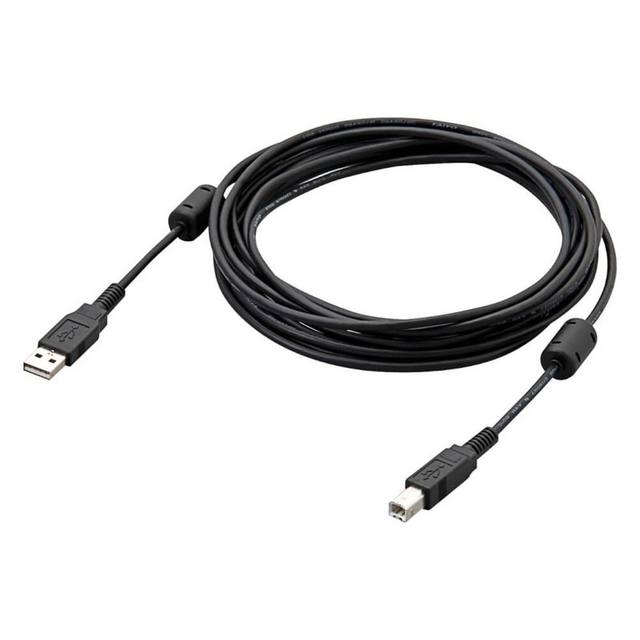
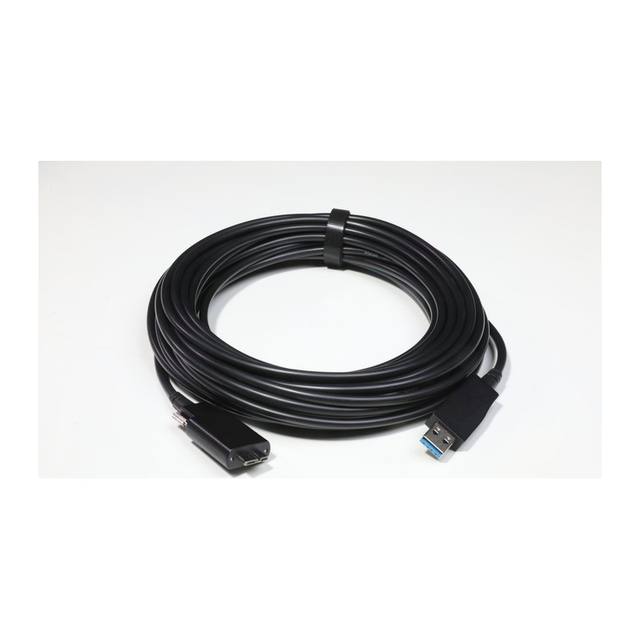
The USB 3.0 interface connects the camera directly to a PC with a USB 3.0 port, with no frame grabber required. Power can come through the USB connection or from a DC supply of 9 V to 24 V on a Hirose connector, and the listed draw is 2.8 W. The body measures 29 mm × 29 mm × 30 mm (excluding lens mount and rear case connector) and weighs 85 g, and its -30 °C to +50 °C operating range is a wide one for cabinet and factory-floor use.
For optics, the C-mount flange takes a standard C-mount lens, and the image circle must cover the 1/1.566 inch format. Choose a lens and working distance that resolve the fine pixel pitch at the working resolution. This camera is a strong choice for color-dependent inspection of stationary parts at high resolution, such as checking part color, printed content or fine surface features. For faster moving parts, a global-shutter camera is the better match.
Best for
High-resolution color inspection of stationary or slow-moving parts at 4096 × 3024 px
Color verification and print or label checks where Bayer RG 8 data is converted to RGB on the host
USB 3.0 PC-based installations that avoid a frame grabber
Inspection stations where the 29 mm × 29 mm × 30 mm body and 85 g weight matter
Selection notes
Choose the shutter for the motion: the rolling shutter is listed, so keep the scene still during exposure, or select a global-shutter camera for moving parts.
Budget for debayering: the 31.2 fps figure is for Bayer RG 8 output, so the imaging software must process each frame to RGB and that CPU load belongs in the design.
Match the lens to the 1.998 μm pixels: fine pixels only pay off with a lens that resolves detail across the full 12 MP sensor.
Pick the power source: USB or a 9 V to 24 V DC supply through the Hirose connector, with 2.8 W listed.
Specifications: General
Brand
iRAYPLE
Camera type
Area Scan
Specifications: Sensor
Sensor model
HR
Sensor size
1/1.566
Shutter
Rolling
Mono / color
Color
Resolution
12 MP
Horizontal resolution
4096 × 3024 px
Pixel size
1.998 μm × 1.998 μm
Specifications: Performance
FPS
31.2 fps @4096× 3024 Bayer RG 8
Specifications: Interface
Interface
USB 3.0
Specifications: Optics
Mount
C-mount
Specifications: Electrical
Supply voltage
Power supply via USB connector /DC power supply by Hirose connector, with voltage range from 9V to 24V
Power consumption
2.8 W
Specifications: Environment
Operating temperature
-30℃~+50℃
Specifications: Mechanical
Dimensions
29 mm×29 mm×30 mm (not including lens mount and rear case connector)
Weight
85 g
Applications this product is commonly selected for. Open one to see the full recommended hardware and approach.
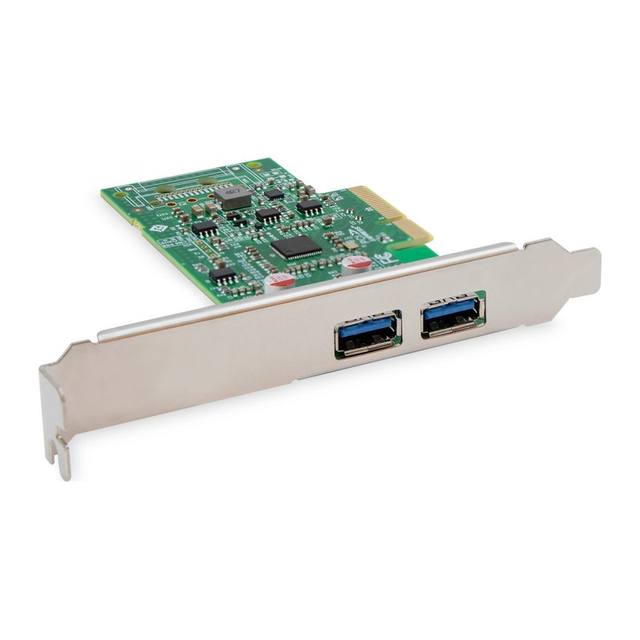
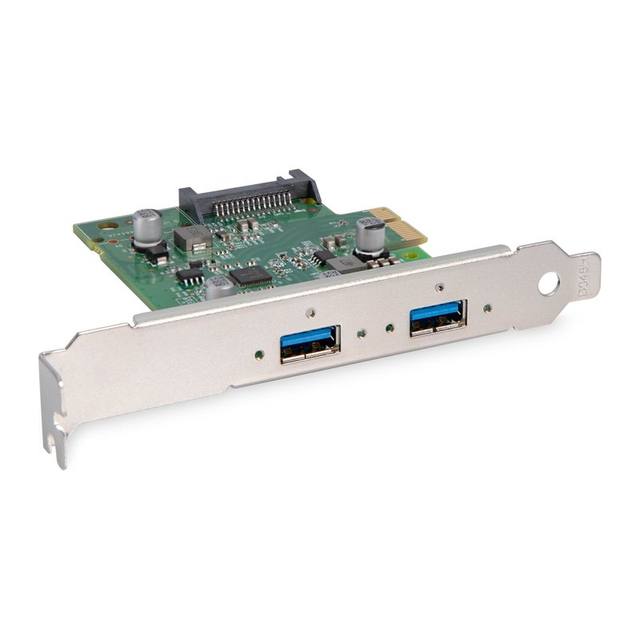
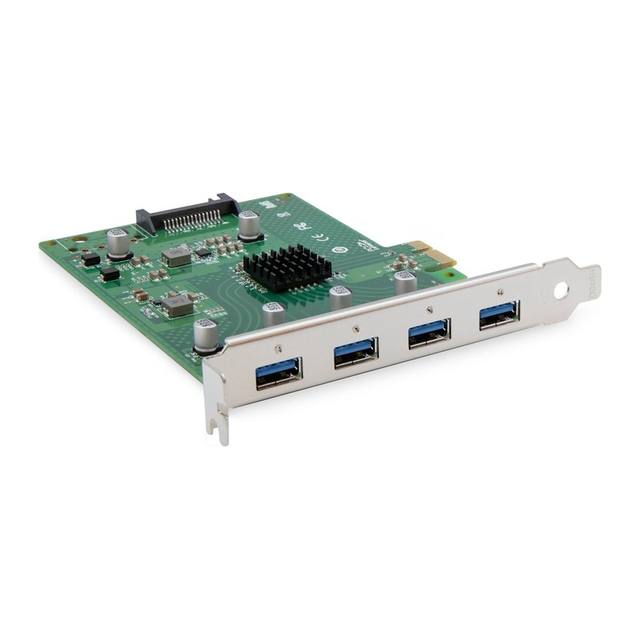
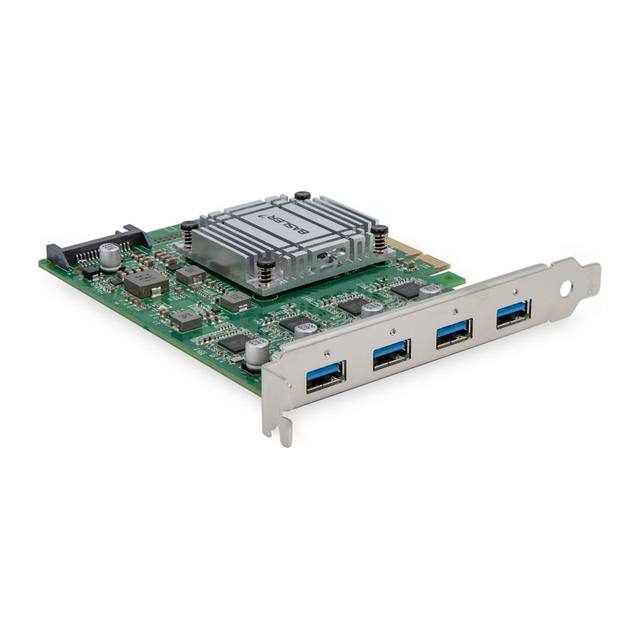
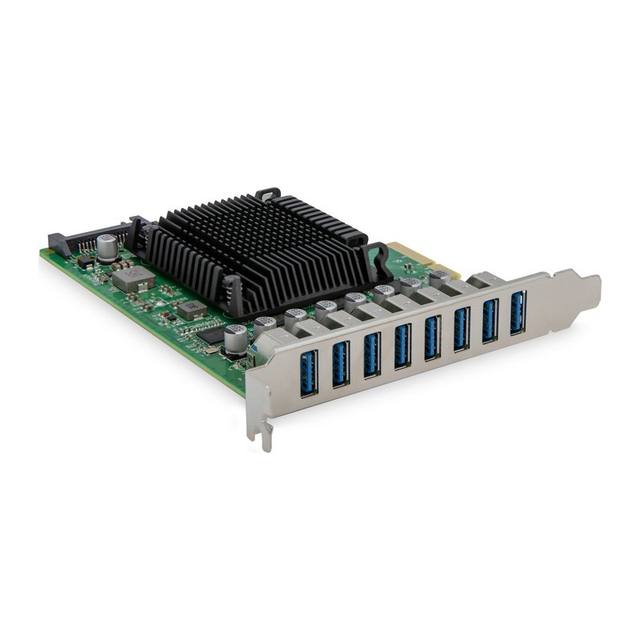
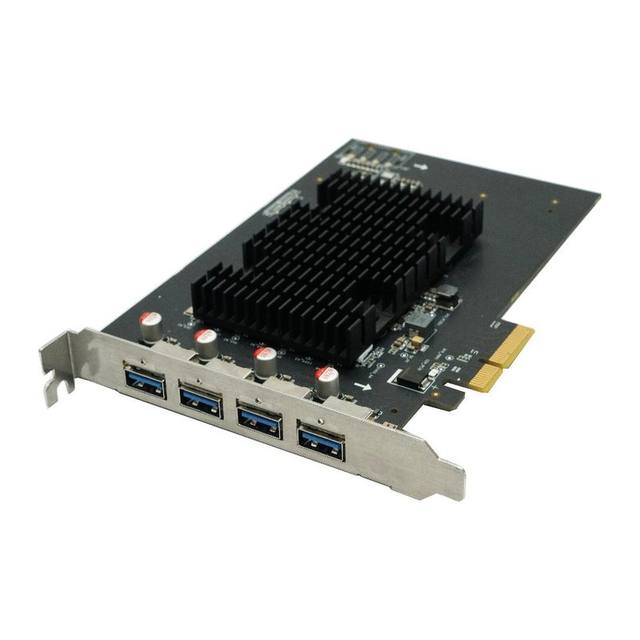
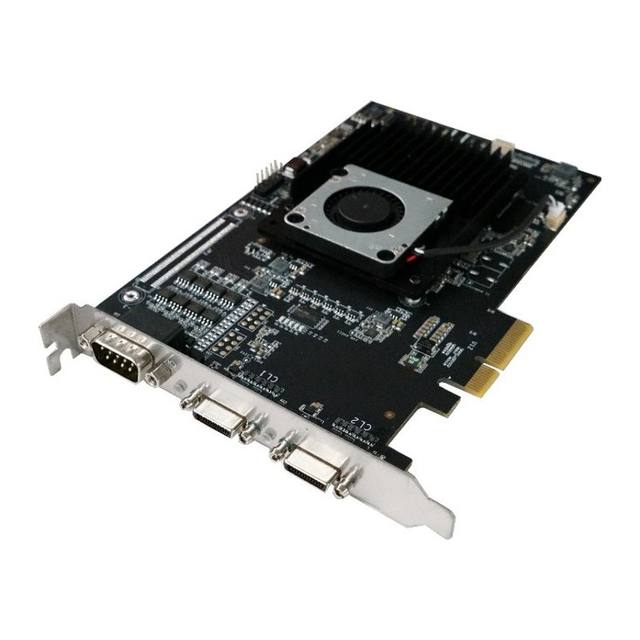
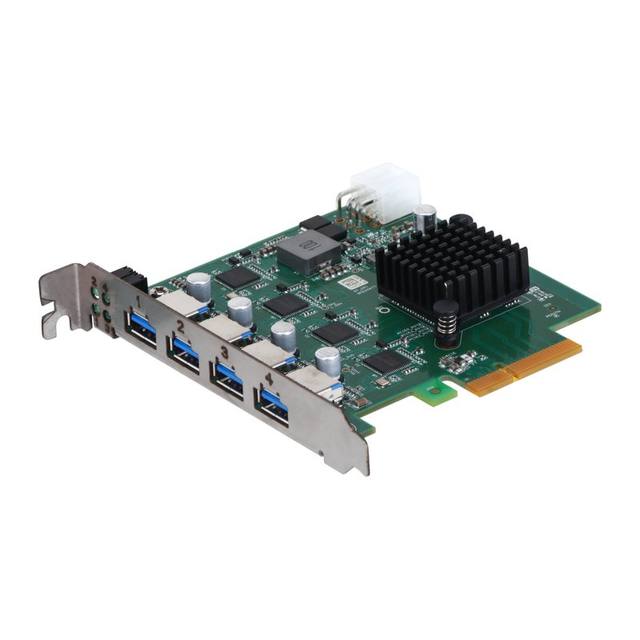
9 frame grabbers / interface cards are compatible with this camera.
Matched automatically by: card supports the camera interface (usb3 vision) · card link speed is at least the camera link speed (cxp-6 / cxp-12, 1–10 gige) — this camera: USB 3.0.
Follow these steps to bring up your iRAYPLE camera, capture a first image, and move from the viewer to your own application. The flow is the same across the A, AE, AX and L series; only the physical interface differs.
Download and install the iRAYPLE machine-vision SDK together with its viewer client for your operating system. The installer provides the camera drivers, the GenTL producer, and the viewer you will use for first light. For GigE Vision models, also install or enable the bundled filter/performance driver on the network adapter to maximize throughput.
2. Connect the camera to the correct interface
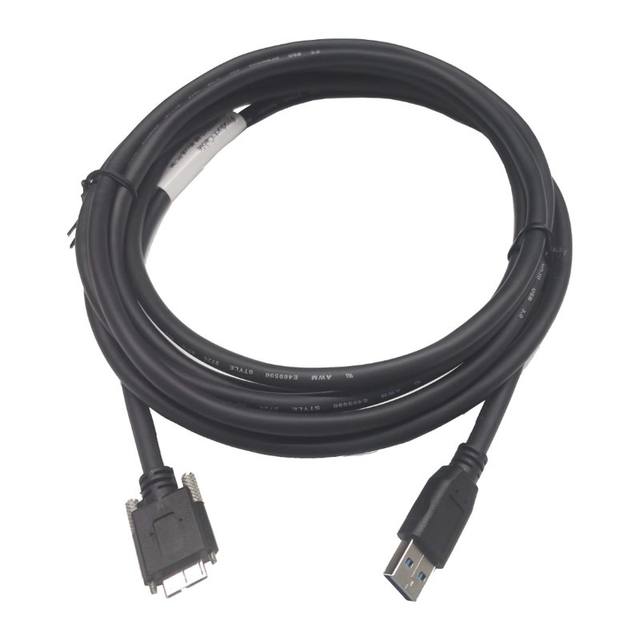
Wire the camera to its matching host interface: a dedicated Gigabit (or 10 GigE) NIC for GigE Vision models, a USB3 Vision port with a quality cable for USB3 models, or a frame grabber for CoaXPress models. Power the camera (PoE, USB bus power, or PoCXP / external supply as applicable). For GigE Vision, put the NIC and camera on the same subnet and, where supported, enable jumbo frames.
3. Detect and open the camera in the viewer
Launch the iRAYPLE viewer, run device enumeration, and select your camera from the discovered list. Open it to load the device feature tree (GenICam node map). If a GigE camera is found but cannot be opened, correct the IP configuration so the camera and NIC are in the same address range.
4. Set exposure, gain and trigger, then grab a first image
Start with continuous (free-run) acquisition under stable lighting. Adjust exposure time and gain for a well-exposed, low-noise image, set the pixel format (e.g. Mono8 or a Bayer/RGB format), and tune white balance on color models. Once the live image looks correct, switch trigger mode to hardware or software trigger to synchronize capture with your process, and verify a single triggered frame.
5. Move from the viewer to the SDK or a GenICam library
With imaging confirmed, reproduce the same settings in code using the SDK's C/C++ or Python API: enumerate, open, configure the relevant GenICam features, register a frame callback or grab loop, and convert frames to your pipeline's buffer format. Since the cameras are GenICam/GenTL-compliant, you can alternatively drive them from a third-party GenICam vision library. From here a stable image stream can feed a deep-learning inspection step such as Rosepetal for automated quality control.
Frequently asked questions
Yes. It is a color camera with Bayer RG 8 output at 4096 × 3024 px.
Up to 31.2 fps at 4096 × 3024 px in Bayer RG 8.
A rolling shutter. It suits stationary or slow-moving scenes.
USB 3.0, with power through the USB connector or a DC supply of 9 V to 24 V via a Hirose connector. Draw is 2.8 W.