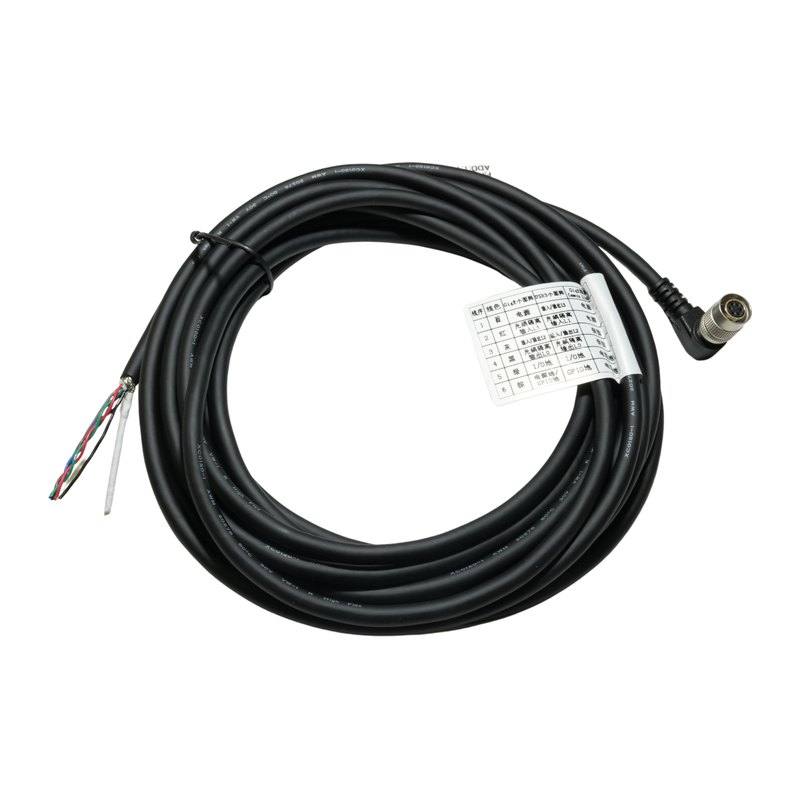
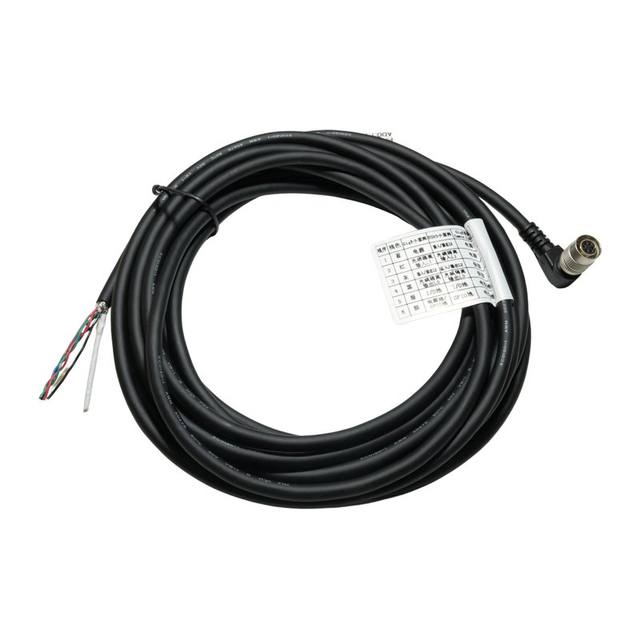
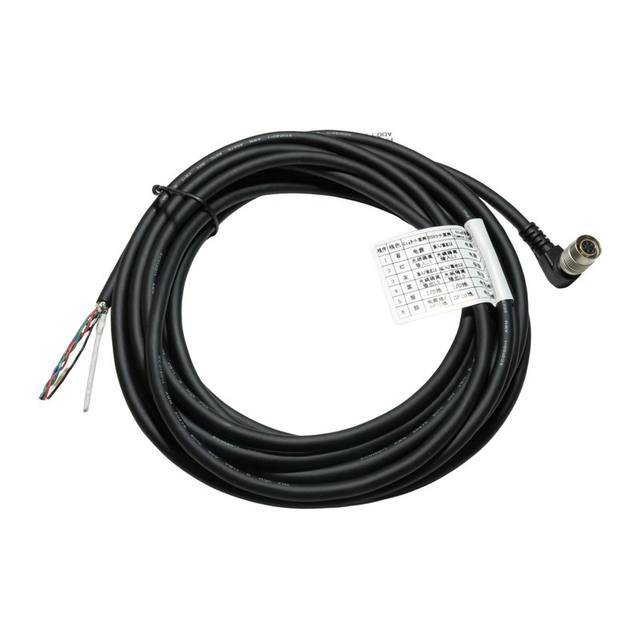
iRAYPLE 6-pin power & I/O cable, 6-pin female to open end, D-elbow, high-flex (drag chain) — C05-IO-6PIN(D)-FC
C05-IO-6PIN(D)-FC
iRAYPLE C05-IO-6PIN(D)-FC — 6Pin Power&I/O Dynamic Cable; End A 6-pin, Female (D elbow), End B Open; lengths 5–10 m (5, 10 m); structure 26AWG*(2P+2C)+AB; Ø 5.2 mm; PVC jacket; min. bending radius 55 mm; drag-chain rated (10 million cycles); operating -20 °C to +80 °C.
Brand
iRAYPLE
Cable type
6Pin Power&I/O Dynamic Cable
Cable length
5–10 m (5, 10 m)
Connector A
6-pin, Female (D elbow)
Connector B
Open
High-flex / drag chain
Yes — dynamic scene (drag chain), 10 million cycles
Compatible with
Industrial cameras with a 6-pin power & I/O connector (power the camera, I/O signal wiring)
Rated for 10 million drag-chain cycles, this D-elbow lead takes camera power and I/O to a camera that moves with its axis. A cycle rating is a bench result, so turn it into time for your machine: at an example 10 out-and-back moves a minute for 16 h a day, counted as one cycle each, that is 10 × 60 × 16 = 9 600 cycles a day, and 10 000 000 ÷ 9 600 ≈ 1 040 days, about 2.9 years. Plan replacement from your real move count.
The D version is offered in 5 m and 10 m. C05-IO-6PIN(L)-FC and C05-IO-6PIN(R)-FC share its 26AWG*(2P+2C) structure, Ø 5.2 mm PVC jacket and 55 mm minimum bending radius and also come in 7 m, so the elbow and the length are the only things to choose between the three.
Best for
Cameras on a linear axis that follow a drag chain, where the cable bends thousands of times a day and a static lead would fatigue.
Moving cameras wired back to a fixed cabinet: the plug end travels with the camera while the open end is terminated on site in the cabinet.
Axes that need a 5 m or 10 m moving run and where the D elbow suits the space around the camera connector better than the L or R plug.
Selection notes
A 7 m route needs C05-IO-6PIN(L)-FC or C05-IO-6PIN(R)-FC. With this D version, step up to 10 m and keep the extra length in the fixed part of the run rather than bunched inside the chain.
Choose a chain whose bend radius is at least 55 mm, with a compartment sized for the Ø 5.2 mm jacket.
A camera that never moves does not need the chain rating: the static C05-IO-6PIN(L) and C05-IO-6PIN(R) come in 3, 5, 7 and 10 m.
Specifications: General
Brand
iRAYPLE
Cable type
6Pin Power&I/O Dynamic Cable
Compatible with
Industrial cameras with a 6-pin power & I/O connector (power the camera, I/O signal wiring)
Specifications: Interface
Connector A
6-pin, Female (D elbow)
Connector B
Open
Specifications: Electrical
Supply voltage
30 VDC
Specifications: Environment
Operating temperature
-20 °C to +80 °C
Specifications: Mechanical
Cable length
5–10 m (5, 10 m)
High-flex / drag chain
Yes — dynamic scene (drag chain), 10 million cycles
This product groups every purchasable order code that shares the same sensing method, range and output. Cable length, connector type and operation mode (Light-ON/Dark-ON, NO/NC) vary by order code below.
Follow these steps to bring up your iRAYPLE camera, capture a first image, and move from the viewer to your own application. The flow is the same across the A, AE, AX and L series; only the physical interface differs.
Download and install the iRAYPLE machine-vision SDK together with its viewer client for your operating system. The installer provides the camera drivers, the GenTL producer, and the viewer you will use for first light. For GigE Vision models, also install or enable the bundled filter/performance driver on the network adapter to maximize throughput.
2. Connect the camera to the correct interface
Wire the camera to its matching host interface: a dedicated Gigabit (or 10 GigE) NIC for GigE Vision models, a USB3 Vision port with a quality cable for USB3 models, or a frame grabber for CoaXPress models. Power the camera (PoE, USB bus power, or PoCXP / external supply as applicable). For GigE Vision, put the NIC and camera on the same subnet and, where supported, enable jumbo frames.
3. Detect and open the camera in the viewer
Launch the iRAYPLE viewer, run device enumeration, and select your camera from the discovered list. Open it to load the device feature tree (GenICam node map). If a GigE camera is found but cannot be opened, correct the IP configuration so the camera and NIC are in the same address range.
4. Set exposure, gain and trigger, then grab a first image
Start with continuous (free-run) acquisition under stable lighting. Adjust exposure time and gain for a well-exposed, low-noise image, set the pixel format (e.g. Mono8 or a Bayer/RGB format), and tune white balance on color models. Once the live image looks correct, switch trigger mode to hardware or software trigger to synchronize capture with your process, and verify a single triggered frame.
5. Move from the viewer to the SDK or a GenICam library
With imaging confirmed, reproduce the same settings in code using the SDK's C/C++ or Python API: enumerate, open, configure the relevant GenICam features, register a frame callback or grab loop, and convert frames to your pipeline's buffer format. Since the cameras are GenICam/GenTL-compliant, you can alternatively drive them from a third-party GenICam vision library. From here a stable image stream can feed a deep-learning inspection step such as Rosepetal for automated quality control.
Frequently asked questions
No, only 5 m and 10 m. C05-IO-6PIN(L)-FC and C05-IO-6PIN(R)-FC offer 5, 7 and 10 m with the same chain rating.
Into the cabinet, on the fixed side of the chain. It is terminated on site to your own terminal layout, with the pin assignment taken from the camera manual and the supply kept within 30 VDC.