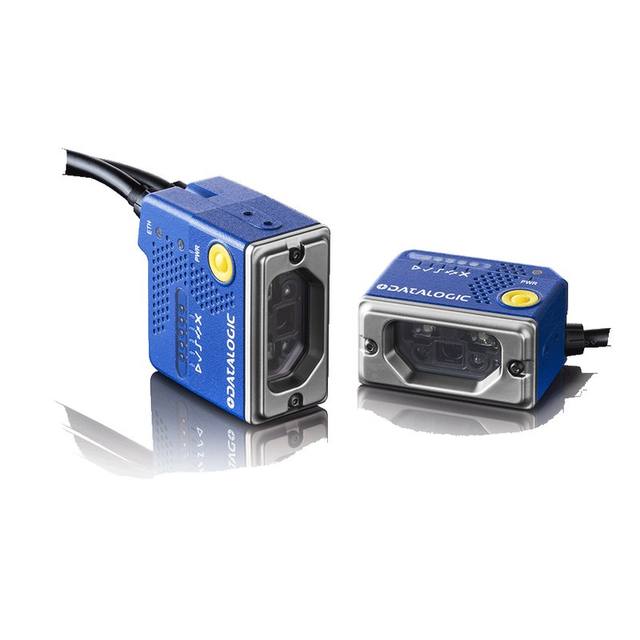
Datalogic Matrix 220 compact 2D imager, standard optics 12 mm
Matrix 220 STD 12 mm
Datalogic Matrix 220 STD 12 mm — fixed-mount industrial reader; 2D imager; 1.2 MP; 12 mm optics; reads 40–600 mm; 45 fps; IP65, IP67; interfaces Ethernet / RS-232 / PROFINET / EtherNet/IP / Modbus TCP / Digital I/O; operating 0 to 50 °C (datalogic.com); datasheet: 0 to 50 °C for the "X" P/Ns, -10 to 50 °C for the other P/Ns. 3 order codes on datalogic.com.
The 12 mm lens narrows the view to a 24.1° viewing angle, which buys pixel density at distance. Taking the angle as horizontal, the field is about 0.43 × distance (2 × tan 12.05° ≈ 0.427): 17 mm wide at 40 mm and 256 mm at 600 mm. Across 1280 px that is 17.1 ÷ 1280 ≈ 0.013 mm per pixel up close, where a 2 mil (0.051 mm) module still gets 0.051 ÷ 0.0133 ≈ 3.8 px, and 256 ÷ 1280 ≈ 0.20 mm per pixel at 600 mm, where modules under about 0.4 mm (2 px) are marginal.
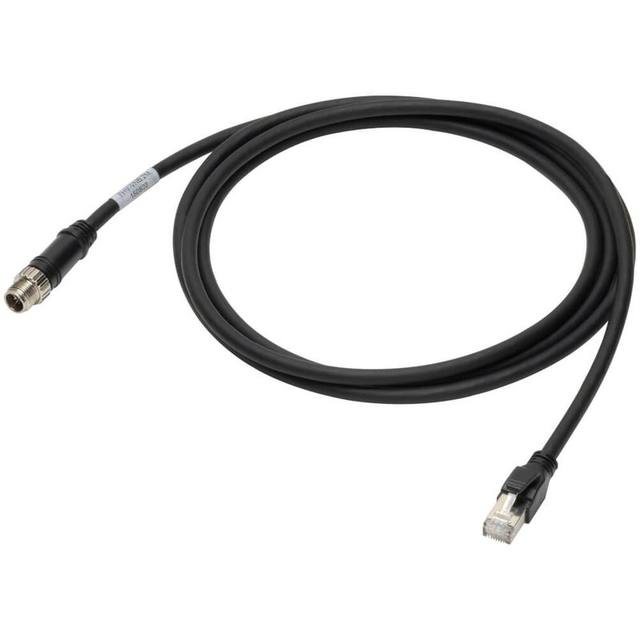
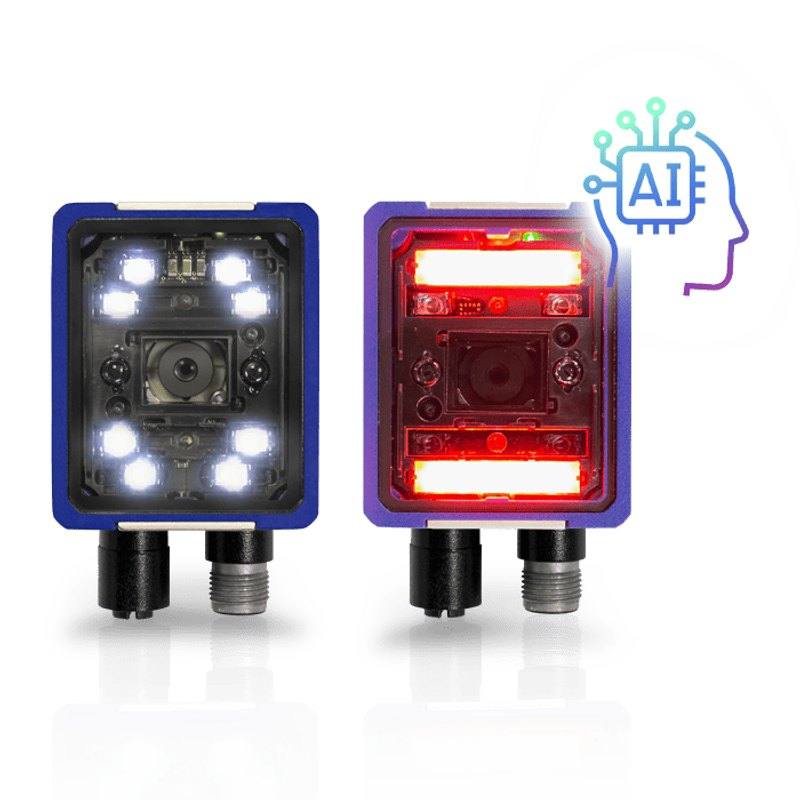
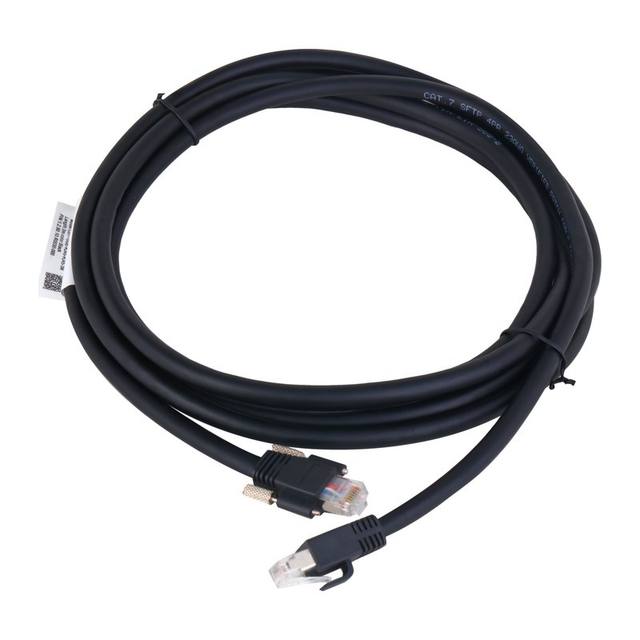
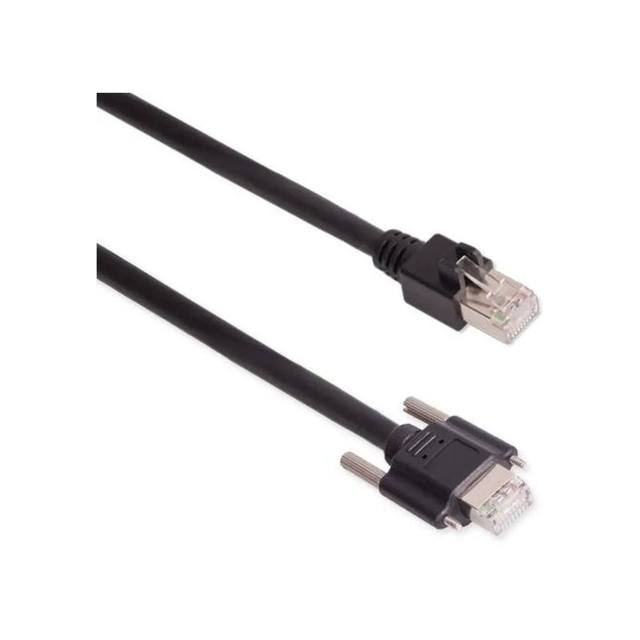
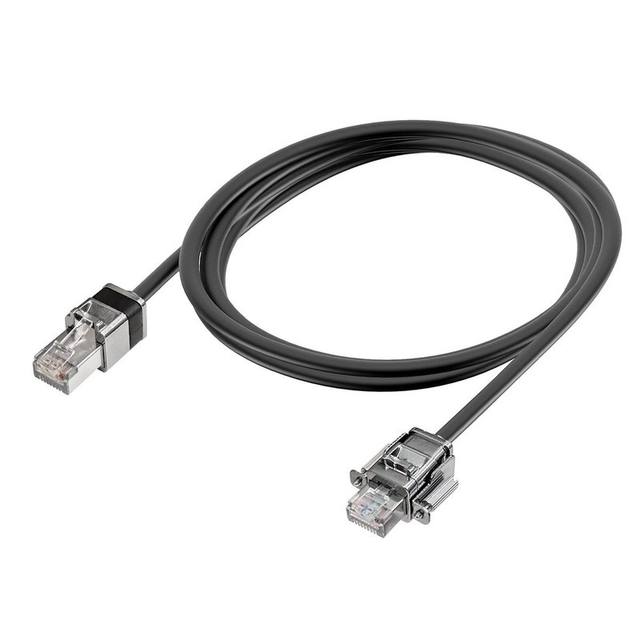
Electronic focus control lets the working distance be changed remotely. Light is fixed by the order code: standard white, white high-power or red high-power (325-01A, the Digimarc model), with no polarizer. The PoE code 355-040 runs over the Ethernet cable (Mode A or B, 48 VDC, 4.8 W max) but has 1 input and no outputs; many switches reserve PoE power by class rather than by actual draw, so check how the switch allocates it when several readers share one.
Best for
Reading small codes farther back than the 7 mm optics allow: the 12 mm reaches 600 mm where the 7 mm stops at 400 mm, though modules under about 0.4 mm get marginal at the far end.
Machines that change format, since focus can be changed remotely and nobody has to reach into the machine.
Packaging that carries Digimarc Barcode (DWCODE), through the red high-power 325-01A code.
Selection notes
The 7 mm version sees a wider field, about 0.69 × distance against 0.43 × here, but only out to 400 mm: choose the 12 mm for distance and the 7 mm for a wide close view.
On 355-040 (M12 5-pin plus Ethernet PoE) the auxiliary RS-232 is the only serial port, so handshakes and results must travel over the network.
For shiny or curved parts that need glare control, the Matrix 220 DPM 12 mm adds an embedded polarizer and diffuser but reads 40–300 mm instead of 40–600 mm; this standard version has no polarizer.
Specifications: General
Brand
Datalogic
Reader type
Code reader
Form factor
Compact fixed-mount 2D imager
Specifications: Sensor
Resolution
1.2 MP (1280 × 960 px)
Horizontal resolution
1280 px
Specifications: Performance
FPS
45 frames/s
Specifications: Interface
Communication
Ethernet 10/100 (TCP/IP, UDP, FTP, PROFINET IO, EtherNet/IP, Modbus TCP, OPC UA) + RS-232/RS-422 FD main + aux RS-232; PoE models: Ethernet PoE (Mode A / B) + aux RS-232; ID-NET; 2 inputs / 3 outputs (PoE models: 1 input, no outputs)
40 – 600 mm (STD-W, STD-W HP and STD-UV HP, 12 mm lens)
Supported codes
1D: all standard symbologies; 2D: Data Matrix, QR Code, Micro QR, Maxicode, Aztec, Dot Code; postal: Royal Mail, Japan Post, Planet, Postnet and more; Digimarc Barcode (DWCODE)
Specifications: Mechanical
Dimensions
78 x 47 x 38 mm (connector at 0°); 57 x 47 x 58 mm (connector at 90°)
Weight
173 g
Housing material
Aluminium case, plastic protective window cover
This product groups every purchasable order code that shares the same sensing method, range and output. Cable length, connector type and operation mode (Light-ON/Dark-ON, NO/NC) vary by order code below.
Family variants with highlighted differences
Model
Illumination colour ●
Power over cable (PoE / PoCXP / PoCL) ●
Availability
MATRIX 220 325-01A 1.2MP STD-R 12MM HP Base
Red (Digimarc)
—
On request
MATRIX 220 345-010 1.2MP STD-W 12MM HP
White
—
On request
MATRIX 220 355-040 1.2MP STD-W 12MM POE
White
PoE (48 VDC)
On request
Applications this product is commonly selected for. Open one to see the full recommended hardware and approach.
1. Install the IMPACT Software Suite and connect the camera
Install the IMPACT Software Suite on your PC, which provides both the configuration/viewer tools and the SDK. For a GigE Vision model (E100, M or U series), connect it to a dedicated NIC and, for USB3 models, use a certified USB3 cable and port. Power the camera and confirm it enumerates.
2. Bring the camera online and verify the link
For GigE Vision, put the camera and the host NIC on the same subnet (a static IP on the camera matching the NIC range is the most reliable starting point); for USB3, confirm the device is recognized. Open the IMPACT viewer/device tool, discover the camera, and verify a stable connection before streaming. Enabling jumbo frames on the NIC helps GigE throughput.
3. Set exposure, gain and trigger, then grab a first image
In the IMPACT tools, start a live stream and adjust exposure and gain until the image is well-lit without saturation; set white balance on color models. Begin in free-run (continuous) mode to confirm imaging, then switch to hardware or software trigger as your application requires. Capture and save a reference image once the scene looks correct.
4. Build a vision tool or move to the SDK/API
Use the IMPACT point-and-click vision tools to assemble an inspection, or use the IMPACT SDK to access the camera and results programmatically and feed them into your HMI/PLC application. As these are GenICam/GenTL-compliant devices, you can alternatively drive them from any GenICam-compliant third-party vision library if your pipeline standardizes on one.
5. Route the stable feed to deep-learning inspection (optional)
Once you have a stable, repeatable image, the feed can be sent to a deep-learning inspection platform such as Rosepetal for defect detection or classification tasks that go beyond rule-based tooling. Keep lighting, optics and trigger timing fixed so the images reaching the model stay consistent.
Frequently asked questions
About 128 mm if the 24.1° viewing angle is horizontal: 2 × 300 mm × tan 12.05° ≈ 128 mm.
355-040 (STD-W 12MM POE). 325-01A is the red high-power Digimarc code and 345-010 the white high-power code.
Camera Housing: Basler Camera housing ace 2 GigE, Basler Camera housing ace 2 USB / CXP / GMSL, Basler Camera housing ace USB, Basler Camera housing ace GigE