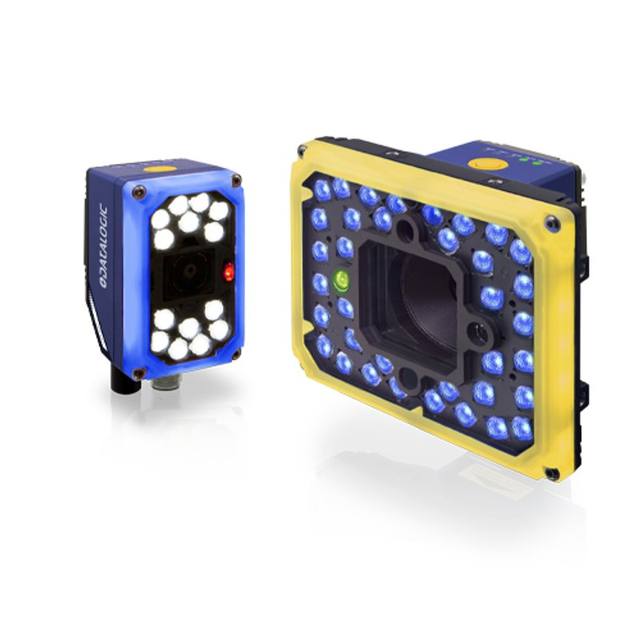
At 960 × 540 px (0.52 MP) the P20 is the entry resolution of the P2x range, suited to features that are large compared with the field: presence, position, orientation, colour or a coarse code. Its 5.6 µm pixels (960 × 5.6 µm ≈ 5.4 mm sensor width) are large for a 1/2.8-inch sensor, which typically means more light per pixel and room for short exposures under the built-in illuminator; the global shutter and 60 fps keep moving parts undistorted.
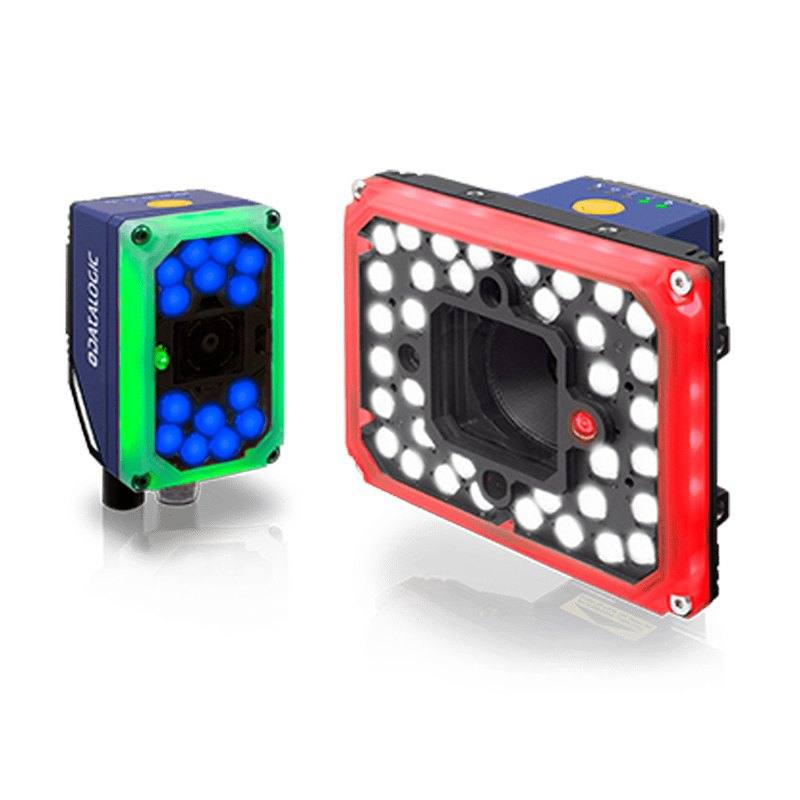
Optics and light are specified separately. CM order codes take C-mount lenses; ML codes take micro-video lenses of 6, 8, 12.5 or 17.5 mm, ordered separately. At an example 150 mm the 6 mm lens frames about 150 × 5.376 ÷ 6 ≈ 134 mm and the 17.5 mm lens about 150 × 5.376 ÷ 17.5 ≈ 46 mm. The illuminator is a swappable 14-LED (LTP-110) or 36-LED (LTP-112) module in red, blue, infrared or white, with polarized versions and 35D, 60D, 90D and 120D versions.
Best for
Presence, counting and orientation checks on conveyors, where 960 × 540 px resolves the feature and the global shutter keeps moving parts undistorted.
Colour-coded parts and assemblies: colour order codes run at the same 60 fps as mono, unlike the colour versions of the P30 and P32, which drop to 30 fps.
Reflective or low-contrast surfaces that call for a polarized or infrared illuminator, both of which are available on the P2x range.
Selection notes
Confirm the lens focal length, the illuminator module (LTP-110 for 14 LEDs, LTP-112 for 36) and its colour when ordering; lenses are separate items and the module is swappable.
Dimensions are 109 × 54 × 56 mm with the 14-LED illuminator and 116 × 126 × 70 mm with the 36-LED one; try both on sample parts at your working distance before choosing.
Step up to the P22 (1920 × 1080 px, also 60 fps) when the feature is small, or to the P30 (120 fps in mono) when parts move fast.
Specifications: General
Brand
Datalogic
Specifications: Sensor
Resolution
0.52 MP (960 × 540 px)
Horizontal resolution
960 px
Mono / color
Monochrome or colour (per order code)
Shutter
Global shutter
Sensor size
1/2.8" CMOS
Specifications: Performance
FPS
60 fps at full resolution
On-board memory
380 MB system memory
Storage
1 GB
Specifications: Interface
Communication
1000 Mbit/s Ethernet (EtherNet/IP, PROFINET, Modbus TCP); 1x RS-232 serial port; 2 IN / 3 OUT digital I/O
Trigger / GPIO
2 IN / 3 OUT digital I/O
Connection
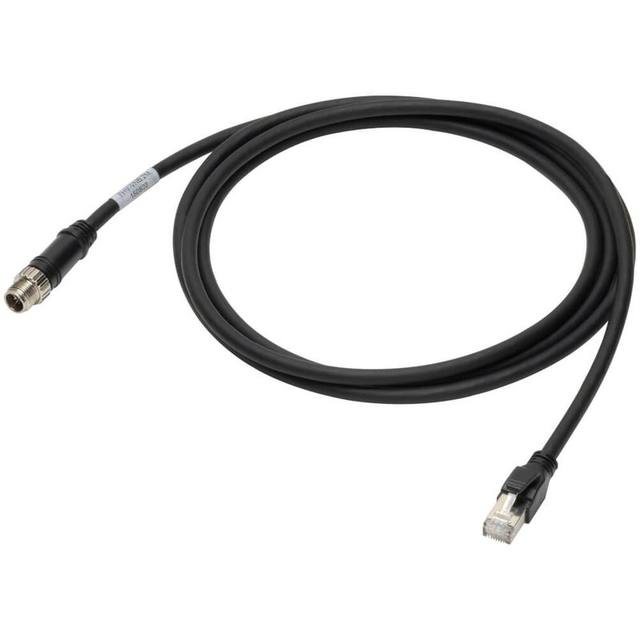
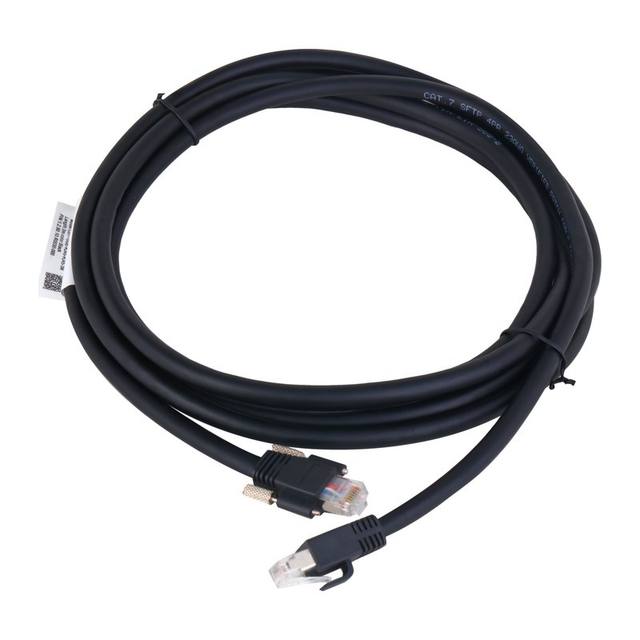
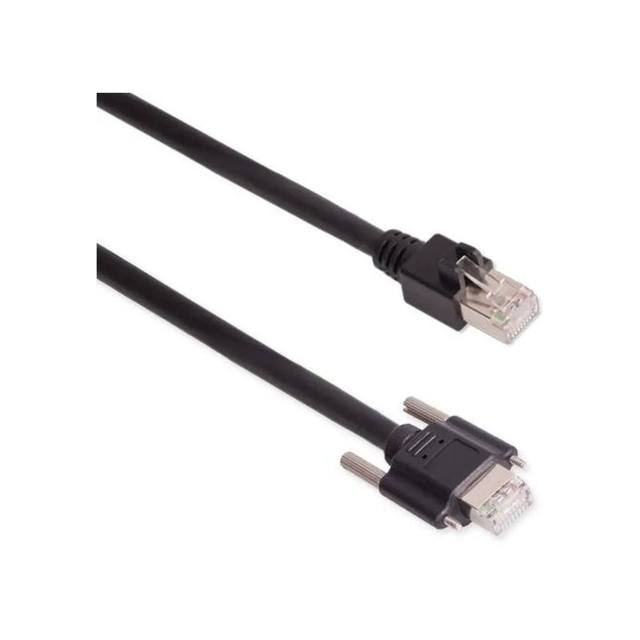
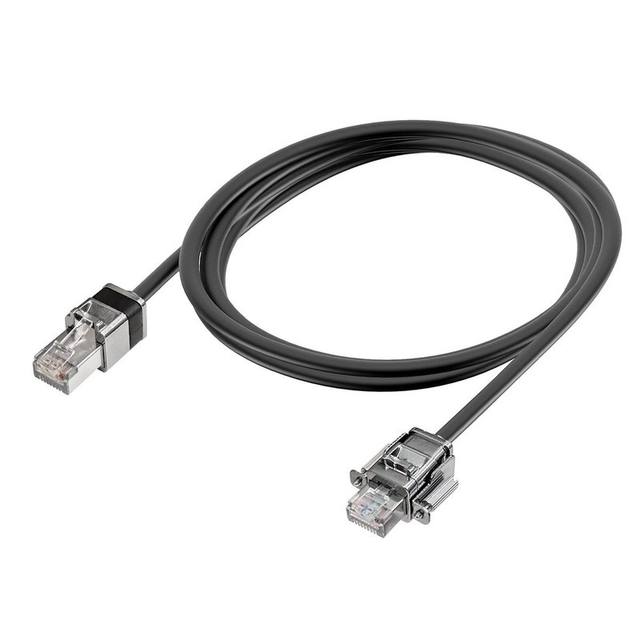
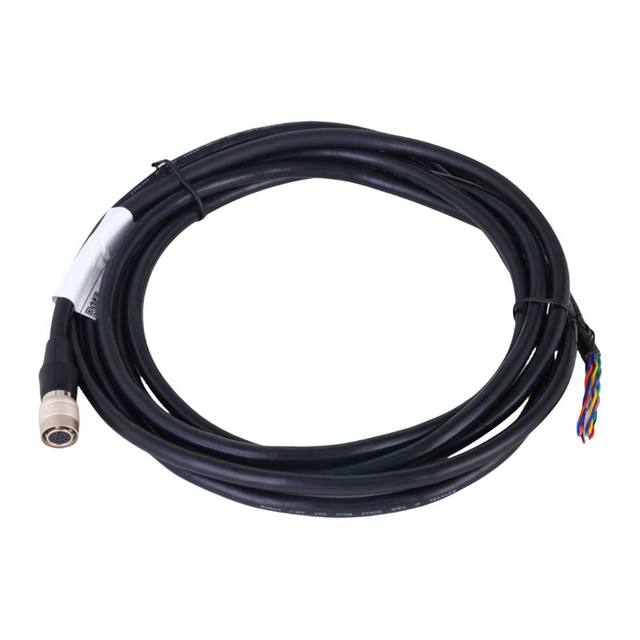
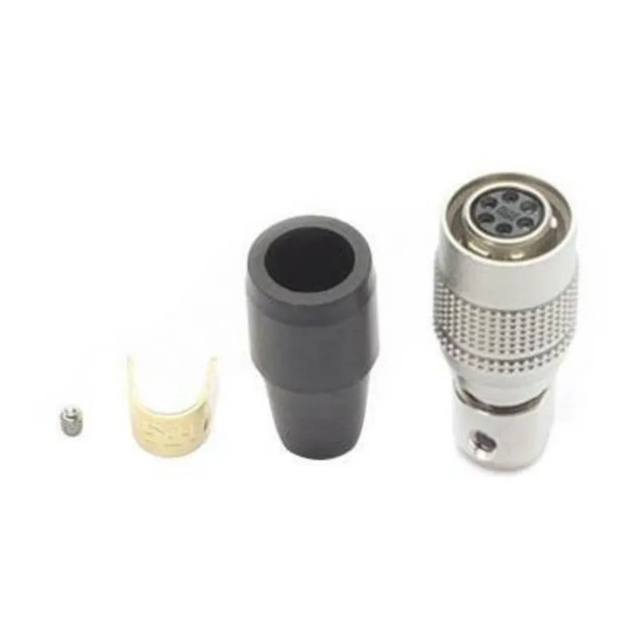
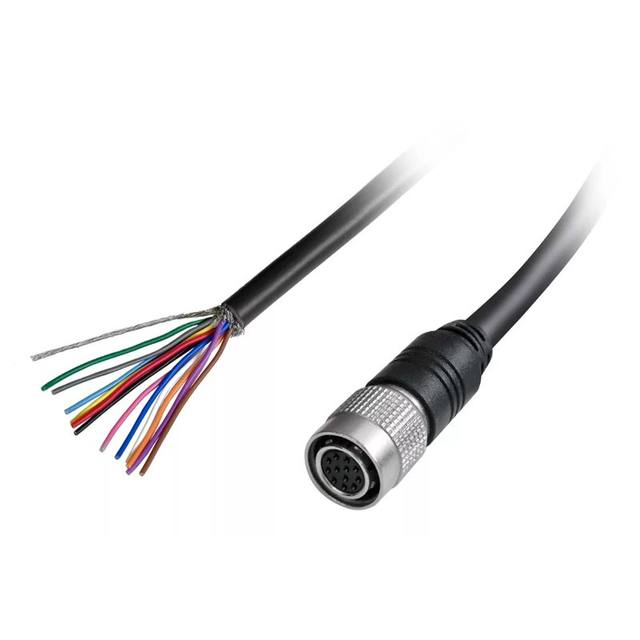
M12 — rotating connectors (straight or 90°); Datalogic lists M12 12-pin power & I/O cables for the P2x-Series and M12 X-coded Gigabit Ethernet cables among the smart-camera accessories
Interchangeable integrated LED illuminator: 14-LED or 36-LED module in red, blue, infrared or white (polarized versions available) — sold as P2x-Series lighting modules (LTP-110-xxx 14 LEDs / LTP-112-xxx 36 LEDs; 35D / 60D / 90D / 120D versions)
Illumination colour
Red, blue, infrared, white (polarized versions available)
Specifications: Optics
Mount
C-Mount (…CM codes) or Datalogic micro-video lenses (…ML codes)
Specifications: Electrical
Supply voltage
24 ± 10% VDC
Specifications: Environment
IP rating
IP65 / IP67
Operating temperature
-10 … 50 °C
Specifications: Software
Software / API
Configured with Datalogic IMPACT software (advanced algorithms)
Specifications: Mechanical
Dimensions
14 LEDs illuminator: 109 x 54 x 56 mm (4.3 x 2.1 x 2.2in.); 36 LEDs illuminator: 116 x 126 x 70 mm (4.6 x 4.9 x 2.8in.)
Housing material
Aluminum (housing) and plastic (front head)
This product groups every purchasable order code that shares the same sensing method, range and output. Cable length, connector type and operation mode (Light-ON/Dark-ON, NO/NC) vary by order code below.
1. Install the IMPACT Software Suite and connect the camera
Install the IMPACT Software Suite on your PC, which provides both the configuration/viewer tools and the SDK. For a GigE Vision model (E100, M or U series), connect it to a dedicated NIC and, for USB3 models, use a certified USB3 cable and port. Power the camera and confirm it enumerates.
2. Bring the camera online and verify the link
For GigE Vision, put the camera and the host NIC on the same subnet (a static IP on the camera matching the NIC range is the most reliable starting point); for USB3, confirm the device is recognized. Open the IMPACT viewer/device tool, discover the camera, and verify a stable connection before streaming. Enabling jumbo frames on the NIC helps GigE throughput.
3. Set exposure, gain and trigger, then grab a first image
In the IMPACT tools, start a live stream and adjust exposure and gain until the image is well-lit without saturation; set white balance on color models. Begin in free-run (continuous) mode to confirm imaging, then switch to hardware or software trigger as your application requires. Capture and save a reference image once the scene looks correct.
4. Build a vision tool or move to the SDK/API
Use the IMPACT point-and-click vision tools to assemble an inspection, or use the IMPACT SDK to access the camera and results programmatically and feed them into your HMI/PLC application. As these are GenICam/GenTL-compliant devices, you can alternatively drive them from any GenICam-compliant third-party vision library if your pipeline standardizes on one.
5. Route the stable feed to deep-learning inspection (optional)
Once you have a stable, repeatable image, the feed can be sent to a deep-learning inspection platform such as Rosepetal for defect detection or classification tasks that go beyond rule-based tooling. Keep lighting, optics and trigger timing fixed so the images reaching the model stay consistent.
Frequently asked questions
Yes, on the CM order codes. The ML codes take micro-video lenses of 6, 8, 12.5 or 17.5 mm instead.
Through 1000 Mbit/s Ethernet with EtherNet/IP, PROFINET or Modbus TCP, plus an RS-232 port and 2 digital inputs and 3 outputs, on an M12 12-pin power and I/O cable and an M12 X-coded Ethernet cable.
Camera Housing: Basler Camera housing ace 2 GigE, Basler Camera housing ace 2 USB / CXP / GMSL, Basler Camera housing ace USB, Basler Camera housing ace GigE
Embedded illuminator in two sizes — 14-LED compact or 36-LED high power, both with TIR lenses — white, blue or red; field-interchangeable lenses, illuminators and filters
Ethernet, PROFINET, EtherNet/IP, Modbus TCP, RS-232, Digital I/O