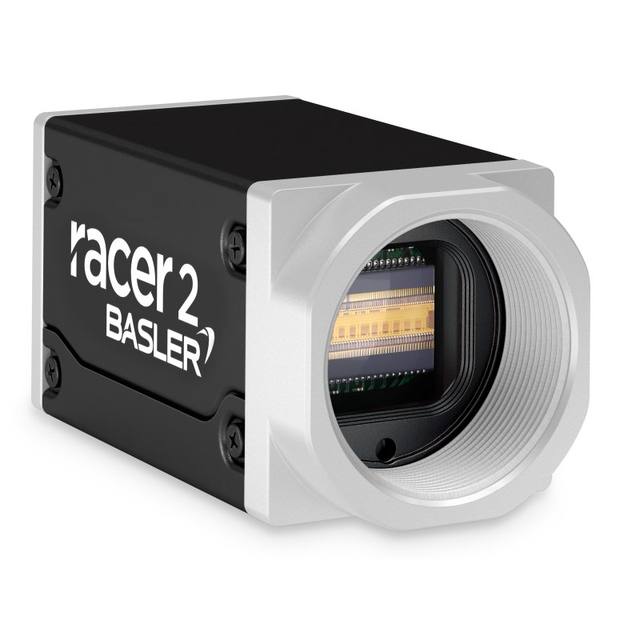
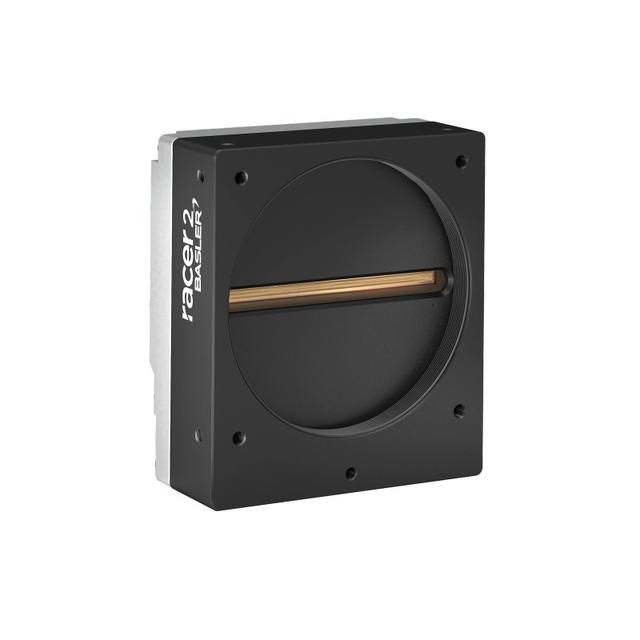
The FS-C8KU7DCLU-M72 is a high-resolution color line scan camera featuring an ams OSRAM DR-2X8K-7-RGB dual-line CMOS sensor with 8,192 x 2 effective pixels and global shutter. It outputs Bayer (BayerGB8/10/12) data over Camera Link Full/Medium/Base at up to 40.5 kHz line rate. The camera draws up to 8.8 W from a +10.8–+26.4 Vdc external supply, measures 80 x 100 x 38.1 mm, and supports flat field correction and manual white balance for demanding surface and web inspection tasks.
The FS-C8KU7DCLU-M72 is built around the ams OSRAM DR-2X8K-7-RGB dual-line CMOS sensor, delivering 8,192 horizontal pixels at a 7.0 x 7.0 µm pixel pitch across a 57.344 mm active line length. The dual-line architecture is central to its color capability: the two staggered rows carry complementary color channels that reconstruct full Bayer (BayerGB8/10/12) color data in a single scan pass, eliminating the misregistration artifacts that plague trilinear sensors when web speed fluctuates. The global shutter — uncommon in line scan designs — fires all pixels simultaneously rather than rolling across the array, so vibration-induced smear and inter-channel timing skew are both suppressed. At a maximum line rate of 40.5 kHz the camera can image a web moving at roughly 284 mm/s while maintaining 7 µm spatial sampling, making it suitable for high-throughput print, textile, and film inspection lines where color fidelity and geometric accuracy must be preserved simultaneously.
Camera Link Full / Medium / Base interface support means integrators can match the configuration to available frame-grabber bandwidth. Full mode is required to sustain the full 8,192-pixel width at high bit depths and near-maximum line rate; Base mode may suffice for reduced-resolution or lower-throughput modes. The camera complies with Camera Link 2.1 and GenICam, so it is compatible with any standards-compliant frame grabber and SDK without custom driver work. On-board flat-field correction (FFC) compensates for illumination non-uniformity and pixel-to-pixel sensitivity variation — essential when inspecting wide webs where illuminator fall-off at the edges would otherwise bias gray-level thresholds. Manual white balance allows color calibration to a known reference tile during commissioning, keeping downstream color-difference metrics stable across lighting temperature shifts. Power is supplied externally at +10.8 to +26.4 Vdc via a dedicated power connector and the camera draws up to 8.8 W, so a standard 12 V or 24 V rail on the machine cabinet serves without a dedicated supply.
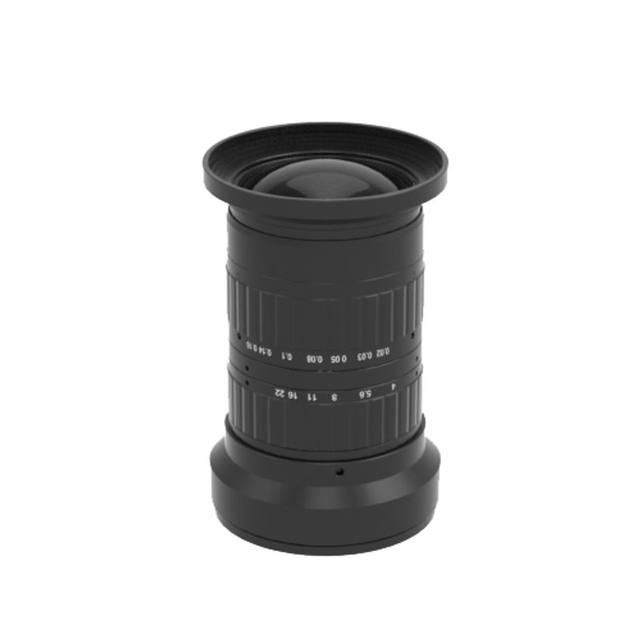
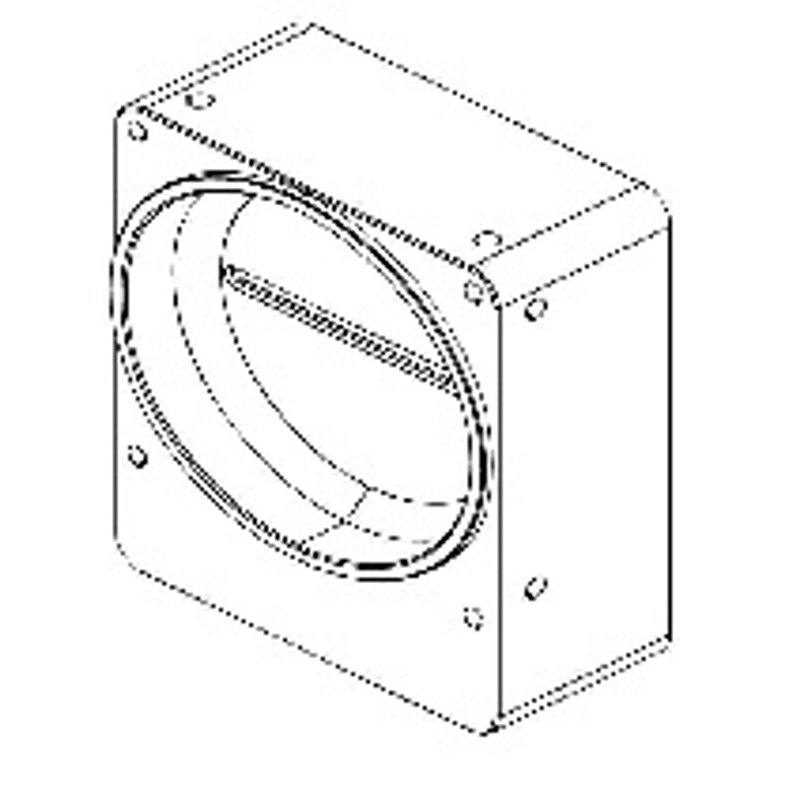
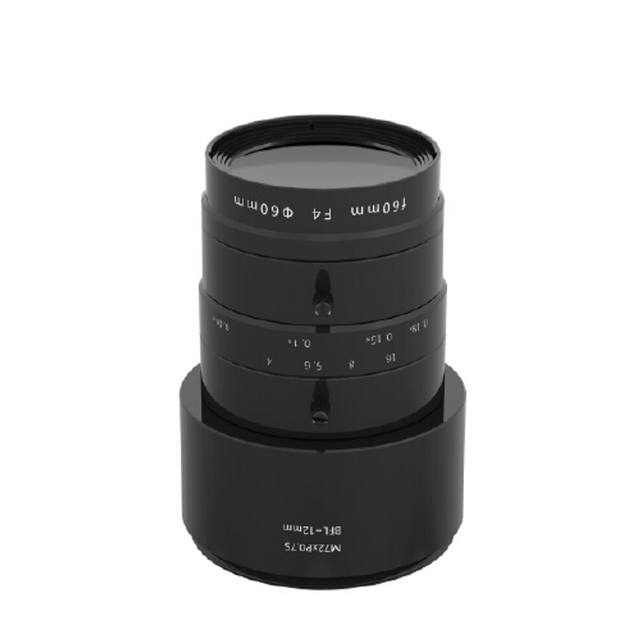
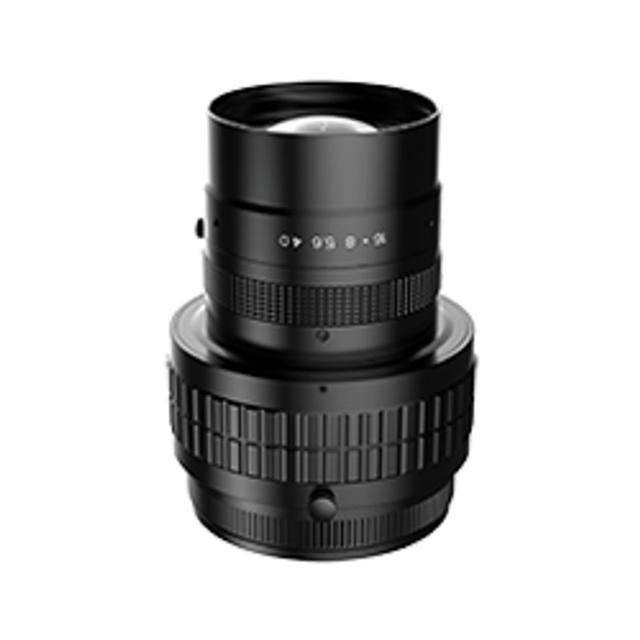
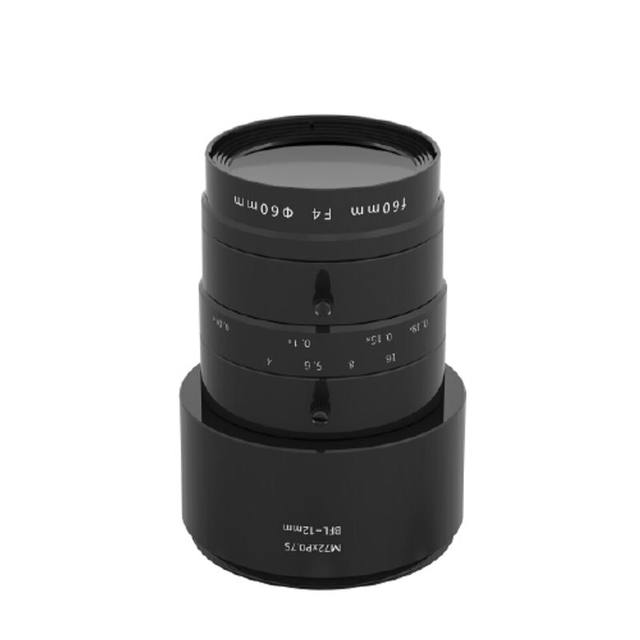
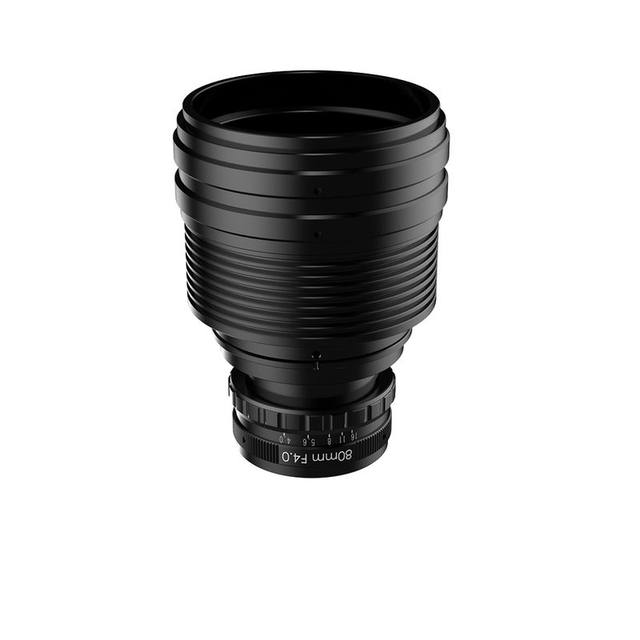
The M72 lens mount (P=0.75 mm thread, 19.55 mm flange focal distance) is the standard for wide-format line scan optics. With a 57.344 mm active line, lenses designed for the M72 standard with image circles of 60 mm or greater are required; reducing this to shorter-circle lenses will produce vignetting across the outer pixel columns. The compact body — 80 x 100 x 38.1 mm, 453 g — integrates into tight enclosure spaces typical of inline web inspection gantries. The 0 to +40 °C operating temperature range is adequate for conditioned factory environments but should be noted when the camera is housed close to heat-generating transport rollers or dryers; active enclosure cooling or standoff mounting may be warranted in those zones.
Best for
Wide-format print and label inspection: the 8K color resolution at 40.5 kHz line rate resolves fine halftone dot patterns and color register errors on fast-moving printed webs, while Bayer output and manual white balance support repeatable delta-E color measurements against press standards.
Textile and nonwoven fabric defect detection: the 57.344 mm active line covers a useful fraction of narrow-to-medium web widths in a single camera, and the global shutter eliminates weft-skew artifacts caused by loom vibration during exposure.
Flexible packaging and film surface inspection: flat-field correction compensates for the cosine-falloff typical of line illuminators on wide substrates, and the dual-line Bayer architecture detects both structural defects (pinholes, creases) and colorimetric deviations (print mottle, ink starvation) in one pass.
Electronics PCB and flexible circuit inspection: the 7 µm pixel pitch provides the spatial resolution needed to classify fine conductor features on panels scanned at moderate throughput, and color data differentiates copper, solder mask, and silkscreen layers without separate monochrome and color camera passes.
Metal strip and coil coating inspection: the global shutter tolerates line vibration from strip tension fluctuations without inter-channel color smear, and the GenICam-compliant interface simplifies integration into existing coil-processing line vision frameworks.
Selection notes
Frame grabber selection is critical: Camera Link Full mode is required to sustain full 8,192-pixel Bayer data at high line rates and 10- or 12-bit depth. Verify that the chosen grabber supports Camera Link 2.1 Full configuration and has sufficient DMA bandwidth; Base- or Medium-only grabbers will require resolution or bit-depth reduction.
Lens image circle must cover at least 57.344 mm to avoid vignetting. Source M72-mount lenses specified for 60 mm or larger image circles; standard C-mount and F-mount lenses will not physically or optically fit this camera.
Illumination must be engineered for the 40.5 kHz line rate. At maximum line rate the integration window is on the order of 24 µs; continuous LED bar lights matched to the web width and a controller capable of sustaining adequate radiance at that duty cycle are required. Strobed operation with an external trigger can extend effective intensity headroom if the illuminator and controller support it.
Flat-field correction reduces but does not eliminate the need for a uniform illuminator. FFC coefficients are computed at commissioning and do not adapt in real time; if illuminator output drifts thermally over a shift, periodic recalibration cycles should be built into the line control logic.
The 0 to +40 °C operating temperature limit requires attention in dryer-adjacent or high-ambient installations. Plan thermal management — vented or actively cooled enclosures, heat-spreader mounting plates — during mechanical design rather than as a retrofit.
Matched automatically by: lens mount fits the camera mount · lens image circle covers the camera sensor — this camera: M72 (P=0.75 mm, FB=19.55 mm) · 57.344 mm (active line length) sensor.
These steps take an Omron Sentech (STC) camera from the box to a stable first image and on to your own application. They apply across the GigE Vision, USB3 Vision and CoaXPress STC families; the interface only changes how you cable and power the camera.
Download and install the Sentech SDK on the host PC. The package provides StViewer, the viewing and configuration software you use to bring the camera up, and StApi, the programming SDK you integrate later. Because the cameras are GenICam/GenTL-compliant, StApi also registers a GenTL producer, so any GenICam-compliant third-party vision software can discover and drive the camera as an alternative front end.
2. Cable, power and connect the camera
Connect according to the interface. GigE Vision: link to a Gigabit NIC (use PoE or the separate power input) and put the camera and host on the same subnet; for USB3 Vision use a USB 3.x port and a certified cable; for CoaXPress (STC) connect to a CoaXPress frame grabber, which also supplies Power-over-Coax. Then open StViewer and let it enumerate the camera. If a GigE camera does not appear, check the IP configuration and firewall, and on USB3 confirm the host bandwidth and driver.
3. Configure exposure, gain and white balance
Open the device in StViewer and start a live stream. Set exposure and gain for a well-exposed, low-noise image: raise exposure first and only add gain when more light or a faster shutter is not an option, keeping exposure short enough to freeze motion on global-shutter models. On colour cameras, run white balance under your actual production lighting. Adjust the lens aperture and focus on a representative target before tuning anything else.
4. Set the trigger and grab a first image
Start in free-run (continuous) acquisition to confirm a clean, stable image. For inline inspection switch to hardware or software triggering: select the trigger source, set the active edge and any delay, and wire the strobe or illumination to the camera's I/O so lighting fires with each exposure. Acquire and save a frame in StViewer; this saved image is your reference for the SDK stage and for downstream inspection.
5. Move to the StApi SDK (or any GenICam software)
Once the image is stable, reproduce the same settings in code. Use StApi to open the device, apply the GenICam features you validated in StViewer (exposure, gain, trigger, pixel format) and grab frames into your application via the bundled C++, C, C#/.NET or Python interfaces; the included samples are the fastest starting point. Prefer a different stack? The same GenICam/GenTL camera works with third-party vision libraries. With a reliable feed, you can route it into a deep-learning inspection such as Rosepetal for AI-based defect detection.
Frequently asked questions
The camera outputs Bayer data in BayerGB8, BayerGB10, and BayerGB12 pixel formats. At 8-bit depth the data rate is lower and Camera Link Medium or even Base configurations may be sufficient at reduced line rates; at 10- or 12-bit depth and near the 40.5 kHz maximum line rate, Camera Link Full is generally required to sustain throughput. Confirm the exact bandwidth budget with your frame-grabber manufacturer's configuration tool.
The camera supports external triggering via Camera Link, which is the standard approach for web inspection: an encoder on the transport drive generates line-trigger pulses proportional to web speed, feeding the camera's trigger input so line acquisition is tied to physical distance traveled rather than elapsed time. This prevents geometric distortion when web speed varies. The camera also supports free-run mode for fixed-speed applications.
The camera requires an external DC supply in the range +10.8 to +26.4 Vdc and draws up to 8.8 W. A standard 12 V or 24 V DIN-rail power supply with at least 1 A output capacity is sufficient. Power is delivered via the camera's dedicated power connector, not over the Camera Link cable.
The camera outputs raw Bayer (BayerGB8/10/12) data; it does not perform on-camera demosaicing. Debayering to RGB is performed in the frame grabber or host software, either in hardware on the grabber FPGA or via a GenICam-compliant software converter. This approach preserves full pixel-level data fidelity and lets integrators choose the demosaicing algorithm appropriate to their inspection task.
The camera's flat-field correction (FFC) applies per-pixel gain and offset coefficients to normalize the response across all 8,192 pixels, compensating for both illumination non-uniformity and pixel-to-pixel sensitivity variation. Calibration is performed at commissioning by imaging a uniform white reference target under production illumination conditions; the resulting coefficients are stored in the camera. FFC does not self-update during operation, so periodic recalibration is recommended if the illuminator's output profile changes over time due to thermal or aging effects.