
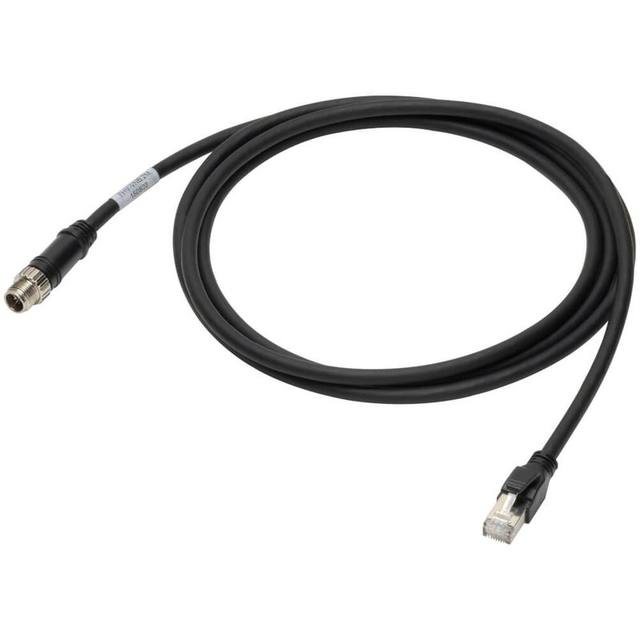
- Ethernet cable
- 2 / 3 / 5 / 10 / 20 m
- M12
- FHV7 (listed on Omron's FHV7 model pages; description: "FHV7")
- Recommended by AIS Vision
On request
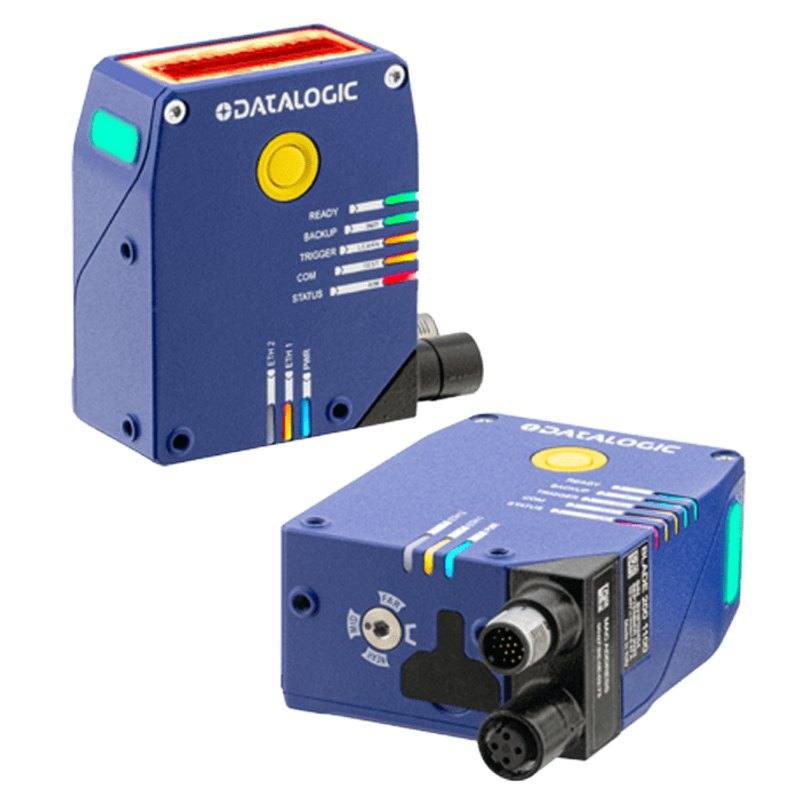
Blade 100 Hi-Res
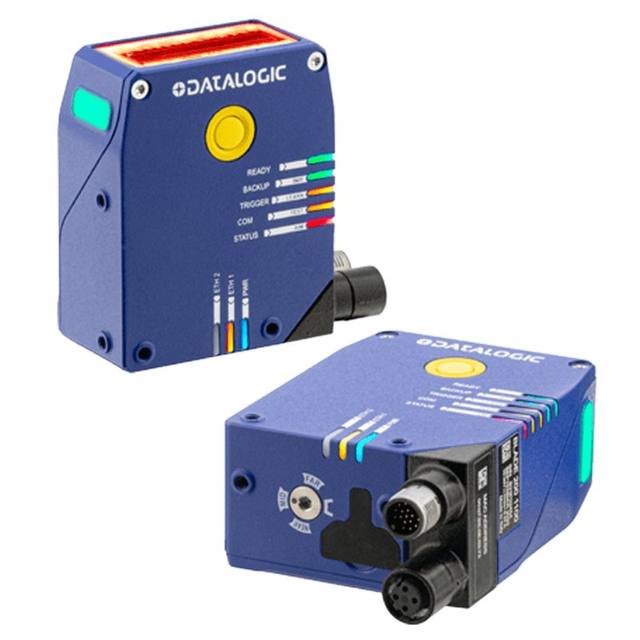
Datalogic Blade 100 Hi-Res — fixed-mount industrial reader; 1D linear imager; reads 40–320 mm; 270 fps; IP65; interfaces Ethernet / RS-232 / Digital I/O; operating 0 – 50 °C. 1 order code on datalogic.com.
Blade 100 Hi-Res is a single order code, 2100 HI-RES ETH FRONT: a front-window 1D imager with Ethernet TCP/IP, main and auxiliary RS-232, and 2 inputs and 2 outputs. Imager (1920 × 128 px, 270 frames/s), reading distance (40–320 mm) and best-case module (0.1 mm) match the standard Blade 100, so judge any resolution benefit of the Hi-Res version on your own labels.
| Brand | Datalogic |
|---|---|
| Reader type | Code reader |
| Form factor | Fixed-mount compact 1D reader |
| Horizontal resolution | 1920 × 128 px (datalogic.com; the datasheet states 2000 × 128 px — datalogic.com wins) |
|---|
| FPS | 270 frames/s |
|---|
| Connection | M12 connectors for I/O and networking |
|---|---|
| Communication | Ethernet TCP/IP + main RS-232 + aux RS-232 (-X1XX); 2 inputs / 2 outputs |
| Field of view | Aperture angle 47° |
|---|
| Supply voltage | 10 – 30 VDC |
|---|---|
| Power consumption | 4.5 W max |
| Operating temperature | 0 – 50 °C |
|---|---|
| IP rating | IP65 |
| Scan technology | 1D imager (no laser, no moving parts) with 1920 × 128 px camera sensor |
|---|---|
| Read distance | 40 – 320 mm (1.57 – 12.6 in) |
| Min. code resolution | up to 0.1 mm (3.94 mils) (series maximum) |
| Supported codes | Code I2 of 5, Code 39, Code 93, Code 128, EAN/UPC, GS1 128 (EAN 128), Codabar, Pharmacode, Plessey, ISBT128 |
| Dimensions | 104 x 68.5 x 38.5 mm (-X1XX, connector 0°) / 104 x 86 x 38.5 mm (-X2XX & -X3XX, connector 0°) |
|---|---|
| Weight | 310 g |
| Housing material | Aluminum |
How to size camera resolution from field of view and the smallest defect using the 3-5 px rule, plus why optics, lighting and bandwidth cap usable resolution.
How to choose laser or imager and fixed or handheld readers, and size conveyor and tunnel reading from belt speed, code density and depth of field.
A practical engineering guide to selecting image-based 1D, 2D and DPM code readers: how to match resolution and field of view to module size, set working distance and depth of field, pick DPM lighting and optics, and choose decode strategy, communication and grading.
Often used with
Industrial Ethernet / GigE cables with locking connectors. Check length and flex rating against your installation.
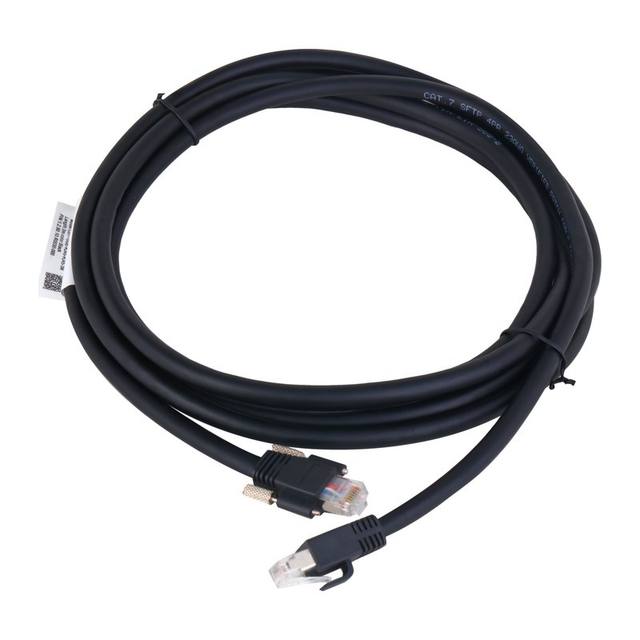
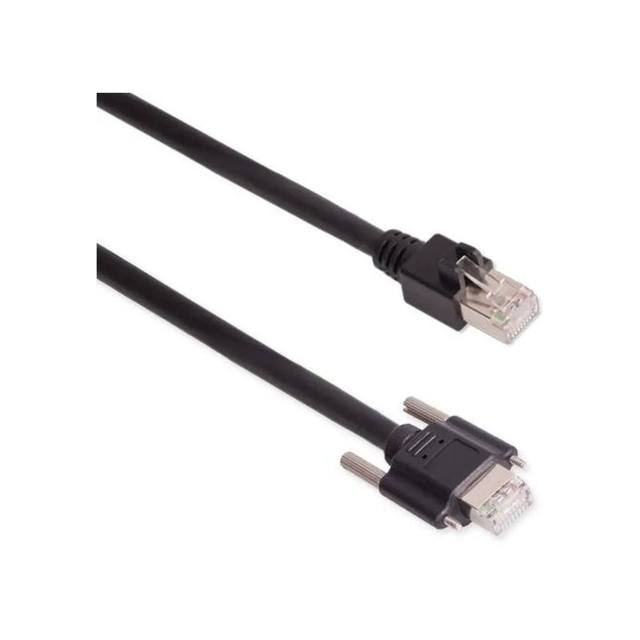
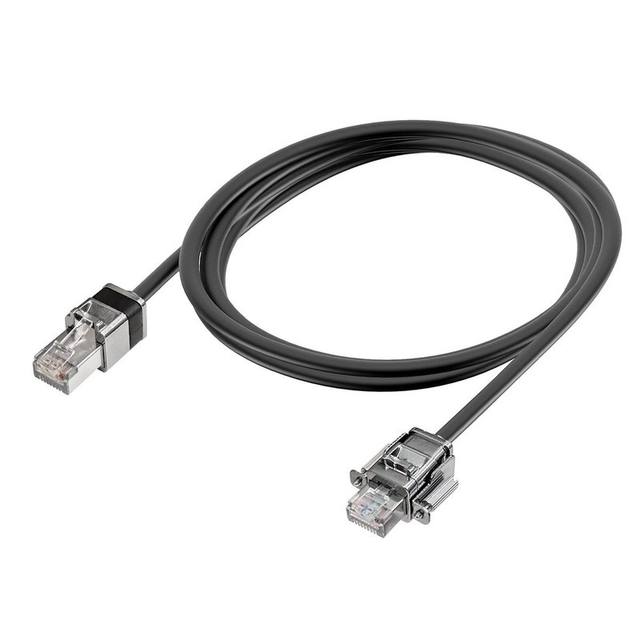
Industrial I/O and power cables with locking connectors. Check length and flex rating against your installation.
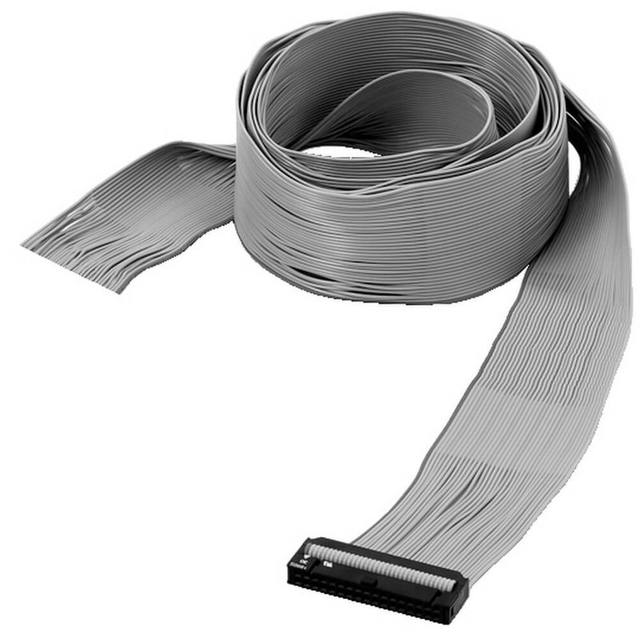
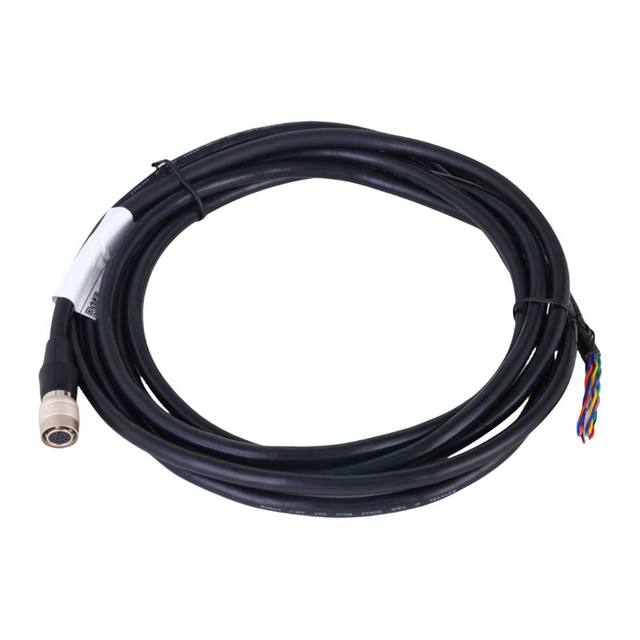
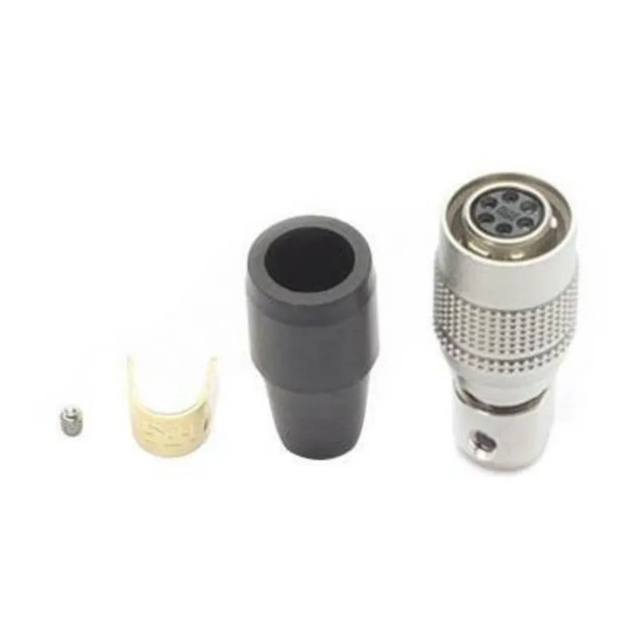
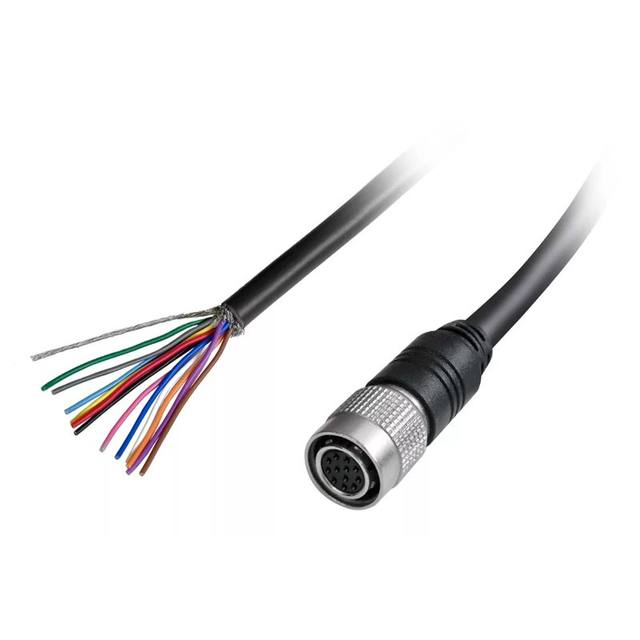
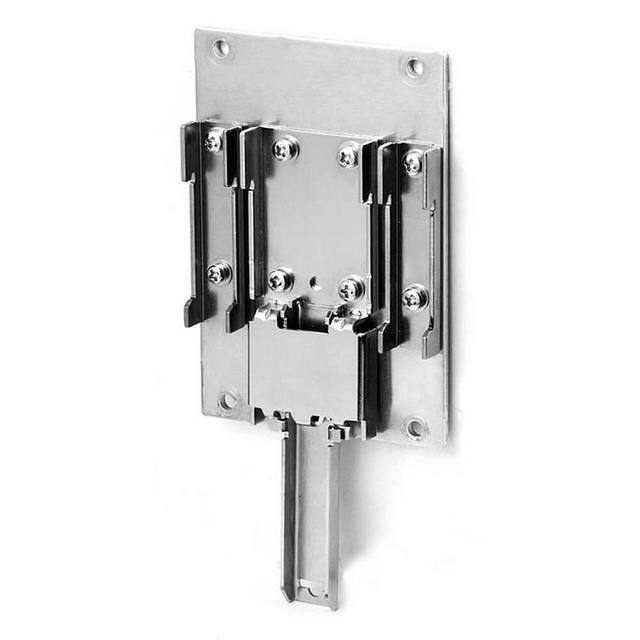
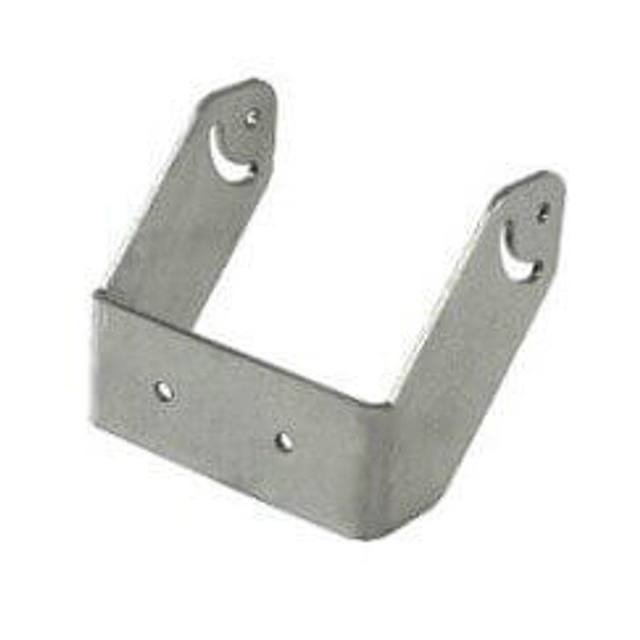
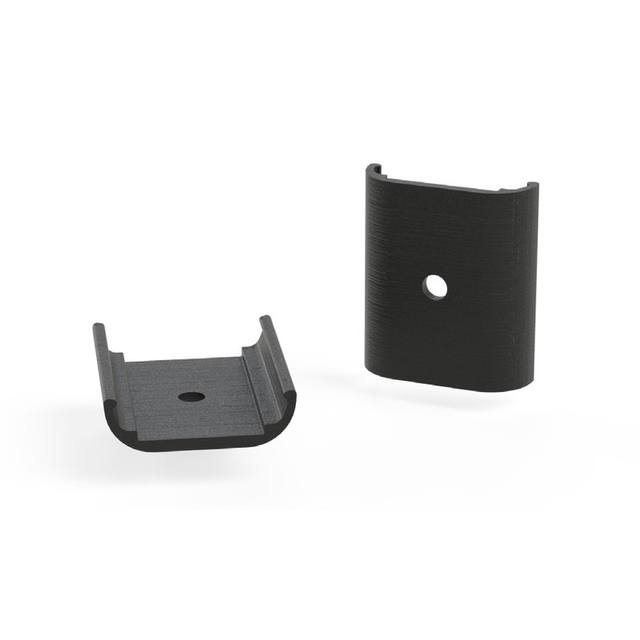
Brackets and protective housings to fix and protect the device on the line.
AIS Vision · Integration
AIS Vision defines and tests the optimal combination of camera, optics and lighting for your application before you buy.