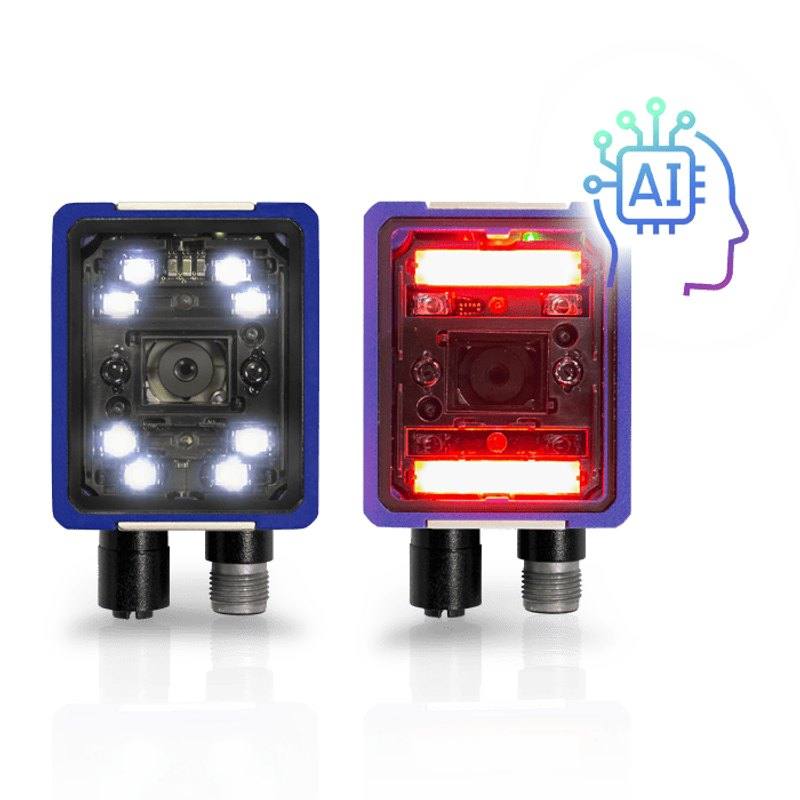
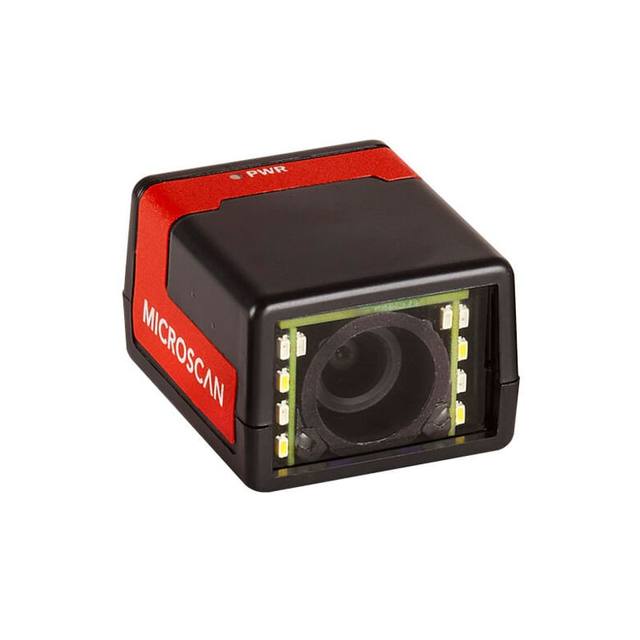
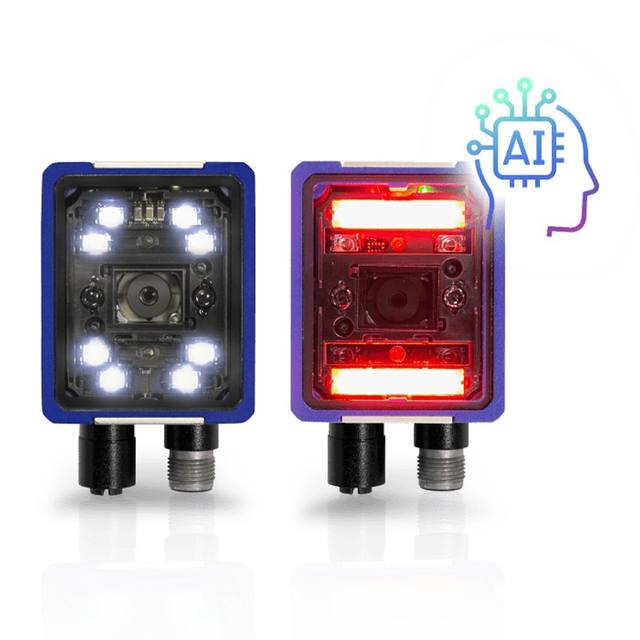
Datalogic Matrix 220 DPM 12 mm — fixed-mount DPM reader; 2D imager; 1.2 MP; 12 mm optics; reads 40–300 mm; 45 fps; DPM codes; IP65, IP67; interfaces Ethernet / RS-232 / PROFINET / EtherNet/IP / Modbus TCP / Digital I/O; operating 0 to 50 °C (datalogic.com); datasheet: 0 to 50 °C for the "X" P/Ns, -10 to 50 °C for the other P/Ns. 4 order codes on datalogic.com.
DPM marks often depend as much on the lighting as on the pixel count, and this reader carries its lighting in the housing: an all-in-one illuminator of 12 diffused, 2 polarized and 2 non-polarized LEDs, configurable, in red (385) or blue (395). Diffused light typically evens out highlights on curved or machined metal, polarized light cuts glare from shiny surfaces at the cost of brightness, and the non-polarized LEDs give the brightest direct light, so a configurable mix lets you tune the lighting per part.
The 12 mm optics (24.1°) give a field of about 0.43 × distance if the angle is horizontal: 17 mm to 128 mm across the 40–300 mm range. At an example 100 mm the field is 100 mm × 0.427 ≈ 43 mm, or 43 ÷ 1280 ≈ 0.033 mm per pixel, which puts a 0.25 mm module on about 7.5 px. The wavelength is fixed by the order code, so test sample parts under both colours before ordering; AIS Vision can run that validation with your sample parts.
Best for
Laser-etched, engraved or embossed marks on metal, plastic or glass at 40–300 mm, read under the built-in diffused and polarized light.
Small DPM codes that need pixel density: this version concentrates the 1280 px on a narrower field than the 7 mm version (0.43 × against 0.69 × distance).
ESD-controlled electronics lines (385-010 and 395-010 are ESD versions) and single-cable installations (385-040 and 395-040, PoE).
Selection notes
Both the 7 mm and the 12 mm DPM versions read 40–300 mm, so the choice is field against density: 38.3° for the former, 24.1° for the latter.
On the -040 PoE codes (48 VDC, 4.8 W max) there is 1 input and no outputs, and only the auxiliary RS-232 remains, so results go over the network. Check how the switch allocates PoE power, since many reserve it by class.
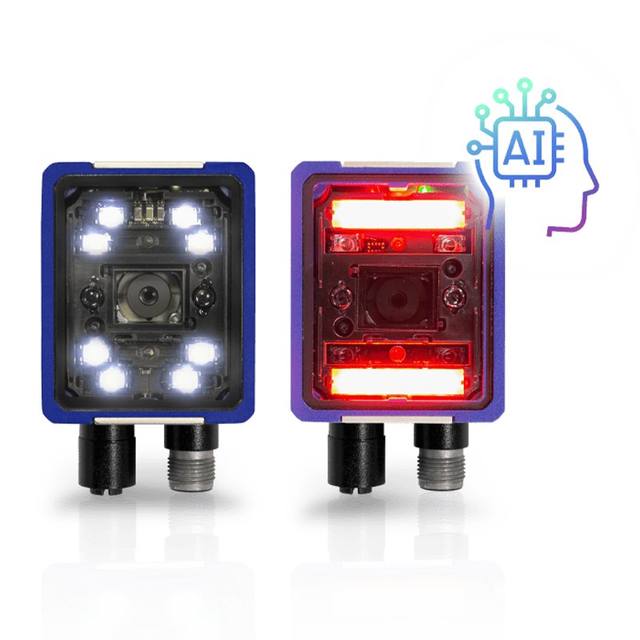
If marks are hard to decode, the Matrix 220 XAI DPM 12 mm adds AI decoding at 5.1 W max, with no PoE order code.
Specifications: General
Brand
Datalogic
Reader type
Code reader
Form factor
Compact fixed-mount 2D imager
Specifications: Sensor
Resolution
1.2 MP (1280 × 960 px)
Horizontal resolution
1280 px
Specifications: Performance
FPS
45 frames/s
Specifications: Interface
Communication
Ethernet 10/100 (TCP/IP, UDP, FTP, PROFINET IO, EtherNet/IP, Modbus TCP, OPC UA) + RS-232/RS-422 FD main + aux RS-232; PoE models: Ethernet PoE (Mode A / B) + aux RS-232; ID-NET; 2 inputs / 3 outputs (PoE models: 1 input, no outputs)
All-in-one multi-light DPM illuminator: red or blue light with embedded polarizer and diffuser (12 diffused + 2 polarized + 2 non-polarized LEDs, configurable)
Illumination colour
Red / Blue (per order code)
Specifications: Electrical
Power over cable (PoE / PoCXP / PoCL)
PoE (Mode A and Mode B, 48 VDC) on the -040 POE order codes
Supply voltage
10 – 30 VDC (all models except PoE); 48 VDC PoE
Power consumption
4.2 W max (10 – 30 VDC); 4.8 W max (PoE models, 48 VDC)
Specifications: Environment
Operating temperature
0 to 50 °C (datalogic.com); datasheet: 0 to 50 °C for the "X" P/Ns, -10 to 50 °C for the other P/Ns
DPM codes (engraved, embossed, laser-etched on metal, plastic, glass); 1D: all standard symbologies; 2D: Data Matrix, QR Code, Micro QR, Maxicode, Aztec, Dot Code; postal codes
Specifications: Mechanical
Dimensions
78 x 47 x 38 mm (connector at 0°); 57 x 47 x 58 mm (connector at 90°)
Weight
173 g
Housing material
Aluminium case, plastic protective window cover
This product groups every purchasable order code that shares the same sensing method, range and output. Cable length, connector type and operation mode (Light-ON/Dark-ON, NO/NC) vary by order code below.
Family variants with highlighted differences
Model
Illumination colour ●
Power over cable (PoE / PoCXP / PoCL) ●
Availability
MATRIX 220 385-010 1.2MP DPM-R 12MM ESDX Base
Red (DPM)
—
On request
MATRIX 220 385-040 1.2MP DPM-R 12MM POE
Red (DPM)
PoE (48 VDC)
On request
MATRIX 220 395-010 1.2MP DPM-B 12MM ESDX
Blue (DPM)
—
On request
MATRIX 220 395-040 1.2MP DPM-B 12MM POE
Blue (DPM)
PoE (48 VDC)
On request
Applications this product is commonly selected for. Open one to see the full recommended hardware and approach.
1. Install the IMPACT Software Suite and connect the camera
Install the IMPACT Software Suite on your PC, which provides both the configuration/viewer tools and the SDK. For a GigE Vision model (E100, M or U series), connect it to a dedicated NIC and, for USB3 models, use a certified USB3 cable and port. Power the camera and confirm it enumerates.
2. Bring the camera online and verify the link
For GigE Vision, put the camera and the host NIC on the same subnet (a static IP on the camera matching the NIC range is the most reliable starting point); for USB3, confirm the device is recognized. Open the IMPACT viewer/device tool, discover the camera, and verify a stable connection before streaming. Enabling jumbo frames on the NIC helps GigE throughput.
3. Set exposure, gain and trigger, then grab a first image
In the IMPACT tools, start a live stream and adjust exposure and gain until the image is well-lit without saturation; set white balance on color models. Begin in free-run (continuous) mode to confirm imaging, then switch to hardware or software trigger as your application requires. Capture and save a reference image once the scene looks correct.
4. Build a vision tool or move to the SDK/API
Use the IMPACT point-and-click vision tools to assemble an inspection, or use the IMPACT SDK to access the camera and results programmatically and feed them into your HMI/PLC application. As these are GenICam/GenTL-compliant devices, you can alternatively drive them from any GenICam-compliant third-party vision library if your pipeline standardizes on one.
5. Route the stable feed to deep-learning inspection (optional)
Once you have a stable, repeatable image, the feed can be sent to a deep-learning inspection platform such as Rosepetal for defect detection or classification tasks that go beyond rule-based tooling. Keep lighting, optics and trigger timing fixed so the images reaching the model stay consistent.
Frequently asked questions
Yes. The illuminator has 12 diffused, 2 polarized and 2 non-polarized LEDs, and the combination is configurable.
No: both DPM versions read 40–300 mm. The 12 mm optics only narrow the field (24.1° against 38.3°) and raise the pixels per millimetre.
Camera Housing: Basler Camera housing ace 2 GigE, Basler Camera housing ace 2 USB / CXP / GMSL, Basler Camera housing ace USB, Basler Camera housing ace GigE