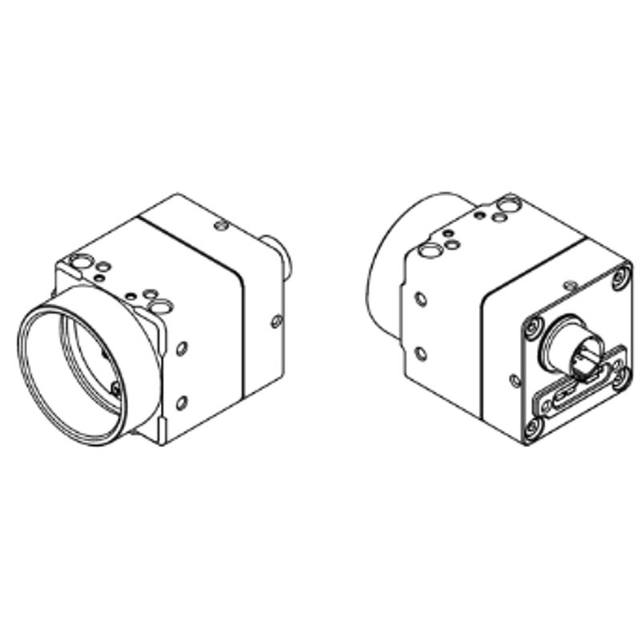
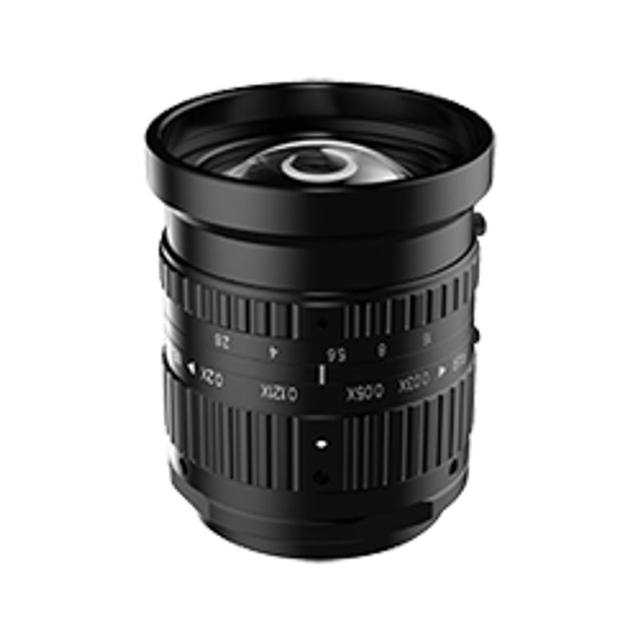
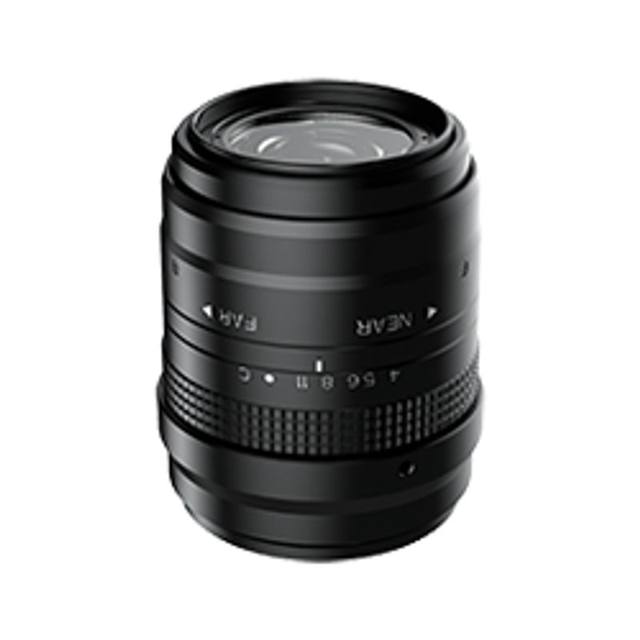
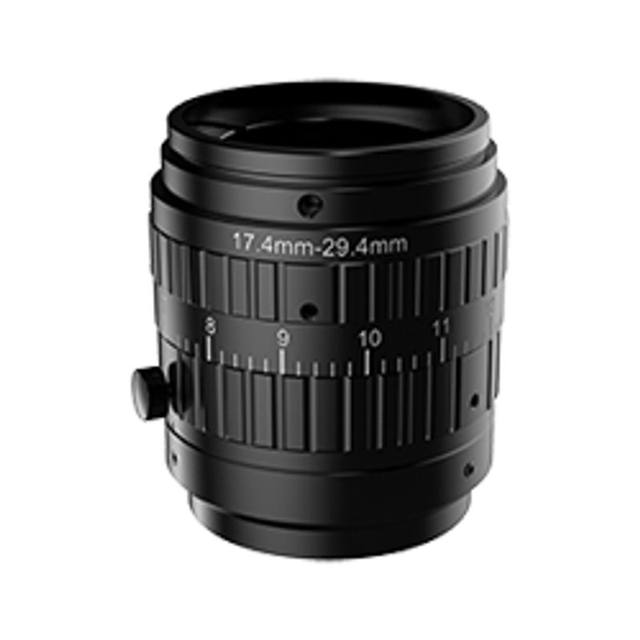
High-speed area scan camera using the 1.76" ams/CMOSIS CMV12000 global shutter CMOS sensor with 4096 x 3072 resolution and 5.5 um pixels. CoaXPress CXP-6 (6.25 Gbps) 4-lane interface reaching up to 186.9 fps. M42 mount, PoCXP power (24 V nominal).
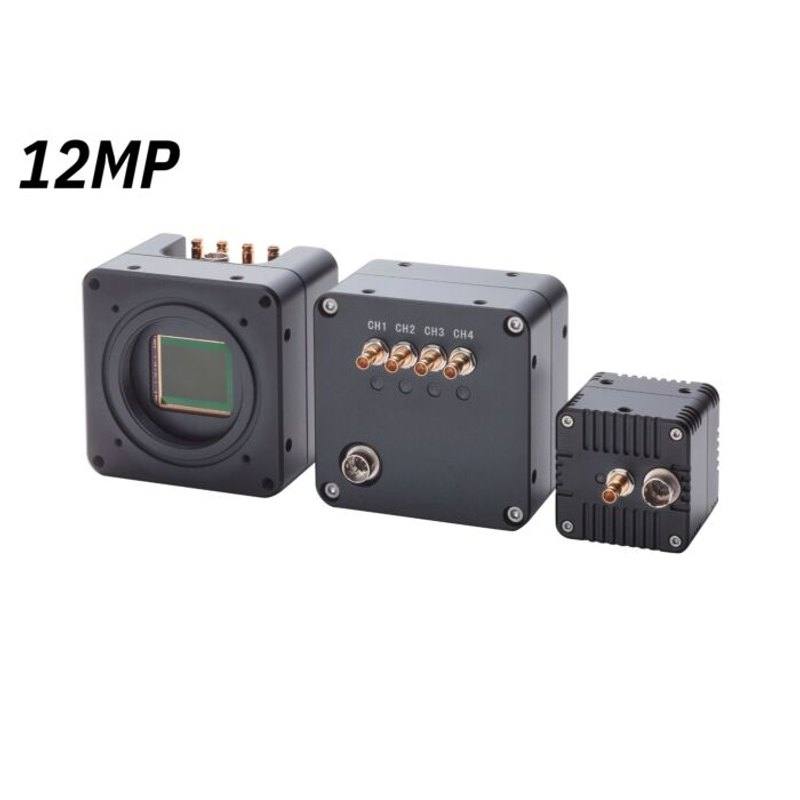
The Omron Sentech STC-CMB120ACXP is a 12 MP monochrome area scan camera built around the ams (CMOSIS) CMV12000 global shutter CMOS sensor. With a horizontal resolution of 4096 px across a 12 MP frame and 5.5 um pixels on a 1.76" optical format, it is positioned for applications that need high pixel counts and high frame rates at the same time. Being monochrome, every pixel contributes directly to luminance and detail, which generally yields higher effective sensitivity and finer feature contrast than a colour device of the same resolution, an advantage for measurement, metrology and defect-detection work where colour information is not required.
The defining characteristic of this model is the pairing of a global shutter sensor with a high frame rate of up to 186.9 fps. A global shutter exposes every pixel simultaneously, so fast-moving parts are captured without the geometric skew or smearing that a rolling shutter can introduce. Combined with the high frame rate, this makes the camera suited to imaging objects in continuous motion on a line, or to capturing many frames of an event in a short window. Sustaining that throughput at 12 MP is what drives the choice of interface: the camera uses CoaXPress (CXP-6), a high-bandwidth coaxial link designed specifically to move large, high-frame-rate image data from the camera to a frame grabber over long cable runs.
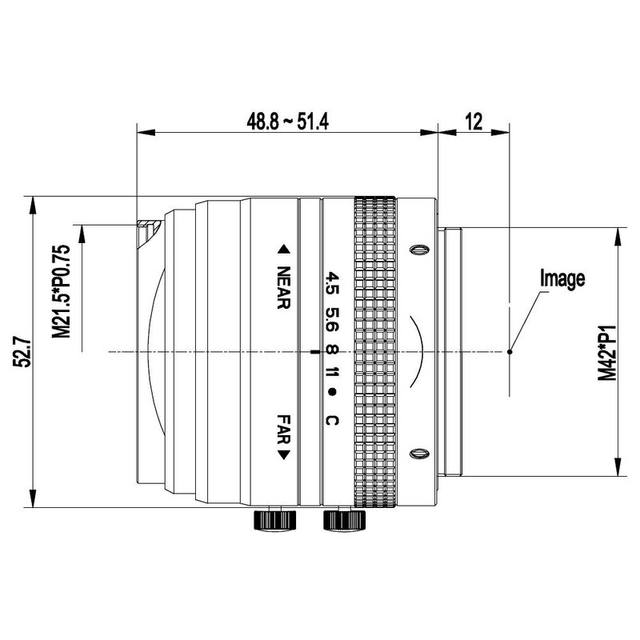
On the integration side, the camera uses an M42 lens mount, which is appropriate for the larger 1.76" sensor and helps avoid vignetting that smaller mounts would cause at this format. It is powered from an external supply and exposes a GenICam-compliant control interface, so it can be configured and operated through standard GenICam-aware software and a compatible CoaXPress frame grabber rather than vendor-locked tooling. In short, it is a high-resolution, high-speed monochrome tool for inspection tasks where motion freezing, fine detail and sustained data throughput all matter together.
Best for
High-speed surface inspection of fast-moving parts on conveyors or web lines, where the global shutter freezes motion without distortion
AI-based defect inspection that benefits from high-resolution monochrome frames for training and inference on subtle anomalies
High-throughput inline inspection where many large frames must be captured per second over a sustained period
Detailed metrology and dimensional measurement that requires high pixel count and consistent geometry from a global shutter
Imaging large fields of view at high detail, where the 12 MP resolution covers more area per frame without sacrificing fine features
Selection notes
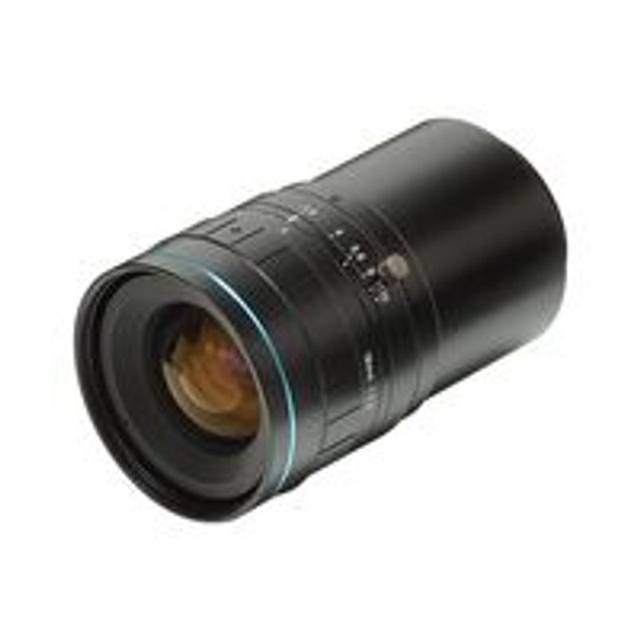
Lens selection should match the 1.76" optical format and M42 mount: choose optics rated to cover the full sensor image circle and to resolve the 5.5 um pixel pitch, otherwise the camera's resolution advantage is lost to lens-limited sharpness or corner vignetting.
Plan the CoaXPress signal chain as a system: you need a compatible CXP-6 frame grabber and the correct coaxial cabling, and you must confirm the grabber bandwidth and host can ingest and store the data rate produced at full resolution and frame rate.
Lighting must scale with the short exposures implied by high frame rates; a monochrome global-shutter sensor running fast needs bright, stable, often strobed or high-intensity illumination to maintain signal-to-noise and avoid motion-limited underexposure.
If your application does not require either the high frame rate or this resolution, a lower-bandwidth interface or a smaller sensor may simplify cabling, lighting and cost; if colour discrimination is essential, this monochrome model is not the right choice.
Account for the external power requirement and GenICam-based control in your software and electrical design so the camera drops into a standard frame-grabber and GenICam-aware vision pipeline.
Specifications: General
Camera type
Area scan
Specifications: Sensor
Resolution
12 MP
Horizontal resolution
4096 px
Mono / color
Monochrome
Sensor manufacturer
ams (CMOSIS)
Sensor model
ams CMOSIS CMV12000
Shutter
Global shutter
Sensor size
1.76"
Pixel size
5.5 µm
Specifications: Performance
FPS
186.9 fps
Specifications: Interface
Interface
CoaXPress, CXP-6
Protocols
GenICam
Specifications: Optics
Mount
M42
Specifications: Electrical
Power
External supply
This product groups every purchasable order code that shares the same sensing method, range and output. Cable length, connector type and operation mode (Light-ON/Dark-ON, NO/NC) vary by order code below.
Family variants with highlighted differences
Model
Mono / color
Interface
Availability
12 MP Monochrome CoaXPress Base
Monochrome
CoaXPress
On request
Applications this camera is commonly selected for. Open one to see the full recommended hardware and approach.
These steps take an Omron Sentech (STC) camera from the box to a stable first image and on to your own application. They apply across the GigE Vision, USB3 Vision and CoaXPress STC families; the interface only changes how you cable and power the camera.
Download and install the Sentech SDK on the host PC. The package provides StViewer, the viewing and configuration software you use to bring the camera up, and StApi, the programming SDK you integrate later. Because the cameras are GenICam/GenTL-compliant, StApi also registers a GenTL producer, so any GenICam-compliant third-party vision software can discover and drive the camera as an alternative front end.
2. Cable, power and connect the camera
Connect according to the interface. GigE Vision: link to a Gigabit NIC (use PoE or the separate power input) and put the camera and host on the same subnet; for USB3 Vision use a USB 3.x port and a certified cable; for CoaXPress (STC) connect to a CoaXPress frame grabber, which also supplies Power-over-Coax. Then open StViewer and let it enumerate the camera. If a GigE camera does not appear, check the IP configuration and firewall, and on USB3 confirm the host bandwidth and driver.
3. Configure exposure, gain and white balance
Open the device in StViewer and start a live stream. Set exposure and gain for a well-exposed, low-noise image: raise exposure first and only add gain when more light or a faster shutter is not an option, keeping exposure short enough to freeze motion on global-shutter models. On colour cameras, run white balance under your actual production lighting. Adjust the lens aperture and focus on a representative target before tuning anything else.
4. Set the trigger and grab a first image
Start in free-run (continuous) acquisition to confirm a clean, stable image. For inline inspection switch to hardware or software triggering: select the trigger source, set the active edge and any delay, and wire the strobe or illumination to the camera's I/O so lighting fires with each exposure. Acquire and save a frame in StViewer; this saved image is your reference for the SDK stage and for downstream inspection.
5. Move to the StApi SDK (or any GenICam software)
Once the image is stable, reproduce the same settings in code. Use StApi to open the device, apply the GenICam features you validated in StViewer (exposure, gain, trigger, pixel format) and grab frames into your application via the bundled C++, C, C#/.NET or Python interfaces; the included samples are the fastest starting point. Prefer a different stack? The same GenICam/GenTL camera works with third-party vision libraries. With a reliable feed, you can route it into a deep-learning inspection such as Rosepetal for AI-based defect detection.
Frequently asked questions
Yes. It uses the ams (CMOSIS) CMV12000 global shutter CMOS sensor, so all pixels are exposed at the same instant. This freezes fast motion without the skew or smear that a rolling shutter can introduce, which is important for inspecting moving parts.
It uses a CoaXPress CXP-6 interface, a high-bandwidth coaxial link. You will need a compatible CoaXPress frame grabber and the appropriate coaxial cabling, which supports the high data rates required to move 12 MP frames at high frame rates over reasonable cable lengths.
It is a 12 MP camera with 4096 px of horizontal resolution and can run at up to 186.9 fps, combining high pixel count with high speed in the same device.
It is monochrome. Every pixel captures luminance directly, which generally gives finer effective detail and higher sensitivity than a colour sensor of the same resolution, making it well suited to defect detection and measurement where colour is not needed.
The camera uses an M42 lens mount, suitable for its 1.76" sensor format, and is powered from an external supply. It is controlled through a GenICam-compliant interface, so it works with standard GenICam-aware software and a compatible frame grabber.