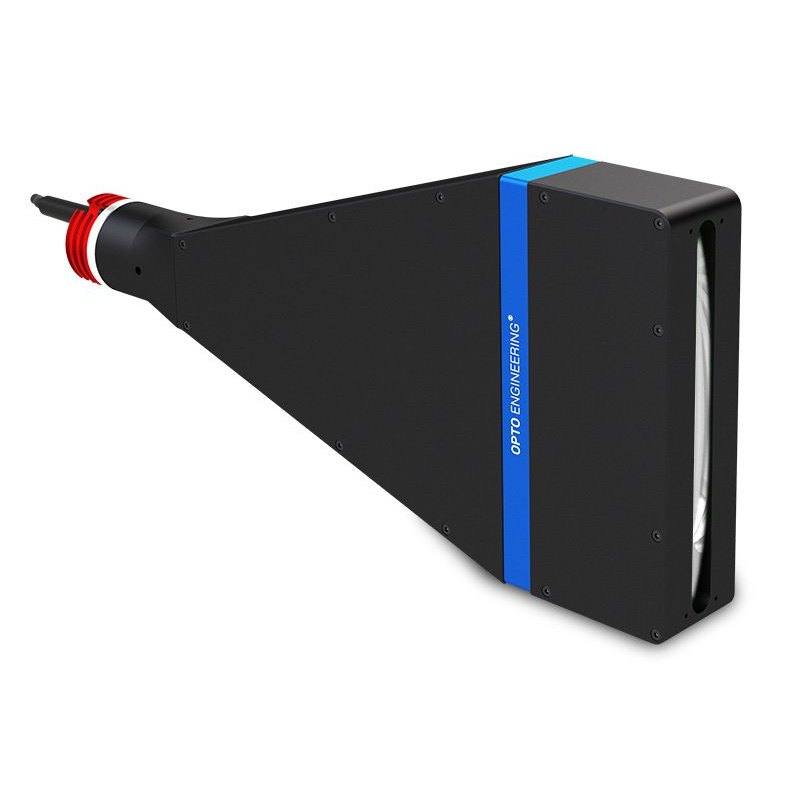
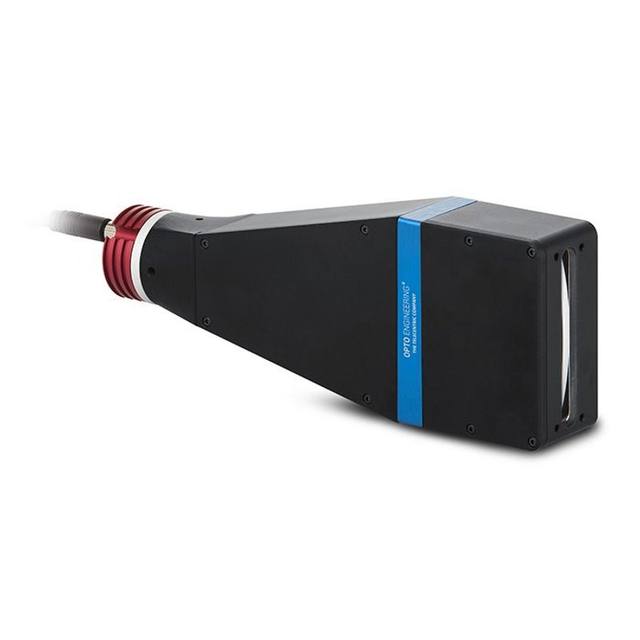
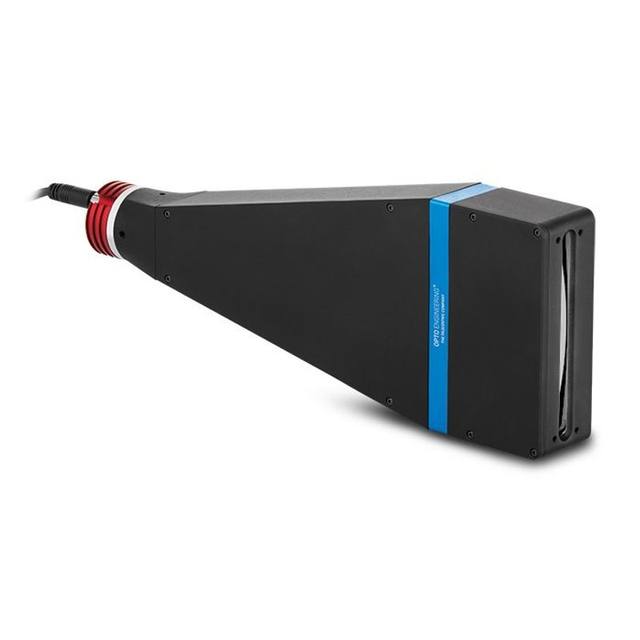
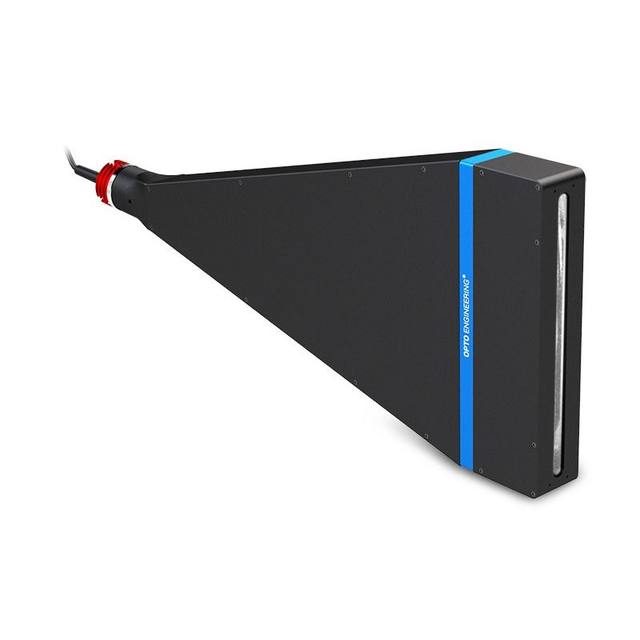
Opto Engineering LTCL4K120-W flat telecentric illuminator for line scan cameras — White, 6000 K, beam 132 × 10 mm, WD 90–300 mm, 12-24 V, 2.5 W max, pulse current up to 2000 mA, M8 connector, 305.3 × 144.0 × 38.5 mm (L × W × H), 1559 g.
Brand
Opto Engineering
Lighting type
Telecentric (Telecentric lights)
Color / wavelength
White, 6000 K
Available wavelengths
White, 6000 K
Color temperature
6000 K
Working distance
90–300 mm
Illuminated area
132 × 10 mm (minimum beam shape dimension; beam shape is not circular)
Supply voltage
12-24 V (tolerance ± 10%)
Power consumption
2.5 W max
Mode
Continuous / pulsed (max pulse current 2000 mA, max continuous LED current 350 mA)
Connection
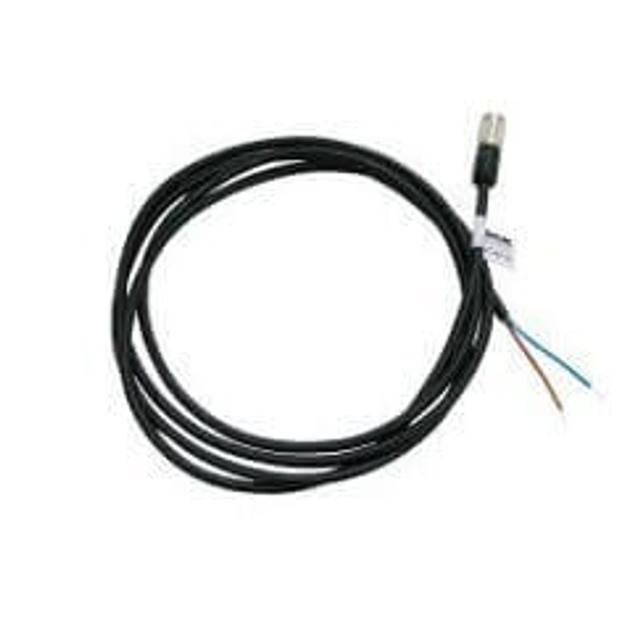
M8
Dimensions
305.3 × 144.0 × 38.5 mm (L × W × H) — nominal value, with no spacers in place
The LTCL4K120-W is a flat telecentric illuminator from the LTCL4K series, built for line scan cameras. It produces white light at 6000 K over a beam of 132 × 10 mm, given as the minimum beam shape dimension, and the beam shape is not circular. Telecentric output is largely collimated, so the lighting geometry stays consistent across the listed 90–300 mm working distance range, which suits dimensional work. The 132 mm side is normally aligned with the camera's sensor line, so the 10 mm side runs along the direction of travel and sets how long each part position stays inside the lit strip.
Electrically the unit is rated at 12-24 V (tolerance ± 10%) with a 2.5 W max power draw. Its light mode is continuous or pulsed: continuous operation is capped at a 350 mA maximum LED current, and pulsed operation allows up to 2000 mA of pulse current. The 6000 K color temperature gives a cool white source, a practical choice where white light is preferred over a single-color source. The M8 connector and the 0–40 °C operating range complete the electrical and environmental specification.
The nominal envelope measures 305.3 × 144.0 × 38.5 mm (L × W × H) with no spacers in place, and the unit weighs 1559 g. Mount it on a bracket that can carry that mass, and add any spacer thickness to the layout, because spacers increase the footprint beyond the listed figures. Pair the light with a telecentric lens so the camera views the collimated output, which keeps measured edges tied to the part geometry rather than to lens perspective.
Best for
Dimensional measurement on a line scan station where a cool white 6000 K source is preferred.
Edge and contour gauging of moving parts imaged line by line through a telecentric lens.
Strip inspection where a 132 × 10 mm lit strip crosses the product's path.
Pulsed exposure for fast-moving parts, with pulse currents up to 2000 mA.
OEM machine builders integrating a 12-24 V, M8-connected telecentric light into a line scan cabinet.
Selection notes
Keep the part within 90–300 mm of the illuminator, the working distance range listed for this model.
Stay at or below 350 mA continuous LED current, and use pulsed mode for peak current up to 2000 mA.
Use a supply that meets 12-24 V (tolerance ± 10%) and can cover the 2.5 W maximum draw.
Plan the mount around the 305.3 × 144.0 × 38.5 mm nominal envelope, with no spacers in place, and the 1559 g mass.
Check the M8 pin assignments and any trigger or I/O details in the manufacturer datasheet before wiring pulsed operation.
Specifications: General
Brand
Opto Engineering
Lighting type
Telecentric (Telecentric lights)
Specifications: Interface
Connection
M8
Specifications: Optical
Color / wavelength
White, 6000 K
Available wavelengths
White, 6000 K
Color temperature
6000 K
Working distance
90–300 mm
Specifications: Electrical
Supply voltage
12-24 V (tolerance ± 10%)
Power consumption
2.5 W max
Mode
Continuous / pulsed (max pulse current 2000 mA, max continuous LED current 350 mA)
Specifications: Environment
Operating temperature
0–40 °C
Specifications: Geometry
Illuminated area
132 × 10 mm (minimum beam shape dimension; beam shape is not circular)
Specifications: Mechanical
Dimensions
305.3 × 144.0 × 38.5 mm (L × W × H) — nominal value, with no spacers in place
Weight
1559 g
Applications this product is commonly selected for. Open one to see the full recommended hardware and approach.